ESP Hyundai Creta 2016 Owner's Guide
[x] Cancel search | Manufacturer: HYUNDAI, Model Year: 2016, Model line: Creta, Model: Hyundai Creta 2016Pages: 512, PDF Size: 11.54 MB
Page 303 of 512
4-85
Multimedia System
4
•FADER Control
Turn the control SETUP PUSH/
ENTER knob clockwise to empha-
size rear speaker sound (front
speaker sound will be attenuated).
When the control SETUP PUSH/
ENTER knob is turned counterclock-
wise, front speaker sound will be
emphasized (rear speaker sound will
be attenuated).
BALANCE Control
Rotare the SETUP PUSH/
ENTER knob clockwise to empha-
size right speaker sound (left speak-
er sound will be attenuted). When the
control SETUP PUSH/ ENTER
knob is turnde counter clockwise, left
speaker sound will be emphasized
(right speaker sound will be attenuat-ed). 10.
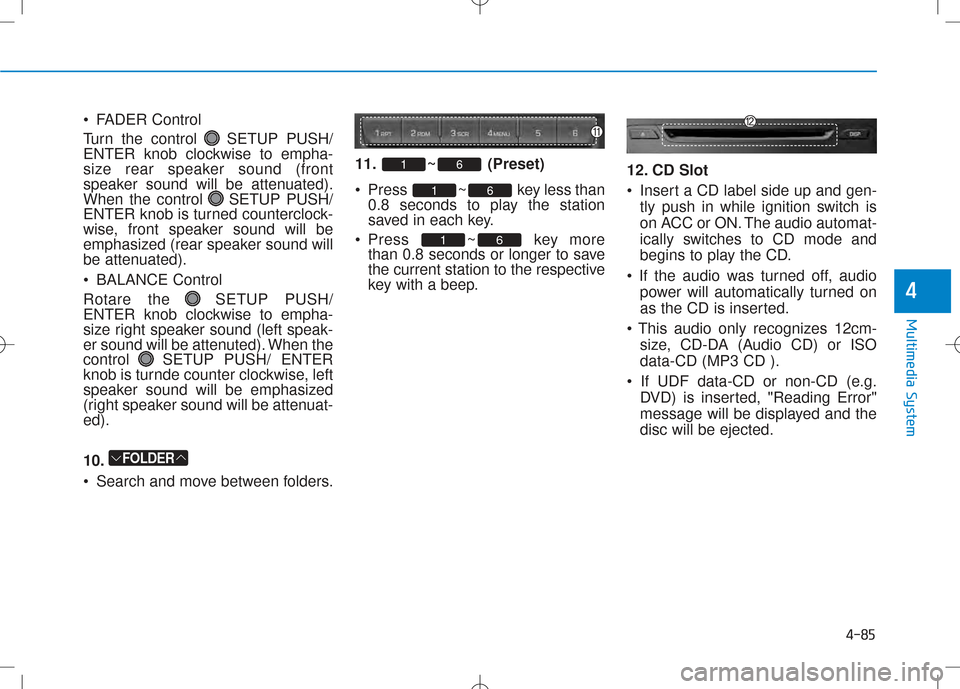
Search and move between folders. 11. ~ (Preset)
Press ~ key less
than
0.8 seconds to play the station
saved in each key.
Press ~ key more than 0.8 seconds or longer to save
the current station to the respective
key with a beep. 12. CD Slot
Insert a CD label side up and gen-
tly push in while ignition switch is
on ACC or ON. The audio automat-
ically switches to CD mode and
begins to play the CD.
power will automatically turned on
as the CD is inserted.
size, CD-DA (Audio CD) or ISOdata-CD (MP3 CD ).
DVD) is inserted, "Reading Error"
message will be displayed and thedisc will be ejected.
61
61
61
FOLDER
Page 316 of 512
5-4
Driving your vehicle
To reduce the risk of SERIOUS
INJURY or DEATH, take the fol
lowing precautions:
•ALWAYS wear your seat belt.
All passengers must be properly
belted whenever the vehicle is
moving. For more information,
refer to “Seat Belts” in chapter 2.
•Always drive defensively.
Assume other drivers or pedes
trians may be careless and
make mistakes.
•Stay focused on the task of driv
ing. Driver distraction can cause
accidents.
•Leave plenty of space between
you and the vehicle in front of
you.
WARNING
NEVER drink or take drugs and
drive.
Drinking or taking drugs and driv
ing is dangerous and may result in
an accident and SERIOUS
INJURY or DEATH.
Drunk driving is the number one
contributor to the highway death
toll each year. Even a small
amount of alcohol will affect your
reflexes, perceptions and judg
ment. Just one drink can reduce
your ability to respond to changing
conditions and emergencies and
your reaction time gets worse with
each additional drink.
Driving while under the influence
of drugs is as dangerous or more
dangerous than driving under the
influence of alcohol.
(Continued)
(Continued)
You are much more likely to have a
serious accident if you drink or take
drugs and drive. If you are drinking
or taking drugs, don’t drive. Do not
ride with a driver who has been
drinking or taking drugs. Choose a
designated driver or call a taxi.
WARNING
Page 333 of 512
5-21
Driving your vehicle
5
To prevent damage to the engine,
clutch and transaxle:
•When downshifting from 5th gear
to 4th gear, be careful not to inad
vertently push the shift lever side
ways engaging the 2nd gear. A
drastic downshift may cause the
engine speed to increase to the
point the tachometer will enter the
redzone.
•Do not downshift more than two
gear at a time or downshift the
gear when the engine is running at
high speed (5,000 RPM or higher).
Such a downshifting may damage
the engine, clutch and the
transaxle.
Good driving practices
• Never take the vehicle out of gearand coast down a hill. This is
extremely dangerous.
• Don't "ride" the brakes. This can cause the brakes and related parts
to overheat and malfunction.
When you are driving down a long
hill, slow down and shift to a lower
gear. Engine braking will help slow
down the vehicle.
• Slow down before shifting to a lower gear. This will help avoid
overrevving the engine, which can
cause damage.
• Slow down when you encounter cross winds. This gives you much
better control of your vehicle.
• Be sure the vehicle is completely stopped before you shift into R
(Reverse) to prevent damage to
the transaxle. • Exercise extreme caution when
driving on a slippery surface. Be
especially careful when braking,
accelerating or shifting gears. On a
slippery surface, an abrupt change
in vehicle speed can cause the
drive wheels to lose traction and
may cause loss of vehicle control
resulting in an accident
NOTICE
Do not use the engine brake (shift
ing from a higher gear to lower
gear) rapidly on slippery roads.
The vehicle may slip causing an
accident.
WARNING
Page 336 of 512
5-24
Driving your vehicle
Automatic transaxle operation
The automatic transaxle has six for
ward speeds and one reverse speed.
The individual speeds are selected
automatically in the D (Drive) position.The indicator in the instrument clus
ter displays the shift lever position
when the ignition switch is in the ONposition.
P (Park)
Always come to a complete stop
before shifting into P (Park).
To shift from P (Park), you must
depress firmly on the brake pedal
and make sure your foot is off the
accelerator pedal.
If you have done all of the above and
still cannot shift the lever out of P
(Park), see “ShiftLock Release” on
page 527.
The shift lever must be in P (Park)
before turning the engine off.
To reduce the risk of serious injury
or death:
•ALWAYS check the surrounding
areas near your vehicle for peo
ple, especially children, before
shifting a vehicle into D (Drive)
or R (Reverse).
•Before leaving the driver’s seat,
always make sure the shift lever
is in the P (Park) position, then
set the parking brake, and place
the ignition switch in the
LOCK/OFF position.
Unexpected and sudden vehicle
movement can occur if these
precautions are not followed.
•Do not use engine braking (shift
ing from a high gear to lower
gear) rapidly on slippery roads.
The vehicle may slip causing an
accident.
WARNING
Page 341 of 512
5-29
Driving your vehicle
5
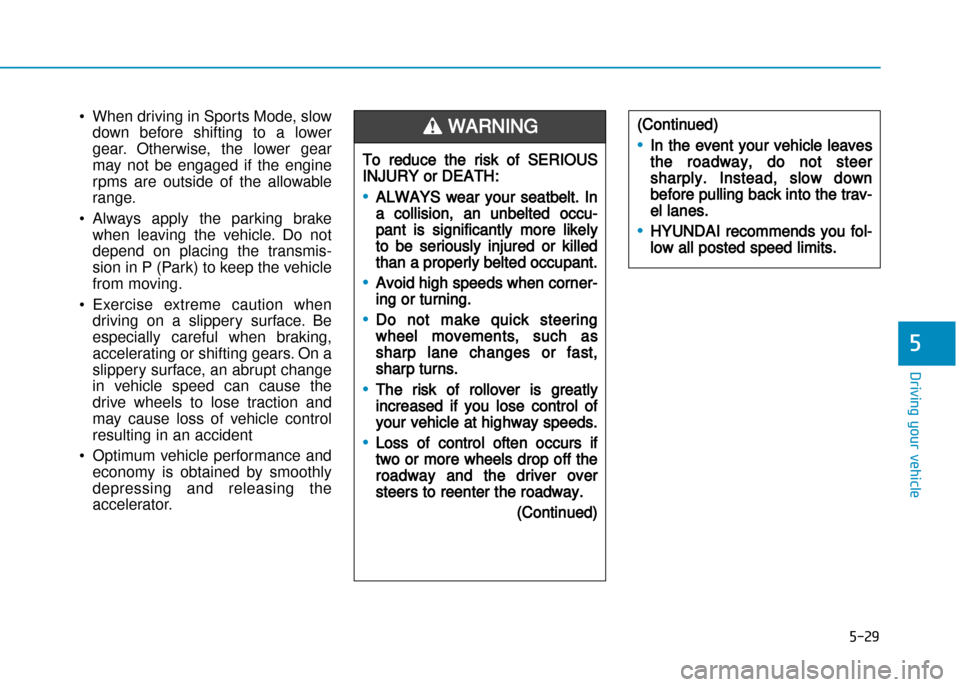
•When driving in Sports Mode, slow
down before shifting to a lower
gear. Otherwise, the lower gear
may not be engaged if the engine
rpms are outside of the allowable
range.
• Always apply the parking brake when leaving the vehicle. Do not
depend on placing the transmis
sion in P (Park) to keep the vehicle
from moving.
• Exercise extreme caution when driving on a slippery surface. Be
especially careful when braking,
accelerating or shifting gears. On a
slippery surface, an abrupt change
in vehicle speed can cause the
drive wheels to lose traction and
may cause loss of vehicle control
resulting in an accident
• Optimum vehicle performance and economy is obtained by smoothly
depressing and releasing the
accelerator.
To reduce the risk of SERIOUS
INJURY or DEATH:
•ALWAYS wear your seatbelt. In
a collision, an unbelted occu
pant is significantly more likely
to be seriously injured or killed
than a properly belted occupant.
•Avoid high speeds when corner
ing or turning.
•Do not make quick steering
wheel movements, such as
sharp lane changes or fast,
sharp turns.
•The risk of rollover is greatly
increased if you lose control of
your vehicle at highway speeds.
•Loss of control often occurs if
two or more wheels drop off the
roadway and the driver over
steers to reenter the roadway.
(Continued)
(Continued)
•In the event your vehicle leaves
the roadway, do not steer
sharply. Instead, slow down
before pulling back into the trav
el lanes.
•HYUNDAI recommends you fol
low all posted speed limits.
WARNING
Page 347 of 512
5-35
Driving your vehicle
5
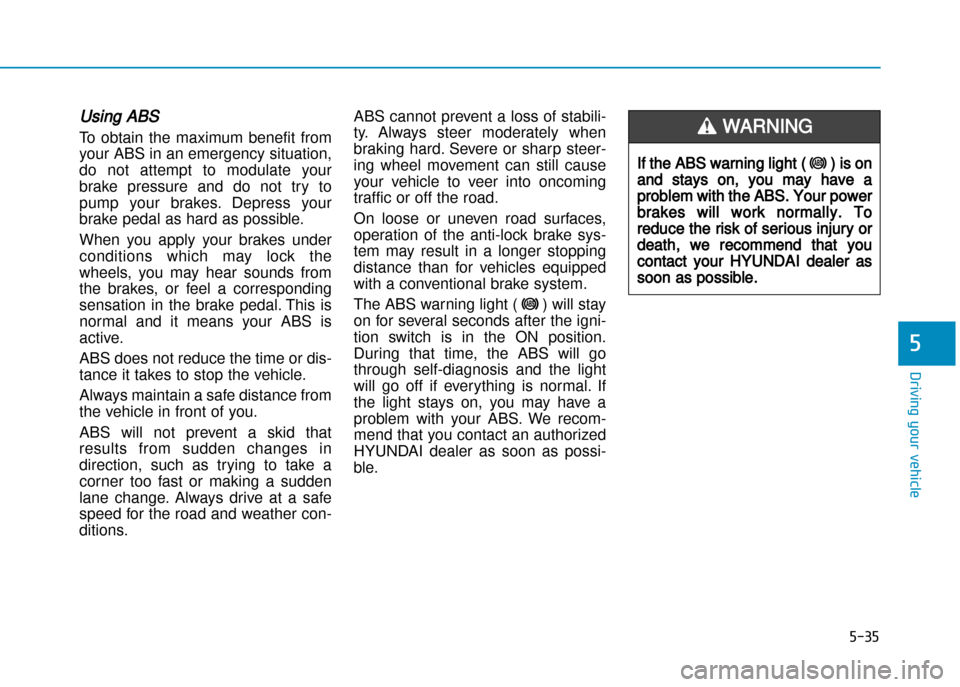
Using ABS
To obtain the maximum benefit from
your ABS in an emergency situation,
do not attempt to modulate your
brake pressure and do not try to
pump your brakes. Depress your
brake pedal as hard as possible.
When you apply your brakes under
conditions which may lock the
wheels, you may hear sounds from
the brakes, or feel a corresponding
sensation in the brake pedal. This is
normal and it means your ABS is
active.
ABS does not reduce the time or dis
tance it takes to stop the vehicle.
Always maintain a safe distance from
the vehicle in front of you.
ABS will not prevent a skid that
results from sudden changes in
direction, such as trying to take a
corner too fast or making a sudden
lane change. Always drive at a safe
speed for the road and weather con
ditions. ABS cannot prevent a loss of stabili
ty. Always steer moderately when
braking hard. Severe or sharp steer
ing wheel movement can still cause
your vehicle to veer into oncoming
traffic or off the road.
On loose or uneven road surfaces,
operation of the antilock brake sys
tem may result in a longer stopping
distance than for vehicles equipped
with a conventional brake system.
The ABS warning light ( ) will stay
on for several seconds after the igni
tion switch is in the ON position.
During that time, the ABS will go
through selfdiagnosis and the light
will go off if everything is normal. If
the light stays on, you may have a
problem with your ABS. We recom
mend that you contact an authorized
HYUNDAI dealer as soon as possi
ble.
If the ABS warning light () is on
and stays on, you may have a
problem with the ABS. Your power
brakes will work normally. To
reduce the risk of serious injury or
death, we recommend that you
contact your HYUNDAI dealer as
soon as possible.
WARNING
Page 349 of 512
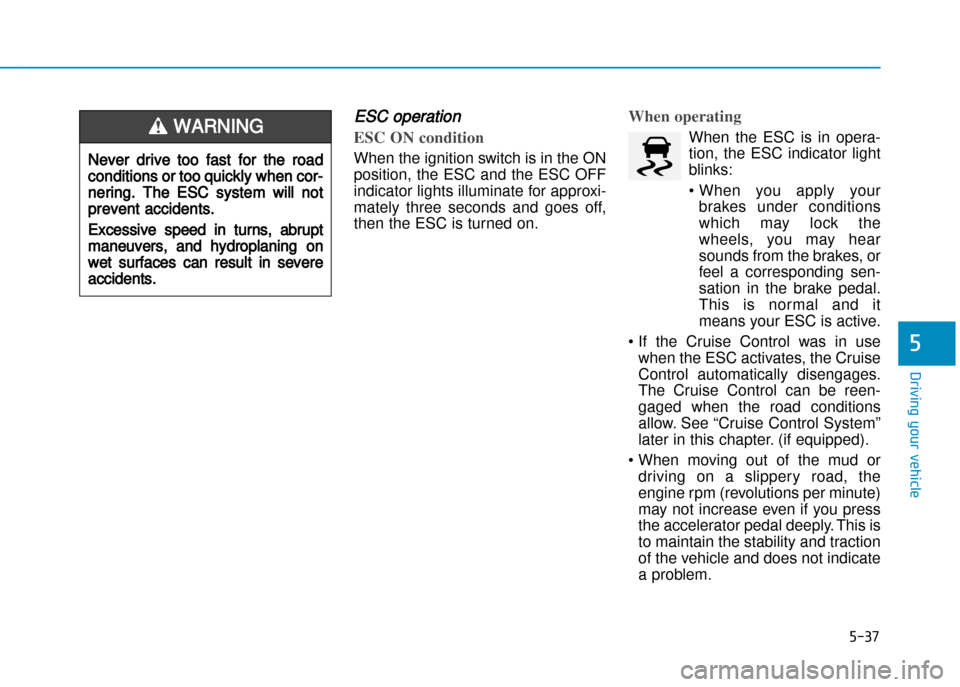
ESC operation
ESC ON condition
When the ignition switch is in the ON
position, the ESC and the ESC OFF
indicator lights illuminate for approxi
mately three seconds and goes off,
then the ESC is turned on.
When operating
When the ESC is in opera
tion, the ESC indicator light
blinks:
• When you apply yourbrakes under conditions
which may lock the
wheels, you may hear
sounds from the brakes, or
feel a corresponding sen
sation in the brake pedal.
This is normal and it
means your ESC is active.
• If the Cruise Control was in use when the ESC activates, the Cruise
Control automatically disengages.
The Cruise Control can be reen
gaged when the road conditions
allow. See “Cruise Control System”
later in this chapter. (if equipped).
• When moving out of the mud or driving on a slippery road, the
engine rpm (revolutions per minute)
may not increase even if you press
the accelerator pedal deeply. This is
to maintain the stability and traction
of the vehicle and does not indicate
a problem.
5-37
Driving your vehicle
5
Never drive too fast for the road
conditions or too quickly when cor
nering. The ESC system will not
prevent accidents.
Excessive speed in turns, abrupt
maneuvers, and hydroplaning on
wet surfaces can result in severe
accidents.
WARNING
Page 352 of 512
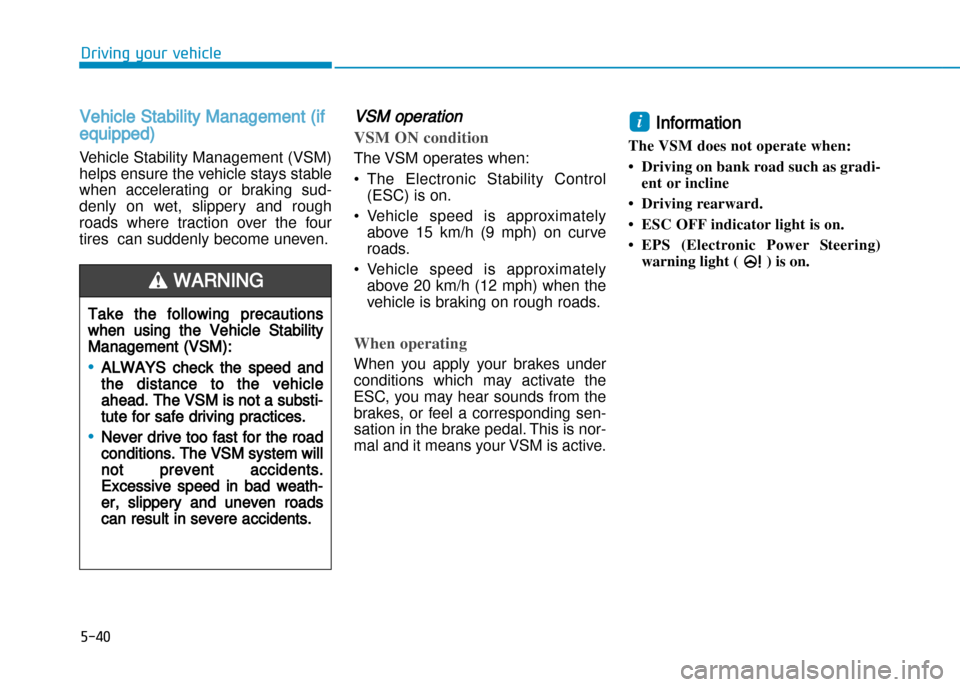
Vehicle Stability Management (if
equipped)
Vehicle Stability Management (VSM)
helps ensure the vehicle stays stable
when accelerating or braking sud
denly on wet, slippery and rough
roads where traction over the four
tires can suddenly become uneven.
VSM operation
VSM ON condition
The VSM operates when:
• The Electronic Stability Control(ESC) is on.
• Vehicle speed is approximately above 15 km/h (9 mph) on curve
roads.
• Vehicle speed is approximately above 20 km/h (12 mph) when the
vehicle is braking on rough roads.
When operating
When you apply your brakes under
conditions which may activate the
ESC, you may hear sounds from the
brakes, or feel a corresponding sen
sation in the brake pedal. This is nor
mal and it means your VSM is active.
Information
The VSM does not operate when:
• Driving on bank road such as gradi ent or incline
• Driving rearward.
• ESC OFF indicator light is on.
• EPS (Electronic Power Steering) warning light ( ) is on. i
5-40
Driving your vehicle
Take the following precautions
when using the Vehicle Stability
Management (VSM):
•ALWAYS check the speed and
the distance to the vehicle
ahead. The VSM is not a substi
tute for safe driving practices.
•Never drive too fast for the road
conditions. The VSM system will
not prevent accidents.
Excessive speed in bad weath
er, slippery and uneven roads
can result in severe accidents.
WARNING
Page 361 of 512
5-49
Driving your vehicle
5
If you are still stuck after rocking the
vehicle a few times, have the vehicle
pulled out by a tow vehicle to avoid
engine overheating, possible dam
age to the transaxle, and tire dam
age. See “Towing” in chapter 6.
Smooth cornering
Avoid braking or gear changing in
corners, especially when roads are
wet. Ideally, corners should always
be taken under gentle acceleration.
Driving at night
Night driving presents more hazards
than driving in the daylight. Here are
some important tips to remember:
• Slow down and keep more distance between you and other vehi
cles, as it may be more difficult to
see at night, especially in areas
where there may not be any street
lights.
• Adjust your mirrors to reduce the glare from other driver's head
lights.
• Keep your headlights clean and properly aimed. Dirty or improperly
aimed headlights will make it much
more difficult to see at night.
• Avoid staring directly at the head lights of oncoming vehicles. You
could be temporarily blinded, and it
will take several seconds for your
eyes to readjust to the darkness.
NOTICE
Page 367 of 512
To keep locks from freezing
To keep the locks from freezing,
squirt an approved deicer fluid or
glycerine into the key opening. If a
lock is covered with ice, squirt it with
an approved deicing fluid to remove
the ice. If the lock is frozen internally,
you may be able to thaw it out by
using a heated key. Handle the heat
ed key with care to avoid injury.
Use approved window washer
antifreeze in system
To keep the water in the window
washer system from freezing, add an
approved window washer antifreeze
solution in accordance with instruc
tions on the container. Window wash
er antifreeze is available from an
authorized HYUNDAI dealer and
most auto parts outlets. Do not use
engine coolant or other types of anti
freeze as these may damage the
paint finish.
Don't let your parking brake freeze
Under some conditions your parking
brake can freeze in the engaged
position. This is most likely to hap
pen when there is an accumulation
of snow or ice around or near the
rear brakes or if the brakes are wet.
If there is a risk the parking brake
may freeze, apply it only temporarily
while you put the shift lever in P
(automatic transaxle) or in first or
reverse gear (manual transaxle) and
block the rear wheels so the vehicle
cannot roll. Then release the parking
brake.
Don't let ice and snow accumulate
underneath
Under some conditions, snow and
ice can build up under the fenders
and interfere with the steering. When
driving in severe winter conditions
where this may happen, you should
periodically check underneath the car to be sure the movement of the
front wheels and the steering com
ponents is not obstructed.
Carry emergency equipment
Depending on the severity of the
weather, you should carry appropri
ate emergency equipment. Some of
the items you may want to carry
include tire chains, tow straps or
chains, flashlight, emergency flares,
sand, shovel, jumper cables, window
scraper, gloves, ground cloth, cover
alls, blanket, etc.
Don't place foreign objects or
materials in the engine compart
ment
Placement of foreign objects or
materials which prevent cooling of
the engine, in the engine compart
ment, may cause a failure or com
bustion. The manufacturer is not
responsible for the damage caused
by such placement.5
Driving your vehicle
5-55