radio Hyundai Elantra 2016 Repair Manual
[x] Cancel search | Manufacturer: HYUNDAI, Model Year: 2016, Model line: Elantra, Model: Hyundai Elantra 2016Pages: 669, PDF Size: 31.96 MB
Page 444 of 669
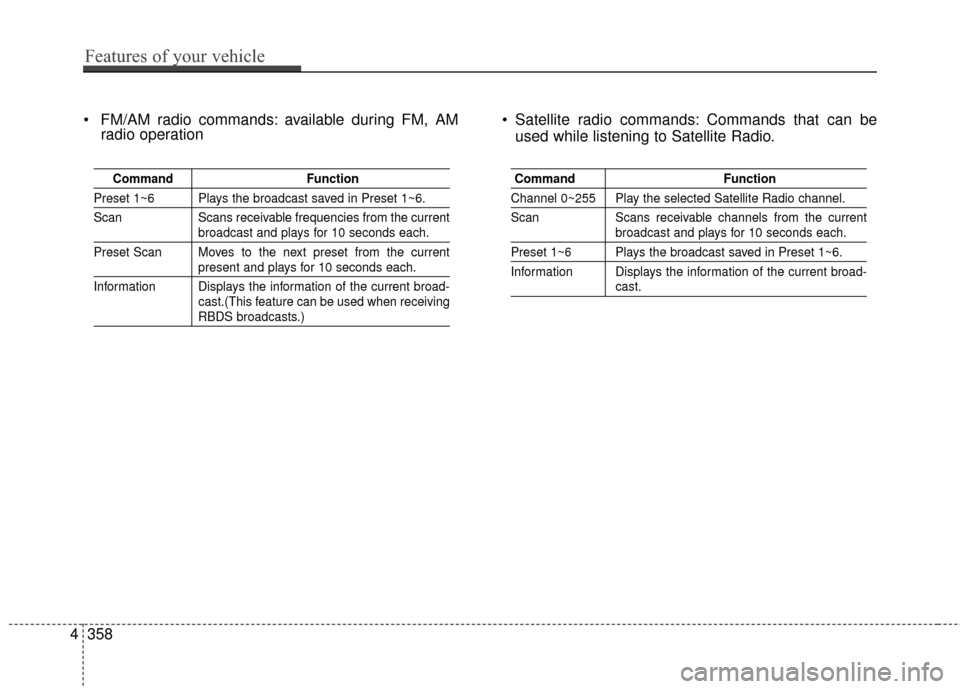
FM/AM radio commands: available during FM, AMradio operation Satellite radio commands: Commands that can be
used while listening to Satellite Radio.
Command Function
Preset 1~6 Plays the broadcast saved in Preset 1~6.
Scan Scans receivable frequencies from the current
broadcast and plays for 10 seconds each.
Preset Scan Moves to the next preset from the current
present and plays for 10 seconds each.
Information Displays the information of the current broad- cast.(This feature can be used when receiving
RBDS broadcasts.)
Command Function
Channel 0~255 Play the selected Satellite Radio channel.
Scan Scans receivable channels from the current
broadcast and plays for 10 seconds each.
Preset 1~6 Plays the broadcast saved in Preset 1~6.
Information Displays the information of the current broad-
cast.
4358
Features of your vehicle
Page 447 of 669
![Hyundai Elantra 2016 Repair Manual SETUP
Starting Mode
Press the key to display the
Setup screen.
You can select and control options
related to [Display], [Sound],
[Clock/Calendar], [Phone] and
[System].
Display Settings
Adjusting the](/img/35/14551/w960_14551-446.png "Hyundai Elantra 2016 Repair Manual SETUP
Starting Mode
Press the key to display the
Setup screen.
You can select and control options
related to [Display], [Sound],
[Clock/Calendar], [Phone] and
[System].
Display Settings
Adjusting the")
SETUP
Starting Mode
Press the key to display the
Setup screen.
You can select and control options
related to [Display], [Sound],
[Clock/Calendar], [Phone] and
[System].
Display Settings
Adjusting the Brightness
Press the key Select
[Display] Select [Brightness]
Use the , buttons to adjust the
screen brightness or set the
Brightness on Automatic, Daylight, or
Night mode.
Press the button to reset.
1) Automatic : Adjusts the brightnessautomatically
2) Daylight : Always maintains the brightness on high
3) Night : Always maintains the
brightness on low
Mode pop up
Press the key Select
[Display] Select [Mode Pop up]
This feature is used to display the
Pop-up Mode screen when entering
radio and media modes.
When this feature is turned on,
pressing the or key
will display the Pop-up Mode screen.
✽ ✽ NOTICE
The media Mode pop up screen can
be displayed only when two or more
media modes have been connected.
MEDIA RADIO
SETUP
Default
SETUP SETUP
Features of your vehicle
361
4
Page 456 of 669
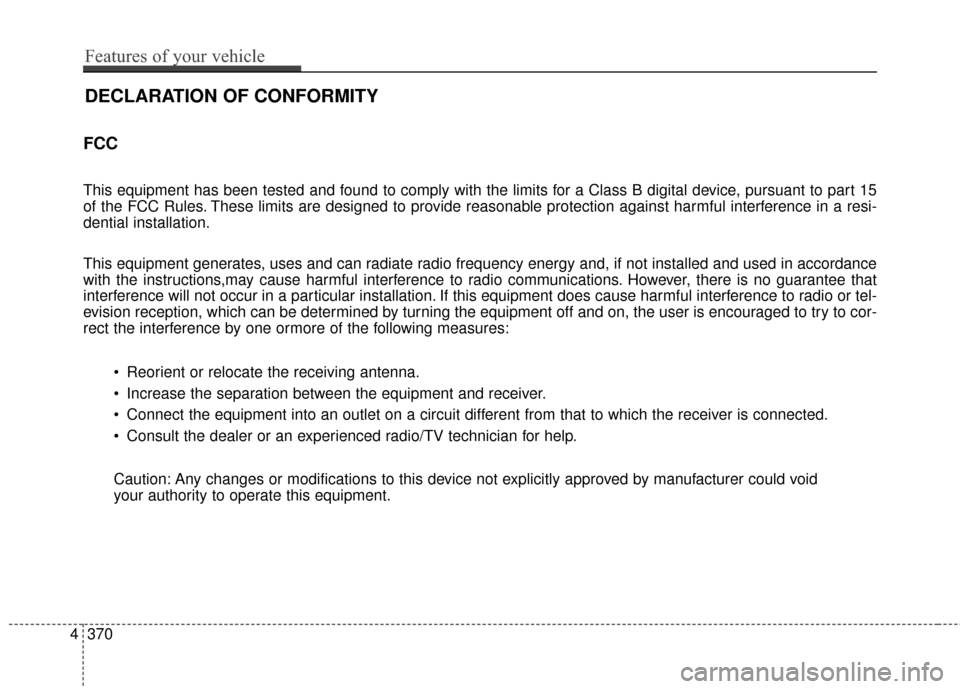
FCC
This equipment has been tested and found to comply with the limits for a Class B digital device, pursuant to part 15
of the FCC Rules. These limits are designed to provide reasonable protection against harmful interference in a resi-
dential installation.
This equipment generates, uses and can radiate radio frequency energy and, if not installed and used in accordance
with the instructions,may cause harmful interference to radio communications. However, there is no guarantee that
interference will not occur in a particular installation. If this equipment does cause harmful interference to radio or tel-
evision reception, which can be determined by turning the equipment off and on, the user is encouraged to try to cor-
rect the interference by one ormore of the following measures: Reorient or relocate the receiving antenna.
Increase the separation between the equipment and receiver.
Connect the equipment into an outlet on a circuit different from that to which the receiver is connected.
Consult the dealer or an experienced radio/TV technician for help.
Caution: Any changes or modifications to this device not explicitly approved by manufacturer could void
your authority to operate this equipment.
4370
Features of your vehicle
DECLARATION OF CONFORMITY
Page 524 of 669
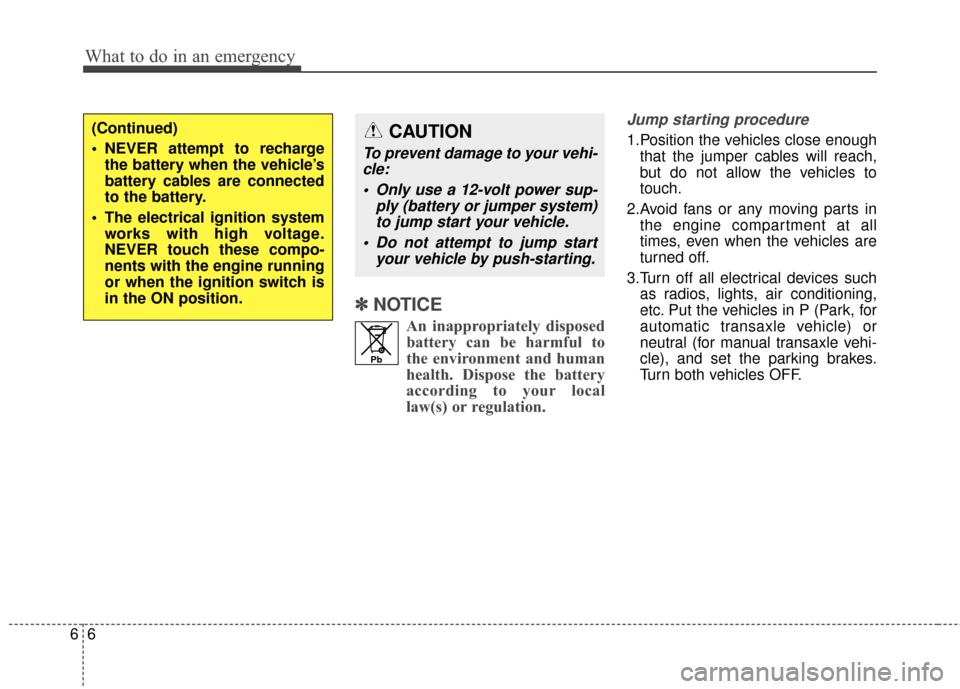
✽
✽NOTICE
An inappropriately disposed
battery can be harmful to
the environment and human
health. Dispose the battery
according to your local
law(s) or regulation.
Jump starting procedure
1.Position the vehicles close enough
that the jumper cables will reach,
but do not allow the vehicles to
touch.
2.Avoid fans or any moving parts in the engine compartment at all
times, even when the vehicles are
turned off.
3.Turn off all electrical devices such as radios, lights, air conditioning,
etc. Put the vehicles in P (Park, for
automatic transaxle vehicle) or
neutral (for manual transaxle vehi-
cle), and set the parking brakes.
Turn both vehicles OFF.
What to do in an emergency
66
(Continued)
NEVER attempt to rechargethe battery when the vehicle’s
battery cables are connected
to the battery.
The electrical ignition system works with high voltage.
NEVER touch these compo-
nents with the engine running
or when the ignition switch is
in the ON position.
Pb
CAUTION
To prevent damage to your vehi-cle:
Only use a 12-volt power sup- ply (battery or jumper system)to jump start your vehicle.
Do not attempt to jump start your vehicle by push-starting.
Page 531 of 669
TPMS Malfunction
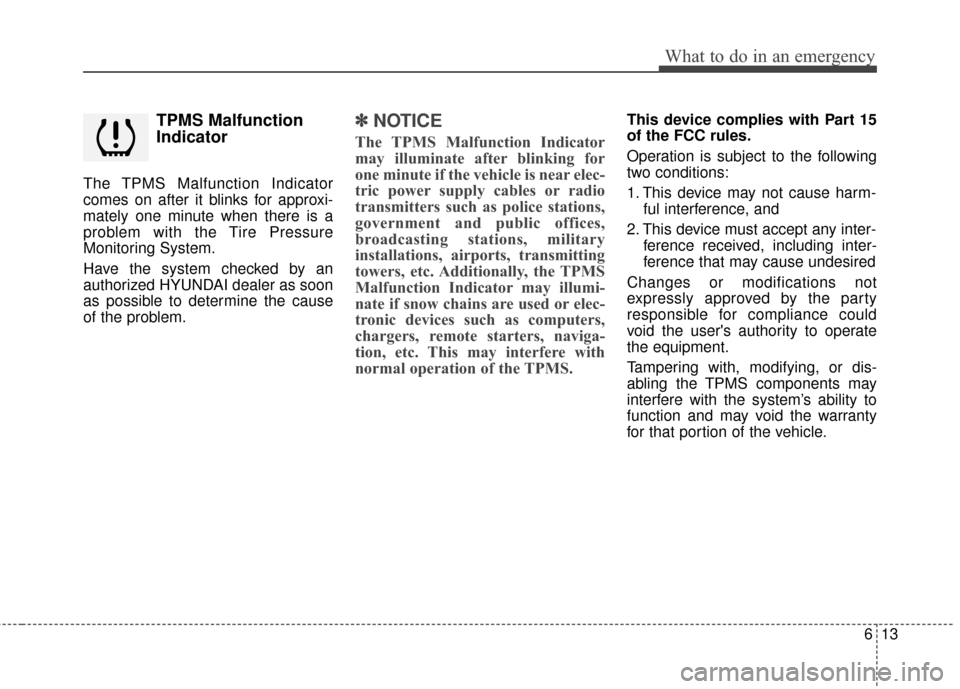
Indicator
The TPMS Malfunction Indicator
comes on after it blinks for approxi-
mately one minute when there is a
problem with the Tire Pressure
Monitoring System.
Have the system checked by an
authorized HYUNDAI dealer as soon
as possible to determine the cause
of the problem.
✽ ✽NOTICE
The TPMS Malfunction Indicator
may illuminate after blinking for
one minute if the vehicle is near elec-
tric power supply cables or radio
transmitters such as police stations,
government and public offices,
broadcasting stations, military
installations, airports, transmitting
towers, etc. Additionally, the TPMS
Malfunction Indicator may illumi-
nate if snow chains are used or elec-
tronic devices such as computers,
chargers, remote starters, naviga-
tion, etc. This may interfere with
normal operation of the TPMS.
This device complies with Part 15
of the FCC rules.
Operation is subject to the following
two conditions:
1. This device may not cause harm-
ful interference, and
2. This device must accept any inter- ference received, including inter-
ference that may cause undesired
Changes or modifications not
expressly approved by the party
responsible for compliance could
void the user's authority to operate
the equipment.
Tampering with, modifying, or dis-
abling the TPMS components may
interfere with the system’s ability to
function and may void the warranty
for that portion of the vehicle.
613
What to do in an emergency