indicator Hyundai Elantra 2018 Repair Manual
[x] Cancel search | Manufacturer: HYUNDAI, Model Year: 2018, Model line: Elantra, Model: Hyundai Elantra 2018Pages: 526, PDF Size: 17.2 MB
Page 346 of 526
5-63
Driving your vehicle
5
LKAS Operation
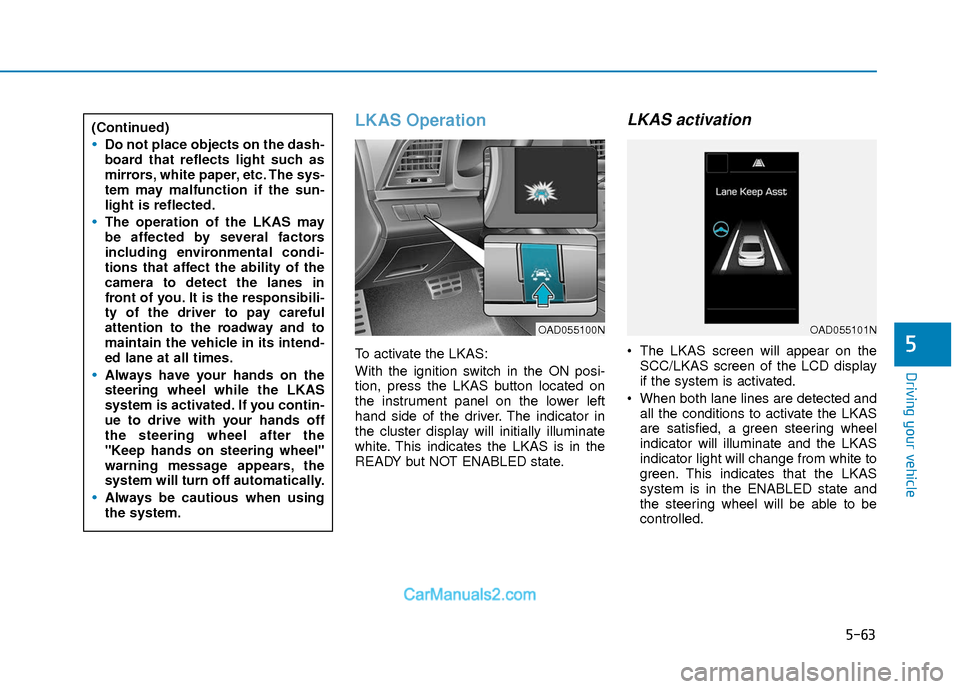
To activate the LKAS:
With the ignition switch in the ON posi-
tion, press the LKAS button located on
the instrument panel on the lower left
hand side of the driver. The indicator in
the cluster display will initially illuminate
white. This indicates the LKAS is in the
READY but NOT ENABLED state.
LKAS activation
The LKAS screen will appear on theSCC/LKAS screen of the LCD display
if the system is activated.
When both lane lines are detected and all the conditions to activate the LKAS
are satisfied, a green steering wheel
indicator will illuminate and the LKAS
indicator light will change from white to
green. This indicates that the LKAS
system is in the ENABLED state and
the steering wheel will be able to be
controlled.
(Continued)
Do not place objects on the dash-
board that reflects light such as
mirrors, white paper, etc. The sys-
tem may malfunction if the sun-
light is reflected.
The operation of the LKAS may
be affected by several factors
including environmental condi-
tions that affect the ability of the
camera to detect the lanes in
front of you. It is the responsibili-
ty of the driver to pay careful
attention to the roadway and to
maintain the vehicle in its intend-
ed lane at all times.
Always have your hands on the
steering wheel while the LKAS
system is activated. If you contin-
ue to drive with your hands off
the steering wheel after the
"Keep hands on steering wheel"
warning message appears, the
system will turn off automatically.
Always be cautious when using
the system.
OAD055100NOAD055101N
Page 350 of 526
5-67
Driving your vehicle
5
LKAS Malfunction
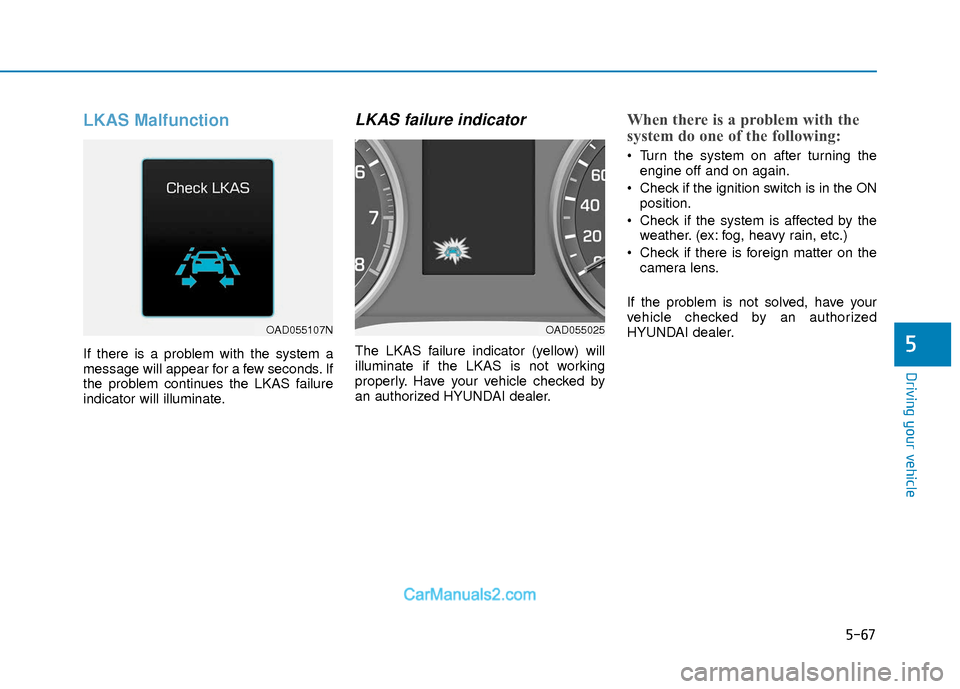
If there is a problem with the system a
message will appear for a few seconds. If
the problem continues the LKAS failure
indicator will illuminate.
LKAS failure indicator
The LKAS failure indicator (yellow) will
illuminate if the LKAS is not working
properly. Have your vehicle checked by
an authorized HYUNDAI dealer.
When there is a problem with the
system do one of the following:
Turn the system on after turning theengine off and on again.
Check if the ignition switch is in the ON position.
Check if the system is affected by the weather. (ex: fog, heavy rain, etc.)
Check if there is foreign matter on the camera lens.
If the problem is not solved, have your
vehicle checked by an authorized
HYUNDAI dealer.
OAD055107NOAD055025
Page 352 of 526
5-69
Driving your vehicle
5
Cruise Control operation
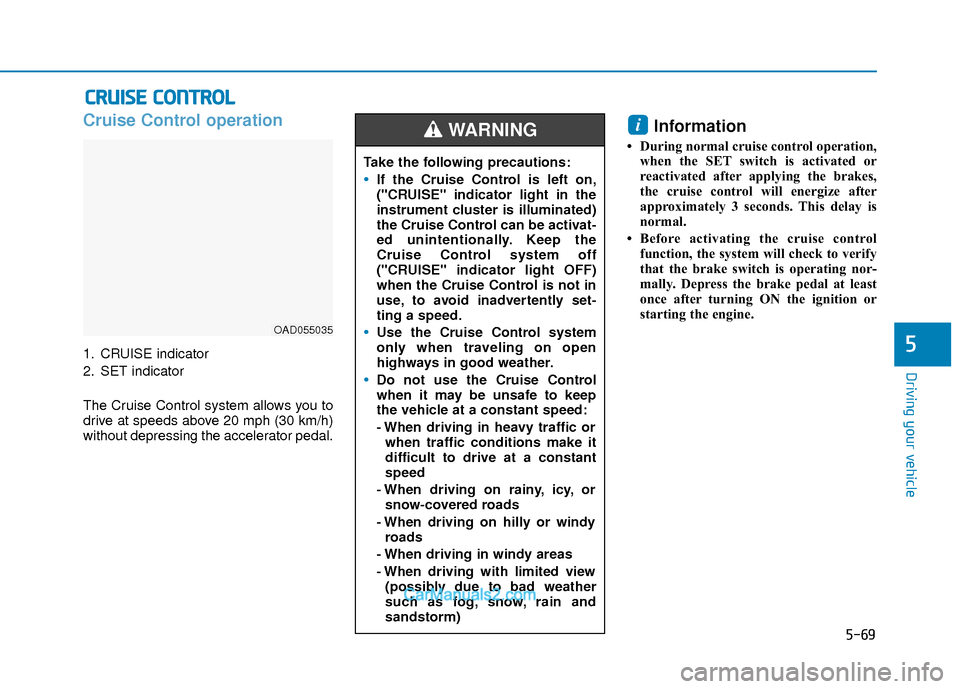
1. CRUISE indicator
2. SET indicator
The Cruise Control system allows you to
drive at speeds above 20 mph (30 km/h)
without depressing the accelerator pedal.
Information
• During normal cruise control operation,when the SET switch is activated or
reactivated after applying the brakes,
the cruise control will energize after
approximately 3 seconds. This delay is
normal.
• Before activating the cruise control function, the system will check to verify
that the brake switch is operating nor-
mally. Depress the brake pedal at least
once after turning ON the ignition or
starting the engine.
i
C CR
R U
U I
IS
S E
E
C
C O
O N
NT
TR
R O
O L
L
OAD055035
Take the following precautions:
If the Cruise Control is left on,
("CRUISE" indicator light in the
instrument cluster is illuminated)
the Cruise Control can be activat-
ed unintentionally. Keep the
Cruise Control system off
("CRUISE" indicator light OFF)
when the Cruise Control is not in
use, to avoid inadvertently set-
ting a speed.
Use the Cruise Control system
only when traveling on open
highways in good weather.
Do not use the Cruise Control
when it may be unsafe to keep
the vehicle at a constant speed:
- When driving in heavy traffic or
when traffic conditions make it
difficult to drive at a constant
speed
- When driving on rainy, icy, or snow-covered roads
- When driving on hilly or windy roads
- When driving in windy areas
- When driving with limited view (possibly due to bad weather
such as fog, snow, rain and
sandstorm)
WARNING
Page 353 of 526
5-70
Driving your vehicle
To set Cruise Control speed
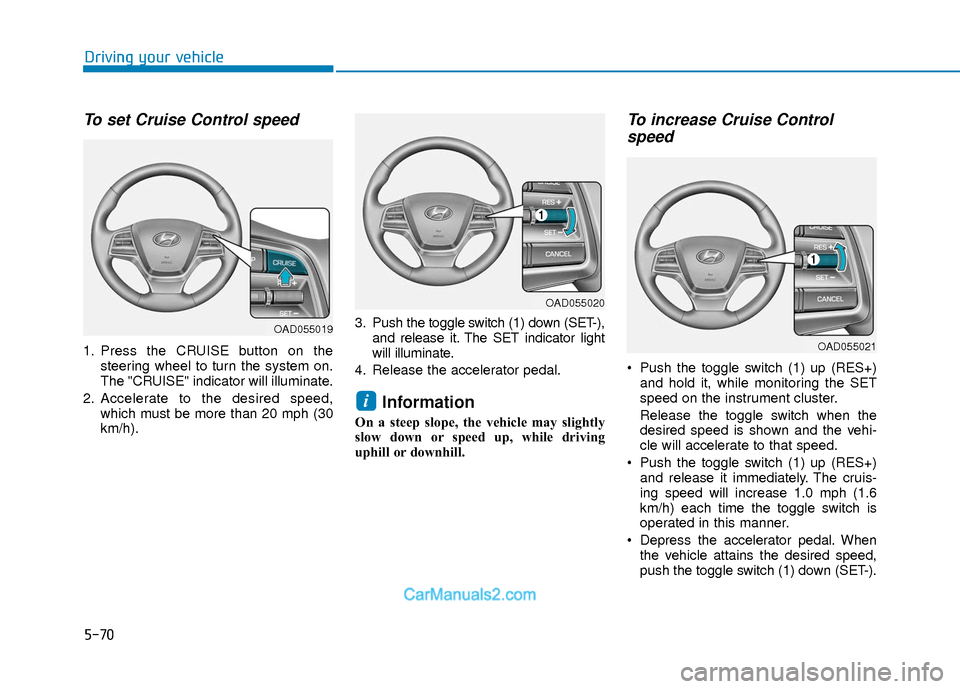
1. Press the CRUISE button on thesteering wheel to turn the system on.
The "CRUISE" indicator will illuminate.
2. Accelerate to the desired speed, which must be more than 20 mph (30
km/h). 3. Push the toggle switch (1) down (SET-),
and release it. The SET indicator light
will illuminate.
4. Release the accelerator pedal.
Information
On a steep slope, the vehicle may slightly
slow down or speed up, while driving
uphill or downhill.
To increase Cruise Control speed
Push the toggle switch (1) up (RES+)
and hold it, while monitoring the SET
speed on the instrument cluster.
Release the toggle switch when the
desired speed is shown and the vehi-
cle will accelerate to that speed.
Push the toggle switch (1) up (RES+) and release it immediately. The cruis-
ing speed will increase 1.0 mph (1.6
km/h) each time the toggle switch is
operated in this manner.
Depress the accelerator pedal. When the vehicle attains the desired speed,
push the toggle switch (1) down (SET-).
i
OAD055019
OAD055020
OAD055021
Page 354 of 526
5-71
Driving your vehicle
5
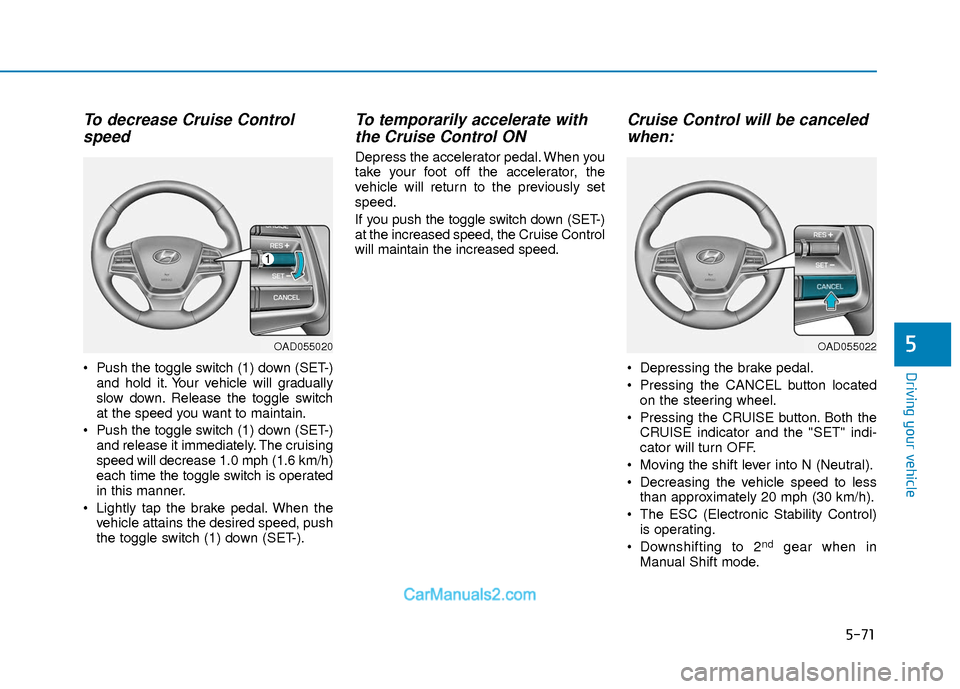
To decrease Cruise Controlspeed
Push the toggle switch (1) down (SET-)
and hold it. Your vehicle will gradually
slow down. Release the toggle switch
at the speed you want to maintain.
Push the toggle switch (1) down (SET-) and release it immediately. The cruising
speed will decrease 1.0 mph (1.6 km/h)
each time the toggle switch is operated
in this manner.
Lightly tap the brake pedal. When the vehicle attains the desired speed, push
the toggle switch (1) down (SET-).
To temporarily accelerate withthe Cruise Control ON
Depress the accelerator pedal. When you
take your foot off the accelerator, the
vehicle will return to the previously set
speed.
If you push the toggle switch down (SET-)
at the increased speed, the Cruise Control
will maintain the increased speed.
Cruise Control will be canceledwhen:
Depressing the brake pedal.
Pressing the CANCEL button located
on the steering wheel.
Pressing the CRUISE button. Both the CRUISE indicator and the "SET" indi-
cator will turn OFF.
Moving the shift lever into N (Neutral).
Decreasing the vehicle speed to less than approximately 20 mph (30 km/h).
The ESC (Electronic Stability Control) is operating.
Downshifting to 2
ndgear when in
Manual Shift mode.
OAD055020OAD055022
Page 355 of 526
5-72
Driving your vehicle
Information
Each of the above actions will cancel
Cruise Control operation (the "SET" indi-
cator in the instrument cluster will go off),
but only pressing the CRUISE button will
turn the system off. If you wish to resume
Cruise Control operation, push the toggle
switch up (RES+) located on your steering
wheel. You will return to your previously
preset speed, unless the system was turned
off using the CRUISE button.
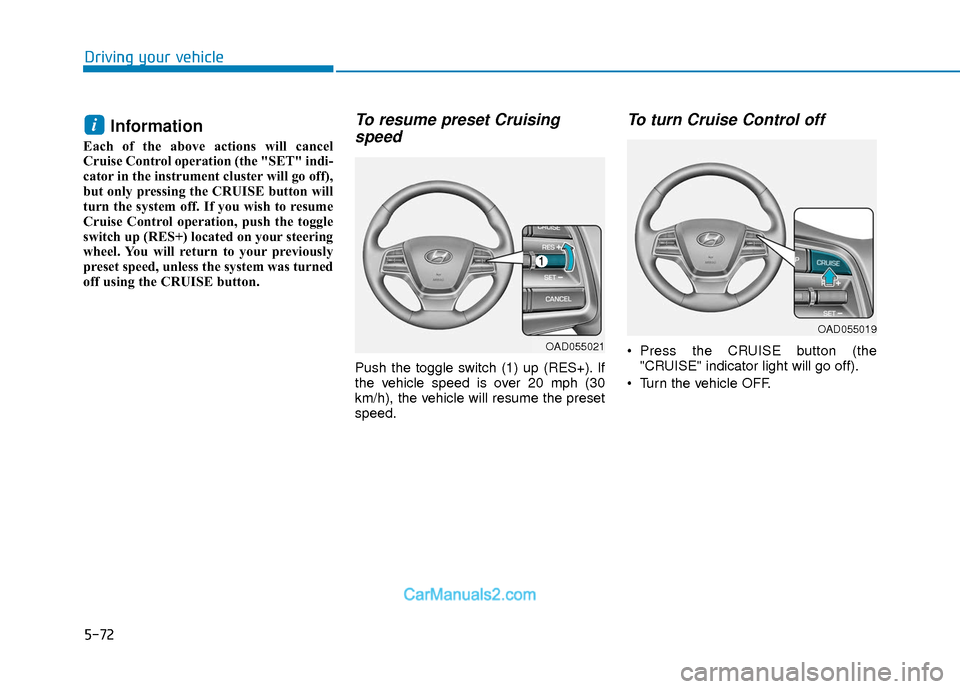
To resume preset Cruisingspeed
Push the toggle switch (1) up (RES+). If
the vehicle speed is over 20 mph (30
km/h), the vehicle will resume the preset
speed.
To turn Cruise Control off
Press the CRUISE button (the
"CRUISE" indicator light will go off).
Turn the vehicle OFF.
i
OAD055019
OAD055021
Page 356 of 526
5-73
Driving your vehicle
5
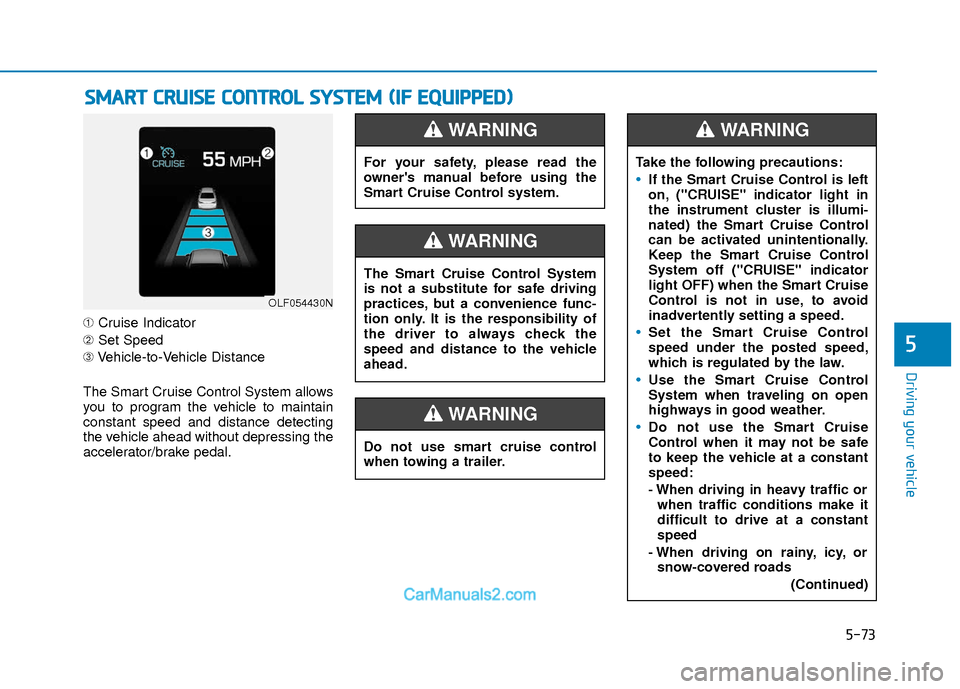
➀Cruise Indicator
➁ Set Speed
➂ Vehicle-to-Vehicle Distance
The Smart Cruise Control System allows
you to program the vehicle to maintain
constant speed and distance detecting
the vehicle ahead without depressing the
accelerator/brake pedal.
S S M
M A
AR
RT
T
C
C R
R U
U I
IS
S E
E
C
C O
O N
NT
TR
R O
O L
L
S
S Y
Y S
ST
T E
EM
M
(
( I
IF
F
E
E Q
Q U
UI
IP
P P
PE
ED
D )
)
OLF054430N
For your safety, please read the
owner's manual before using the
Smart Cruise Control system.
WARNING
Do not use smart cruise control
when towing a trailer.
WARNING
The Smart Cruise Control System
is not a substitute for safe driving
practices, but a convenience func-
tion only. It is the responsibility of
the driver to always check the
speed and distance to the vehicle
ahead.
WARNING
Take the following precautions:
If the Smart Cruise Control is left
on, ("CRUISE" indicator light in
the instrument cluster is illumi-
nated) the Smart Cruise Control
can be activated unintentionally.
Keep the Smart Cruise Control
System off ("CRUISE" indicator
light OFF) when the Smart Cruise
Control is not in use, to avoid
inadvertently setting a speed.
Set the Smart Cruise Control
speed under the posted speed,
which is regulated by the law.
Use the Smart Cruise Control
System when traveling on open
highways in good weather.
Do not use the Smart Cruise
Control when it may not be safe
to keep the vehicle at a constant
speed:
- When driving in heavy traffic or
when traffic conditions make it
difficult to drive at a constant
speed
- When driving on rainy, icy, or snow-covered roads
(Continued)
WARNING
Page 358 of 526
5-75
Driving your vehicle
5
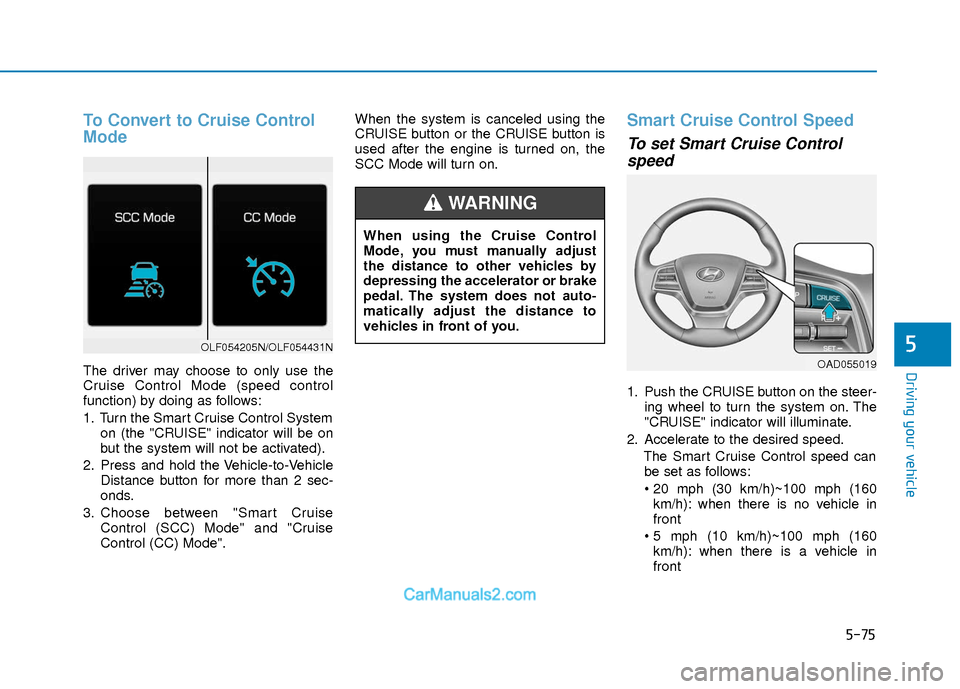
To Convert to Cruise Control
Mode
The driver may choose to only use the
Cruise Control Mode (speed control
function) by doing as follows:
1. Turn the Smart Cruise Control Systemon (the "CRUISE" indicator will be on
but the system will not be activated).
2. Press and hold the Vehicle-to-Vehicle Distance button for more than 2 sec-
onds.
3. Choose between "Smart Cruise Control (SCC) Mode" and "Cruise
Control (CC) Mode". When the system is canceled using the
CRUISE button or the CRUISE button is
used after the engine is turned on, the
SCC Mode will turn on.
Smart Cruise Control Speed
To set Smart Cruise Control
speed
1. Push the CRUISE button on the steer-
ing wheel to turn the system on. The
"CRUISE" indicator will illuminate.
2. Accelerate to the desired speed. The Smart Cruise Control speed canbe set as follows:
km/h): when there is no vehicle in
front
km/h): when there is a vehicle in
front
OLF054205N/OLF054431N
When using the Cruise Control
Mode, you must manually adjust
the distance to other vehicles by
depressing the accelerator or brake
pedal. The system does not auto-
matically adjust the distance to
vehicles in front of you.
WARNING
OAD055019
Page 360 of 526
5-77
Driving your vehicle
5
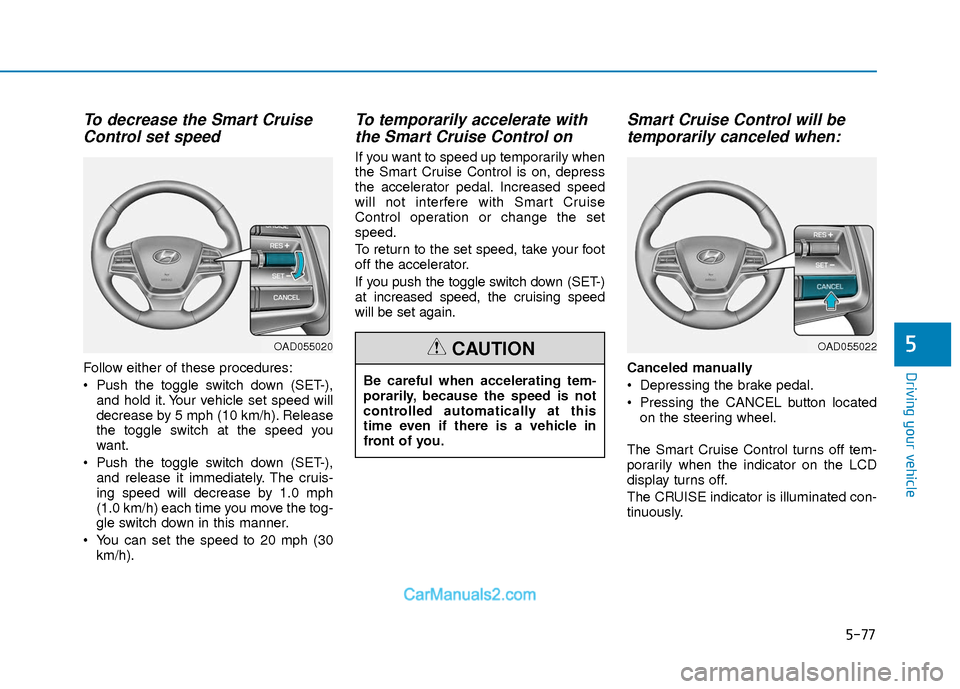
To decrease the Smart CruiseControl set speed
Follow either of these procedures:
Push the toggle switch down (SET-),
and hold it. Your vehicle set speed will
decrease by 5 mph (10 km/h). Release
the toggle switch at the speed you
want.
Push the toggle switch down (SET-), and release it immediately. The cruis-
ing speed will decrease by 1.0 mph
(1.0 km/h) each time you move the tog-
gle switch down in this manner.
You can set the speed to 20 mph (30 km/h).
To temporarily accelerate withthe Smart Cruise Control on
If you want to speed up temporarily when
the Smart Cruise Control is on, depress
the accelerator pedal. Increased speed
will not interfere with Smart Cruise
Control operation or change the set
speed.
To return to the set speed, take your foot
off the accelerator.
If you push the toggle switch down (SET-)
at increased speed, the cruising speed
will be set again.
Smart Cruise Control will betemporarily canceled when:
Canceled manually
Depressing the brake pedal.
Pressing the CANCEL button located
on the steering wheel.
The Smart Cruise Control turns off tem-
porarily when the indicator on the LCD
display turns off.
The CRUISE indicator is illuminated con-
tinuously.
OAD055020
Be careful when accelerating tem-
porarily, because the speed is not
controlled automatically at this
time even if there is a vehicle in
front of you.
CAUTIONOAD055022
Page 362 of 526
5-79
Driving your vehicle
5
To turn Cruise Control off
Press the CRUISE button (the "CRUISE"
indicator light will go off).
Smart Cruise Control Vehicle-
to-Vehicle Distance
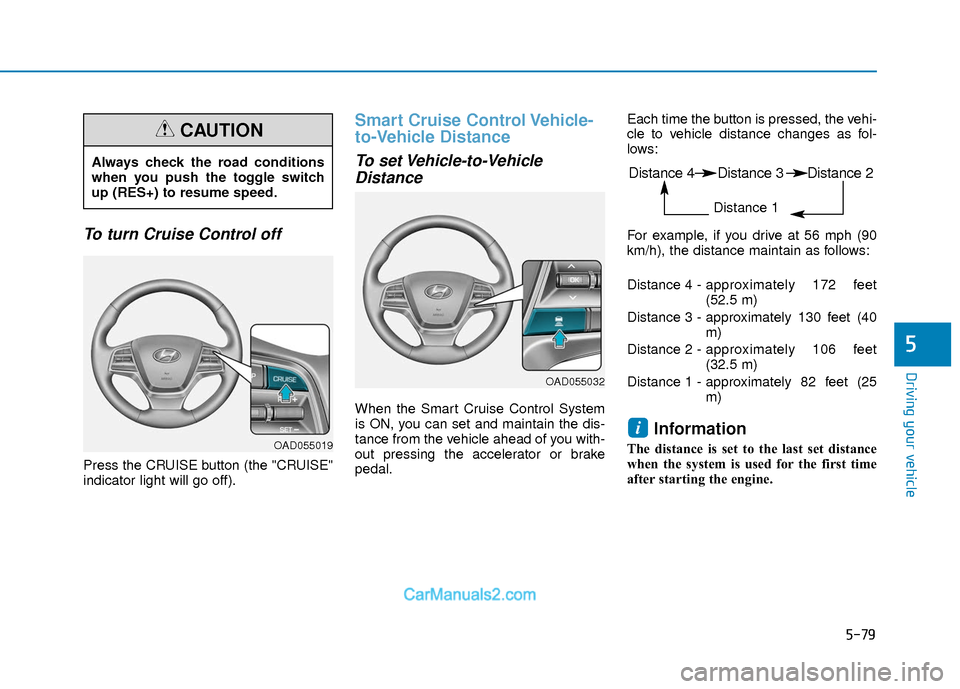
To set Vehicle-to-VehicleDistance
When the Smart Cruise Control System
is ON, you can set and maintain the dis-
tance from the vehicle ahead of you with-
out pressing the accelerator or brake
pedal. Each time the button is pressed, the vehi-
cle to vehicle distance changes as fol-
lows:
For example, if you drive at 56 mph (90
km/h), the distance maintain as follows:
Distance 4 -
approximately 172 feet
(52.5 m)
Distance 3 - approximately 130 feet (40 m)
Distance 2 - approximately 106 feet
(32.5 m)
Distance 1 - approximately 82 feet (25 m)
Information
The distance is set to the last set distance
when the system is used for the first time
after starting the engine.
i
Always check the road conditions
when you push the toggle switch
up (RES+) to resume speed.
CAUTION
OAD055019
OAD055032
Distance 4 Distance 3 Distance 2
Distance 1