indicator Hyundai Elantra 2018 Owner's Guide
[x] Cancel search | Manufacturer: HYUNDAI, Model Year: 2018, Model line: Elantra, Model: Hyundai Elantra 2018Pages: 526, PDF Size: 17.2 MB
Page 137 of 526
3-60
Convenient features of your vehicle
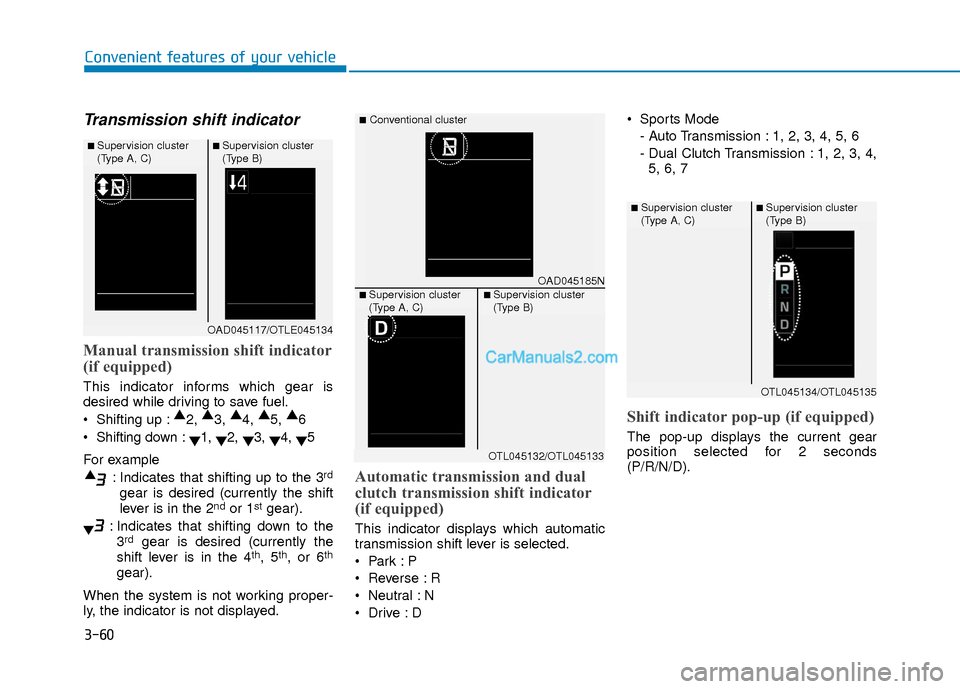
Transmission shift indicator
Manual transmission shift indicator
(if equipped)
This indicator informs which gear is
desired while driving to save fuel.
Shifting up :▲
2, ▲
3, ▲
4, ▲
5, ▲
6
Shifting down : ▼1,
▼2,
▼3,
▼4,
▼5
For example : Indicates that shifting up to the 3
rd
gear is desired (currently the shift
lever is in the 2ndor 1stgear).
: Indicates that shifting down to the 3
rdgear is desired (currently the
shift lever is in the 4th, 5th, or 6th
gear).
When the system is not working proper-
ly, the indicator is not displayed.
Automatic transmission and dual
clutch transmission shift indicator
(if equipped)
This indicator displays which automatic
transmission shift lever is selected.
Reverse : R
Neutral : N
Sports Mode
- Auto Transmission : 1, 2, 3, 4, 5, 6
- Dual Clutch Transmission : 1, 2, 3, 4,5, 6, 7
Shift indicator pop-up (if equipped)
The pop-up displays the current gear
position selected for 2 seconds
(P/R/N/D).
OAD045117/OTLE045134
■ Supervision cluster
(Type A, C)■ Supervision cluster
(Type B)
OAD045185N
■Conventional cluster
■ Supervision cluster
(Type A, C)■ Supervision cluster
(Type B)
OTL045132/OTL045133
OTL045134/OTL045135
■ Supervision cluster
(Type A, C)■ Supervision cluster
(Type B)
Page 138 of 526
3-61
Convenient features of your vehicle
3
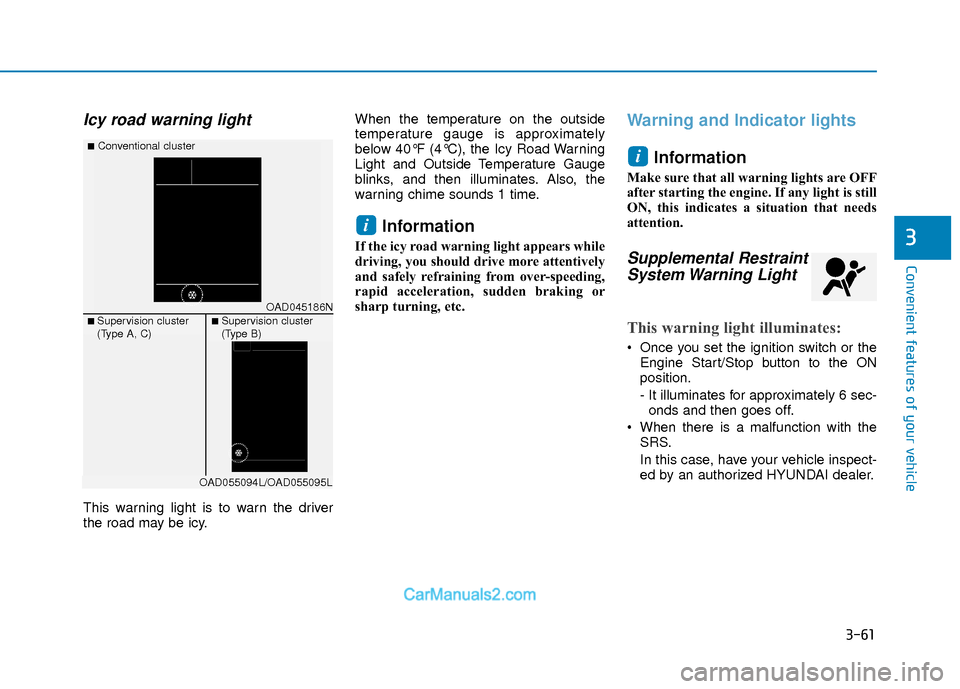
Icy road warning light
This warning light is to warn the driver
the road may be icy.When the temperature on the outside
temperature gauge is approximately
below 40°F (4°C), the Icy Road Warning
Light and Outside Temperature Gauge
blinks, and then illuminates. Also, the
warning chime sounds 1 time.
Information
If the icy road warning light appears while
driving, you should drive more attentively
and safely refraining from over-speeding,
rapid acceleration, sudden braking or
sharp turning, etc.
Warning and Indicator lights
Information
Make sure that all warning lights are OFF
after starting the engine. If any light is still
ON, this indicates a situation that needs
attention.
Supplemental RestraintSystem Warning Light
This warning light illuminates:
Once you set the ignition switch or the
Engine Start/Stop button to the ON
position.
- It illuminates for approximately 6 sec-onds and then goes off.
When there is a malfunction with the SRS.
In this case, have your vehicle inspect-
ed by an authorized HYUNDAI dealer.
i
i
OAD045186N
■Conventional cluster
■ Supervision cluster
(Type A, C)■ Supervision cluster
(Type B)
OAD055094L/OAD055095L
Page 141 of 526
3-64
Convenient features of your vehicle
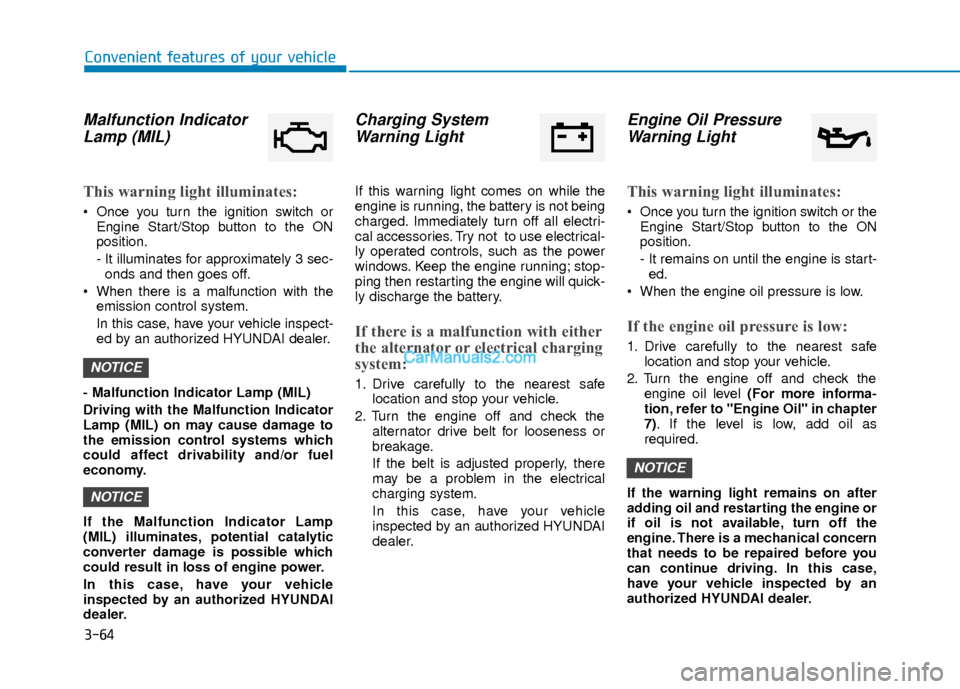
Malfunction IndicatorLamp (MIL)
This warning light illuminates:
Once you turn the ignition switch or
Engine Start/Stop button to the ON
position.
- It illuminates for approximately 3 sec-onds and then goes off.
When there is a malfunction with the emission control system.
In this case, have your vehicle inspect-
ed by an authorized HYUNDAI dealer.
- Malfunction Indicator Lamp (MIL)
Driving with the Malfunction Indicator
Lamp (MIL) on may cause damage to
the emission control systems which
could affect drivability and/or fuel
economy.
If the Malfunction Indicator Lamp
(MIL) illuminates, potential catalytic
converter damage is possible which
could result in loss of engine power.
In this case, have your vehicle
inspected by an authorized HYUNDAI
dealer.
Charging System Warning Light
If this warning light comes on while the
engine is running, the battery is not being
charged. Immediately turn off all electri-
cal accessories. Try not to use electrical-
ly operated controls, such as the power
windows. Keep the engine running; stop-
ping then restarting the engine will quick-
ly discharge the battery.
If there is a malfunction with either
the alternator or electrical charging
system:
1. Drive carefully to the nearest safe
location and stop your vehicle.
2. Turn the engine off and check the alternator drive belt for looseness or
breakage.
If the belt is adjusted properly, there
may be a problem in the electrical
charging system.
In this case, have your vehicle
inspected by an authorized HYUNDAI
dealer.
Engine Oil PressureWarning Light
This warning light illuminates:
Once you turn the ignition switch or the
Engine Start/Stop button to the ON
position.
- It remains on until the engine is start-ed.
When the engine oil pressure is low.
If the engine oil pressure is low:
1. Drive carefully to the nearest safe location and stop your vehicle.
2. Turn the engine off and check the engine oil level (For more informa-
tion, refer to "Engine Oil" in chapter
7). If the level is low, add oil as
required.
If the warning light remains on after
adding oil and restarting the engine or
if oil is not available, turn off the
engine. There is a mechanical concern
that needs to be repaired before you
can continue driving. In this case,
have your vehicle inspected by an
authorized HYUNDAI dealer.
NOTICE
NOTICE
NOTICE
Page 144 of 526
3-67
Convenient features of your vehicle
3
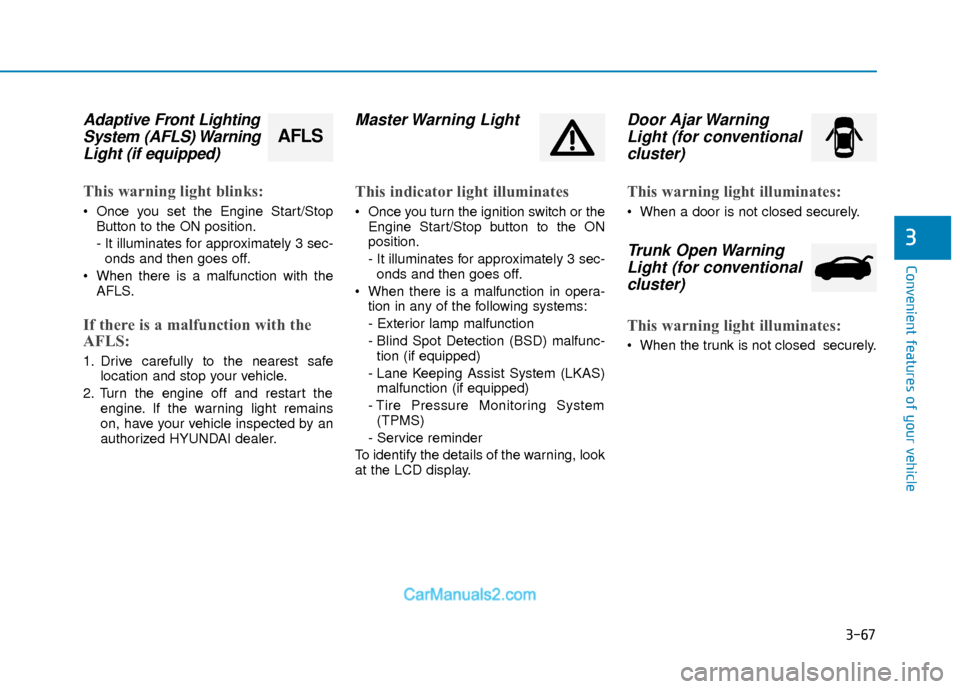
Adaptive Front LightingSystem (AFLS) WarningLight (if equipped)
This warning light blinks:
Once you set the Engine Start/Stop
Button to the ON position.
- It illuminates for approximately 3 sec-onds and then goes off.
When there is a malfunction with the AFLS.
If there is a malfunction with the
AFLS:
1. Drive carefully to the nearest safe location and stop your vehicle.
2. Turn the engine off and restart the engine. If the warning light remains
on, have your vehicle inspected by an
authorized HYUNDAI dealer.
Master Warning Light
This indicator light illuminates
Once you turn the ignition switch or theEngine Start/Stop button to the ON
position.
- It illuminates for approximately 3 sec-onds and then goes off.
When there is a malfunction in opera- tion in any of the following systems:
- Exterior lamp malfunction
- Blind Spot Detection (BSD) malfunc-tion (if equipped)
- Lane Keeping Assist System (LKAS) malfunction (if equipped)
- Tire Pressure Monitoring System (TPMS)
- Service reminder
To identify the details of the warning, look
at the LCD display.
Door Ajar Warning Light (for conventionalcluster)
This warning light illuminates:
When a door is not closed securely.
Trunk Open WarningLight (for conventional cluster)
This warning light illuminates:
When the trunk is not closed securely.
AFLS
Page 145 of 526
3-68
Convenient features of your vehicle
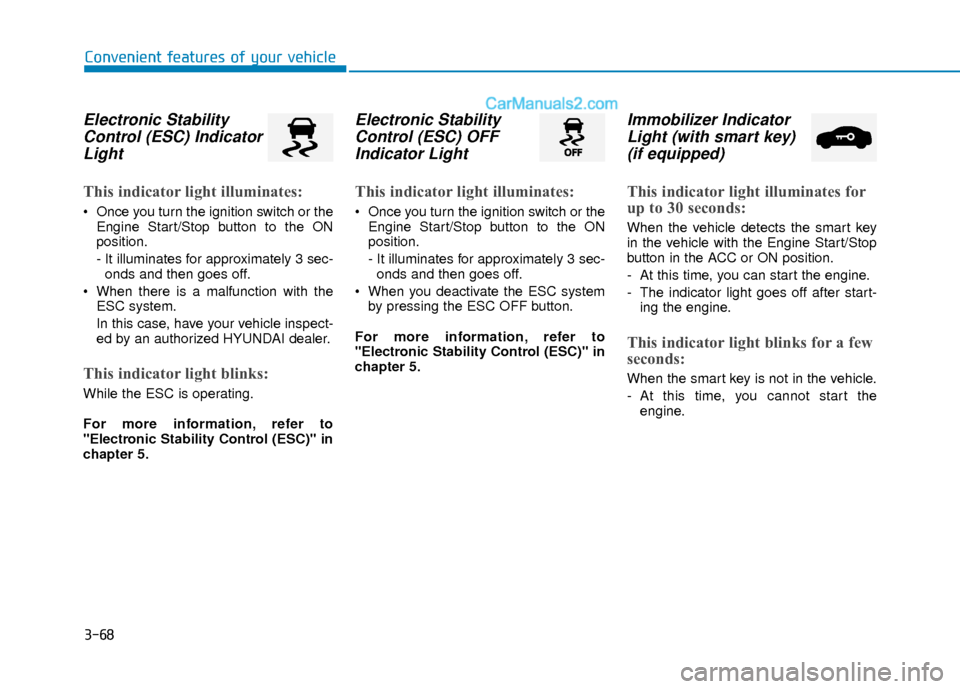
Electronic StabilityControl (ESC) IndicatorLight
This indicator light illuminates:
Once you turn the ignition switch or the
Engine Start/Stop button to the ON
position.
- It illuminates for approximately 3 sec-onds and then goes off.
When there is a malfunction with the ESC system.
In this case, have your vehicle inspect-
ed by an authorized HYUNDAI dealer.
This indicator light blinks:
While the ESC is operating.
For more information, refer to
"Electronic Stability Control (ESC)" in
chapter 5.
Electronic StabilityControl (ESC) OFFIndicator Light
This indicator light illuminates:
Once you turn the ignition switch or the
Engine Start/Stop button to the ON
position.
- It illuminates for approximately 3 sec-onds and then goes off.
When you deactivate the ESC system by pressing the ESC OFF button.
For more information, refer to
"Electronic Stability Control (ESC)" in
chapter 5.
Immobilizer Indicator Light (with smart key)(if equipped)
This indicator light illuminates for
up to 30 seconds:
When the vehicle detects the smart key
in the vehicle with the Engine Start/Stop
button in the ACC or ON position.
- At this time, you can start the engine.
- The indicator light goes off after start-
ing the engine.
This indicator light blinks for a few
seconds:
When the smart key is not in the vehicle.
- At this time, you cannot start theengine.
Page 146 of 526
3-69
Convenient features of your vehicle
3
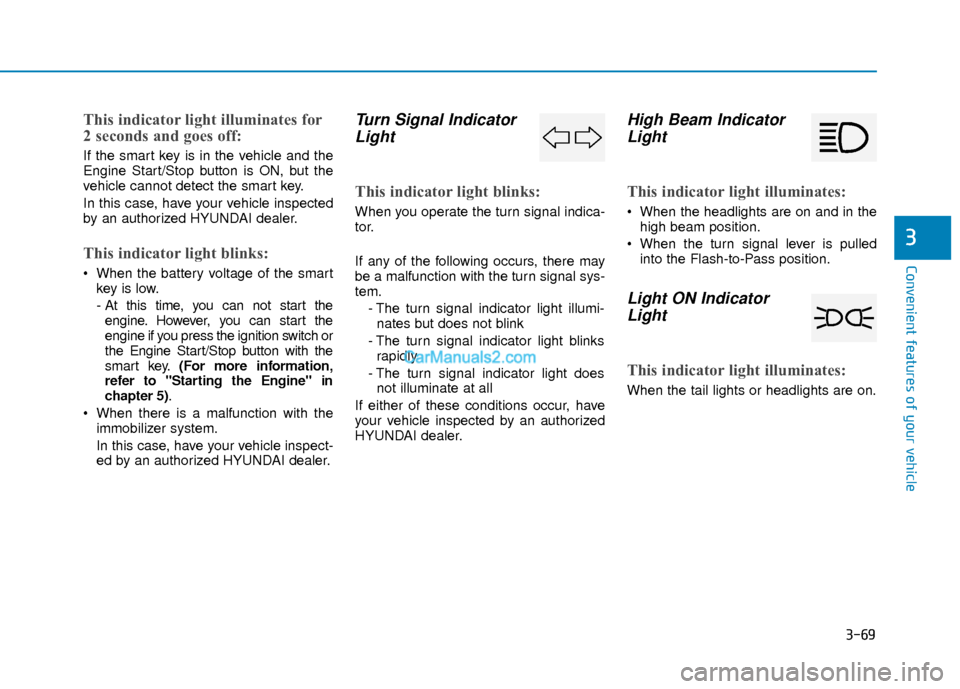
This indicator light illuminates for
2 seconds and goes off:
If the smart key is in the vehicle and the
Engine Start/Stop button is ON, but the
vehicle cannot detect the smart key.
In this case, have your vehicle inspected
by an authorized HYUNDAI dealer.
This indicator light blinks:
When the battery voltage of the smartkey is low.
- At this time, you can not start theengine. However, you can start the
engine if you press the ignition switch or
the Engine Start/Stop button with the
smart key. (For more information,
refer to "Starting the Engine" in
chapter 5).
When there is a malfunction with the immobilizer system.
In this case, have your vehicle inspect-
ed by an authorized HYUNDAI dealer.
Turn Signal IndicatorLight
This indicator light blinks:
When you operate the turn signal indica-
tor.
If any of the following occurs, there may
be a malfunction with the turn signal sys-
tem.
- The turn signal indicator light illumi-nates but does not blink
- The turn signal indicator light blinks rapidly
- The turn signal indicator light does not illuminate at all
If either of these conditions occur, have
your vehicle inspected by an authorized
HYUNDAI dealer.
High Beam Indicator Light
This indicator light illuminates:
When the headlights are on and in the
high beam position.
When the turn signal lever is pulled into the Flash-to-Pass position.
Light ON IndicatorLight
This indicator light illuminates:
When the tail lights or headlights are on.
Page 147 of 526
3-70
Convenient features of your vehicle
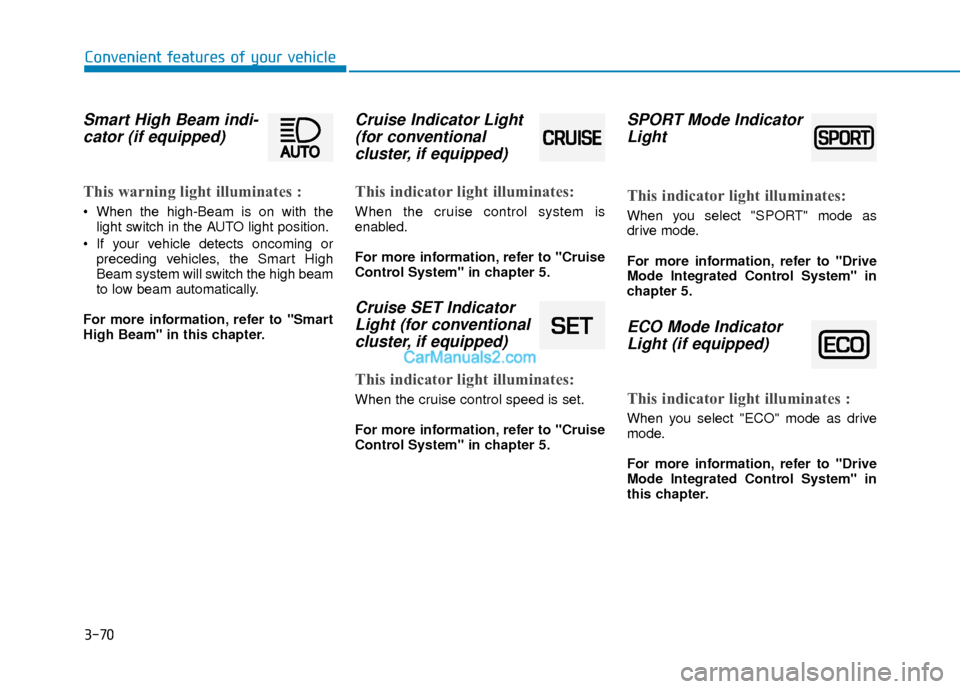
Smart High Beam indi-cator (if equipped)
This warning light illuminates :
When the high-Beam is on with the
light switch in the AUTO light position.
If your vehicle detects oncoming or preceding vehicles, the Smart High
Beam system will switch the high beam
to low beam automatically.
For more information, refer to "Smart
High Beam" in this chapter.
Cruise Indicator Light (for conventional cluster, if equipped)
This indicator light illuminates:
When the cruise control system is
enabled.
For more information, refer to "Cruise
Control System" in chapter 5.
Cruise SET IndicatorLight (for conventionalcluster, if equipped)
This indicator light illuminates:
When the cruise control speed is set.
For more information, refer to "Cruise
Control System" in chapter 5.
SPORT Mode IndicatorLight
This indicator light illuminates:
When you select "SPORT" mode as
drive mode.
For more information, refer to "Drive
Mode Integrated Control System" in
chapter 5.
ECO Mode IndicatorLight (if equipped)
This indicator light illuminates :
When you select "ECO" mode as drive
mode.
For more information, refer to "Drive
Mode Integrated Control System" in
this chapter.
Page 148 of 526
![Hyundai Elantra 2018 Owners Guide 3-71
Convenient features of your vehicle
3
Lane Keeping AssistSystem (LKAS)Indicator Light (if equipped)
This indicator light illuminates:
[Green] When you activate the lane
departure warning system](/img/35/14540/w960_14540-147.png "Hyundai Elantra 2018 Owners Guide 3-71
Convenient features of your vehicle
3
Lane Keeping AssistSystem (LKAS)Indicator Light (if equipped)
This indicator light illuminates:
[Green] When you activate the lane
departure warning system")
3-71
Convenient features of your vehicle
3
Lane Keeping AssistSystem (LKAS)Indicator Light (if equipped)
This indicator light illuminates:
[Green] When you activate the lane
departure warning system by pressing
the LKAS button.
[White] When system operating condi- tions are not satisfied or when the sen-
sor does not detect the lane line.
[Yellow] When there is a malfunction with the lane keeping assist system.
In this case, have your vehicle inspected
by an authorized HYUNDAI dealer.
For more information, refer to "Lane
Keeping Assist System (LKAS)" in
chapter 5.
LCD Display Messages
(if equipped)
Shift to "P" or "N" to start engine
This warning message is displayed if you
try to start the engine with the shift lever
not in the P (Park) or N (Neutral) position.
Information
You can start the engine with the shift
lever in the N (Neutral) position. But, for
your safety, we recommend that you start
the engine with the shift lever in the P
(Park) position.
Shift to "P"
This message is displayed if you try to
turn off the engine without the shift lever
in P (Park) position.
At this time, the Engine Start/Stop button
turns to the ACC position (If you press
the Engine Start/Stop button once more,
it will turn to the ON position).
i
OTL045146L
■ Supervision cluster
OTL045144L
■Supervision cluster
Page 149 of 526
3-72
Convenient features of your vehicle
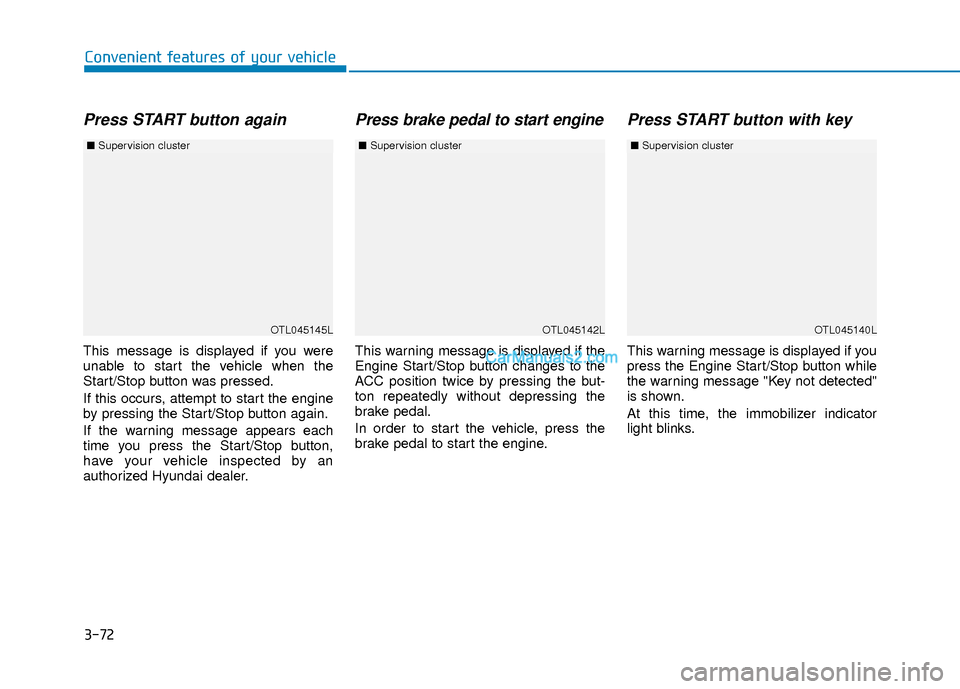
Press START button again
This message is displayed if you were
unable to start the vehicle when the
Start/Stop button was pressed.
If this occurs, attempt to start the engine
by pressing the Start/Stop button again.
If the warning message appears each
time you press the Start/Stop button,
have your vehicle inspected by an
authorized Hyundai dealer.
Press brake pedal to start engine
This warning message is displayed if the
Engine Start/Stop button changes to the
ACC position twice by pressing the but-
ton repeatedly without depressing the
brake pedal.
In order to start the vehicle, press the
brake pedal to start the engine.
Press START button with key
This warning message is displayed if you
press the Engine Start/Stop button while
the warning message "Key not detected"
is shown.
At this time, the immobilizer indicator
light blinks.
OTL045145L
■Supervision cluster
OTL045142LOTL045140L
■Supervision cluster ■Supervision cluster
Page 155 of 526
3-78
Convenient features of your vehicle
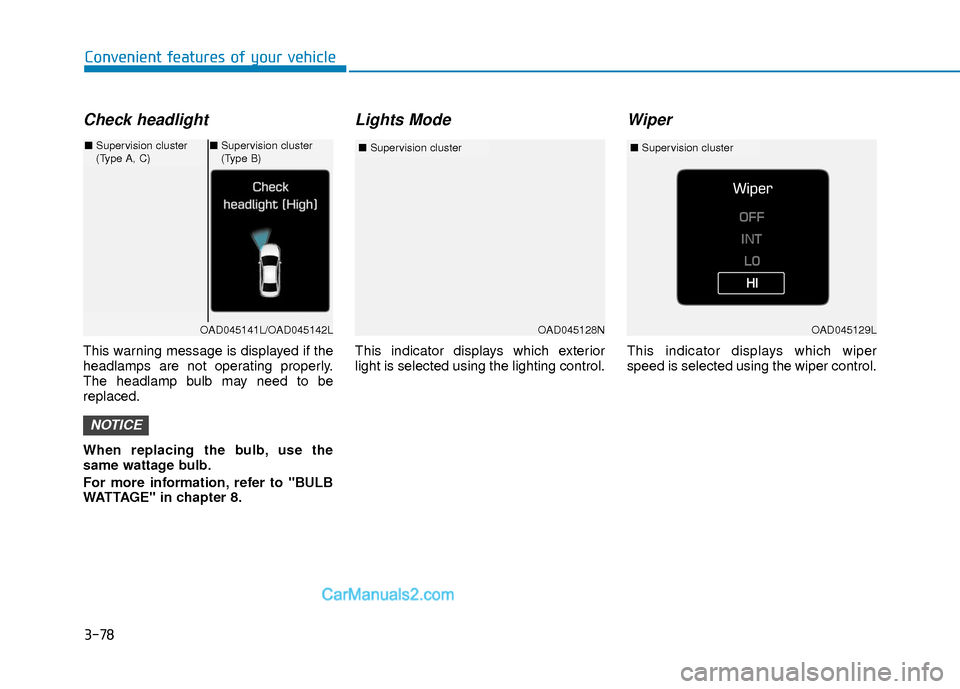
Check headlight
This warning message is displayed if the
headlamps are not operating properly.
The headlamp bulb may need to be
replaced.
When replacing the bulb, use the
same wattage bulb.
For more information, refer to "BULB
WATTAGE" in chapter 8.
Lights Mode
This indicator displays which exterior
light is selected using the lighting control.
Wiper
This indicator displays which wiper
speed is selected using the wiper control.
NOTICE
OAD045128N
■Supervision cluster
OAD045141L/OAD045142L
■Supervision cluster
(Type A, C)■Supervision cluster
(Type B)
OAD045129L
■ Supervision cluster