ESP HYUNDAI ELANTRA SEL 2021 Service Manual
[x] Cancel search | Manufacturer: HYUNDAI, Model Year: 2021, Model line: ELANTRA SEL, Model: HYUNDAI ELANTRA SEL 2021Pages: 570, PDF Size: 52.21 MB
Page 374 of 570
07
7-61
WARNING
Take the following precautions when
using Safe Exit Warning:
• For your safety, change the Settings
after parking the vehicle at a safe
location.
• If any other function’s warning
message is displayed or audible
warning is generated, Safe Exit
Warning warning message may not
be displayed and audible warning
may not be generated.
• You may not hear the warning
sound of Safe Exit Warning if the
surrounding is noisy.
• Safe Exit Warning does not operate
in all situations or cannot prevent all
collisions.
• Safe Exit Warning may warn the
driver late or may not warn the driver
depending on the road and driving
conditions. Always check vehicle
surroundings.
• The driver and passengers are
responsible for accidents that occurs
while exiting the vehicle. Always
check the surroundings before you
exit the vehicle.
• Never deliberately operate Safe
Exit Warning. Doing so may lead to
serious injury or death. •
Safe Exit Warning does not operate
if there is a problem with Blind-Spot
Safety system. The warning message
of Blind-Spot Safety system will
appear when:
-Blind-Spo
t Safety system sensor or
the sensor surrounding is polluted
or covered
- Blind-Spo
t Safety system fails to
warn passengers or falsely warn
passengers
Information
After the engine is turned off, Safe Exit
Warning operates approximately for 10
minutes, but turns off immediately if the
doors are locked.
Function malfunction and
limitations
Function malfunction
OCN7070039L
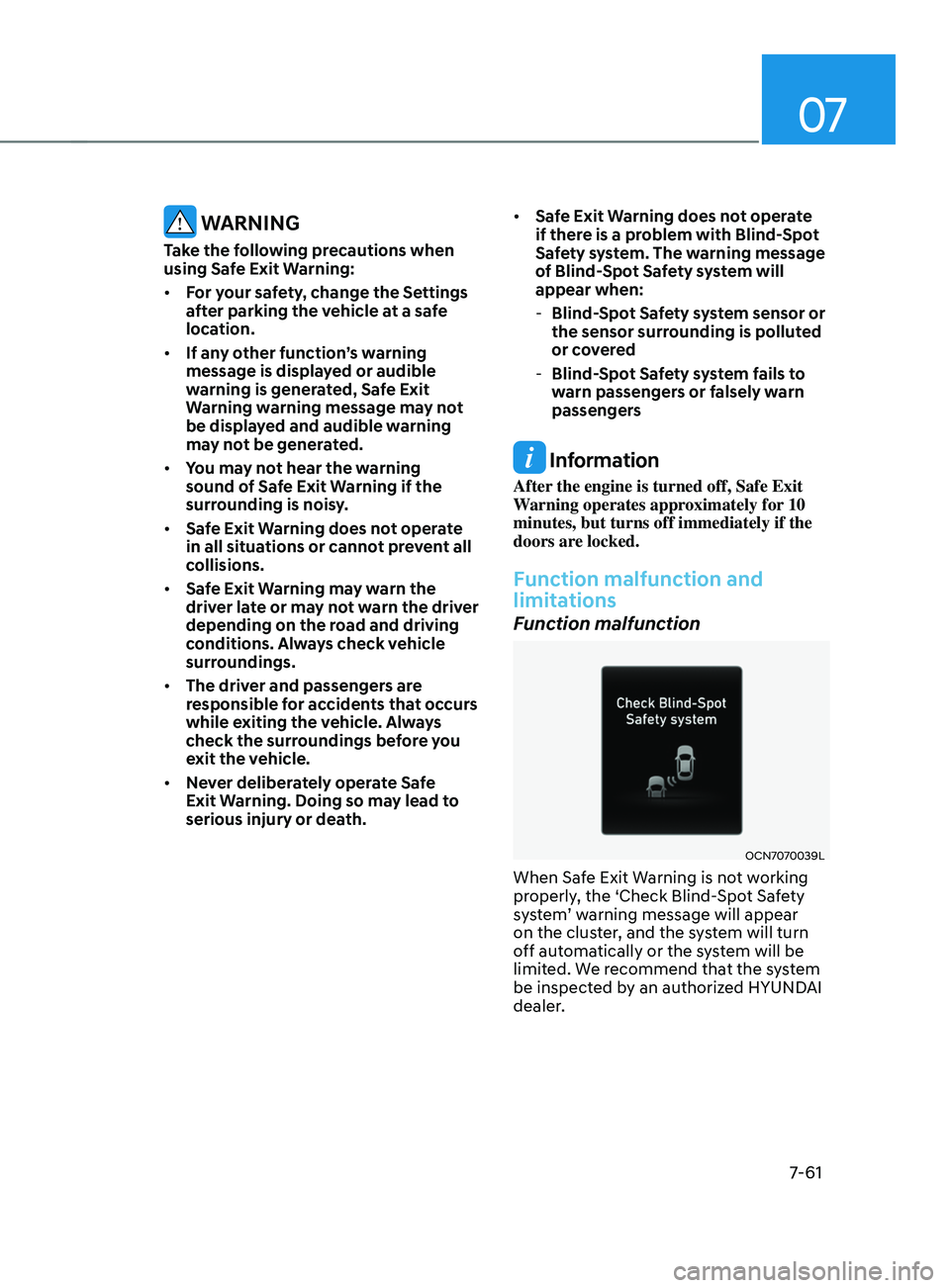
When Safe Exit Warning is not working
properly, the ‘Check Blind-Spot Safety
system’
w
arning
message will appear on the clust
er, and the system will turn
off automatically or the system will be
limited. We recommend that the system
be inspected by an authorized HYUNDAI
dealer.
Page 378 of 570
![HYUNDAI ELANTRA SEL 2021 Service Manual 07
7-65
To temporarily pause the system
OCN7060063[A] : Type A, [B] : Type B
Push the switch to temporarily
pause the set speed limit. The set speed
limit will turn off but the Manual Speed
Limit](/img/35/56089/w960_56089-377.png "HYUNDAI ELANTRA SEL 2021 Service Manual 07
7-65
To temporarily pause the system
OCN7060063[A] : Type A, [B] : Type B
Push the switch to temporarily
pause the set speed limit. The set speed
limit will turn off but the Manual Speed
Limit")
07
7-65
To temporarily pause the system
OCN7060063[A] : Type A, [B] : Type B
Push the switch to temporarily
pause the set speed limit. The set speed
limit will turn off but the Manual Speed
Limit Assist enabled (
) indicator
will stay on.
To resume the system
OCN7060145
To resume Manual Speed Limit Assist
after the system was paused, push the +,
-,
switch.
If you push the + switch up or – switch
down, vehicle speed will be set to the
current speed on the cluster.
If you push the
switch, vehicle speed
will resume to the preset speed.
To turn off the system
OCN7060060
Press the Driving Assist () button
to turn Manual Speed Limit Assist off.
The Manual Speed Limit Assist enabled
(
) indicator will go off.
Always press the Driving Assist (
)
button to turn Manual Speed Limit Assist
off when not in use.
WARNING
Take the following precautions when
using Manual Speed Limit Assist:
• Always set the vehicle speed to the
speed limit in your country.
• Keep Manual Speed Limit Assist off
when the system is not in use, to
avoid inadvertently setting a speed.
Check that the Manual Speed Limit
Assist enabled (
) indicator is
off.
• Manual Speed Limit Assist does
not substitute for proper and safe
driving. It is the responsibility of
the driver to always drive safely
and should always be aware of
unexpected and sudden situations
from occurring. Pay attention to the
road conditions at all times.
Page 387 of 570
Driver assistance system
7-74
Leading Vehicle Departure Alert
function
OCN7070050L
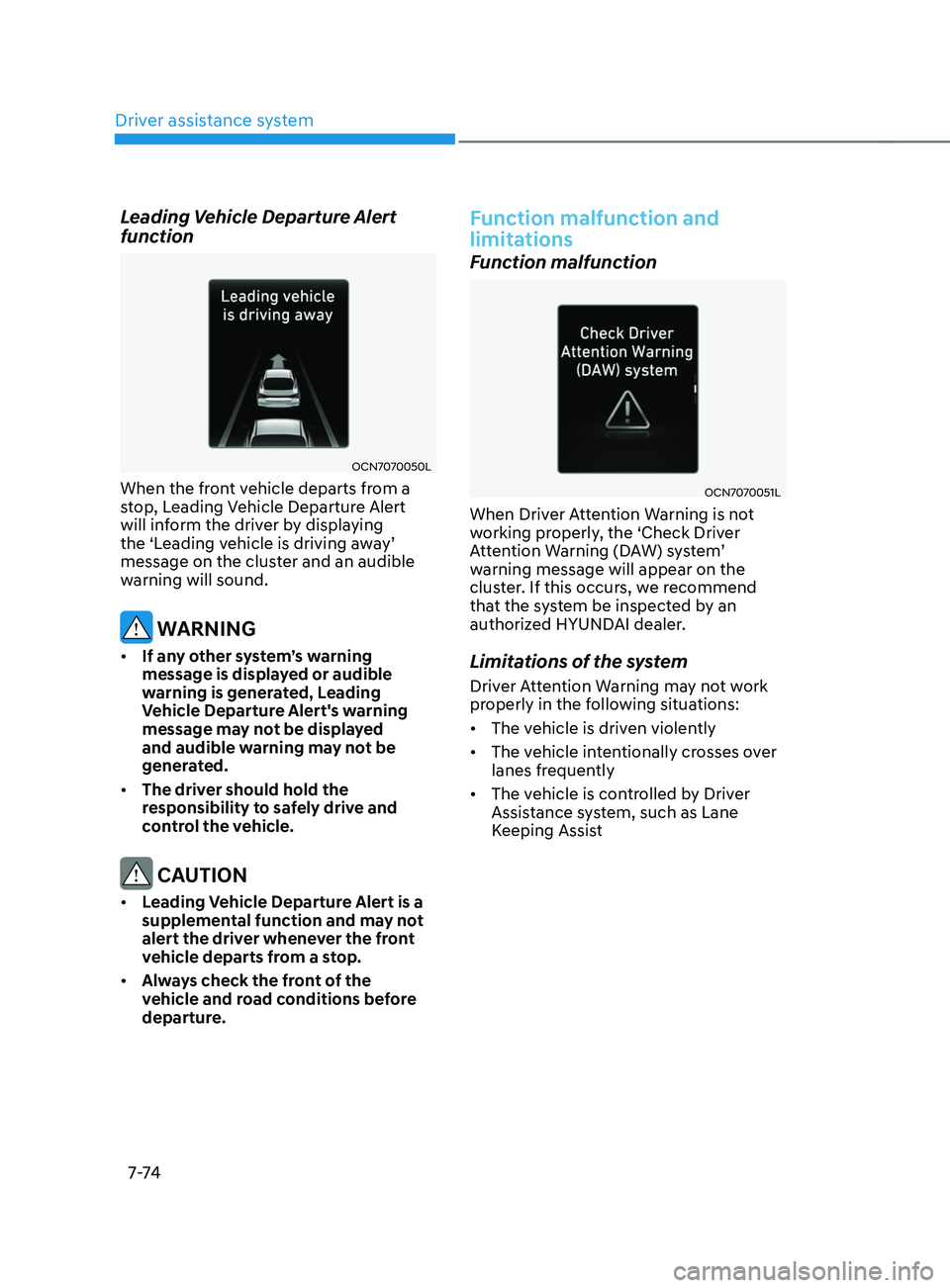
When the front vehicle departs from a
stop, Leading Vehicle Departure Alert
will inform the driver by displaying
the
‘L
eading
v
ehicle
is driving a
way’
message on the clust
er and an audible
warning will sound.
WARNING
• If any other system’s warning
message is displayed or audible
warning is generated, Leading
Vehicle Departure Alert's warning
message may not be displayed
and audible warning may not be
generated.
• The driver should hold the
responsibility to safely drive and
control the vehicle.
CAUTION
• Leading Vehicle Departure Alert is a
supplemental function and may not
alert the driver whenever the front
vehicle departs from a stop.
• Always check the front of the
vehicle and road conditions before
departure.
Function malfunction and
limitations
Function malfunction
OCN7070051L
When Driver Attention Warning is not
working properly, the ‘Check Driver
Attention
W
arning
(D
AW)
s
ystem’
warning message will appear on the
clus
ter. If this occurs, we recommend
that the system be inspected by an
authorized HYUNDAI dealer.
Limitations of the system
Driver Attention Warning may not work
properly in the following situations:
• The vehicle is driven violently
• The vehicle intentionally crosses over
lanes frequently
• The vehicle is controlled by Driver
Assistance system, such as Lane
Keeping Assist
Page 393 of 570
Driver assistance system
7-80
To turn off the function
OCN7060060
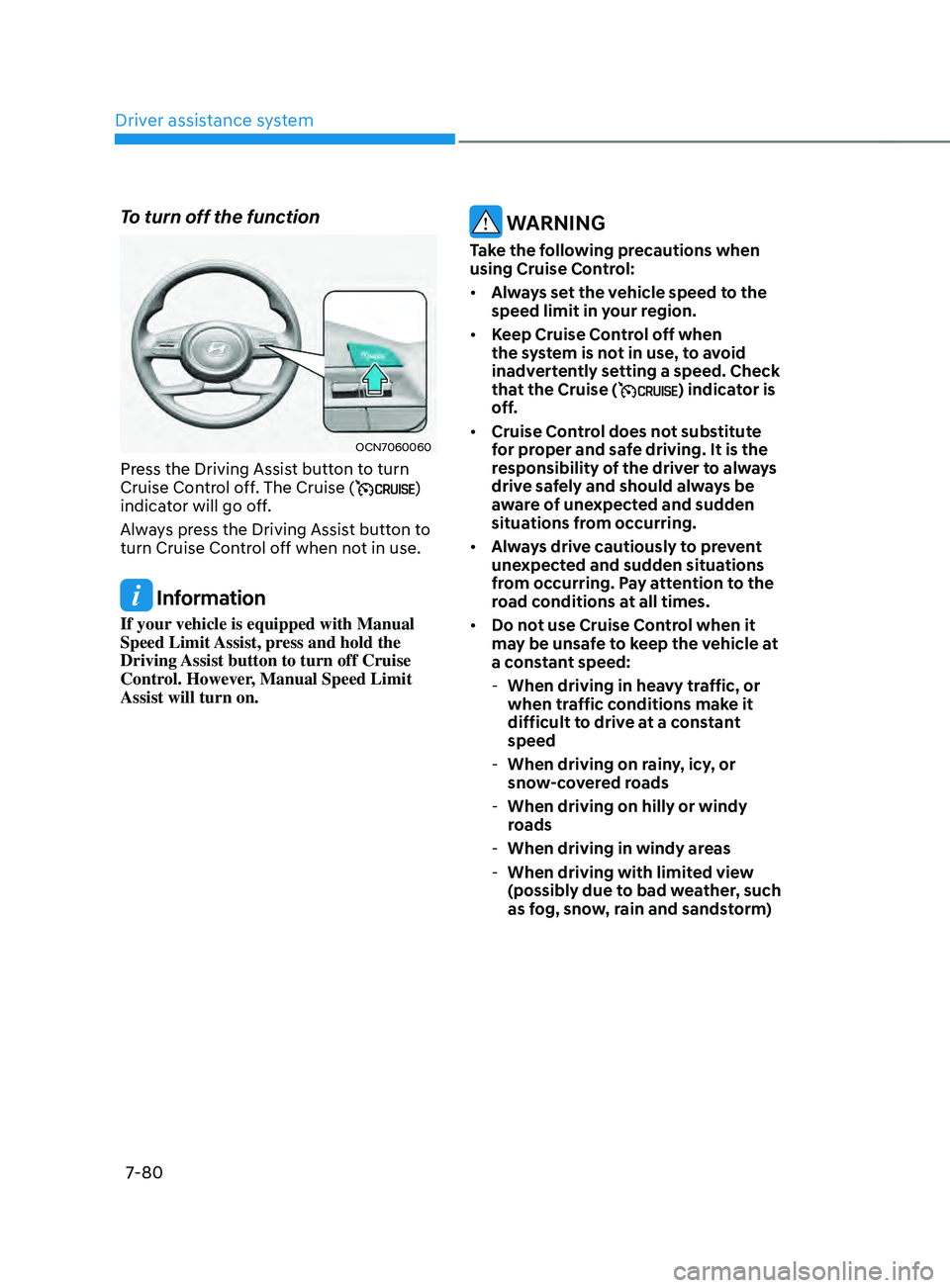
Press the Driving Assist button to turn
Cruise Control off. The Cruise ()
indicator will go off.
Always press the Driving Assist button to
turn Cruise Control off when not in use.
Information
If your vehicle is equipped with Manual
Speed Limit Assist, press and hold the
Driving Assist button to turn off Cruise
Control. However, Manual Speed Limit
Assist will turn on.
WARNING
Take the following precautions when
using Cruise Control:
• Always set the vehicle speed to the
speed limit in your region.
• Keep Cruise Control off when
the system is not in use, to avoid
inadvertently setting a speed. Check
that the Cruise (
) indicator is
off.
• Cruise Control does not substitute
for proper and safe driving. It is the
responsibility of the driver to always
drive safely and should always be
aware of unexpected and sudden
situations from occurring.
• Always drive cautiously to prevent
unexpected and sudden situations
from occurring. Pay attention to the
road conditions at all times.
• Do not use Cruise Control when it
may be unsafe to keep the vehicle at
a constant speed:
-When driving in heavy tr
affic, or
when traffic conditions make it
difficult to drive at a constant
speed
- When driving on rain
y, icy, or
snow-covered roads
- When driving on hilly or windy
roads
-When driving in windy areas
-When driving with limited vie
w
(possibly due to bad weather, such
as fog, snow, rain and sandstorm)
Page 403 of 570
Driver assistance system
7-90
Collision Warning
OCN7070028L
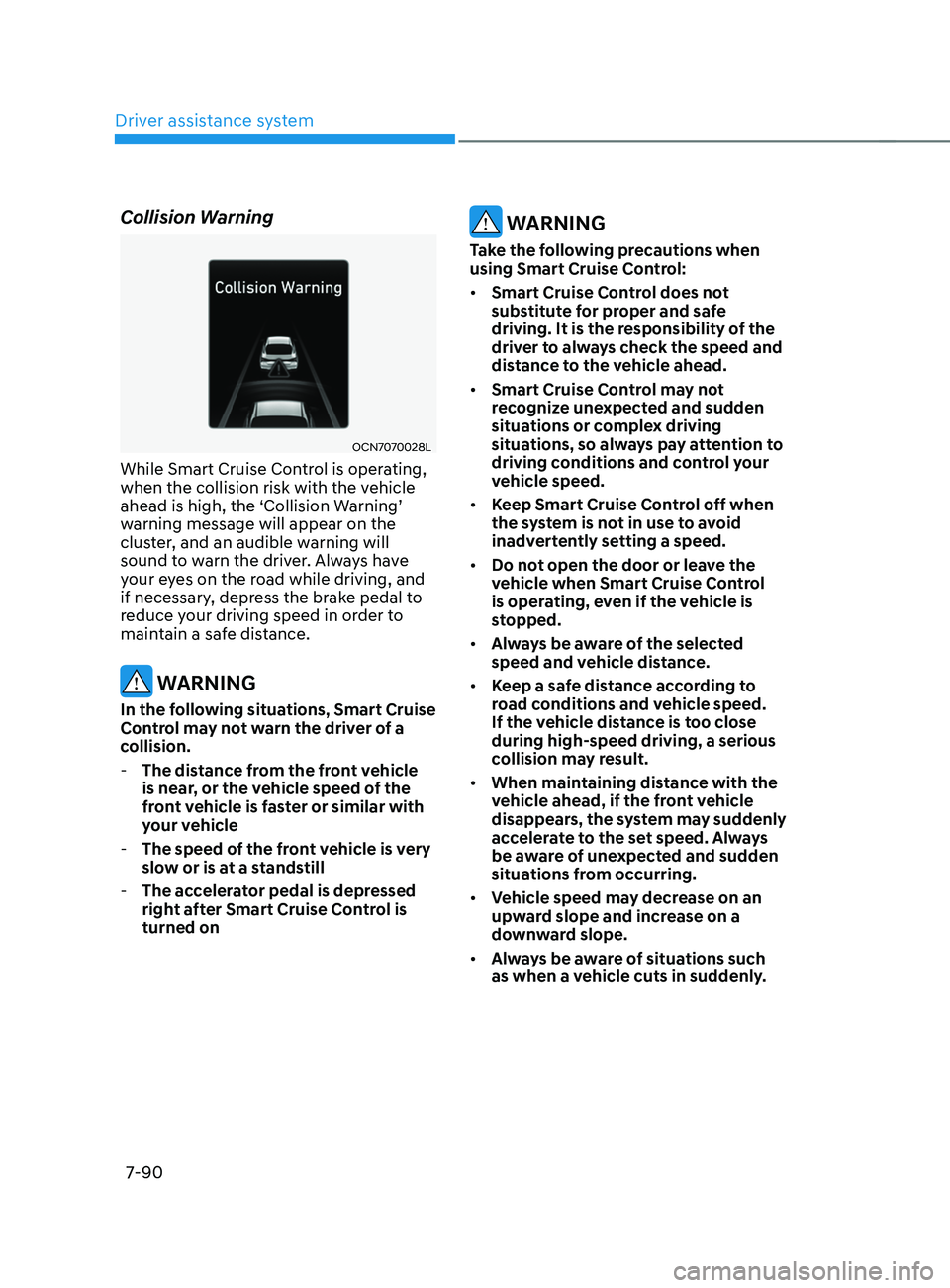
While Smart Cruise Control is operating,
when the collision risk with the vehicle
ahead
is high, the ‘Collision W
arning’
warning message will appear on the
clus
ter, and an audible warning will
sound to warn the driver. Always have
your eyes on the road while driving, and
if necessary, depress the brake pedal to
reduce your driving speed in order to
maintain a safe distance.
WARNING
In the following situations, Smart Cruise
Control may not warn the driver of a
collision.
- The distanc
e from the front vehicle
is near, or the vehicle speed of the
front vehicle is faster or similar with
your vehicle
- The speed of the fr
ont vehicle is very
slow or is at a standstill
- The acc
elerator pedal is depressed
right after Smart Cruise Control is
turned on
WARNING
Take the following precautions when
using Smart Cruise Control:
• Smart Cruise Control does not
substitute for proper and safe
driving. It is the responsibility of the
driver to always check the speed and
distance to the vehicle ahead.
• Smart Cruise Control may not
recognize unexpected and sudden
situations or complex driving
situations, so always pay attention to
driving conditions and control your
vehicle speed.
• Keep Smart Cruise Control off when
the system is not in use to avoid
inadvertently setting a speed.
• Do not open the door or leave the
vehicle when Smart Cruise Control
is operating, even if the vehicle is
stopped.
• Always be aware of the selected
speed and vehicle distance.
• Keep a safe distance according to
road conditions and vehicle speed.
If the vehicle distance is too close
during high-speed driving, a serious
collision may result.
• When maintaining distance with the
vehicle ahead, if the front vehicle
disappears, the system may suddenly
accelerate to the set speed. Always
be aware of unexpected and sudden
situations from occurring.
• Vehicle speed may decrease on an
upward slope and increase on a
downward slope.
• Always be aware of situations such
as when a vehicle cuts in suddenly.
Page 404 of 570
07
7-91
• When you are towing a trailer or
another vehicle, we recommend that
Smart Cruise Control is turned off
due to safety reasons.
• Turn off Smart Cruise Control when
your vehicle is being towed.
• Smart Cruise Control may not
operate normally if interfered by
strong electromagnetic waves.
• Smart Cruise Control may not
detect an obstacle in front and lead
to a collision. Always look ahead
cautiously to prevent unexpected
and sudden situations from
occurring.
• Vehicles moving in front of you with
a frequent lane change may cause
a delay in the system's reaction or
may cause the system to react to a
vehicle actually in an adjacent lane.
Always drive cautiously to prevent
unexpected and sudden situations
from occurring.
• Always be aware of the surroundings
and drive safely, even though a
warning message does not appear or
an audible warning does not sound.
• If any other system’s warning
message is displayed or warning
sound is generated, Smart Cruise
Control warning message may not
be displayed and warning sound may
not be generated.
• You may not hear the warning sound
of Forward Collision-Avoidance
Assist if the surrounding is noisy.
• The vehicle manufacturer is not
responsible for any traffic violation
or accidents caused by the driver.
• Always set the vehicle speed to the
speed limit in your country. Information
• Smart Cruise Control may not operate
for 15 seconds after the vehicle is
started or the front view camera or
front radar is initialized.
• You may hear a sound when the brake
is controlled by Smart Cruise Control.
Function malfunction and
limitations
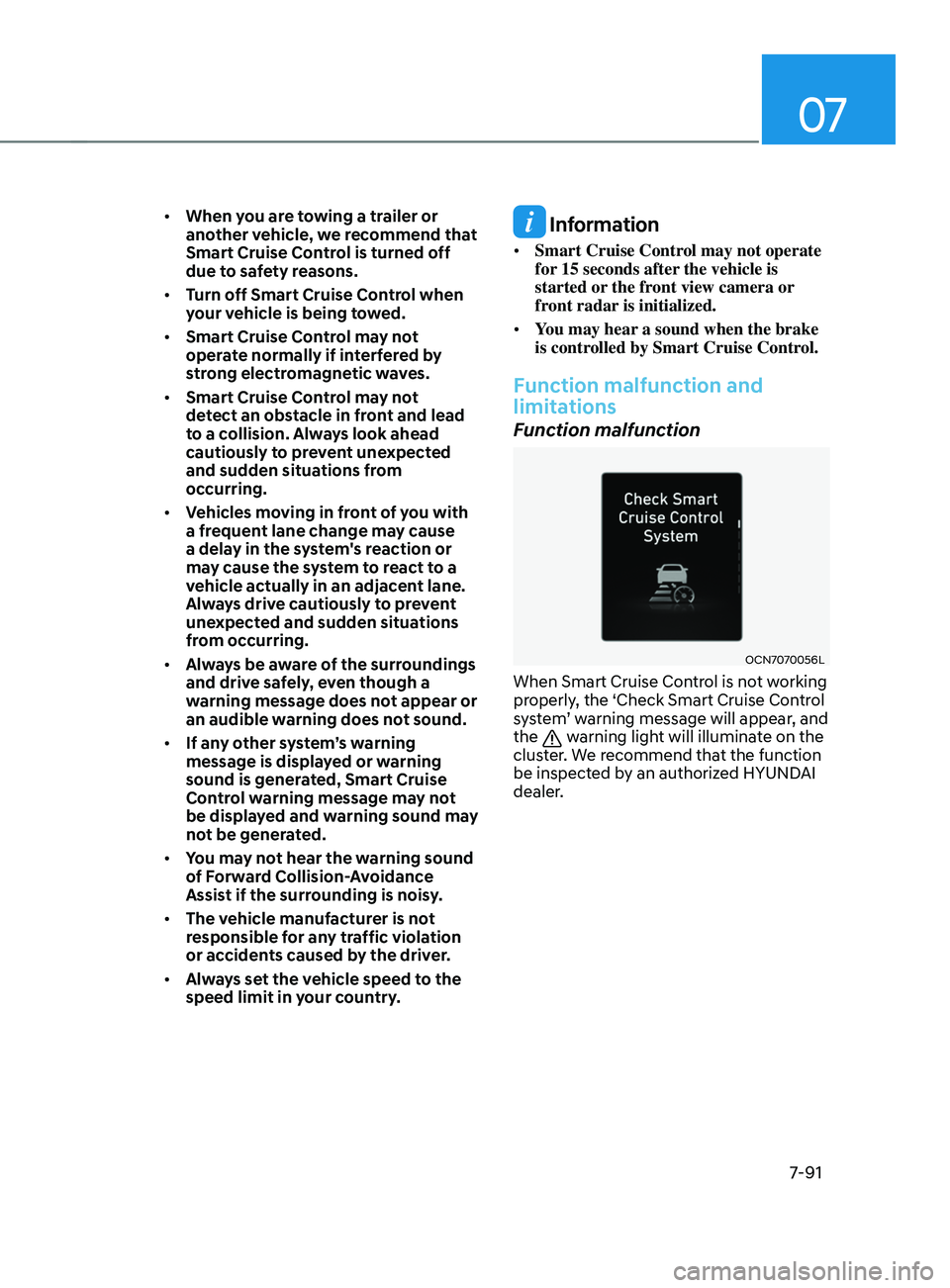
Function malfunction
OCN7070056L
When Smart Cruise Control is not working
properly, the ‘Check Smart Cruise Control
system’ warning message will appear, and
the
warning light will illuminate on the
cluster. We recommend that the function
be inspected by an authorized HYUNDAI
dealer.
Page 410 of 570
07
7-97
Information
This device complies with Part 15 of the
FCC rules.
Operation is subject to the following three
conditions:
1.
This device may not cause harmful
interference, and
2.
This device must accept any
interference r
eceived, including
interference that may cause undesired
operation.
3.
Changes or modifications not expr
essly
approved by the party responsible
for compliance could void the user's
authority to operate the device.
Information
Radio frequency radiation exposure
information:
This equipment complies with FCC
radiation exposure limits set forth for an
uncontrolled environment.
This equipment should be installed and
operated with minimum distance of 8 in.
(20 cm) between the radiator (antenna)
and your body.
This transmitter must not be co-located or
operating in conjunction with any other
antenna or transmitter.
Page 416 of 570
![HYUNDAI ELANTRA SEL 2021 Service Manual 07
7-103
OCN7070109N[1] : Driving route, [2] : Branch line,
[3] : Curved road section, [4] : Main road
• If there is no destination set on the
navigation, Highway Curve Zone Auto
Slowdown functio](/img/35/56089/w960_56089-415.png "HYUNDAI ELANTRA SEL 2021 Service Manual 07
7-103
OCN7070109N[1] : Driving route, [2] : Branch line,
[3] : Curved road section, [4] : Main road
• If there is no destination set on the
navigation, Highway Curve Zone Auto
Slowdown functio")
07
7-103
OCN7070109N[1] : Driving route, [2] : Branch line,
[3] : Curved road section, [4] : Main road
• If there is no destination set on the
navigation, Highway Curve Zone Auto
Slowdown function will operate based
on the curve information on the main
road.
• Even if you depart from the main road,
Highway Curve Zone Auto Slowdown
function may temporarily operate
due to navigation information of the
highway curve section.
WARNING
• Navigation-based Smart Cruise
Control is not a substitute for safe
driving practices, but a convenience
function. Always have your eyes on
the road, and it is the responsibility
of the driver to avoid violating traffic
laws.
• The navigation’s speed limit
information may differ from the
actual speed limit information on the
road. It is the driver's responsibility
to check the speed limit on the
actual driving road or lane.
• Navigation-based Smart Cruise
Control will automatically be
cancelled when you leave the
highway (or motorway) main road.
Always pay attention to road and
driving conditions while driving.
• Navigation-based Smart Cruise
Control may not operate due to the
existence of leading vehicles and
the driving conditions of the vehicle.
Always pay attention to road and
driving conditions while driving.
• When you are towing a trailer or
another vehicle, we recommend
that Navigation-based Smart Cruise
Control is turned off due to safety
reasons.
Page 417 of 570
Driver assistance system
7-104
• After you pass through a tollgate on a
highway (or motorway), Navigation-
based Smart Cruise Control will
operate based on the first lane. If
you enter one of the other lanes, the
system may not operate properly.
• The vehicle will accelerate if the
driver depresses the accelerator
pedal while Navigation-based Smart
Cruise Control is operating, and
the system will not decelerate the
vehicle.
• If the driver accelerates and
releases the accelerator pedal while
Navigation-based Smart Cruise
Control is operating, the vehicle may
not decelerate sufficiently or may
rapidly decelerate to a safe speed.
• If the curve is too large or too small,
Navigation-based Smart Cruise
Control may not operate.
Information
• The time gap could occur between
the navigation’s guidance and when
Navigation-based Smart Cruise Control
operation starts and ends.
• The speed information on the cluster
and navigation may differ.
• Even if you are driving at a speed lower
than Smart Cruise Control set speed,
acceleration may be limited by the
curve sections ahead.
• If Navigation-based Smart Cruise
Control is operating while leaving the
main road to enter an interchange,
junction, rest area, etc., the system may
operate for a certain period of time.
• Deceleration by Navigation-based
Smart Cruise Control may feel it is not
sufficient due to road conditions such
as uneven road surfaces, narrow lanes,
etc.
Information
This device complies with Part 15 of the
FCC rules.
Operation is subject to the following three
conditions:
1.
This device may not cause harmful
interference, and
2.
This device must accept any
interference r
eceived, including
interference that may cause undesired
operation.
3.
Changes or modifications not expr
essly
approved by the party responsible
for compliance could void the user's
authority to operate the device.
Information
Radio frequency radiation exposure
information:
This equipment complies with FCC
radiation exposure limits set forth for an
uncontrolled environment.
This equipment should be installed and
operated with minimum distance of 8 in.
(20 cm) between the radiator (antenna)
and your body.
This transmitter must not be co-located or
operating in conjunction with any other
antenna or transmitter.
Page 420 of 570
07
7-107
OCN7070035L
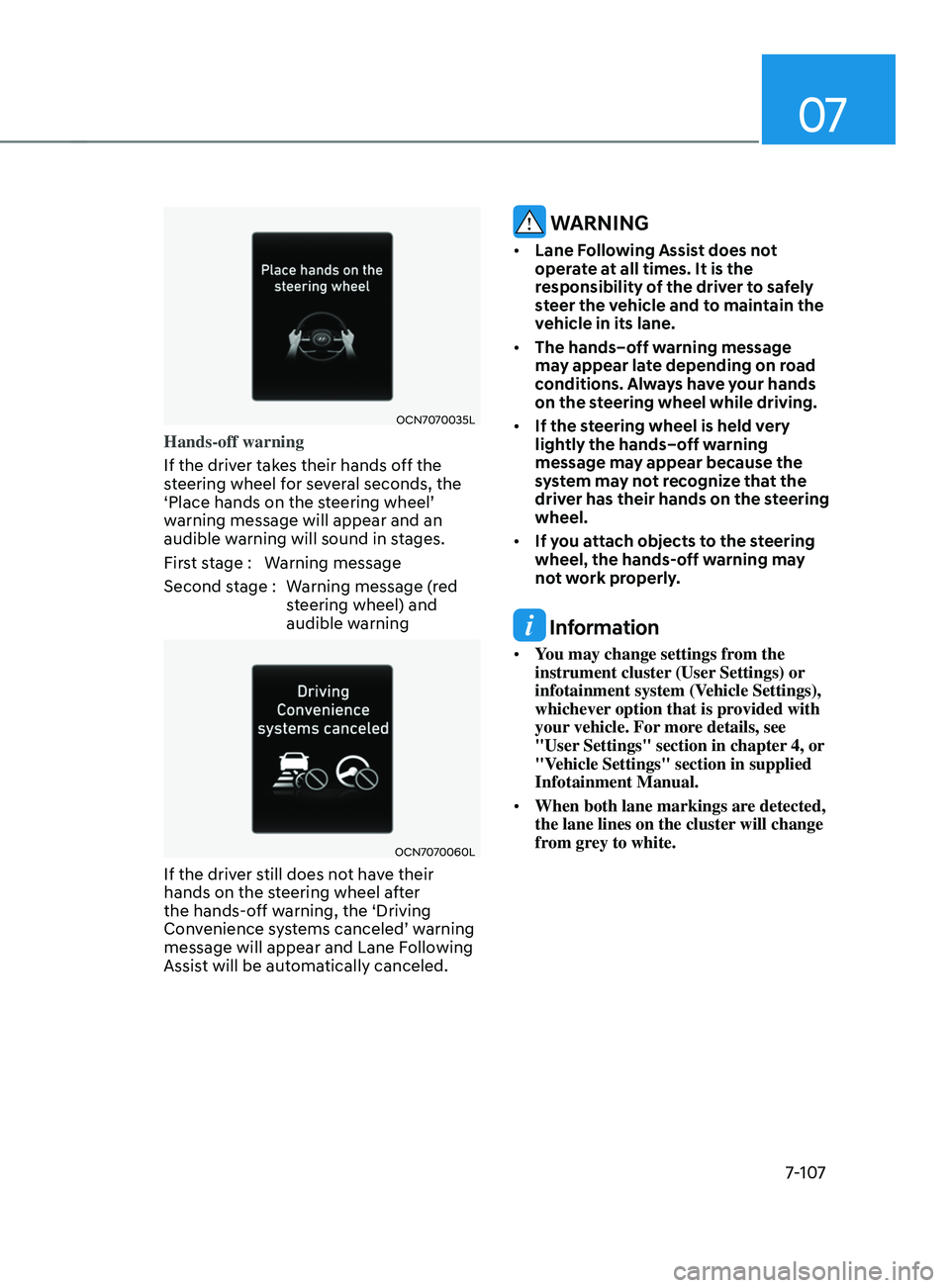
Hands-off warning
If the driver takes their hands off the
steering wheel for several seconds, the
‘Place
hands on the s
teering
wheel’ warning message will appear and an
audible w
arning will sound in stages.
First stage : Warning message
Second stage : Warning message (red steering wheel) and
audible warning
OCN7070060L
If the driver still does not have their
hands on the steering wheel after
the hands-off warning, the ‘Driving
Convenience
s
ystems
canceled’ w
arning
message will appear and Lane Follo
wing
Assist will be automatically canceled.
WARNING
• Lane Following Assist does not
operate at all times. It is the
responsibility of the driver to safely
steer the vehicle and to maintain the
vehicle in its lane.
• The hands–off warning message
may appear late depending on road
conditions. Always have your hands
on the steering wheel while driving.
• If the steering wheel is held very
lightly the hands–off warning
message may appear because the
system may not recognize that the
driver has their hands on the steering
wheel.
• If you attach objects to the steering
wheel, the hands-off warning may
not work properly.
Information
• You may change settings from the
instrument cluster (User Settings) or
infotainment system (Vehicle Settings),
whichever option that is provided with
your vehicle. For more details, see
"User Settings" section in chapter 4, or
"Vehicle Settings" section in supplied
Infotainment Manual.
• When both lane markings are detected,
the lane lines on the cluster will change
from grey to white.