wheel Hyundai Equus 2016 Workshop Manual
[x] Cancel search | Manufacturer: HYUNDAI, Model Year: 2016, Model line: Equus, Model: Hyundai Equus 2016Pages: 477, PDF Size: 16.25 MB
Page 302 of 477
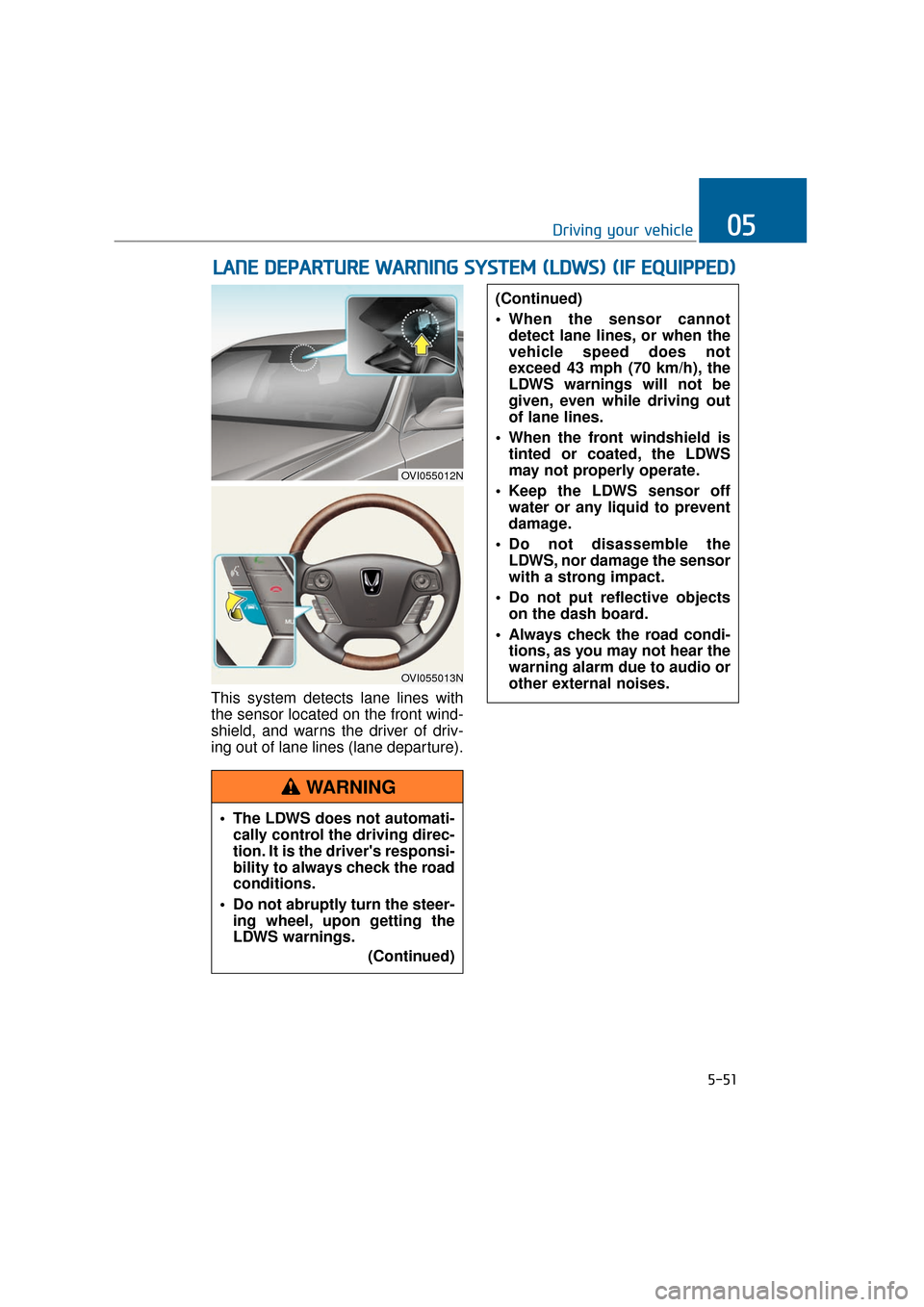
This system detects lane lines with
the sensor located on the front wind-
shield, and warns the driver of driv-
ing out of lane lines (lane departure).
L LA
A N
N E
E
D
D E
EP
P A
A R
RT
TU
U R
RE
E
W
W A
AR
RN
N I
IN
N G
G
S
S Y
Y S
ST
T E
EM
M
(
( L
L D
D W
W S
S)
)
(
( I
IF
F
E
E Q
Q U
UI
IP
P P
PE
ED
D )
)
5-51
Driving your vehicle05
OVI055012N
OVI055013N
The LDWS does not automati-
cally control the driving direc-
tion. It is the driver's responsi-
bility to always check the road
conditions.
Do not abruptly turn the steer- ing wheel, upon getting the
LDWS warnings.
(Continued)
(Continued)
When the sensor cannotdetect lane lines, or when the
vehicle speed does not
exceed 43 mph (70 km/h), the
LDWS warnings will not be
given, even while driving out
of lane lines.
When the front windshield is tinted or coated, the LDWS
may not properly operate.
Keep the LDWS sensor off water or any liquid to prevent
damage.
Do not disassemble the LDWS, nor damage the sensor
with a strong impact.
Do not put reflective objects on the dash board.
Always check the road condi- tions, as you may not hear the
warning alarm due to audio or
other external noises.
WARNING
Page 306 of 477
5-55
Driving your vehicle05
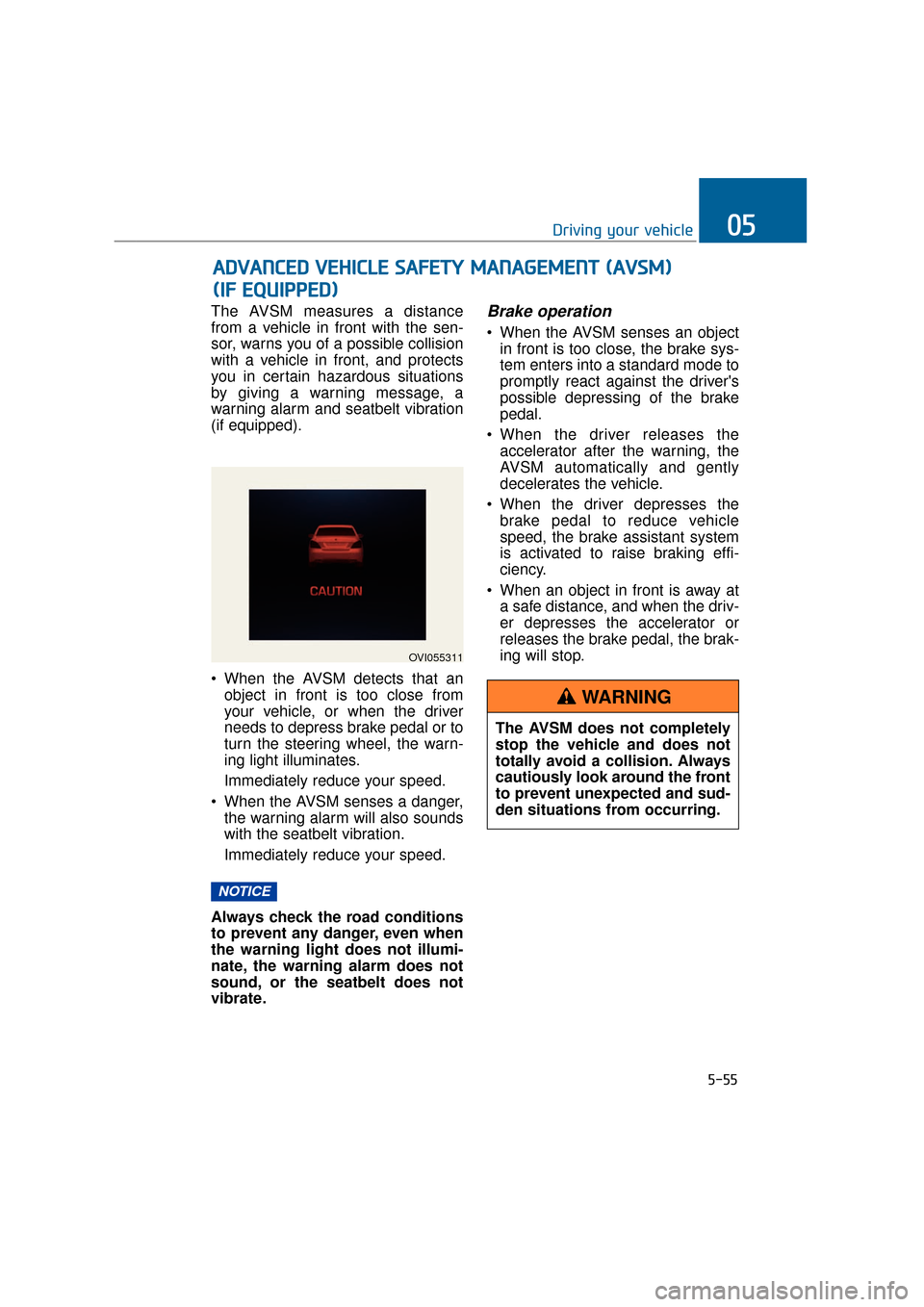
The AVSM measures a distance
from a vehicle in front with the sen-
sor, warns you of a possible collision
with a vehicle in front, and protects
you in certain hazardous situations
by giving a warning message, a
warning alarm and seatbelt vibration
(if equipped).
When the AVSM detects that anobject in front is too close from
your vehicle, or when the driver
needs to depress brake pedal or to
turn the steering wheel, the warn-
ing light illuminates.
Immediately reduce your speed.
When the AVSM senses a danger, the warning alarm will also sounds
with the seatbelt vibration.
Immediately reduce your speed.
Always check the road conditions
to prevent any danger, even when
the warning light does not illumi-
nate, the warning alarm does not
sound, or the seatbelt does not
vibrate.Brake operation
When the AVSM senses an object in front is too close, the brake sys-
tem enters into a standard mode to
promptly react against the driver's
possible depressing of the brake
pedal.
When the driver releases the accelerator after the warning, the
AVSM automatically and gently
decelerates the vehicle.
When the driver depresses the brake pedal to reduce vehicle
speed, the brake assistant system
is activated to raise braking effi-
ciency.
When an object in front is away at a safe distance, and when the driv-
er depresses the accelerator or
releases the brake pedal, the brak-
ing will stop.
NOTICE
A AD
DV
VA
A N
N C
CE
E D
D
V
V E
EH
H I
IC
C L
LE
E
S
S A
A F
FE
E T
T Y
Y
M
M A
AN
N A
AG
G E
EM
M E
EN
N T
T
(
( A
A V
VS
SM
M )
)
(
( I
IF
F
E
E Q
Q U
UI
IP
P P
PE
ED
D )
)
OVI055311
The AVSM does not completely
stop the vehicle and does not
totally avoid a collision. Always
cautiously look around the front
to prevent unexpected and sud-
den situations from occurring.
WARNING
Page 316 of 477
5-65
Driving your vehicle05
Your vehicle's fuel economy depends
mainly on your driving style such as
where you drive and when you drive.
Each of these factors affects your
fuel economy (how many miles/kilo-
meters you can drive with a
gallon/liter of fuel). To drive your vehi-
cle as economically as possible, fol-
low the below driving suggestions.
These will help you save in both the
fuel and repair expenses:
Drive smoothly. Accelerate at amoderate rate. Do not make
"jackrabbit" starts or full-throttle
shifts. Maintain a steady cruising
speed. Do not race between stop-
lights. Try to adjust your speed in
accordance with other traffic to
avoid unnecessary speed
changes. Avoid heavy traffic when-
ever possible. Always maintain a
safe distance from a vehicle in
front to avoid unnecessary braking.
This also reduces brake wear-out.
Drive at a moderate speed. The faster you drive, the more fuel your
vehicle uses. Driving at a moderate
speed, in the highest gear appro-
priate for the driving conditions
especially on the highway, is one of
the most effective ways to reduce
fuel consumption.
Do not "ride" the brake pedal. This can increase fuel consumption and
also wear out the brake compo-
nents. In addition, resting your foot
on the brake pedal, while driving,
may overheat the brake, reducing
breaking effects and possibly lead-
ing a serious consequence.
Check your tire conditions. Keep them inflated to the recommended
pressure level. Under or over infla-
tion will unnecessarily tire wear-
out. Check the tire pressures at
least once a month. Make sure that the wheels are cor-
rectly aligned. Hitting a curb or
driving too fast on uneven surfaces
may distort the wheel alignment.
Poor alignment causes faster tire
wear-out and may also result in
other problems as well as greater
fuel consumption.
Keep your vehicle in good condi- tion. For the better fuel economy
and the cheaper maintenance
expenses, maintain your vehicle in
accordance with the maintenance
schedule in the chapter 7. When
you drive your vehicle in harsh con-
ditions, more frequent mainte-
nance is required (refer to the
chapter 7 for further information).
Keep your vehicle clean. Your vehi- cle should be kept clean and away
from any corrosive substances. It is
especially important that mud, dirt,
ice and others are not daubed
under the vehicle. This extra weight
may increase the fuel consumption
and also cause corrosion.
Avoid a heavy loading. Do not carry unnecessary weight in your
vehicle. It will improve your fuel
economy.
Do not let the engine idle longer than necessary. When you wait
(not in traffic), turn OFF the engine.
Then restart the engine, when you
are ready to go.
Remember that your vehicle does not require the engine warm-up for
a long time. After turning On the
engine, run the engine for 10 to 20
seconds, before shifting the gear.
In cold weather, however, your
engine needs a slightly longer
warm-up period.
E EC
CO
O N
NO
O M
M I
IC
C A
A L
L
O
O P
PE
ER
R A
A T
TI
IO
O N
N
Page 317 of 477
5-66
Driving your vehicle
Do not "lug" or "over-rev" the engine. Lugging is to drive too
slowly in a high gear, resulting in
the engine bucking. In this case,
shift to a lower gear. Over-revving
is racing the engine beyond its safe
limit. This can be avoided by decel-
erating to a recommended speed.
Use your air conditioning at inter- vals. The air conditioning system
operates by engine power. Thus,
your fuel economy will decline,
when turning it ON.
Opening the windows, while driv- ing at a high speed, may reduce
the fuel economy.
The fuel economy will decline in the crosswind and headwind. To
offset some of this loss, slow down
the driving speed.
Keeping a vehicle in good operating
condition is important both for the
fuel economy and safety. Therefore,
have your vehicle inspected and
maintained by an authorized EQUUS
dealer on a regular basis. - Turning the engine OFF while
driving
Never turn the engine OFF to
coast down hills or anytime the
vehicle is in motion. The power
steering and power brakes will
not properly operate, when the
engine is turned OFF. Keep the
engine ON and downshift to an
appropriate gear for engine
braking effect. Moreover, turn-
ing OFF the ignition, while driv-
ing, may lock the steering
wheel, blocking the steer wheel
movement and causing a seri-
ous injury or death.
WARNING
Page 318 of 477
5-67
Driving your vehicle05
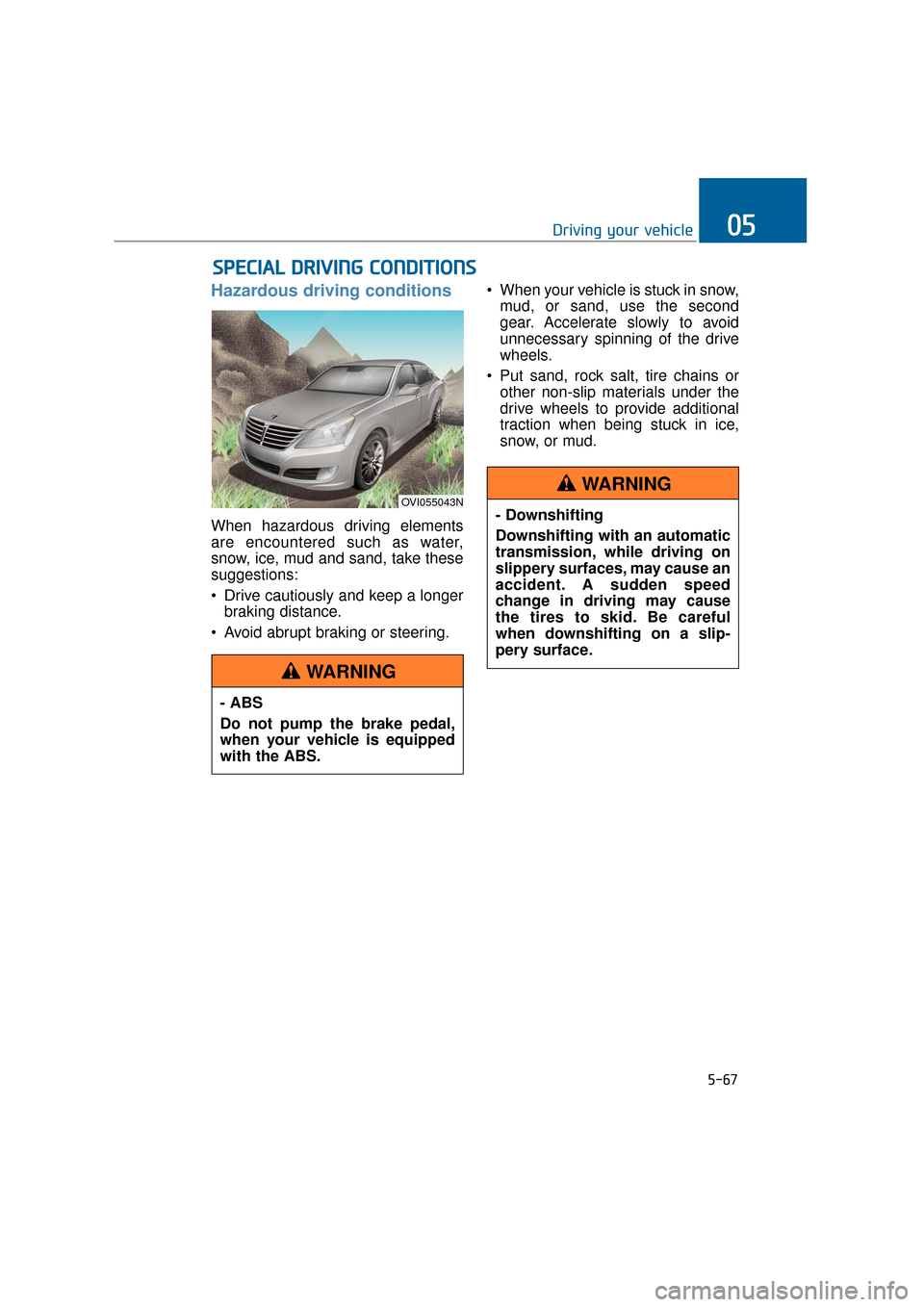
Hazardous driving conditions
When hazardous driving elements
are encountered such as water,
snow, ice, mud and sand, take these
suggestions:
Drive cautiously and keep a longerbraking distance.
Avoid abrupt braking or steering. When your vehicle is stuck in snow,
mud, or sand, use the second
gear. Accelerate slowly to avoid
unnecessary spinning of the drive
wheels.
Put sand, rock salt, tire chains or other non-slip materials under the
drive wheels to provide additional
traction when being stuck in ice,
snow, or mud.
S SP
P E
EC
CI
IA
A L
L
D
D R
RI
IV
V I
IN
N G
G
C
C O
O N
ND
DI
IT
T I
IO
O N
NS
S
OVI055043N
- ABS
Do not pump the brake pedal,
when your vehicle is equipped
with the ABS.
WARNING
- Downshifting
Downshifting with an automatic
transmission, while driving on
slippery surfaces, may cause an
accident. A sudden speed
change in driving may cause
the tires to skid. Be careful
when downshifting on a slip-
pery surface.
WARNING
Page 319 of 477
5-68
Driving your vehicle
Rocking the vehicle
When it is necessary to rock the
vehicle to escape from snow, sand,
or mud, first move the steering wheel
from side to side to clear the front-
wheel area. Then, move the shift
lever back and forth between
R(Reverse) and any forward gears.
Do not race the engine, and avoid
unnecessary wheel spins. When
your vehicle is still stuck in after try-
ing the above, have the vehicle
pulled out by a tow truck to avoid
engine overheating and transmission
damages.
A long-time rocking may overheat
the engine and damage the trans-
mission/tires.
Information
The ESC system must be turned OFF
before rocking the vehicle.
i
NOTICE
- Spinning tires
Do not spin the wheels, espe-
cially faster than 35 mph (56
km/h). Spinning the wheels at a
high speed, while parking, may
overheat a tire and injure
passers-by.
WARNING
When your vehicle is stuck in
snow, mud, sand, etc., you may
rock the vehicle to escape by
moving forwards and back-
wards. Do not attempt this,
when people or objects are any-
where near the vehicle. Rocking
the vehicle may cause it to sud-
denly move forwards or back-
wards, as it becomes unstuck,
injuring nearby people or dam-
aging objects.
WARNING
Page 321 of 477
5-70
Driving your vehicle
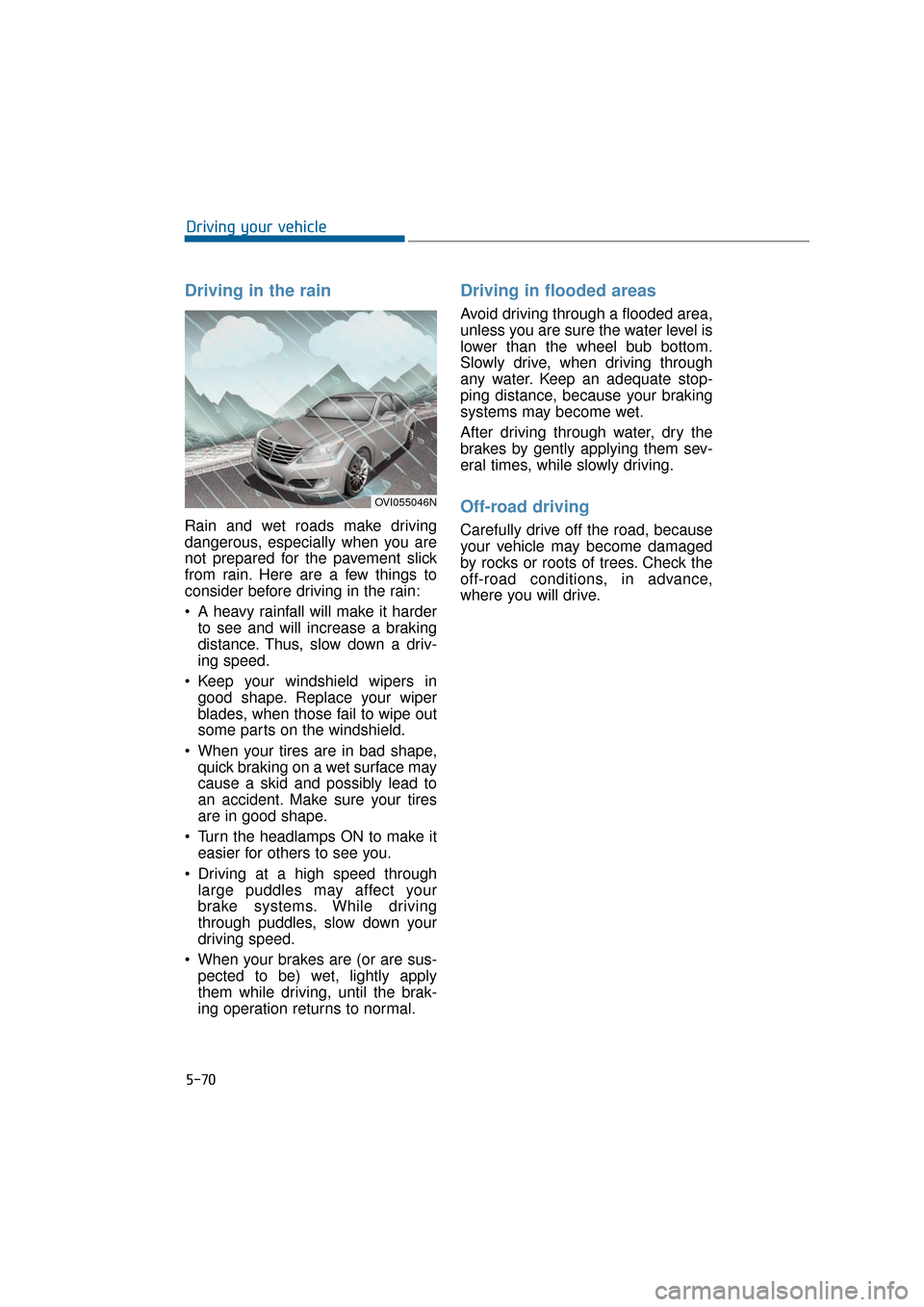
Driving in the rain
Rain and wet roads make driving
dangerous, especially when you are
not prepared for the pavement slick
from rain. Here are a few things to
consider before driving in the rain:
A heavy rainfall will make it harderto see and will increase a braking
distance. Thus, slow down a driv-
ing speed.
Keep your windshield wipers in good shape. Replace your wiper
blades, when those fail to wipe out
some parts on the windshield.
When your tires are in bad shape, quick braking on a wet surface may
cause a skid and possibly lead to
an accident. Make sure your tires
are in good shape.
Turn the headlamps ON to make it easier for others to see you.
Driving at a high speed through large puddles may affect your
brake systems. While driving
through puddles, slow down your
driving speed.
When your brakes are (or are sus- pected to be) wet, lightly apply
them while driving, until the brak-
ing operation returns to normal.
Driving in flooded areas
Avoid driving through a flooded area,
unless you are sure the water level is
lower than the wheel bub bottom.
Slowly drive, when driving through
any water. Keep an adequate stop-
ping distance, because your braking
systems may become wet.
After driving through water, dry the
brakes by gently applying them sev-
eral times, while slowly driving.
Off-road driving
Carefully drive off the road, because
your vehicle may become damaged
by rocks or roots of trees. Check the
off-road conditions, in advance,
where you will drive.
OVI055046N
Page 322 of 477
5-71
Driving your vehicle05
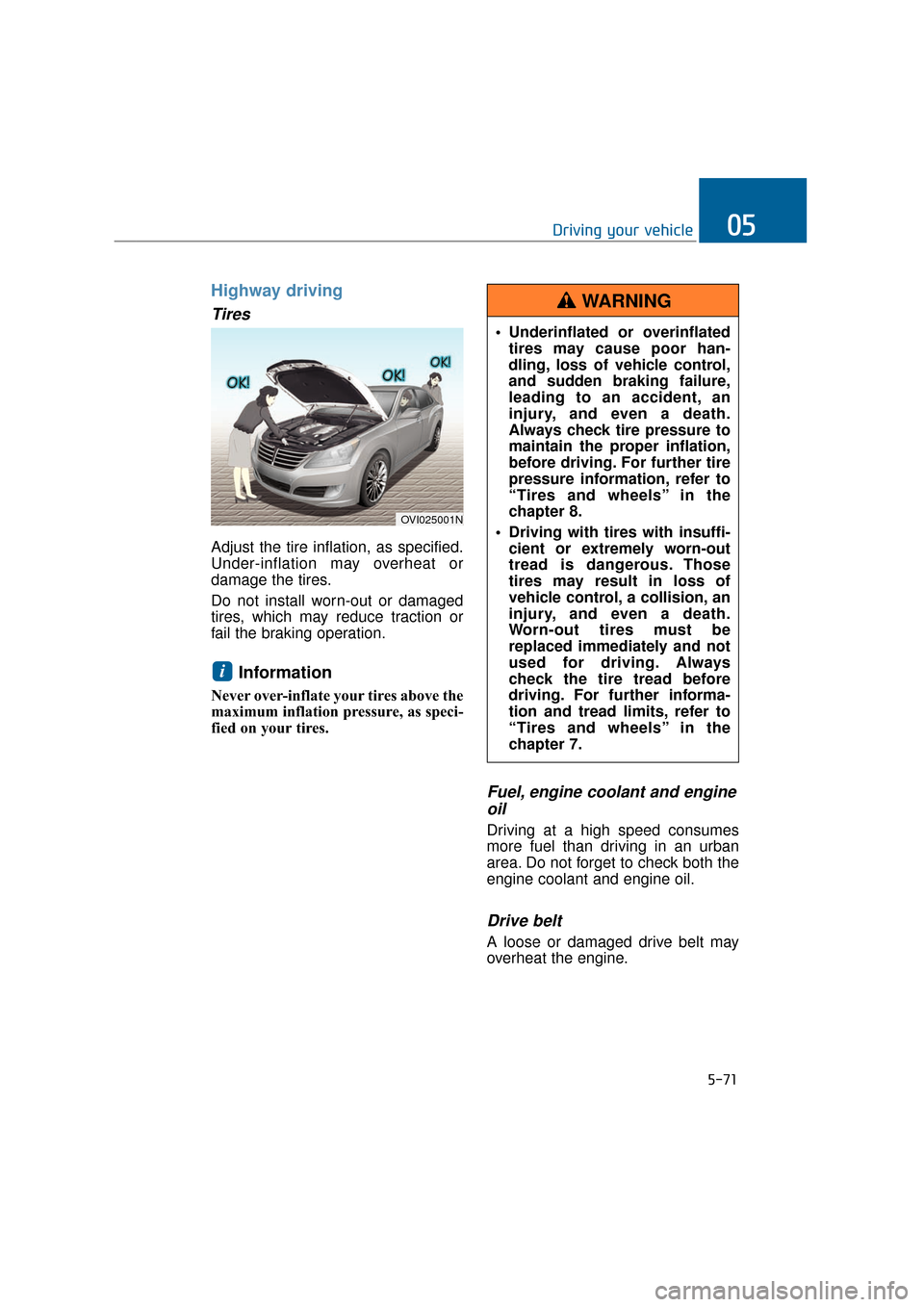
Highway driving
Tires
Adjust the tire inflation, as specified.
Under-inflation may overheat or
damage the tires.
Do not install worn-out or damaged
tires, which may reduce traction or
fail the braking operation.
Information
Never over-inflate your tires above the
maximum inflation pressure, as speci-
fied on your tires.
Fuel, engine coolant and engineoil
Driving at a high speed consumes
more fuel than driving in an urban
area. Do not forget to check both the
engine coolant and engine oil.
Drive belt
A loose or damaged drive belt may
overheat the engine.
i
OVI025001N
Underinflated or overinflated
tires may cause poor han-
dling, loss of vehicle control,
and sudden braking failure,
leading to an accident, an
injury, and even a death.
Always check tire pressure to
maintain the proper inflation,
before driving. For further tire
pressure information, refer to
“Tires and wheels” in the
chapter 8.
Driving with tires with insuffi- cient or extremely worn-out
tread is dangerous. Those
tires may result in loss of
vehicle control, a collision, an
injury, and even a death.
Worn-out tires must be
replaced immediately and not
used for driving. Always
check the tire tread before
driving. For further informa-
tion and tread limits, refer to
“Tires and wheels” in the
chapter 7.
WARNING
Page 323 of 477
5-72
Driving your vehicle
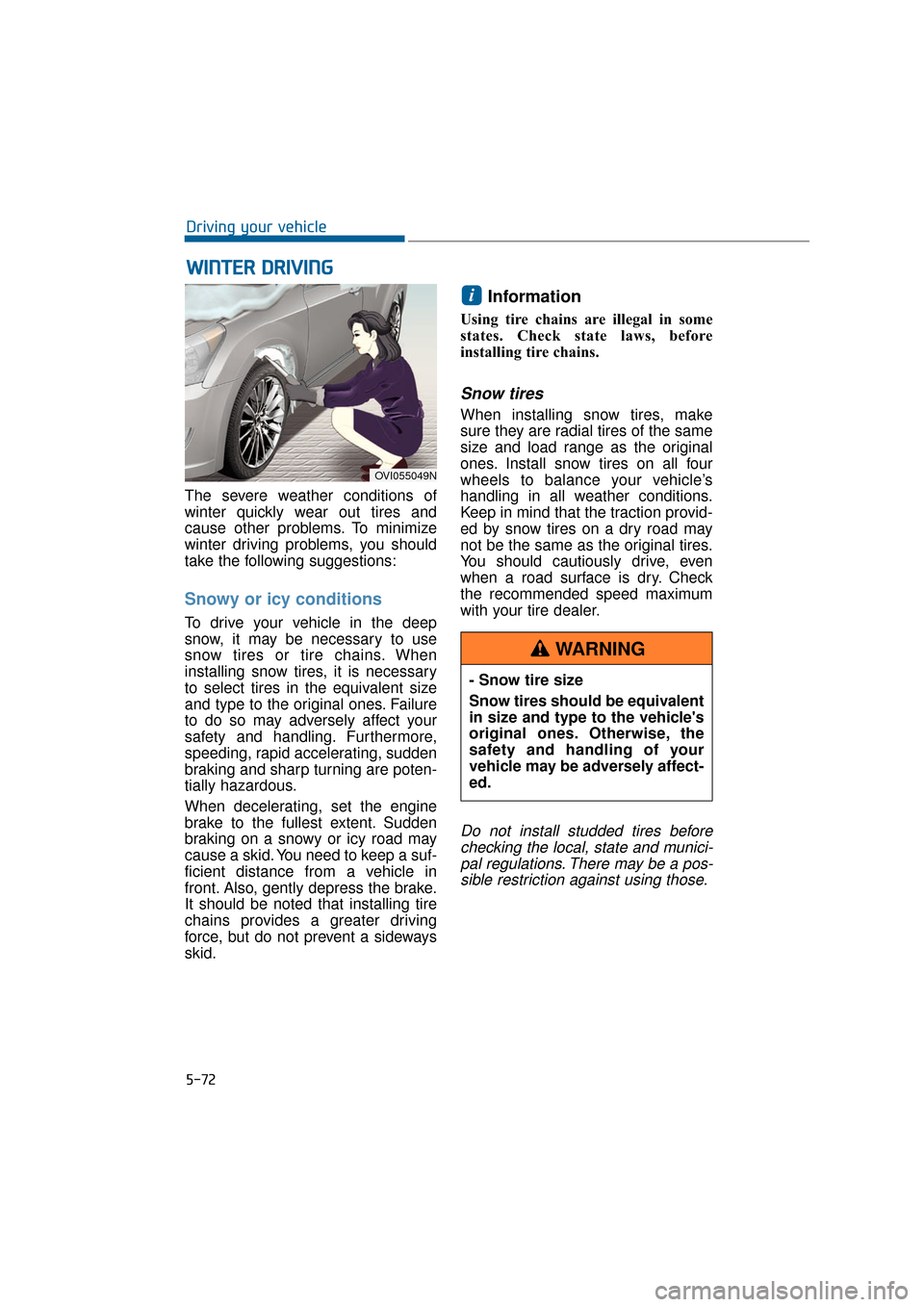
The severe weather conditions of
winter quickly wear out tires and
cause other problems. To minimize
winter driving problems, you should
take the following suggestions:
Snowy or icy conditions
To drive your vehicle in the deep
snow, it may be necessary to use
snow tires or tire chains. When
installing snow tires, it is necessary
to select tires in the equivalent size
and type to the original ones. Failure
to do so may adversely affect your
safety and handling. Furthermore,
speeding, rapid accelerating, sudden
braking and sharp turning are poten-
tially hazardous.
When decelerating, set the engine
brake to the fullest extent. Sudden
braking on a snowy or icy road may
cause a skid. You need to keep a suf-
ficient distance from a vehicle in
front. Also, gently depress the brake.
It should be noted that installing tire
chains provides a greater driving
force, but do not prevent a sideways
skid.
Information
Using tire chains are illegal in some
states. Check state laws, before
installing tire chains.
Snow tires
When installing snow tires, make
sure they are radial tires of the same
size and load range as the original
ones. Install snow tires on all four
wheels to balance your vehicle’s
handling in all weather conditions.
Keep in mind that the traction provid-
ed by snow tires on a dry road may
not be the same as the original tires.
You should cautiously drive, even
when a road surface is dry. Check
the recommended speed maximum
with your tire dealer.
Do not install studded tires before checking the local, state and munici-pal regulations. There may be a pos-sible restriction against using those.
i
W W I
IN
N T
TE
ER
R
D
D R
RI
IV
V I
IN
N G
G
OVI055049N
- Snow tire size
Snow tires should be equivalent
in size and type to the vehicle's
original ones. Otherwise, the
safety and handling of your
vehicle may be adversely affect-
ed.
WARNING
Page 324 of 477
5-73
Driving your vehicle05
Tire chains
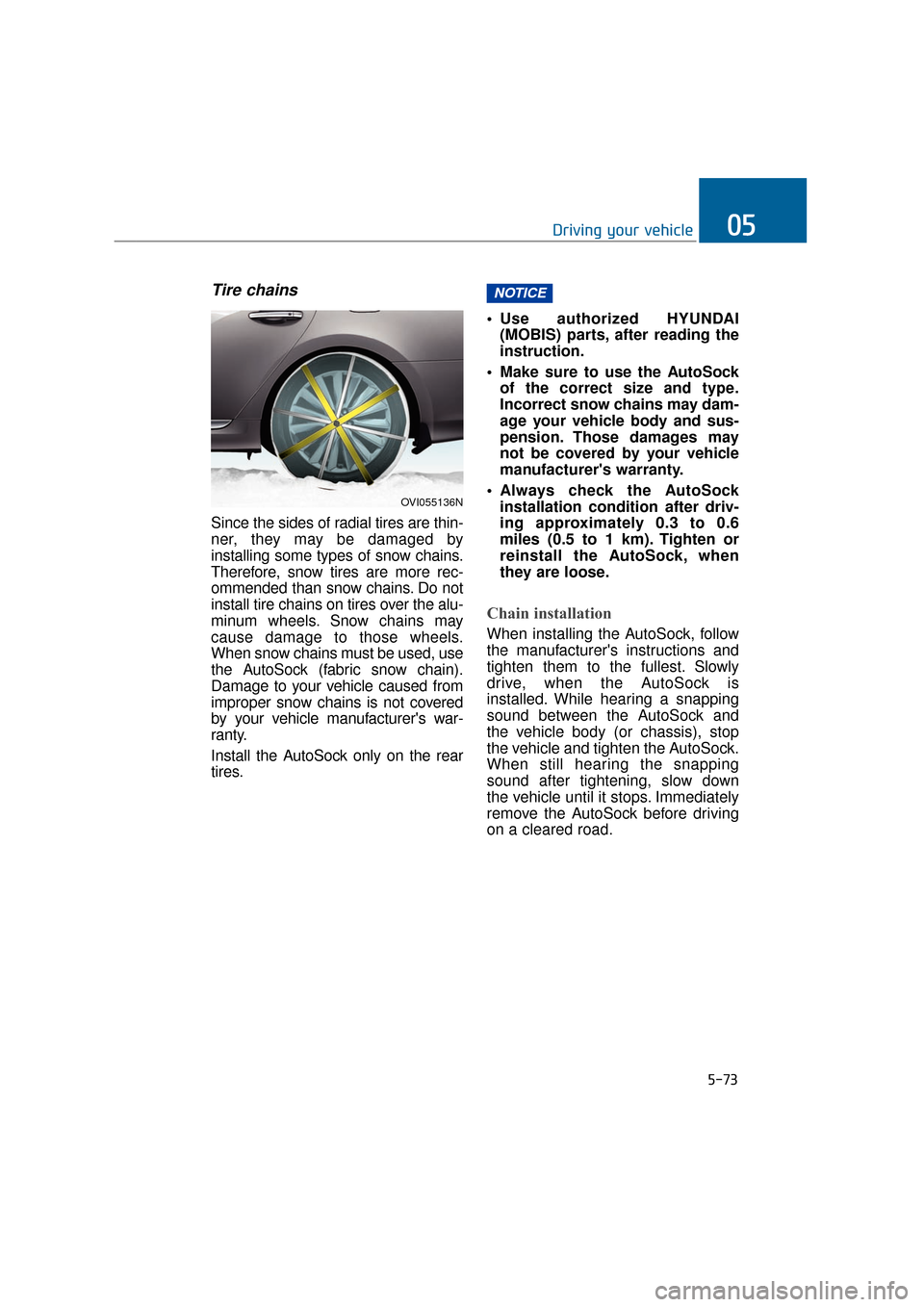
Since the sides of radial tires are thin-
ner, they may be damaged by
installing some types of snow chains.
Therefore, snow tires are more rec-
ommended than snow chains. Do not
install tire chains on tires over the alu-
minum wheels. Snow chains may
cause damage to those wheels.
When snow chains must be used, use
the AutoSock (fabric snow chain).
Damage to your vehicle caused from
improper snow chains is not covered
by your vehicle manufacturer's war-
ranty.
Install the AutoSock only on the rear
tires. Use authorized HYUNDAI
(MOBIS) parts, after reading the
instruction.
Make sure to use the AutoSock of the correct size and type.
Incorrect snow chains may dam-
age your vehicle body and sus-
pension. Those damages may
not be covered by your vehicle
manufacturer's warranty.
Always check the AutoSock installation condition after driv-
ing approximately 0.3 to 0.6
miles (0.5 to 1 km). Tighten or
reinstall the AutoSock, when
they are loose.
Chain installation
When installing the AutoSock, follow
the manufacturer's instructions and
tighten them to the fullest. Slowly
drive, when the AutoSock is
installed. While hearing a snapping
sound between the AutoSock and
the vehicle body (or chassis), stop
the vehicle and tighten the AutoSock.
When still hearing the snapping
sound after tightening, slow down
the vehicle until it stops. Immediately
remove the AutoSock before driving
on a cleared road.
NOTICE
OVI055136N