immobilizer Hyundai Equus 2016 Owner's Manual
[x] Cancel search | Manufacturer: HYUNDAI, Model Year: 2016, Model line: Equus, Model: Hyundai Equus 2016Pages: 477, PDF Size: 16.25 MB
Page 15 of 477
Smart key ..............................3-6
Locking ........................................3-7
Unlocking ....................................3-7
Trunk Unlocking ........................3-8
Panic Button ..............................3-8
Start-Up ......................................3-8
Mechanical Key.........................3-9
Loss of a Smart Key..............3-10
Smart key precautions..........3-10
Record your key number .....3-10
Immobilizer system ................3-10
Restrictions in Handling
Keys ...........................................3-11
Battery Replacement.............3-12
Theft-Alarm system ..........3-13
Door locks ...........................3-14
Operating Door Locks From
Outside the Vehicle ................3-14
Power Door Latch ..................3-15
Operating Door Locks From
Inside the Vehicle ...................3-15
Auto Door Lock/Unlock
Features....................................3-17
Child-Protector Rear Door
Locks .........................................3-17
Trunk....................................3-18
Non-Powered Trunk ..............3-18
Power Trunk ............................3-19
To Reset the Power Trunk ...3-22
Trunk Lid Control Button......3-22
Emergency Trunk Safety
Release......................................3-23
Smart Trunk .............................3-24
Windows ..............................3-28
Power Windows ......................3-29
Hood.....................................3-33
Opening the Hood .................3-33
Closing the Hood ....................3-33
Fuel filler lid .......................3-34
Opening the Fuel Filler Lid ..3-34
Closing the Fuel Filler Lid ....3-34
Sunroof ...............................3-37
Sliding the Sunroof ................3-37
Tilting the Sunroof ................3-38
Resetting the Sunroof ..........3-39
Sunshade ..................................3-39
Driver position memory
system .................................3-40
Storing the Position
Memory ....................................3-40
Recalling the Position
Memory ....................................3-41
Easy Access Function ...........3-41
Steering wheel ...................3-42
Electronic Hydraulic Power
Steering (EHPS) ......................3-42
Tilt Steering/
Telescope Steering.................3-42
Heated Steering Wheel .........3-43
Horn ...........................................3-43
Mirrors.................................3-44
Interior rearview mirrors ......3-44
Electric chromic mirror (ECM)
with HomeLink
®system and
compass .........................3-44, 3-51
Outside rearview mirror .......3-58
Reverse Parking Aid
Function ....................................3-61
Instrument cluster..............3-62
Instrument Cluster Control...3-64
LCD Display Control ...............3-64
Gauges ......................................3-65
F15
3Convenient features of
your vehicle
Page 96 of 477

Smart key ................................................................3-6
Locking........................................................................\
.........3-7
Unlocking ........................................................................\
.....3-7
Trunk Unlocking.................................................................3-8
Panic Button .......................................................................3\
-8
Start-Up........................................................................\
.......3-8
Mechanical Key..................................................................3-9
Loss of a Smart Key.......................................................3-10
Smart key precautions...................................................3-10
Record your key number ..............................................3-10
Immobilizer system ........................................................3-10
Restrictions in Handling Keys ......................................3-11
Battery Replacement......................................................3-12
Theft-Alarm system ............................................3-13
Door locks .............................................................3-14
Operating Door Locks From Outside the Vehicle ...3-14
Power Door Latch ...........................................................3-15
Operating Door Locks From Inside the Vehicle ......3-15
Auto Door Lock/Unlock Features ...............................3-17
Child-Protector Rear Door Locks ...............................3-17
Trunk ......................................................................3-\
18
Non-Powered Trunk .......................................................3-18
Power Trunk .....................................................................3-1\
9
To Reset the Power Trunk ..........................................3-22
Trunk Lid Control Button .............................................3-22
Emergency Trunk Safety Release ..............................3-23
Smart Trunk ......................................................................3-\
24
Windows ................................................................3-28
Power Windows ...............................................................3-29
Convenient features ofyour vehicle
Page 105 of 477
Loss of a Smart Key
Three Smart Keys can be registered
at maximum to a single vehicle,
including a Card-type Smart Key.
When you happen to lose your Smart
Key, you should immediately take the
vehicle and the remaining keys to
your authorized EQUUS dealer, or
tow the vehicle, if necessary.
Smart key precautions
The Smart Key will not operate,when any of the followings occurs:
- The Smart Key is close to radio transmitters such as a radio sta-
tion or an airport which may
interfere with normal operation
of the Smart Key.
- The Smart Key is near to a mobile two-way radio system or
a mobile phone.
- Another vehicle’s Smart Key is being operated close to your
vehicle.
When the Smart Key does not nor- mally operate, use the mechanical
key to lock/unlock a door and con-
tact an authorized EQUUS dealer.
When the Smart Key is in close proximity to a mobile phone, the
signal may be blocked by the nor-
mal signals of your mobile phone.
This is especially important when
the phone is active, such as mak-
ing/receiving calls, text messag-
ing, or sending/receiving emails.
Avoid placing the Smart Key and
your mobile phone in the same
pants or the jacket pocket. Always
try to maintain an adequate dis-
tance between the two devices.
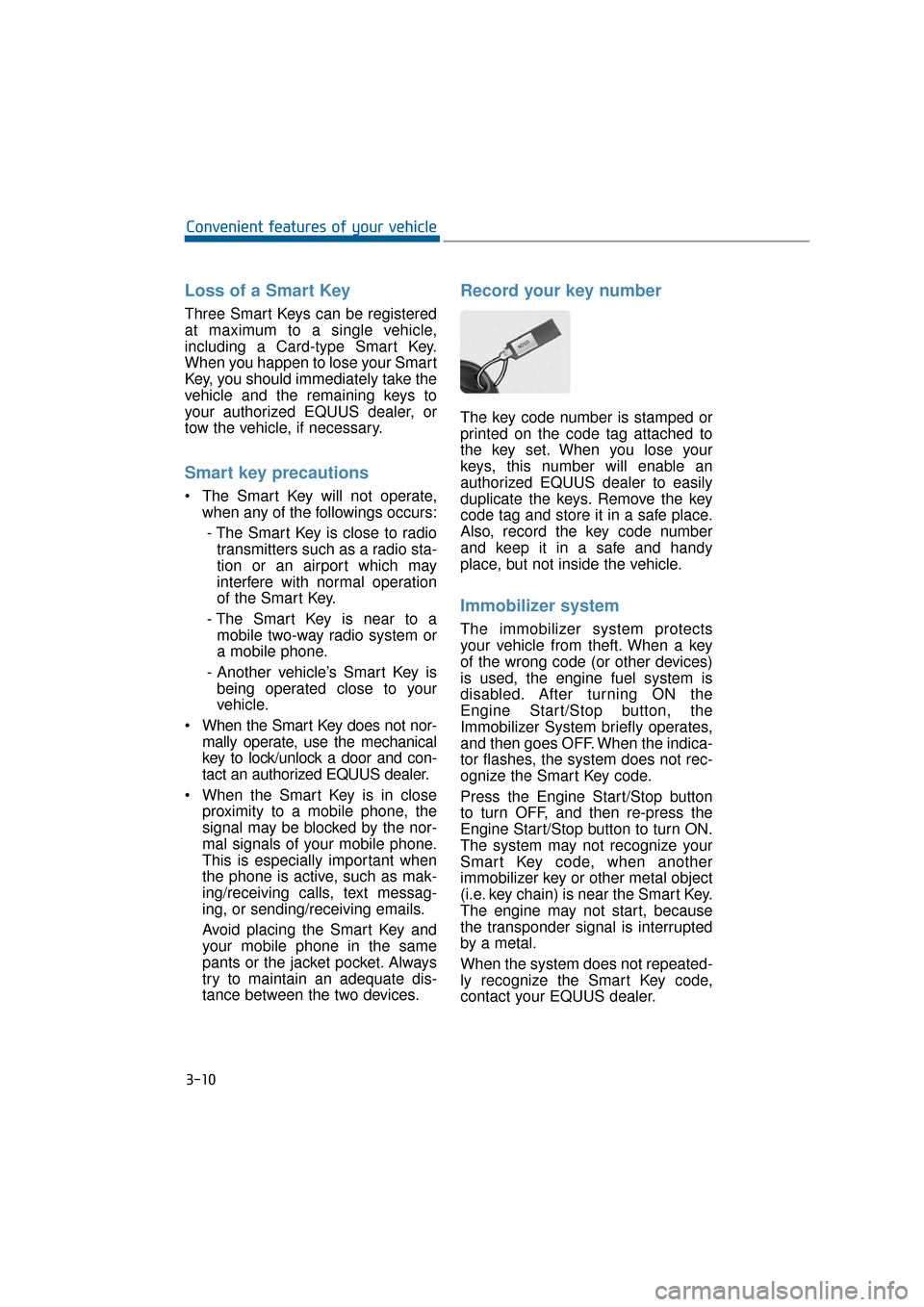
Record your key number
The key code number is stamped or
printed on the code tag attached to
the key set. When you lose your
keys, this number will enable an
authorized EQUUS dealer to easily
duplicate the keys. Remove the key
code tag and store it in a safe place.
Also, record the key code number
and keep it in a safe and handy
place, but not inside the vehicle.
Immobilizer system
The immobilizer system protects
your vehicle from theft. When a key
of the wrong code (or other devices)
is used, the engine fuel system is
disabled. After turning ON the
Engine Start/Stop button, the
Immobilizer System briefly operates,
and then goes OFF. When the indica-
tor flashes, the system does not rec-
ognize the Smart Key code.
Press the Engine Start/Stop button
to turn OFF, and then re-press the
Engine Start/Stop button to turn ON.
The system may not recognize your
Smart Key code, when another
immobilizer key or other metal object
(i.e. key chain) is near the Smart Key.
The engine may not start, because
the transponder signal is interrupted
by a metal.
When the system does not repeated-
ly recognize the Smart Key code,
contact your EQUUS dealer.
3-10
Convenient features of your vehicle
Page 174 of 477
At this time, the Engine Start/StopButton turns to the ACC position
(When you re-press the Engine
Start/Stop Button again, it will turn
to the ON position).
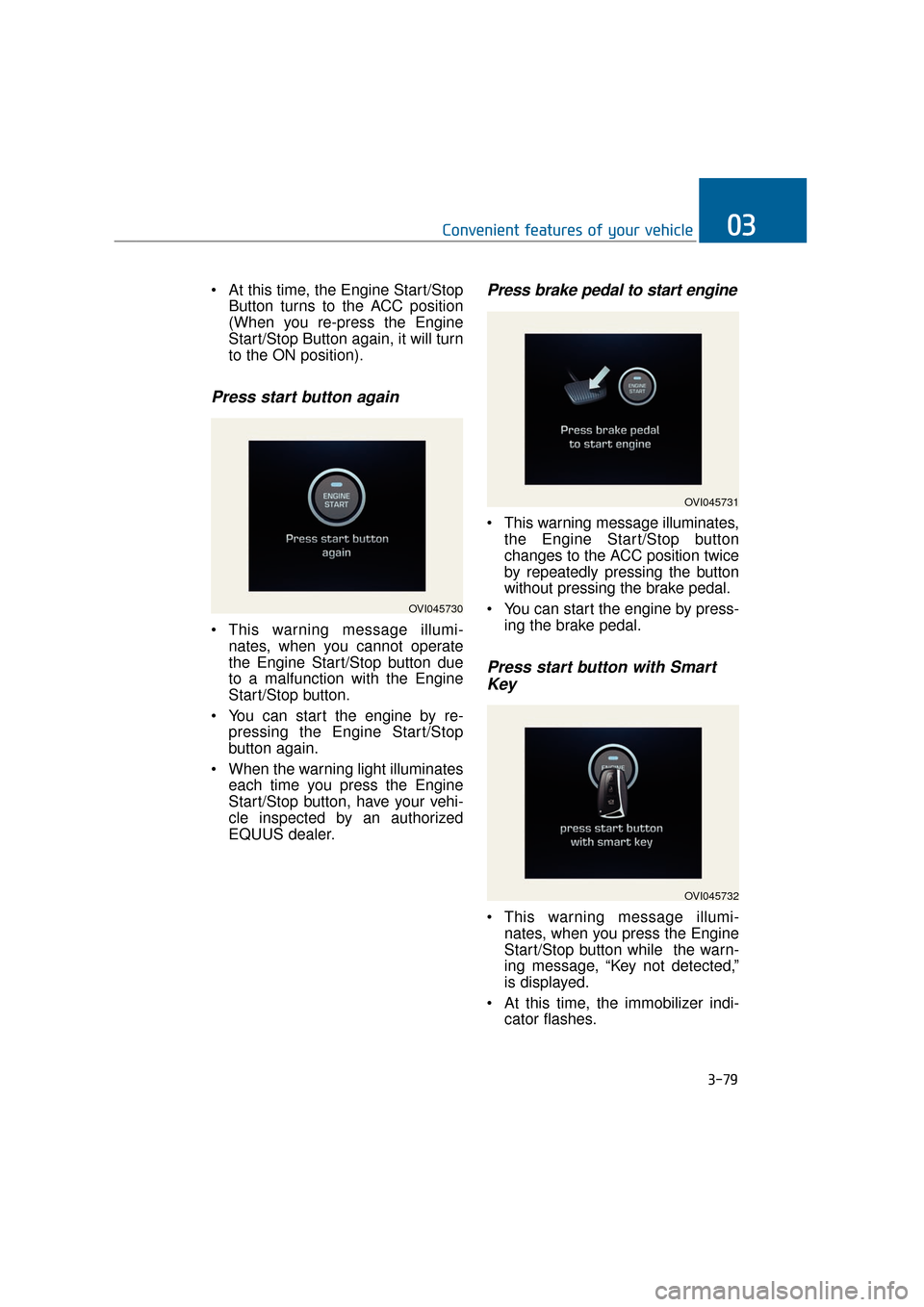
Press start button again
This warning message illumi-nates, when you cannot operate
the Engine Start/Stop button due
to a malfunction with the Engine
Start/Stop button.
You can start the engine by re- pressing the Engine Start/Stop
button again.
When the warning light illuminates each time you press the Engine
Start/Stop button, have your vehi-
cle inspected by an authorized
EQUUS dealer.
Press brake pedal to start engine
This warning message illuminates,the Engine Start/Stop button
changes to the ACC position twice
by repeatedly pressing the button
without pressing the brake pedal.
You can start the engine by press- ing the brake pedal.
Press start button with SmartKey
This warning message illumi-
nates, when you press the Engine
Start/Stop button while the warn-
ing message, “Key not detected,”
is displayed.
At this time, the immobilizer indi- cator flashes.
3-79
Convenient features of your vehicle03
OVI045730
OVI045731
OVI045732
Page 191 of 477
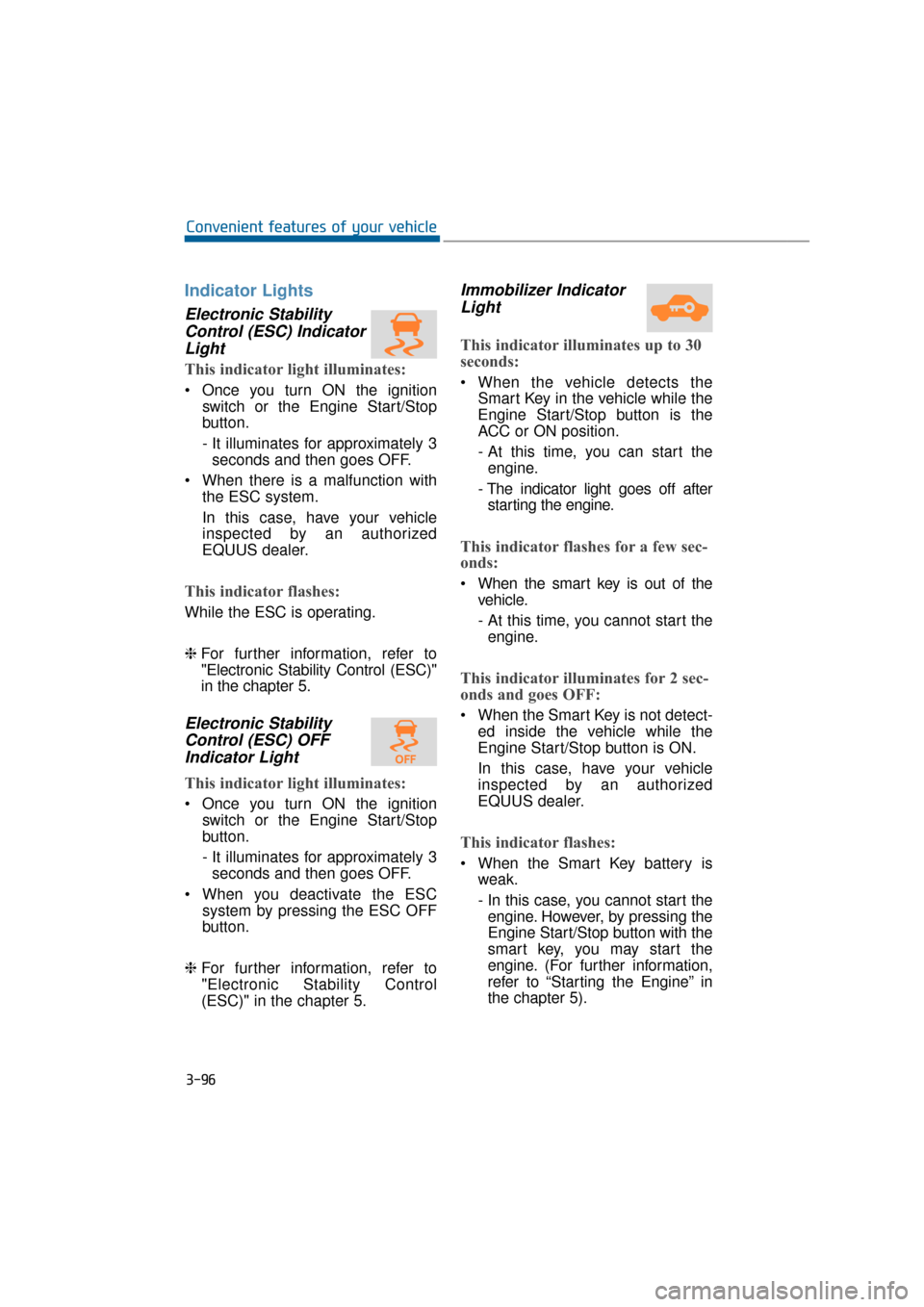
Indicator Lights
Electronic StabilityControl (ESC) IndicatorLight
This indicator light illuminates:
Once you turn ON the ignition
switch or the Engine Start/Stop
button.
- It illuminates for approximately 3seconds and then goes OFF.
When there is a malfunction with the ESC system.
In this case, have your vehicle
inspected by an authorized
EQUUS dealer.
This indicator flashes:
While the ESC is operating.
❈For further information, refer to
"Electronic Stability Control (ESC)"
in the chapter 5.
Electronic Stability
Control (ESC) OFFIndicator Light
This indicator light illuminates:
Once you turn ON the ignition
switch or the Engine Start/Stop
button.
- It illuminates for approximately 3seconds and then goes OFF.
When you deactivate the ESC system by pressing the ESC OFF
button.
❈ For further information, refer to
"Electronic Stability Control
(ESC)" in the chapter 5.
Immobilizer Indicator
Light
This indicator illuminates up to 30
seconds:
When the vehicle detects the
Smart Key in the vehicle while the
Engine Start/Stop button is the
ACC or ON position.
- At this time, you can start theengine.
- The indicator light goes off after starting the engine.
This indicator flashes for a few sec-
onds:
When the smart key is out of the vehicle.
- At this time, you cannot start theengine.
This indicator illuminates for 2 sec-
onds and goes OFF:
When the Smart Key is not detect- ed inside the vehicle while the
Engine Start/Stop button is ON.
In this case, have your vehicle
inspected by an authorized
EQUUS dealer.
This indicator flashes:
When the Smart Key battery isweak.
- In this case, you cannot start theengine. However, by pressing the
Engine Start/Stop button with the
smart key, you may start the
engine. (For further information,
refer to “Starting the Engine” in
the chapter 5).
3-96
Convenient features of your vehicle
Page 192 of 477
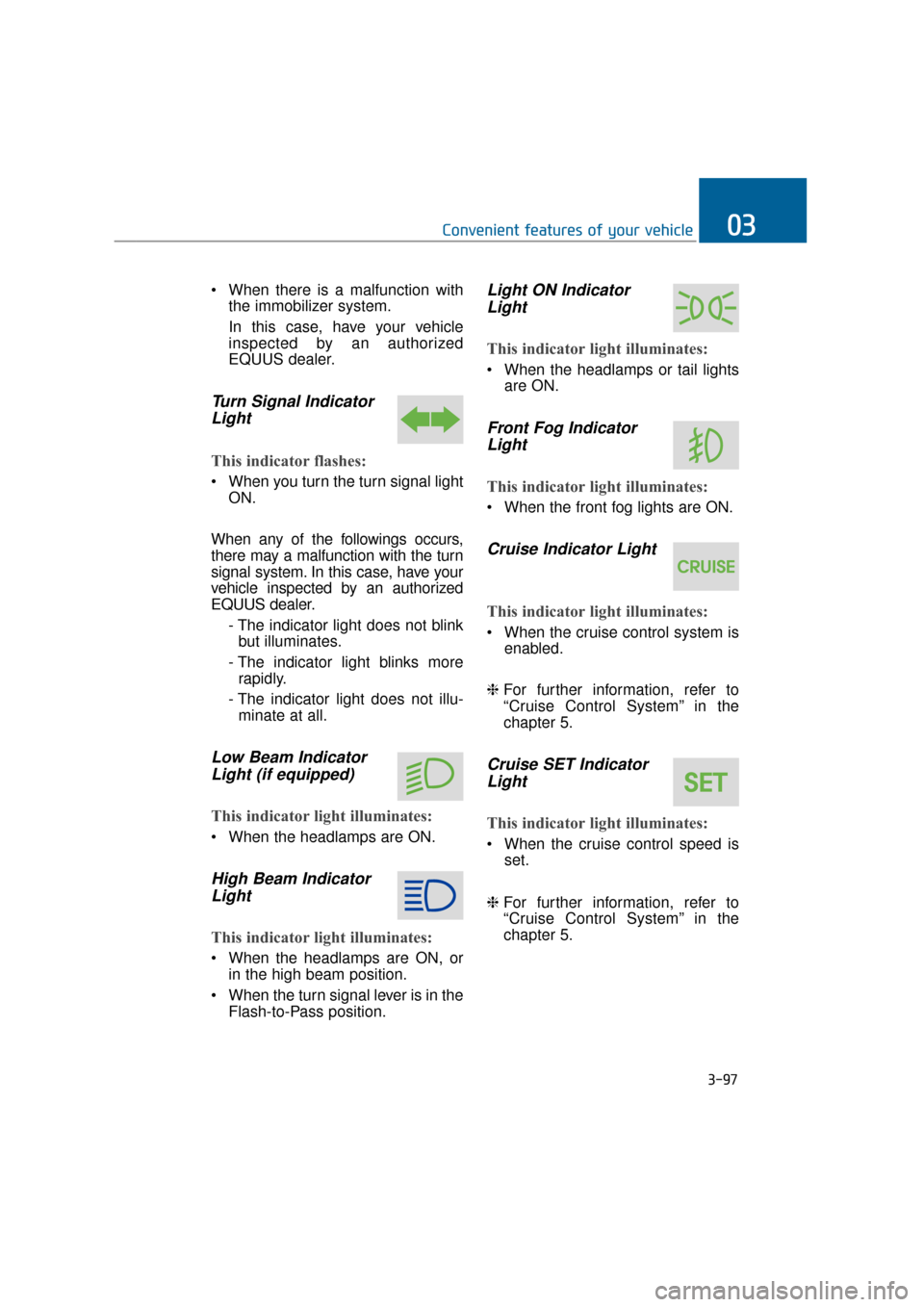
When there is a malfunction withthe immobilizer system.
In this case, have your vehicle
inspected by an authorized
EQUUS dealer.
Turn Signal IndicatorLight
This indicator flashes:
When you turn the turn signal light
ON.
When any of the followings occurs,
there may a malfunction with the turn
signal system. In this case, have your
vehicle inspected by an authorized
EQUUS dealer. - The indicator light does not blinkbut illuminates.
- The indicator light blinks more rapidly.
- The indicator light does not illu- minate at all.
Low Beam IndicatorLight (if equipped)
This indicator light illuminates:
When the headlamps are ON.
High Beam IndicatorLight
This indicator light illuminates:
When the headlamps are ON, or
in the high beam position.
When the turn signal lever is in the Flash-to-Pass position.
Light ON IndicatorLight
This indicator light illuminates:
When the headlamps or tail lights
are ON.
Front Fog IndicatorLight
This indicator light illuminates:
When the front fog lights are ON.
Cruise Indicator Light
This indicator light illuminates:
When the cruise control system is
enabled.
❈ For further information, refer to
“Cruise Control System” in the
chapter 5.
Cruise SET Indicator
Light
This indicator light illuminates:
When the cruise control speed is
set.
❈ For further information, refer to
“Cruise Control System” in the
chapter 5.
3-97
Convenient features of your vehicle03
Page 466 of 477

If the engine will not start ........................................................................\
.............6-3
Immobilizer system ........................................................................\
....................3-10
Indicator light ........................................................................\
..............................3-96
Information mode ........................................................................\
........................3-71
Instrument cluster ........................................................................\
........................3-62Automatic transmission shift indicator ........................................................3-68
Gauges ........................................................................\
..................................3-65
Instrument panel illumination ......................................................................3-\
64
LCD display control ........................................................................\
.............3-64
Instrument panel fuse ........................................................................\
..................7-57
Instrument panel overview ........................................................................\
............1-5
Interior care ........................................................................\
.................................7-88
Interior features ........................................................................\
.........................3-145 Ashtray ........................................................................\
...............................3-145
Aux, USB and iPod® port ........................................................................\
.3-153
Bag hanger........................................................................\
..........................3-150
Clothes hanger ........................................................................\
....................3-150
Cup holder ........................................................................\
..........................3-146
Floor mat anchor(s) ........................................................................\
............3-150
Luggage net (holder) ........................................................................\
..........3-151
Power outlet........................................................................\
........................3-148
Rear curtain ........................................................................\
........................3-152
Rear vanity mirror ........................................................................\
..............3-147
Sunvisor ........................................................................\
..............................3-147
Interior light........................................................................\
...............................3-118 Door courtesy lamp ........................................................................\
............3-119
Glove box lamp ........................................................................\
..................3-120
Map lamp (front) ........................................................................\
................3-118
Map lamp (rear) ........................................................................\
..................3-119
Room lamp (front) ........................................................................\
..............3-118
Room lamp (rear) ........................................................................\
...............3-119
Trunk room lamp ........................................................................\
................3-119
Vanity mirror lamp ........................................................................\
.............3-120
Interior light welcome ........................................................................\
...............3-121
Interior overview ........................................................................\
...........................1-4
Interior rearview mirror ........................................................................\
..............3-44
I-8
Index
I