change display Hyundai Genesis Coupe 2013 User Guide
[x] Cancel search | Manufacturer: HYUNDAI, Model Year: 2013, Model line: Genesis Coupe, Model: Hyundai Genesis Coupe 2013Pages: 414, PDF Size: 38.89 MB
Page 212 of 414
Features of your vehicle
146
4
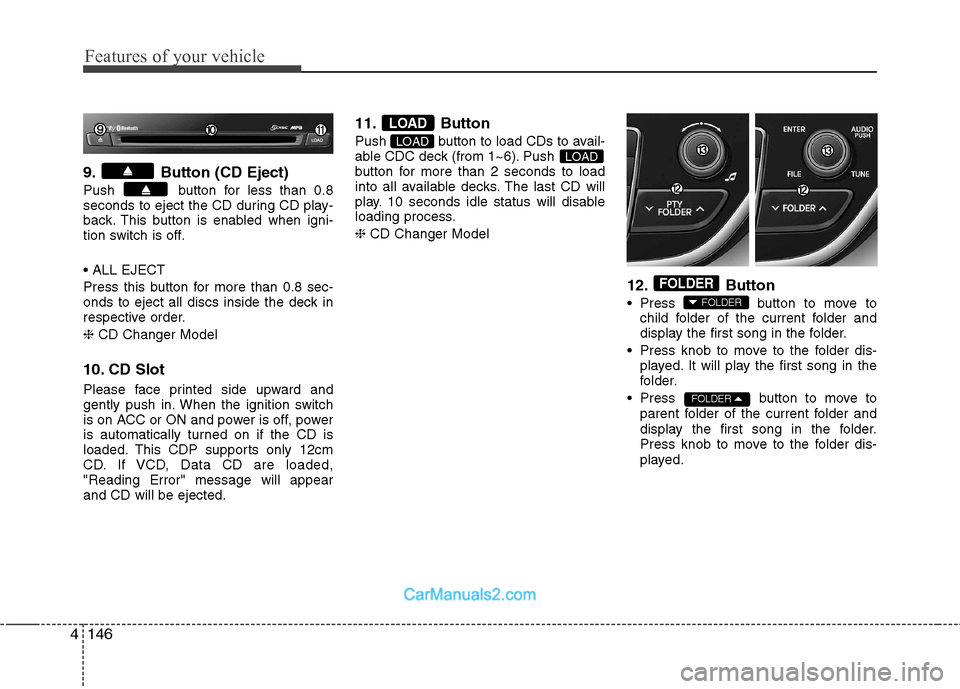
9. Button (CD Eject)
Push button for less than 0.8
seconds to eject the CD during CD play-
back. This button is enabled when igni-
tion switch is off.
Press this button for more than 0.8 sec-
onds to eject all discs inside the deck in
respective order. ❈ CD Changer Model
10. CD Slot
Please face printed side upward and
gently push in. When the ignition switch
is on ACC or ON and power is off, power
is automatically turned on if the CD is
loaded. This CDP supports only 12cm
CD. If VCD, Data CD are loaded,"Reading Error" message will appearand CD will be ejected. 11. Button
Push button to load CDs to avail-
able CDC deck (from 1~6). Push
button for more than 2 seconds to load
into all available decks. The last CD will
play. 10 seconds idle status will disable
loading process. ❈
CD Changer Model
12. Button
Press button to move tochild folder of the current folder and
display the first song in the folder.
Press knob to move to the folder dis- played. It will play the first song in the
folder.
Press button to move to parent folder of the current folder and
display the first song in the folder.
Press knob to move to the folder dis-
played.
FOLDER
FOLDER
FOLDER
LOADLOAD
LOAD
Page 223 of 414
4157
Features of your vehicle
1. Press button to enter SETUPmode.
2. Select “Phone”, then “Pair” in PHONE menu.
3. The audio displays “searching ---- passkey: 0000”
4. Search the
Bluetooth ®Wireless
Technology system on your phone.
Your phone should display your [vehi-cle model name] on the
Bluetooth ®Wireless Technology device list. Then
attempt pairing on your phone.
NOTE:
If the phone is paired to two or more
vehicles of the same model, i.e. both
vehicles are HYUNDAI GENESIS
COUPE, some phones may not handle
Bluetooth ®Wireless Technology
devices of that name correctly. In this
case, you may need to change the
name displayed on your phone fromGENESIS COUPE to GENESISCOUPE1 and GENESIS COUPE2.
Refer to your phone’s User’s Guide, or
contact your cellular carrier or phone
manufacturer for instructions. When the
Bluetooth
®Wireless
Technology system is enabled, the
phone previously used is automatically
selected and re-connected. If you want to
select different phone previously paired,the phone can be selected through
“Select Phone” menu.Only a selected phone can be used with
the hands-free system at a time.
1. Press button to enter SETUP
mode.
2. Select “Phone”, then “Select” in PHONE menu.
3. Select desired phone name from the
list shown.
The paired phone can be deleted.
- When the phone is deleted, all the infor- mation associated with that phone isalso deleted (including phonebook).
- If you want to use the deleted phone with the audio system again, pairing
procedure must be completed once
more.
1. Press button to enter SETUP mode.
2. Select “Phone”, then “Delete” in PHONE menu.
3. Select desired phone name from the list shown.
If several phones are paired with theaudio system, the system attempts to
connect following order when the
Bluetooth
®Wireless Technology system
is enabled:
1) “Priority” checked phone.
2) Previously connected phone
3) Gives up auto connection.
1. Press button to enter SETUP
mode.
2. Select “Phone”, then “Priority” in PHONE menu.
3. Select desired phone name from the
list shown.
Bluetooth ®Wireless
Technology ON/OFF
Bluetooth ®Wireless Technology system
can be enabled (ON) or disabled (OFF)
by this menu. - If
Bluetooth ®Wireless Technology is
disabled, all the commands related to
Bluetooth ®Wireless Technology system
prompts whether you wish to turn
Bluetooth ®Wireless Technology ON or
not.
1. Press button to enter SETUP mode.
2. Select “Phone”, then “BT Off ” in
PHONE menu.
SETUPCLOCK
SETUPCLOCK
SETUPCLOCK
SETUPCLOCK
SETUP
CLOCK
Page 224 of 414
Features of your vehicle
158
4
■■
Receiving a Phone Call
When receiving a phone call, a ringtone
is audible from speakers and the audio
system changes into telephone mode.
When receiving a phone call, “Incoming”
message and incoming phone number (if
available) are displayed on the audio.
- Press button on the steering wheel.
- Press button on the steering wheel.
- Use VOLUME buttons on the steering wheel.
Call):
- Press and hold button on the steering wheel until the audio system
transfers a call to the phone. ■
Talking on the Phone
When talking on the phone, “Active Calls”
message and the other party’s phone
number (if available) are displayed on the
audio.
- Press button on the steering wheel.
- Press button on the steering wheel. ■■
Making a Phone Call
A Call Back can be made by pressing button on the steering wheel.
- This is the same function as using the
button solely on the cellular
phone.
NOTE: Some phone models require pressing button twice to make a call.
✽✽NOTICE
In the following situations, you or the
other party may have difficulty hearingeach other:
1. Speaking at the same time, your voice
may not reach each other parties.(This is not a malfunction.) Speak
alternately with the other party on thephone.
2. Keep the Bluetooth®
Wireless
Technology volume to a low level.
High-level volume may result in dis-tortion and echo.
3. When driving on a rough road.
4. When driving at high speeds.
5. When the window is open.
6. When the air conditioning vents are
facing the microphone.
7. When the sound of the air condition-
ing fan is loud.
MUTE
Page 225 of 414
4159
Features of your vehicle
■■Bluetooth®Wireless Technology
Audio Music Streaming
This audio system supports A2DP (Audio
Advanced Distribution Profile) and
AVRCP (Audio Video Remote ControlProfile).
Both profiles are available for listening to
the MP3 music via
Bluetooth ®Wireless
Technology cellular phone supporting
above
Bluetooth ®Wireless Technology
profiles.
To play MP3 music from the
Bluetooth ®Wireless Technology cellular phone,
press the button until “MP3
Play” is displayed on the LCD.
Then try playing music by phone.
When playing music from the Bluetooth
®
Wireless Technology cellular phone, the
head unit displays MP3 MODE. NOTE:
Not only MP3 files, all the sounds
that the phone supports can be
heard by the audio system.
The
Bluetooth ®Wireless Technology
cellular phones shall feature A2DP
and AVRCP functions.
Some A2DP and AVRCP
Bluetooth ®Wireless Technology cellular
phones may not play music through
the head unit on first try. Please try
the below;
i.e : Menu
➟
➟
Filemanager ➟➟
Music ➟➟
Option ➟➟
Play via Bluetooth ®
Wireless Technology
Please refer to User's Guide of your phone for more.
To stop music, try stop playing
music from the phone then change
the audio mode to other than “MP3
Play” mode (e.g. FM, AM, CD, etc.)MEDIA
Page 229 of 414
4163
Features of your vehicle
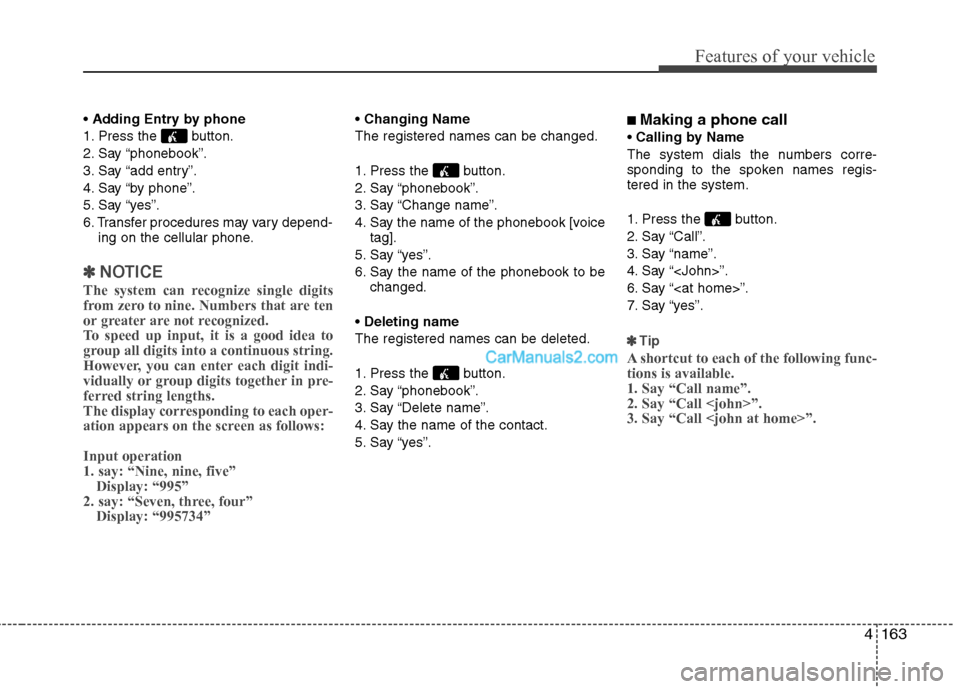
Adding Entry by phone
1. Press the button.
2. Say “phonebook”.
3. Say “add entry”.
4. Say “by phone”.
5. Say “yes”.
6. Transfer procedures may vary depend- ing on the cellular phone.
✽✽ NOTICE
The system can recognize single digits
from zero to nine. Numbers that are ten
or greater are not recognized.
To speed up input, it is a good idea to
group all digits into a continuous string.
However, you can enter each digit indi-
vidually or group digits together in pre-
ferred string lengths.
The display corresponding to each oper-
ation appears on the screen as follows: Input operation 1. say: “Nine, nine, five” Display: “995”
2. say: “Seven, three, four” Display: “995734”
Changing Name
The registered names can be changed.
1. Press the button.
2. Say “phonebook”.
3. Say “Change name”.
4. Say the name of the phonebook [voice tag].
5. Say “yes”.
6. Say the name of the phonebook to be changed.
Deleting name
The registered names can be deleted.
1. Press the button.
2. Say “phonebook”.
3. Say “Delete name”.
4. Say the name of the contact.
5. Say “yes”. ■
Making a phone call
Calling by Name
The system dials the numbers corre-
sponding to the spoken names regis-tered in the system.
1. Press the button.
2. Say “Call”.
3. Say “name”.
4. Say “
6. Say “
7. Say “yes”.
✽✽ Tip
A shortcut to each of the following func- tions is available.1. Say “Call name”.2. Say “Call
Page 230 of 414
Features of your vehicle
164
4
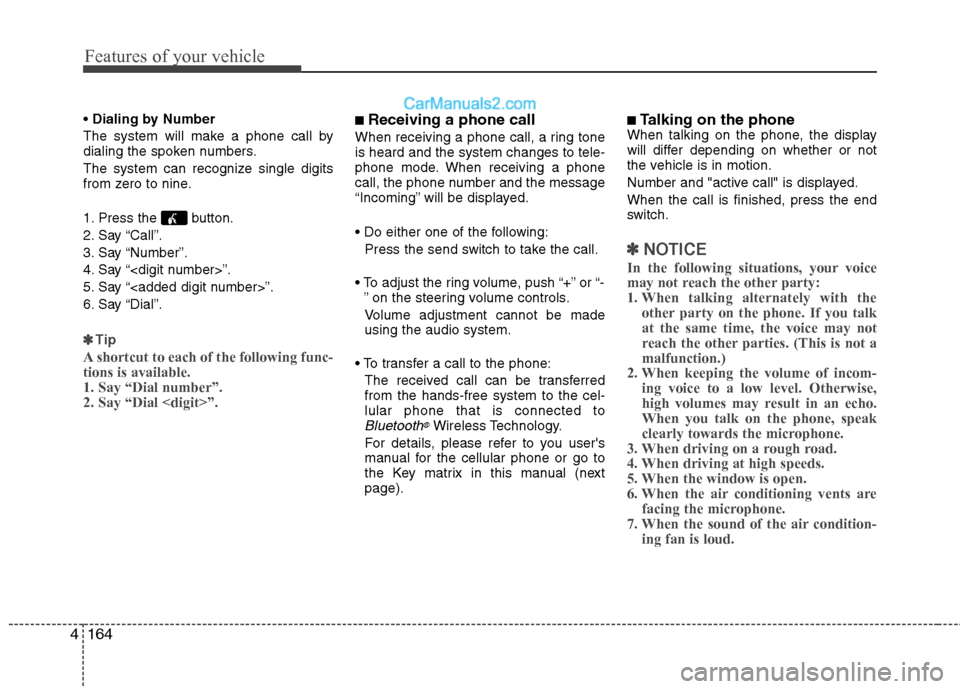
Dialing by Number
The system will make a phone call by
dialing the spoken numbers.
The system can recognize single digits
from zero to nine.
1. Press the button.
2. Say “Call”.
3. Say “Number”.
4. Say “
5. Say “
6. Say “Dial”.
✽✽ Tip
A shortcut to each of the following func- tions is available.1. Say “Dial number”.2. Say “Dial
■ Receiving a phone call
When receiving a phone call, a ring tone is heard and the system changes to tele-
phone mode. When receiving a phone
call, the phone number and the message
“Incoming” will be displayed.
Press the send switch to take the call.
or “- ” on the steering volume controls.
Volume adjustment cannot be made using the audio system.
The received call can be transferredfrom the hands-free system to the cel-lular phone that is connected to
Bluetooth®Wireless Technology.
For details, please refer to you user's
manual for the cellular phone or go to
the Key matrix in this manual (nextpage). ■
Talking on the phone
When talking on the phone, the display
will differ depending on whether or not
the vehicle is in motion.
Number and "active call" is displayed.When the call is finished, press the end
switch.
✽✽ NOTICE
In the following situations, your voice
may not reach the other party:
1. When talking alternately with the other party on the phone. If you talkat the same time, the voice may not
reach the other parties. (This is not amalfunction.)
2. When keeping the volume of incom-
ing voice to a low level. Otherwise,
high volumes may result in an echo.When you talk on the phone, speak
clearly towards the microphone.
3. When driving on a rough road.
4. When driving at high speeds.
5. When the window is open.
6. When the air conditioning vents are facing the microphone.
7. When the sound of the air condition-
ing fan is loud.
Page 234 of 414
Features of your vehicle
168
4
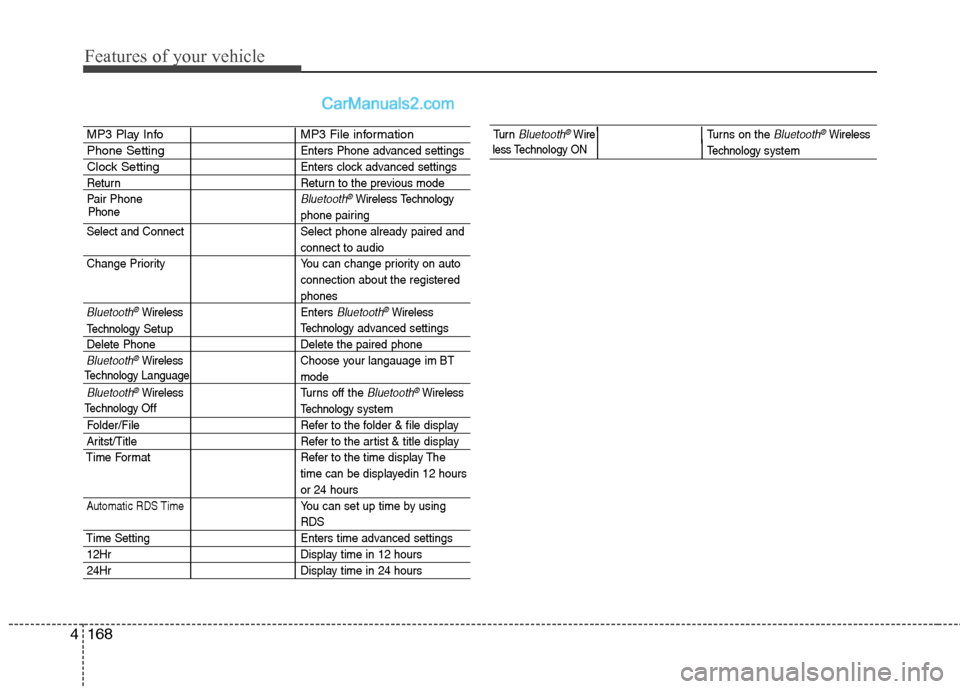
MP3 Play Info MP3 File information
Phone SettingEnters Phone advanced settings
Clock SettingEnters clock advanced settings
Return Return to the previous mode
Pair Phone
Bluetooth®WirelessTechnology
phone pairing
Select and Connect Select phone already paired and
connect to audio
Change Priority You can change priority on auto connection about the registered
phones
Bluetooth®WirelessEnters Bluetooth®Wireless
Technologyadvanced settings
Delete Phone Delete the paired phone
Bluetooth®Wireless Choose your langauage im BT
mode
Bluetooth®WirelessTurns off the Bluetooth®Wireless
Technology system
Folder/File Refer to the folder & file display
Aritst/Title Refer to the artist & title display
Time Format Refer to the time display The time can be displayedin 12 hours
or 24 hours
Automatic RDS TimeYou can set up time by using
RDS
Time Setting Enters time advanced settings
12HrDisplay time in 12 hours
24HrDisplay time in 24 hours
Phone
TechnologyLanguage
Technology
Setup
TechnologyOff
Tu r n Bluetooth®WireTurns on the Bluetooth®Wireless
Technologysystem less Technology ON