section 7 Hyundai Genesis Coupe 2016 s User Guide
[x] Cancel search | Manufacturer: HYUNDAI, Model Year: 2016, Model line: Genesis Coupe, Model: Hyundai Genesis Coupe 2016Pages: 475, PDF Size: 15.71 MB
Page 120 of 475
437
Features of your vehicle
Compass function
The Compass can be turned ON and
OFF and will remember the last state
when the ignition is cycled. To turn
the display feature ON/OFF:
1. Press and release the buttonwithin 1 second to turn the display
feature OFF.
2. Press and release the button again within 1 second to turn the
display back ON.
Additional options can be set with
press and hold sequences of the
button and are detailed below.
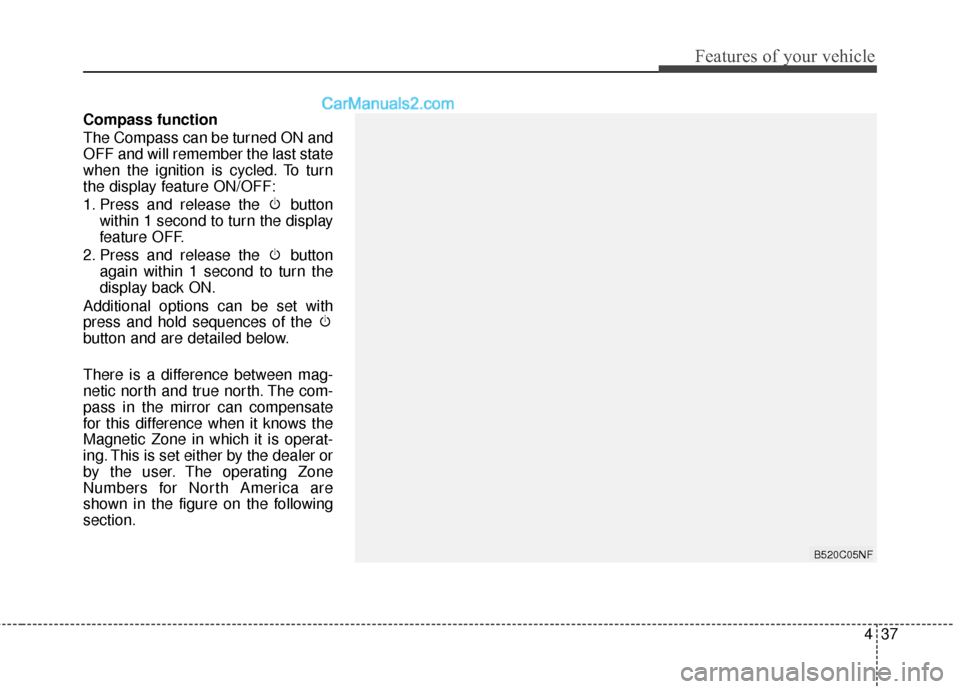
There is a difference between mag-
netic north and true north. The com-
pass in the mirror can compensate
for this difference when it knows the
Magnetic Zone in which it is operat-
ing. This is set either by the dealer or
by the user. The operating Zone
Numbers for North America are
shown in the figure on the following
section.
B520C05NF
Page 123 of 475
Features of your vehicle
40
4
Programming
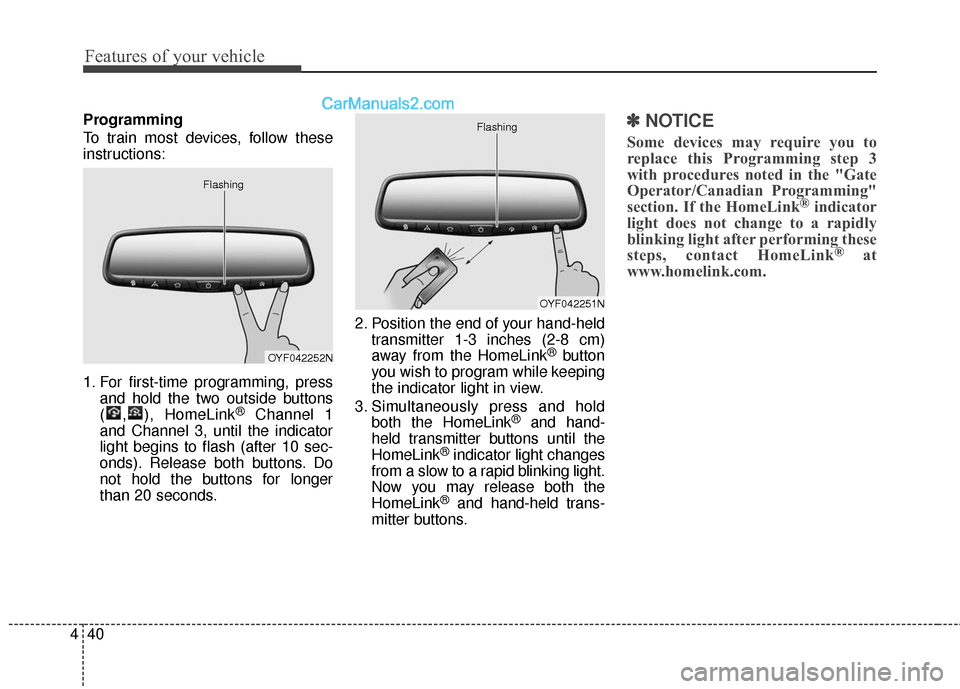
To train most devices, follow these
instructions:
1. For first-time programming, press
and hold the two outside buttons
( , ), HomeLink
®Channel 1
and Channel 3, until the indicator
light begins to flash (after 10 sec-
onds). Release both buttons. Do
not hold the buttons for longer
than 20 seconds. 2. Position the end of your hand-held
transmitter 1-3 inches (2-8 cm)
away from the HomeLink
®button
you wish to program while keeping
the indicator light in view.
3. Simultaneously press and hold both the HomeLink
®and hand-
held transmitter buttons until the
HomeLink
®indicator light changes
from a slow to a rapid blinking light.
Now you may release both the
HomeLink
®and hand-held trans-
mitter buttons.
✽ ✽ NOTICE
Some devices may require you to
replace this Programming step 3
with procedures noted in the "Gate
Operator/Canadian Programming"
section. If the HomeLink
®indicator
light does not change to a rapidly
blinking light after performing these
steps, contact HomeLink
®at
www.homelink.com.
OYF042252N
Flashing
OYF042251N
Flashing
Page 125 of 475
Features of your vehicle
42
4
Reprogramming a single
HomeLink®button
To program a device to HomeLink®
using a HomeLink®button previously
trained, follow these steps:
1. Press and hold the desired HomeLink
®button. DO NOT release
the button.
2. The indicator light will begin to flash after 20 seconds. Without releasing
the HomeLink
®button, proceed
with "Programming" step 2.
For questions or comments, contact
HomeLink
®at www.homelink.comor
1-800-355-3515. Erasing HomeLink
®buttons
Individual buttons cannot be erased.
However, to erase all three pro-
grammed buttons:
1. Press and hold the two outer HomeLink
®buttons until the indi-
cator light begins to flash after 10
seconds.
2. Release both buttons. Do not hold for longer than 20 seconds.
The Integrated HomeLink
®Wireless
Control System is now in the training
(learn) mode and can be pro-
grammed at any time following the
appropriate steps in the Programming
sections above. FCC ID: NZLTLMHL4
IC: 4112A-TLMHL4
This device complies with Part 15
of the FCC Rules.
Operation is subject to the following
two conditions:
1. This device may not cause harm-
ful interference, and
2. This device must accept any inter- ference received, including inter-
ference that may cause undesired
operation.
CAUTION
The transceiver has been testedand complies with FCC andIndustry Canada rules. Changesor modifications not expresslyapproved by the party responsi-ble for compliance could voidthe user's authority to operatethe device.
Page 130 of 475
447
Features of your vehicle
When the door is open, or if the
engine is not started within 1 minute,
the tachometer pointer may move
slightly in ON position with the
engine OFF. This movement is nor-
mal and will not affect the accuracy
of the tachometer once the engine is
running.
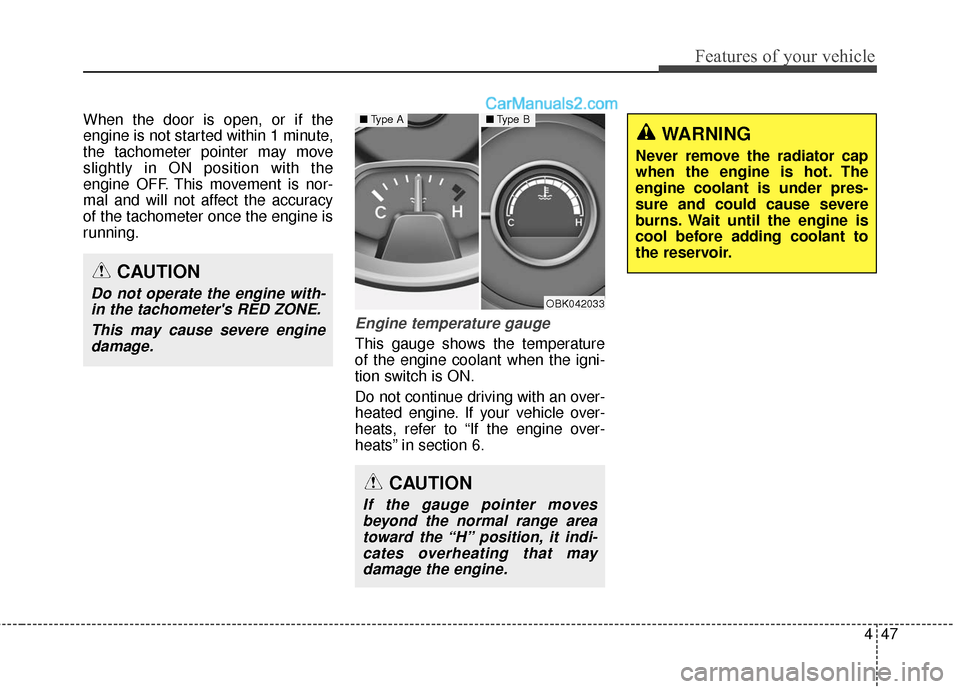
Engine temperature gauge
This gauge shows the temperature
of the engine coolant when the igni-
tion switch is ON.
Do not continue driving with an over-
heated engine. If your vehicle over-
heats, refer to “If the engine over-
heats” in section 6.
CAUTION
Do not operate the engine with-in the tachometer's RED ZONE.
This may cause severe enginedamage.
CAUTION
If the gauge pointer movesbeyond the normal range areatoward the “H” position, it indi-cates overheating that maydamage the engine.
OBK042033
■ Type A■Type B
WARNING
Never remove the radiator cap
when the engine is hot. The
engine coolant is under pres-
sure and could cause severe
burns. Wait until the engine is
cool before adding coolant to
the reservoir.
Page 131 of 475
Features of your vehicle
48
4
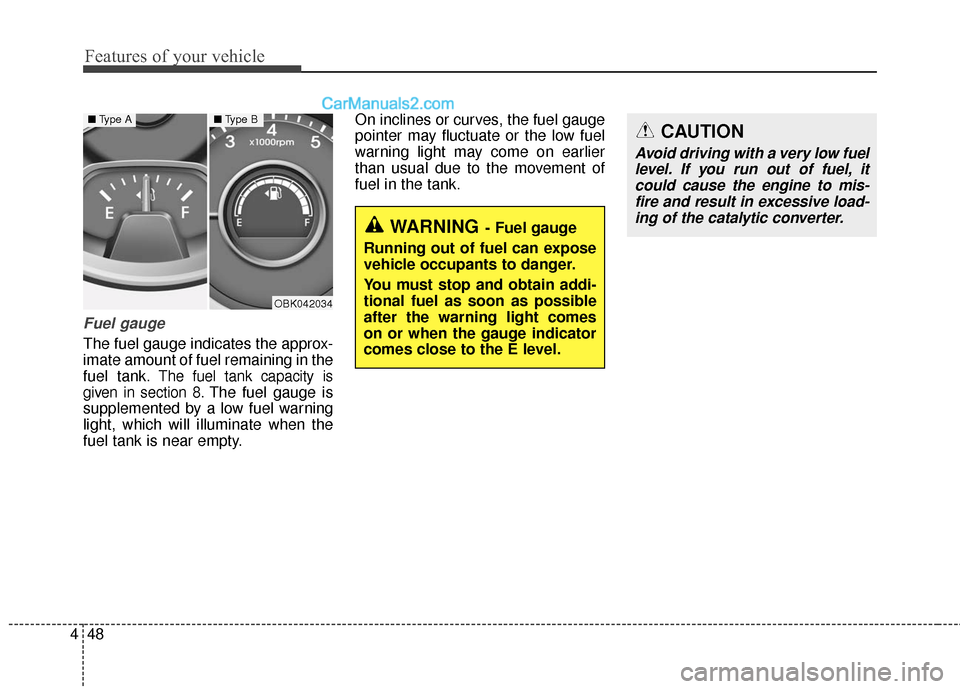
Fuel gauge
The fuel gauge indicates the approx-
imate amount of fuel remaining in the
fuel tank.
The fuel tank capacity is
given in section 8.
The fuel gauge is
supplemented by a low fuel warning
light, which will illuminate when the
fuel tank is near empty. On inclines or curves, the fuel gauge
pointer may fluctuate or the low fuel
warning light may come on earlier
than usual due to the movement of
fuel in the tank.
OBK042034
■
Type A■Type B
WARNING- Fuel gauge
Running out of fuel can expose
vehicle occupants to danger.
You must stop and obtain addi-
tional fuel as soon as possible
after the warning light comes
on or when the gauge indicator
comes close to the E level.
CAUTION
Avoid driving with a very low fuel level. If you run out of fuel, itcould cause the engine to mis-fire and result in excessive load-ing of the catalytic converter.
Page 142 of 475
459
Features of your vehicle
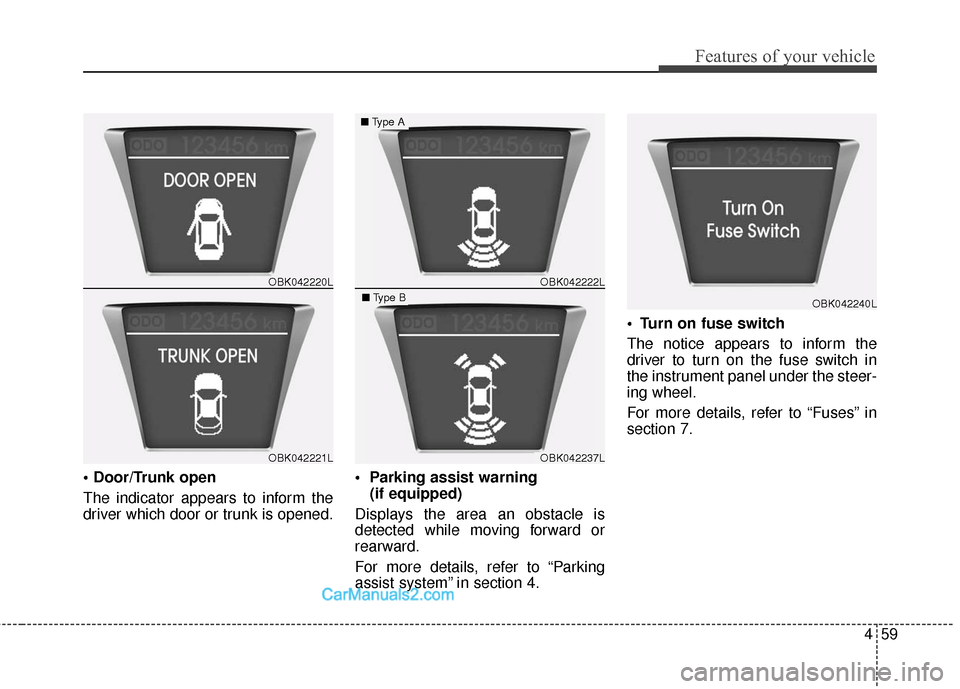
The indicator appears to inform the
driver which door or trunk is opened.
(if equipped)
Displays the area an obstacle is
detected while moving forward or
rearward.
For more details, refer to “Parking
assist system” in section 4.
The notice appears to inform the
driver to turn on the fuse switch in
the instrument panel under the steer-
ing wheel.
For more details, refer to “Fuses” in
section 7.
OBK042220L
OBK042221L
OBK042222L
OBK042237L
■
Type A
■Type BOBK042240L
Page 143 of 475
Features of your vehicle
60
4
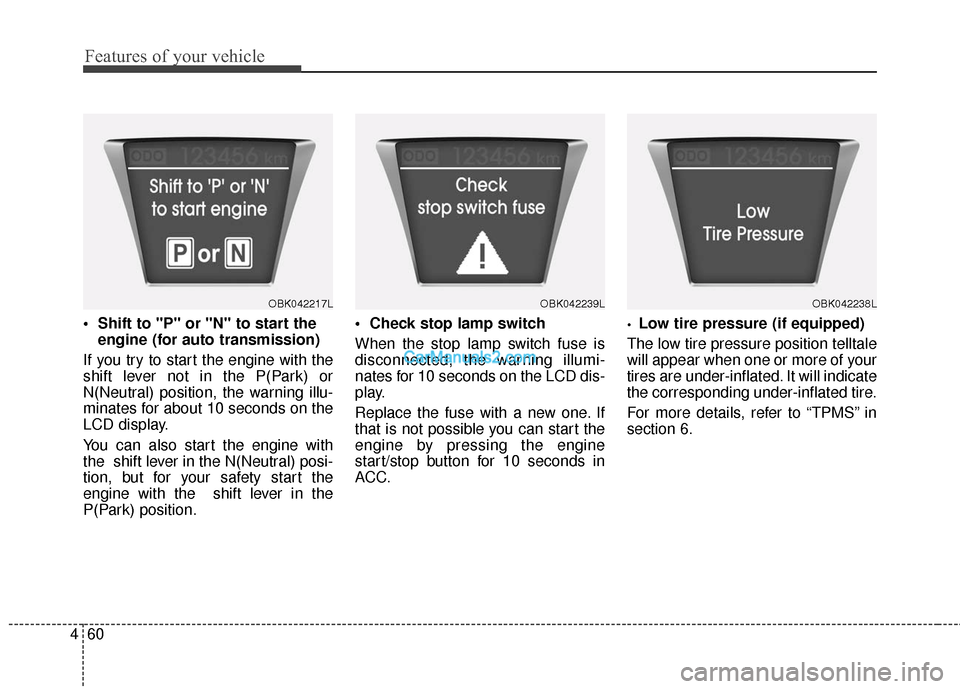
engine (for auto transmission)
If you try to start the engine with the
shift lever not in the P(Park) or
N(Neutral) position, the warning illu-
minates for about 10 seconds on the
LCD display.
You can also start the engine with
the shift lever in the N(Neutral) posi-
tion, but for your safety start the
engine with the shift lever in the
P(Park) position.
When the stop lamp switch fuse is
disconnected, the warning illumi-
nates for 10 seconds on the LCD dis-
play.
Replace the fuse with a new one. If
that is not possible you can start the
engine by pressing the engine
start/stop button for 10 seconds in
ACC.Low tire pressure (if equipped)
The low tire pressure position telltale
will appear when one or more of your
tires are under-inflated. It will indicate
the corresponding under-inflated tire.
For more details, refer to “TPMS” in
section 6.
OBK042217LOBK042239LOBK042238L
Page 150 of 475
467
Features of your vehicle
When the smart key is in the vehi-cle, if the engine start/stop button
is turned to the ON position, the
indicator will illuminate until the
engine is started. However, when
the smart key is not in the vehicle,
if the engine start/stop button is
depressed, the indicator will blink
for a few minutes to indicate that
you will not be able to start the
engine.
When the ignition switch is turned to the ON position and the indica-
tor turns off after 2 seconds, the
system may have a problem. Have
the vehicle checked by an author-
ized HYUNDAI dealer.
When the battery is weak, if the engine start/stop button is
depressed, the indicator will blink
and you will not be able to start the
engine. However, you may still be
able to start the engine by inserting
the smart key in the smart key
holder. If smart key system related
parts have a problem, the indicator
blinks.Low fuel level warning
light
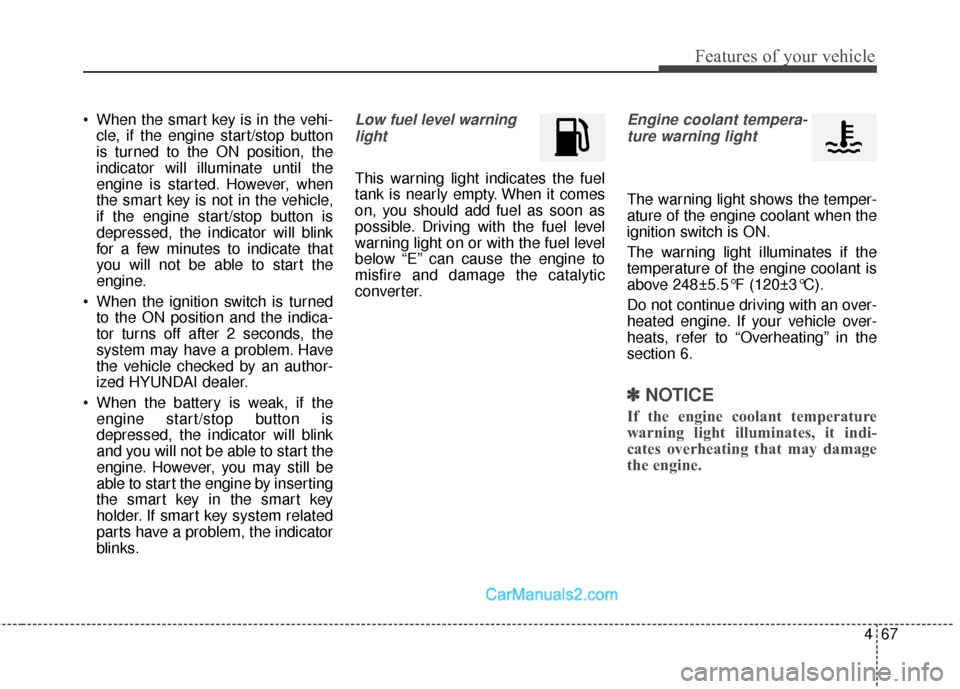
This warning light indicates the fuel
tank is nearly empty. When it comes
on, you should add fuel as soon as
possible. Driving with the fuel level
warning light on or with the fuel level
below “E” can cause the engine to
misfire and damage the catalytic
converter.
Engine coolant tempera-ture warning light
The warning light shows the temper-
ature of the engine coolant when the
ignition switch is ON.
The warning light illuminates if the
temperature of the engine coolant is
above 248±5.5°F (120±3°C).
Do not continue driving with an over-
heated engine. If your vehicle over-
heats, refer to “Overheating” in the
section 6.
✽ ✽ NOTICE
If the engine coolant temperature
warning light illuminates, it indi-
cates overheating that may damage
the engine.
Page 152 of 475
469
Features of your vehicle
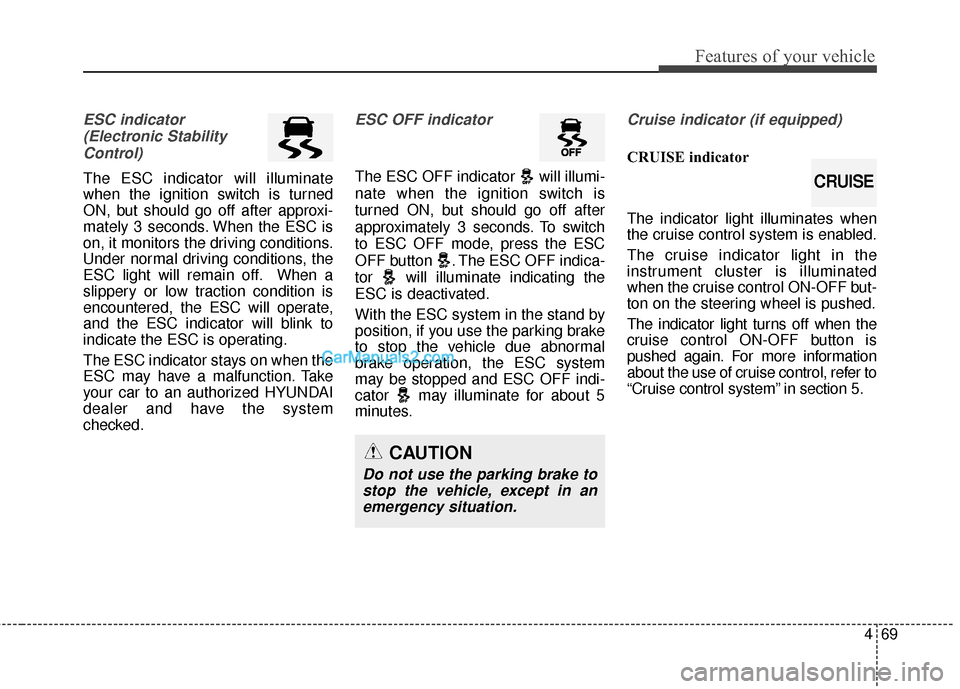
ESC indicator(Electronic StabilityControl)
The ESC indicator will illuminate
when the ignition switch is turned
ON, but should go off after approxi-
mately 3 seconds. When the ESC is
on, it monitors the driving conditions.
Under normal driving conditions, the
ESC light will remain off. When a
slippery or low traction condition is
encountered, the ESC will operate,
and the ESC indicator will blink to
indicate the ESC is operating.
The ESC indicator stays on when the
ESC may have a malfunction. Take
your car to an authorized HYUNDAI
dealer and have the system
checked.
ESC OFF indicator
The ESC OFF indicator will illumi-
nate when the ignition switch is
turned ON, but should go off after
approximately 3 seconds. To switch
to ESC OFF mode, press the ESC
OFF button . The ESC OFF indica-
tor will illuminate indicating the
ESC is deactivated.
With the ESC system in the stand by
position, if you use the parking brake
to stop the vehicle due abnormal
brake operation, the ESC system
may be stopped and ESC OFF indi-
cator may illuminate for about 5
minutes.
Cruise indicator (if equipped)
CRUISE indicator
The indicator light illuminates when
the cruise control system is enabled.
The cruise indicator light in the
instrument cluster is illuminated
when the cruise control ON-OFF but-
ton on the steering wheel is pushed.
The indicator light turns off when the
cruise control ON-OFF button is
pushed again. For more information
about the use of cruise control, refer to
“Cruise control system” in section 5.
CAUTION
Do not use the parking brake tostop the vehicle, except in anemergency situation.
CRUISE
Page 174 of 475
491
Features of your vehicle
✽
✽NOTICE
If you want to defrost and defog the
front windshield, refer to
“Windshield defrosting and defog-
ging” in this section.
Rear window defroster
The defroster heats the window to
remove frost, fog and thin ice from
the rear window, while the engine is
running.
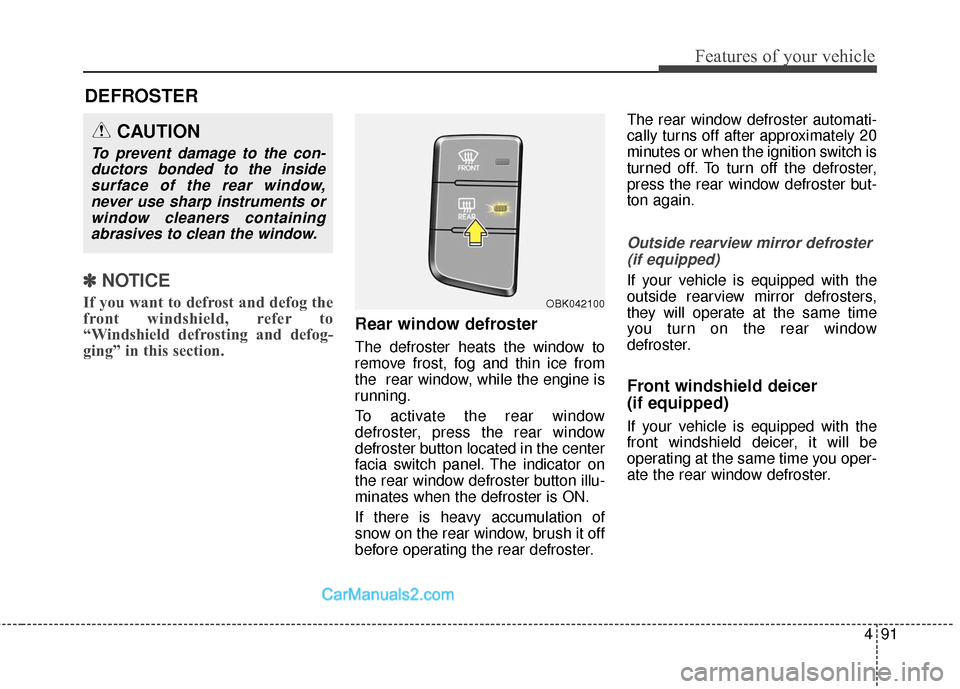
To activate the rear window
defroster, press the rear window
defroster button located in the center
facia switch panel. The indicator on
the rear window defroster button illu-
minates when the defroster is ON.
If there is heavy accumulation of
snow on the rear window, brush it off
before operating the rear defroster. The rear window defroster automati-
cally turns off after approximately 20
minutes or when the ignition switch is
turned off. To turn off the defroster,
press the rear window defroster but-
ton again.
Outside rearview mirror defroster
(if equipped)
If your vehicle is equipped with the
outside rearview mirror defrosters,
they will operate at the same time
you turn on the rear window
defroster.
Front windshield deicer
(if equipped)
If your vehicle is equipped with the
front windshield deicer, it will be
operating at the same time you oper-
ate the rear window defroster.
CAUTION
To prevent damage to the con-ductors bonded to the insidesurface of the rear window,never use sharp instruments orwindow cleaners containingabrasives to clean the window.
DEFROSTER
OBK042100