display Hyundai Ioniq Plug-in Hybrid 2018 Service Manual
[x] Cancel search | Manufacturer: HYUNDAI, Model Year: 2018, Model line: Ioniq Plug-in Hybrid, Model: Hyundai Ioniq Plug-in Hybrid 2018Pages: 589, PDF Size: 21.53 MB
Page 181 of 589
3-89
Convenient features of your vehicle
3
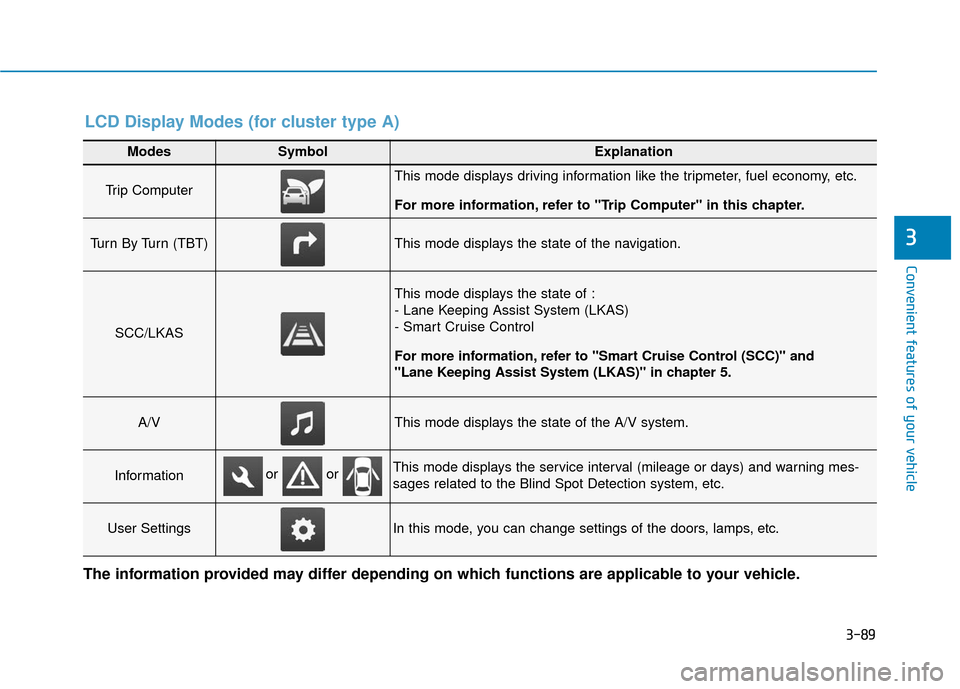
Modes SymbolExplanation
Trip Computer This mode displays driving information like the tripmeter, fuel economy, etc.
For more information, refer to "Trip Computer" in this chapter.
Turn By Turn (TBT)This mode displays the state of the navigation.
SCC/LKAS
This mode displays the state of :
- Lane Keeping Assist System (LKAS)
- Smart Cruise Control
For more information, refer to "Smart Cruise Control (SCC)" and
"Lane Keeping Assist System (LKAS)" in chapter 5.
A/VThis mode displays the state of the A/V system.
InformationThis mode displays the service interval (mileage or days) and warning mes-
sages related to the Blind Spot Detection system, etc.
User SettingsIn this mode, you can change settings of the doors, lamps, etc.
or or
LCD Display Modes (for cluster type A)
The information provided may differ depending on which functions are applicable to your vehicle.
Page 182 of 589
3-90
Convenient features of your vehicle
Edit settings after shifting to P/Shift to P to edit settings
Either message appears if you try to
adjust the User Settings while driv-
ing.
For your safety, change the User
Settings after parking the vehicle,
applying the parking brake and mov-
ing the shift lever to P (Park).
Quick guide (Help)
This mode provides quick guides for
the systems in the User Settings
mode.
Select an item, press and hold the
OK button.
For more information, about each
system, refer to this Owner's
Manual.
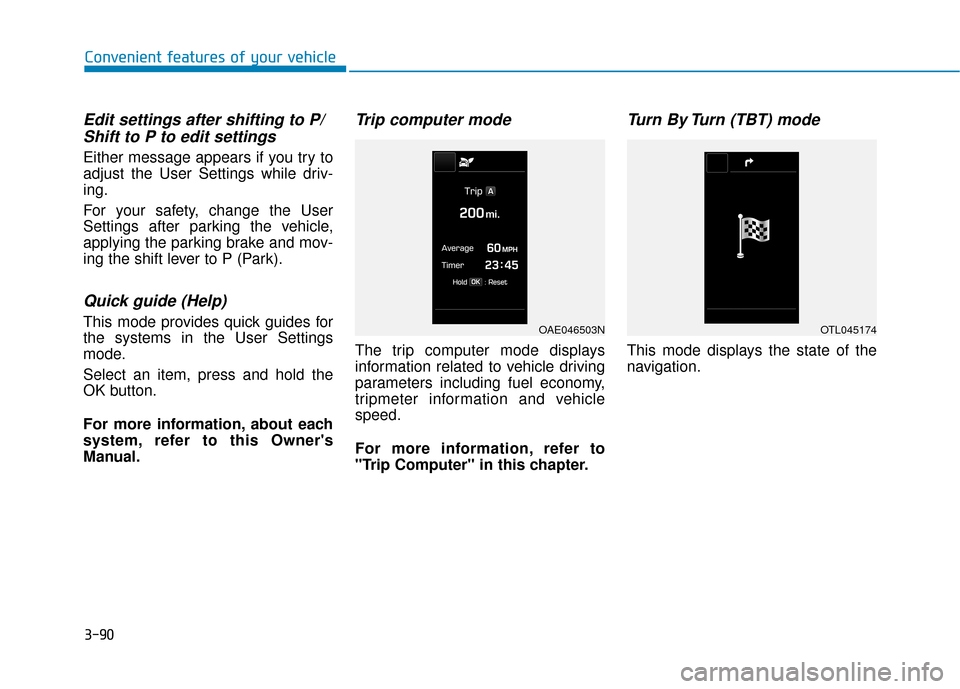
Trip computer mode
The trip computer mode displays
information related to vehicle driving
parameters including fuel economy,
tripmeter information and vehicle
speed.
For more information, refer to
"Trip Computer" in this chapter.
Turn By Turn (TBT) mode
This mode displays the state of the
navigation.
OAE046503NOTL045174
Page 183 of 589
3-91
Convenient features of your vehicle
3
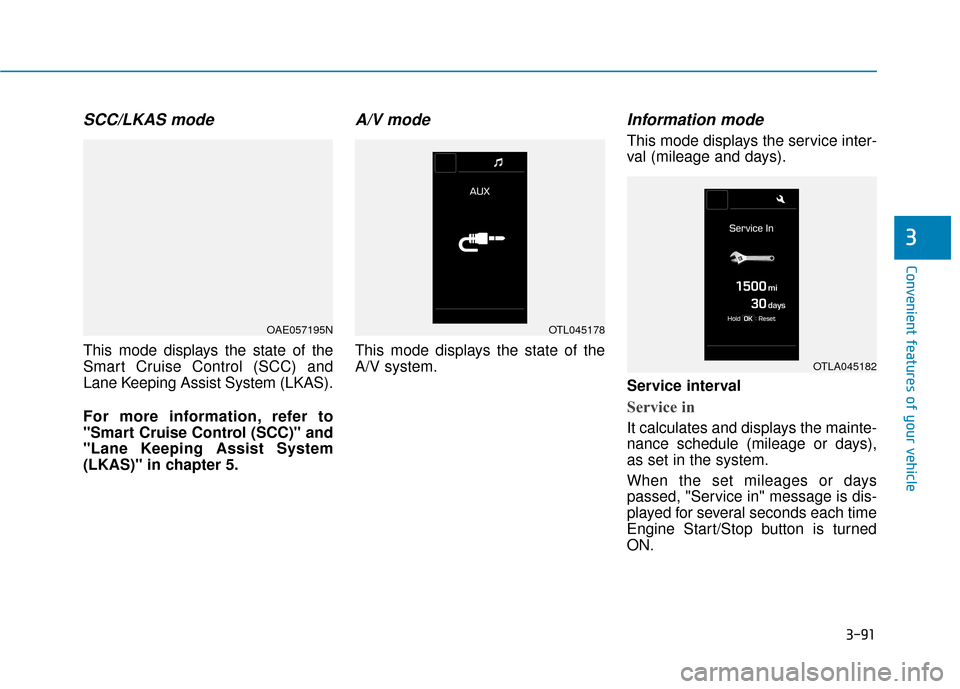
SCC/LKAS mode
This mode displays the state of the
Smart Cruise Control (SCC) and
Lane Keeping Assist System (LKAS).
For more information, refer to
"Smart Cruise Control (SCC)" and
"Lane Keeping Assist System
(LKAS)" in chapter 5.
A/V mode
This mode displays the state of the
A/V system.
Information mode
This mode displays the service inter-
val (mileage and days).
Service interval
Service in
It calculates and displays the mainte-
nance schedule (mileage or days),
as set in the system.
When the set mileages or days
passed, "Service in" message is dis-
played for several seconds each time
Engine Start/Stop button is turned
ON.
OAE057195NOTL045178
OTLA045182
Page 184 of 589
3-92
Convenient features of your vehicle
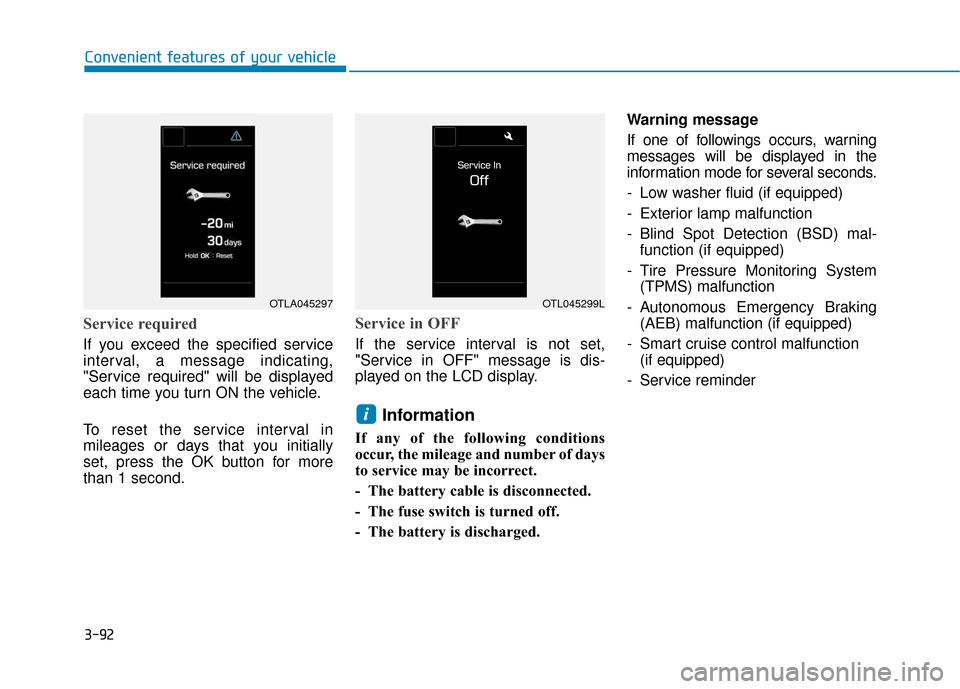
Service required
If you exceed the specified service
interval, a message indicating,
"Service required" will be displayed
each time you turn ON the vehicle.
To reset the service interval in
mileages or days that you initially
set, press the OK button for more
than 1 second.
Service in OFF
If the service interval is not set,
"Service in OFF" message is dis-
played on the LCD display.
Information
If any of the following conditions
occur, the mileage and number of days
to service may be incorrect.
- The battery cable is disconnected.
- The fuse switch is turned off.
- The battery is discharged.Warning message
If one of followings occurs, warning
messages will be displayed in the
information mode for several seconds.
- Low washer fluid (if equipped)
- Exterior lamp malfunction
- Blind Spot Detection (BSD) mal-
function (if equipped)
- Tire Pressure Monitoring System (TPMS) malfunction
- Autonomous Emergency Braking (AEB) malfunction (if equipped)
- Smart cruise control malfunction (if equipped)
- Service reminder
i
OTLA045297OTL045299L
Page 187 of 589
3-95
Convenient features of your vehicle
3
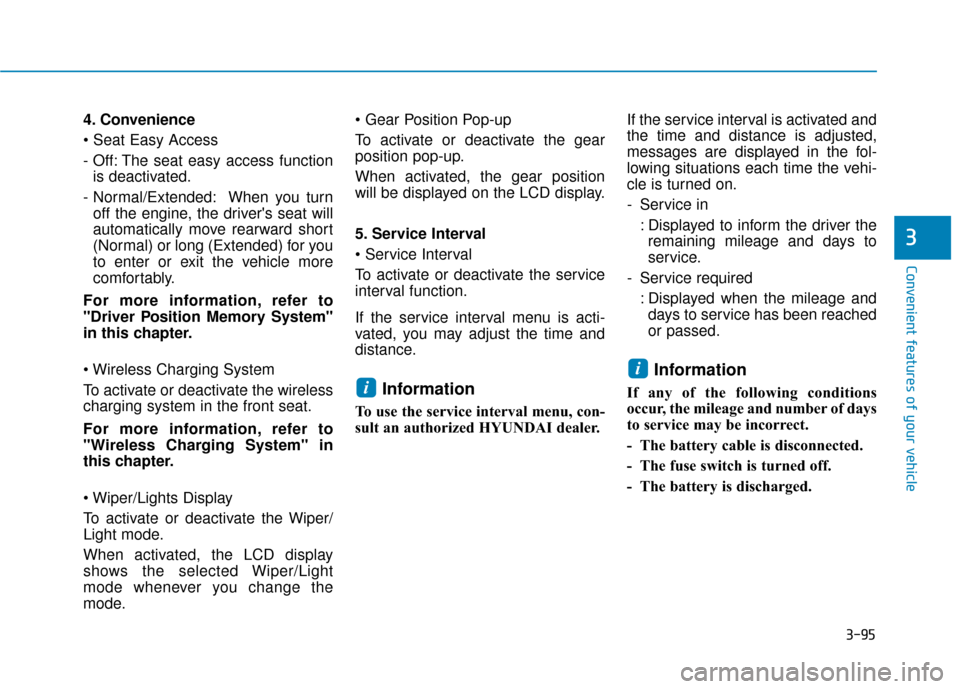
4. Convenience
- Off: The seat easy access functionis deactivated.
- Normal/Extended: When you turn off the engine, the driver's seat will
automatically move rearward short
(Normal) or long (Extended) for you
to enter or exit the vehicle more
comfortably.
For more information, refer to
"Driver Position Memory System"
in this chapter.
To activate or deactivate the wireless
charging system in the front seat.
For more information, refer to
"Wireless Charging System" in
this chapter.
To activate or deactivate the Wiper/
Light mode.
When activated, the LCD display
shows the selected Wiper/Light
mode whenever you change the
mode.
To activate or deactivate the gear
position pop-up.
When activated, the gear position
will be displayed on the LCD display.
5. Service Interval
To activate or deactivate the service
interval function.
If the service interval menu is acti-
vated, you may adjust the time and
distance.
Information
To use the service interval menu, con-
sult an authorized HYUNDAI dealer.
If the service interval is activated and
the time and distance is adjusted,
messages are displayed in the fol-
lowing situations each time the vehi-
cle is turned on.
- Service in
: Displayed to inform the driver theremaining mileage and days to
service.
- Service required : Displayed when the mileage anddays to service has been reached
or passed.
Information
If any of the following conditions
occur, the mileage and number of days
to service may be incorrect.
- The battery cable is disconnected.
- The fuse switch is turned off.
- The battery is discharged.
i
i
Page 189 of 589
3-97
Convenient features of your vehicle
3
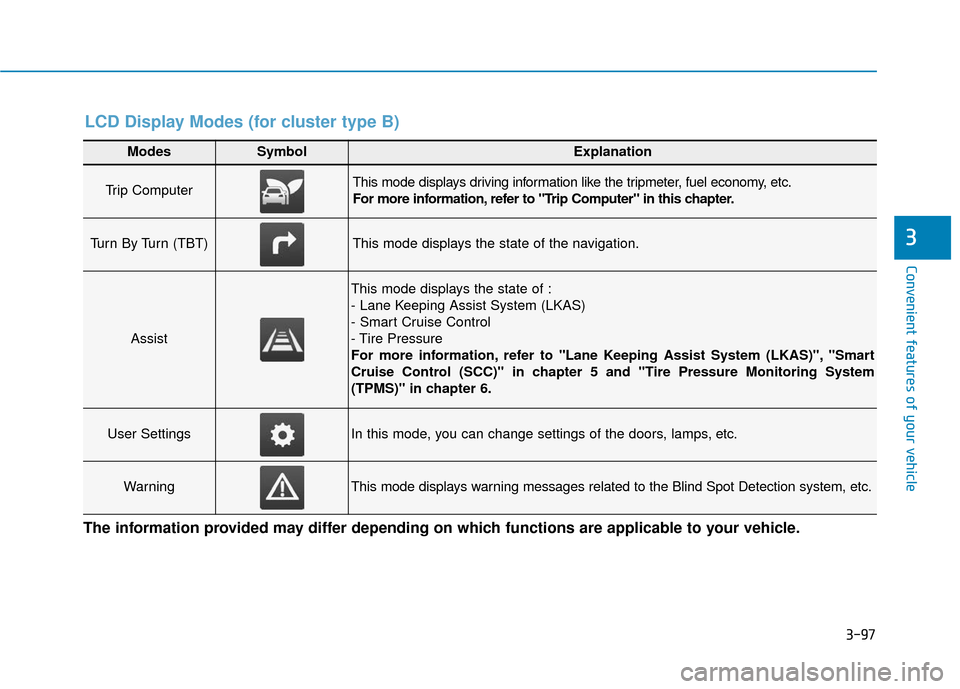
Modes SymbolExplanation
Trip Computer This mode displays driving information like the tripmeter, fuel economy, etc.
For more information, refer to "Trip Computer" in this chapter.
Turn By Turn (TBT)This mode displays the state of the navigation.
Assist
This mode displays the state of :
- Lane Keeping Assist System (LKAS)
- Smart Cruise Control
- Tire Pressure
For more information, refer to "Lane Keeping Assist System (LKAS)", "Smart
Cruise Control (SCC)" in chapter 5 and "Tire Pressure Monitoring System
(TPMS)" in chapter 6.
User SettingsIn this mode, you can change settings of the doors, lamps, etc.
WarningThis mode displays warning messages related to the Blind Spot Detection system, etc.
The information provided may differ depending on which functions are applicable to your vehicle.
LCD Display Modes (for cluster type B)
Page 190 of 589
3-98
Convenient features of your vehicle
Edit settings after shifting to P/Shift to P to edit settings
Either message appears if you try to
adjust the User Settings while driv-
ing.
For your safety, change the User
Settings after parking the vehicle,
applying the parking brake and mov-
ing the shift lever to P (Park).
Quick guide help
This mode provides quick guides for
the systems in the User Settings
mode.
Select an item, press and hold the
OK button.
For more information about each
system, refer to this Owner's
Manual.
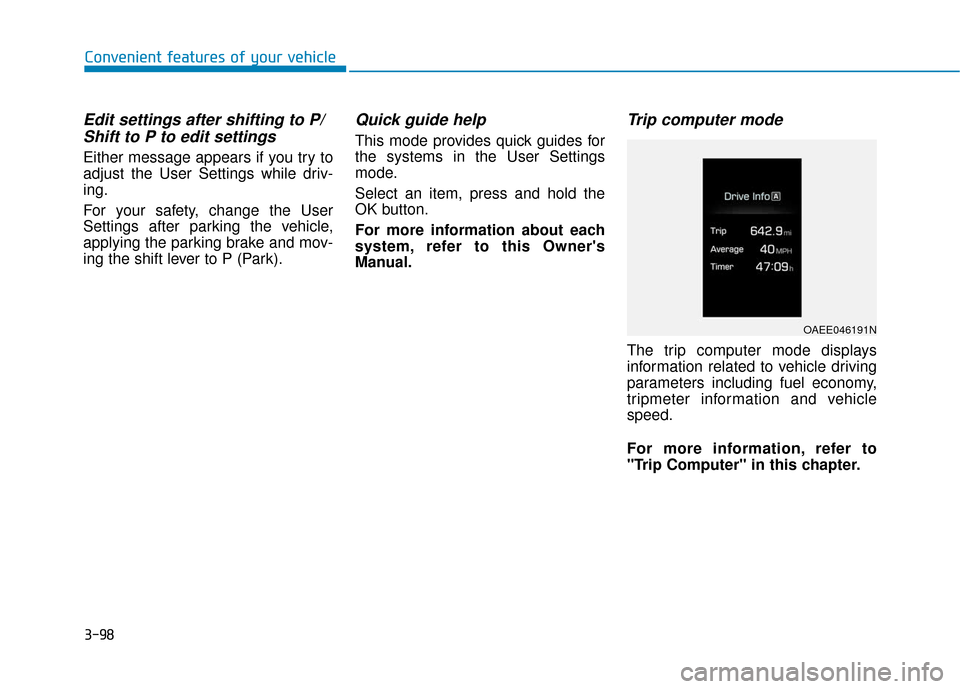
Trip computer mode
The trip computer mode displays
information related to vehicle driving
parameters including fuel economy,
tripmeter information and vehicle
speed.
For more information, refer to
"Trip Computer" in this chapter.
OAEE046191N
Page 191 of 589
3-99
Convenient features of your vehicle
3
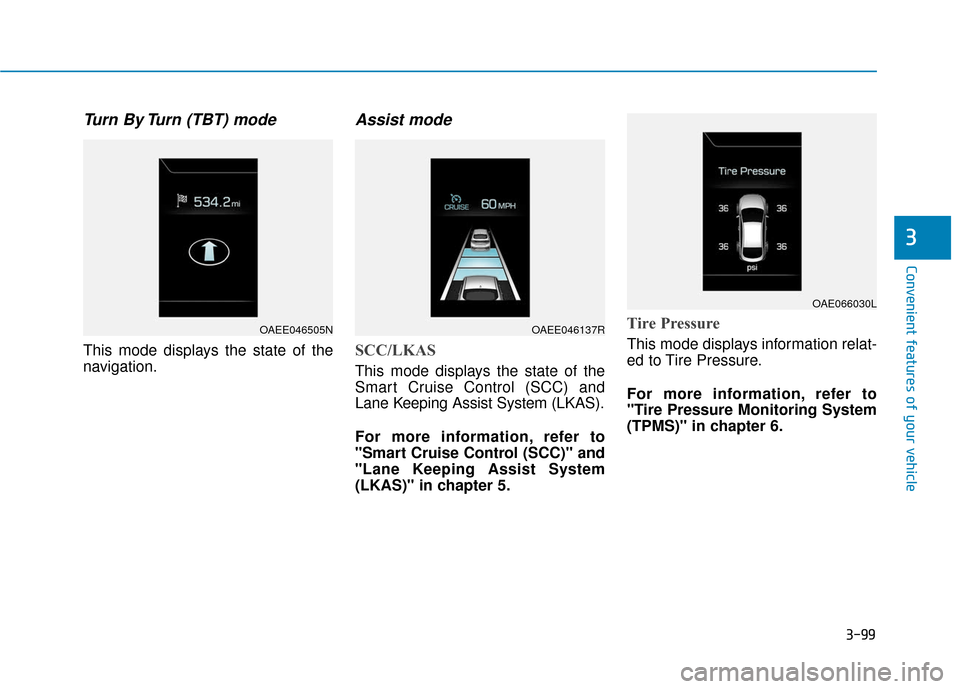
Turn By Turn (TBT) mode
This mode displays the state of the
navigation.
Assist mode
SCC/LKAS
This mode displays the state of the
Smart Cruise Control (SCC) and
Lane Keeping Assist System (LKAS).
For more information, refer to
"Smart Cruise Control (SCC)" and
"Lane Keeping Assist System
(LKAS)" in chapter 5.
Tire Pressure
This mode displays information relat-
ed to Tire Pressure.
For more information, refer to
"Tire Pressure Monitoring System
(TPMS)" in chapter 6.
OAEE046505NOAEE046137R
OAE066030L
Page 192 of 589
3-100
Convenient features of your vehicle
Warning mode
If one of followings occurs, warning
messages will be displayed on the
LCD display for several seconds.
- Lower washer fluid (if equipped)
- Exterior lamp malfunction
- Blind Spot Detection (BSD) mal-function (if equipped)
- Autonomous Emergency Braking (AEB) malfunction
- Smart cruise control malfunction
- Tire Pressure Monitoring System (TPMS) malfunction
User settings mode
In this mode, you can change the
settings of the instrument cluster,
doors, lamps, etc.
1. Driving Assist
2. Door
3. Lights
4. Convenience
5. Service Interval
6. Other (Features)
7. Reset
The information provided may dif-
fer depending on which functions
are applicable to your vehicle. 1. Driving Assist
- Lane Departure Warning/
Standard LKA/Active LKA
To adjust the sensitivity of the Lane
Keeping Assist System.
For more information, refer to the
"Lane Keeping Assist System" in
chapter 5.
- Slow/Normal/Fast To adjust the sensitivity of the
Smart Cruise Control system.
For more information, refer to the
"Smart Cruise Control" in chapter
5.
To activate or deactivate the
Autonomous Emergency Braking
(AEB).
For more information, refer to
"Autonomous (Automatic) Emergency
Braking (AEB)" in chapter 5.
Page 194 of 589
3-102
Convenient features of your vehicle
3. Lights
- Off: The one touch turn signal func- tion will be deactivated.
- 3, 5, 7 Flashes: The turn signal indi- cator will blink 3, 5, or 7 times when
the turn signal lever is moved slightly.
For more information, refer to
"Lighting" in this chapter.
To activate or deactivate the head-
lamp delay function.
For more information, refer to
"Lighting" in this chapter 4. Convenience
- Off: The seat easy access function
is deactivated.
- Normal/Extended: When you turn off the engine, the driver's seat will
automatically move rearward short
(Normal) or long (Extended) for you
to enter or exit the vehicle more
comfortably.
For more information, refer to
"Driver Position Memory System"
in this chapter.
To activate or deactivate the wireless
charging system in the front seat.
For more information, refer to
"Wireless Charging System" in
this chapter.
To activate or deactivate the Wiper/
Light mode.
When activated, the LCD display
shows the selected Wiper/Light
mode whenever you changed the
mode.
To activate or deactivate the gear
position pop-up.
When activated, the gear position
will be displayed on the LCD display.
5. Service Interval
To activate or deactivate the service
interval function.
If the service interval menu is acti-
vated, you may adjust the time and
distance.
Information
To use the service interval menu, con-
sult an authorized HYUNDAI dealer.
i