engine control HYUNDAI IX35 2014 Manual Online
[x] Cancel search | Manufacturer: HYUNDAI, Model Year: 2014, Model line: IX35, Model: HYUNDAI IX35 2014Pages: 1534, PDF Size: 39.76 MB
Page 781 of 1534
527
Driving your vehicle
Good driving practices
Never move the shift lever from P(Park) or N (Neutral) to any other posi-
tion with the accelerator pedaldepressed.
Never move the shift lever into "P" when the vehicle is in motion.
Be sure the vehicle is completely stopped before you attempt to shift into
R (Reverse) or D (Drive).
Never take the vehicle out of gear and coast down a hill. This may be
extremely hazardous. Always leave the
vehicle in gear when moving.
Do not "ride" the brakes. This can cause them to overheat and malfunc-
tion. Instead, when you are driving
down a long hill, slow down and shift to
a lower gear. When you do this, engine
braking will help slow down the vehicle.
Slow down before shifting to a lower gear. Otherwise, the lower gear maynot be engaged.
Always use the parking brake. Do not depend on placing the transaxle in P
(Park) to keep the vehicle from moving.
Exercise extreme caution when driving on a slippery surface. Be especially
careful when braking, accelerating or
shifting gears. On a slippery surface,
an abrupt change in vehicle speed can
cause the drive wheels to lose traction
and the vehicle to go out of control. Optimum vehicle performance and
economy is obtained by smoothly
depressing and releasing the accelera-tor pedal.
Moving up a steep grade from a stand-
ing start
To move up a steep grade from a stand-
ing start, depress the brake pedal, shift
the shift lever to D (Drive). Select the
appropriate gear depending on load
weight and steepness of the grade, and
release the parking brake. Depress the
accelerator gradually while releasing the
service brakes.
When accelerating from a stop on a
steep hill, the vehicle may have a ten-
dency to roll backwards. Shifting the
shift lever into 2 (Second Gear) will
help prevent the vehicle from rolling
backwards.
WARNING
Always buckle-up! In a collision, an unbelted occupant is signifi-
cantly more likely to be seriously
injured or killed than a properlybelted occupant.
Avoid high speeds when corner- ing or turning.
Do not make quick steering wheel movements, such as sharp
lane changes or fast, sharp turns.
The risk of rollover is greatly increased if you lose control of
your vehicle at highway speeds.
Loss of control often occurs if two or more wheels drop off the
roadway and the driver over-
steers to reenter the roadway.
In the event your vehicle leaves the roadway, do not steer sharply.
Instead, slow down before pulling
back into the travel lanes.
Never exceed posted speed lim- its.
WARNING
If your vehicle becomes stuck in
snow, mud, sand, etc., then you
may attempt to rock the vehicle free
by moving it forward and backward.
Do not attempt this procedure if
people or objects are anywhere
near the vehicle. During the rocking
operation the vehicle may suddenly
move forward of backward as it
becomes unstuck, causing injury
or damage to nearby people orobjects.
EL(FL) Eng 5.QXP 7/11/2013 11:03 AM Page 27
Page 782 of 1534
Driving your vehicle
28
5
Engine power can be delivered to all front
and rear wheels for maximum traction.
4WD is useful when extra traction is
required on road, such as, when driving
on slippery, muddy, wet, or snow-covered
roads. These vehicles are not designed
for challenging off-road use. Occasional
off-road use such as established
unpaved roads and trails are OK. It is
always important when traveling off-high-
way that the driver carefully reduces the
speed to a level that does not exceed the
safe operating speed for those condi-
tions. In general, off-road conditions pro-
vide less traction and braking effective-
ness than normal road conditions. The
driver must be especially alert to avoid
driving on slopes which tilt the vehicle to
either side.
These factors must be carefully consid-
ered when driving off-road. Keeping the
vehicle in contact with the driving surfaceand under control in these conditions is
always the driver's responsibility for the
safety of him/herself and his or her pas-
sengers. Tight corner brake effect
Tight corner brake effect is a unique
characteristic of four-wheel drive vehicles
caused by the difference in tire rotation at
the four wheels and the zero-degreealignment of the front wheels and sus-pension.
Sharp turns at low speeds should be car-
ried out with caution.
FOUR WHEEL DRIVE (4WD) (IF EQUIPPED)
WARNING
- Off road driving
This vehicle is designed primarily
for on road use although it can oper-
ate effectively off road. However, it
was not designed to drive in chal-
lenging off-road conditions. Driving
in conditions that exceed the vehi-
cle's intended design or the driver's
experience level may result in
severe injury or death.
CAUTION - 4WD
When turning sharply on a paved
road at low speed while in four-wheel drive, steering control will be difficult.
WARNING
If the 4WD system warning light
( ) illuminates, this indicates thatthere is a malfunction in the 4WDsystem.
If this occurs, we recommend that
the system be checked by an
authorized HYUNDAI dealer.
EL(FL) Eng 5.QXP 7/11/2013 11:03 AM Page 28
Page 784 of 1534
Driving your vehicle
30
5
For safe four-wheel drive opera- tion
Do not try to drive in deep standing
water or mud since such conditions
can stall your engine and clog your
exhaust pipes. Do not drive down
steep hills since it requires extreme
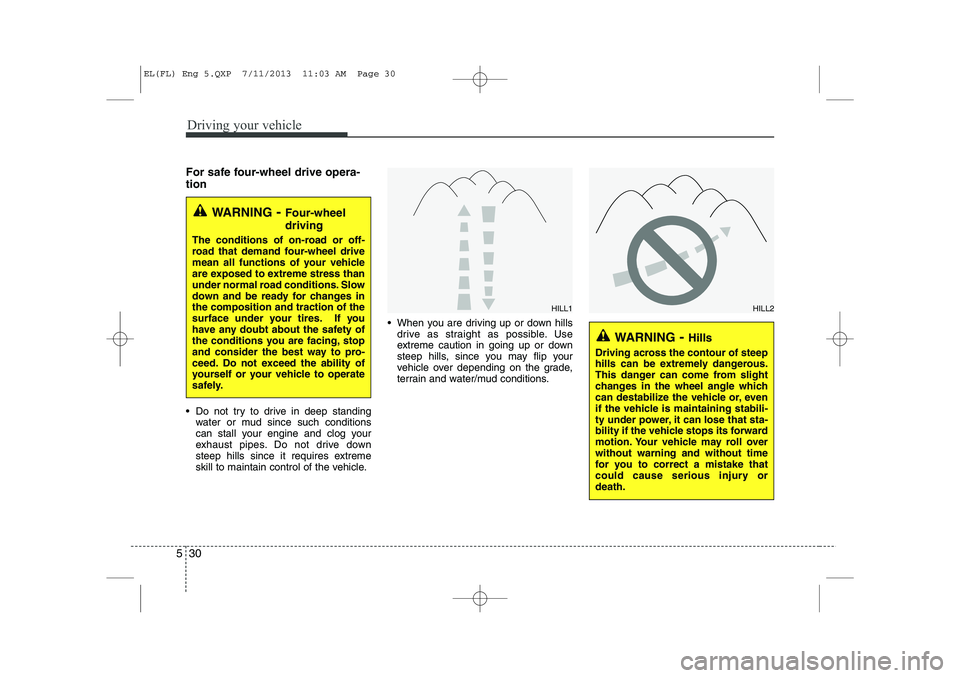
skill to maintain control of the vehicle. When you are driving up or down hills
drive as straight as possible. Use
extreme caution in going up or down
steep hills, since you may flip your
vehicle over depending on the grade,
terrain and water/mud conditions.
WARNING - Four-wheel driving
The conditions of on-road or off-
road that demand four-wheel drive
mean all functions of your vehicle
are exposed to extreme stress than
under normal road conditions. Slow
down and be ready for changes inthe composition and traction of the
surface under your tires. If you
have any doubt about the safety of
the conditions you are facing, stop
and consider the best way to pro-
ceed. Do not exceed the ability of
yourself or your vehicle to operate
safely.
WARNING - Hills
Driving across the contour of steep
hills can be extremely dangerous.
This danger can come from slight
changes in the wheel angle which
can destabilize the vehicle or, even
if the vehicle is maintaining stabili-
ty under power, it can lose that sta-
bility if the vehicle stops its forward
motion. Your vehicle may roll overwithout warning and without time
for you to correct a mistake that
could cause serious injury ordeath.
HILL1HILL2
EL(FL) Eng 5.QXP 7/11/2013 11:03 AM Page 30
Page 785 of 1534
531
Driving your vehicle
You must consciously take the effort tolearn how to corner in a 4WD vehicle.
Do not rely on your experience in con-
ventional 2WD vehicles in choosing
safe cornering speed in 4WD mode.
For starters, you must drive more slow-
ly in 4WD.
Drive carefully off-road because your vehicle may be damaged by rocks or
roots of trees. Become familiar with the
off-road conditions where you are
going to drive before you begin driving.
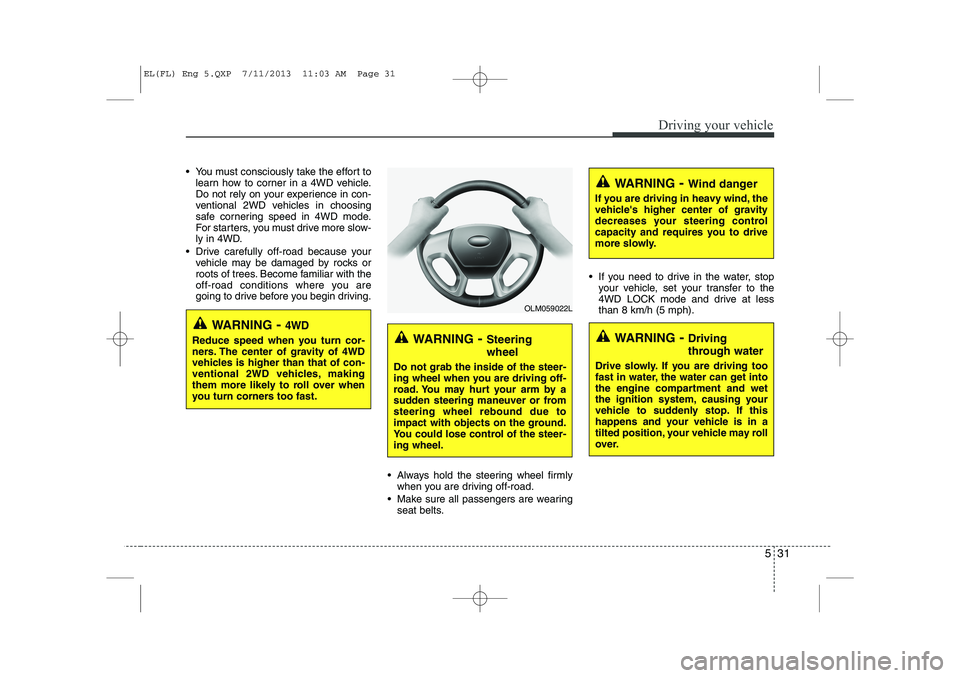
Always hold the steering wheel firmlywhen you are driving off-road.
Make sure all passengers are wearing seat belts. If you need to drive in the water, stop
your vehicle, set your transfer to the
4WD LOCK mode and drive at lessthan 8 km/h (5 mph).
WARNING - Steering wheel
Do not grab the inside of the steer-
ing wheel when you are driving off-
road. You may hurt your arm by a
sudden steering maneuver or fromsteering wheel rebound due to
impact with objects on the ground.
You could lose control of the steer-ing wheel.
WARNING - Wind danger
If you are driving in heavy wind, the
vehicle's higher center of gravity
decreases your steering control
capacity and requires you to drive
more slowly.
WARNING - Driving
through water
Drive slowly. If you are driving too
fast in water, the water can get into
the engine compartment and wet
the ignition system, causing your
vehicle to suddenly stop. If this
happens and your vehicle is in a
tilted position, your vehicle may roll
over.
OLM059022L
WARNING - 4WD
Reduce speed when you turn cor-
ners. The center of gravity of 4WD
vehicles is higher than that of con-
ventional 2WD vehicles, making
them more likely to roll over when
you turn corners too fast.
EL(FL) Eng 5.QXP 7/11/2013 11:03 AM Page 31
Page 787 of 1534
533
Driving your vehicle
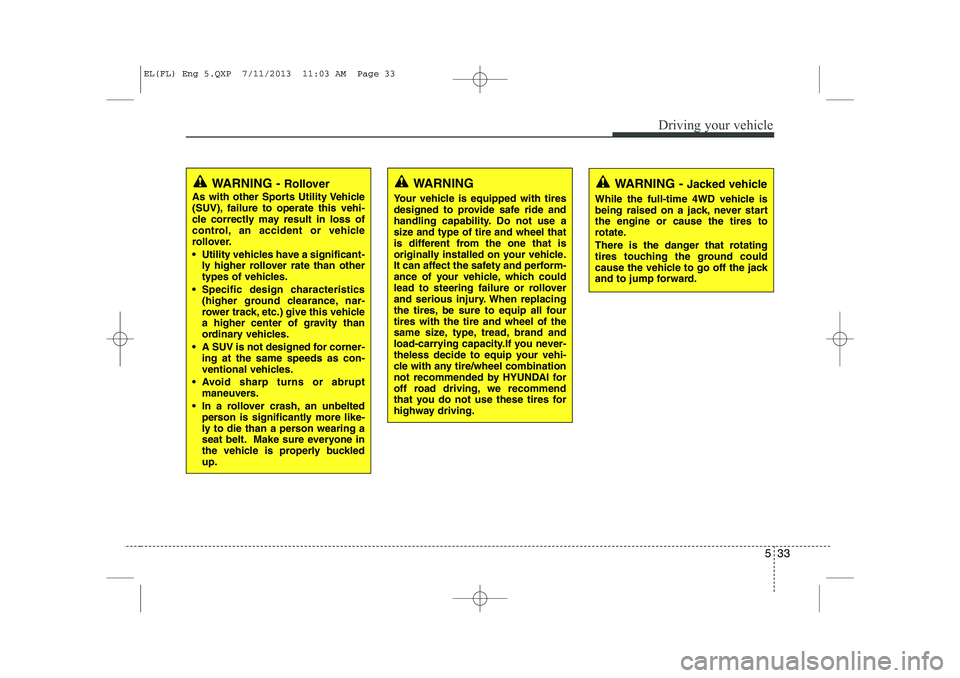
WARNING - Jacked vehicle
While the full-time 4WD vehicle is
being raised on a jack, never startthe engine or cause the tires to
rotate.
There is the danger that rotating
tires touching the ground could
cause the vehicle to go off the jack
and to jump forward.WARNING
Your vehicle is equipped with tires
designed to provide safe ride and
handling capability. Do not use a
size and type of tire and wheel that
is different from the one that is
originally installed on your vehicle.
It can affect the safety and perform-
ance of your vehicle, which could
lead to steering failure or rollover
and serious injury. When replacing
the tires, be sure to equip all fourtires with the tire and wheel of the
same size, type, tread, brand and
load-carrying capacity.If you never-
theless decide to equip your vehi-
cle with any tire/wheel combination
not recommended by HYUNDAI for
off road driving, we recommend
that you do not use these tires for
highway driving.WARNING - Rollover
As with other Sports Utility Vehicle
(SUV), failure to operate this vehi-
cle correctly may result in loss of
control, an accident or vehicle
rollover.
Utility vehicles have a significant- ly higher rollover rate than other
types of vehicles.
Specific design characteristics (higher ground clearance, nar-
rower track, etc.) give this vehicle
a higher center of gravity than
ordinary vehicles.
A SUV is not designed for corner- ing at the same speeds as con-
ventional vehicles.
Avoid sharp turns or abrupt maneuvers.
In a rollover crash, an unbelted person is significantly more like-
ly to die than a person wearing a
seat belt. Make sure everyone in
the vehicle is properly buckledup.
EL(FL) Eng 5.QXP 7/11/2013 11:03 AM Page 33
Page 789 of 1534
535
Driving your vehicle
Power brakes
Your vehicle has power-assisted brakes
that adjust automatically through normal
usage.
In the event that the power-assisted
brakes lose power because of a stalled
engine or some other reason, you can
still stop your vehicle by applying greater
force to the brake pedal than you nor-
mally would. The stopping distance, how-
ever, will be longer.
When the engine is not running, the
reserve brake power is partially depleted
each time the brake pedal is applied. Do
not pump the brake pedal when the
power assist has been interrupted.
Pump the brake pedal only when neces-
sary to maintain steering control on slip-
pery surfaces.In the event of brake failure
If service brakes fail to operate while the
vehicle is in motion, you can make an
emergency stop with the parking brake.
The stopping distance, however, will be
much greater than normal.
BRAKE SYSTEM (Continued)
When descending a long or steep
hill, shift to a lower gear and
avoid continuous application of
the brakes. Continuous brakeapplication will cause the brakes
to overheat and could result in a
temporary loss of braking per-
formance.
Wet brakes may impair the vehi- cle’s ability to sefely slow down;
the vehicle may also pull to oneside when the brakes are applied.
Applying the brakes lightly will
indicate whether they have been
affected in this way. Always test
your brakes in this fashion after
driving through deep water. To
dry the brakes, apply them lightly
while maintaining a safe forward
speed until brake performancereturns to normal.
Always, confirm the position of the brake and accelerator pedal
before driving. If you don't checkthe position of the accelerator
and brake pedal before driving,
you may depress the accelerator
instead of the brake pedal. It maycause a serious accident.
WARNING - Parking brake
Applying the parking brake while
the vehicle is moving at normal
speeds can cause a sudden loss of
control of the vehicle. If you mustuse the parking brake to stop the
vehicle, use great caution in apply-
ing the brake.
WARNING - Brakes
Do not drive with your foot rest- ing on the brake pedal. This will create abnormal high brake tem-
peratures, excessive brake lining
and pad wear, and increasedstopping distances.
(Continued)
EL(FL) Eng 5.QXP 7/11/2013 11:03 AM Page 35
Page 795 of 1534
541
Driving your vehicle
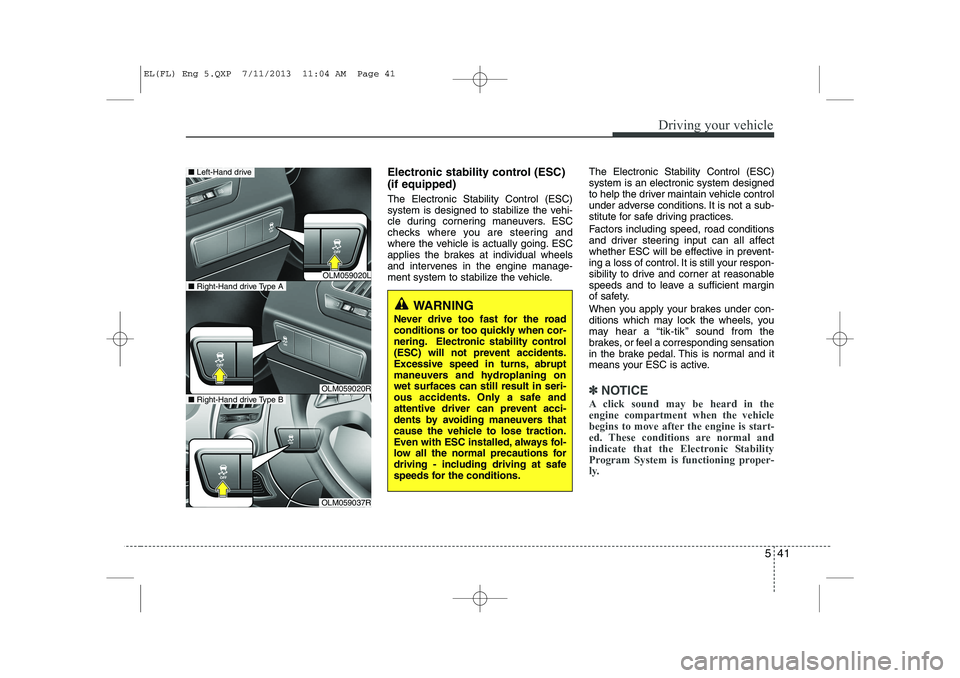
Electronic stability control (ESC) (if equipped) The Electronic Stability Control (ESC)
system is designed to stabilize the vehi-
cle during cornering maneuvers. ESC
checks where you are steering and
where the vehicle is actually going. ESC
applies the brakes at individual wheels
and intervenes in the engine manage-
ment system to stabilize the vehicle.The Electronic Stability Control (ESC)system is an electronic system designed
to help the driver maintain vehicle control
under adverse conditions. It is not a sub-
stitute for safe driving practices.
Factors including speed, road conditions
and driver steering input can all affect
whether ESC will be effective in prevent-
ing a loss of control. It is still your respon-
sibility to drive and corner at reasonable
speeds and to leave a sufficient margin
of safety.
When you apply your brakes under con-
ditions which may lock the wheels, you
may hear a “tik-tik’’ sound from the
brakes, or feel a corresponding sensation
in the brake pedal. This is normal and it
means your ESC is active.
✽✽
NOTICE
A click sound may be heard in the engine compartment when the vehicle
begins to move after the engine is start-
ed. These conditions are normal and
indicate that the Electronic Stability
Program System is functioning proper-
ly.
WARNING
Never drive too fast for the road
conditions or too quickly when cor-
nering. Electronic stability control
(ESC) will not prevent accidents.
Excessive speed in turns, abrupt
maneuvers and hydroplaning onwet surfaces can still result in seri-
ous accidents. Only a safe and
attentive driver can prevent acci-
dents by avoiding maneuvers that
cause the vehicle to lose traction.
Even with ESC installed, always fol-
low all the normal precautions for
driving - including driving at safe
speeds for the conditions.
OLM059020L
OLM059020R
OLM059037R
■ Right-Hand drive Type A
■Left-Hand drive
■Right-Hand drive Type B
EL(FL) Eng 5.QXP 7/11/2013 11:04 AM Page 41
Page 796 of 1534
Driving your vehicle
42
5
ESC operation
ESC ON condition
When the ignition is turnedON, ESC and ESC OFF indi-
cator lights illuminate for
approximately 3 seconds,
then ESC is turned on.
Press the ESC OFF button for at least half a second after
turning the ignition ON to turn
ESC off. (ESC OFF indicator
will illuminate). To turn theESC on, press the ESC OFF
button (ESC OFF indicatorlight will go off).
When starting the engine, you may hear a slight ticking
sound. This is the ESC per-
forming an automatic system
self-check and does not indi-
cate a problem. When operating
When the ESC is in operation,
ESP indicator light blinks.
When the Electronic StabilityControl is operating properly,
you can feel a slight pulsation
in the vehicle. This is only the
effect of brake control and indi-
cates nothing unusual.
When moving out of the mud or slippery road, pressing the
accelerator pedal may not
cause the engine rpm (revo-
lutions per minute) to
increase.
ESC operation off
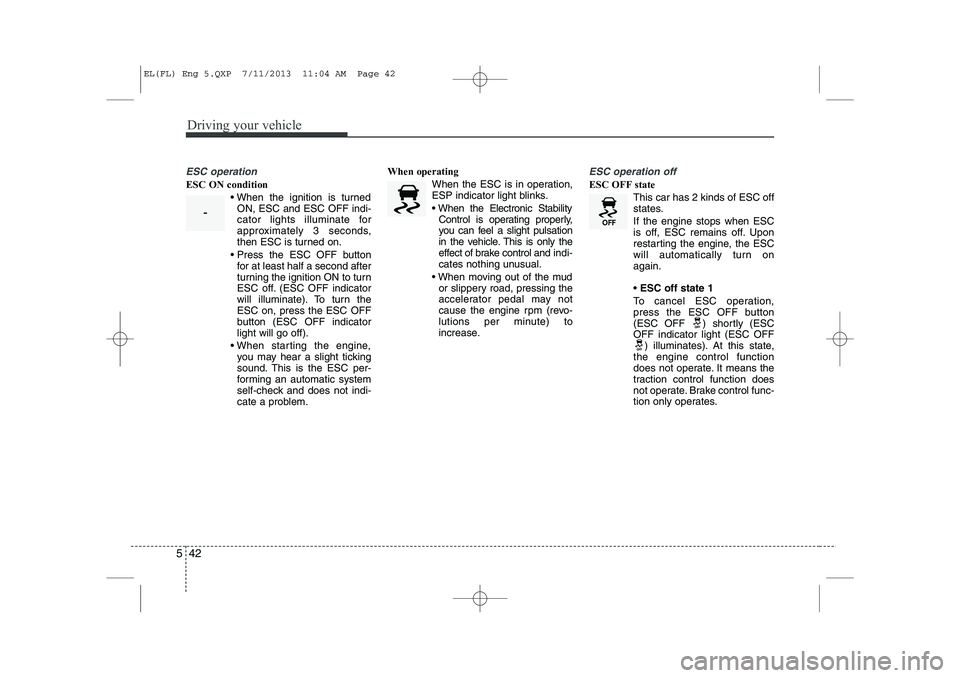
ESC OFF state
This car has 2 kinds of ESC off
states. If the engine stops when ESC
is off, ESC remains off. Upon
restarting the engine, the ESC
will automatically turn onagain. ESC off state 1
To cancel ESC operation,
press the ESC OFF button
(ESC OFF ) shortly (ESCOFF indicator light (ESC OFF ) illuminates). At this state,
the engine control function
does not operate. It means the
traction control function does
not operate. Brake control func-
tion only operates.
-
EL(FL) Eng 5.QXP 7/11/2013 11:04 AM Page 42
Page 797 of 1534
543
Driving your vehicle
ESC off state 2
To cancel ESC operation, press the ESC OFF button
(ESC OFF ) for more than
3 seconds. ESC OFF indica-
tor light (ESC OFF ) illumi-
nates and ESC OFF warning
chime will sound. At this
state, the engine control
function and brake control
function do not operate. Itmeans the car stability con-
trol function does not operate
any more.
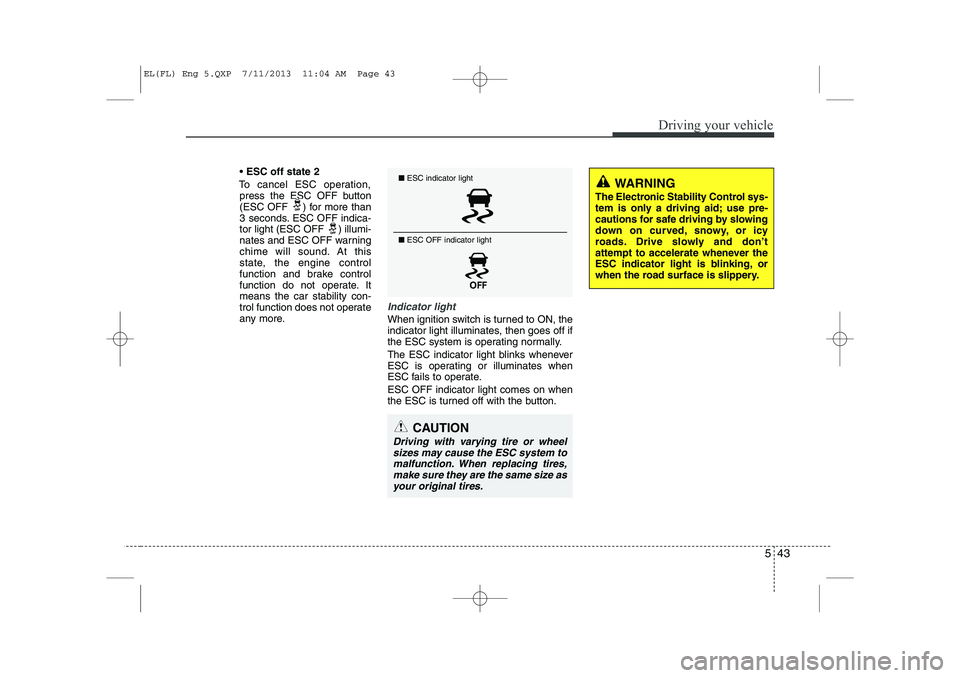
Indicator light
When ignition switch is turned to ON, the
indicator light illuminates, then goes off if
the ESC system is operating normally.
The ESC indicator light blinks whenever
ESC is operating or illuminates when
ESC fails to operate. ESC OFF indicator light comes on when
the ESC is turned off with the button.
■ ESC indicator light
■ ESC OFF indicator light
CAUTION
Driving with varying tire or wheel
sizes may cause the ESC system tomalfunction. When replacing tires,
make sure they are the same size asyour original tires.
WARNING
The Electronic Stability Control sys-
tem is only a driving aid; use pre-
cautions for safe driving by slowing
down on curved, snowy, or icy
roads. Drive slowly and don’t
attempt to accelerate whenever the
ESC indicator light is blinking, or
when the road surface is slippery.
EL(FL) Eng 5.QXP 7/11/2013 11:04 AM Page 43
Page 802 of 1534
Driving your vehicle
48
5
Trailer stability assist system continuous-
ly analyzes the vehicle and trailer insta-
bility. When the Trailer stability assist sys-
tem detects some sway, the brakes are
applied automatically to stabilize the
vehicle on the front wheel. However, if it
is not enough to stabilize, the brakes areapplied on all wheels automatically and
engine power is properly reduced. When
the vehicle is stable from swaying, trailer
stability assist system does not operate. Good braking practices
Check to be sure the parking brake is
not engaged and that the parking
brake indicator light is out before driv-
ing away.
Driving through water may get the brakes wet. They can also get wet
when the vehicle is washed. Wet
brakes can be dangerous! Your vehicle
will not stop as quickly if the brakes are
wet. Wet brakes may cause the vehicle
to pull to one side.
To dry the brakes, apply the brakes
lightly until the braking action returns to
normal, taking care to keep the vehicle
under control at all times. If the braking
action does not return to normal, stop
as soon as it is safe to do so and we
recommend that you call an authorized
HYUNDAI dealer for assistance.
Don't coast down hills with the vehicle out of gear. This is extremely haz-
ardous. Keep the vehicle in gear at all
times, use the brakes to slow down,
then shift to a lower gear so that
engine braking will help you maintain a
safe speed.
WARNING
Whenever you leave or park your vehicle, always set the parking
brake as far as possible and fully
engage the vehicle's transaxle
into the P (Park) position. If the
parking brake is not fully
engaged, the vehicle may move
inadvertently and injure yourself
and others.
All vehicles should always have the parking brake fully engaged
when parking to avoid inadver-
tent movement of the vehicle
which can injure occupants orpedestrians.
EL(FL) Eng 5.QXP 7/11/2013 11:04 AM Page 48