ESP Hyundai Kona 2018 Service Manual
[x] Cancel search | Manufacturer: HYUNDAI, Model Year: 2018, Model line: Kona, Model: Hyundai Kona 2018Pages: 523, PDF Size: 33.6 MB
Page 295 of 523
5-41
Driving your vehicle
5
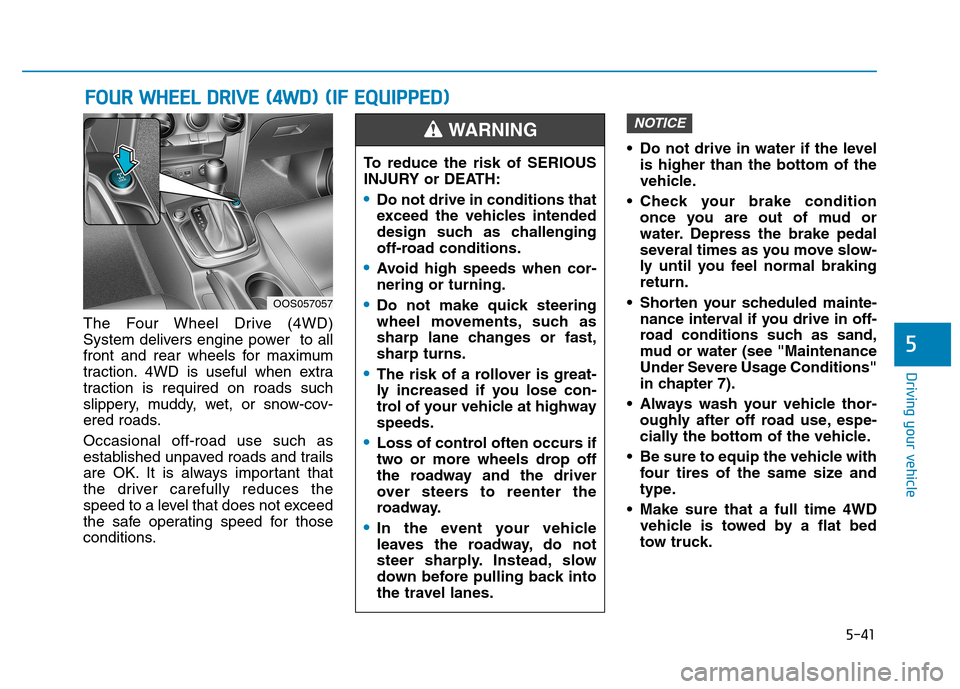
The Four Wheel Drive (4WD)
System delivers engine power to all
front and rear wheels for maximum
traction. 4WD is useful when extra
traction is required on roads such
slippery, muddy, wet, or snow-cov-
ered roads. Occasional off-road use such as
established unpaved roads and trails
are OK. It is always important that
the driver carefully reduces the
speed to a level that does not exceed
the safe operating speed for those
conditions. Do not drive in water if the level
is higher than the bottom of the
vehicle.
Check your brake condition once you are out of mud or
water. Depress the brake pedal
several times as you move slow-
ly until you feel normal brakingreturn.
Shorten your scheduled mainte- nance interval if you drive in off-
road conditions such as sand,
mud or water (see "Maintenance
Under Severe Usage Conditions"
in chapter 7).
Always wash your vehicle thor- oughly after off road use, espe-
cially the bottom of the vehicle.
Be sure to equip the vehicle with four tires of the same size and
type.
Make sure that a full time 4WD vehicle is towed by a flat bed
tow truck.
NOTICE
FFOO UURR WW HHEEEELL DD RRIIVV EE (( 44 WW DD)) (( IIFF EE QQ UUIIPP PPEEDD ))
OOS057057 To reduce the risk of SERIOUS
INJURY or DEATH:
Do not drive in conditions that
exceed the vehicles intended
design such as challenging
off-road conditions.
Avoid high speeds when cor- nering or turning.
Do not make quick steering
wheel movements, such as
sharp lane changes or fast,sharp turns.
The risk of a rollover is great-
ly increased if you lose con-
trol of your vehicle at highwayspeeds.
Loss of control often occurs if
two or more wheels drop off
the roadway and the driver
over steers to reenter the
roadway.
In the event your vehicle
leaves the roadway, do not
steer sharply. Instead, slow
down before pulling back into
the travel lanes.
WARNING
Page 297 of 523
5-43
Driving your vehicle
5
When the 4WD LOCK mode is
deactivated, a sensation may be
felt as the driving power is deliv-
ered entirely to the front wheels.
For safe 4WD operation
Before driving
Make sure all passengers arewearing seat belts.
Sit upright and closer to the steer- ing wheel than usual. Adjust the
steering wheel to a position com-
fortable for you to drive.
Driving on snow-covered or icy
roads
Start off slowly by applying theaccelerator pedal gently.
Use snow tires or tire chains.
Keep sufficient distance between your vehicle and the vehicle in front
of you.
Use engine braking during deceler- ation.
Avoid speeding, rapid acceleration, sudden brake applications, and
sharp turns to prevent skids.
Driving in sand or mud
Maintain slow and constant speed.
Use tire chains driving in mud ifnecessary.
Keep sufficient distance between your vehicle and the vehicle in front
of you.
Reduce vehicle speed and always check the road condition.
Avoid speeding, rapid acceleration, sudden brake applications, and
sharp turns to prevent getting
stuck.
NOTICE
When driving on normal roads,
deactivate the 4WD LOCK mode
by pushing the 4WD LOCK but-ton (4WD LOCK indicator light
goes off). Driving on normal
roads with the 4WD LOCK
mode, especially, when corner-
ing may cause mechanical
noise or vibration. The noiseand vibration will disappearwhen the 4WD LOCK mode is
deactivated. Prolong drivingwith the noise and vibration
may damage some parts of the
power train.
CAUTION
When the vehicle is stuck in
snow, sand or mud, place a non-slip material under the drive
wheels to provide traction OR
Slowly spin the wheels in for-
ward and reverse directions
which causes a rocking motion
that may free the vehicle.
However, avoid running the
engine continuously at high
rpm, doing so may damage the4WD system.
CAUTION
Page 307 of 523
5-53
Driving your vehicle
5
DDRRIIVV EE MM OODDEE IINN TTEEGG RRAA TTEEDD CC OO NNTTRR OO LL SS YY SSTT EEMM (( IIFF EE QQ UUIIPP PPEEDD ))
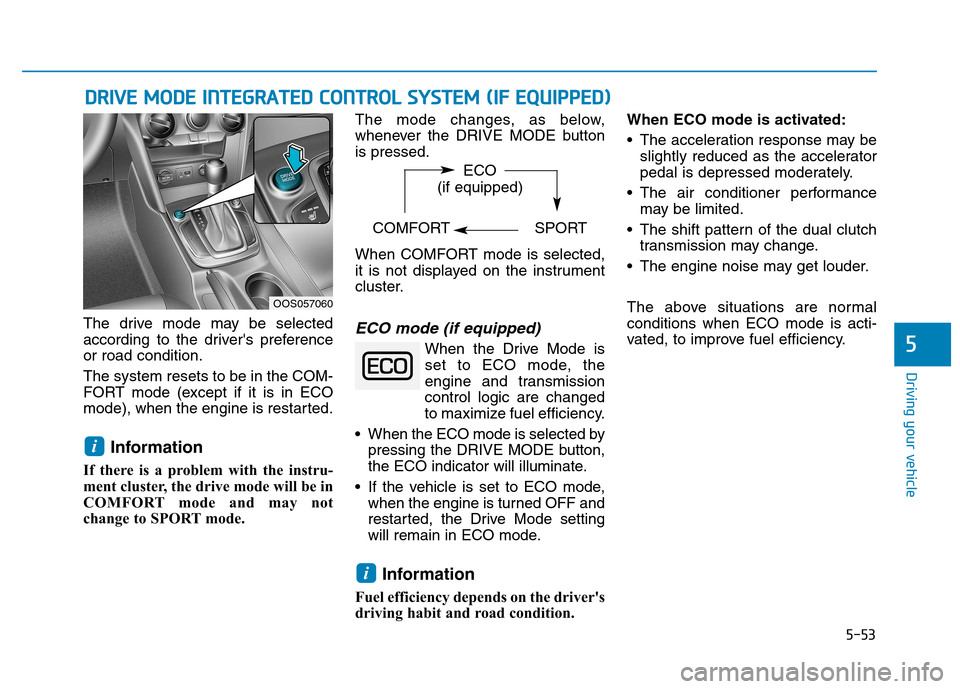
The drive mode may be selected
according to the driver's preferenceor road condition. The system resets to be in the COM-
FORT mode (except if it is in ECO
mode), when the engine is restarted.
Information
If there is a problem with the instru-
ment cluster, the drive mode will be in
COMFORT mode and may not
change to SPORT mode. The mode changes, as below,
whenever the DRIVE MODE buttonis pressed.
When COMFORT mode is selected,
it is not displayed on the instrument
cluster.ECO mode (if equipped)
When the Drive Mode is
set to ECO mode, the
engine and transmission
control logic are changed
to maximize fuel efficiency.
When the ECO mode is selected by pressing the DRIVE MODE button,
the ECO indicator will illuminate.
If the vehicle is set to ECO mode, when the engine is turned OFF and
restarted, the Drive Mode setting
will remain in ECO mode.
Information
Fuel efficiency depends on the driver's
driving habit and road condition. When ECO mode is activated:
The acceleration response may be
slightly reduced as the accelerator
pedal is depressed moderately.
The air conditioner performance may be limited.
The shift pattern of the dual clutch transmission may change.
The engine noise may get louder.
The above situations are normal conditions when ECO mode is acti-
vated, to improve fuel efficiency.
i
i
OOS057060 ECO
(if equipped)
COMFORT SPORT
Page 320 of 523
5-66
Driving your vehicle
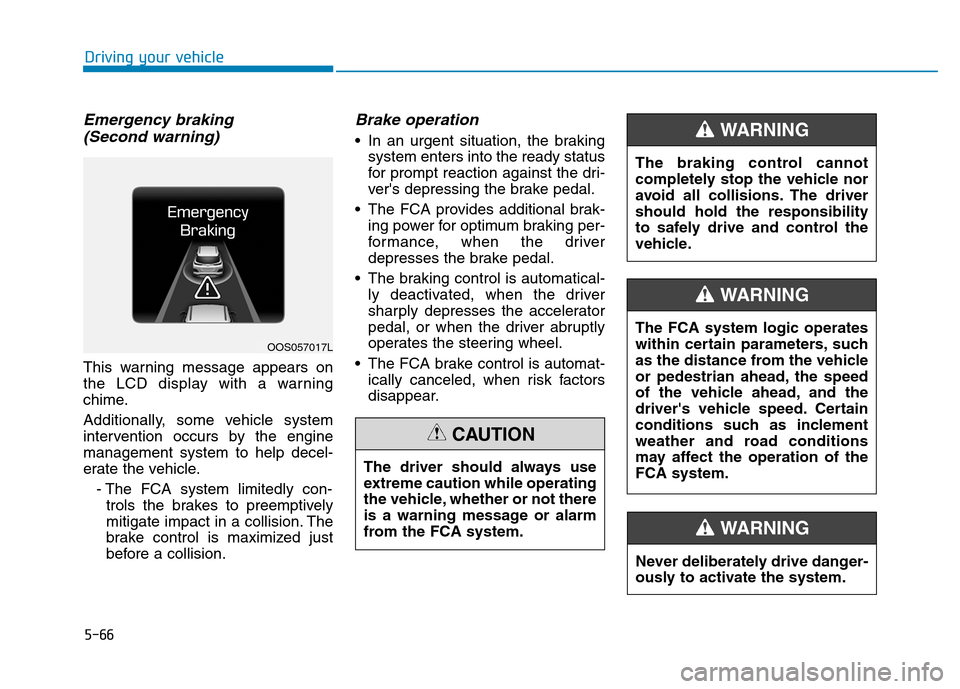
Emergency braking (Second warning)
This warning message appears on
the LCD display with a warning
chime.
Additionally, some vehicle system
intervention occurs by the enginemanagement system to help decel-
erate the vehicle.
- The FCA system limitedly con-trols the brakes to preemptively
mitigate impact in a collision. The
brake control is maximized just
before a collision.
Brake operation
In an urgent situation, the braking system enters into the ready status
for prompt reaction against the dri-
ver's depressing the brake pedal.
The FCA provides additional brak- ing power for optimum braking per-
formance, when the driver
depresses the brake pedal.
The braking control is automatical- ly deactivated, when the driver
sharply depresses the accelerator
pedal, or when the driver abruptly
operates the steering wheel.
The FCA brake control is automat- ically canceled, when risk factors
disappear.
OOS057017L
The driver should always use
extreme caution while operating
the vehicle, whether or not there
is a warning message or alarm
from the FCA system.
CAUTION
The braking control cannot
completely stop the vehicle nor
avoid all collisions. The drivershould hold the responsibility
to safely drive and control the
vehicle.
WARNING
Never deliberately drive danger-
ously to activate the system.
WARNING
The FCA system logic operates
within certain parameters, such
as the distance from the vehicle
or pedestrian ahead, the speed
of the vehicle ahead, and the
driver's vehicle speed. Certain
conditions such as inclement
weather and road conditions
may affect the operation of theFCA system.
WARNING
Page 323 of 523
5-69
Driving your vehicle
5
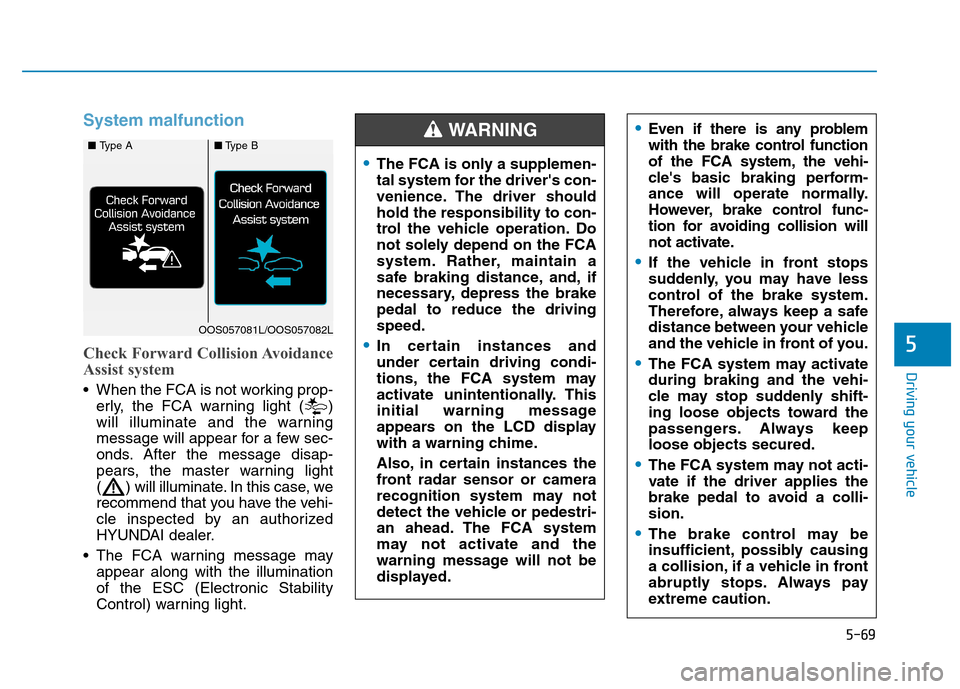
System malfunction
Check Forward Collision Avoidance
Assist system
When the FCA is not working prop-erly, the FCA warning light ( )
will illuminate and the warning
message will appear for a few sec-
onds. After the message disap-
pears, the master warning light
( ) will illuminate. In this case, we
recommend that you have the vehi-
cle inspected by an authorized
HYUNDAI dealer.
The FCA warning message may appear along with the illuminationof the ESC (Electronic Stability
Control) warning light.
The FCA is only a supplemen-
tal system for the driver's con-
venience. The driver shouldhold the responsibility to con-
trol the vehicle operation. Do
not solely depend on the FCA
system. Rather, maintain a
safe braking distance, and, if
necessary, depress the brakepedal to reduce the drivingspeed.
In certain instances and
under certain driving condi-
tions, the FCA system may
activate unintentionally. This
initial warning message
appears on the LCD display
with a warning chime.
Also, in certain instances the
front radar sensor or camera
recognition system may not
detect the vehicle or pedestri-
an ahead. The FCA system
may not activate and the
warning message will not be
displayed.
Even if there is any problem
with the brake control function
of the FCA system, the vehi-
cle's basic braking perform-
ance will operate normally.
However, brake control func-
tion for avoiding collision will
not activate.
If the vehicle in front stops
suddenly, you may have less
control of the brake system.
Therefore, always keep a safe
distance between your vehicle
and the vehicle in front of you.
The FCA system may activate during braking and the vehi-
cle may stop suddenly shift-
ing loose objects toward the
passengers. Always keeploose objects secured.
The FCA system may not acti-
vate if the driver applies the
brake pedal to avoid a colli-sion.
The brake control may be
insufficient, possibly causing
a collision, if a vehicle in front
abruptly stops. Always pay
extreme caution.
WARNING ■ Type A■Type B
OOS057081L/OOS057082L
Page 327 of 523
5-73
Driving your vehicle
5
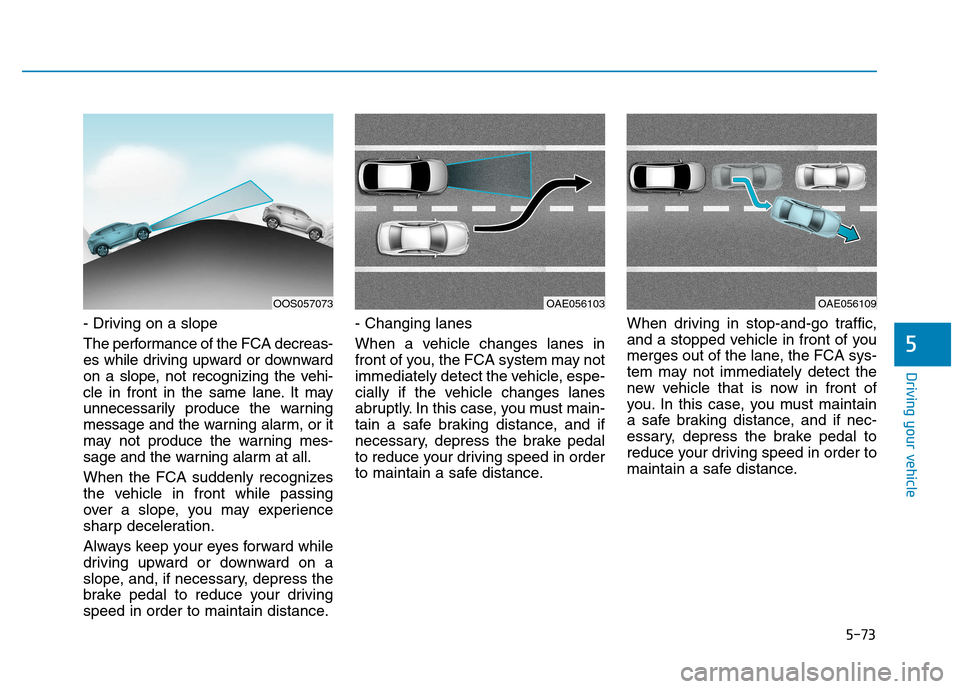
- Driving on a slope
The performance of the FCA decreas-
es while driving upward or downward
on a slope, not recognizing the vehi-
cle in front in the same lane. It may
unnecessarily produce the warning
message and the warning alarm, or it
may not produce the warning mes-
sage and the warning alarm at all.
When the FCA suddenly recognizes
the vehicle in front while passing
over a slope, you may experience
sharp deceleration.
Always keep your eyes forward while
driving upward or downward on a
slope, and, if necessary, depress the
brake pedal to reduce your driving
speed in order to maintain distance.- Changing lanes
When a vehicle changes lanes in
front of you, the FCA system may not
immediately detect the vehicle, espe-
cially if the vehicle changes lanes
abruptly. In this case, you must main-
tain a safe braking distance, and if
necessary, depress the brake pedal
to reduce your driving speed in order
to maintain a safe distance.
When driving in stop-and-go traffic,
and a stopped vehicle in front of you
merges out of the lane, the FCA sys-
tem may not immediately detect the
new vehicle that is now in front of
you. In this case, you must maintain
a safe braking distance, and if nec-
essary, depress the brake pedal to
reduce your driving speed in order to
maintain a safe distance.
OAE056103OAE056109OOS057073
Page 330 of 523
5-76
Driving your vehicleL
L AA NN EE KK EEEEPP IINN GG AA SSSSIISS TT (( LL KK AA )) SS YY SSTT EEMM
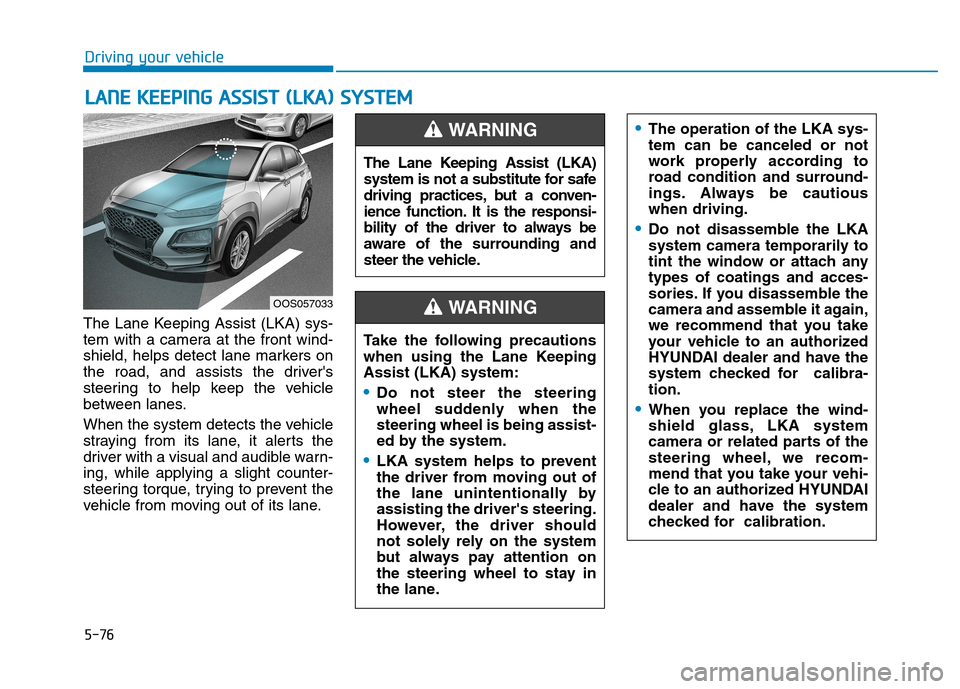
The Lane Keeping Assist (LKA) sys-
tem with a camera at the front wind-
shield, helps detect lane markers on
the road, and assists the driver's
steering to help keep the vehicle
between lanes.
When the system detects the vehicle
straying from its lane, it alerts the
driver with a visual and audible warn-ing, while applying a slight counter-
steering torque, trying to prevent the
vehicle from moving out of its lane.
OOS057033 The Lane Keeping Assist (LKA)
system is not a substitute for safe
driving practices, but a conven-
ience function. It is the responsi-
bility of the driver to always be
aware of the surrounding and
steer the vehicle.
WARNING
Take the following precautions
when using the Lane KeepingAssist (LKA) system:
Do not steer the steering
wheel suddenly when thesteering wheel is being assist-
ed by the system.
LKA system helps to prevent
the driver from moving out of
the lane unintentionally byassisting the driver's steering.
However, the driver should
not solely rely on the system
but always pay attention on
the steering wheel to stay in
the lane.
WARNING
The operation of the LKA sys- tem can be canceled or not
work properly according to
road condition and surround-
ings. Always be cautiouswhen driving.
Do not disassemble the LKA
system camera temporarily to
tint the window or attach anytypes of coatings and acces-
sories. If you disassemble the
camera and assemble it again,
we recommend that you take
your vehicle to an authorized
HYUNDAI dealer and have the
system checked for calibra-tion.
When you replace the wind-
shield glass, LKA system
camera or related parts of the
steering wheel, we recom-
mend that you take your vehi-
cle to an authorized HYUNDAI
dealer and have the system
checked for calibration.
Page 332 of 523
5-78
Driving your vehicle
Note that the vehicle speed must be
at least approximately 60 km/h (40mph) to ENABLE the LKA system.
The indicator in the cluster display
will illuminate green.The color of indicator willchange depending on thecondition of LKA system.
- White : Sensor does not detect
lane markers or vehiclespeed is under 60 km/h(40mph).
- Green : Sensor detects lane mark- ers and the system is able
to control vehicle steering.
Information
If the indicator (white) is activated
from the previous ignition cycle, the
system will turn ON without any addi-
tional control. If you press the LKA
button again, the indicator on the
cluster goes off. LKA activation
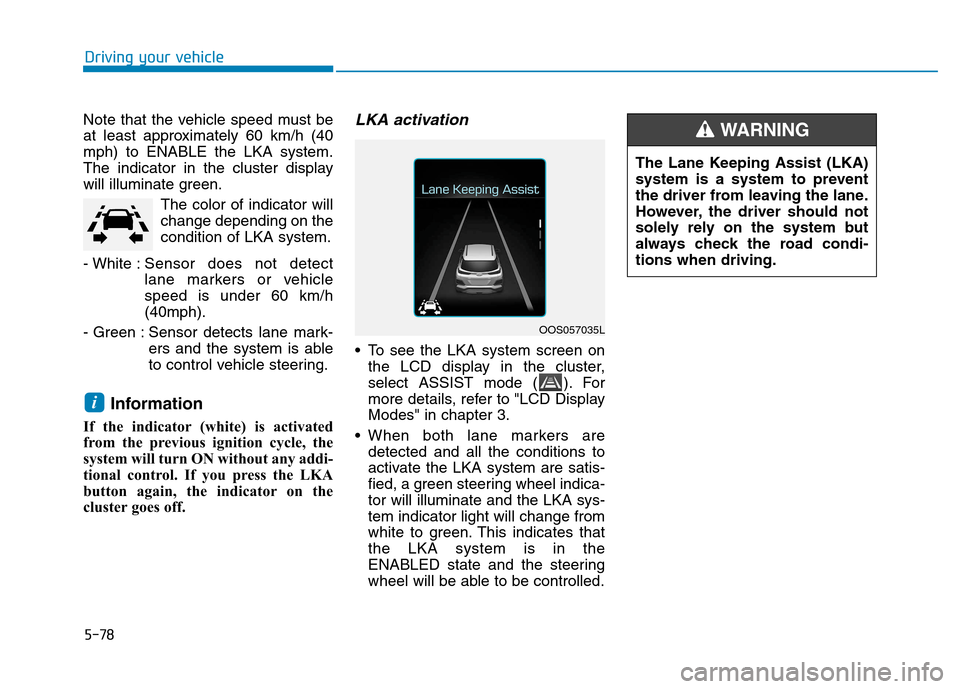
To see the LKA system screen on the LCD display in the cluster,
select ASSIST mode ( ). For
more details, refer to "LCD DisplayModes" in chapter 3.
When both lane markers are detected and all the conditions to
activate the LKA system are satis-
fied, a green steering wheel indica-tor will illuminate and the LKA sys-tem indicator light will change from
white to green. This indicates thatthe LKA system is in the
ENABLED state and the steering
wheel will be able to be controlled.
i
OOS057035L The Lane Keeping Assist (LKA)
system is a system to prevent
the driver from leaving the lane.
However, the driver should not
solely rely on the system but
always check the road condi-tions when driving.
WARNING
Page 334 of 523
5-80
Driving your vehicle
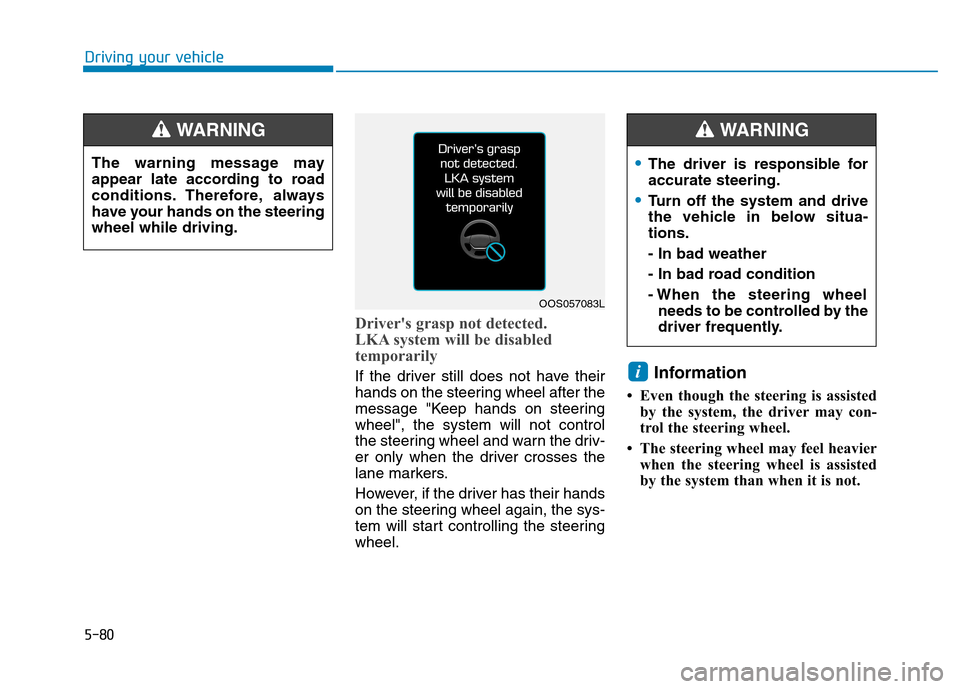
Driver's grasp not detected.
LKA system will be disabled
temporarily
If the driver still does not have their
hands on the steering wheel after the
message "Keep hands on steeringwheel", the system will not control
the steering wheel and warn the driv-
er only when the driver crosses the
lane markers.
However, if the driver has their hands
on the steering wheel again, the sys-
tem will start controlling the steeringwheel.Information
Even though the steering is assisted by the system, the driver may con-
trol the steering wheel.
The steering wheel may feel heavier when the steering wheel is assisted
by the system than when it is not. i
The warning message may
appear late according to road
conditions. Therefore, always
have your hands on the steeringwheel while driving.
WARNING
The driver is responsible for accurate steering.
Turn off the system and drive
the vehicle in below situa-tions. - In bad weather
- In bad road condition
- When the steering wheelneeds to be controlled by the
driver frequently.
WARNING
OOS057083L
Page 340 of 523
5-86
Driving your vehicle
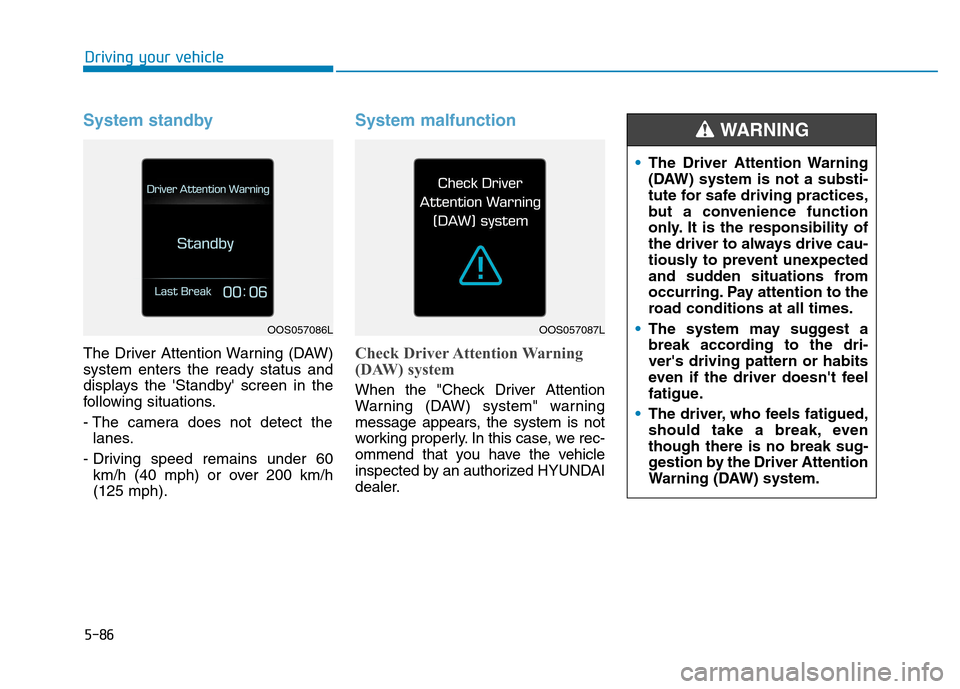
System standby
The Driver Attention Warning (DAW) system enters the ready status and
displays the 'Standby' screen in the
following situations.
- The camera does not detect thelanes.
- Driving speed remains under 60 km/h (40 mph) or over 200 km/h (125 mph).
System malfunction
Check Driver Attention Warning
(DAW) system
When the "Check Driver Attention
Warning (DAW) system" warning
message appears, the system is not
working properly. In this case, we rec-
ommend that you have the vehicle
inspected by an authorized HYUNDAI
dealer.
OOS057086LOOS057087L
The Driver Attention Warning
(DAW) system is not a substi-
tute for safe driving practices,
but a convenience function
only. It is the responsibility of
the driver to always drive cau-
tiously to prevent unexpected
and sudden situations from
occurring. Pay attention to the
road conditions at all times.
The system may suggest a
break according to the dri-ver's driving pattern or habits
even if the driver doesn't feel
fatigue.
The driver, who feels fatigued,
should take a break, eventhough there is no break sug-
gestion by the Driver Attention
Warning (DAW) system.
WARNING