warning HYUNDAI KONA 2022 Owners Manual
[x] Cancel search | Manufacturer: HYUNDAI, Model Year: 2022, Model line: KONA, Model: HYUNDAI KONA 2022Pages: 579, PDF Size: 35.31 MB
Page 384 of 579
Driver assistance system
7-52
WARNING
Take the following precautions when
using Safe Exit Warning:
For your safety, change the Settings
after parking the vehicle at a safe
location.
If any other function’s warning
message is displayed or audible
warning is generated, Safe Exit
Warning’s warning message may not
be displayed and audible warning
may not be generated.
You may not hear the warning
sound of Safe Exit Warning if the
surrounding is noisy.
Safe Exit Warning does not operate
in all situations or cannot prevent all
collisions.
Safe Exit Warning may warn the
driver late or may not warn the driver
depending on the road and driving
conditions. Always check vehicle
surroundings.
The driver and passengers are
responsible for accidents that occurs
while exiting the vehicle. Always
check the surroundings before you
exit the vehicle.
Never deliberately operate Safe
Exit Warning. Doing so may lead to
serious injury or death.
Safe Exit Warning does not operate
if there is a problem with Blind-Spot
Safety system. The warning message
of Blind-Spot Safety system will
appear when:
-Blind-Spot Safety system sensor or
the sensor surrounding is polluted
or covered
-Blind-Spot Safety system fails to
warn passengers or falsely warn
passengers
Information
Safe Exit Warning malfunction
and limitations
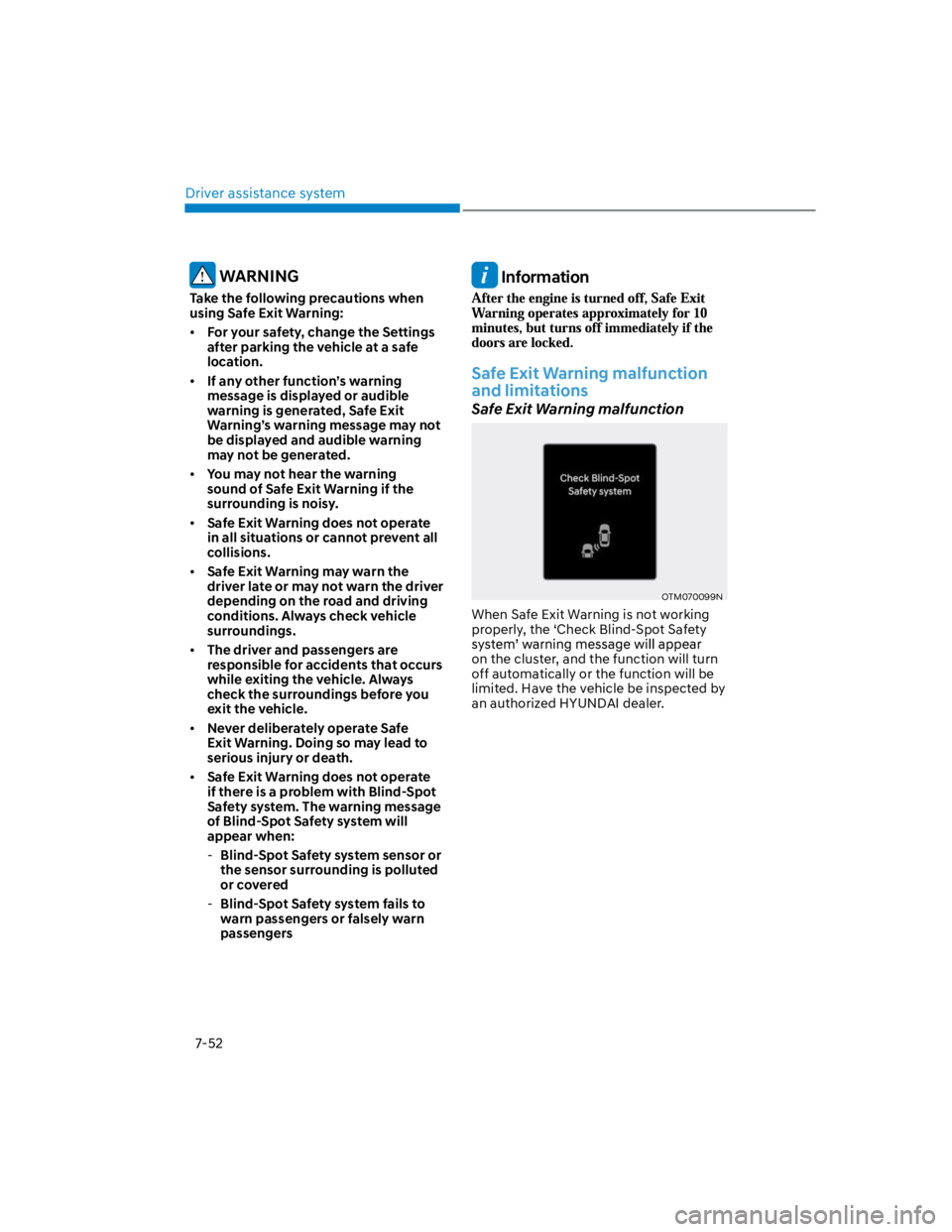
Safe Exit Warning malfunction
OTM070099N
When Safe Exit Warning is not working
properly, the ‘Check Blind-Spot Safety
on the cluster, and the function will turn
off automatically or the function will be
limited. Have the vehicle be inspected by
an authorized HYUNDAI dealer.
Page 385 of 579
07
7-53
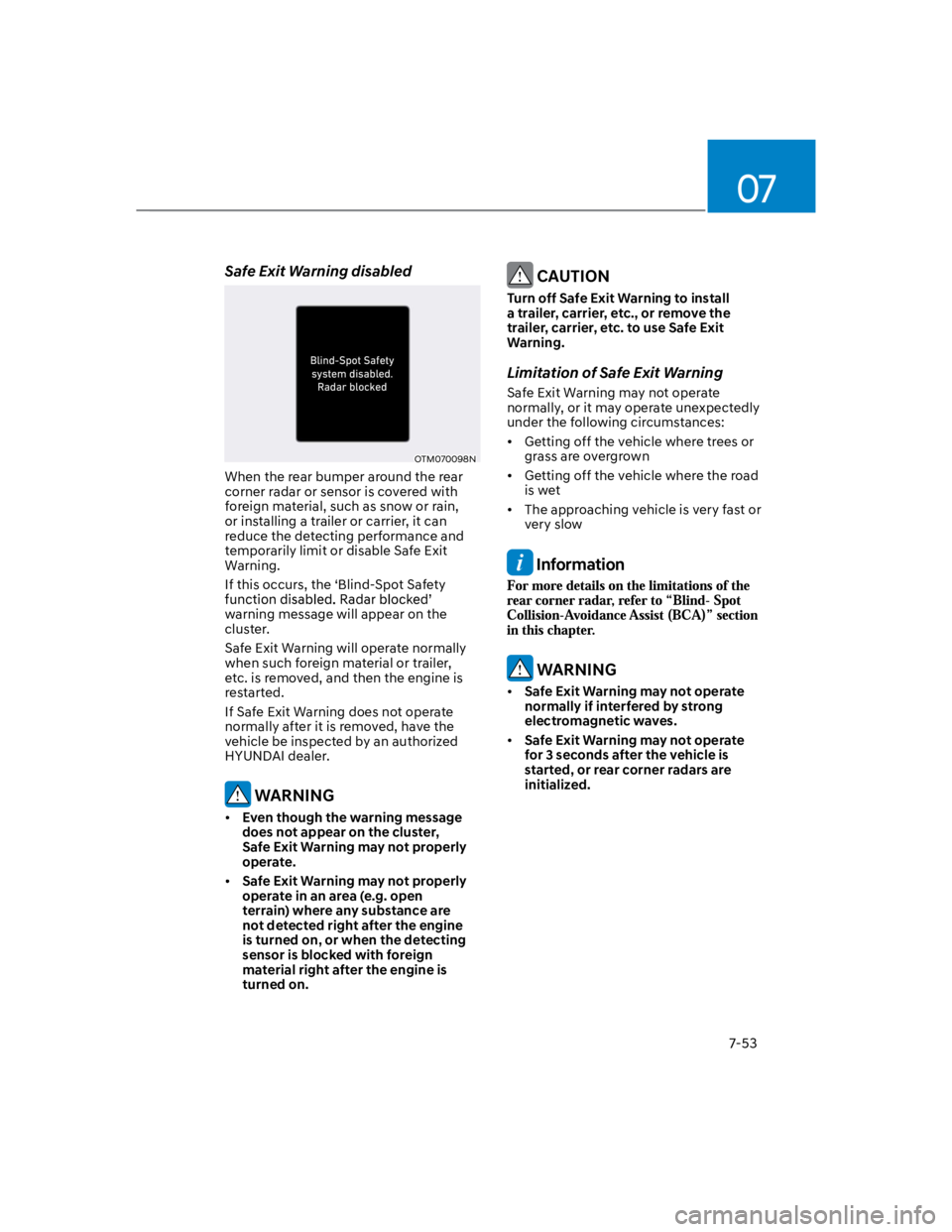
Safe Exit Warning disabled
OTM070098N
When the rear bumper around the rear
corner radar or sensor is covered with
foreign material, such as snow or rain,
or installing a trailer or carrier, it can
reduce the detecting performance and
temporarily limit or disable Safe Exit
Warning.
If this occurs, the ‘Blind-Spot Safety
warning message will appear on the
cluster.
Safe Exit Warning will operate normally
when such foreign material or trailer,
etc. is removed, and then the engine is
restarted.
If Safe Exit Warning does not operate
normally after it is removed, have the
vehicle be inspected by an authorized
HYUNDAI dealer.
WARNING
Even though the warning message
does not appear on the cluster,
Safe Exit Warning may not properly
operate.
Safe Exit Warning may not properly
operate in an area (e.g. open
terrain) where any substance are
not detected right after the engine
is turned on, or when the detecting
sensor is blocked with foreign
material right after the engine is
turned on.
CAUTION
Turn off Safe Exit Warning to install
a trailer, carrier, etc., or remove the
trailer, carrier, etc. to use Safe Exit
Warning.
Limitation of Safe Exit Warning
Safe Exit Warning may not operate
normally, or it may operate unexpectedly
under the following circumstances:
Getting off the vehicle where trees or
grass are overgrown
Getting off the vehicle where the road
is wet
The approaching vehicle is very fast or
very slow
Information
WARNING
Safe Exit Warning may not operate
normally if interfered by strong
electromagnetic waves.
Safe Exit Warning may not operate
for 3 seconds after the vehicle is
started, or rear corner radars are
initialized.
Page 386 of 579
Driver assistance system
7-54
Basic function
Driver Attention Warning can help
determine the driver's attention level by
analyzing driving pattern, driving time,
etc. while vehicle is being driven. The
function will recommend a break when
certain level.
Leading Vehicle Departure Alert
function
Leading Vehicle Departure Alert function
will inform the driver when a detected
vehicle in front departs from a stop.
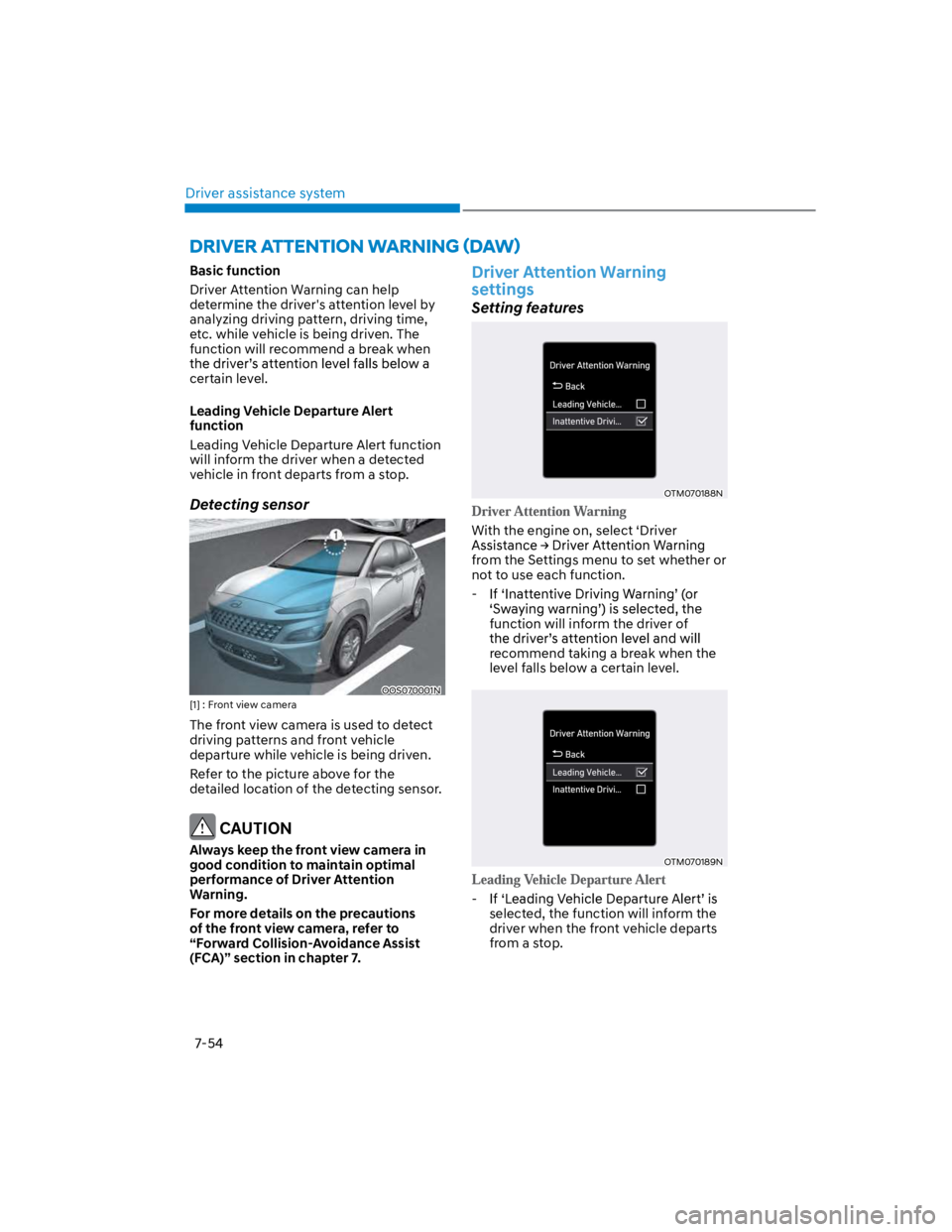
Detecting sensor
OOS070001N
[1] : Front view camera
The front view camera is used to detect
driving patterns and front vehicle
departure while vehicle is being driven.
Refer to the picture above for the
detailed location of the detecting sensor.
CAUTION
Always keep the front view camera in
good condition to maintain optimal
performance of Driver Attention
Warning.
For more details on the precautions
of the front view camera, refer to
“Forward Collision-Avoidance Assist
(FCA)” section in chapter 7.
Driver Attention Warning
settings
Setting features
OTM070188N
With the engine on, select ‘Driver
from the Settings menu to set whether or
not to use each function.
-
function will inform the driver of
recommend taking a break when the
level falls below a certain level.
OTM070189N
-
selected, the function will inform the
driver when the front vehicle departs
from a stop.
Page 387 of 579
07
7-55
OTM070140N
With the engine on, select ‘Driver
Settings menu to change the initial
warning activation time for Driver
Attention Warning.
When the vehicle is first delivered,
change the Warning Timing, the warning
time of other Driver Assistance systems
may change.
Information
Driver Attention Warning
operation
Basic function
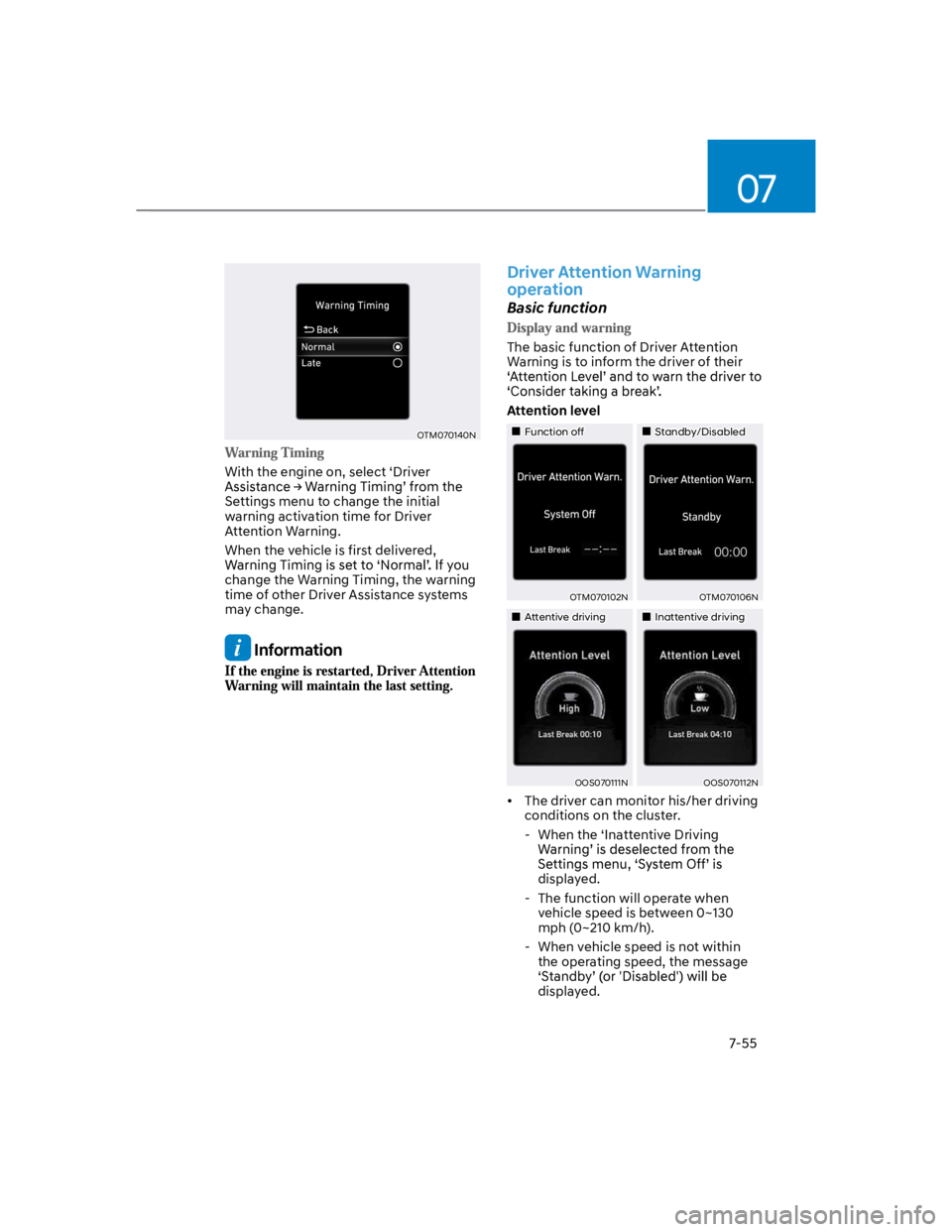
The basic function of Driver Attention
Warning is to inform the driver of their
Attention level
Function offStandby/Disabled
OTM070102NOTM070106N
Attentive drivingInattentive driving
OOS070111NOOS070112N
The driver can monitor his/her driving
conditions on the cluster.
- When the ‘Inattentive Driving
displayed.
- The function will operate when
vehicle speed is between 0~130
mph (0~210 km/h).
- When vehicle speed is not within
the operating speed, the message
displayed.
Page 388 of 579
Driver assistance system
7-56
on the scale of 1 to 5. The lower the
level is, the more inattentive the driver
is.
The level decreases when the driver
does not take a break for a certain
period of time.
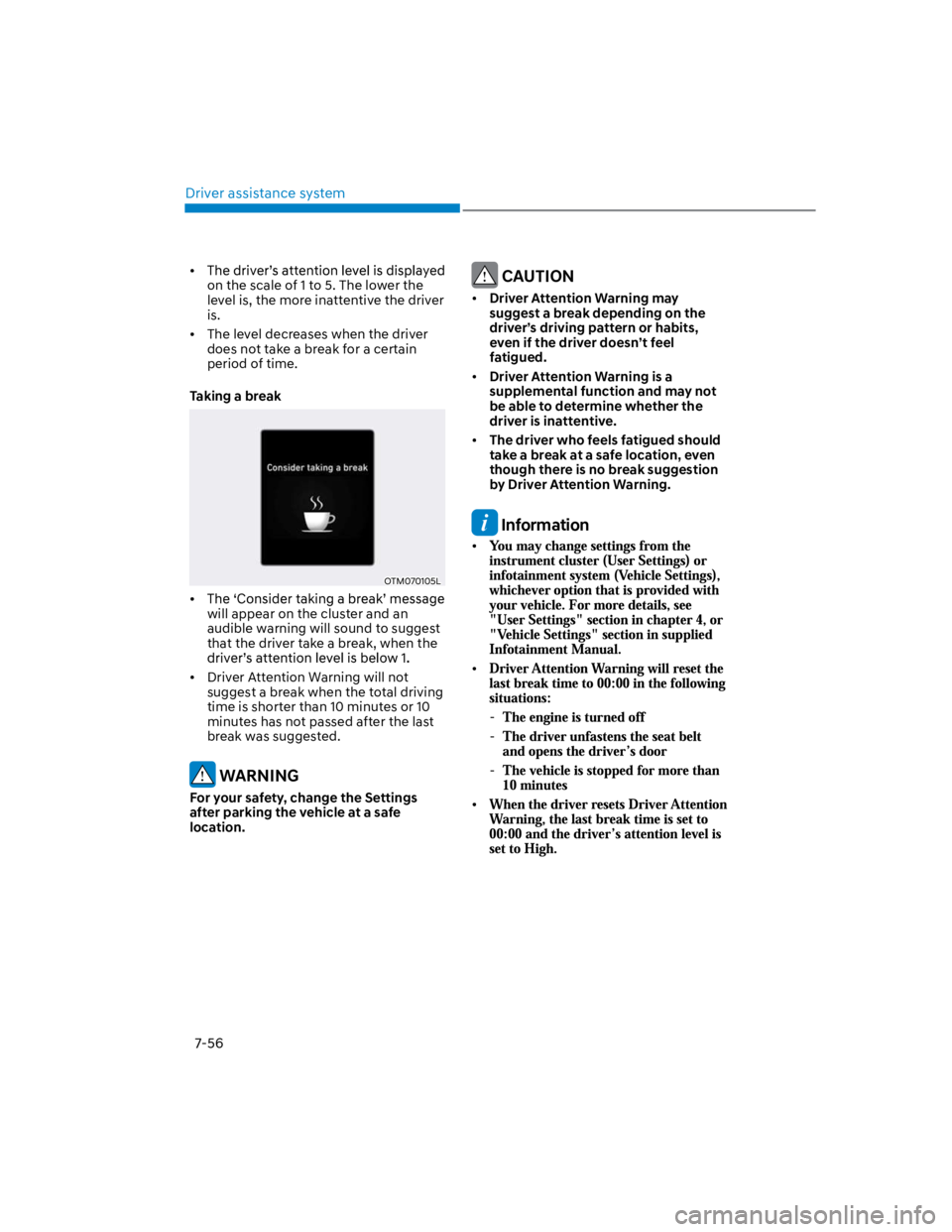
Taking a break
OTM070105L
will appear on the cluster and an
audible warning will sound to suggest
that the driver take a break, when the
Driver Attention Warning will not
suggest a break when the total driving
time is shorter than 10 minutes or 10
minutes has not passed after the last
break was suggested.
WARNING
For your safety, change the Settings
after parking the vehicle at a safe
location.
CAUTION
Driver Attention Warning may
suggest a break depending on the
driver’s driving pattern or habits,
even if the driver doesn’t feel
fatigued.
Driver Attention Warning is a
supplemental function and may not
be able to determine whether the
driver is inattentive.
The driver who feels fatigued should
take a break at a safe location, even
though there is no break suggestion
by Driver Attention Warning.
Information
-
-
-
Page 389 of 579
07
7-57
Leading Vehicle Departure Alert
function
OTM070042N
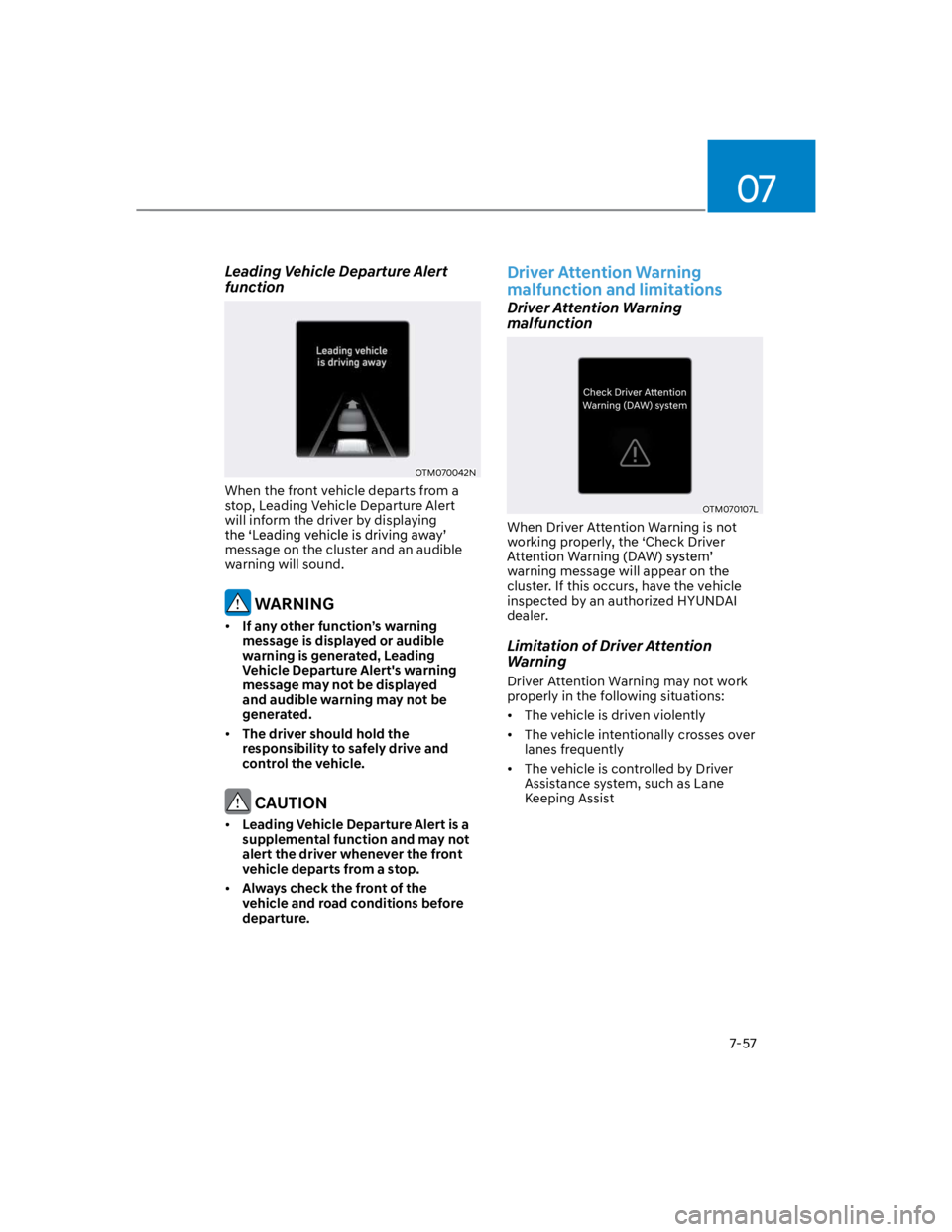
When the front vehicle departs from a
stop, Leading Vehicle Departure Alert
will inform the driver by displaying
message on the cluster and an audible
warning will sound.
WARNING
If any other function’s warning
message is displayed or audible
warning is generated, Leading
Vehicle Departure Alert's warning
message may not be displayed
and audible warning may not be
generated.
The driver should hold the
responsibility to safely drive and
control the vehicle.
CAUTION
Leading Vehicle Departure Alert is a
supplemental function and may not
alert the driver whenever the front
vehicle departs from a stop.
Always check the front of the
vehicle and road conditions before
departure.
Driver Attention Warning
malfunction and limitations
Driver Attention Warning
malfunction
OTM070107L
When Driver Attention Warning is not
working properly, the ‘Check Driver
warning message will appear on the
cluster. If this occurs, have the vehicle
inspected by an authorized HYUNDAI
dealer.
Limitation of Driver Attention
Warning
Driver Attention Warning may not work
properly in the following situations:
The vehicle is driven violently
The vehicle intentionally crosses over
lanes frequently
The vehicle is controlled by Driver
Assistance system, such as Lane
Keeping Assist
Page 395 of 579
07
7-63
WARNING
Take the following precautions when
using Cruise Control:
Always set the vehicle speed to the
speed limit in your region.
Keep Cruise Control off when the
function is not in use, to avoid
inadvertently setting a speed. Check
that the Cruise () indicator is
off.
Cruise Control does not substitute
for proper and safe driving. It is the
responsibility of the driver to always
drive safely and should always be
aware of unexpected and sudden
situations from occurring.
Always drive cautiously to prevent
unexpected and sudden situations
from occurring. Pay attention to the
road conditions at all times.
Do not use Cruise Control when it
may be unsafe to keep the vehicle at
a constant speed:
-When driving in heavy traffic, or
when traffic conditions make it
difficult to drive at a constant
speed
-When driving on rainy, icy, or
snow-covered roads
-When driving on hilly or windy
roads
-When driving in windy areas
-When driving with limited view
(possibly due to bad weather, such
as fog, snow, rain and sandstorm)
-When gear state is N (Neutral) for
manual transmission.
Do not shift the gear to N (Neutral)
while the cruise control is activating
without clutch pedal depressed.
Information
1.
2.
3.
Information
Page 398 of 579
Driver assistance system
7-66
OOS070009K
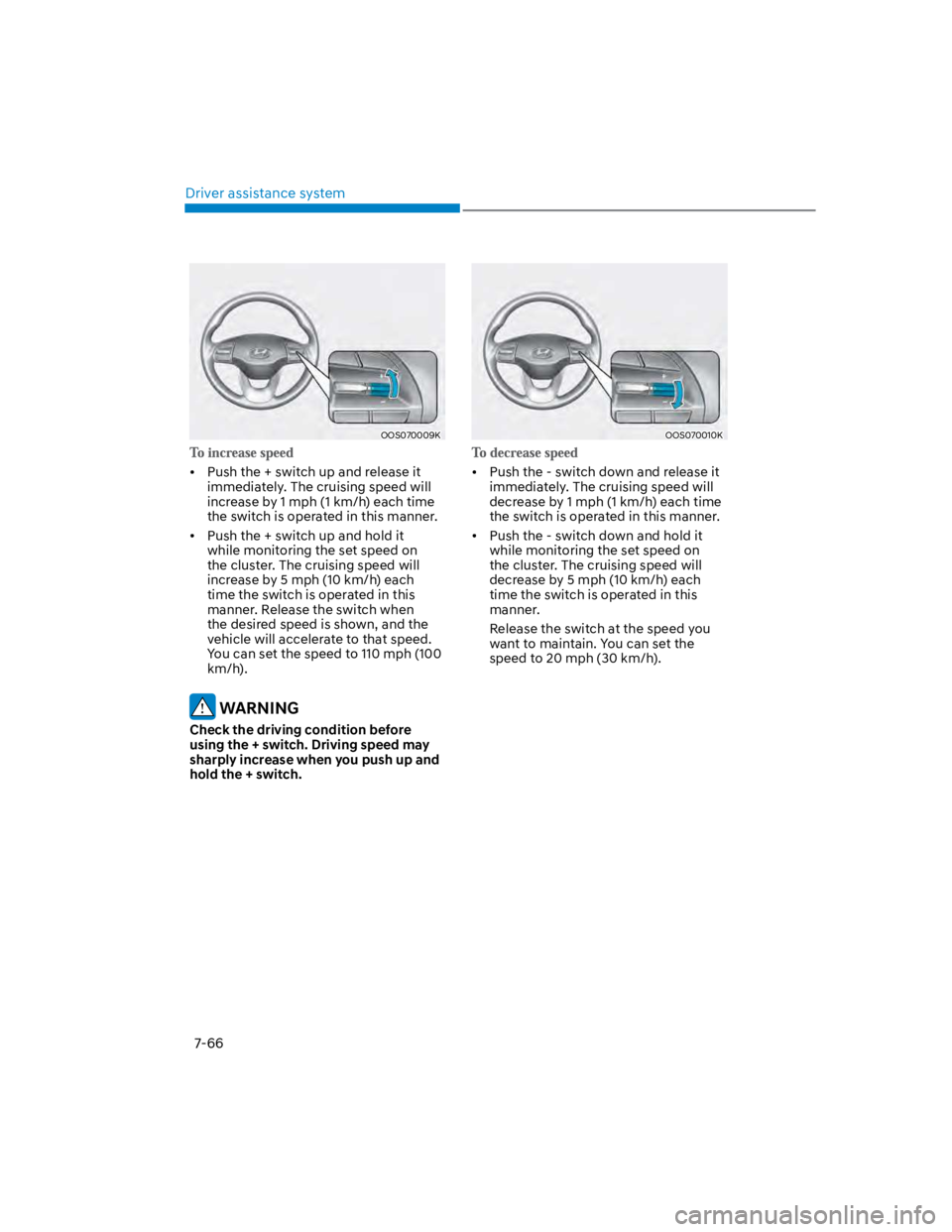
Push the + switch up and release it
immediately. The cruising speed will
increase by 1 mph (1 km/h) each time
the switch is operated in this manner.
Push the + switch up and hold it
while monitoring the set speed on
the cluster. The cruising speed will
increase by 5 mph (10 km/h) each
time the switch is operated in this
manner. Release the switch when
the desired speed is shown, and the
vehicle will accelerate to that speed.
You can set the speed to 110 mph (100
km/h).
WARNING
Check the driving condition before
using the + switch. Driving speed may
sharply increase when you push up and
hold the + switch.
OOS070010K
Push the - switch down and release it
immediately. The cruising speed will
decrease by 1 mph (1 km/h) each time
the switch is operated in this manner.
Push the - switch down and hold it
while monitoring the set speed on
the cluster. The cruising speed will
decrease by 5 mph (10 km/h) each
time the switch is operated in this
manner.
Release the switch at the speed you
want to maintain. You can set the
speed to 20 mph (30 km/h).
Page 399 of 579
07
7-67
OOS070011E
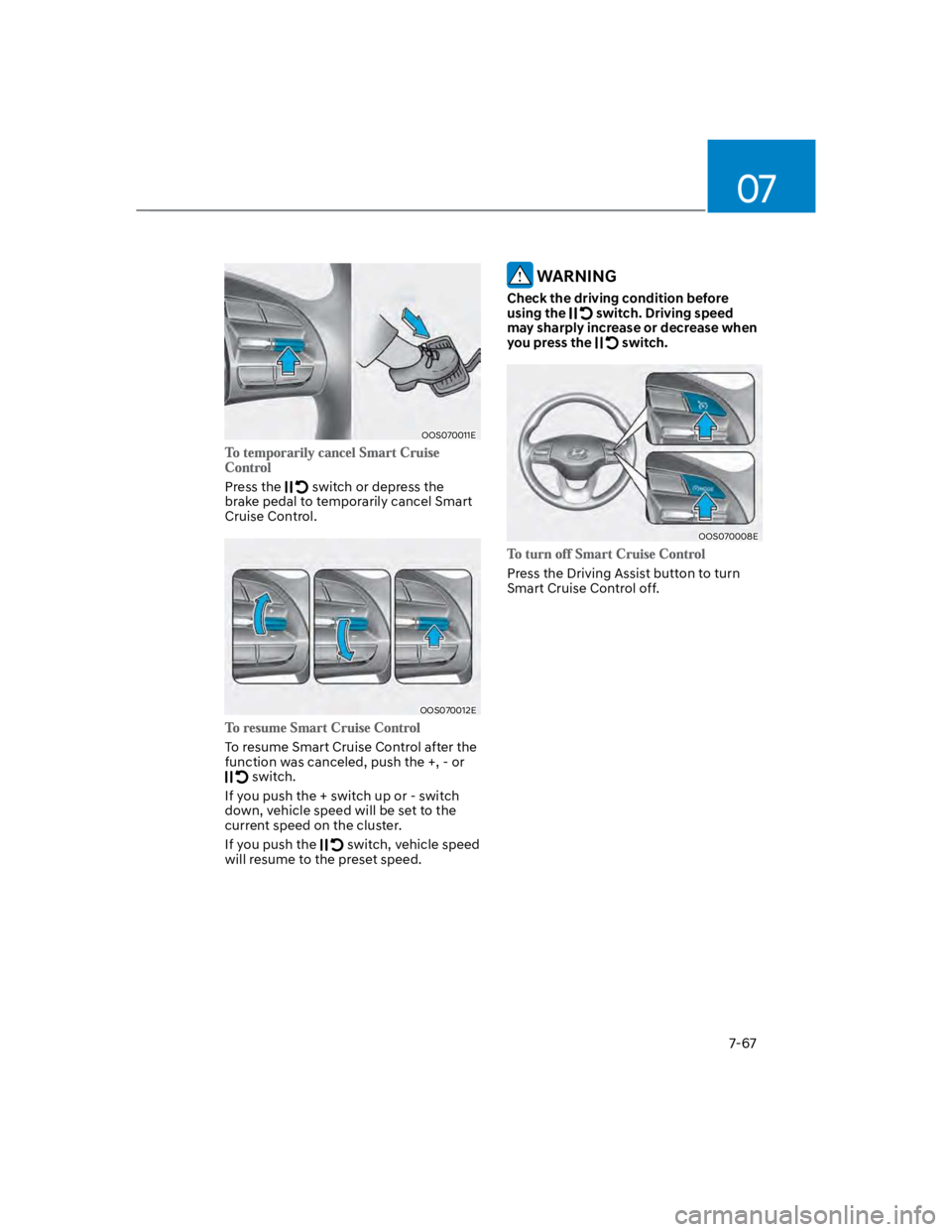
Press the switch or depress the
brake pedal to temporarily cancel Smart
Cruise Control.
OOS070012E
To resume Smart Cruise Control after the
function was canceled, push the +, - or
switch.
If you push the + switch up or - switch
down, vehicle speed will be set to the
current speed on the cluster.
If you push the switch, vehicle speed
will resume to the preset speed.
WARNING
Check the driving condition before
using the switch. Driving speed
may sharply increase or decrease when
you press the switch.
OOS070008E
Press the Driving Assist button to turn
Smart Cruise Control off.
Page 400 of 579
Driver assistance system
7-68
OTM070142N
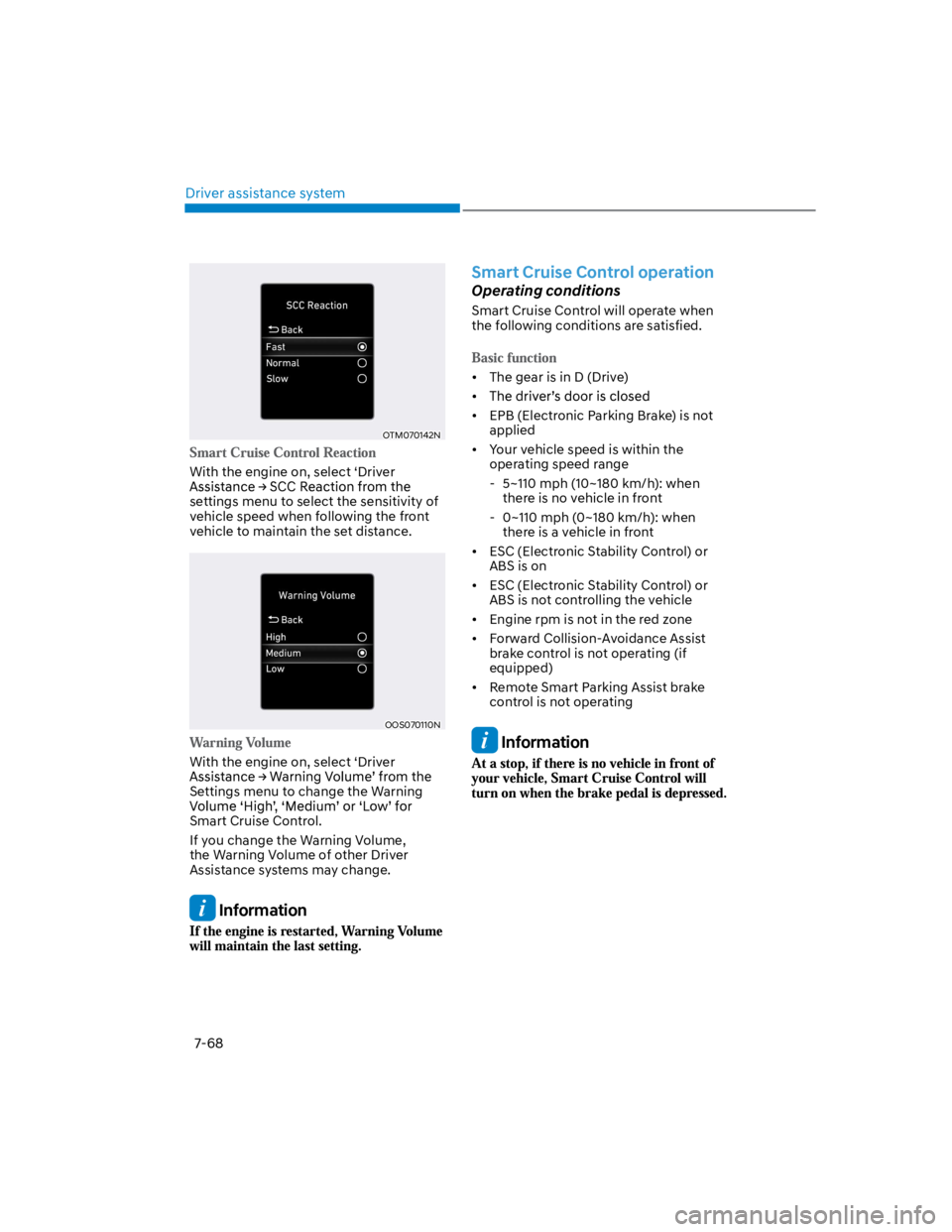
With the engine on, select ‘Driver
settings menu to select the sensitivity of
vehicle speed when following the front
vehicle to maintain the set distance.
OOS070110N
With the engine on, select ‘Driver
Settings menu to change the Warning
Smart Cruise Control.
If you change the Warning Volume,
the Warning Volume of other Driver
Assistance systems may change.
Information
Smart Cruise Control operation
Operating conditions
Smart Cruise Control will operate when
the following conditions are satisfied.
The gear is in D (Drive)
EPB (Electronic Parking Brake) is not
applied
Your vehicle speed is within the
operating speed range
- 5~110 mph (10~180 km/h): when
there is no vehicle in front
- 0~110 mph (0~180 km/h): when
there is a vehicle in front
ESC (Electronic Stability Control) or
ABS is on
ESC (Electronic Stability Control) or
ABS is not controlling the vehicle
Engine rpm is not in the red zone
Forward Collision-Avoidance Assist
brake control is not operating (if
equipped)
Remote Smart Parking Assist brake
control is not operating
Information