warning HYUNDAI KONA 2022 Owners Manual
[x] Cancel search | Manufacturer: HYUNDAI, Model Year: 2022, Model line: KONA, Model: HYUNDAI KONA 2022Pages: 579, PDF Size: 35.31 MB
Page 422 of 579
Driver assistance system
7-90
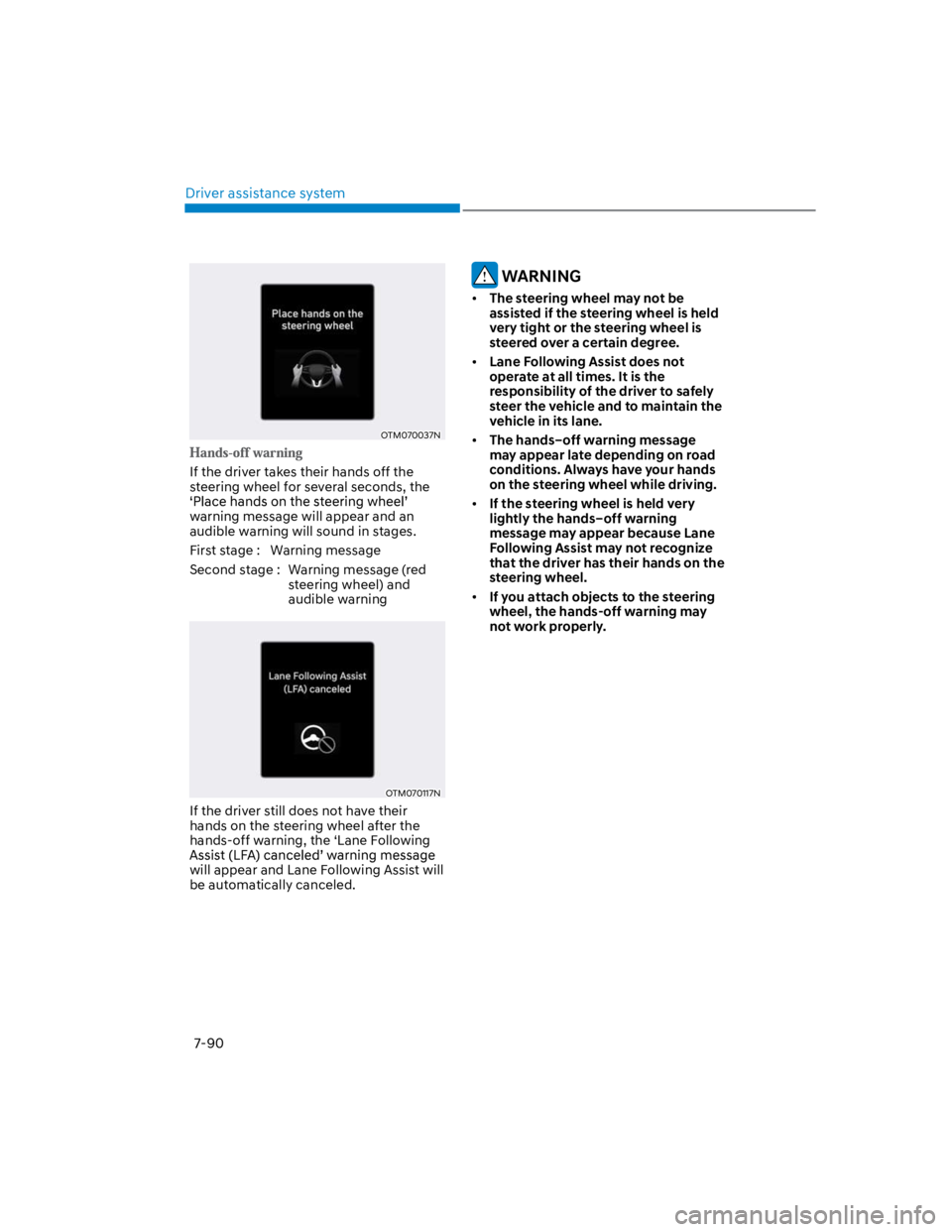
OTM070037N
If the driver takes their hands off the
steering wheel for several seconds, the
warning message will appear and an
audible warning will sound in stages.
First stage : Warning message
Second stage : Warning message (red
steering wheel) and
audible warning
OTM070117N
If the driver still does not have their
hands on the steering wheel after the
hands-off warning, the ‘Lane Following
will appear and Lane Following Assist will
be automatically canceled.
WARNING
The steering wheel may not be
assisted if the steering wheel is held
very tight or the steering wheel is
steered over a certain degree.
Lane Following Assist does not
operate at all times. It is the
responsibility of the driver to safely
steer the vehicle and to maintain the
vehicle in its lane.
The hands–off warning message
may appear late depending on road
conditions. Always have your hands
on the steering wheel while driving.
If the steering wheel is held very
lightly the hands–off warning
message may appear because Lane
Following Assist may not recognize
that the driver has their hands on the
steering wheel.
If you attach objects to the steering
wheel, the hands-off warning may
not work properly.
Page 423 of 579
07
7-91
Information
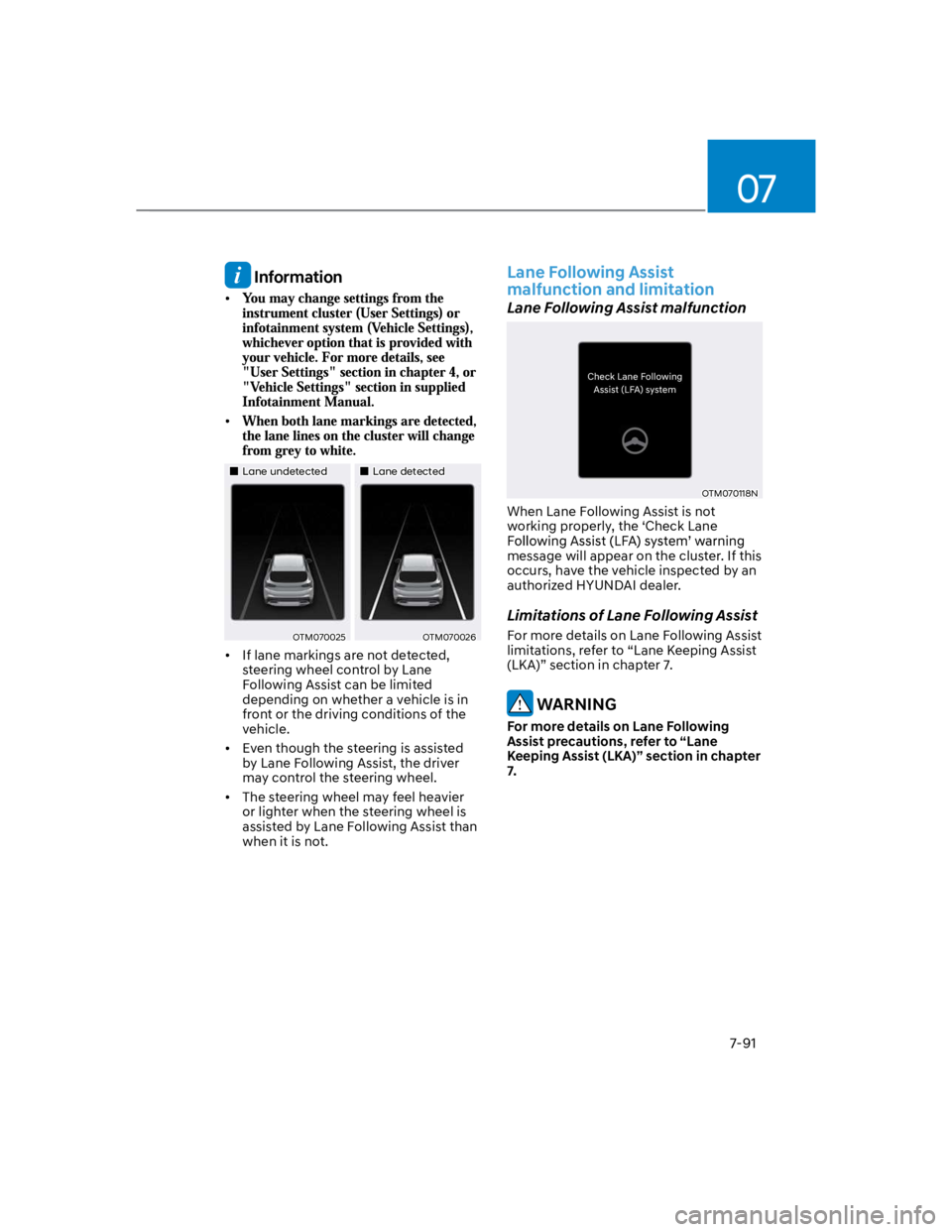
Lane undetectedLane detected
OTM070025OTM070026
If lane markings are not detected,
steering wheel control by Lane
Following Assist can be limited
depending on whether a vehicle is in
front or the driving conditions of the
vehicle.
Even though the steering is assisted
by Lane Following Assist, the driver
may control the steering wheel.
The steering wheel may feel heavier
or lighter when the steering wheel is
assisted by Lane Following Assist than
when it is not.
Lane Following Assist
malfunction and limitation
Lane Following Assist malfunction
OTM070118N
When Lane Following Assist is not
working properly, the ‘Check Lane
message will appear on the cluster. If this
occurs, have the vehicle inspected by an
authorized HYUNDAI dealer.
Limitations of Lane Following Assist
For more details on Lane Following Assist
limitations, refer to “Lane Keeping Assist
(LKA)” section in chapter 7.
WARNING
For more details on Lane Following
Assist precautions, refer to “Lane
Keeping Assist (LKA)” section in chapter
7.
Page 425 of 579
07
7-93
Highway Driving Assist settings
Setting features
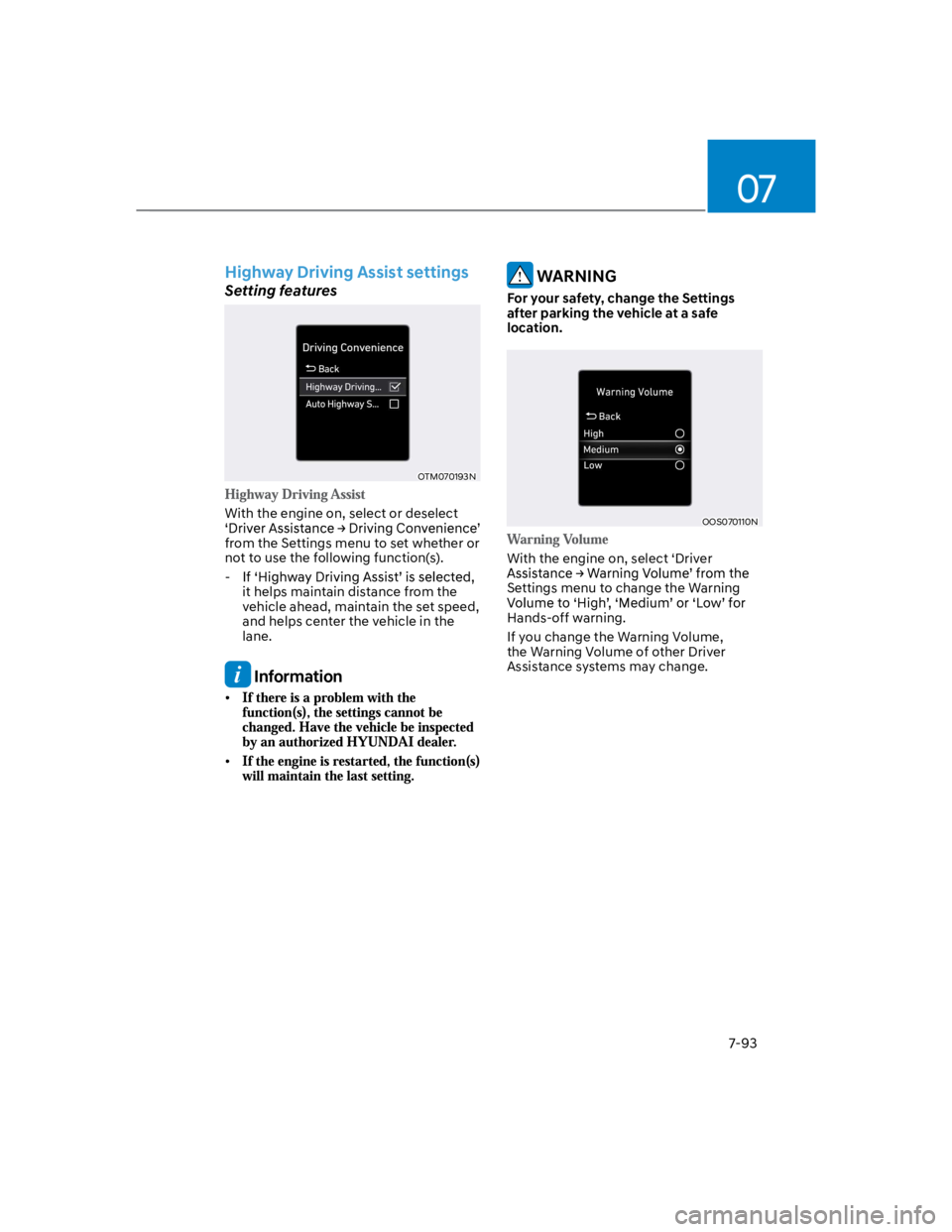
OTM070193N
With the engine on, select or deselect
from the Settings menu to set whether or
not to use the following function(s).
-
it helps maintain distance from the
vehicle ahead, maintain the set speed,
and helps center the vehicle in the
lane.
Information
WARNING
For your safety, change the Settings
after parking the vehicle at a safe
location.
OOS070110N
With the engine on, select ‘Driver
Settings menu to change the Warning
Hands-off warning.
If you change the Warning Volume,
the Warning Volume of other Driver
Assistance systems may change.
Page 427 of 579
07
7-95
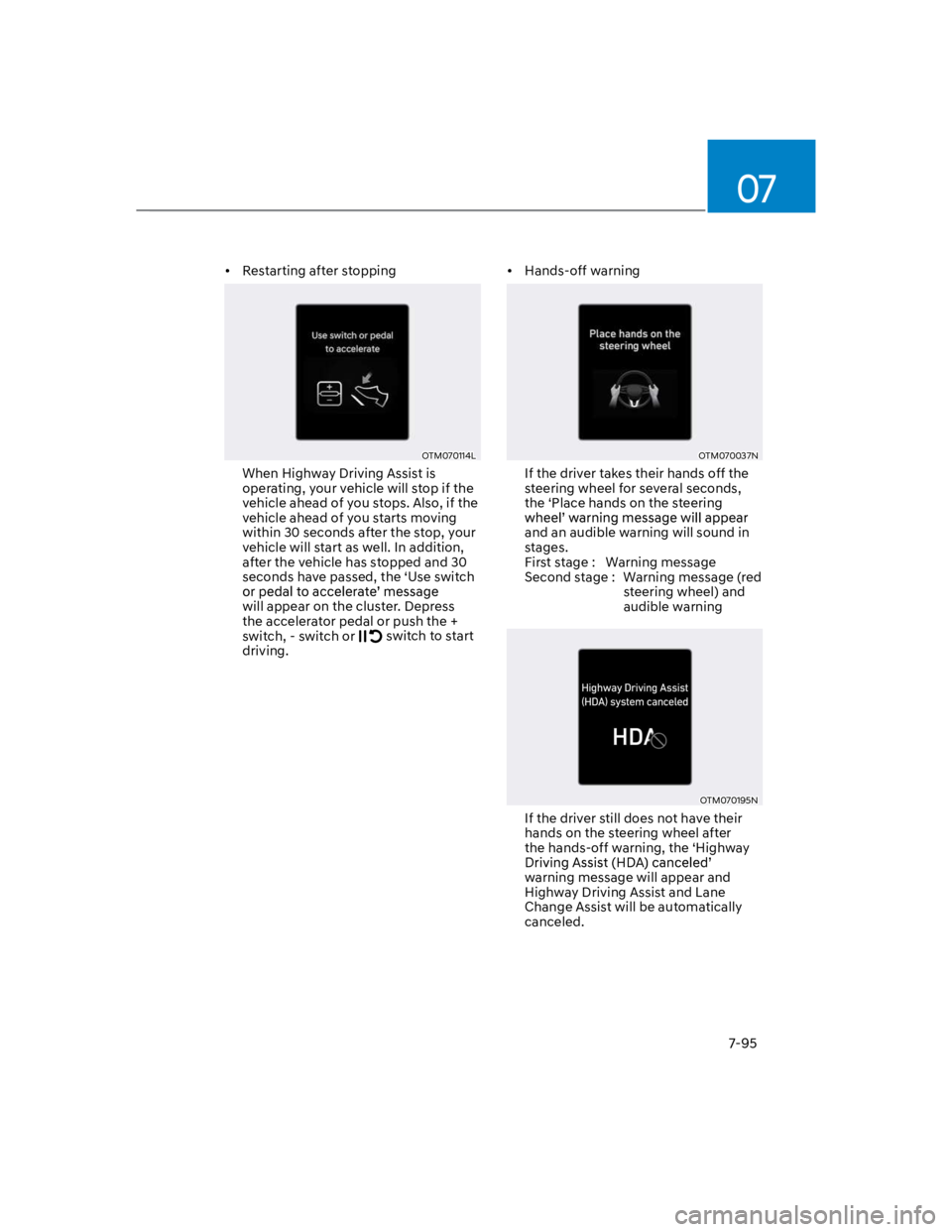
Restarting after stopping
OTM070114L
When Highway Driving Assist is
operating, your vehicle will stop if the
vehicle ahead of you stops. Also, if the
vehicle ahead of you starts moving
within 30 seconds after the stop, your
vehicle will start as well. In addition,
after the vehicle has stopped and 30
seconds have passed, the ‘Use switch
will appear on the cluster. Depress
the accelerator pedal or push the +
switch, - switch or switch to start
driving.
Hands-off warning
OTM070037N
If the driver takes their hands off the
steering wheel for several seconds,
the ‘Place hands on the steering
and an audible warning will sound in
stages.
First stage : Warning message
Second stage : Warning message (red
steering wheel) and
audible warning
OTM070195N
If the driver still does not have their
hands on the steering wheel after
the hands-off warning, the ‘Highway
warning message will appear and
Highway Driving Assist and Lane
Change Assist will be automatically
canceled.
Page 428 of 579
Driver assistance system
7-96
Highway Driving Assist standby
When Smart Cruise Control is
temporarily canceled while Highway
Driving Assist is operating, Highway
Driving Assist will be in the standby state.
At this time, Lane Following Assist will
operate normally.
Highway Driving Assist
malfunction and limitation
Highway Driving Assist malfunction
OTM070120N
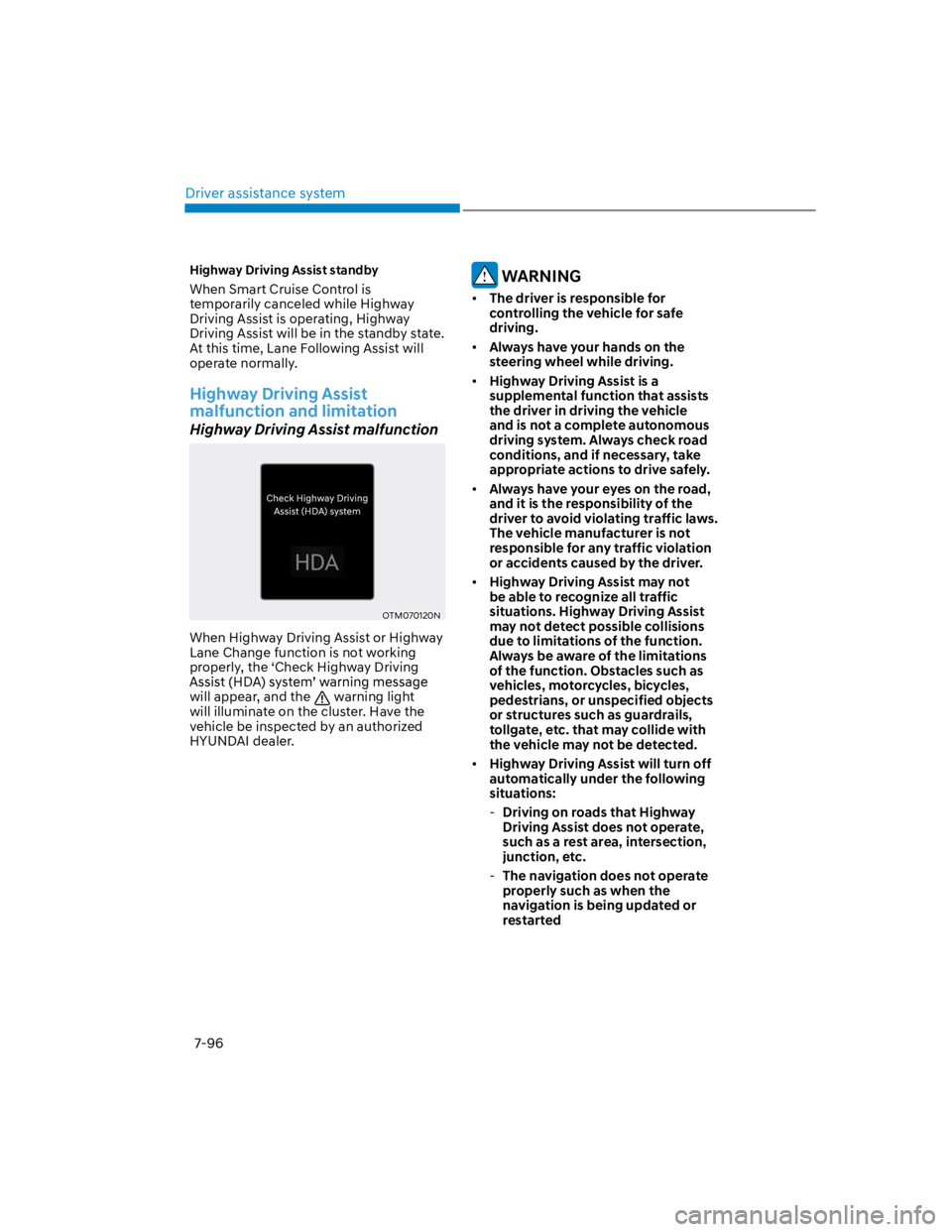
When Highway Driving Assist or Highway
Lane Change function is not working
properly, the ‘Check Highway Driving
will appear, and the warning light
will illuminate on the cluster. Have the
vehicle be inspected by an authorized
HYUNDAI dealer.
WARNING
The driver is responsible for
controlling the vehicle for safe
driving.
Always have your hands on the
steering wheel while driving.
Highway Driving Assist is a
supplemental function that assists
the driver in driving the vehicle
and is not a complete autonomous
driving system. Always check road
conditions, and if necessary, take
appropriate actions to drive safely.
Always have your eyes on the road,
and it is the responsibility of the
driver to avoid violating traffic laws.
The vehicle manufacturer is not
responsible for any traffic violation
or accidents caused by the driver.
Highway Driving Assist may not
be able to recognize all traffic
situations. Highway Driving Assist
may not detect possible collisions
due to limitations of the function.
Always be aware of the limitations
of the function. Obstacles such as
vehicles, motorcycles, bicycles,
pedestrians, or unspecified objects
or structures such as guardrails,
tollgate, etc. that may collide with
the vehicle may not be detected.
Highway Driving Assist will turn off
automatically under the following
situations:
-Driving on roads that Highway
Driving Assist does not operate,
such as a rest area, intersection,
junction, etc.
-The navigation does not operate
properly such as when the
navigation is being updated or
restarted
Page 429 of 579

07
7-97
Highway Driving Assist may
inadvertently operate or turn off
depending on road conditions
(navigation information) and
surroundings.
Lane Following Assist function may
be temporarily disabled when the
front view camera cannot detect
lanes properly or the hands-off
warning is on.
You may not hear the warning sound
of Highway Driving Assist if the
surrounding is noisy.
If the vehicle is driven at high speed
above a certain speed at a curve,
your vehicle may drive to one side or
may depart from the driving lane.
When you are towing a trailer or
another vehicle, we recommend that
Highway Driving Assist is turned off
due to safety reasons.
The hands–off warning message
may appear early or late depending
on how the steering wheel is held or
road conditions. Always have your
hands on the steering wheel while
driving.
For your safety, please read the
owner's manual before using the
Highway Driving Assist.
Highway Driving Assist will not
operate when the engine is started,
or when the detecting sensors or
navigation is being initialized.
Limitations of Highway Driving
Assist
Highway Driving Assist may not operate
normally, or may not operate under the
following circumstances:
The map information and the
actual road is different because the
navigation is not updated
The map information and the actual
road is different because of real-time
GPS data or map information error
The infotainment system is overloaded
by simultaneously performing
functions such as route search, video
playback, voice recognition, etc.
GPS signals are blocked in areas such
as a tunnel
The driver goes off course or the
route to the destination is changed or
canceled by resetting the navigation
The vehicle enters a service station or
rest area
Android Auto or Car Play is operating
The navigation cannot detect the
current vehicle position (ex: elevated
roads including overpass adjacent to
general roads or nearby roads exist in
a parallel way)
Information
Page 433 of 579
07
7-101
Rear View Monitor malfunction
and limitations
Rear View Monitor malfunction
When Rear View Monitor is not working
properly, or the screen flickers, or the
camera image does not display normally,
have the function inspected by an
authorized HYUNDAI dealer.
Limitations of Rear View Monitor
When the vehicle is stopped for a long
time in winter or when the vehicle is
parked in an indoor parking lot, the
exhaust fumes may temporarily blur the
image.
WARNING
The rear view camera does not
cover the complete area behind the
vehicle. The driver should always
check the rear area directly through
the inside and side view mirror
before parking or backing up.
The image shown on the screen may
differ from the actual distance of the
object. Make sure to directly check
the vehicle's surroundings for safety.
Always keep the rear view camera
lens clean. If the lens is covered with
foreign material, it may adversely
affect camera performance and
Rear View Monitor may not operate
normally. However, do not use
chemical solvents such as strong
detergents containing high alkaline
or volatile organic solvents (gasoline,
acetone etc.). This may damage the
camera lens.
Page 434 of 579
Driver assistance system
7-102
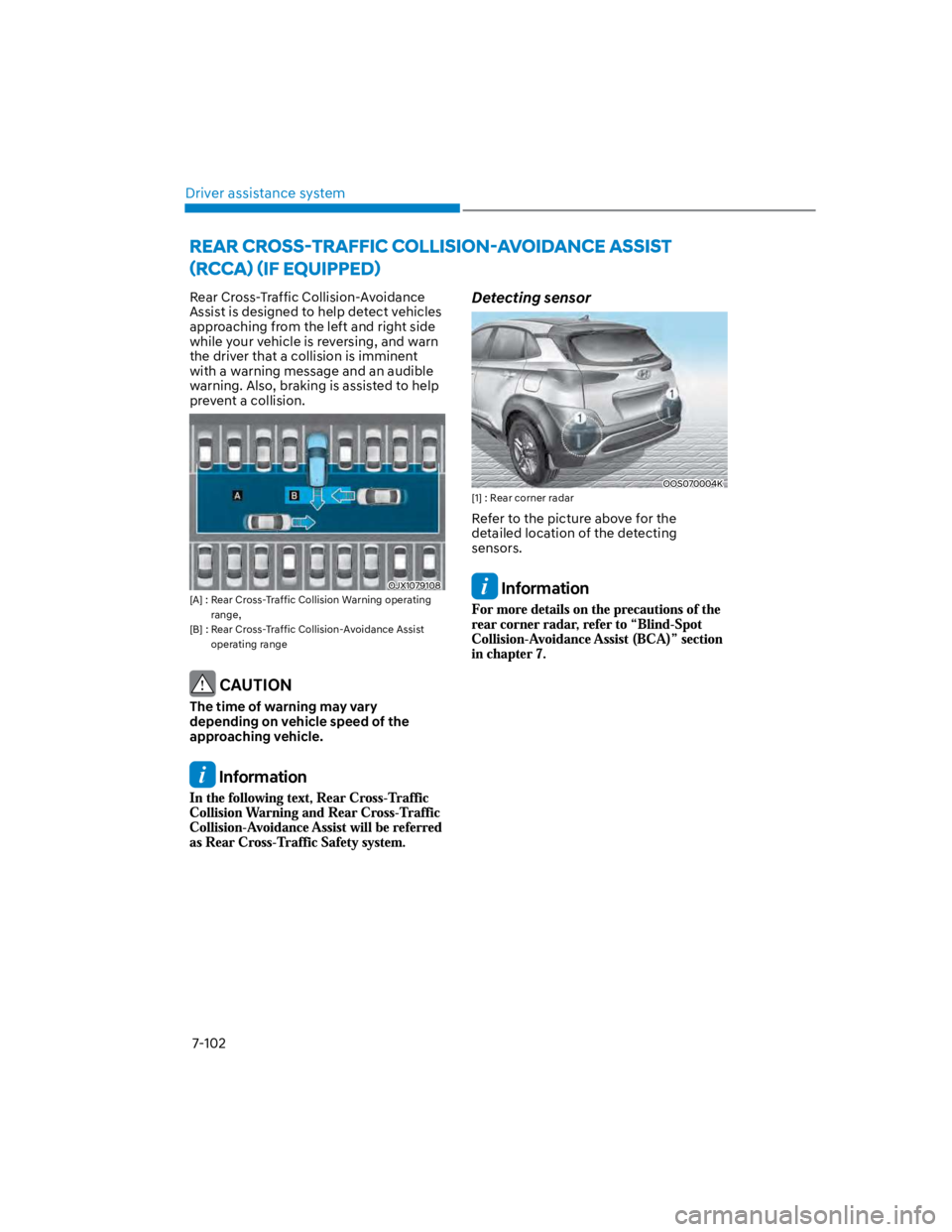
Rear Cross-Traffic Collision-Avoidance
Assist is designed to help detect vehicles
approaching from the left and right side
while your vehicle is reversing, and warn
the driver that a collision is imminent
with a warning message and an audible
warning. Also, braking is assisted to help
prevent a collision.
OJX1079108
[A] : Rear Cross-Traffic Collision Warning operating
range,
[B] : Rear Cross-Traffic Collision-Avoidance Assist
operating range
CAUTION
The time of warning may vary
depending on vehicle speed of the
approaching vehicle.
Information
Detecting sensor
OOS070004K
[1] : Rear corner radar
Refer to the picture above for the
detailed location of the detecting
sensors.
Information
Page 435 of 579
07
7-103
Rear Cross-Traffic Safety system
settings
Setting features
OTM070194N
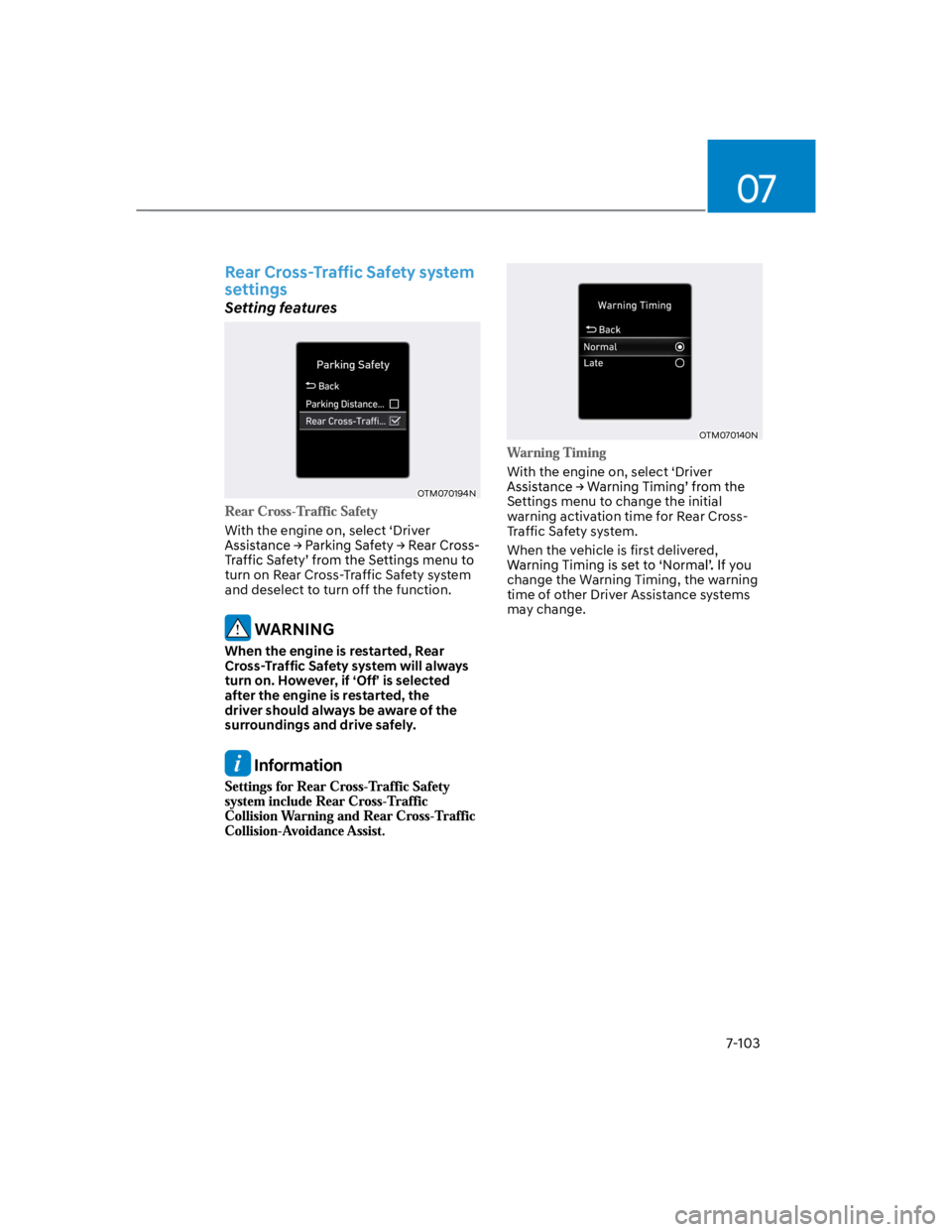
With the engine on, select ‘Driver
turn on Rear Cross-Traffic Safety system
and deselect to turn off the function.
WARNING
When the engine is restarted, Rear
Cross-Traffic Safety system will always
turn on. However, if ‘Off’ is selected
after the engine is restarted, the
driver should always be aware of the
surroundings and drive safely.
Information
OTM070140N
With the engine on, select ‘Driver
Settings menu to change the initial
warning activation time for Rear Cross-
Traffic Safety system.
When the vehicle is first delivered,
change the Warning Timing, the warning
time of other Driver Assistance systems
may change.
Page 436 of 579
Driver assistance system
7-104
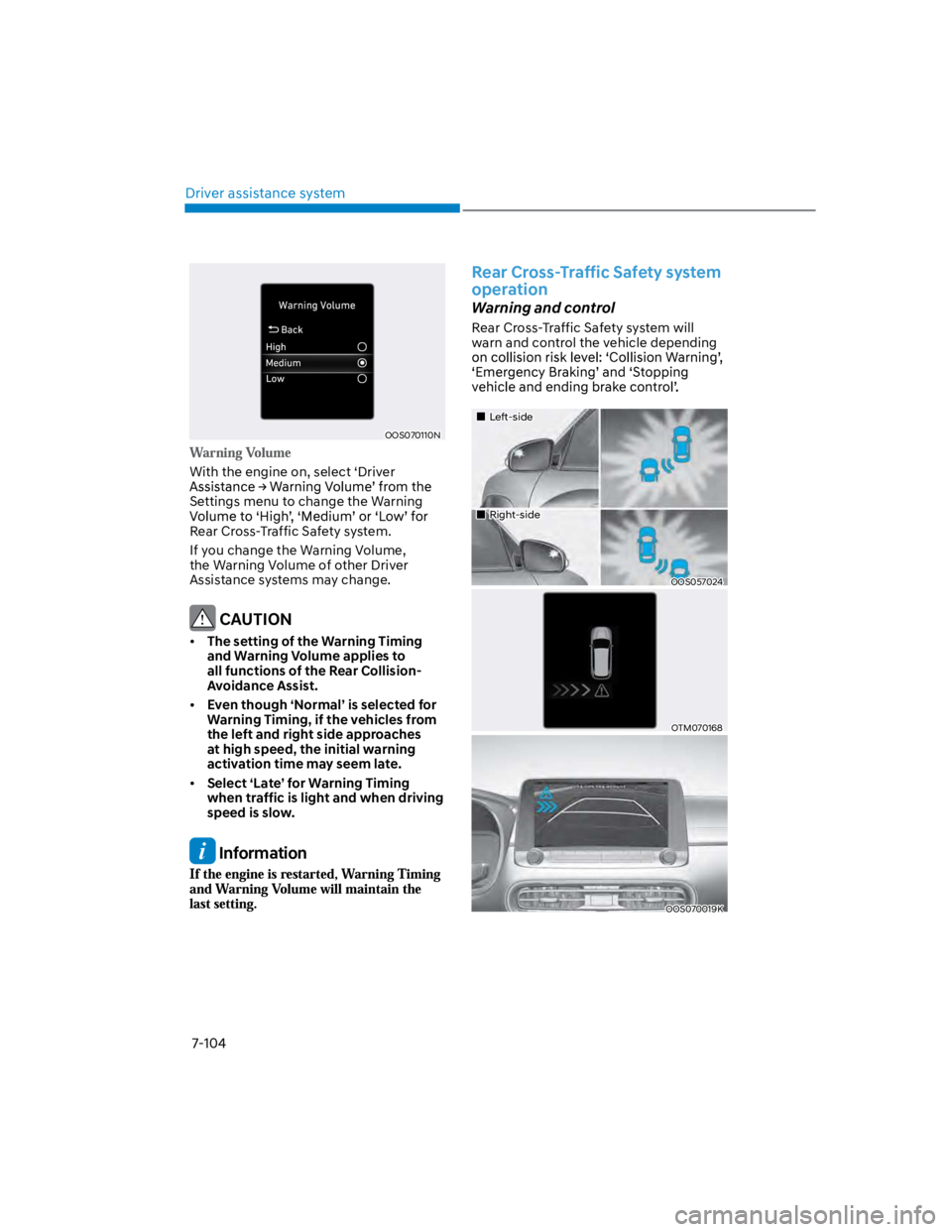
OOS070110N
With the engine on, select ‘Driver
Settings menu to change the Warning
Rear Cross-Traffic Safety system.
If you change the Warning Volume,
the Warning Volume of other Driver
Assistance systems may change.
CAUTION
The setting of the Warning Timing
and Warning Volume applies to
all functions of the Rear Collision-
Avoidance Assist.
Even though ‘Normal’ is selected for
Warning Timing, if the vehicles from
the left and right side approaches
at high speed, the initial warning
activation time may seem late.
Select ‘Late’ for Warning Timing
when traffic is light and when driving
speed is slow.
Information
Rear Cross-Traffic Safety system
operation
Warning and control
Rear Cross-Traffic Safety system will
warn and control the vehicle depending
Left-side
Right-side
OOS057024
OTM070168
OOS070019K