ESP HYUNDAI KONA EV 2022 Owner's Manual
[x] Cancel search | Manufacturer: HYUNDAI, Model Year: 2022, Model line: KONA EV, Model: HYUNDAI KONA EV 2022Pages: 548, PDF Size: 49.14 MB
Page 276 of 548
Convenient features
5-92
eXterior FeAtures
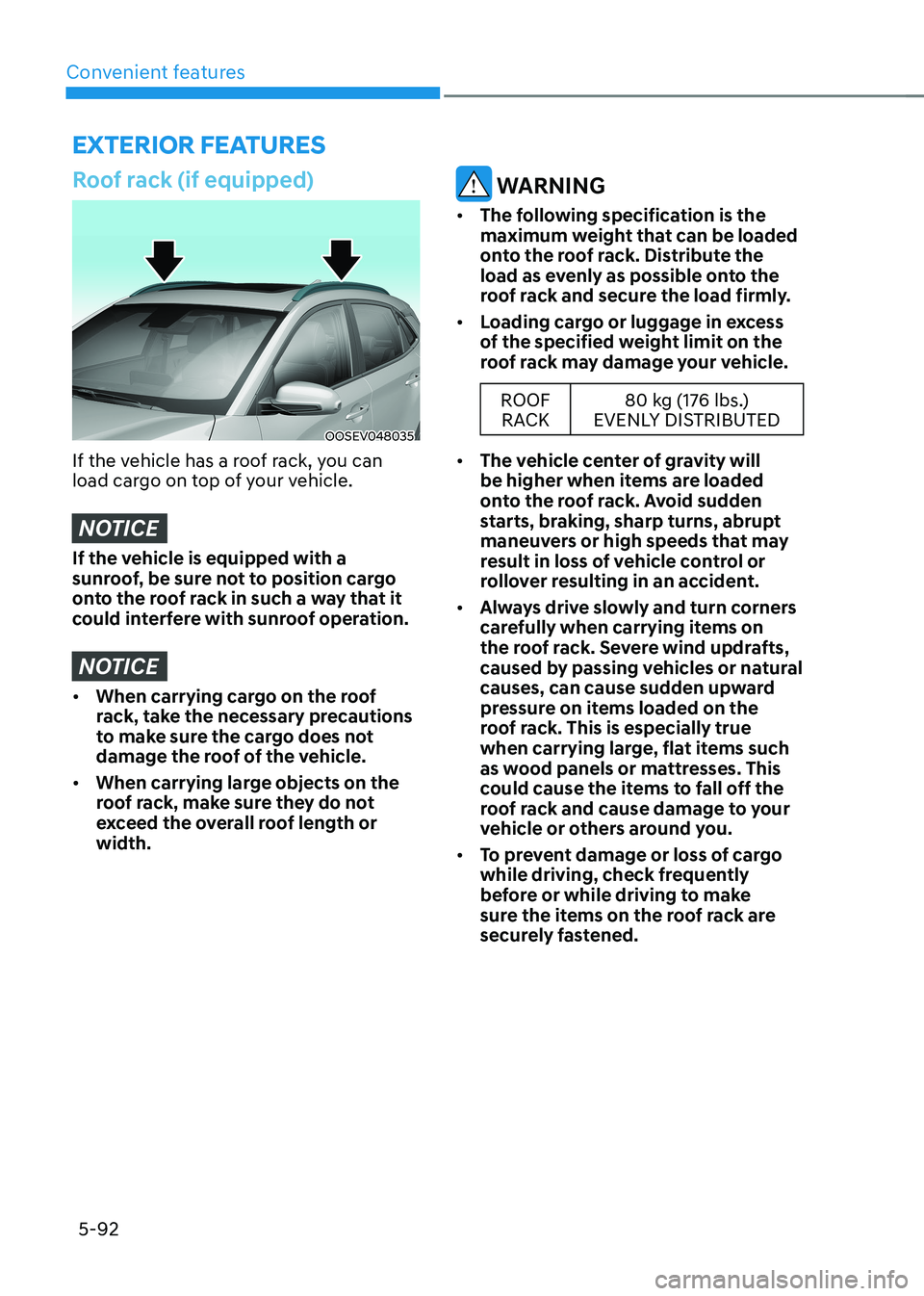
Roof rack (if equipped)
OOSEV048035
If the vehicle has a roof rack, you can
load cargo on top of your vehicle.
NOTICE
If the vehicle is equipped with a
sunroof, be sure not to position cargo
onto the roof rack in such a way that it
could interfere with sunroof operation.
NOTICE
• When carrying cargo on the roof
rack, take the necessary precautions
to make sure the cargo does not
damage the roof of the vehicle.
• When carrying large objects on the
roof rack, make sure they do not
exceed the overall roof length or width.
WARNING
• The following specification is the
maximum weight that can be loaded
onto the roof rack. Distribute the
load as evenly as possible onto the
roof rack and secure the load firmly.
• Loading cargo or luggage in excess
of the specified weight limit on the
roof rack may damage your vehicle.
ROOF
RACK 80 kg (176 lbs.)
EVENLY DISTRIBUTED
• The vehicle center of gravity will
be higher when items are loaded
onto the roof rack. Avoid sudden
starts, braking, sharp turns, abrupt
maneuvers or high speeds that may
result in loss of vehicle control or
rollover resulting in an accident.
• Always drive slowly and turn corners
carefully when carrying items on
the roof rack. Severe wind updrafts,
caused by passing vehicles or natural
causes, can cause sudden upward
pressure on items loaded on the
roof rack. This is especially true
when carrying large, flat items such
as wood panels or mattresses. This
could cause the items to fall off the
roof rack and cause damage to your
vehicle or others around you.
• To prevent damage or loss of cargo
while driving, check frequently
before or while driving to make
sure the items on the roof rack are
securely fastened.
Page 283 of 548
06
6-3
Before entering the vehicle
• Be sure all windows, outside mirror(s),
and outside lights are clean and
unobstructed.
• Remove frost, snow, or ice.
• Visually check the tires for uneven
wear and damage.
• Check under the vehicle for any sign
of leaks.
• Be sure there are no obstacles behind
you if you intend to back up.
Before starting
• Make sure the hood, the tailgate, and
the doors are securely closed and
locked.
• Adjust the position of the seat and
steering wheel.
• Adjust the inside and outside rearview
mirrors.
• Verify all the lights work.
• Fasten your seat belt. Check that all
passengers have fastened their seat belt.
• Check the gauges and indicators
in the instrument panel and the
messages on the instrument display
when the START/STOP button is in the ON position.
• Check that any items you are carrying
are stored properly or fastened down
securely.
WARNING
To reduce the risk of SERIOUS INJURY or
DEATH, take the following precautions: • ALWAYS wear your seat belt. All
passengers must be properly belted
whenever the vehicle is moving.
For more information, refer to “Seat
Belts” in chapter 3.
• Always drive defensively. Assume
other drivers or pedestrians may be
careless and make mistakes.
• Stay focused on the task of driving.
Driver distraction can cause
accidents.
• Leave plenty of space between you
and the vehicle in front of you.
WARNING
NEVER drink or take drugs and drive. Drinking or taking drugs and driving
is dangerous and may result in an
accident and SERIOUS INJURY or
DEATH. Drunk driving is the number one
contributor to the highway death
toll each year. Even a small amount
of alcohol will affect your reflexes,
perceptions and judgment. Just
one drink can reduce your ability to
respond to changing conditions and
emergencies and your reaction time
gets worse with each additional drink.
Driving while under the influence
of drugs is as dangerous or more
dangerous than driving under the
influence of alcohol.
You are much more likely to have a
serious accident if you drink or take
drugs and drive. If you are drinking or
taking drugs, don’t drive. Do not ride
with a driver who has been drinking
or taking drugs. Choose a designated
driver or call a taxi.
BEFORE DRIVING
Page 288 of 548
Driving your vehicle
6-8
REDuCTION GEAR
Reduction gear operation
WARNING
To reduce the risk of serious injury or
death: • ALWAYS check the surrounding
areas near your vehicle for people,
especially children, before shifting a
vehicle into D (Drive) or R (Reverse).
• Before leaving the driver's seat,
always make sure the gear is in
the P (Park) position, then set the
parking brake, and place the START/
STOP button in the OFF position.
Unexpected and sudden vehicle
movement can occur if these
precautions are not followed.
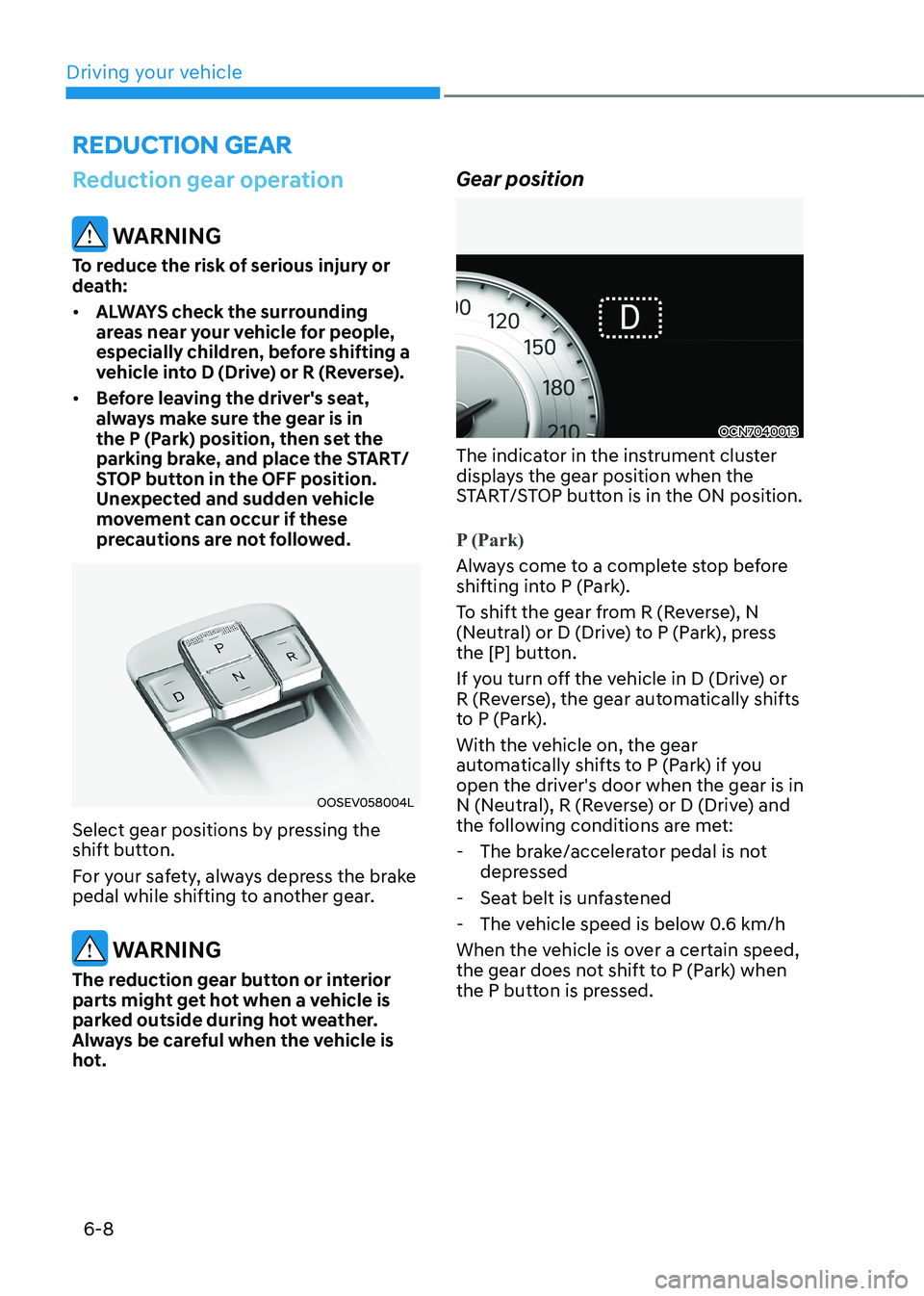
OOSEV058004L
Select gear positions by pressing the
shift button.
For your safety, always depress the brake
pedal while shifting to another gear.
WARNING
The reduction gear button or interior
parts might get hot when a vehicle is
parked outside during hot weather.
Always be careful when the vehicle is
hot. Gear position
OCN7040013
The indicator in the instrument cluster
displays the gear position when the
START/STOP button is in the ON position.
P (Park)
Always come to a complete stop before
shifting into P (Park).
To shift the gear from R (Reverse), N
(Neutral) or D (Drive) to P (Park), press
the [P] button.
If you turn off the vehicle in D (Drive) or
R (Reverse), the gear automatically shifts
to P (Park).
With the vehicle on, the gear
automatically shifts to P (Park) if you
open the driver's door when the gear is in
N (Neutral), R (Reverse) or D (Drive) and
the following conditions are met:
- The brake/accelerator pedal is not depressed
- Seat belt is unfastened
- The vehicle speed is below 0.6 km/h
When the vehicle is over a certain speed,
the gear does not shift to P (Park) when
the P button is pressed.
Page 293 of 548
06
6-13
Good driving practices
• Never move the shift lever from P
(Park) or N (Neutral) to any other
position with the accelerator pedal
depressed.
• Never move the shift lever into P
(Park) when the vehicle is in motion.
Be sure the vehicle is completely
stopped before you attempt to shift
into R (Reverse) or D (Drive).
• Do not move the shift lever to N
(Neutral) when driving. Doing so may
result in an accident.
• Driving uphill or downhill, always shift
to D (Drive) when driving forward or to
R (Reverse) when driving backwards,
and check the gear position indicated
on the cluster before driving. If you
drive in the opposite direction of the
selected gear, the vehicle will turn
off and a serious accident might be
occurred due to the degraded brake
performance.
• Do not drive with your foot resting
on the brake pedal. Even light, but
consistent pedal pressure can result
in the brakes overheating, brake wear
and possibly even brake failure.
• Always apply the parking brake when
leaving the vehicle. Do not depend on
placing the transmission in P (Park) to
keep the vehicle from moving.
• Exercise extreme caution when
driving on a slippery surface. Be
especially careful when braking,
accelerating or shifting gears. On a
slippery surface, an abrupt change
in vehicle speed can cause the drive
wheels to lose traction and may cause
loss of vehicle control resulting in an
accident
• Optimum vehicle performance and
economy is obtained by smoothly
depressing and releasing the
accelerator. WARNING
To reduce the risk of SERIOUS INJURY
or DEATH: • ALWAYS wear your seatbelt. In a
collision, an unbelted occupant
is significantly more likely to be
seriously injured or killed than a
properly belted occupant.
• Avoid high speeds when cornering or turning.
• Do not make quick steering wheel
movements, such as sharp lane
changes or fast, sharp turns.
• The risk of rollover is greatly
increased if you lose control of your
vehicle at highway speeds.
• Loss of control often occurs if two or
more wheels drop off the roadway
and the driver over steers to reenter
the roadway.
• In the event your vehicle leaves
the roadway, do not steer sharply.
Instead, slow down before pulling
back into the travel lanes.
• HYUNDAI recommends you follow all
posted speed limits.
Page 311 of 548
6-31
06
Anti-lock Brake System (ABS)
WARNING
Anti-Lock Braking System (ABS) or
Electronic Stability Control (ESC) will
not prevent accidents due to improper
or dangerous driving maneuvers. Even
though vehicle control is improved
during emergency braking, always
maintain a safe distance between
you and objects ahead of you. Vehicle
speeds should always be reduced
during extreme road conditions. The
braking distance for vehicles equipped
with ABS or ESC may be longer than
for those without these systems in the
following road conditions.
Drive your vehicle at reduced speeds
during the following conditions: • Rough, gravel or snow-covered
roads.
• On roads where the road surface is
pitted or has different surface height.
• Tire chains are installed on your
vehicle. Drive your vehicle at
reduced speeds during the above
conditions.
The safety features of ABS or ESC
equipped vehicle should not be tested
by high speed driving or cornering. This
could endanger the safety of yourself or
others.
ABS is an electronic braking system that
helps to prevent a braking skid. ABS
allows the driver to steer and brake at the same time. Using ABS
To obtain the maximum benefit from
your ABS in an emergency situation,
do not attempt to modulate your brake
pressure and do not try to pump your
brakes. Depress your brake pedal as hard as possible.
When you apply your brakes under
conditions which may lock the wheels,
you may hear sounds from the brakes,
or feel a corresponding sensation in the
brake pedal. This is normal and it means
your ABS is active.
ABS does not reduce the time or distance
it takes to stop the vehicle.
Always maintain a safe distance from the
vehicle in front of you.
ABS will not prevent a skid that results
from sudden changes in direction, such
as trying to take a corner too fast or
making a sudden lane change. Always
drive at a safe speed depending on the
road and weather conditions.
ABS cannot prevent a loss of stability.
Always steer moderately when braking
hard. Severe or sharp steering wheel
movement can still cause your vehicle to
veer into oncoming traffic or off the road.
On loose or uneven road surfaces,
operation of the anti-lock brake system
may result in a longer stopping distance
than for vehicles equipped with a
conventional brake system.
The ABS warning light (
) will stay on
for several seconds after the START/
STOP button is placed in the ON position.
During that time, the ABS will go through
self-diagnosis and the light will go off
if everything is normal. If the light stays
on, you may have a problem with your
ABS. We recommend that you contact an
authorized HYUNDAI dealer as soon as possible.
Page 313 of 548
06
6-33
ESC operation
ESC ON condition
When the START/STOP button is in the ON position, ESC and the ESC
OFF indicator lights illuminate for
approximately three seconds and goes
off, then ESC is turned on.
When operating
When ESC is in operation, the
ESC indicator light blinks:
• When you apply your brakes under
conditions which may lock the wheels,
you may hear sounds from the brakes,
or feel a corresponding sensation in
the brake pedal. This is normal and it
means your ESC is active.
• When ESC activates, the vehicle may
not respond to the accelerator as it
does under routine conditions.
• If Cruise Control was in use when ESC
activates, Cruise Control automatically
disengages. Cruise Control can be
reengaged when the road conditions
allow. See “Cruise Control System”
later in this chapter 7. (if equipped)
ESC OFF condition
To cancel ESC operation:
• State 1
OIK057082L
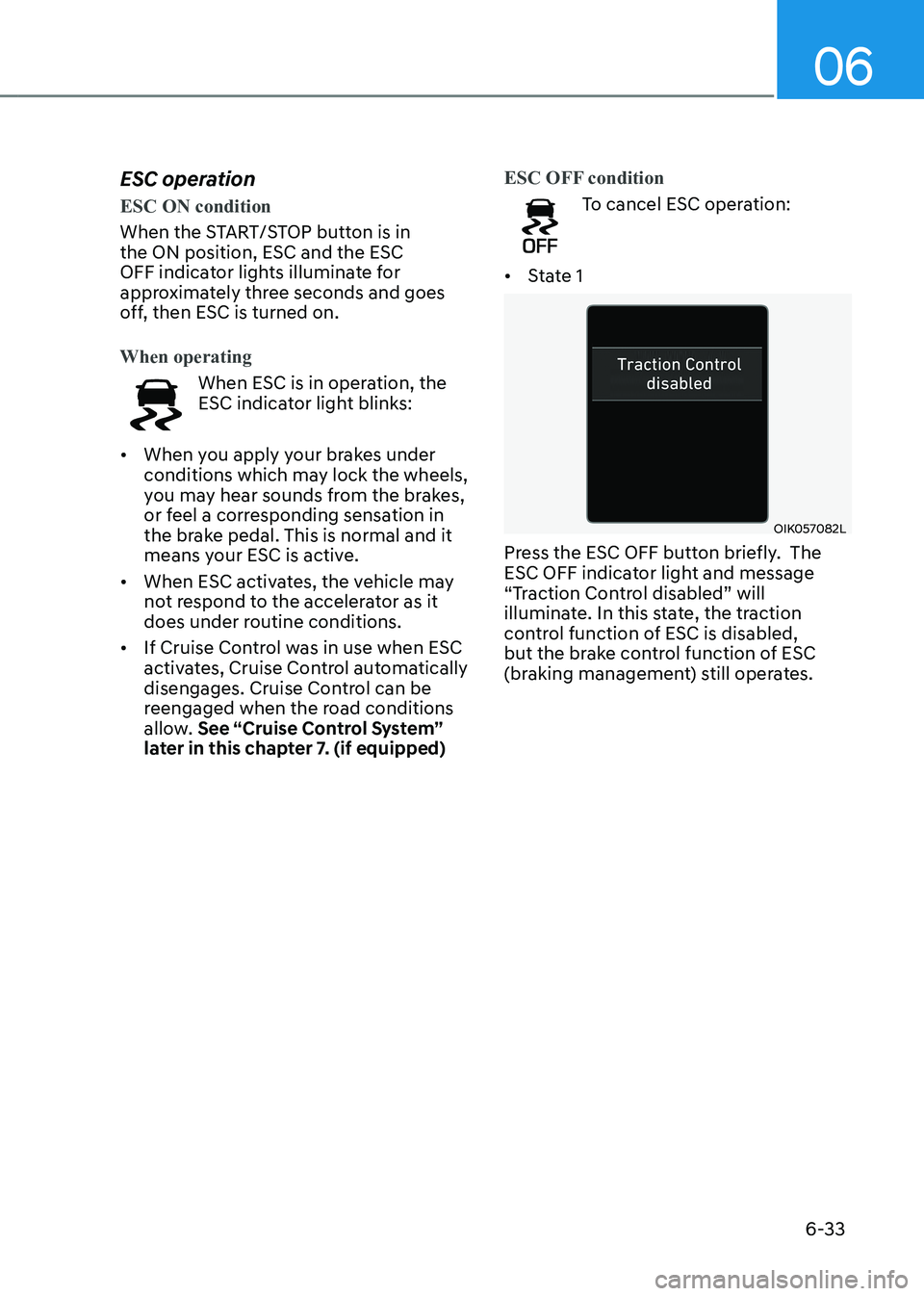
Press the ESC OFF button briefly. The
ESC OFF indicator light and message
“Traction Control disabled” will
illuminate. In this state, the traction
control function of ESC is disabled,
but the brake control function of ESC
(braking management) still operates.
Page 315 of 548
06
6-35
NOTICE
Driving with wheels and tires with
different sizes may cause ESC to
malfunction. Before replacing tires,
make sure all four tires and wheels are
the same size. Never drive the vehicle
with different sized wheels and tires
installed. ESC OFF usage
When Driving
The ESC OFF mode should only be used
briefly to help free the vehicle if stuck in
snow or mud, by temporarily stopping
operation of ESC, to maintain wheel
torque.
To turn ESC off while driving, press the
ESC OFF button while driving on a flat
road surface.
NOTICE
• Do not allow wheel(s) of one axle to
spin excessively while the ESC, ABS,
and parking brake warning lights
are displayed. The repairs would not
be covered by the vehicle warranty.
Reduce vehicle power and do not
spin the wheel(s) excessively while
these lights are displayed.
• When operating the vehicle
on a dynamometer, make sure
ESC is turned off (ESC OFF light
illuminated).
Information
Turning ESC off does not affect ABS or standard brake system operation.
Vehicle Stability Management
(VSM)
Vehicle Stability Management (VSM)
is a function of the Electronic Stability
Control (ESC). It helps ensure the
vehicle stays stable when accelerating
or braking suddenly on wet, slippery
and rough roads where traction over the
four tires can suddenly become uneven.
WARNING
Take the following precautions when
using Vehicle Stability Management
(VSM): • ALWAYS check the speed and the
distance to the vehicle ahead. VSM
is not a substitute for safe driving
practices.
• Never drive too fast for the road
conditions. VSM will not prevent
accidents. Excessive speed in bad
weather, on slippery and uneven
roads can result in severe accidents.
VSM operation
VSM ON condition
VSM operates when: • Electronic Stability Control (ESC) is on.
• Vehicle speed is approximately under
150 km/h (93 mph) when the vehicle is
braking on rough roads.
When operating
When you apply your brakes under
conditions which may activate ESC, you
may hear sounds from the brakes, or feel
a corresponding sensation in the brake
pedal. This is normal and it means your
VSM is active.
Page 318 of 548
Driving your vehicle
6-38
OOSEV050022L
The drive mode may be selected
according to the driver’s preference or
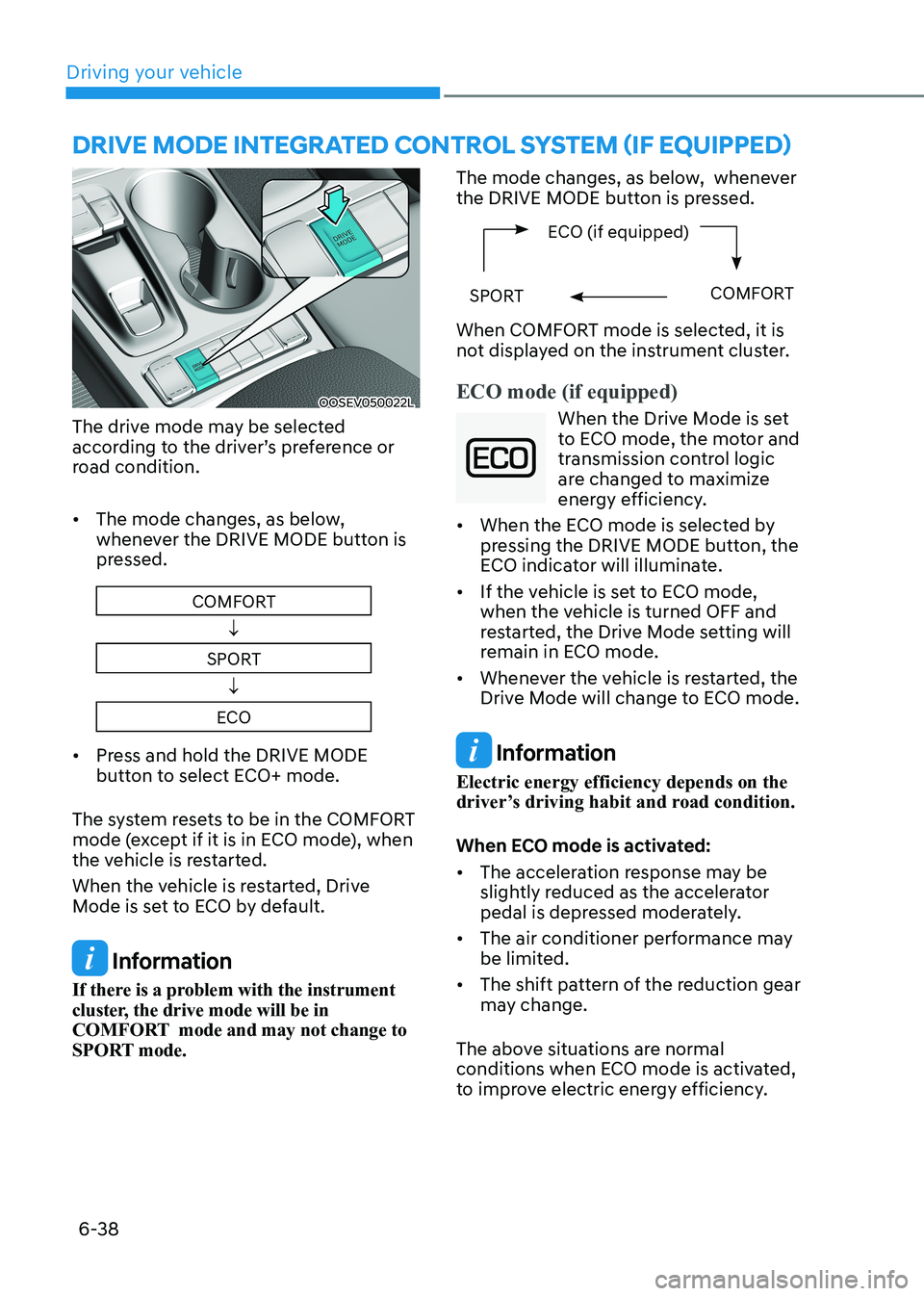
road condition. • The mode changes, as below,
whenever the DRIVE MODE button is
pressed.
COMFORT
↓
SPORT ↓
ECO
• Press and hold the DRIVE MODE
button to select ECO+ mode.
The system resets to be in the COMFORT
mode (except if it is in ECO mode), when
the vehicle is restarted.
When the vehicle is restarted, Drive
Mode is set to ECO by default.
Information
If there is a problem with the instrument
cluster, the drive mode will be in
COMFORT mode and may not change to
SPORT mode. The mode changes, as below, whenever
the DRIVE MODE button is pressed.
ECO (if equipped)
SPORTCOMFORT
When COMFORT mode is selected, it is
not displayed on the instrument cluster.
ECO mode (if equipped)
When the Drive Mode is set
to ECO mode, the motor and
transmission control logic
are changed to maximize
energy efficiency.
• When the ECO mode is selected by
pressing the DRIVE MODE button, the
ECO indicator will illuminate.
• If the vehicle is set to ECO mode,
when the vehicle is turned OFF and
restarted, the Drive Mode setting will
remain in ECO mode.
• Whenever the vehicle is restarted, the
Drive Mode will change to ECO mode.
Information
Electric energy efficiency depends on the
driver’s driving habit and road condition.
When ECO mode is activated: • The acceleration response may be
slightly reduced as the accelerator
pedal is depressed moderately.
• The air conditioner performance may
be limited.
• The shift pattern of the reduction gear
may change.
The above situations are normal
conditions when ECO mode is activated,
to improve electric energy efficiency.
dRIvE MOdE INTEgRATEd CONTROl SYSTEM (If EqUIPPEd)
Page 321 of 548
06
6-41
Smooth cornering
Avoid braking or gear changing in
corners, especially when roads are wet.
Ideally, corners should always be taken
under gentle acceleration.
Driving at night
Night driving presents more hazards than
driving in the daylight. Here are some
important tips to remember: • Slow down and keep more distance
between you and other vehicles, as it
may be more difficult to see at night,
especially in areas where there may
not be any street lights.
• Adjust your mirrors to reduce the glare
from other drivers’ headlamps.
• Keep your headlamps clean and
properly aimed. Dirty or improperly
aimed headlamps will make it much
more difficult to see at night.
• Avoid staring directly at the
headlamps of oncoming vehicles. You
could be temporarily blinded, and it
will take several seconds for your eyes
to readjust to the darkness.
Driving in the rain
Rain and wet roads can make driving
dangerous. Here are a few things to
consider when driving in the rain or on
slick pavement: • Slow down and allow extra following
distance. A heavy rainfall makes
it harder to see and increases the
distance needed to stop your vehicle.
• Turn OFF your Cruise Control. (if equipped)
• Replace your windshield wiper blades
when they show signs of streaking or
missing areas on the windshield.
• Be sure your tires have enough tread.
If your tires do not have enough tread,
making a quick stop on wet pavement
can cause a skid and possibly lead to
an accident. See “Tire replacement”
in chapter 9.
• Turn on your headlamps to make it
easier for others to see you.
• Driving too fast through large puddles
can affect your brakes. If you must go
through puddles, try to drive through
them slowly.
• If you believe your brakes may be wet,
apply them lightly while driving until
normal braking operation returns.
Hydroplaning
If the road is wet enough and you are
going fast enough, your vehicle may
have little or no contact with the road
surface and actually ride on the water.
The best advice is SLOW DOWN when
the road is wet.
The risk of hydroplaning increases as
the depth of tire tread decreases, refer
to “Tire replacement” in chapter 9.
Page 339 of 548
Driver assistance system
7-6
OOSEV071123N
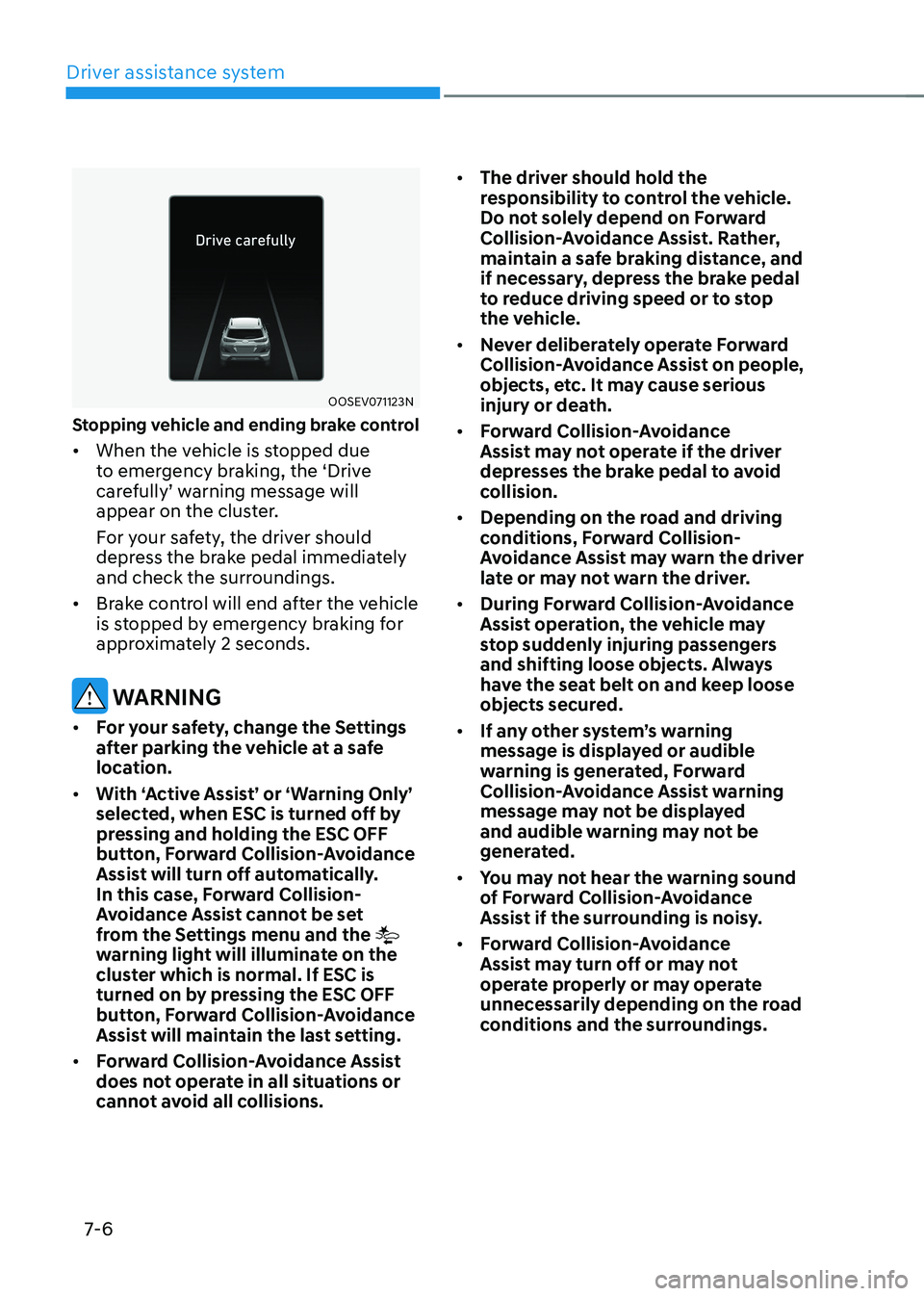
Stopping vehicle and ending brake control • When the vehicle is stopped due
to emergency braking, the ‘Drive
carefully’ warning message will
appear on the cluster.
For your safety, the driver should
depress the brake pedal immediately
and check the surroundings.
• Brake control will end after the vehicle
is stopped by emergency braking for
approximately 2 seconds.
warning
• For your safety, change the Settings
after parking the vehicle at a safe
location.
• With ‘Active Assist’ or ‘Warning Only’
selected, when esC is turned off by
pressing and holding the esC oFF
button, Forward Collision-Avoidance
Assist will turn off automatically.
In this case, Forward Collision-
Avoidance Assist cannot be set
from the Settings menu and the
warning light will illuminate on the
cluster which is normal. if esC is
turned on by pressing the esC oFF
button, Forward Collision-Avoidance
Assist will maintain the last setting.
• Forward Collision-Avoidance Assist
does not operate in all situations or
cannot avoid all collisions. •
The driver should hold the
responsibility to control the vehicle.
Do not solely depend on Forward
Collision-Avoidance Assist. Rather,
maintain a safe braking distance, and
if necessary, depress the brake pedal
to reduce driving speed or to stop
the vehicle.
• Never deliberately operate Forward
Collision-Avoidance Assist on people,
objects, etc. It may cause serious
injury or death.
• Forward Collision-Avoidance
Assist may not operate if the driver
depresses the brake pedal to avoid
collision.
• Depending on the road and driving
conditions, Forward Collision-
Avoidance Assist may warn the driver
late or may not warn the driver.
• During Forward Collision-Avoidance
Assist operation, the vehicle may
stop suddenly injuring passengers
and shifting loose objects. Always
have the seat belt on and keep loose
objects secured.
• If any other system’s warning
message is displayed or audible
warning is generated, Forward
Collision-Avoidance Assist warning
message may not be displayed
and audible warning may not be
generated.
• You may not hear the warning sound
of Forward Collision-Avoidance
Assist if the surrounding is noisy.
• Forward Collision-Avoidance
Assist may turn off or may not
operate properly or may operate
unnecessarily depending on the road
conditions and the surroundings.