change time HYUNDAI PALISADE 2022 Service Manual
[x] Cancel search | Manufacturer: HYUNDAI, Model Year: 2022, Model line: PALISADE, Model: HYUNDAI PALISADE 2022Pages: 663, PDF Size: 15.74 MB
Page 437 of 663
5-103
Driving your vehicle
5
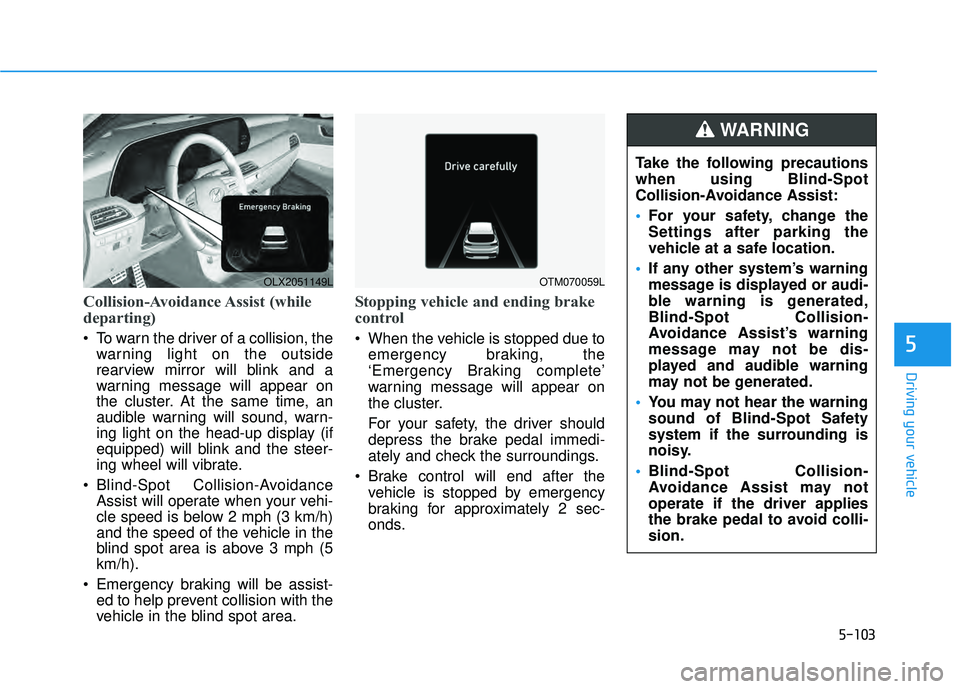
Collision-Avoidance Assist (while
departing)
To warn the driver of a collision, thewarning light on the outside
rearview mirror will blink and a
warning message will appear on
the cluster. At the same time, an
audible warning will sound, warn-
ing light on the head-up display (if
equipped) will blink and the steer-
ing wheel will vibrate.
Blind-Spot Collision-Avoidance Assist will operate when your vehi-
cle speed is below 2 mph (3 km/h)
and the speed of the vehicle in the
blind spot area is above 3 mph (5
km/h).
Emergency braking will be assist- ed to help prevent collision with the
vehicle in the blind spot area.
Stopping vehicle and ending brake
control
When the vehicle is stopped due to
emergency braking, the
‘Emergency Braking complete’
warning message will appear on
the cluster.
For your safety, the driver should
depress the brake pedal immedi-
ately and check the surroundings.
Brake control will end after the vehicle is stopped by emergency
braking for approximately 2 sec-
onds.
OLX2051149LOTM070059L
Take the following precautions
when using Blind-Spot
Collision-Avoidance Assist:
For your safety, change the
Settings after parking the
vehicle at a safe location.
If any other system’s warning
message is displayed or audi-
ble warning is generated,
Blind-Spot Collision-
Avoidance Assist’s warning
message may not be dis-
played and audible warning
may not be generated.
You may not hear the warning
sound of Blind-Spot Safety
system if the surrounding is
noisy.
Blind-Spot Collision-
Avoidance Assist may not
operate if the driver applies
the brake pedal to avoid colli-
sion.
WARNING
Page 441 of 663
5-107
Driving your vehicle
5
Driving through a narrow roadwhere trees or grass are over-
grown
Driving on a wet road surface, such as a puddle on the road
The other vehicle drives very close behind your vehicle, or the other
vehicle passes by your vehicle in
close proximity
The speed of the other vehicle is very fast that it passes by your
vehicle in a short time
Your vehicle passes by the other vehicle
Your vehicle changes lane
Your vehicle has started at the same time as the vehicle next to
you and has accelerated
The vehicle in the next lane moves two lanes away from you, or when
the vehicle two lanes away moves
to the next lane from you
A trailer or carrier is installed around the rear corner radar The bumper around the rear cor-
ner radar is covered with objects,
such as a bumper sticker, bumper
guard, bike rack, etc.
The bumper around the rear cor- ner radar is impacted, damaged or
the radar is out of position
Your vehicle height is low or high due to heavy loads, abnormal tire
pressure, etc. Blind-Spot Safety system may not
operate normally, or the function may
operate unexpectedly when the fol-
lowing objects are detected:
A motorcycle or bicycle is detected
A vehicle such as a flat trailer is
detected
A big vehicle such as a bus or truck is detected
A moving obstacle such as a pedestrian, animal, shopping cart
or a baby stroller is detected
A vehicle with low height such as a sports car is detected
Braking control may not work, dri-
ver’s attention is required in the fol-
lowing circumstances:
The vehicle severely vibrates while driving over a bumpy road, uneven
road or concrete patch
Driving on a slippery surface due to snow, water puddle, ice, etc.
The tire pressure is low or a tire is damaged
The brake is reworked
The vehicle makes abrupt lane changes
Page 446 of 663
5-112
Driving your vehicle
Rear Cross-Traffic Collision
Warning settings
Setting features
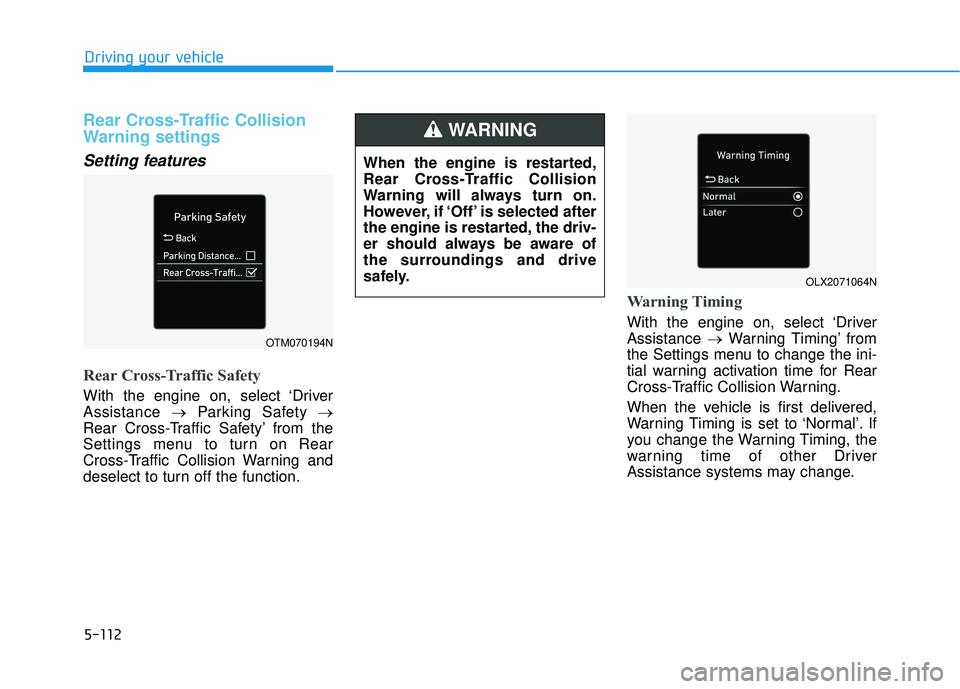
Rear Cross-Traffic Safety
With the engine on, select ‘Driver
Assistance →Parking Safety →
Rear Cross-Traffic Safety’ from the
Settings menu to turn on Rear
Cross-Traffic Collision Warning and
deselect to turn off the function.
Warning Timing
With the engine on, select ‘Driver
Assistance →Warning Timing’ from
the Settings menu to change the ini-
tial warning activation time for Rear
Cross-Traffic Collision Warning.
When the vehicle is first delivered,
Warning Timing is set to ‘Normal’. If
you change the Warning Timing, the
warning time of other Driver
Assistance systems may change.
OTM070194N
OLX2071064N
When the engine is restarted,
Rear Cross-Traffic Collision
Warning will always turn on.
However, if ‘Off’ is selected after
the engine is restarted, the driv-
er should always be aware of
the surroundings and drive
safely.
WARNING
Page 447 of 663
5-113
Driving your vehicle
5
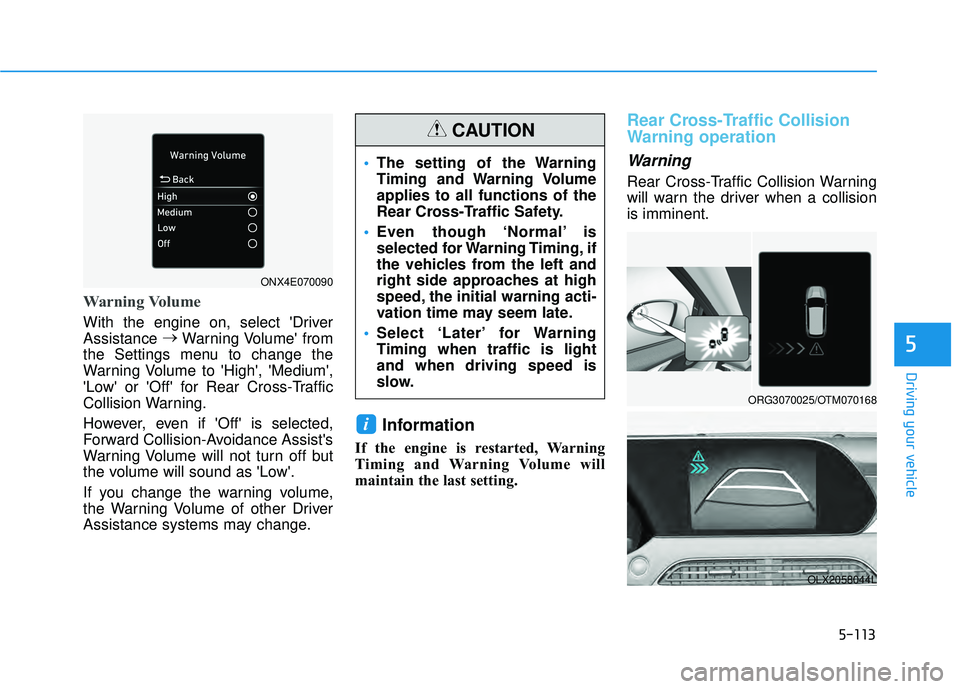
Warning Volume
With the engine on, select 'Driver
Assistance →
Warning Volume' from
the Settings menu to change the
Warning Volume to 'High', 'Medium',
'Low' or 'Off' for Rear Cross-Traffic
Collision Warning.
However, even if 'Off' is selected,
Forward Collision-Avoidance Assist's
Warning Volume will not turn off but
the volume will sound as 'Low'.
If you change the warning volume,
the Warning Volume of other Driver
Assistance systems may change.
Information
If the engine is restarted, Warning
Timing and Warning Volume will
maintain the last setting.
Rear Cross-Traffic Collision
Warning operation
Warning
Rear Cross-Traffic Collision Warning
will warn the driver when a collision
is imminent.
i
ORG3070025/OTM070168
OLX2058044L
The setting of the Warning
Timing and Warning Volume
applies to all functions of the
Rear Cross-Traffic Safety.
Even though ‘Normal’ is
selected for Warning Timing, if
the vehicles from the left and
right side approaches at high
speed, the initial warning acti-
vation time may seem late.
Select ‘Later’ for Warning
Timing when traffic is light
and when driving speed is
slow.
CAUTION
ONX4E070090
Page 448 of 663
5-114
Driving your vehicle
Collision Warning
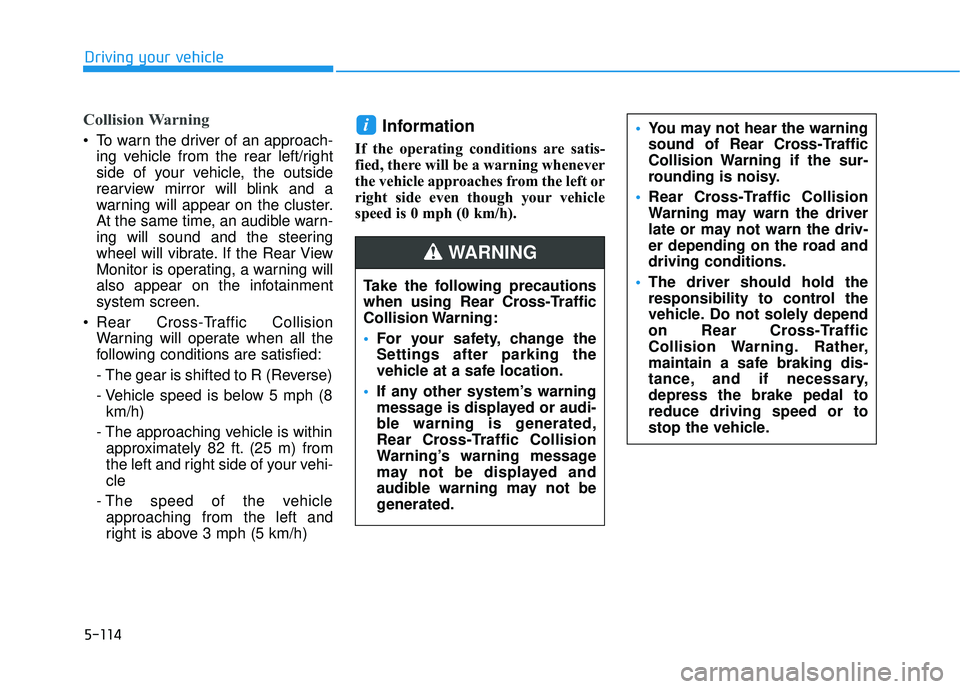
To warn the driver of an approach-ing vehicle from the rear left/right
side of your vehicle, the outside
rearview mirror will blink and a
warning will appear on the cluster.
At the same time, an audible warn-
ing will sound and the steering
wheel will vibrate. If the Rear View
Monitor is operating, a warning will
also appear on the infotainment
system screen.
Rear Cross-Traffic Collision Warning will operate when all the
following conditions are satisfied:
- The gear is shifted to R (Reverse)
- Vehicle speed is below 5 mph (8km/h)
- The approaching vehicle is within approximately 82 ft. (25 m) from
the left and right side of your vehi-
cle
- The speed of the vehicle approaching from the left and
right is above 3 mph (5 km/h)Information
If the operating conditions are satis-
fied, there will be a warning whenever
the vehicle approaches from the left or
right side even though your vehicle
speed is 0 mph (0 km/h).
i
Take the following precautions
when using Rear Cross-Traffic
Collision Warning:
For your safety, change the
Settings after parking the
vehicle at a safe location.
If any other system’s warning
message is displayed or audi-
ble warning is generated,
Rear Cross-Traffic Collision
Warning’s warning message
may not be displayed and
audible warning may not be
generated.
You may not hear the warning
sound of Rear Cross-Traffic
Collision Warning if the sur-
rounding is noisy.
Rear Cross-Traffic Collision
Warning may warn the driver
late or may not warn the driv-
er depending on the road and
driving conditions.
The driver should hold the
responsibility to control the
vehicle. Do not solely depend
on Rear Cross-Traffic
Collision Warning. Rather,
maintain a safe braking dis-
tance, and if necessary,
depress the brake pedal to
reduce driving speed or to
stop the vehicle.
WARNING
Page 454 of 663
5-120
Driving your vehicle
Rear Cross-Traffic Collision-
Avoidance Assist
Setting features
Rear Cross-Traffic Safety
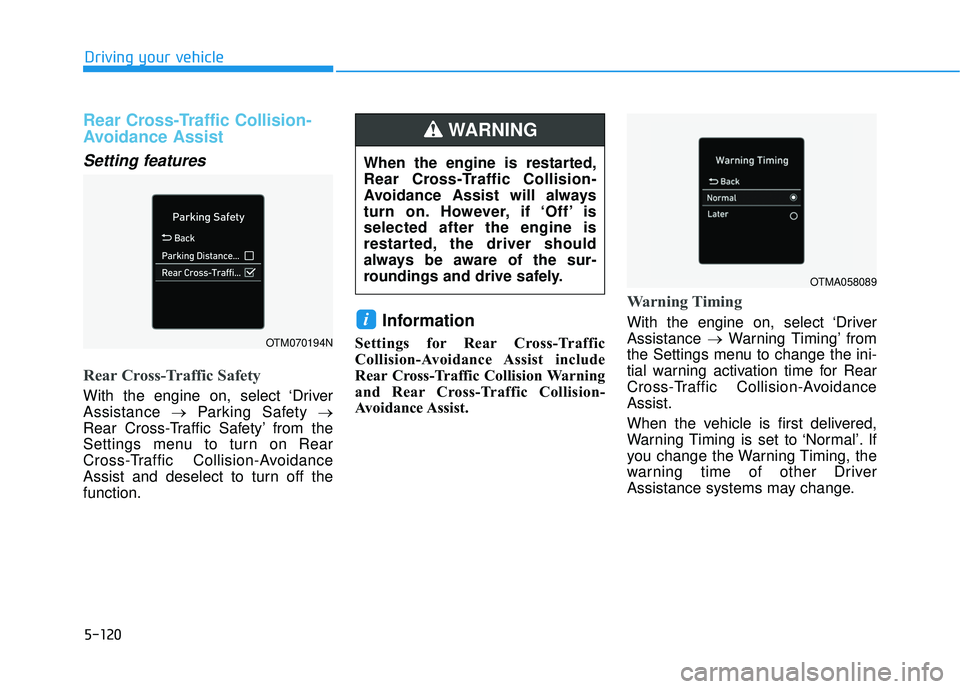
With the engine on, select ‘Driver
Assistance →Parking Safety →
Rear Cross-Traffic Safety’ from the
Settings menu to turn on Rear
Cross-Traffic Collision-Avoidance
Assist and deselect to turn off the
function.
Information
Settings for Rear Cross-Traffic
Collision-Avoidance Assist include
Rear Cross-Traffic Collision Warning
and Rear Cross-Traffic Collision-
Avoidance Assist.
Warning Timing
With the engine on, select ‘Driver
Assistance →Warning Timing’ from
the Settings menu to change the ini-
tial warning activation time for Rear
Cross-Traffic Collision-Avoidance
Assist.
When the vehicle is first delivered,
Warning Timing is set to ‘Normal’. If
you change the Warning Timing, the
warning time of other Driver
Assistance systems may change.i
OTM070194N
When the engine is restarted,
Rear Cross-Traffic Collision-
Avoidance Assist will always
turn on. However, if ‘Off’ is
selected after the engine is
restarted, the driver should
always be aware of the sur-
roundings and drive safely.
WARNING
OTMA058089
Page 455 of 663
5-121
Driving your vehicle
5
Warning Volume
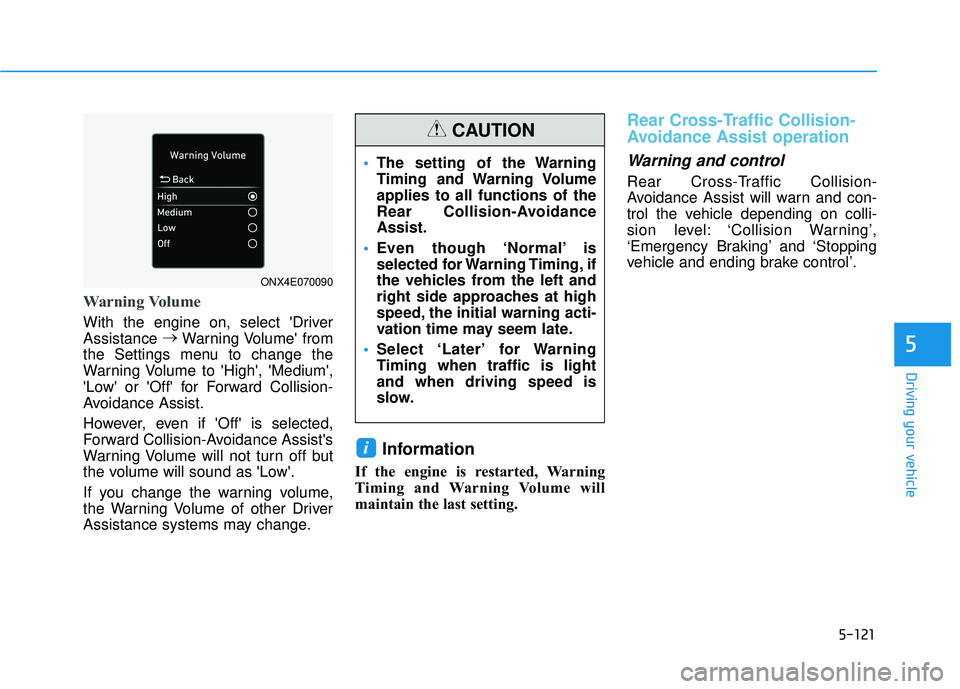
With the engine on, select 'Driver
Assistance →
Warning Volume' from
the Settings menu to change the
Warning Volume to 'High', 'Medium',
'Low' or 'Off' for Forward Collision-
Avoidance Assist.
However, even if 'Off' is selected,
Forward Collision-Avoidance Assist's
Warning Volume will not turn off but
the volume will sound as 'Low'.
If you change the warning volume,
the Warning Volume of other Driver
Assistance systems may change.
Information
If the engine is restarted, Warning
Timing and Warning Volume will
maintain the last setting.
Rear Cross-Traffic Collision-
Avoidance Assist operation
Warning and control
Rear Cross-Traffic Collision-
Avoidance Assist will warn and con-
trol the vehicle depending on colli-
sion level: ‘Collision Warning’,
‘Emergency Braking’ and ‘Stopping
vehicle and ending brake control’.
i
The setting of the Warning
Timing and Warning Volume
applies to all functions of the
Rear Collision-Avoidance
Assist.
Even though ‘Normal’ is
selected for Warning Timing, if
the vehicles from the left and
right side approaches at high
speed, the initial warning acti-
vation time may seem late.
Select ‘Later’ for Warning
Timing when traffic is light
and when driving speed is
slow.
CAUTION
ONX4E070090
Page 471 of 663
5-137
Driving your vehicle
5
Driver Attention Warning set-
tings
Setting features
To turn ON the Driver AttentionWarning (DAW) system, turn on
the engine, and then select "User
Settings → Driver Assistance →
Driver Attention Warning" on the
LCD display. If you deselect "User
Settings → Driver Assistance →
Driver Attention Warning" on LCD
display, Driver Attention Warning
turns off.
The set-up of the Driver Attention Warning will be maintained, as
selected, when theengine is re-
started.
Leading Vehicle Departure Alert
With the engine ON, the Leading
Vehicle Departure Alert system turn-
son and gets ready to be activated-
when the 'User Settings → Driver
Assistance → Driving Convenience
→ Leading vehicle departure alert'
isselected on the cluster. The func-
tion stops operation when the setting
is deactivated. However, if the engine
isturned off then on again, the func-
tion maintains the previous state.
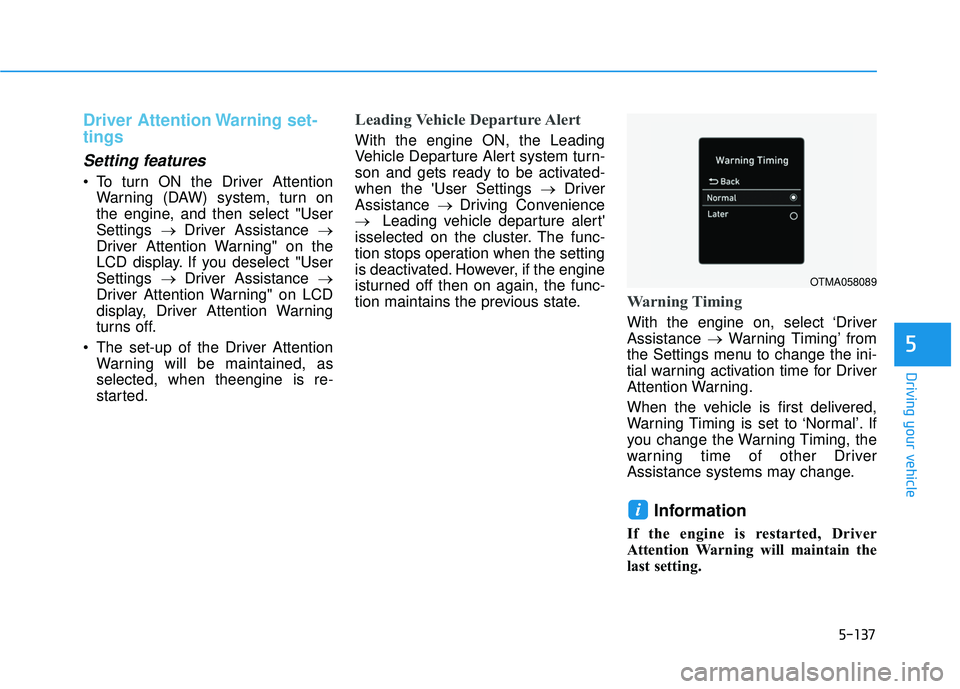
Warning Timing
With the engine on, select ‘Driver
Assistance →Warning Timing’ from
the Settings menu to change the ini-
tial warning activation time for Driver
Attention Warning.
When the vehicle is first delivered,
Warning Timing is set to ‘Normal’. If
you change the Warning Timing, the
warning time of other Driver
Assistance systems may change.
Information
If the engine is restarted, Driver
Attention Warning will maintain the
last setting.
i
OTMA058089
Page 473 of 663
5-139
Driving your vehicle
5
Taking a break
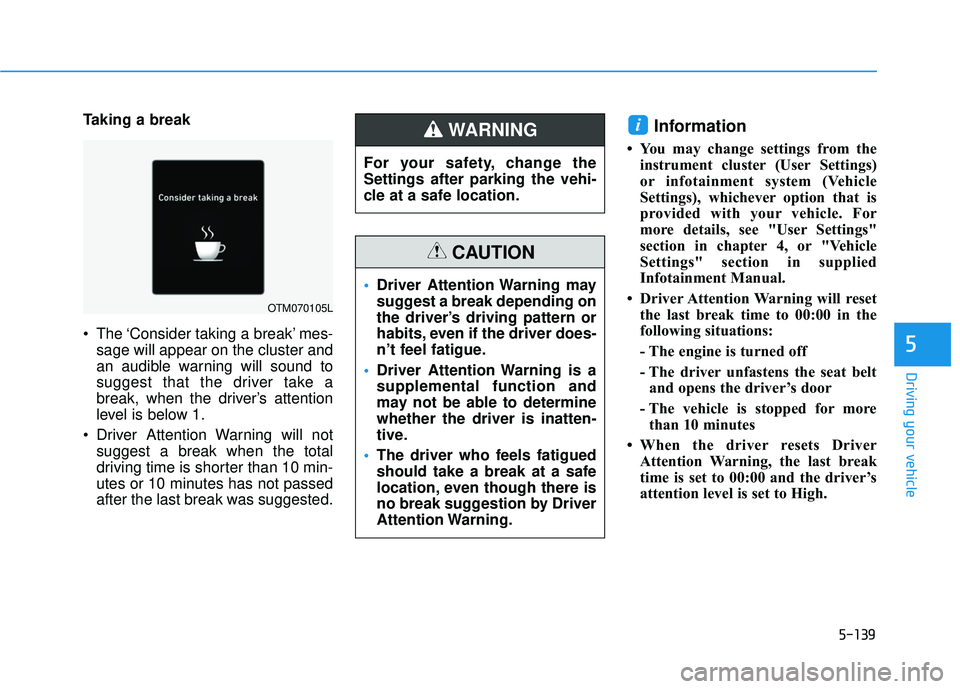
The ‘Consider taking a break’ mes-sage will appear on the cluster and
an audible warning will sound to
suggest that the driver take a
break, when the driver’s attention
level is below 1.
Driver Attention Warning will not suggest a break when the total
driving time is shorter than 10 min-
utes or 10 minutes has not passed
after the last break was suggested.Information
• You may change settings from theinstrument cluster (User Settings)
or infotainment system (Vehicle
Settings), whichever option that is
provided with your vehicle. For
more details, see "User Settings"
section in chapter 4, or "Vehicle
Settings" section in supplied
Infotainment Manual.
• Driver Attention Warning will reset the last break time to 00:00 in the
following situations:
- The engine is turned off
- The driver unfastens the seat beltand opens the driver’s door
- The vehicle is stopped for more than 10 minutes
• When the driver resets Driver Attention Warning, the last break
time is set to 00:00 and the driver’s
attention level is set to High.
i
OTM070105L
For your safety, change the
Settings after parking the vehi-
cle at a safe location.
WARNING
Driver Attention Warning may
suggest a break depending on
the driver’s driving pattern or
habits, even if the driver does-
n’t feel fatigue.
Driver Attention Warning is a
supplemental function and
may not be able to determine
whether the driver is inatten-
tive.
The driver who feels fatigued
should take a break at a safe
location, even though there is
no break suggestion by Driver
Attention Warning.
CAUTION
Page 481 of 663
5-147
Driving your vehicle
Hands-off warning
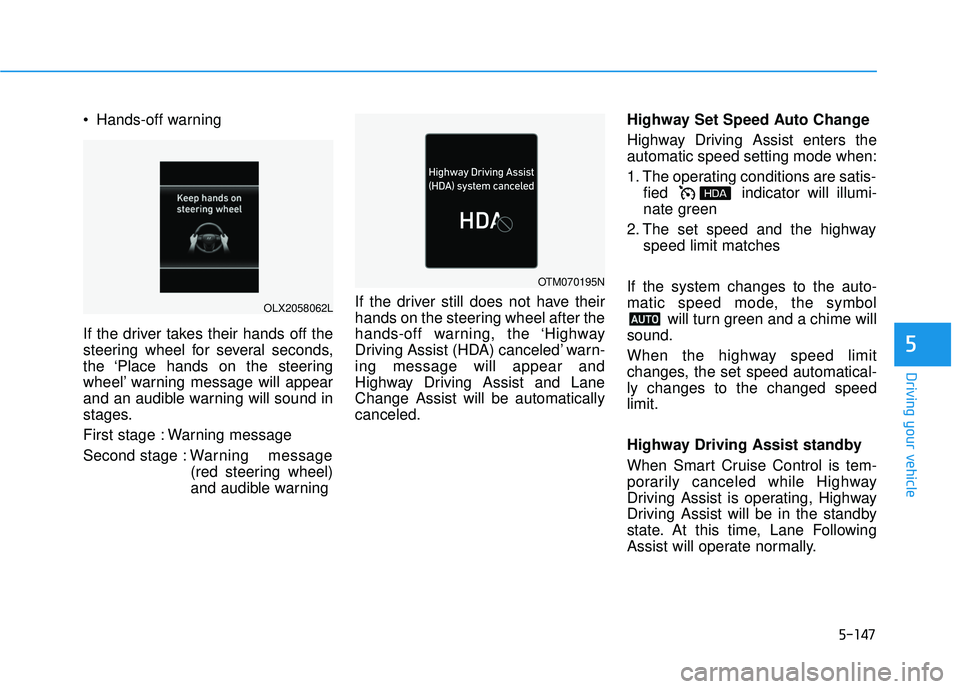
If the driver takes their hands off the
steering wheel for several seconds,
the ‘Place hands on the steering
wheel’ warning message will appear
and an audible warning will sound in
stages.
First stage : Warning message
Second stage : Warning message
(red steering wheel)
and audible warning If the driver still does not have their
hands on the steering wheel after the
hands-off warning, the ‘Highway
Driving Assist (HDA) canceled’ warn-
ing message will appear and
Highway Driving Assist and Lane
Change Assist will be automatically
canceled. Highway Set Speed Auto Change
Highway Driving Assist enters the
automatic speed setting mode when:
1. The operating conditions are satis-
fied indicator will illumi-
nate green
2. The set speed and the highway speed limit matches
If the system changes to the auto-
matic speed mode, the symbol will turn green and a chime will
sound.
When the highway speed limit
changes, the set speed automatical-
ly changes to the changed speed
limit.
Highway Driving Assist standby
When Smart Cruise Control is tem-
porarily canceled while Highway
Driving Assist is operating, Highway
Driving Assist will be in the standby
state. At this time, Lane Following
Assist will operate normally.
5
OLX2058062L
OTM070195N