wheel HYUNDAI PALISADE 2022 Repair Manual
[x] Cancel search | Manufacturer: HYUNDAI, Model Year: 2022, Model line: PALISADE, Model: HYUNDAI PALISADE 2022Pages: 663, PDF Size: 15.74 MB
Page 417 of 663
5-83
Driving your vehicle
5
The lane number increases ordecreases, or the lane markings
(or road edges) are crossing
There are more than two lane markings (or road edges) on the
road
The lane markings (or road edges) are complicated or a structure sub-
stitutes for the lines, such as a con-
struction area
There are road markings, such as zigzag lanes, crosswalk markings
and road signs
The lane suddenly disappears, such as at the intersection
The lane (or road width) is very wide or narrow
There is a road edge without a lane
There is a boundary structure in the roadway, such as a tollgate,
sidewalk, curb, etc.
The distance to the front vehicle is extremely short or the vehicle in
front is covering the lane marking
(or road edge)Information
For more details on the limitations of
the front view camera, refer to
“Forward Collision-Avoidance Assist
(FCA)” section in this chapter.
i
Take the following precautions
when using Lane Keeping
Assist:
The driver should hold the
responsibility to safely drive
and control the vehicle. Do
not solely rely on Lane
Keeping Assist and drive dan-
gerously.
The operation of Lane
Keeping Assist can be can-
celled or not work properly
depending on road conditions
and surroundings. Always be
cautious while driving.
Refer to “Limitations of Lane
Keeping Assist” if the lane is
not detected properly.
WARNING
When you are towing a trailer
or another vehicle, we recom-
mend that Lane Keeping
Assist is turned off due to
safety reasons.
If the vehicle is driven at high
speed, the steering wheel will
not be controlled. The driver
must always follow the speed
limit when using Lane
Keeping Assist.
If any other system’s warning
message is displayed or audi-
ble warning is generated,
Lane Keeping Assist warning
message may not be dis-
played and audible warning
may not be generated.
You may not hear the warning
sound of Lane Keeping Assist
if the surrounding is noisy.
If you attach objects to the
steering wheel, steering may
not be assisted properly.
Page 420 of 663
5-86
Driving your vehicle
Blind-Spot Collision Warning
settings settings
Setting features
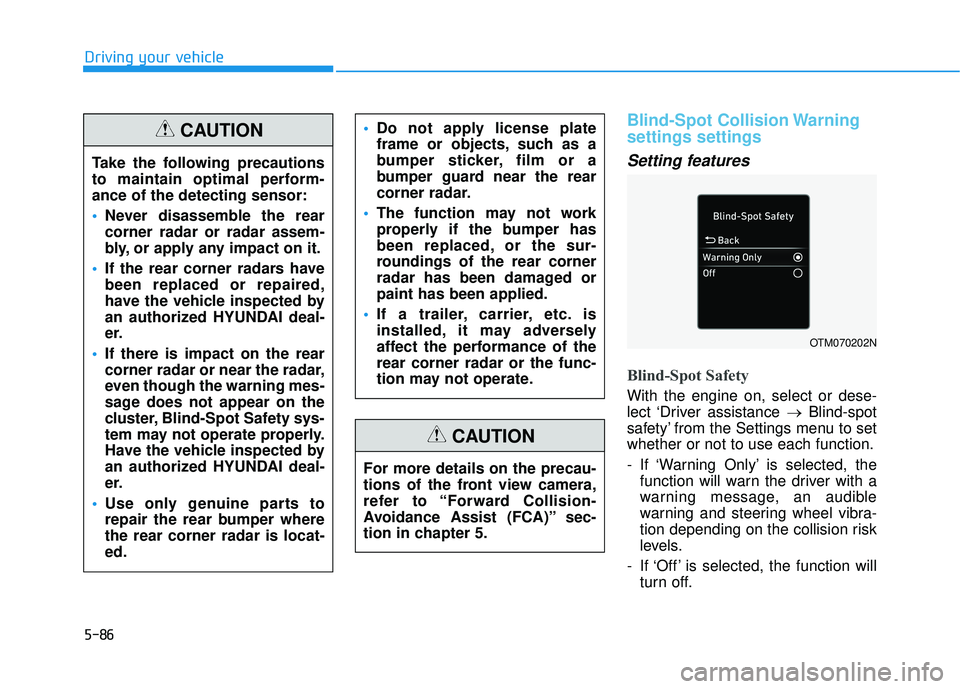
Blind-Spot Safety
With the engine on, select or dese-
lect ‘Driver assistance →Blind-spot
safety’ from the Settings menu to set
whether or not to use each function.
- If ‘Warning Only’ is selected, the function will warn the driver with a
warning message, an audible
warning and steering wheel vibra-
tion depending on the collision risk
levels.
- If ‘Off’ is selected, the function will turn off.
OTM070202N
Take the following precautions
to maintain optimal perform-
ance of the detecting sensor:
Never disassemble the rear
corner radar or radar assem-
bly, or apply any impact on it.
If the rear corner radars have
been replaced or repaired,
have the vehicle inspected by
an authorized HYUNDAI deal-
er.
If there is impact on the rear
corner radar or near the radar,
even though the warning mes-
sage does not appear on the
cluster, Blind-Spot Safety sys-
tem may not operate properly.
Have the vehicle inspected by
an authorized HYUNDAI deal-
er.
Use only genuine parts to
repair the rear bumper where
the rear corner radar is locat-
ed.
Do not apply license plate
frame or objects, such as a
bumper sticker, film or a
bumper guard near the rear
corner radar.
The function may not work
properly if the bumper has
been replaced, or the sur-
roundings of the rear corner
radar has been damaged or
paint has been applied.
If a trailer, carrier, etc. is
installed, it may adversely
affect the performance of the
rear corner radar or the func-
tion may not operate.CAUTION
For more details on the precau-
tions of the front view camera,
refer to “Forward Collision-
Avoidance Assist (FCA)” sec-
tion in chapter 5.
CAUTION
Page 433 of 663
5-99
Driving your vehicle
5
- If ‘Active Assist’ is selected, thefunction will warn the driver with a
warning message, an audible
warning, steering wheel vibration
and braking assist will be applied
depending on the collision risk lev-
els.
- If ‘Warning Only’ is selected, the function will warn the driver with a
warning message, an audible
warning and steering wheel vibra-
tion depending on the collision risk
levels. Braking will not be assisted.
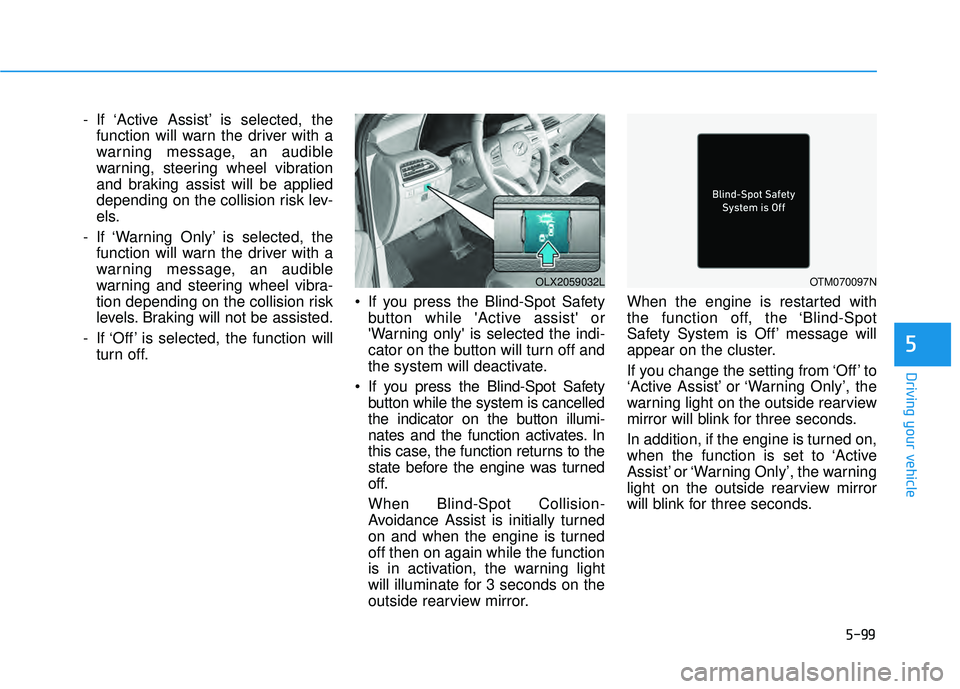
- If ‘Off’ is selected, the function will turn off. If you press the Blind-Spot Safety
button while 'Active assist' or
'Warning only' is selected the indi-
cator on the button will turn off and
the system will deactivate.
If you press the Blind-Spot Safety button while the system is cancelled
the indicator on the button illumi-
nates and the function activates. In
this case, the function returns to the
state before the engine was turned
off.
When Blind-Spot Collision-
Avoidance Assist is initially turned
on and when the engine is turned
off then on again while the function
is in activation, the warning light
will illuminate for 3 seconds on the
outside rearview mirror. When the engine is restarted with
the function off, the ‘Blind-Spot
Safety System is Off’ message will
appear on the cluster.
If you change the setting from ‘Off’ to
‘Active Assist’ or ‘Warning Only’, the
warning light on the outside rearview
mirror will blink for three seconds.
In addition, if the engine is turned on,
when the function is set to ‘Active
Assist’ or ‘Warning Only’, the warning
light on the outside rearview mirror
will blink for three seconds.
OLX2059032LOTM070097N
Page 435 of 663
5-101
Driving your vehicle
5
Blind-Spot Collision-
Avoidance Assist operation
Warning and control
Vehicle detection
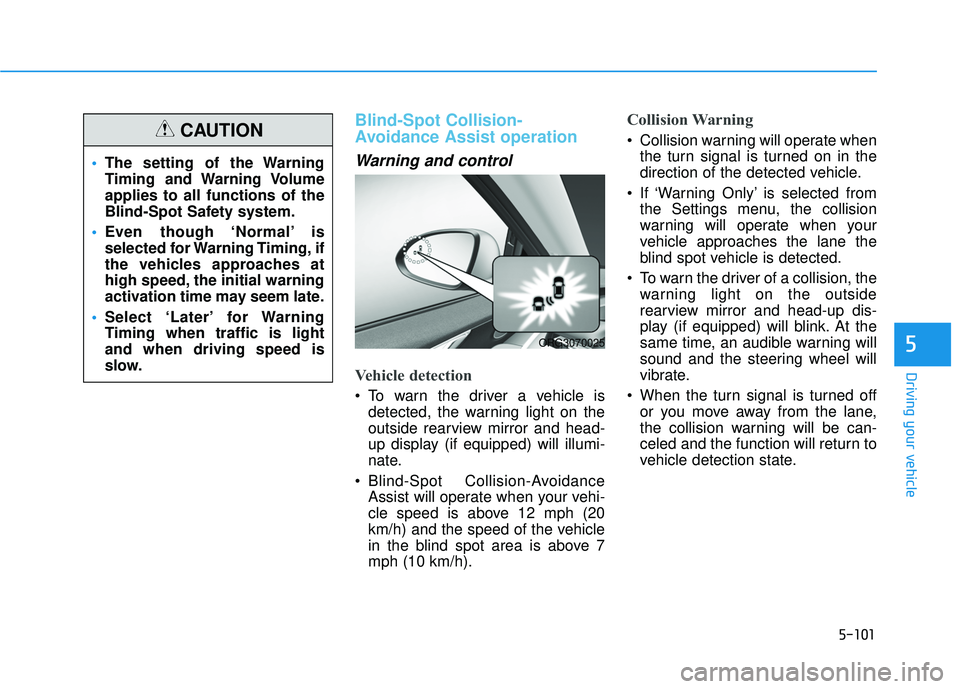
To warn the driver a vehicle isdetected, the warning light on the
outside rearview mirror and head-
up display (if equipped) will illumi-
nate.
Blind-Spot Collision-Avoidance Assist will operate when your vehi-
cle speed is above 12 mph (20
km/h) and the speed of the vehicle
in the blind spot area is above 7
mph (10 km/h).
Collision Warning
Collision warning will operate whenthe turn signal is turned on in the
direction of the detected vehicle.
If ‘Warning Only’ is selected from the Settings menu, the collision
warning will operate when your
vehicle approaches the lane the
blind spot vehicle is detected.
To warn the driver of a collision, the warning light on the outside
rearview mirror and head-up dis-
play (if equipped) will blink. At the
same time, an audible warning will
sound and the steering wheel will
vibrate.
When the turn signal is turned off or you move away from the lane,
the collision warning will be can-
celed and the function will return to
vehicle detection state.
The setting of the Warning
Timing and Warning Volume
applies to all functions of the
Blind-Spot Safety system.
Even though ‘Normal’ is
selected for Warning Timing, if
the vehicles approaches at
high speed, the initial warning
activation time may seem late.
Select ‘Later’ for Warning
Timing when traffic is light
and when driving speed is
slow.CAUTION
ORG3070025
Page 436 of 663
5-102
Driving your vehicle
Information
If the driver's seat is on the left side,
the collision warning may occur when
you turn left. Maintain a proper dis-
tance with the vehicles in the left lane.
If the driver's seat is on the right side,
the collision warning may occur when
you turn right. Maintain a proper dis-
tance with the vehicles in the right
lane.
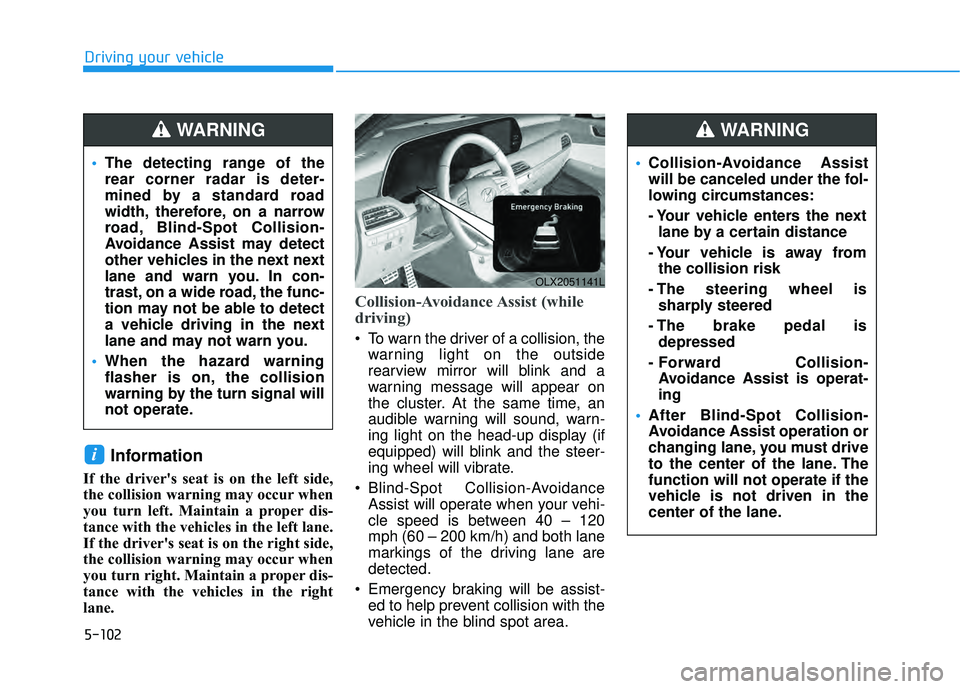
Collision-Avoidance Assist (while
driving)
To warn the driver of a collision, thewarning light on the outside
rearview mirror will blink and a
warning message will appear on
the cluster. At the same time, an
audible warning will sound, warn-
ing light on the head-up display (if
equipped) will blink and the steer-
ing wheel will vibrate.
Blind-Spot Collision-Avoidance Assist will operate when your vehi-
cle speed is between 40 – 120
mph (60 – 200 km/h) and both lane
markings of the driving lane are
detected.
Emergency braking will be assist- ed to help prevent collision with the
vehicle in the blind spot area.
i
OLX2051141L
The detecting range of the
rear corner radar is deter-
mined by a standard road
width, therefore, on a narrow
road, Blind-Spot Collision-
Avoidance Assist may detect
other vehicles in the next next
lane and warn you. In con-
trast, on a wide road, the func-
tion may not be able to detect
a vehicle driving in the next
lane and may not warn you.
When the hazard warning
flasher is on, the collision
warning by the turn signal will
not operate.
WARNING
Collision-Avoidance Assist
will be canceled under the fol-
lowing circumstances:
- Your vehicle enters the next
lane by a certain distance
- Your vehicle is away from the collision risk
- The steering wheel is sharply steered
- The brake pedal is depressed
- Forward Collision- Avoidance Assist is operat-
ing
After Blind-Spot Collision-
Avoidance Assist operation or
changing lane, you must drive
to the center of the lane. The
function will not operate if the
vehicle is not driven in the
center of the lane.
WARNING
Page 437 of 663
5-103
Driving your vehicle
5
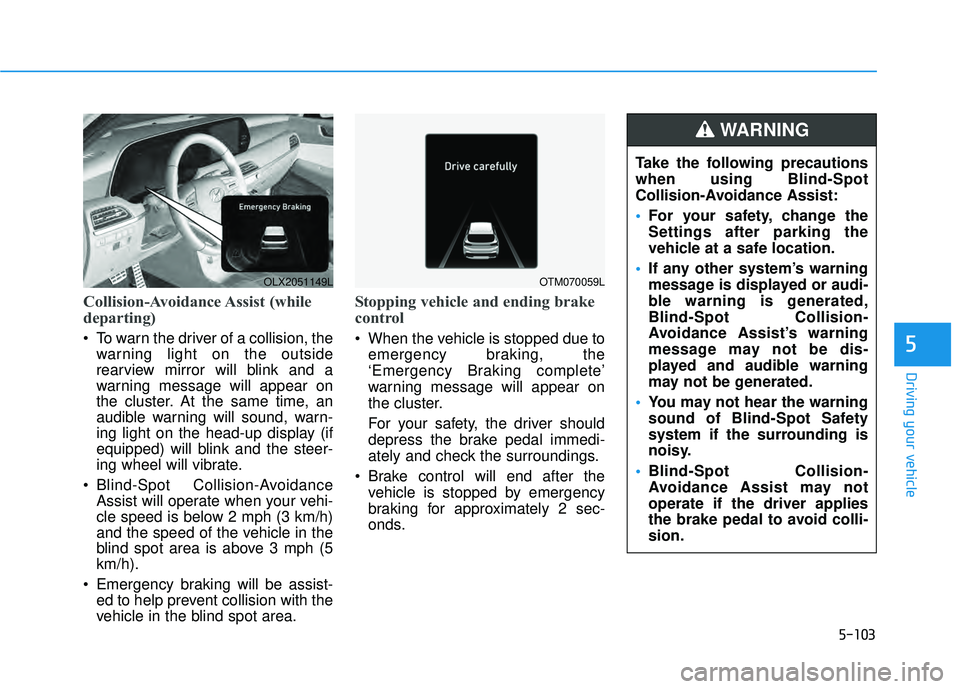
Collision-Avoidance Assist (while
departing)
To warn the driver of a collision, thewarning light on the outside
rearview mirror will blink and a
warning message will appear on
the cluster. At the same time, an
audible warning will sound, warn-
ing light on the head-up display (if
equipped) will blink and the steer-
ing wheel will vibrate.
Blind-Spot Collision-Avoidance Assist will operate when your vehi-
cle speed is below 2 mph (3 km/h)
and the speed of the vehicle in the
blind spot area is above 3 mph (5
km/h).
Emergency braking will be assist- ed to help prevent collision with the
vehicle in the blind spot area.
Stopping vehicle and ending brake
control
When the vehicle is stopped due to
emergency braking, the
‘Emergency Braking complete’
warning message will appear on
the cluster.
For your safety, the driver should
depress the brake pedal immedi-
ately and check the surroundings.
Brake control will end after the vehicle is stopped by emergency
braking for approximately 2 sec-
onds.
OLX2051149LOTM070059L
Take the following precautions
when using Blind-Spot
Collision-Avoidance Assist:
For your safety, change the
Settings after parking the
vehicle at a safe location.
If any other system’s warning
message is displayed or audi-
ble warning is generated,
Blind-Spot Collision-
Avoidance Assist’s warning
message may not be dis-
played and audible warning
may not be generated.
You may not hear the warning
sound of Blind-Spot Safety
system if the surrounding is
noisy.
Blind-Spot Collision-
Avoidance Assist may not
operate if the driver applies
the brake pedal to avoid colli-
sion.
WARNING
Page 448 of 663
5-114
Driving your vehicle
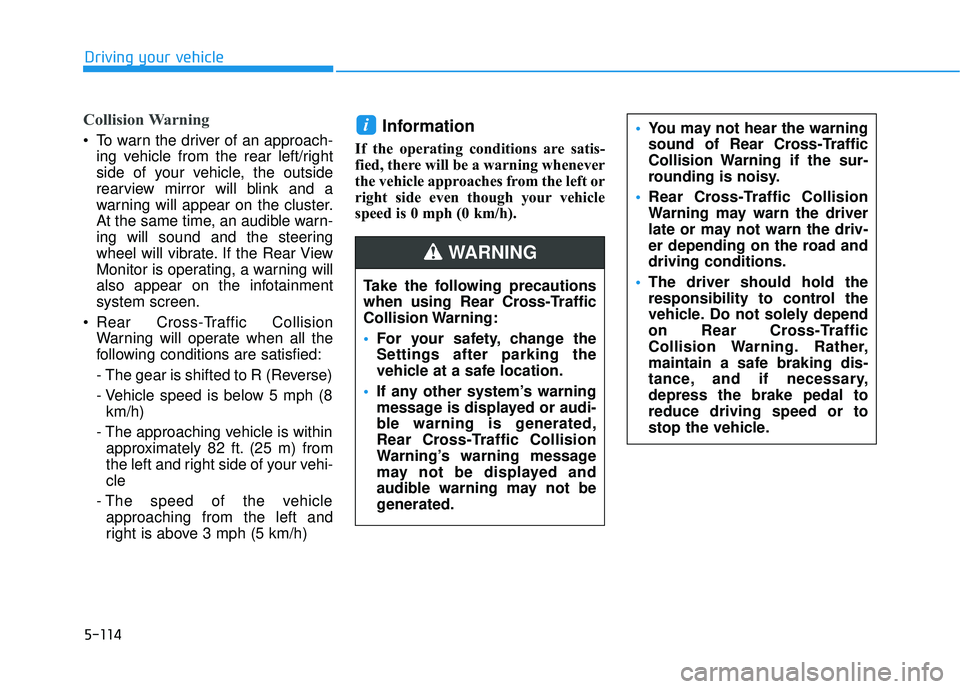
Collision Warning
To warn the driver of an approach-ing vehicle from the rear left/right
side of your vehicle, the outside
rearview mirror will blink and a
warning will appear on the cluster.
At the same time, an audible warn-
ing will sound and the steering
wheel will vibrate. If the Rear View
Monitor is operating, a warning will
also appear on the infotainment
system screen.
Rear Cross-Traffic Collision Warning will operate when all the
following conditions are satisfied:
- The gear is shifted to R (Reverse)
- Vehicle speed is below 5 mph (8km/h)
- The approaching vehicle is within approximately 82 ft. (25 m) from
the left and right side of your vehi-
cle
- The speed of the vehicle approaching from the left and
right is above 3 mph (5 km/h)Information
If the operating conditions are satis-
fied, there will be a warning whenever
the vehicle approaches from the left or
right side even though your vehicle
speed is 0 mph (0 km/h).
i
Take the following precautions
when using Rear Cross-Traffic
Collision Warning:
For your safety, change the
Settings after parking the
vehicle at a safe location.
If any other system’s warning
message is displayed or audi-
ble warning is generated,
Rear Cross-Traffic Collision
Warning’s warning message
may not be displayed and
audible warning may not be
generated.
You may not hear the warning
sound of Rear Cross-Traffic
Collision Warning if the sur-
rounding is noisy.
Rear Cross-Traffic Collision
Warning may warn the driver
late or may not warn the driv-
er depending on the road and
driving conditions.
The driver should hold the
responsibility to control the
vehicle. Do not solely depend
on Rear Cross-Traffic
Collision Warning. Rather,
maintain a safe braking dis-
tance, and if necessary,
depress the brake pedal to
reduce driving speed or to
stop the vehicle.
WARNING
Page 456 of 663
5-122
Driving your vehicle
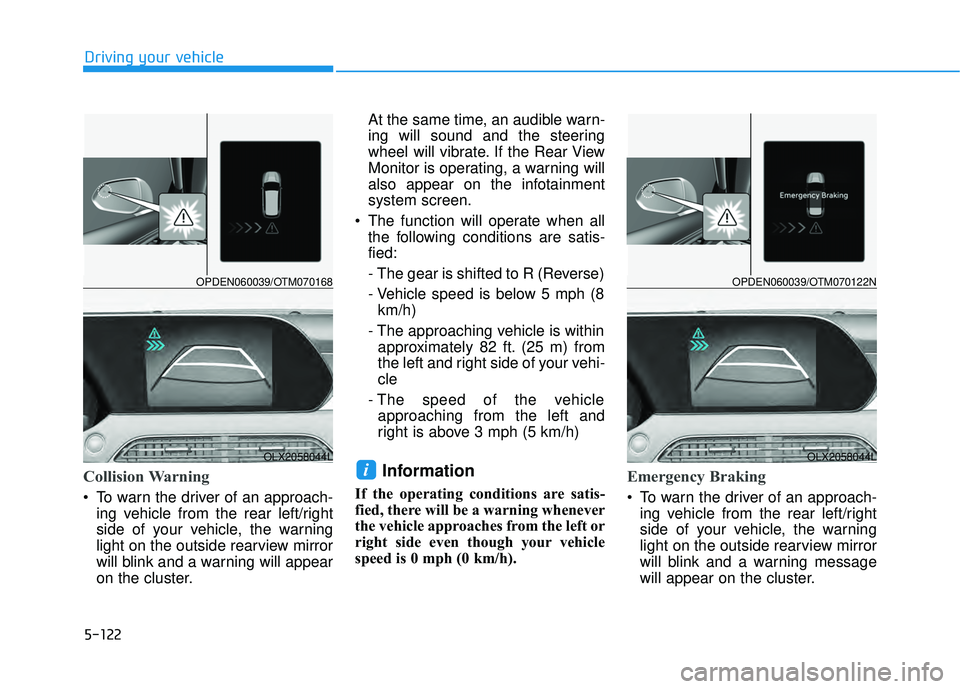
Collision Warning
To warn the driver of an approach-ing vehicle from the rear left/right
side of your vehicle, the warning
light on the outside rearview mirror
will blink and a warning will appear
on the cluster. At the same time, an audible warn-
ing will sound and the steering
wheel will vibrate. If the Rear View
Monitor is operating, a warning will
also appear on the infotainment
system screen.
The function will operate when all the following conditions are satis-
fied:
- The gear is shifted to R (Reverse)
- Vehicle speed is below 5 mph (8km/h)
- The approaching vehicle is within approximately 82 ft. (25 m) from
the left and right side of your vehi-
cle
- The speed of the vehicle approaching from the left and
right is above 3 mph (5 km/h)
Information
If the operating conditions are satis-
fied, there will be a warning whenever
the vehicle approaches from the left or
right side even though your vehicle
speed is 0 mph (0 km/h).
Emergency Braking
To warn the driver of an approach- ing vehicle from the rear left/right
side of your vehicle, the warning
light on the outside rearview mirror
will blink and a warning message
will appear on the cluster.
iOLX2058044L
OPDEN060039/OTM070168
OLX2058044L
OPDEN060039/OTM070122N
Page 457 of 663
5-123
Driving your vehicle
5
At the same time, an audible warn-
ing will sound and the steering
wheel will vibrate. If the Rear View
Monitor is operating, a warning will
also appear on the infotainment
system screen.
The function will operate when all the following conditions are satis-
fied:
- The gear is shifted to R (Reverse)
- Vehicle speed is below 5 mph (8km/h)
- The approaching vehicle is within approximately 5 ft. (1.5 m) from
the left and right side of your vehi-
cle
- The speed of the vehicle approaching from the left and
right is above 3 mph (5 km/h)
Emergency braking will be assist- ed to help prevent collision with
approaching vehicles from the left
and right.
Stopping vehicle and ending brake
control
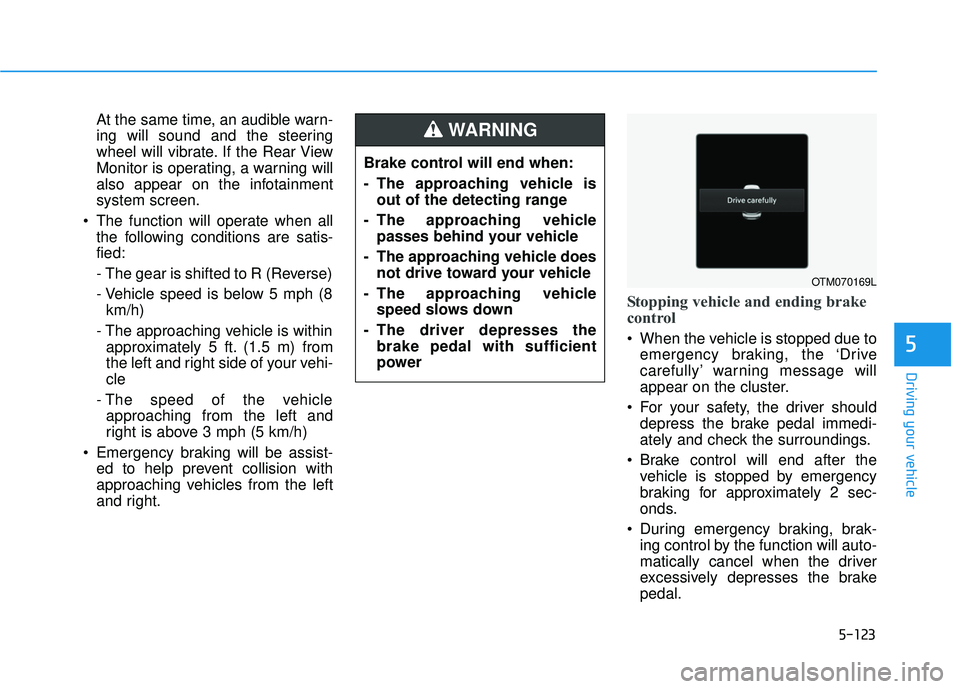
When the vehicle is stopped due toemergency braking, the ‘Drive
carefully’ warning message will
appear on the cluster.
For your safety, the driver should depress the brake pedal immedi-
ately and check the surroundings.
Brake control will end after the vehicle is stopped by emergency
braking for approximately 2 sec-
onds.
During emergency braking, brak- ing control by the function will auto-
matically cancel when the driver
excessively depresses the brake
pedal.
Brake control will end when:
- The approaching vehicle is
out of the detecting range
- The approaching vehicle passes behind your vehicle
- The approaching vehicle does not drive toward your vehicle
- The approaching vehicle speed slows down
- The driver depresses the brake pedal with sufficient
power
WARNING
OTM070169L
Page 466 of 663
5-132
Driving your vehicle
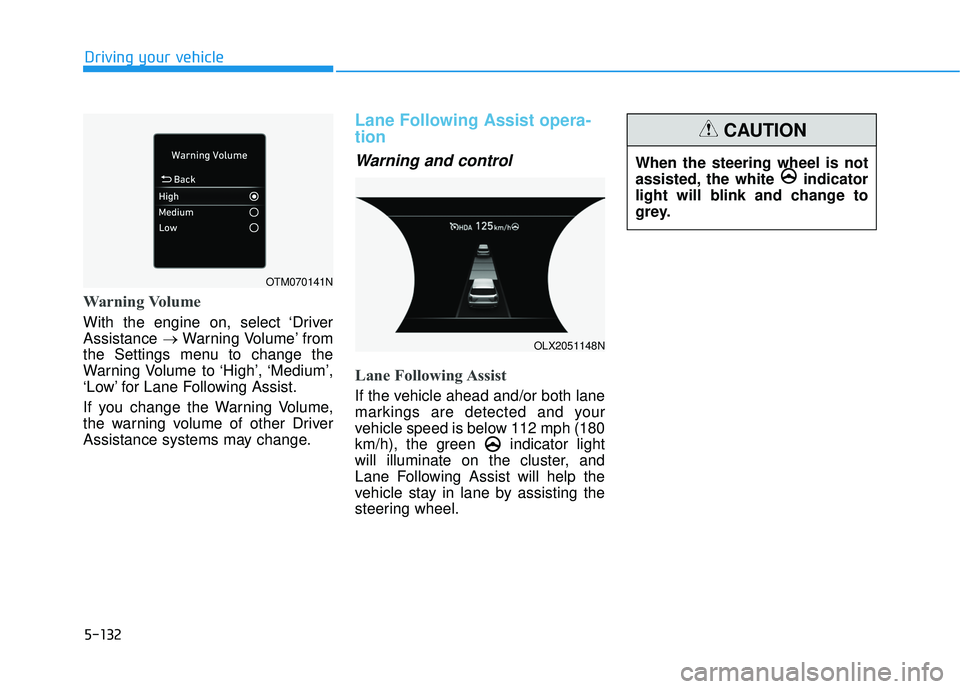
Warning Volume
With the engine on, select ‘Driver
Assistance →Warning Volume’ from
the Settings menu to change the
Warning Volume to ‘High’, ‘Medium’,
‘Low’ for Lane Following Assist.
If you change the Warning Volume,
the warning volume of other Driver
Assistance systems may change.
Lane Following Assist opera-
tion
Warning and control
Lane Following Assist
If the vehicle ahead and/or both lane
markings are detected and your
vehicle speed is below 112 mph (180
km/h), the green indicator light
will illuminate on the cluster, and
Lane Following Assist will help the
vehicle stay in lane by assisting the
steering wheel.
When the steering wheel is not
assisted, the white indicator
light will blink and change to
grey.
CAUTION
OTM070141N
OLX2051148N