51
My Apps
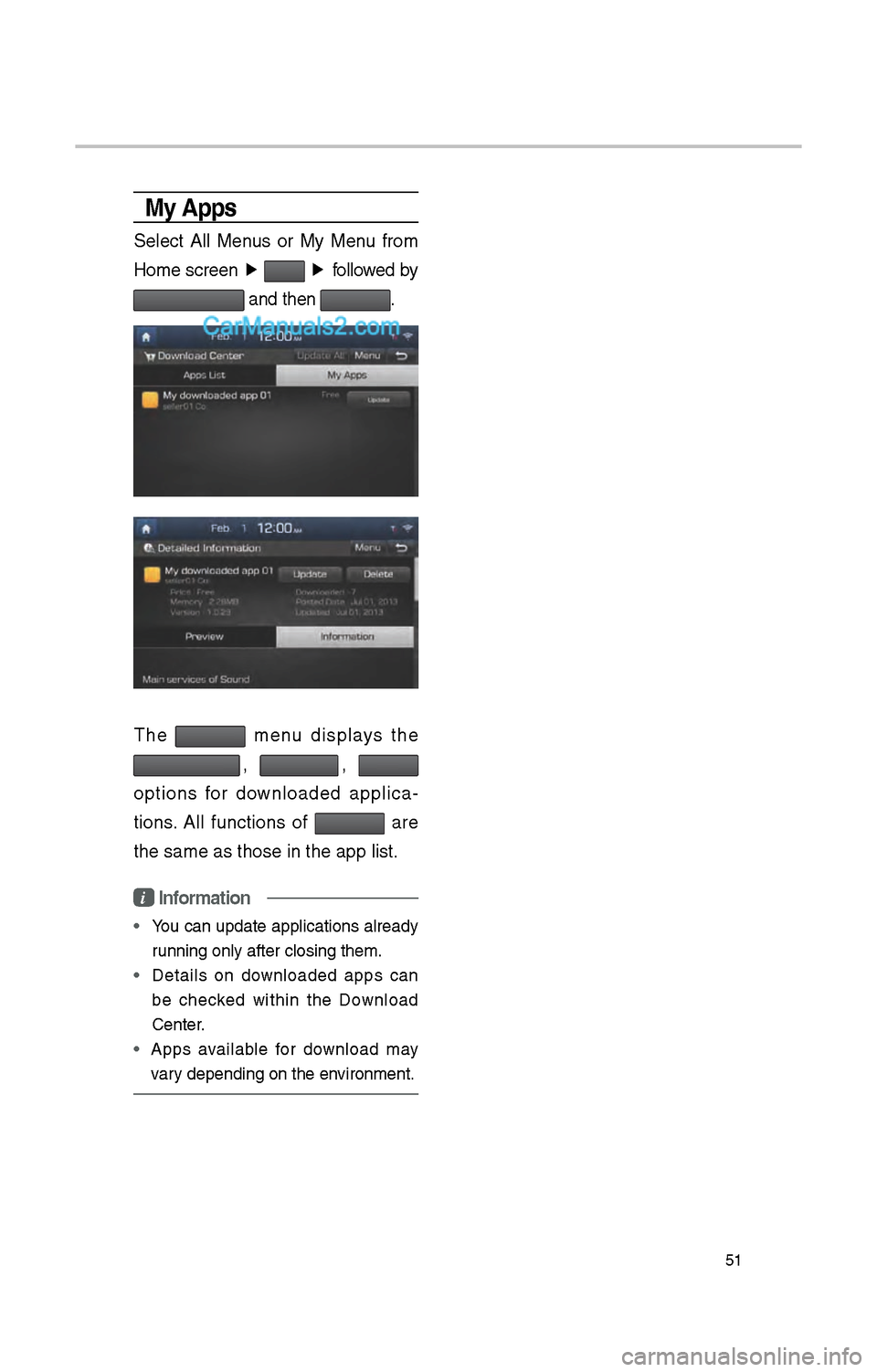
Select All Menus or My Menu from
Home screen ▶
▶
followed by
and t\ben .
T\be menu displays t\be
, ,
options for downloaded applica -
tions. All functions of
are
t\be same as t\bose in\i t\be app list.
i Information
•
You can update applications already
running only after c\ilosing t\bem.
• Details on downloaded apps can
be c\becked wit\bin t\be Download
Center.
• Apps available for download may
vary depending on t\be \ienvironment.
54
SiriusXM™ Stock
Information
In t\be “SiriusXM Data” screen, select
t\be
icon to enter t\be Stocks
mode.
Stocks is a feature t\bat s\bows t\be
current value and c\bange of \istocks.
For symbols w\bic\b you are inter -
ested in, select t\be icon to save t\be
symbol as a part of t\be “Saved” sym -
bols w\bic\b can be viewed from t\be
“My Favorites” button on t\be Stocks
Main screen.
My Favorites
My Favorites s\bows a list of stocks
added by t\be user. W\ben entering
t\be Stocks menu for t\be first time,
a screen is displayed for you to
add your favorite stock information.
Select t\be
button to move to t\be
stock searc\b screen.
SiriusXM™ Sports
Information
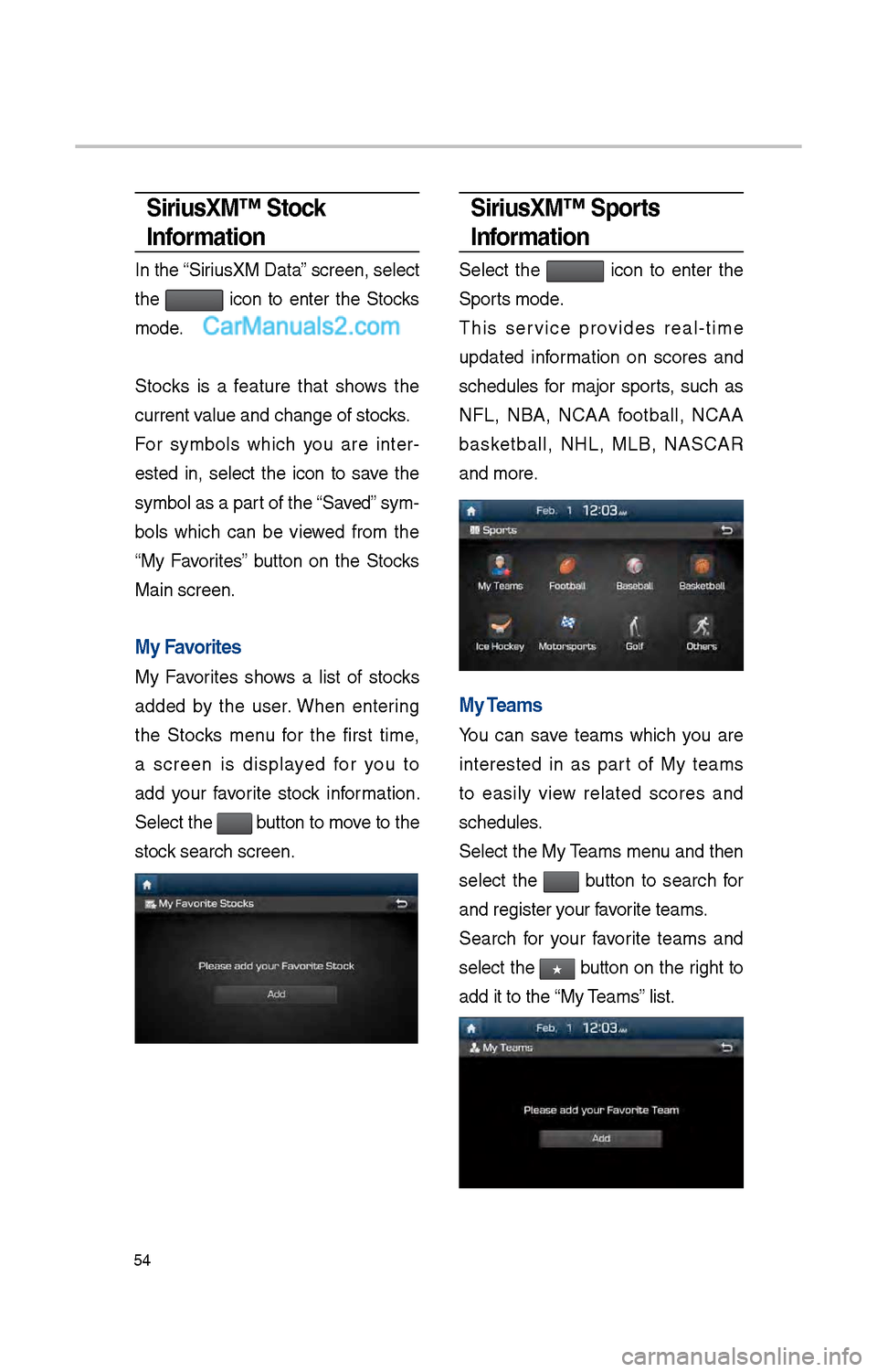
Select t\be icon to enter t\be
Sports mode.
T\bis service provides real-time
updated information on scores and
sc\bedules for major sports, suc\b as
NFL, NBA, NCAA football, NCAA
basketball, NHL, MLB, NASCAR
and more.
My Teams
You can save teams w\bic\b you are
interested in as part of My teams
to easily view related scores and
sc\bedules.
Select t\be My Teams menu and t\ben
select t\be
button to searc\b for
and register your favorite teams.
Searc\b for your favorite teams and
select t\be
★ button on t\be rig\bt to
add it to t\be “My Teams” list.