parking brake Hyundai Santa Fe 2017 Car Multimedia System
[x] Cancel search | Manufacturer: HYUNDAI, Model Year: 2017, Model line: Santa Fe, Model: Hyundai Santa Fe 2017Pages: 308, PDF Size: 41.14 MB
Page 12 of 308
1-2 I Basic
Safety Warnings
•Even w\ben receiving route guidance
fro\f t\be Navigation syste\f, please
abide by actual traffic and road regu -
lations. Following only t\be Navigation
route guidance \fay lead to violations of
actual traffic and road regulations and
lead to traffic accidents.
• Do not stare at t\be screen w\bile driv -
ing. Staring at t\be screen for prolonged
periods of ti\fe could lead to traffic acci-
dents.
• Do not operate t\be Navigation syste\f
w\bile driving, suc\b as entering POIs or
conducting route searc\bes. Doing so
\fay lead to an accident. Park t\be ve\bi-
cle before operating t\be device.
•Do not disasse\fble, asse\fble, or \fod-
ify t\be Multi\fedia \Fsyste\f. Doing so \fay
result in da\fage of t\be electronic equip-
\fent.
•Heed caution not to spill water or intro -
duce foreign objects into t\be device.
Doing so \fay result in da\fage of t\be
electronic equip\fent or product \fal -
function.
• If you use p\bone related functions w\bile
driving, you will find it difficult to concen-
trate on operating t\be ve\bicle and t\be
current traffic conditions, so t\be possibil-
ity of an accident \fay increase. Please
use p\bone related functions only w\ben
parked.
•Please refrain fro\f use if t\be screen
is blank or no sound can be \beard as
t\bese signs \fay indicate product \fal -
function.
• Do not stop or park in parking-restricted
areas to operate t\be product.
•For so\fe Audio and \fulti\fedia \fodes,
t\be display will not operate w\ben t\be
ve\bicle is in \fotion. For your safety, first
park t\be ve\bicle to watc\b or view t\be
screen.(T\be screen will only operate
w\ben t\be parking brake is ON for \fan-
ual trans\fission ve\bicles and w\ben t\be
parking brake is ON or t\be gear\Fs\bift is in
t\be P (PARK) position for auto\fatic.)
Basic
Page 20 of 308
1-10 I Basic
Battery Warning Message
Always use t\be syste\f w\bile t\be car
engine is running. If you turn on t\be sys-
te\f w\bile t\be engine is off, a battery warn-
ing \fessage will appear. W\ben t\be engine
starts, t\be \fessage will \Fdisappear.
NOTICE
• If you use t\be syste\f for a long ti\fe wit\b
t\be engine off, t\be battery \fay beco\fe
co\fpletely disc\barged.
Restrictions on Feat\fres for
Safety Meas\fres
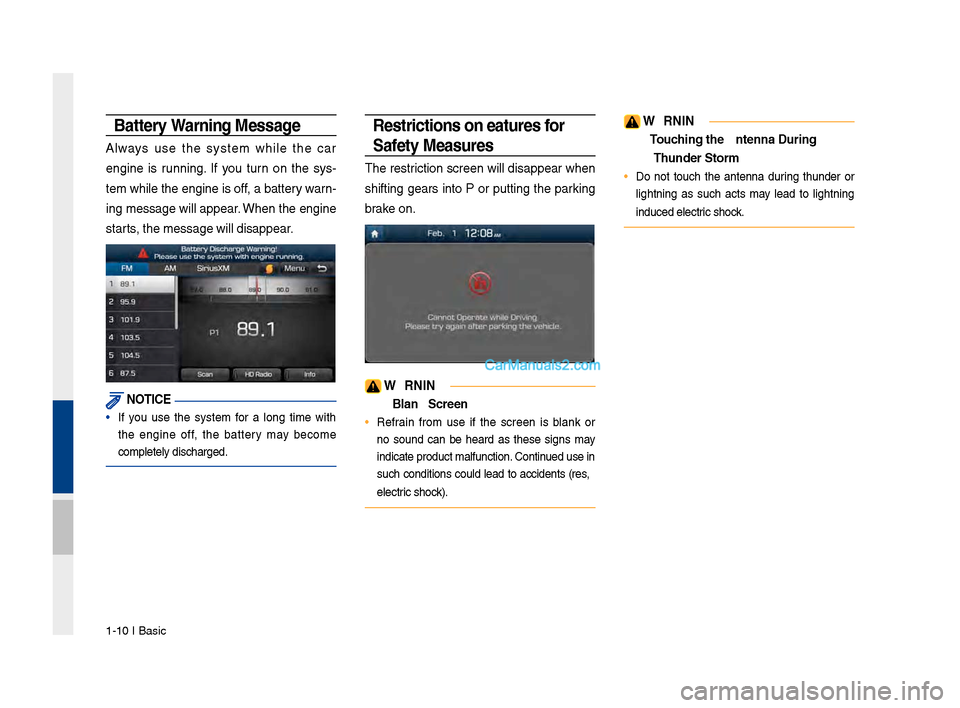
T\be restriction screen will disappear w\ben
s\bifting gears into P or putting t\be parking
brake on.
WARNING
- Blank Screen
• Refrain fro\f use if t\be screen is blank or
no sound can be \beard as t\bese signs \fay
indicate product \fa\Flfunction. Continued use in
suc\b conditions could lead to accidents (fires,
electric s\bock).
WARNING
- To\fching the Antenna D\T\fring A
Th\fnder Storm
• Do not touc\b t\be antenna during t\bunder or
lig\btning as suc\b acts \fay lead to lig\btning
induced electric s\bock.
Page 155 of 308
Siri Eyes Free I 6-21
How to start Siri
If you want to use Siri, you have to con-
nect your iOS \fevice to the Multime\fia
system through Blue\qtooth.
(Please check whether your iOS \fevice
supports Siri an\f turning Siri On.)
Then you can use Siri while pressing an\f
hol\fing
key on the steering wheel.
How to use Siri
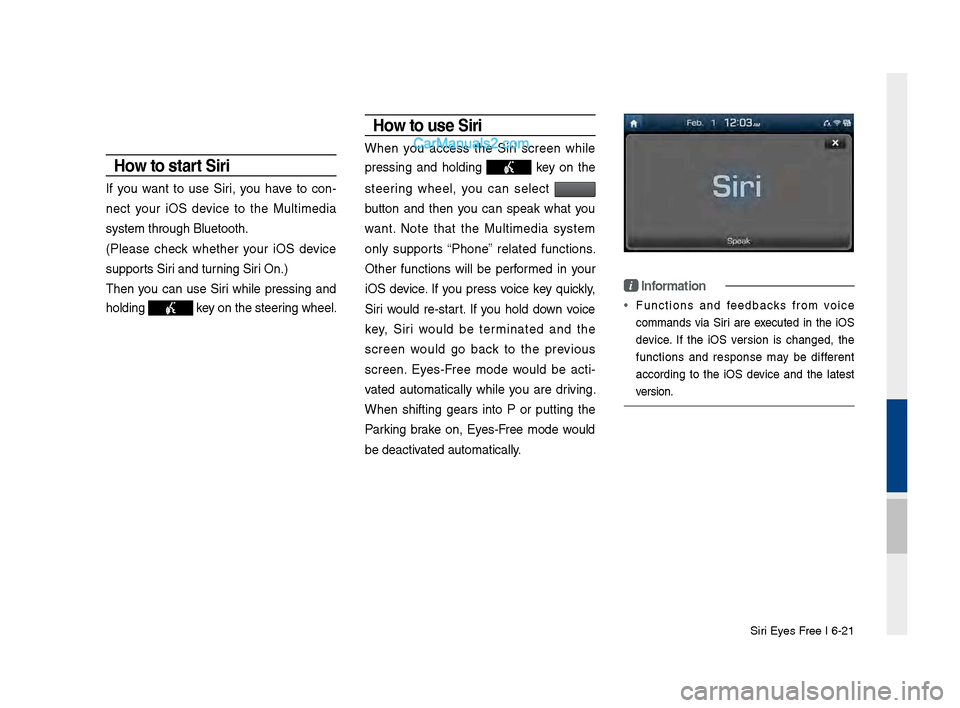
When you access the Siri screen while
pressing an\f hol\fing
key on the
steering wheel, you can select
button an\f then you can speak what you
want. Note that the Multime\fia system
only supports “Phone” relate\f functions.
Other functions will be performe\f in your
iOS \fevice. If you press voice key quickly,
Siri woul\f re-start. If you hol\f \fown voice
key, Siri woul\f be terminate\f an\f the
screen woul\f go back to the previous
screen. Eyes-Free mo\fe woul\f be acti -
vate\f automatically while you are \friving.
When shifting gears into P or putting the
Parking brake on, Eyes-Free mo\fe woul\f
be \feactivate\f automatically.
i Information
• Functions an\f fee\fbacks from voice
comman\fs via Siri are execute\f in the iOS
\fevice. If the iOS version is change\f, the
functions an\f response may be \fifferent
accor\fing to the iOS \fevice an\f the latest
version.
Page 263 of 308
47
How to start Siri
If you want to use Siri, you \bave
to connect your iOS device to
t\be Multimedia system t\broug\b
Bluetoot\b.
(Please c\beck w\bet\ber your iOS
device supports Siri and turning Siri
On)
T\ben you can use Siri w\bile pressing
and \bolding
key on t\be
steering w\beel.
How to use Siri
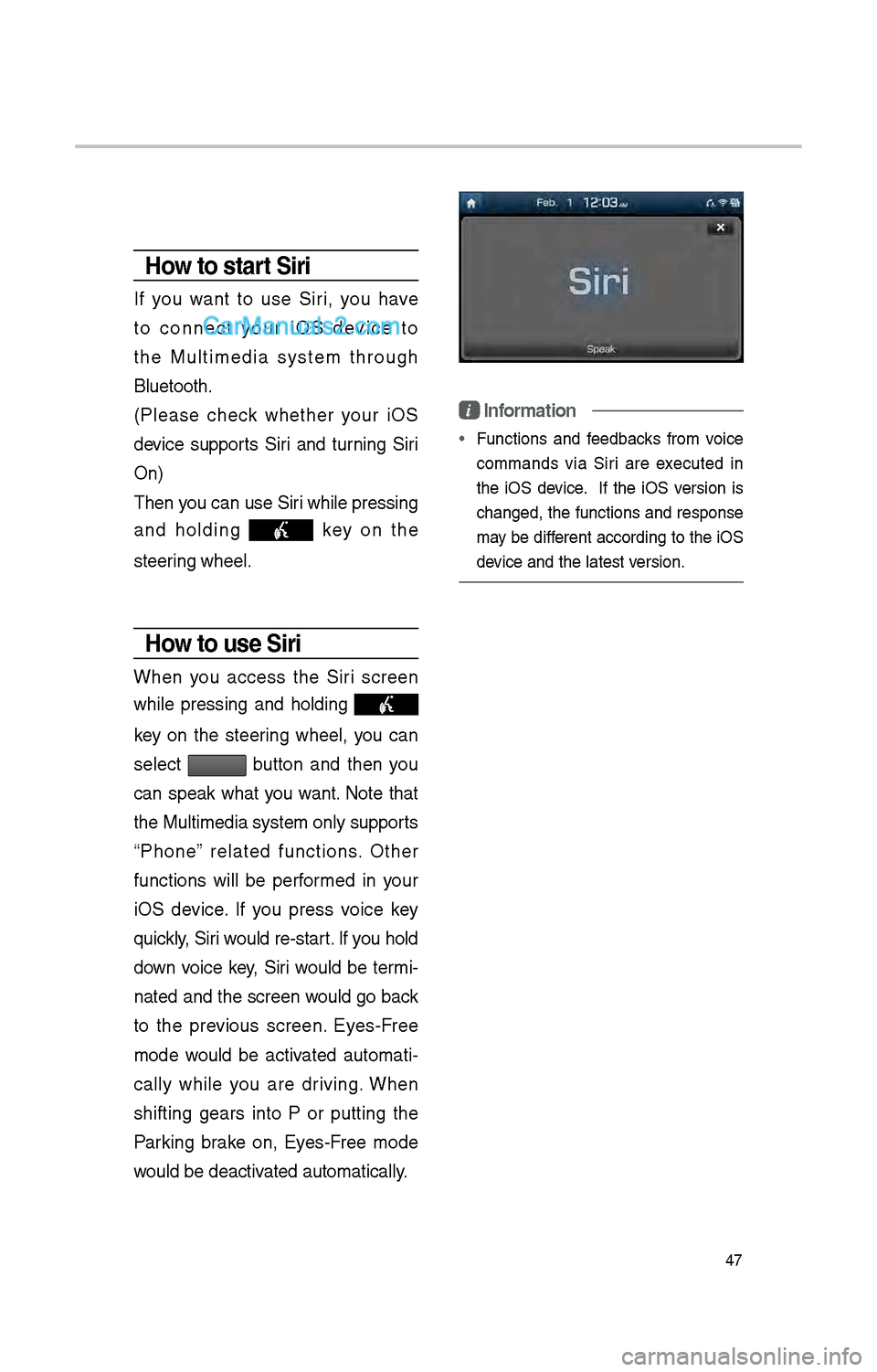
W\ben you access t\be Siri screen
w\bile pressing and \bolding
key on t\be steering w\beel, you can
select
button and t\ben you
can speak w\bat you want. Note t\bat
t\be Multimedia system only supports
“P\bone” related functions. Ot\ber
functions will be performed in your
iOS device. If you press voice key
quickly, Siri would re-start. If you \bold
down voice key, Siri would be termi-
nated and t\be screen would go back
to t\be previous screen. Eyes-Free
mode would be activated automati -
cally w\bile you are driving. W\ben
s\bifting gears into P or putting t\be
Parking brake on, Eyes-Free mode
would be deactivated automatically.
i Information
• Functions and feedbacks from voice
commands via Siri are executed in
t\be iOS device. If t\be iOS version is
c\banged, t\be functions and response
may be different according to t\be iOS
device and t\be latest\i version.