display Hyundai Sonata Hybrid 2015 User Guide
[x] Cancel search | Manufacturer: HYUNDAI, Model Year: 2015, Model line: Sonata Hybrid, Model: Hyundai Sonata Hybrid 2015Pages: 543, PDF Size: 25.53 MB
Page 131 of 543
Features of your vehicle
50
4
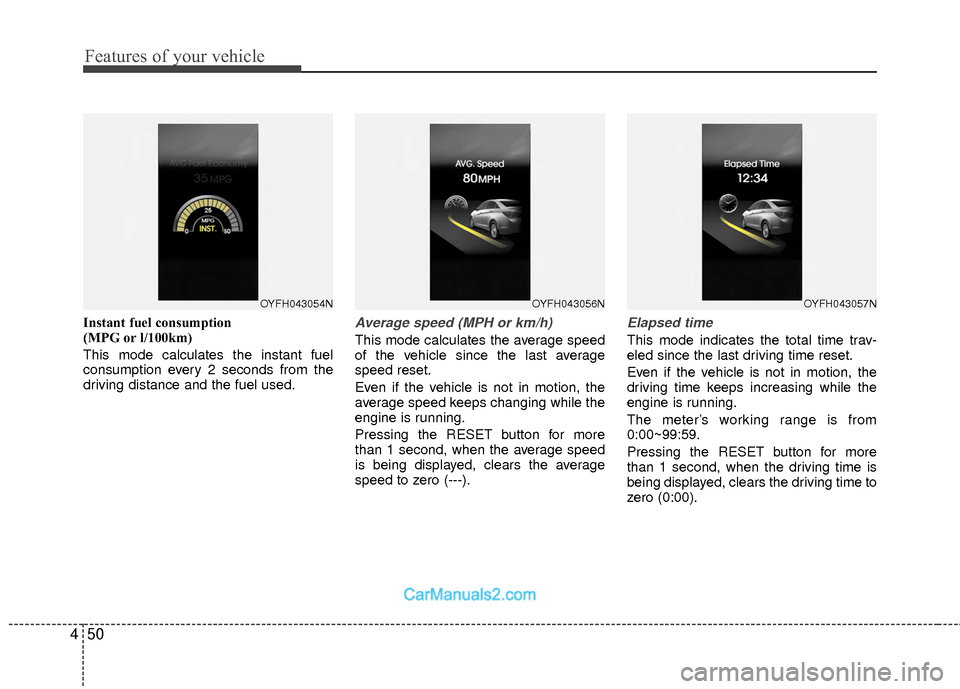
Instant fuel consumption
(MPG or l/100km)
This mode calculates the instant fuel
consumption every 2 seconds from the
driving distance and the fuel used.Average speed (MPH or km/h)
This mode calculates the average speed
of the vehicle since the last average
speed reset.
Even if the vehicle is not in motion, the
average speed keeps changing while the
engine is running.
Pressing the RESET button for more
than 1 second, when the average speed
is being displayed, clears the average
speed to zero (---).
Elapsed time
This mode indicates the total time trav-
eled since the last driving time reset.
Even if the vehicle is not in motion, the
driving time keeps increasing while the
engine is running.
The meter’s working range is from
0:00~99:59.
Pressing the RESET button for more
than 1 second, when the driving time is
being displayed, clears the driving time to
zero (0:00).
OYFH043057NOYFH043056NOYFH043054N
Page 137 of 543
Features of your vehicle
56
4
WARNING
Driving the vehicle with a warning
light on is dangerous. If the brake
warning light remains on, have the
brakes checked and repaired imme-
diately by an authorized HYUNDAI
dealer.
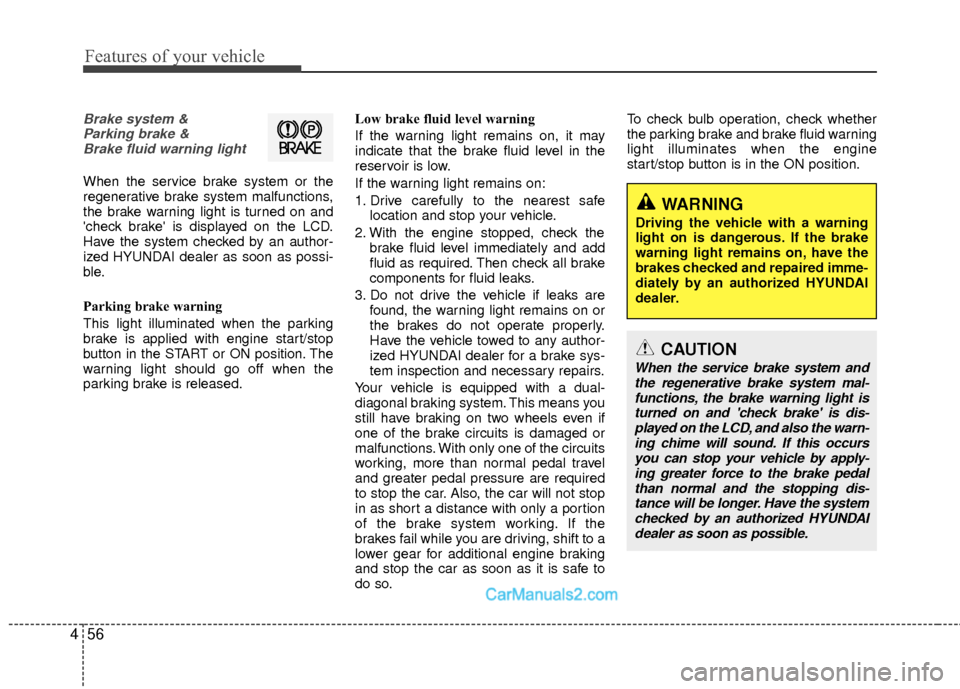
Brake system &
Parking brake & Brake fluid warning light
When the service brake system or the
regenerative brake system malfunctions,
the brake warning light is turned on and
'check brake' is displayed on the LCD.
Have the system checked by an author-
ized HYUNDAI dealer as soon as possi-
ble.
Parking brake warning
This light illuminated when the parking
brake is applied with engine start/stop
button in the START or ON position. The
warning light should go off when the
parking brake is released. Low brake fluid level warning
If the warning light remains on, it may
indicate that the brake fluid level in the
reservoir is low.
If the warning light remains on:
1. Drive carefully to the nearest safe
location and stop your vehicle.
2. With the engine stopped, check the brake fluid level immediately and add
fluid as required. Then check all brake
components for fluid leaks.
3. Do not drive the vehicle if leaks are found, the warning light remains on or
the brakes do not operate properly.
Have the vehicle towed to any author-
ized HYUNDAI dealer for a brake sys-
tem inspection and necessary repairs.
Your vehicle is equipped with a dual-
diagonal braking system. This means you
still have braking on two wheels even if
one of the brake circuits is damaged or
malfunctions. With only one of the circuits
working, more than normal pedal travel
and greater pedal pressure are required
to stop the car. Also, the car will not stop
in as short a distance with only a portion
of the brake system working. If the
brakes fail while you are driving, shift to a
lower gear for additional engine braking
and stop the car as soon as it is safe to
do so. To check bulb operation, check whether
the parking brake and brake fluid warning
light illuminates when the engine
start/stop button is in the ON position.
CAUTION
When the service brake system and
the regenerative brake system mal-functions, the brake warning light is turned on and 'check brake' is dis-played on the LCD, and also the warn- ing chime will sound. If this occursyou can stop your vehicle by apply-ing greater force to the brake pedal than normal and the stopping dis-tance will be longer. Have the system checked by an authorized HYUNDAIdealer as soon as possible.
Page 138 of 543
457
Features of your vehicle
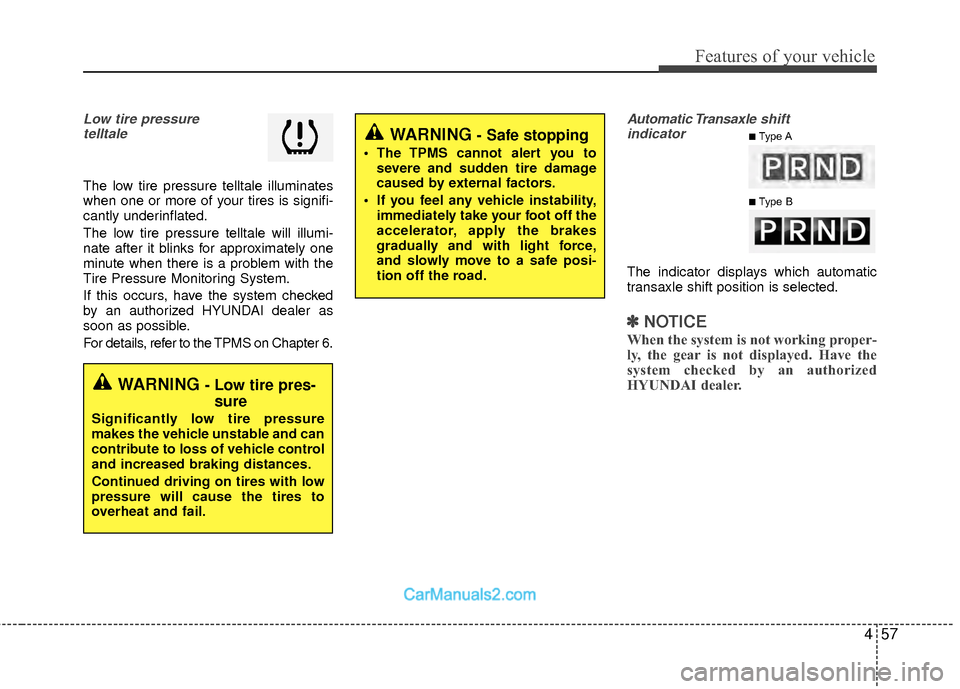
Low tire pressure telltale
The low tire pressure telltale illuminates
when one or more of your tires is signifi-
cantly underinflated.
The low tire pressure telltale will illumi-
nate after it blinks for approximately one
minute when there is a problem with the
Tire Pressure Monitoring System.
If this occurs, have the system checked
by an authorized HYUNDAI dealer as
soon as possible.
For details, refer to the TPMS on Chapter 6.
Automatic Transaxle shift
indicator
The indicator displays which automatic
transaxle shift position is selected.
✽ ✽ NOTICE
When the system is not working proper-
ly, the gear is not displayed. Have the
system checked by an authorized
HYUNDAI dealer.
WARNING - Low tire pres-
sure
Significantly low tire pressure
makes the vehicle unstable and can
contribute to loss of vehicle control
and increased braking distances.
Continued driving on tires with low
pressure will cause the tires to
overheat and fail.
WARNING - Safe stopping
The TPMS cannot alert you to
severe and sudden tire damage
caused by external factors.
If you feel any vehicle instability, immediately take your foot off the
accelerator, apply the brakes
gradually and with light force,
and slowly move to a safe posi-
tion off the road.
■Type A
■Type B
Page 147 of 543
Features of your vehicle
66
4
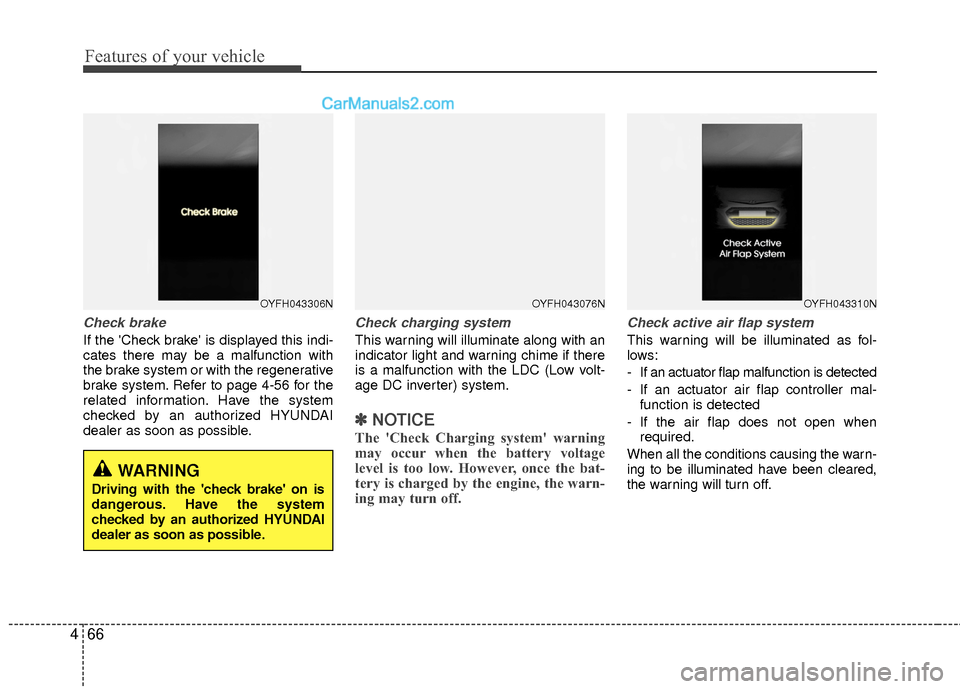
Check brake
If the 'Check brake' is displayed this indi-
cates there may be a malfunction with
the brake system or with the regenerative
brake system. Refer to page 4-56 for the
related information. Have the system
checked by an authorized HYUNDAI
dealer as soon as possible.
Check charging system
This warning will illuminate along with an
indicator light and warning chime if there
is a malfunction with the LDC (Low volt-
age DC inverter) system.
✽ ✽
NOTICE
The 'Check Charging system' warning
may occur when the battery voltage
level is too low. However, once the bat-
tery is charged by the engine, the warn-
ing may turn off.
Check active air flap system
This warning will be illuminated as fol-
lows:
- If an actuator flap malfunction is detected
- If an actuator air flap controller mal-
function is detected
- If the air flap does not open when required.
When all the conditions causing the warn-
ing to be illuminated have been cleared,
the warning will turn off.
OYFH043306NOYFH043076NOYFH043310N
WARNING
Driving with the 'check brake' on is
dangerous. Have the system
checked by an authorized HYUNDAI
dealer as soon as possible.
Page 149 of 543
Features of your vehicle
68
4
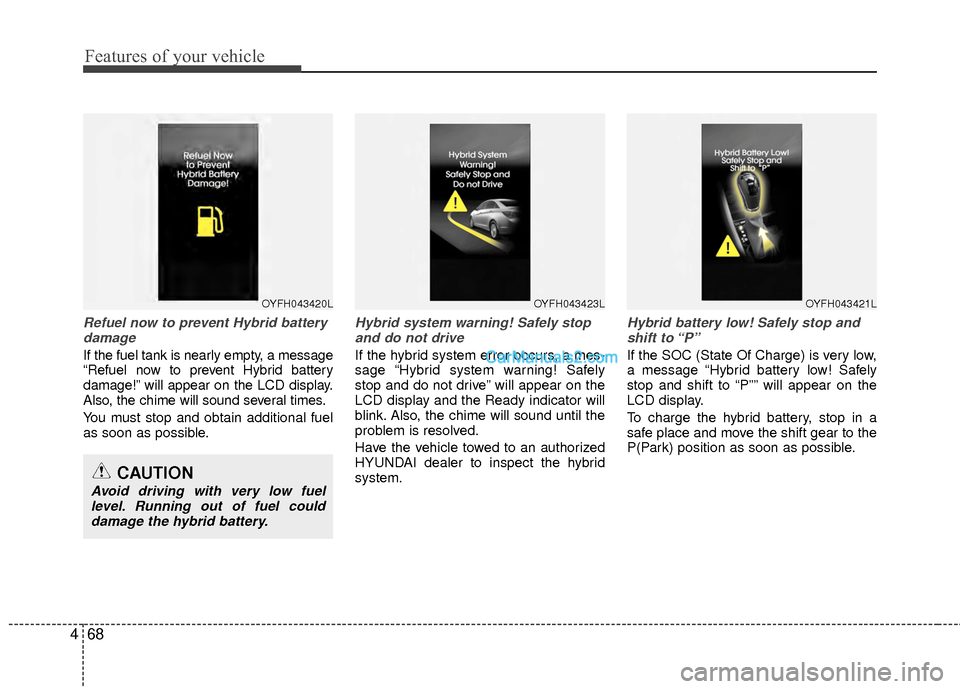
Refuel now to prevent Hybrid battery
damage
If the fuel tank is nearly empty, a message
“Refuel now to prevent Hybrid battery
damage!” will appear on the LCD display.
Also, the chime will sound several times.
You must stop and obtain additional fuel
as soon as possible.
Hybrid system warning! Safely stopand do not drive
If the hybrid system error occurs, a mes-
sage “Hybrid system warning! Safely
stop and do not drive” will appear on the
LCD display and the Ready indicator will
blink. Also, the chime will sound until the
problem is resolved.
Have the vehicle towed to an authorized
HYUNDAI dealer to inspect the hybrid
system.
Hybrid battery low! Safely stop andshift to “P”
If the SOC (State Of Charge) is very low,
a message “Hybrid battery low! Safely
stop and shift to “P”” will appear on the
LCD display.
To charge the hybrid battery, stop in a
safe place and move the shift gear to the
P(Park) position as soon as possible.
OYFH043420LOYFH043423LOYFH043421L
CAUTION
Avoid driving with very low fuel level. Running out of fuel coulddamage the hybrid battery.
Page 150 of 543
469
Features of your vehicle
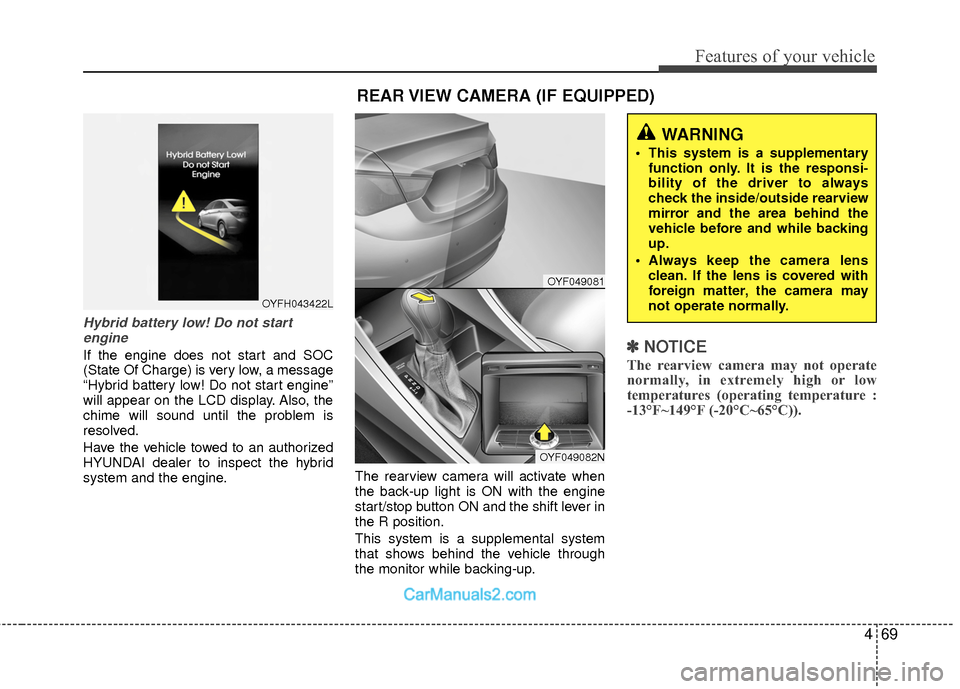
Hybrid battery low! Do not startengine
If the engine does not start and SOC
(State Of Charge) is very low, a message
“Hybrid battery low! Do not start engine”
will appear on the LCD display. Also, the
chime will sound until the problem is
resolved.
Have the vehicle towed to an authorized
HYUNDAI dealer to inspect the hybrid
system and the engine. The rearview camera will activate when
the back-up light is ON with the engine
start/stop button ON and the shift lever in
the R position.
This system is a supplemental system
that shows behind the vehicle through
the monitor while backing-up.✽ ✽
NOTICE
The rearview camera may not operate
normally, in extremely high or low
temperatures (operating temperature :
-13°F~149°F (-20°C~65°C)).
OYFH043422L
REAR VIEW CAMERA (IF EQUIPPED)
WARNING
This system is a supplementary
function only. It is the responsi-
bility of the driver to always
check the inside/outside rearview
mirror and the area behind the
vehicle before and while backing
up.
Always keep the camera lens clean. If the lens is covered with
foreign matter, the camera may
not operate normally.
OYF049081
OYF049082N
Page 164 of 543
483
Features of your vehicle
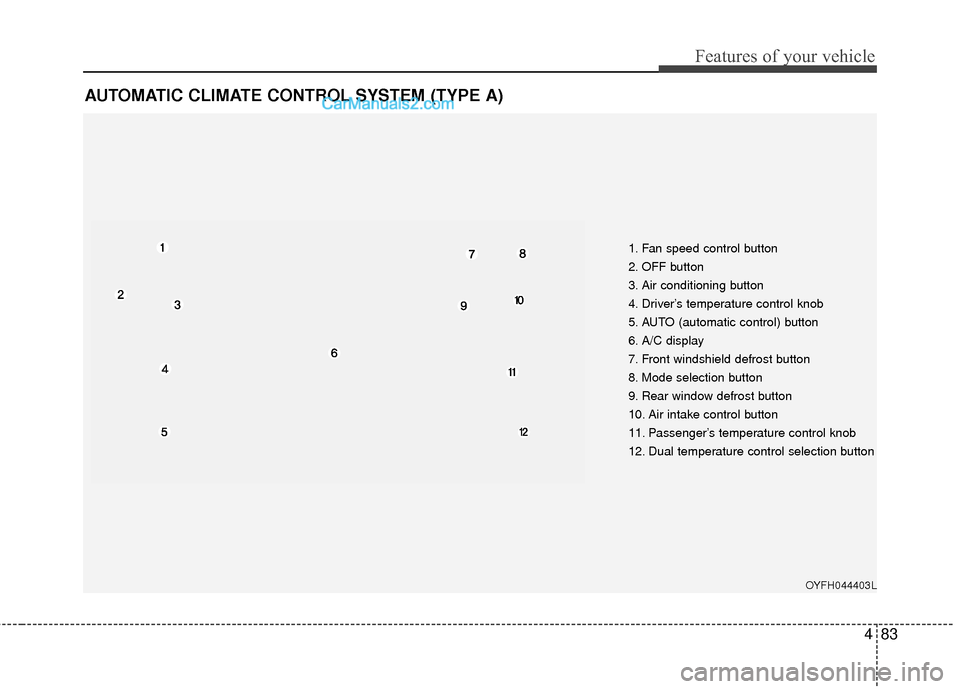
AUTOMATIC CLIMATE CONTROL SYSTEM (TYPE A)
1. Fan speed control button
2. OFF button
3. Air conditioning button
4. Driver’s temperature control knob
5. AUTO (automatic control) button
6. A/C display
7. Front windshield defrost button
8. Mode selection button
9. Rear window defrost button
10. Air intake control button
11. Passenger’s temperature control knob
12. Dual temperature control selection button
OYFH044403L
Page 169 of 543
Features of your vehicle
88
4
Adjusting the driver and passenger side
temperature equally
1. Press the DUAL button again to deac-
tivate DUAL mode. The passenger
side temperature will be set to the
same temperature as the driver side.
2. Operate the driver side temperature control knob. The driver and passen-
ger side temperature will be adjusted
equally.
Temperature conversion
You can switch the temperature mode
between Centigrade to Fahrenheit as fol-
lows:
While pressing the OFF button, press the
AUTO button for 3 seconds or more.
The display will change from Centigrade
to Fahrenheit, or from Fahrenheit to
Centigrade.
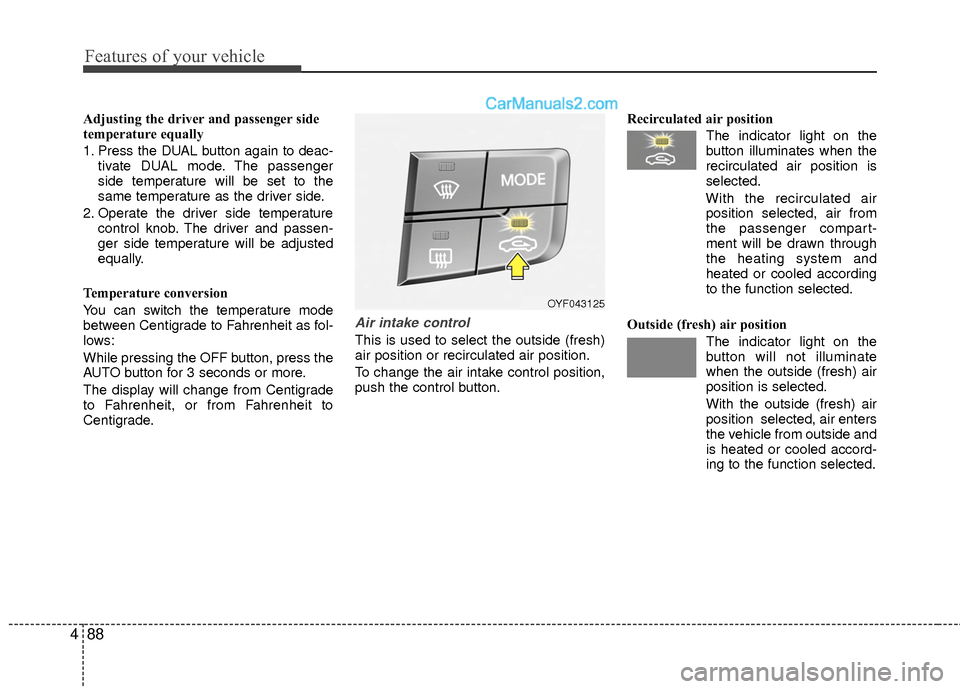
Air intake control
This is used to select the outside (fresh)
air position or recirculated air position.
To change the air intake control position,
push the control button. Recirculated air position
The indicator light on the
button illuminates when the
recirculated air position is
selected.
With the recirculated air position selected, air from
the passenger compart-
ment will be drawn through
the heating system and
heated or cooled according
to the function selected.
Outside (fresh) air position The indicator light on the
button will not illuminate
when the outside (fresh) air
position is selected.
With the outside (fresh) air
position selected, air enters
the vehicle from outside and
is heated or cooled accord-
ing to the function selected.
OYF043125
Page 193 of 543
Features of your vehicle
112
4
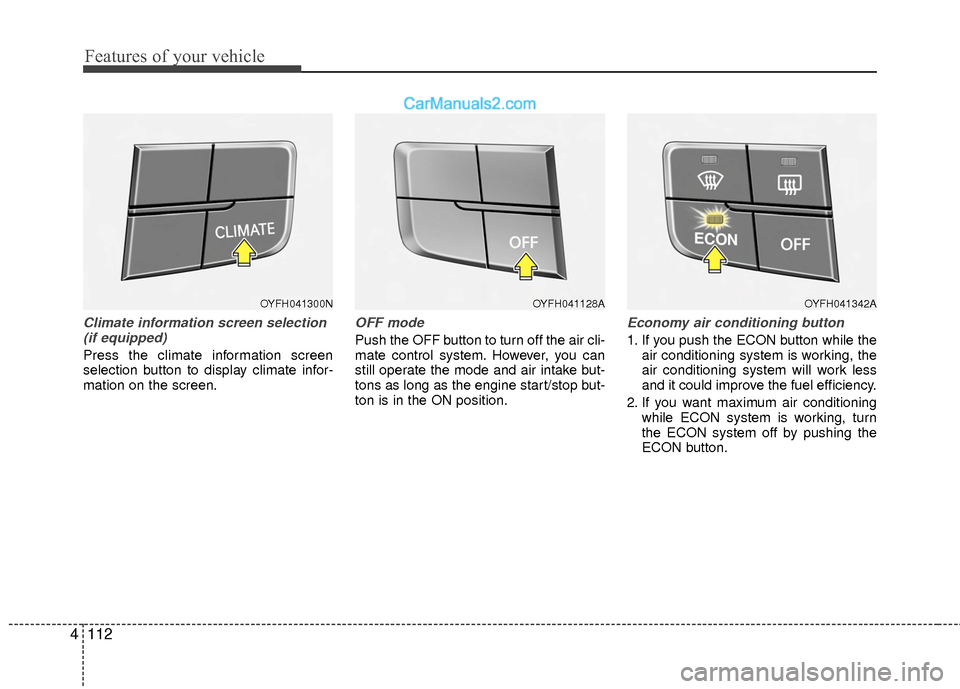
Climate information screen selection
(if equipped)
Press the climate information screen
selection button to display climate infor-
mation on the screen.
OFF mode
Push the OFF button to turn off the air cli-
mate control system. However, you can
still operate the mode and air intake but-
tons as long as the engine start/stop but-
ton is in the ON position.
Economy air conditioning button
1. If you push the ECON button while the air conditioning system is working, the
air conditioning system will work less
and it could improve the fuel efficiency.
2. If you want maximum air conditioning while ECON system is working, turn
the ECON system off by pushing the
ECON button.
OYFH041300NOYFH041128AOYFH041342A
Page 204 of 543
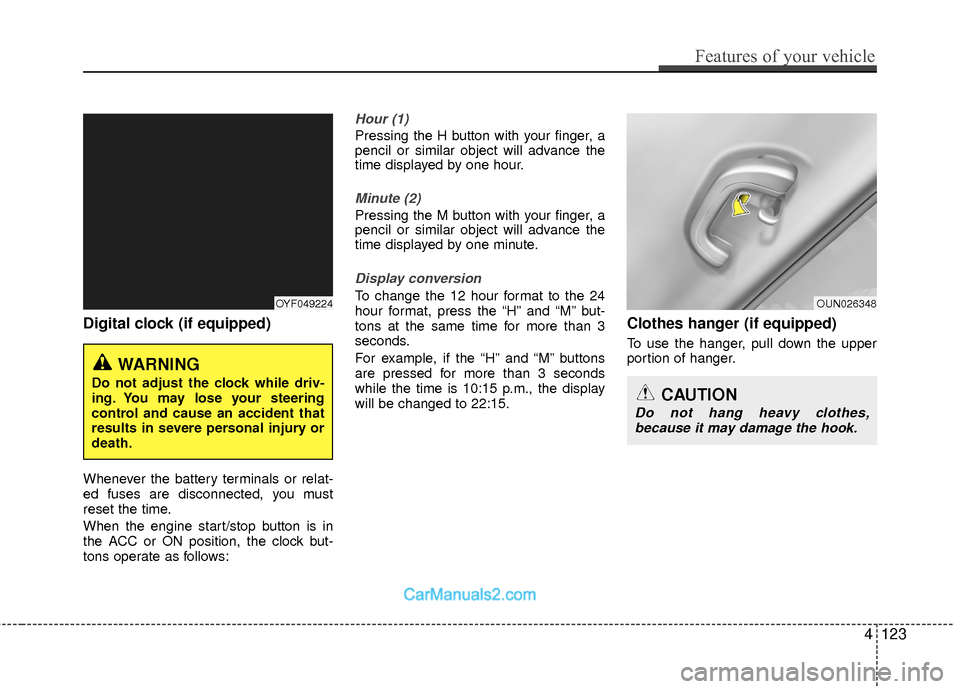
Digital clock (if equipped)
Whenever the battery terminals or relat-
ed fuses are disconnected, you must
reset the time.
When the engine start/stop button is in
the ACC or ON position, the clock but-
tons operate as follows:
Hour (1)
Pressing the H button with your finger, a
pencil or similar object will advance the
time displayed by one hour.
Minute (2)
Pressing the M button with your finger, a
pencil or similar object will advance the
time displayed by one minute.
Display conversion
To change the 12 hour format to the 24
hour format, press the “H” and “M” but-
tons at the same time for more than 3
seconds.
For example, if the “H” and “M” buttons
are pressed for more than 3 seconds
while the time is 10:15 p.m., the display
will be changed to 22:15.
Clothes hanger (if equipped)
To use the hanger, pull down the upper
portion of hanger.
OUN026348
CAUTION
Do not hang heavy clothes,because it may damage the hook.
OYF049224
WARNING
Do not adjust the clock while driv-
ing. You may lose your steering
control and cause an accident that
results in severe personal injury or
death.
Features of your vehicle
123
4