warning HYUNDAI SONATA HYBRID 2019 Owners Manual
[x] Cancel search | Manufacturer: HYUNDAI, Model Year: 2019, Model line: SONATA HYBRID, Model: HYUNDAI SONATA HYBRID 2019Pages: 546, PDF Size: 78.75 MB
Page 379 of 546
5-89
Driving your vehicle
5
The driver starts driving by pushingthe toggle switch up (RES +) or
down (SET -) or depressing the
accelerator pedal, after stopping
the vehicle with a vehicle stopped
far away in front.
The accelerator pedal is continu- ously depressed for more than one
minute. Each of these actions will cancel
the Smart Cruise Control opera-
tion. (The Set Speed and Vehicle-
to-Vehicle Distance on the LCD
display will go off.)
In a condition the Smart Cruise Control is canceled automatically,
the Smart Cruise Control will not
resume even though the RES+ or
SET- toggle switch is pushed. Also,the EPB will be applied when the
vehicle is stopped. If the Smart Cruise Control is can-
celed by other than the reasons
mentioned, have your vehicle
checked by an authorized
HYUNDAI dealer.
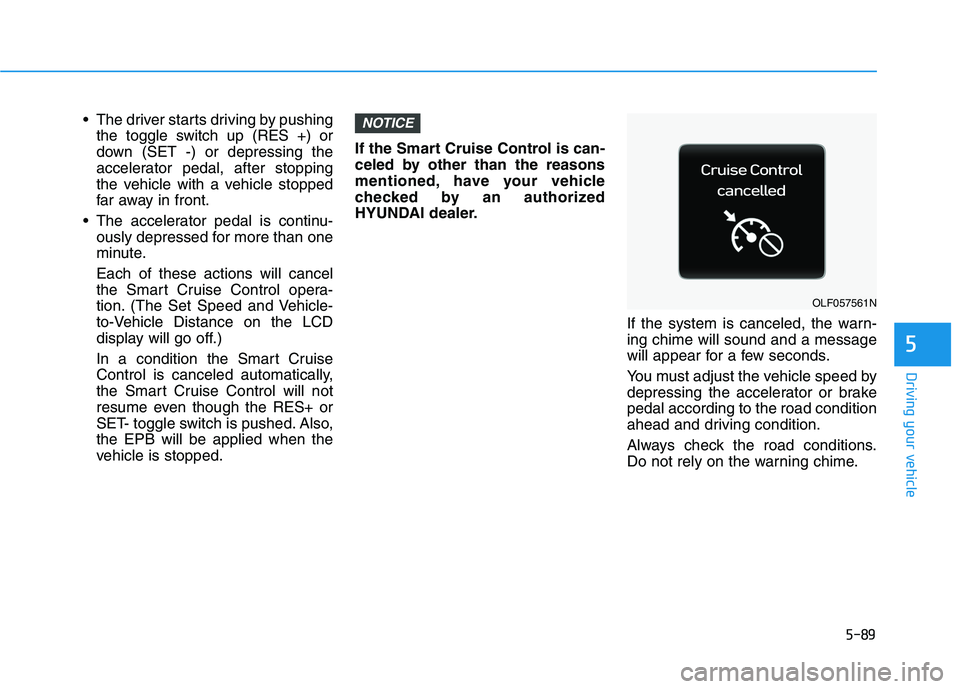
If the system is canceled, the warn-ing chime will sound and a message
will appear for a few seconds.
You must adjust the vehicle speed by
depressing the accelerator or brakepedal according to the road condition
ahead and driving condition.
Always check the road conditions.
Do not rely on the warning chime.NOTICE
OLF057561N
Page 382 of 546
5-92
Driving your vehicle
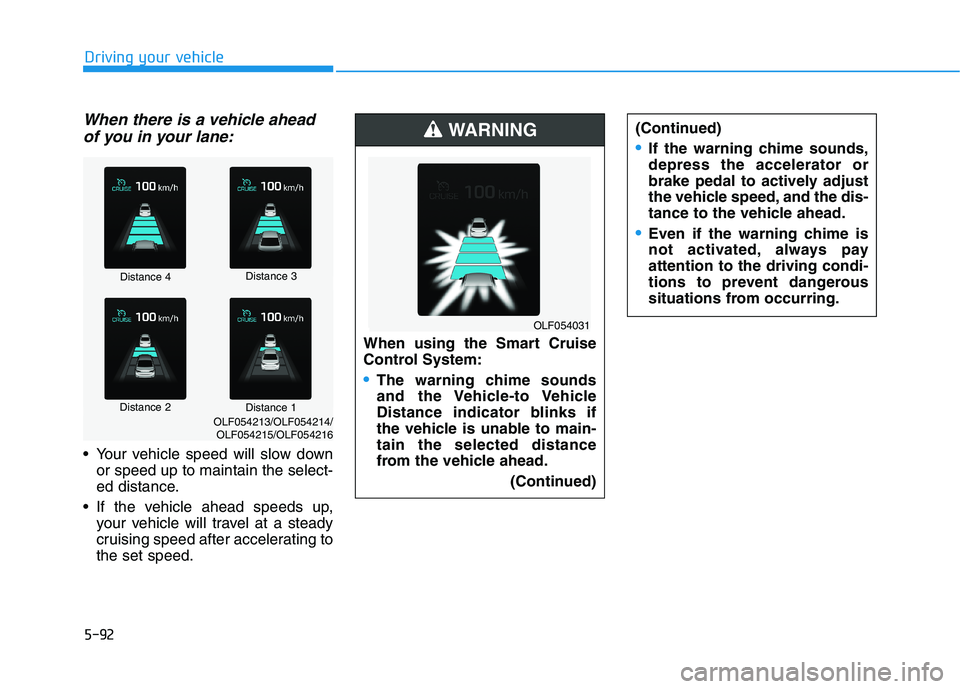
When there is a vehicle aheadof you in your lane:
Your vehicle speed will slow down or speed up to maintain the select-
ed distance.
If the vehicle ahead speeds up, your vehicle will travel at a steady
cruising speed after accelerating tothe set speed.
Distance 4 Distance 3
Distance 2 Distance 1
OLF054213/OLF054214/
OLF054215/OLF054216 When using the Smart Cruise
Control System:
The warning chime sounds
and the Vehicle-to Vehicle
Distance indicator blinks if
the vehicle is unable to main-tain the selected distance
from the vehicle ahead.
(Continued)
WARNING
OLF054031(Continued)
If the warning chime sounds, depress the accelerator or
brake pedal to actively adjust
the vehicle speed, and the dis-
tance to the vehicle ahead.
Even if the warning chime is
not activated, always payattention to the driving condi-
tions to prevent dangerous
situations from occurring.
Page 383 of 546
5-93
Driving your vehicle
5
In traffic situation
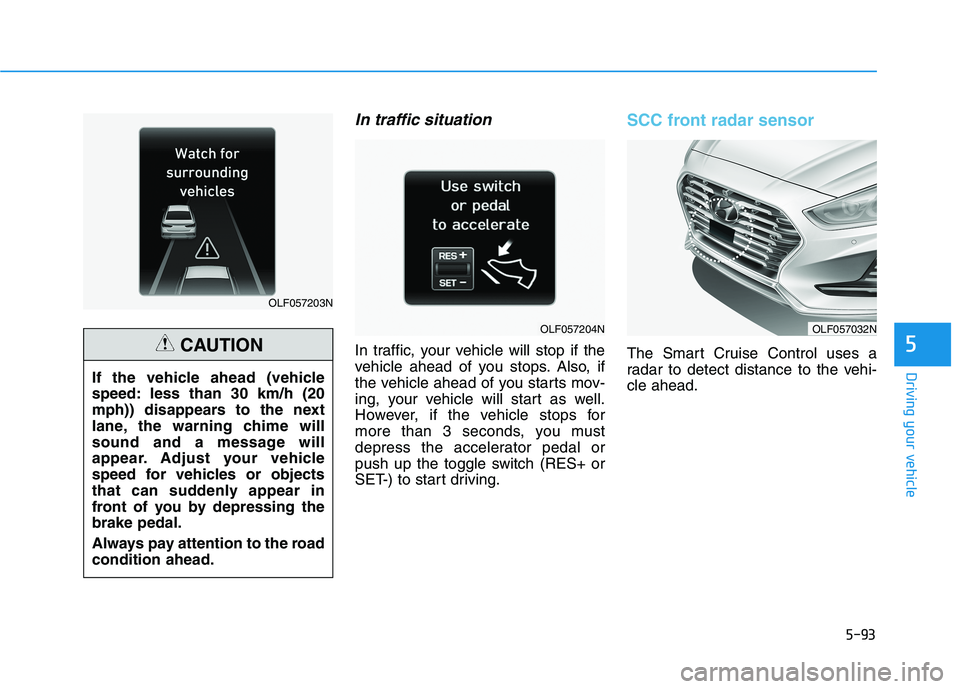
In traffic, your vehicle will stop if the
vehicle ahead of you stops. Also, if
the vehicle ahead of you starts mov-
ing, your vehicle will start as well.
However, if the vehicle stops for
more than 3 seconds, you must
depress the accelerator pedal or
push up the toggle switch (RES+ or
SET-) to start driving.
SCC front radar sensor
The Smart Cruise Control uses a
radar to detect distance to the vehi-cle ahead.
OLF057203N
OLF057204N
If the vehicle ahead (vehicle
speed: less than 30 km/h (20
mph)) disappears to the next
lane, the warning chime will
sound and a message will
appear. Adjust your vehicle
speed for vehicles or objects
that can suddenly appear in
front of you by depressing thebrake pedal.
Always pay attention to the road condition ahead.
CAUTION
OLF057032N
Page 384 of 546
5-94
Driving your vehicle
Warning message
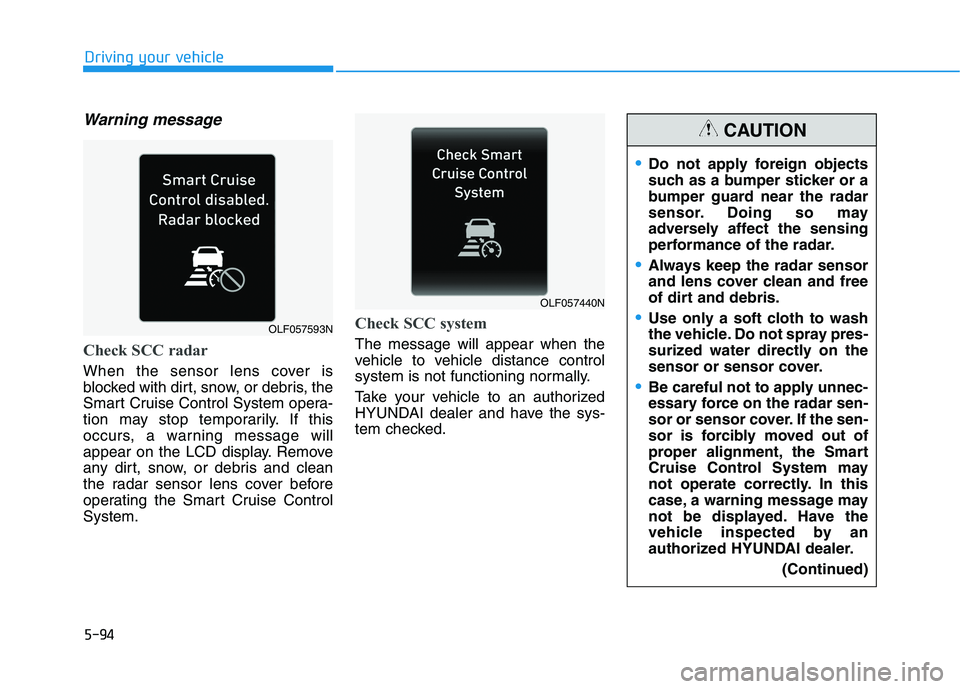
Check SCC radar
When the sensor lens cover is
blocked with dirt, snow, or debris, the
Smart Cruise Control System opera-
tion may stop temporarily. If this
occurs, a warning message will
appear on the LCD display. Remove
any dirt, snow, or debris and clean
the radar sensor lens cover before
operating the Smart Cruise ControlSystem.
Check SCC system
The message will appear when the
vehicle to vehicle distance control
system is not functioning normally.
Take your vehicle to an authorized
HYUNDAI dealer and have the sys-
tem checked.
Do not apply foreign objects
such as a bumper sticker or a
bumper guard near the radar
sensor. Doing so may
adversely affect the sensing
performance of the radar.
Always keep the radar sensor
and lens cover clean and free
of dirt and debris.
Use only a soft cloth to wash
the vehicle. Do not spray pres-
surized water directly on the
sensor or sensor cover.
Be careful not to apply unnec-
essary force on the radar sen-
sor or sensor cover. If the sen-
sor is forcibly moved out of
proper alignment, the Smart
Cruise Control System may
not operate correctly. In this
case, a warning message may
not be displayed. Have the
vehicle inspected by an
authorized HYUNDAI dealer.(Continued)
CAUTION
OLF057440N
OLF057593N
Page 389 of 546
5-99
Driving your vehicle
5
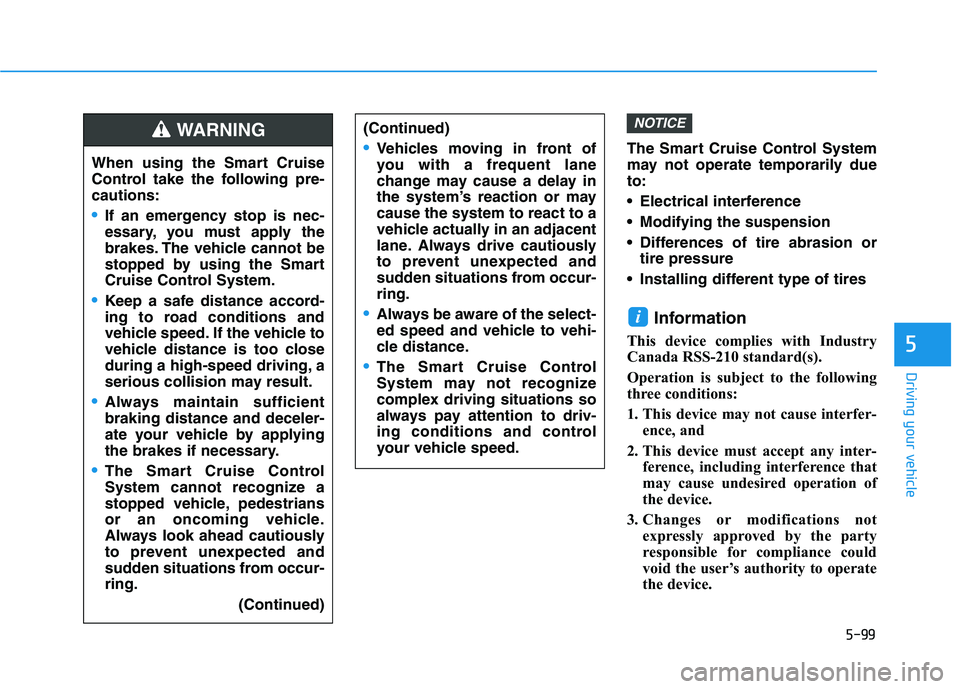
The Smart Cruise Control System
may not operate temporarily dueto:
Electrical interference
Modifying the suspension
Differences of tire abrasion ortire pressure
Installing different type of tires
Information
This device complies with Industry
Canada RSS-210 standard(s).
Operation is subject to the following
three conditions:
1. This device may not cause interfer- ence, and
2. This device must accept any inter- ference, including interference that
may cause undesired operation of
the device.
3. Changes or modifications not expressly approved by the party
responsible for compliance could
void the user’s authority to operate
the device.
i
NOTICE
When using the Smart Cruise
Control take the following pre-cautions:
If an emergency stop is nec-
essary, you must apply the
brakes. The vehicle cannot be
stopped by using the Smart
Cruise Control System.
Keep a safe distance accord-
ing to road conditions and
vehicle speed. If the vehicle to
vehicle distance is too close
during a high-speed driving, a
serious collision may result.
Always maintain sufficient braking distance and deceler-
ate your vehicle by applying
the brakes if necessary.
The Smart Cruise Control
System cannot recognize a
stopped vehicle, pedestrians
or an oncoming vehicle.
Always look ahead cautiously
to prevent unexpected and
sudden situations from occur-ring.
(Continued)
WARNING (Continued)
Vehicles moving in front of
you with a frequent lane
change may cause a delay in
the system’s reaction or maycause the system to react to a
vehicle actually in an adjacent
lane. Always drive cautiously
to prevent unexpected and
sudden situations from occur-ring.
Always be aware of the select-
ed speed and vehicle to vehi-
cle distance.
The Smart Cruise Control
System may not recognize
complex driving situations so
always pay attention to driv-
ing conditions and control
your vehicle speed.
Page 390 of 546
5-100
Driving your vehicle
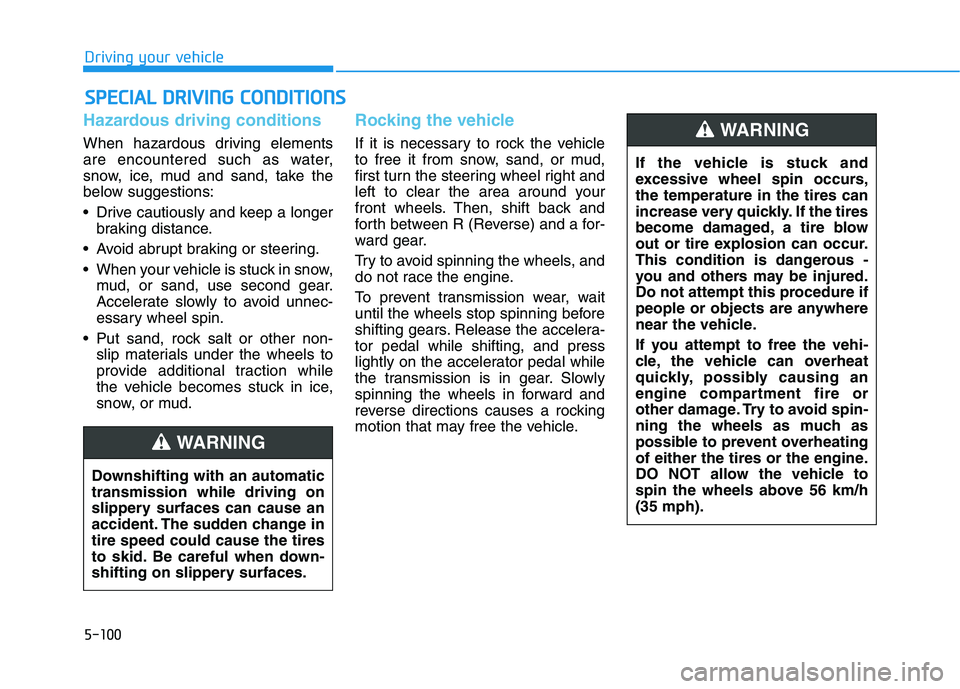
Hazardous driving conditions
When hazardous driving elements
are encountered such as water,
snow, ice, mud and sand, take the
below suggestions:
Drive cautiously and keep a longerbraking distance.
Avoid abrupt braking or steering.
When your vehicle is stuck in snow, mud, or sand, use second gear.
Accelerate slowly to avoid unnec-
essary wheel spin.
Put sand, rock salt or other non- slip materials under the wheels to
provide additional traction while
the vehicle becomes stuck in ice,
snow, or mud.
Rocking the vehicle
If it is necessary to rock the vehicle
to free it from snow, sand, or mud,
first turn the steering wheel right and
left to clear the area around your
front wheels. Then, shift back and
forth between R (Reverse) and a for-
ward gear.
Try to avoid spinning the wheels, and
do not race the engine.
To prevent transmission wear, wait
until the wheels stop spinning before
shifting gears. Release the accelera-tor pedal while shifting, and press
lightly on the accelerator pedal while
the transmission is in gear. Slowly
spinning the wheels in forward and
reverse directions causes a rocking
motion that may free the vehicle.
SSPP EECCIIAA LL DD RRIIVV IINN GG CC OO NNDDIITT IIOO NNSS
Downshifting with an automatic transmission while driving on
slippery surfaces can cause an
accident. The sudden change intire speed could cause the tires
to skid. Be careful when down-
shifting on slippery surfaces.
WARNING
If the vehicle is stuck and
excessive wheel spin occurs,the temperature in the tires can
increase very quickly. If the tires
become damaged, a tire blow
out or tire explosion can occur.
This condition is dangerous -
you and others may be injured.
Do not attempt this procedure if
people or objects are anywhere
near the vehicle.
If you attempt to free the vehi-
cle, the vehicle can overheat
quickly, possibly causing an
engine compartment fire or
other damage. Try to avoid spin-
ning the wheels as much as
possible to prevent overheating
of either the tires or the engine.
DO NOT allow the vehicle to
spin the wheels above 56 km/h(35 mph).
WARNING
Page 394 of 546
5-104
Driving your vehicle
The severe weather conditions of
winter quickly wear out tires and
cause other problems. To minimize
winter driving problems, you should
take the following suggestions:
Snow or icy conditions
You need to keep sufficient distance
between your vehicle and the vehicle
in front of you.
Apply the brakes gently. Speeding,
rapid acceleration, sudden brake
applications, and sharp turns are
potentially very hazardous practices.
During deceleration, use engine
braking to the fullest extent. Sudden
brake applications on snowy or icy
roads may cause the vehicle to skid.
To drive your vehicle in deep snow, it
may be necessary to use snow tires
on your tires.
Always carry emergency equipment.
Some of the items you may want to
carry include tow straps or chains, a
flashlight, emergency flares, sand, a
shovel, jumper cables, a window
scraper, gloves, ground cloth, cover-
alls, a blanket, etc.
Snow tiresIf you mount snow tires on your vehi-
cle, make sure to use radial tires of
the same size and load range as the
original tires. Mount snow tires on all
four wheels to balance your vehicle’s
handling in all weather conditions.
The traction provided by snow tires
on dry roads may not be as high as
your vehicle's original equipment
tires. Check with the tire dealer for
maximum speed recommendations.Information
Do not install studded tires without
first checking local, country and
municipal regulations for possible
restrictions against their use.
i
WW IINN TTEERR DD RRIIVV IINN GG
Snow tires should be equivalent
in size and type to the vehicle's
standard tires. Otherwise, the
safety and handling of your
vehicle may be adversely affect-ed.
WARNING
Page 399 of 546
5-109
Driving your vehicle
5
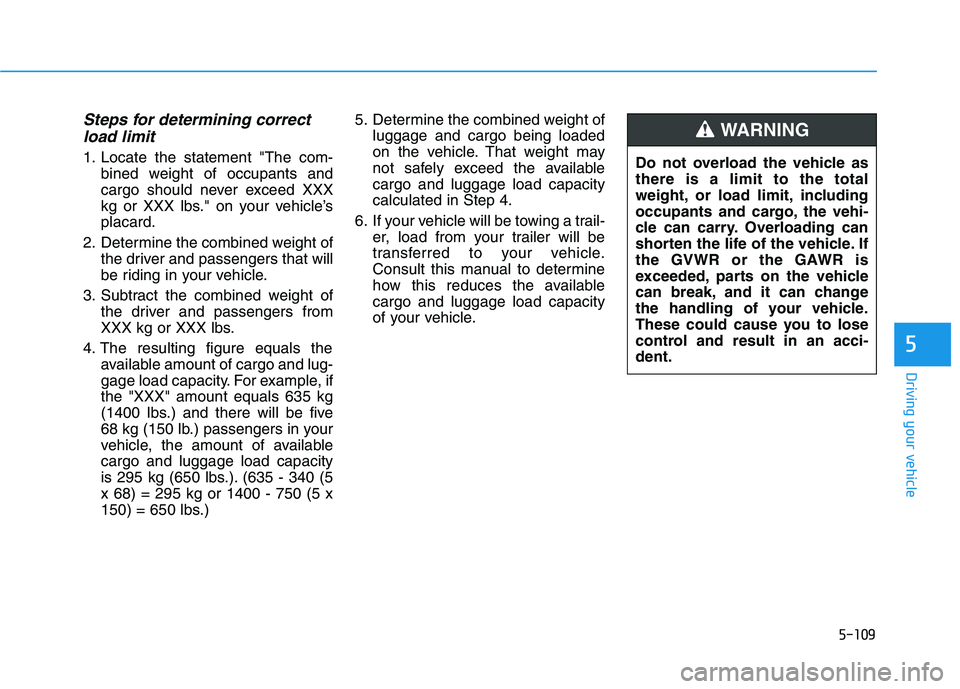
Steps for determining correctload limit
1. Locate the statement "The com- bined weight of occupants and
cargo should never exceed XXX
kg or XXX lbs." on your vehicle’splacard.
2. Determine the combined weight of the driver and passengers that will
be riding in your vehicle.
3. Subtract the combined weight of the driver and passengers from
XXX kg or XXX lbs.
4. The resulting figure equals the available amount of cargo and lug-
gage load capacity. For example, ifthe "XXX" amount equals 635 kg
(1400 lbs.) and there will be five
68 kg (150 lb.) passengers in your
vehicle, the amount of availablecargo and luggage load capacity
is 295 kg (650 lbs.). (635 - 340 (5x 68) = 295 kg or 1400 - 750 (5 x
150) = 650 lbs.) 5. Determine the combined weight of
luggage and cargo being loaded
on the vehicle. That weight may
not safely exceed the availablecargo and luggage load capacitycalculated in Step 4.
6. If your vehicle will be towing a trail- er, load from your trailer will be
transferred to your vehicle.
Consult this manual to determine
how this reduces the availablecargo and luggage load capacity
of your vehicle. Do not overload the vehicle asthere is a limit to the total
weight, or load limit, including
occupants and cargo, the vehi-
cle can carry. Overloading can
shorten the life of the vehicle. If
the GVWR or the GAWR is
exceeded, parts on the vehicle
can break, and it can change
the handling of your vehicle.
These could cause you to lose
control and result in an acci-dent.
WARNING
Page 401 of 546
5-111
Driving your vehicle
5
Certification label
The certification label is located on
the driver’s door sill at the center pil-
lar and shows the maximum allow-
able weight of the fully loaded vehi-
cle. This is called the GVWR (Gross
Vehicle Weight Rating). The GVWR
includes the weight of the vehicle, all
occupants, fuel and cargo.
This label also tells you the maxi-
mum weight that can be supported
by the front and rear axles, called
Gross Axle Weight Rating (GAWR).
The total weight of the vehicle,
including all occupants, accessories,
cargo, and trailer tongue load must
not exceed the Gross Vehicle WeightRating (GVWR) or the Gross Axle
Weight Rating (GAWR). To find out
the actual loads on your front and
rear axles, you need to go to a weigh
station and weigh your vehicle. Be
sure to spread out your load equally
on both sides of the centerline.Overloading your vehicle may
cause damage. Repairs would not
be covered by your warranty. Do
not overload your vehicle.
NOTICE
Overloading
Never exceed the GVWR for
your vehicle, the GAWR for
either the front or rear axle
and vehicle capacity weight.Exceeding these ratings can
affect your vehicle’s handling
and braking ability, and causean accident.
Do not overload your vehicle.
Overloading your vehicle can
cause heat buildup in your
vehicle’s tires and possible
tire failure, increased stop-ping distances and poor vehi-
cle handling-all of which mayresult in a crash.
WARNING
Page 402 of 546
5-112
Driving your vehicle
We do not recommend using this
vehicle for trailer towing.
If you carry items inside your
vehicle (e.g., suitcases, tools,
packages, or anything else),
they are moving as fast as the
vehicle. If you have to stop or
turn quickly, or if there is a
crash, the items will keep going
and can cause an injury if they
strike the driver or a passenger.
Put items in the cargo area of
your vehicle. Try to spread the
weight evenly.
Do not stack items, like suit-
cases, inside the vehicle
above the tops of the seats.
Do not leave an unsecured
child restraint in your vehicle.
When you carry something
inside the vehicle, secure it.
WARNING
TT RR AA IILL EE RR TT OO WW IINN GG