warning HYUNDAI SONATA LIMITED 2020 Owners Manual
[x] Cancel search | Manufacturer: HYUNDAI, Model Year: 2020, Model line: SONATA LIMITED, Model: HYUNDAI SONATA LIMITED 2020Pages: 546, PDF Size: 51.21 MB
Page 358 of 546
6 -74
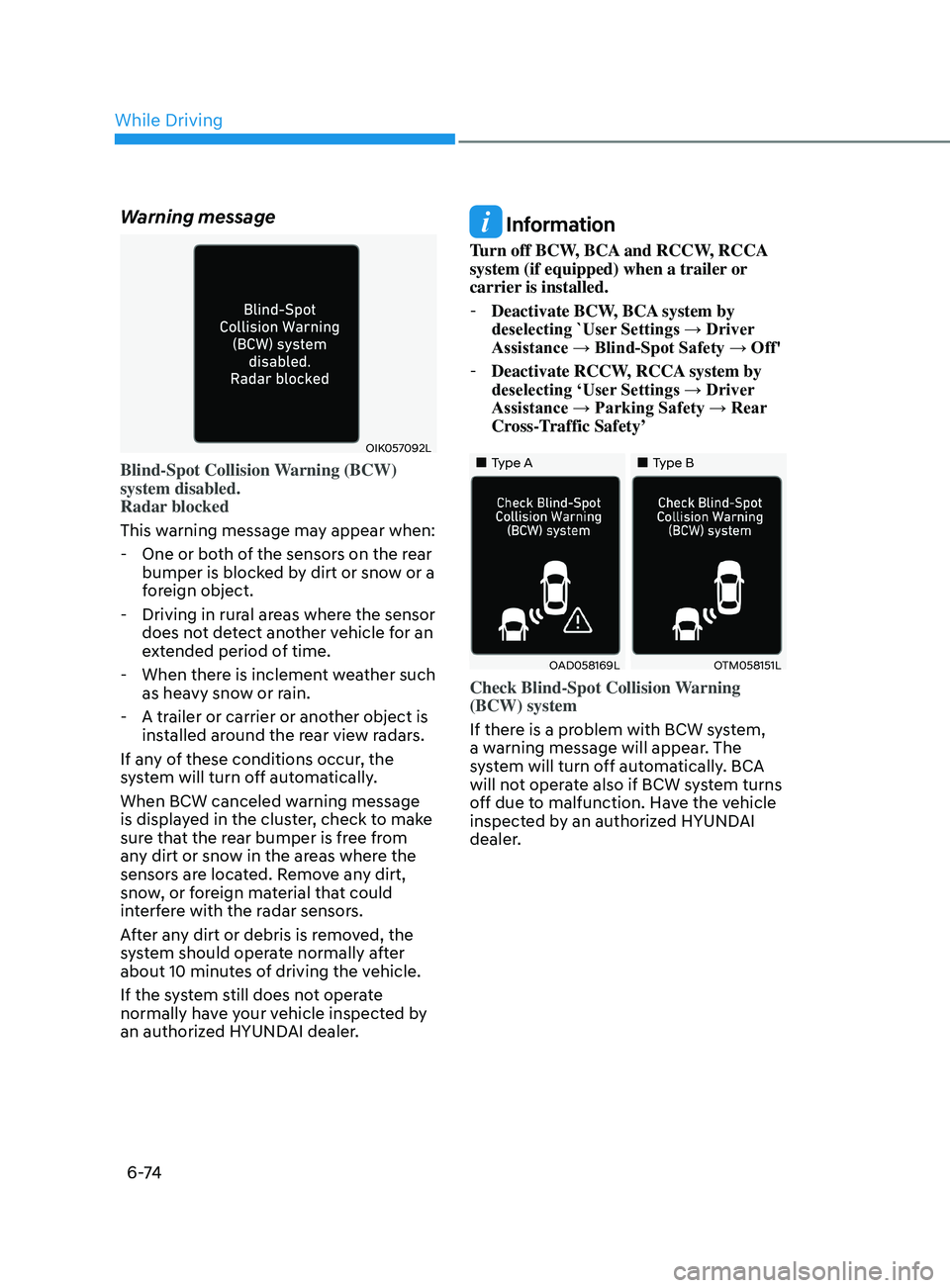
Warning message
OIK057092L
Blind-Spot Collision Warning (BCW)
system disabled.
Radar blocked
This warning message may appear when:
- One or bo
th of the sensors on the rear
bumper is blocked by dirt or snow or a
foreign object.
- Driving in rur
al areas where the sensor
does not detect another vehicle for an
extended period of time.
- When ther
e is inclement weather such
as heavy snow or rain.
- A tr
ailer or carrier or another object is
installed around the rear view radars.
If any of these conditions occur, the
system will turn off automatically.
When BCW canceled warning message
is displayed in the cluster, check to make
sure that the rear bumper is free from
any dirt or snow in the areas where the
sensors are located. Remove any dirt,
snow, or foreign material that could
interfere with the radar sensors.
After any dirt or debris is removed, the
system should operate normally after
about 10 minutes of driving the vehicle.
If the system still does not operate
normally have your vehicle inspected by
an authorized HYUNDAI dealer.
Information
Turn off BCW, BCA and RCCW, RCCA
system (if equipped) when a trailer or
carrier is installed.
- Deactivate BCW
, BCA system by
deselecting `User Settings → Driver
Assistance → Blind-Spot Safety → Off'
- Deactivate RCCW
, RCCA system by
deselecting ‘User Settings → Driver
Assistance → Parking Safety → Rear
Cross-Traffic Safety’
•„Type A•„Type B
OAD058169LOTM058151L
Check Blind-Spot Collision Warning
(BCW) system
If there is a problem with BCW system,
a warning message will appear. The
system will turn off automatically. BCA
will not operate also if BCW system turns
off due to malfunction. Have the vehicle
inspected by an authorized HYUNDAI
dealer.
While Driving
Page 359 of 546
06
6-75
•„Type A•„Type B
OTM058087LODN8059289L
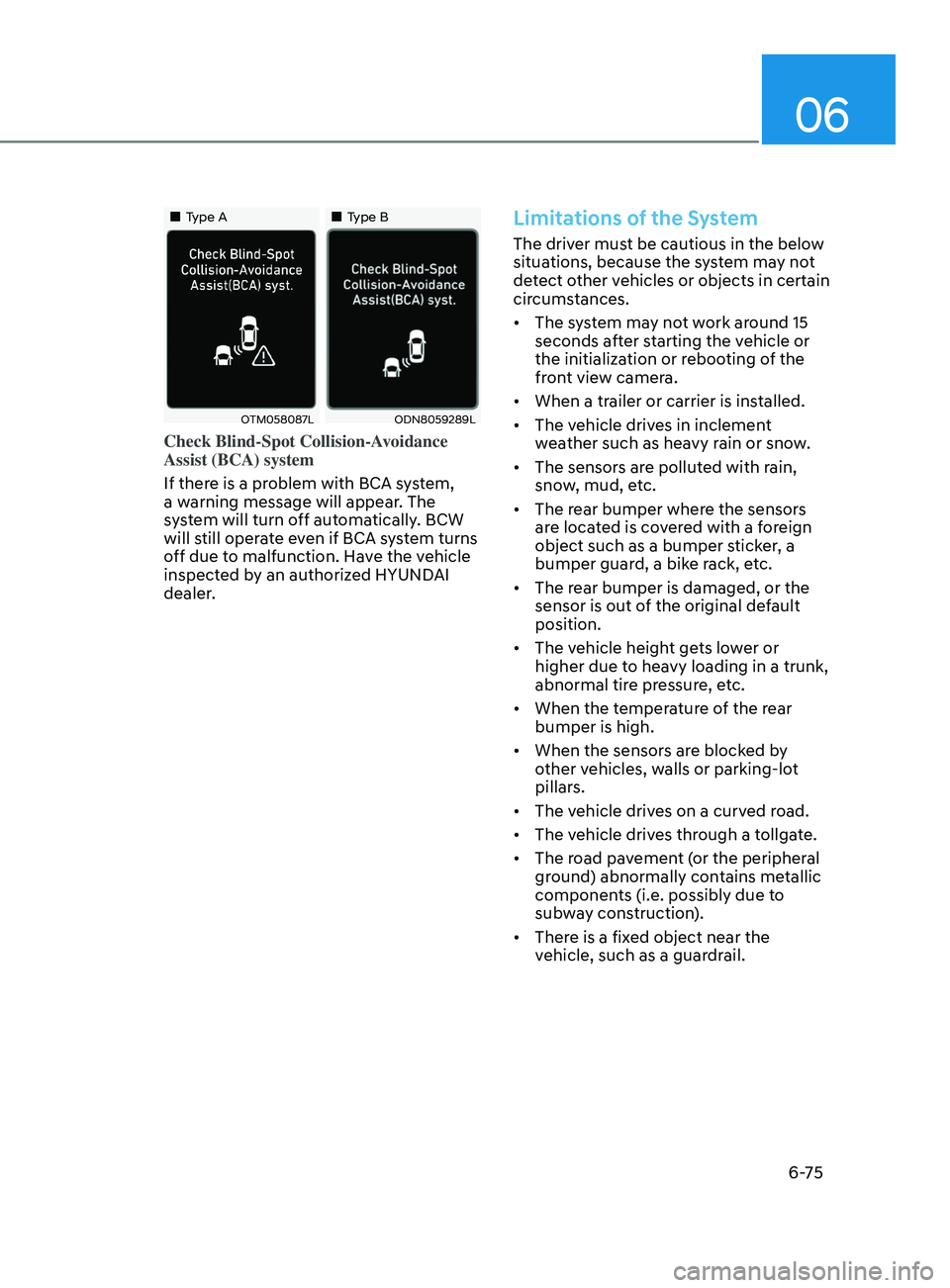
Check Blind-Spot Collision-Avoidance
Assist (BCA) system
If there is a problem with BCA system,
a warning message will appear. The
system will turn off automatically. BCW
will still operate even if BCA system turns
off due to malfunction. Have the vehicle
inspected by an authorized HYUNDAI
dealer.
Limitations of the System
The driver must be cautious in the below
situations, because the system may not
detect other vehicles or objects in certain
circumstances.
• The system may not work around 15
seconds after starting the vehicle or
the initialization or rebooting of the
front view camera.
• When a trailer or carrier is installed.
• The vehicle drives in inclement
weather such as heavy rain or snow.
• The sensors are polluted with rain,
snow, mud, etc.
• The rear bumper where the sensors
are located is covered with a foreign
object such as a bumper sticker, a
bumper guard, a bike rack, etc.
• The rear bumper is damaged, or the
sensor is out of the original default
position.
• The vehicle height gets lower or
higher due to heavy loading in a trunk,
abnormal tire pressure, etc.
• When the temperature of the rear
bumper is high.
• When the sensors are blocked by
other vehicles, walls or parking-lot
pillars.
• The vehicle drives on a curved road.
• The vehicle drives through a tollgate.
• The road pavement (or the peripheral
ground) abnormally contains metallic
components (i.e. possibly due to
subway construction).
• There is a fixed object near the
vehicle, such as a guardrail.
Page 364 of 546
6-80
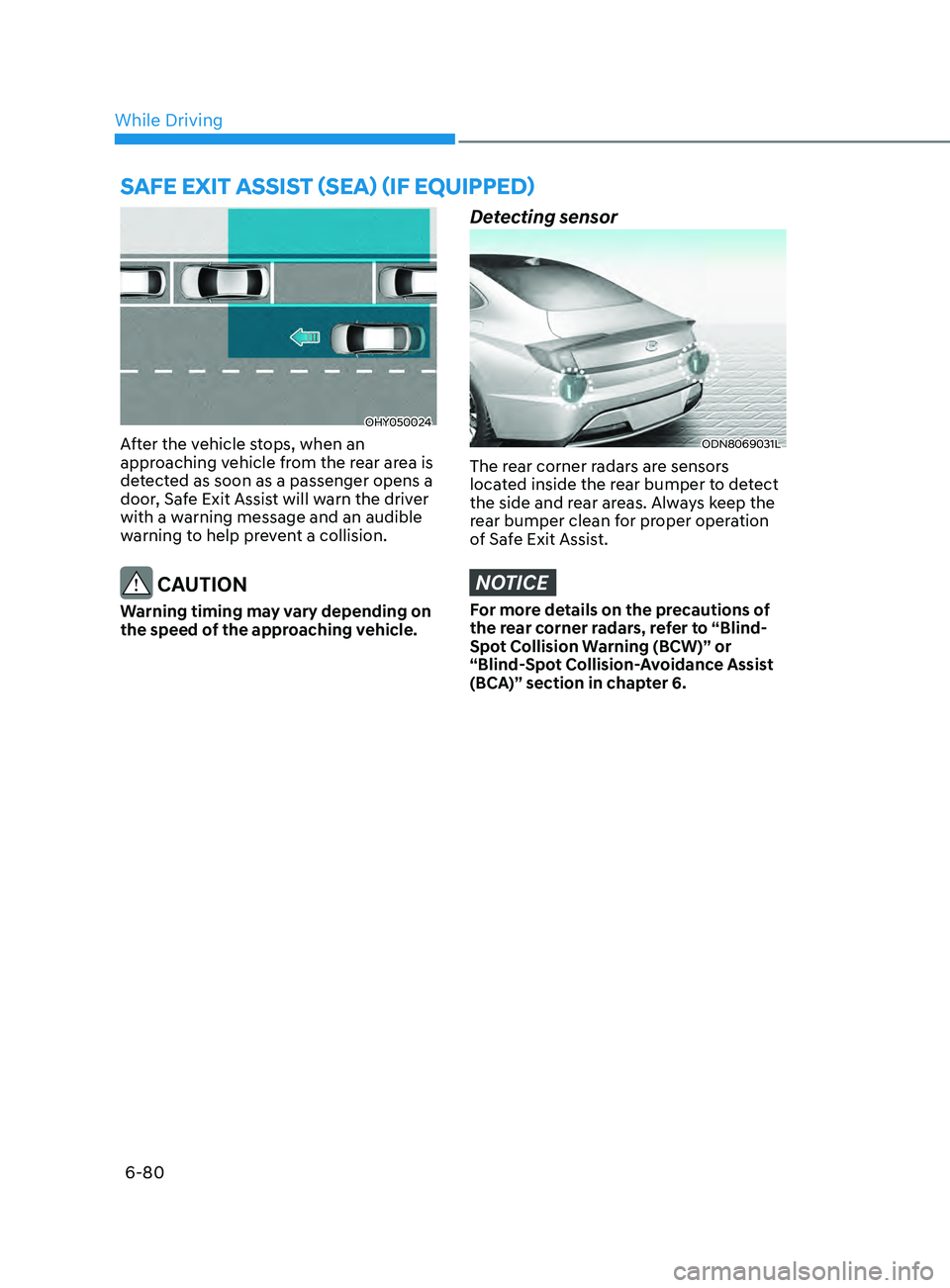
OHY050024
After the vehicle stops, when an
approaching vehicle from the rear area is
detected as soon as a passenger opens a
door, Safe Exit Assist will warn the driver
with a warning message and an audible
warning to help prevent a collision.
CAUTION
Warning timing may vary depending on
the speed of the approaching vehicle.
Detecting sensor
ODN8069031L
The rear corner radars are sensors
located inside the rear bumper to detect
the side and rear areas. Always keep the
rear bumper clean for proper operation
of Safe Exit Assist.
NOTICE
For more details on the precautions of
the rear corner radars, refer to “Blind-
Spot Collision Warning (BCW)” or
“Blind-Spot Collision-Avoidance Assist
(BCA)” section in chapter 6.
Safe e XI t aSSISt (S ea ) (I f equ I pped )
While Driving
Page 365 of 546
06
6-81
Function settings
Setting functions
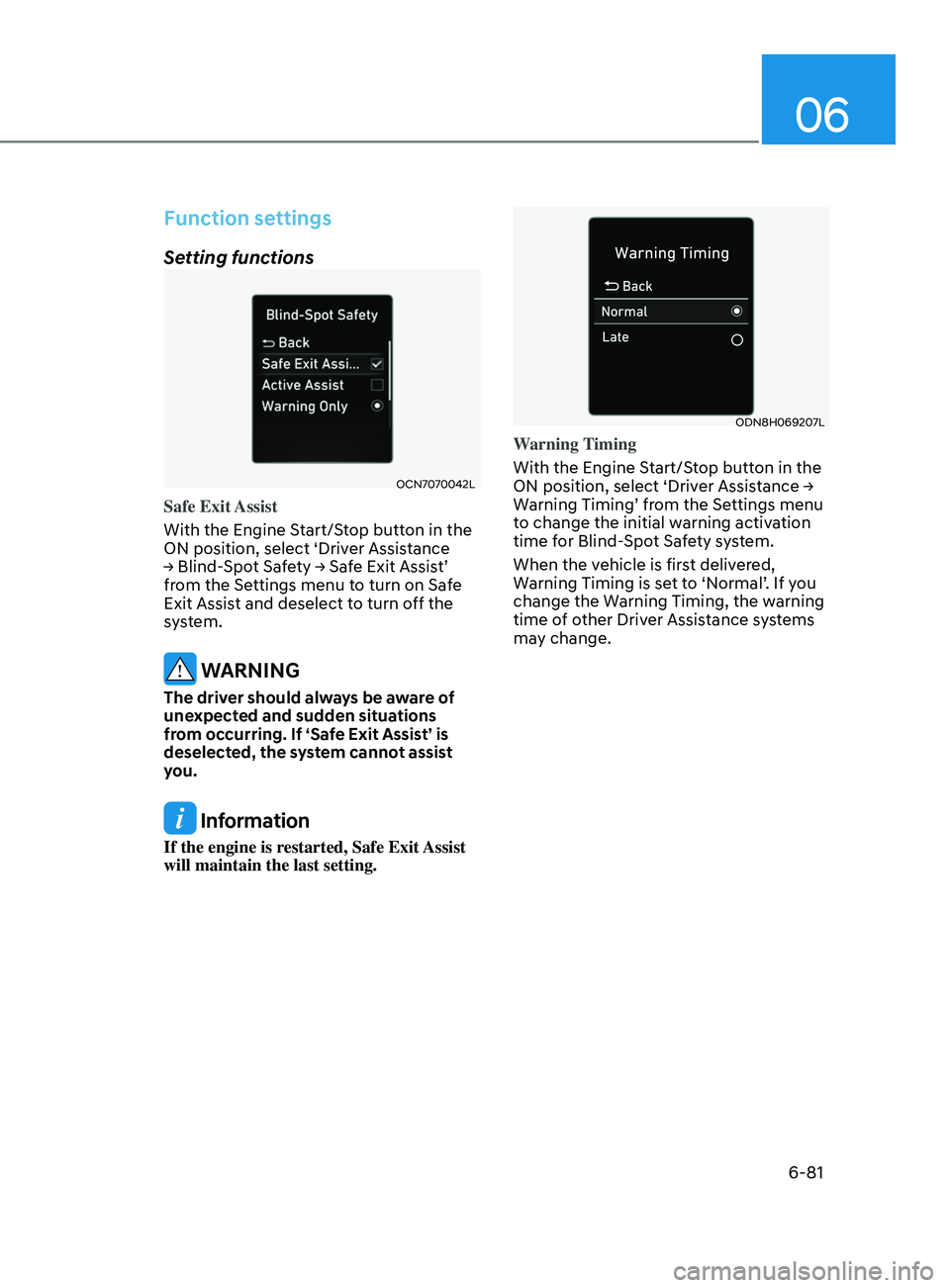
OCN7070042L
Safe Exit Assist
With the Engine Start/Stop button in the
ON position, select ‘Driver Assistance
→
Blind-Spot Safety → Safe Exit Assist’
fr
om the Settings menu to turn on Safe
Exit Assist and deselect to turn off the
system.
WARNING
The driver should always be aware of
unexpected and sudden situations
from occurring. If ‘Safe Exit Assist’ is
deselected, the system cannot assist
you.
Information
If the engine is restarted, Safe Exit Assist
will maintain the last setting.
ODN8H069207L
Warning Timing
With the Engine Start/Stop button in the
ON
position, select ‘Driver Assistance →
W
arning Timing’ from the Settings menu
to change the initial warning activation
time for Blind-Spot Safety system.
When the vehicle is first delivered,
Warning Timing is set to ‘Normal’. If you
change the Warning Timing, the warning
time of other Driver Assistance systems
may change.
Page 366 of 546
6-82
OTMA058094
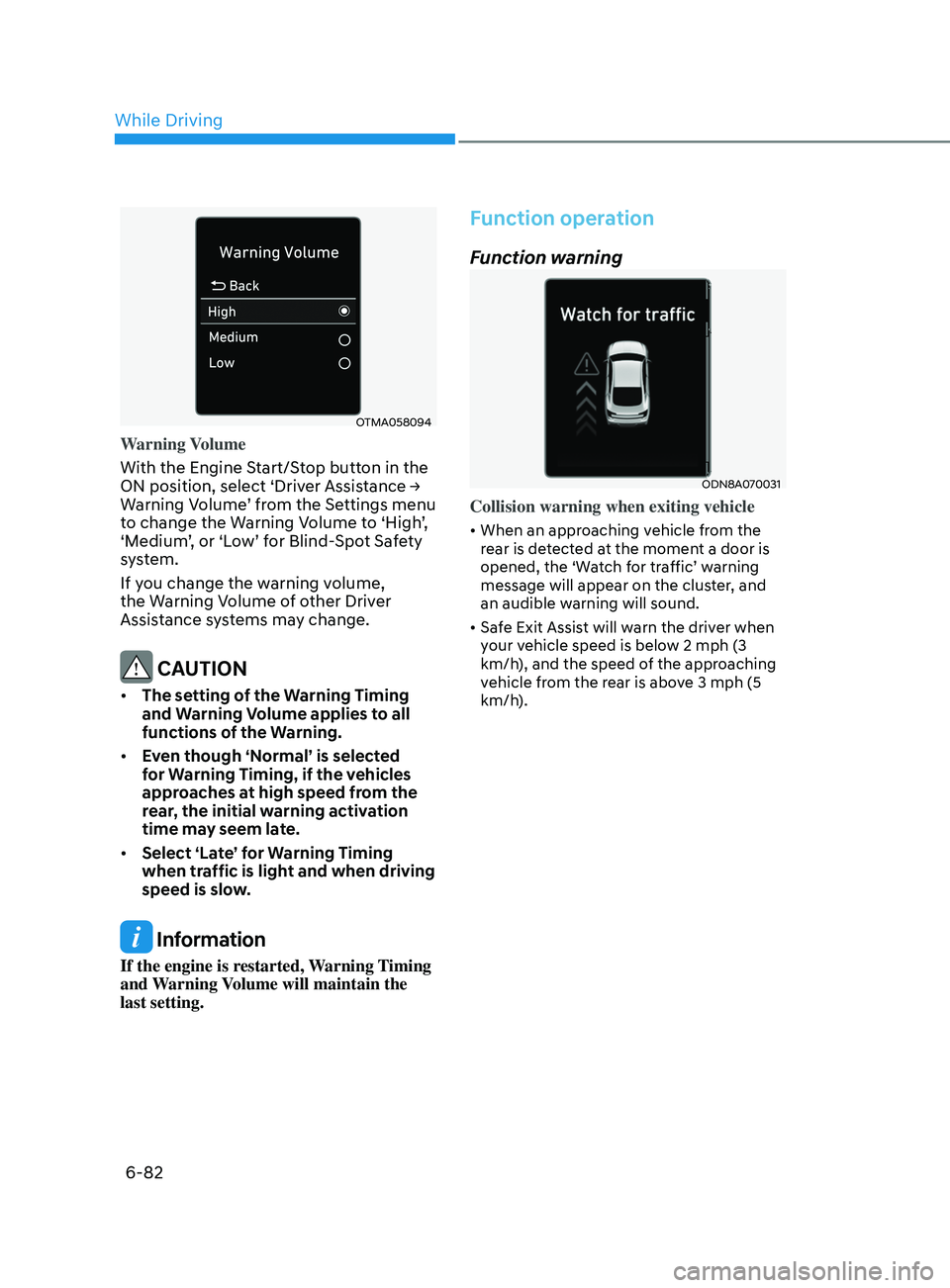
Warning Volume
With the Engine Start/Stop button in the
ON position, select ‘Driver Assistance →
W
arning Volume’ from the Settings menu
to change the Warning Volume to ‘High’,
‘Medium’, or ‘Low’ for Blind-Spot Safety
system.
If you change the warning volume,
the Warning Volume of other Driver
Assistance systems may change.
CAUTION
• The setting of the Warning Timing
and Warning Volume applies to all
functions of the Warning.
• Even though ‘Normal’ is selected
for Warning Timing, if the vehicles
approaches at high speed from the
rear, the initial warning activation
time may seem late.
• Select ‘Late’ for Warning Timing
when traffic is light and when driving
speed is slow.
Information
If the engine is restarted, Warning Timing
and Warning Volume will maintain the
last setting.
Function operation
Function warning
ODN8A070031
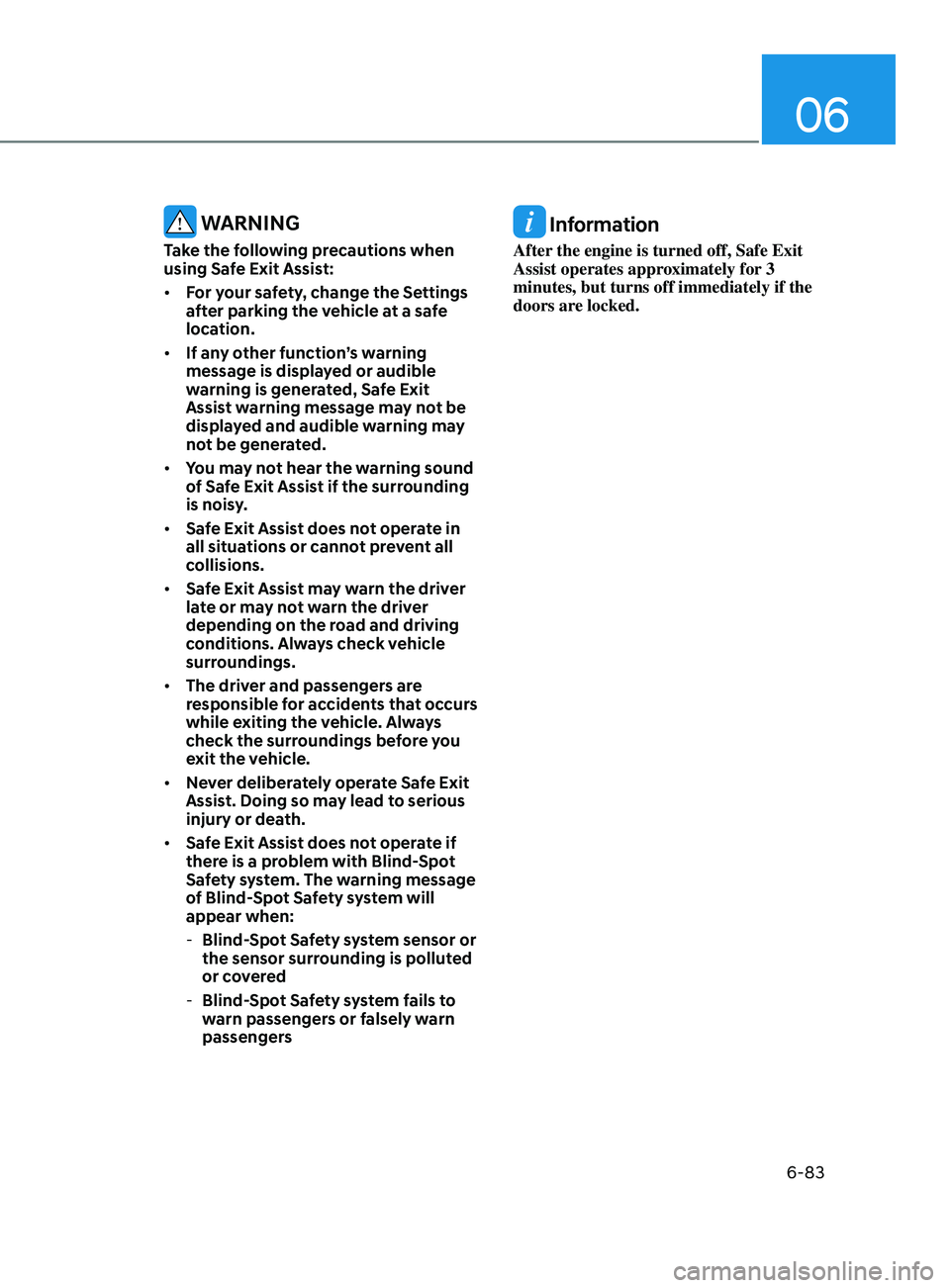
Collision warning when exiting vehicle
• When an approaching vehicle from the
rear is detected at the moment a door is
opened, the ‘Watch for traffic’ warning
message will appear on the cluster, and
an audible warning will sound.
• Safe Exit Assist will warn the driver when
your vehicle speed is below 2 mph (3
km/h), and the speed of the approaching
vehicle from the rear is above 3 mph (5
km/h).
While Driving
Page 367 of 546
06
6-83
WARNING
Take the following precautions when
using Safe Exit Assist:
• For your safety, change the Settings
after parking the vehicle at a safe
location.
• If any other function’s warning
message is displayed or audible
warning is generated, Safe Exit
Assist warning message may not be
displayed and audible warning may
not be generated.
• You may not hear the warning sound
of Safe Exit Assist if the surrounding
is noisy.
• Safe Exit Assist does not operate in
all situations or cannot prevent all
collisions.
• Safe Exit Assist may warn the driver
late or may not warn the driver
depending on the road and driving
conditions. Always check vehicle
surroundings.
• The driver and passengers are
responsible for accidents that occurs
while exiting the vehicle. Always
check the surroundings before you
exit the vehicle.
• Never deliberately operate Safe Exit
Assist. Doing so may lead to serious
injury or death.
• Safe Exit Assist does not operate if
there is a problem with Blind-Spot
Safety system. The warning message
of Blind-Spot Safety system will
appear when:
-Blind-
Spot Safety system sensor or
the sensor surrounding is polluted
or covered
- Blind-
Spot Safety system fails to
warn passengers or falsely warn
passengers
Information
After the engine is turned off, Safe Exit
Assist operates approximately for 3
minutes, but turns off immediately if the
doors are locked.
Page 368 of 546
6-84
Function malfunction and
limitations
Function malfunction
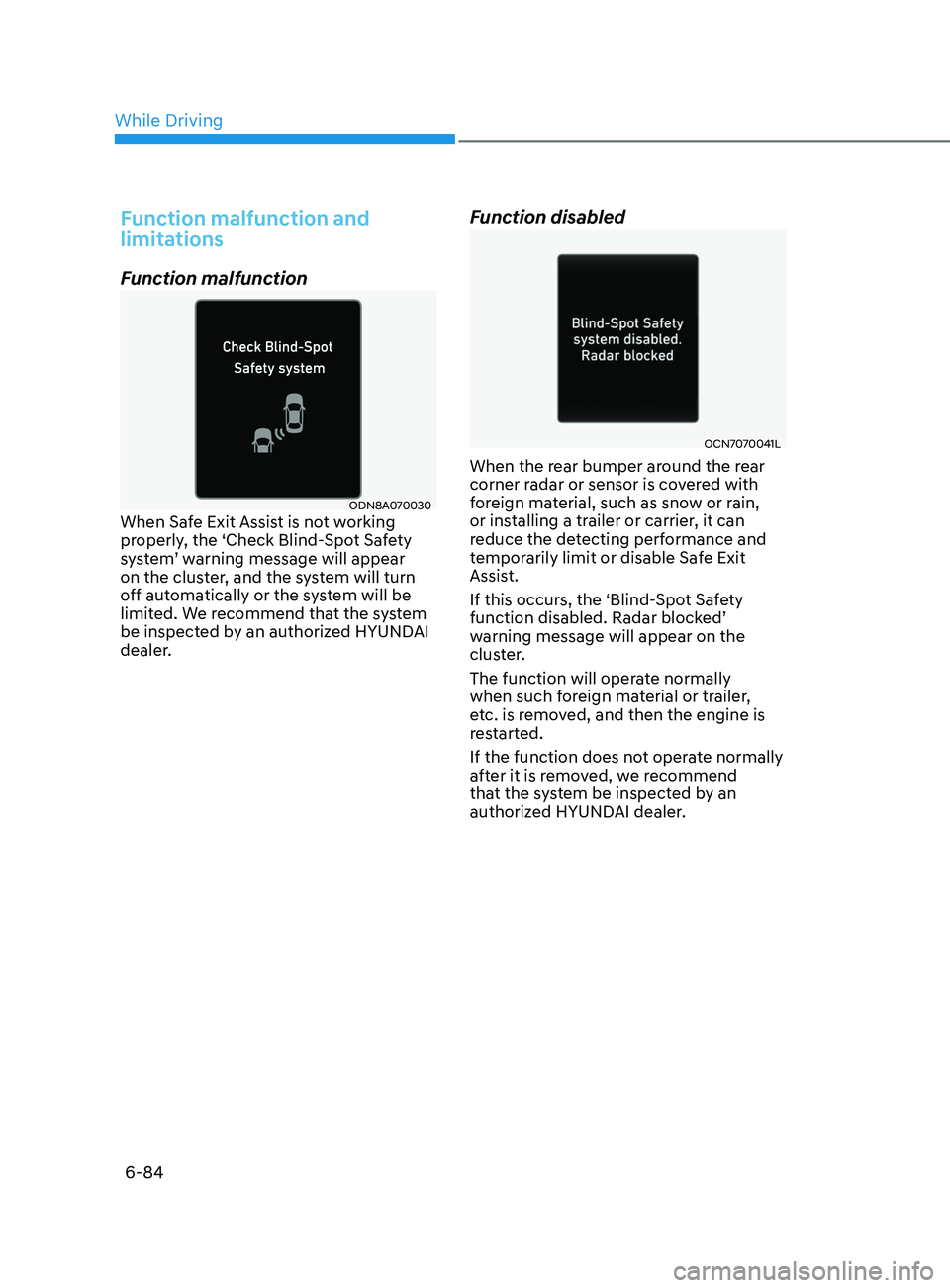
ODN8A070030When Safe Exit Assist is not working
properly, the ‘Check Blind-Spot Safety
system’ warning message will appear
on the cluster, and the system will turn
off automatically or the system will be
limited. We recommend that the system
be inspected by an authorized HYUNDAI
dealer.
Function disabled
OCN7070041L
When the rear bumper around the rear
corner radar or sensor is covered with
foreign material, such as snow or rain,
or installing a trailer or carrier, it can
reduce the detecting performance and
temporarily limit or disable Safe Exit
Assist.
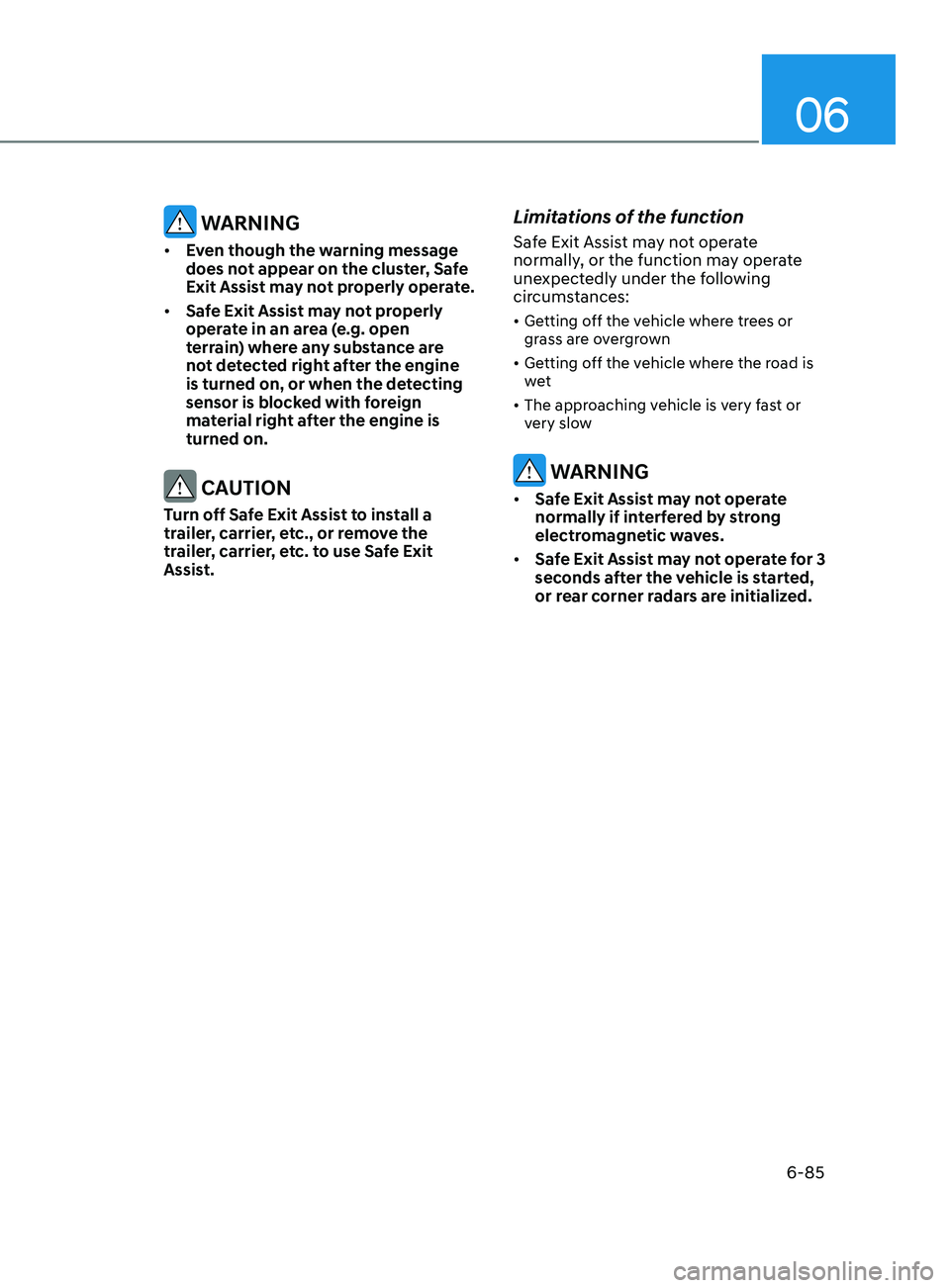
If this occurs, the ‘Blind-Spot Safety
function disabled. Radar blocked’
warning message will appear on the
cluster.
The function will operate normally
when such foreign material or trailer,
etc. is removed, and then the engine is
restarted.
If the function does not operate normally
after it is removed, we recommend
that the system be inspected by an
authorized HYUNDAI dealer.
While Driving
Page 369 of 546
06
6-85
WARNING
• Even though the warning message
does not appear on the cluster, Safe
Exit Assist may not properly operate.
• Safe Exit Assist may not properly
operate in an area (e.g. open
terrain) where any substance are
not detected right after the engine
is turned on, or when the detecting
sensor is blocked with foreign
material right after the engine is
turned on.
CAUTION
Turn off Safe Exit Assist to install a
trailer, carrier, etc., or remove the
trailer, carrier, etc. to use Safe Exit
Assist.
Limitations of the function
Safe Exit Assist may not operate
normally, or the function may operate
unexpectedly under the following
circumstances:
• Getting off the vehicle where trees or
grass are overgrown
• Getting off the vehicle where the road is
wet
• The approaching vehicle is very fast or
very slow
WARNING
• Safe Exit Assist may not operate
normally if interfered by strong
electromagnetic waves.
• Safe Exit Assist may not operate for 3
seconds after the vehicle is started,
or rear corner radars are initialized.
Page 370 of 546
6-86
Driver Attention Warning system displays
the condition of the driver’s fatigue level
and inattentive driving practices.
System Setting and Operation
System setting
ODN8H069209L
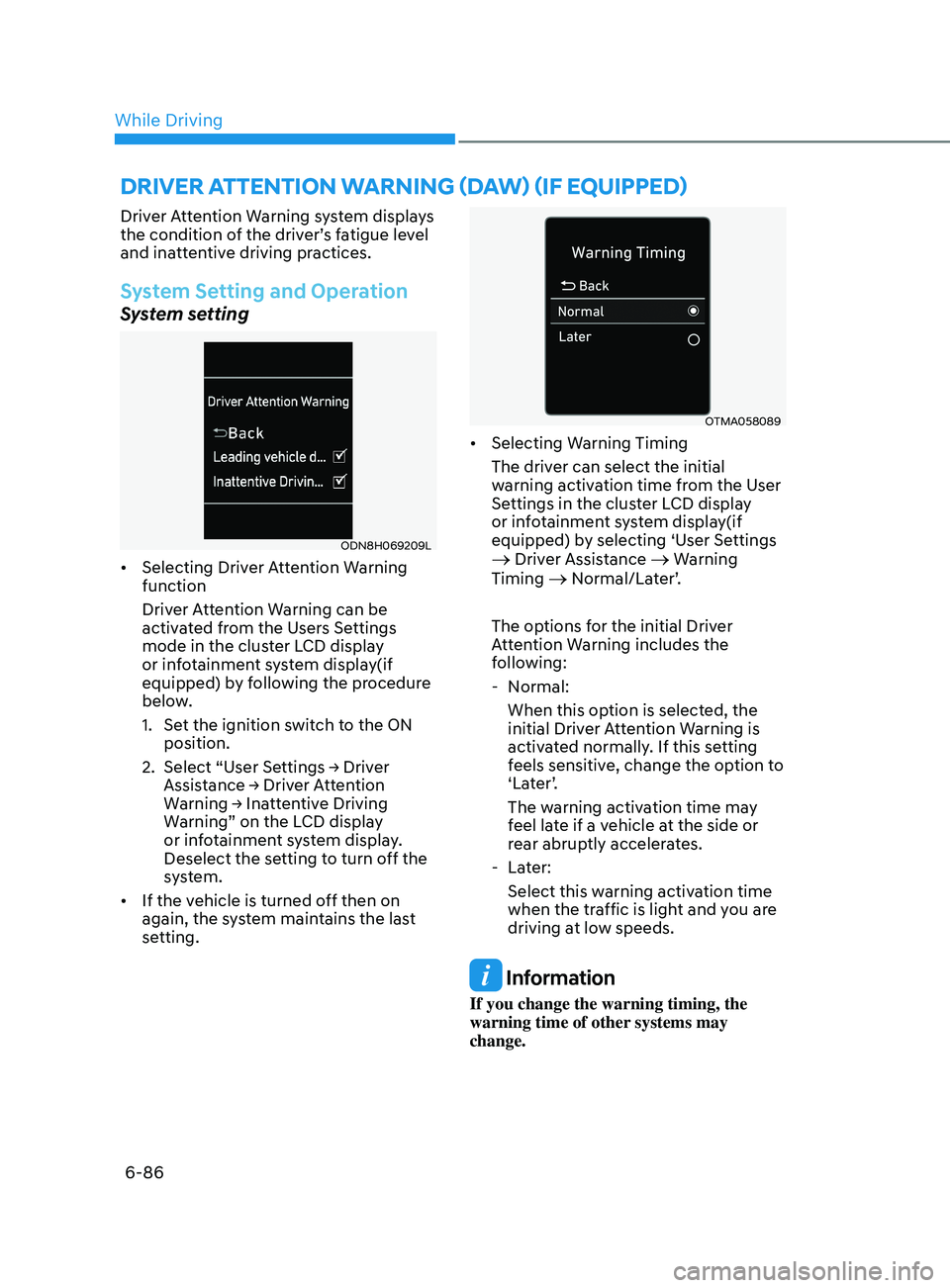
• Selecting Driver Attention Warning
function
Driver Attention Warning can be
activated from the Users Settings
mode in the cluster LCD display
or infotainment system display(if
equipped) by following the procedure
below.
1.
Se
t the ignition switch to the ON
position.
2.
Select
“User Settings → Driver
Assis
tance → Driver Attention
W
arning → Inattentive Driving
W
arning” on the LCD display
or infotainment system display.
Deselect the setting to turn off the
system.
• If the vehicle is turned off then on
again, the system maintains the last
setting.
OTMA058089
• Selecting Warning Timing
The driver can select the initial
warning activation time from the User
Settings in the cluster LCD display
or infotainment system display(if
equipped) by selecting ‘User Settings
→ Driver Assistance → Warning
Timing → Normal/Later’.
The options for the initial Driver
Attention Warning includes the
following:
- N
ormal:
When this option is selected, the
initial Driver Attention Warning is
activated normally. If this setting
feels sensitive, change the option to
‘Later’.
The warning activation time may
feel late if a vehicle at the side or
rear abruptly accelerates.
- La
ter:
Select this warning activation time
when the traffic is light and you are
driving at low speeds.
Information
If you change the warning timing, the
warning time of other systems may
change.
drIver attent I on warn I n G ( daw ) ( I f equ I pped)
While Driving
Page 372 of 546
6-88
Take a break
OOSH069090L
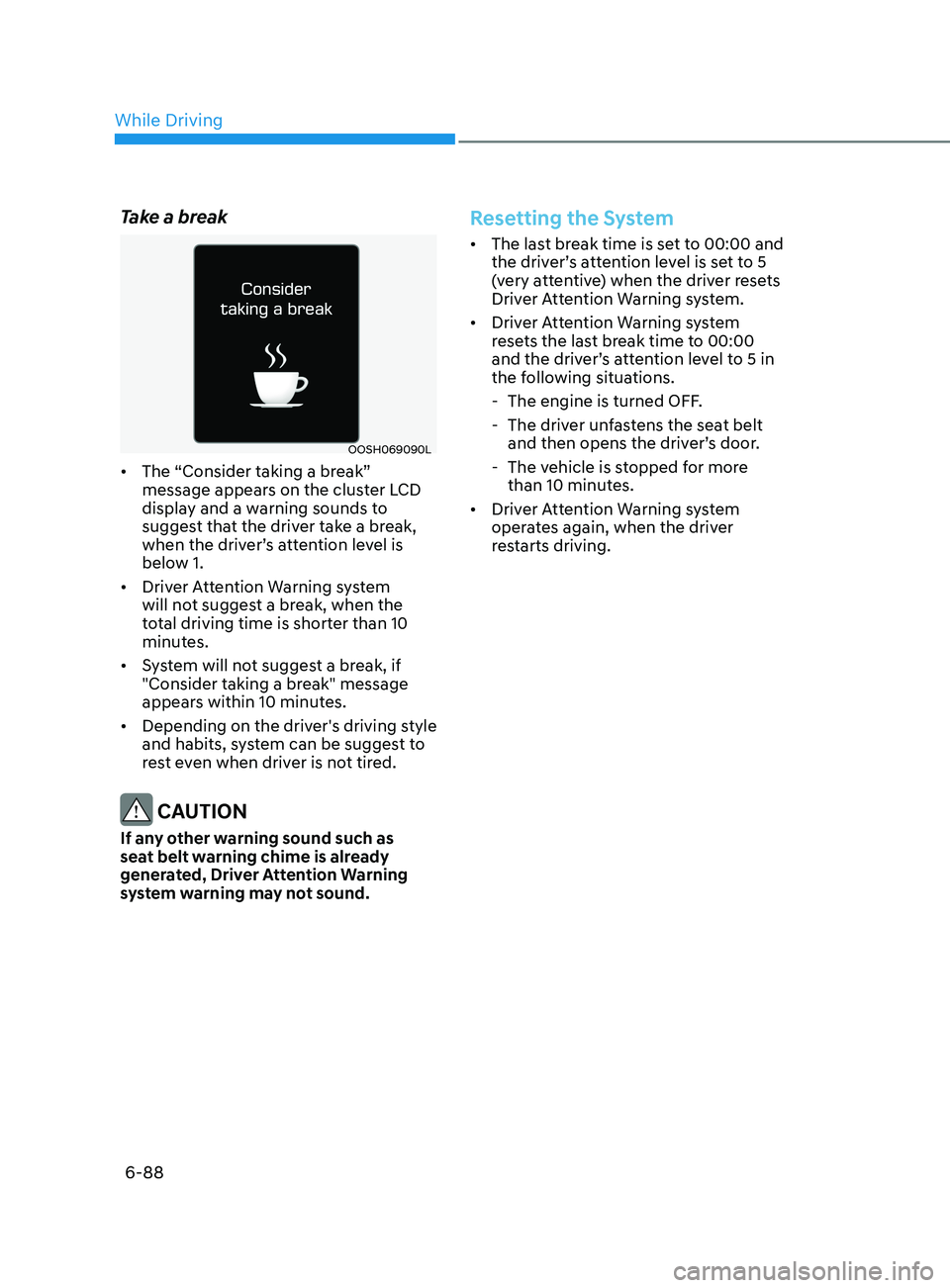
• The “Consider taking a break”
message appears on the cluster LCD
display and a warning sounds to
suggest that the driver take a break,
when the driver’s attention level is
below 1.
• Driver Attention Warning system
will not suggest a break, when the
total driving time is shorter than 10
minutes.
• System will not suggest a break, if
"Consider taking a break" message
appears within 10 minutes.
• Depending on the driver's driving style
and habits, system can be suggest to
rest even when driver is not tired.
CAUTION
If any other warning sound such as
seat belt warning chime is already
generated, Driver Attention Warning
system warning may not sound.
Resetting the System
• The last break time is set to 00:00 and
the driver’s attention level is set to 5
(very attentive) when the driver resets
Driver Attention Warning system.
• Driver Attention Warning system
resets the last break time to 00:00
and the driver’s attention level to 5 in
the following situations.
- The engine is turned OFF
.
- The driv
er unfastens the seat belt
and then opens the driver’s door.
- The v
ehicle is stopped for more
than 10 minutes.
• Driver Attention Warning system
operates again, when the driver
restarts driving.
While Driving