heating Hyundai Terracan 2006 User Guide
[x] Cancel search | Manufacturer: HYUNDAI, Model Year: 2006, Model line: Terracan, Model: Hyundai Terracan 2006Pages: 539, PDF Size: 18.11 MB
Page 123 of 539
1
FEATURES OF YOUR HYUNDAI
109DEFROSTING/DEFOGGING
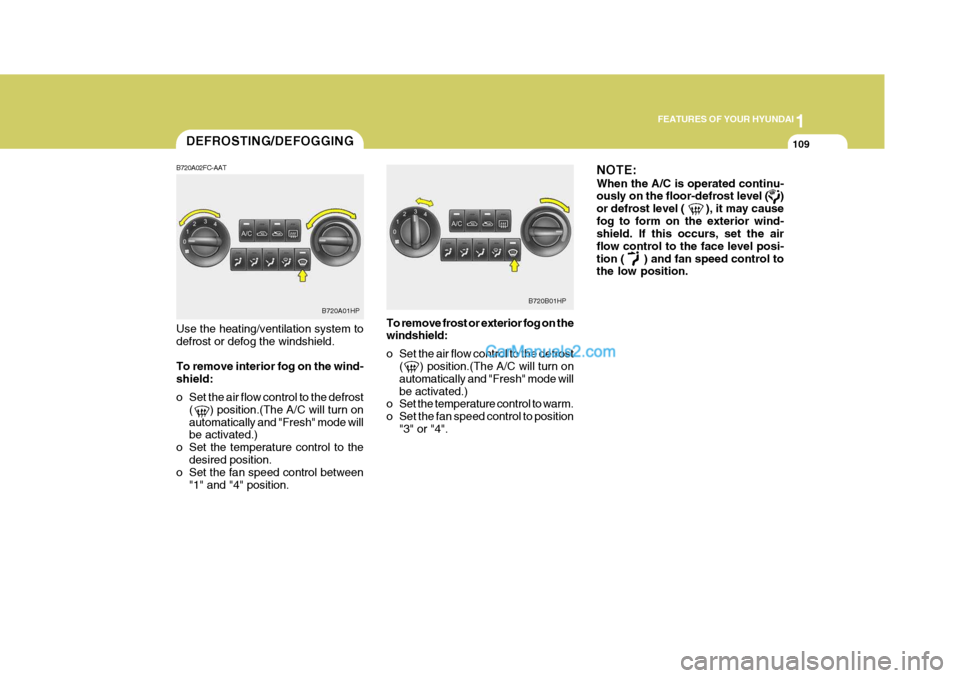
B720A02FC-AAT Use the heating/ventilation system to defrost or defog the windshield. To remove interior fog on the wind- shield:
o Set the air flow control to the defrost ( ) position.(The A/C will turn on automatically and "Fresh" mode will be activated.)
o Set the temperature control to the desired position.
o Set the fan speed control between
"1" and "4" position. To remove frost or exterior fog on thewindshield:
o Set the air flow control to the defrost
( ) position.(The A/C will turn on automatically and "Fresh" mode willbe activated.)
o Set the temperature control to warm.
o Set the fan speed control to position
"3" or "4". NOTE: When the A/C is operated continu- ously on the floor-defrost level ( ) or defrost level ( ), it may causefog to form on the exterior wind- shield. If this occurs, set the air flow control to the face level posi-tion ( ) and fan speed control to the low position.
B720A01HP
B720B01HP
Page 124 of 539
1FEATURES OF YOUR HYUNDAI
110AIR CONDITIONING SYSTEM
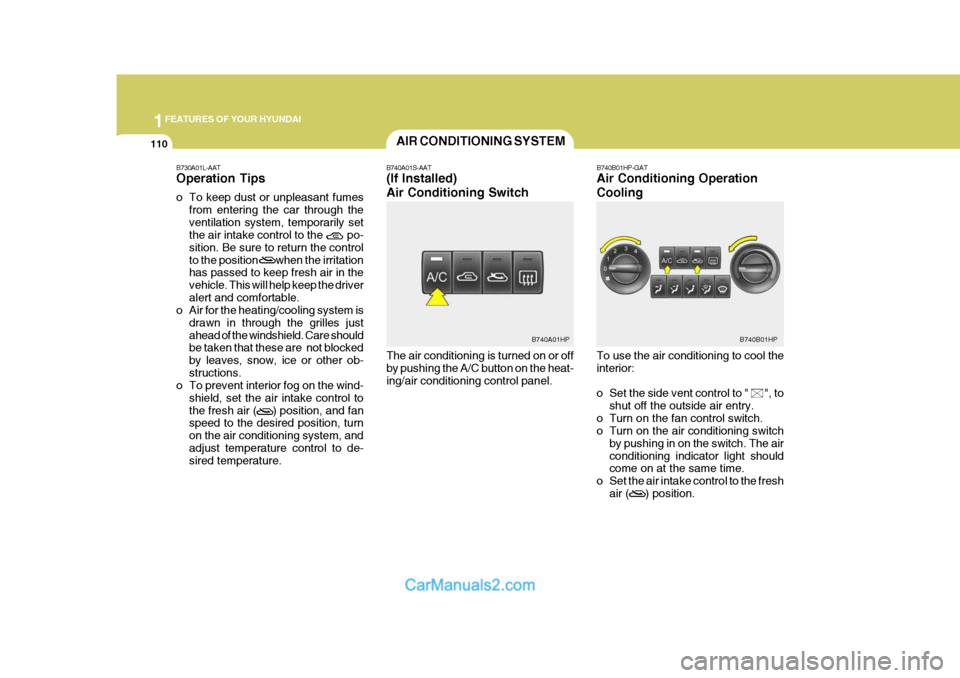
B740A01S-AAT (If Installed) Air Conditioning Switch The air conditioning is turned on or off by pushing the A/C button on the heat-ing/air conditioning control panel. B740B01HP-GAT Air Conditioning Operation Cooling To use the air conditioning to cool the interior:
o Set the side vent control to " ", to
shut off the outside air entry.
o Turn on the fan control switch.
o Turn on the air conditioning switch by pushing in on the switch. The air conditioning indicator light should come on at the same time.
o Set the air intake control to the fresh air ( ) position.
B730A01L-AAT Operation Tips
o To keep dust or unpleasant fumes
from entering the car through the ventilation system, temporarily set the air intake control to the po- sition. Be sure to return the controlto the position when the irritation has passed to keep fresh air in the vehicle. This will help keep the driveralert and comfortable.
o Air for the heating/cooling system is
drawn in through the grilles justahead of the windshield. Care should be taken that these are not blocked by leaves, snow, ice or other ob-structions.
o To prevent interior fog on the wind-
shield, set the air intake control tothe fresh air ( ) position, and fan speed to the desired position, turn on the air conditioning system, andadjust temperature control to de- sired temperature.
B740B01HPB740A01HP
Page 125 of 539
1
FEATURES OF YOUR HYUNDAI
111
o Set the temperature control to "Cool".
("Cool" provides maximum cooling. The temperature may be moderated by moving the control toward "Warm".)
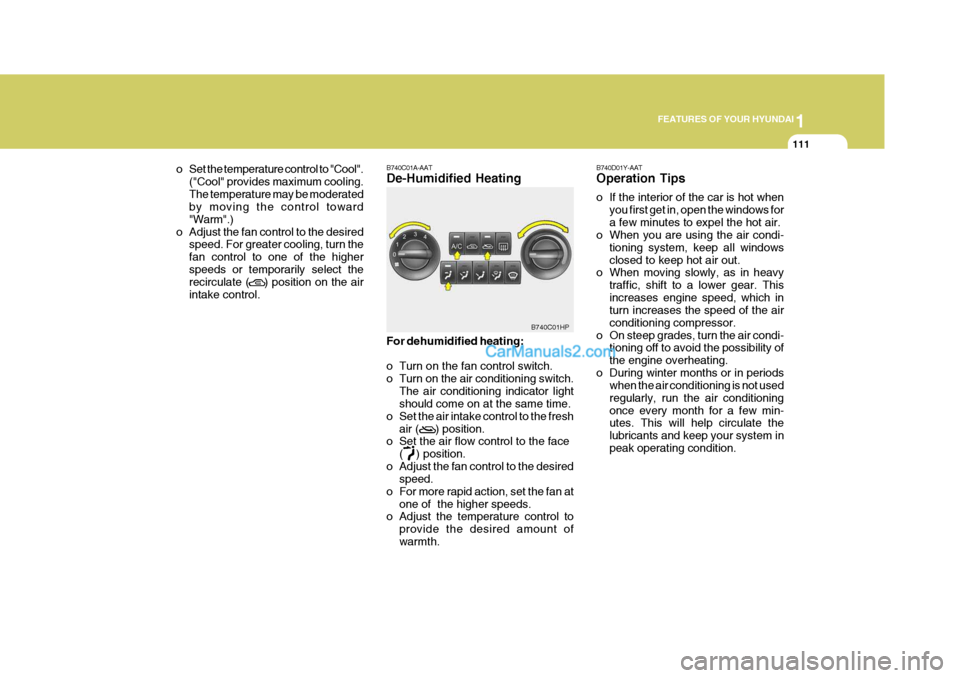
o Adjust the fan control to the desired speed. For greater cooling, turn thefan control to one of the higherspeeds or temporarily select the recirculate ( ) position on the air intake control. B740C01A-AAT De-Humidified Heating For dehumidified heating:
o Turn on the fan control switch.
o Turn on the air conditioning switch.
The air conditioning indicator light should come on at the same time.
o Set the air intake control to the fresh
air ( ) position.
o Set the air flow control to the face
( ) position.
o Adjust the fan control to the desired speed.
o For more rapid action, set the fan at
one of the higher speeds.
o Adjust the temperature control to
provide the desired amount of warmth.
B740C01HP
B740D01Y-AAT Operation Tips
o If the interior of the car is hot when
you first get in, open the windows for a few minutes to expel the hot air.
o When you are using the air condi-
tioning system, keep all windowsclosed to keep hot air out.
o When moving slowly, as in heavy
traffic, shift to a lower gear. Thisincreases engine speed, which in turn increases the speed of the air conditioning compressor.
o On steep grades, turn the air condi- tioning off to avoid the possibility ofthe engine overheating.
o During winter months or in periods when the air conditioning is not usedregularly, run the air conditioningonce every month for a few min- utes. This will help circulate the lubricants and keep your system inpeak operating condition.
Page 126 of 539
1FEATURES OF YOUR HYUNDAI
112AUTOMATIC HEATING AND COOLING CONTROL SYSTEM
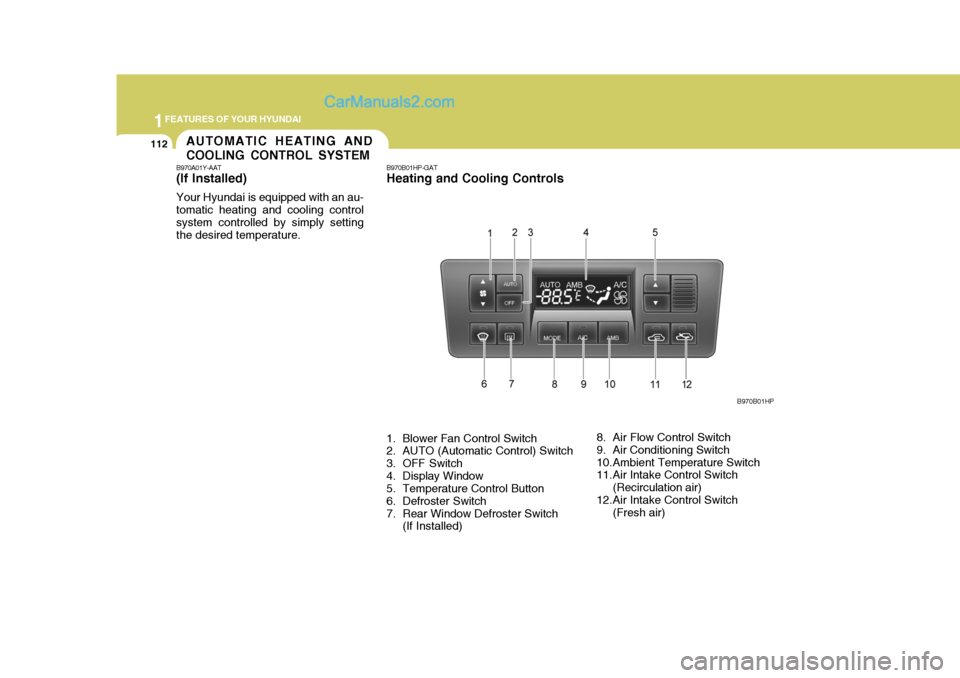
B970A01Y-AAT (If lnstalled) Your Hyundai is equipped with an au- tomatic heating and cooling controlsystem controlled by simply setting the desired temperature. B970B01HP-GAT Heating and Cooling Controls
1. Blower Fan Control Switch
2. AUTO (Automatic Control) Switch
3. OFF Switch
4. Display Window
5. Temperature Control Button
6. Defroster Switch
7. Rear Window Defroster Switch
(If Installed) 8. Air Flow Control Switch
9. Air Conditioning Switch
10.Ambient Temperature Switch
11.Air Intake Control Switch
(Recirculation air)
12.Air Intake Control Switch (Fresh air) B970B01HP
Page 127 of 539
1
FEATURES OF YOUR HYUNDAI
113
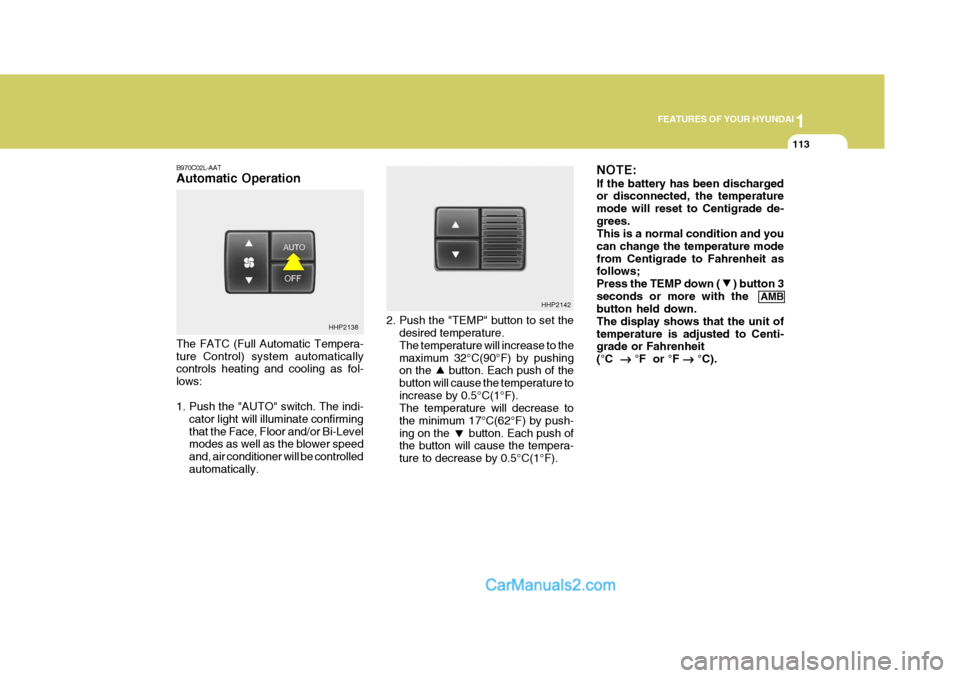
B970C02L-AAT Automatic Operation The FATC (Full Automatic Tempera- ture Control) system automatically controls heating and cooling as fol- lows:
1. Push the "AUTO" switch. The indi-
cator light will illuminate confirming that the Face, Floor and/or Bi-Level modes as well as the blower speed and, air conditioner will be controlledautomatically. 2. Push the "TEMP" button to set the
desired temperature. The temperature will increase to the maximum 32°C(90°F) by pushing on the button. Each push of the button will cause the temperature toincrease by 0.5°C(1°F). The temperature will decrease to the minimum 17°C(62°F) by push-ing on the button. Each push of the button will cause the tempera- ture to decrease by 0.5°C(1°F). NOTE: If the battery has been discharged or disconnected, the temperature mode will reset to Centigrade de-grees. This is a normal condition and you can change the temperature modefrom Centigrade to Fahrenheit as follows; Press the TEMP down ( ) button 3seconds or more with the
AMB
button held down.The display shows that the unit oftemperature is adjusted to Centi- grade or Fahrenheit (°C
°F or °F
°C).
HHP2138 HHP2142
Page 128 of 539
1FEATURES OF YOUR HYUNDAI
114
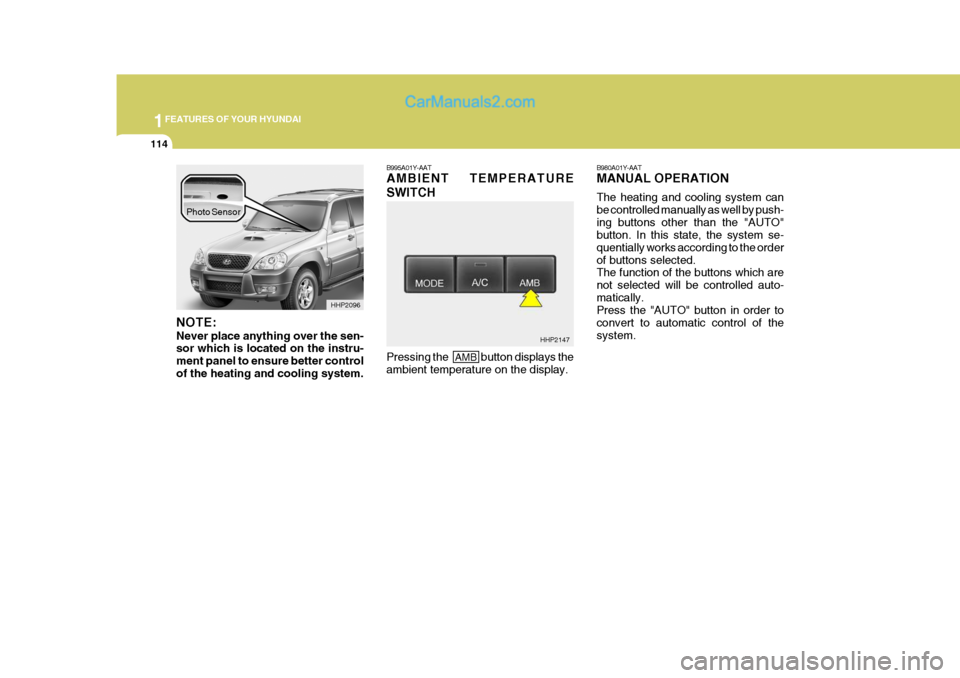
NOTE: Never place anything over the sen- sor which is located on the instru- ment panel to ensure better controlof the heating and cooling system. B995A01Y-AAT AMBIENT TEMPERATURE SWITCH
B980A01Y-AAT MANUAL OPERATION The heating and cooling system can be controlled manually as well by push-ing buttons other than the "AUTO" button. In this state, the system se- quentially works according to the orderof buttons selected. The function of the buttons which are not selected will be controlled auto-matically. Press the "AUTO" button in order to convert to automatic control of thesystem.
HHP2096
Pressing the
AMB button displays the
ambient temperature on the display. HHP2147
Photo Sensor
Page 129 of 539
1
FEATURES OF YOUR HYUNDAI
115
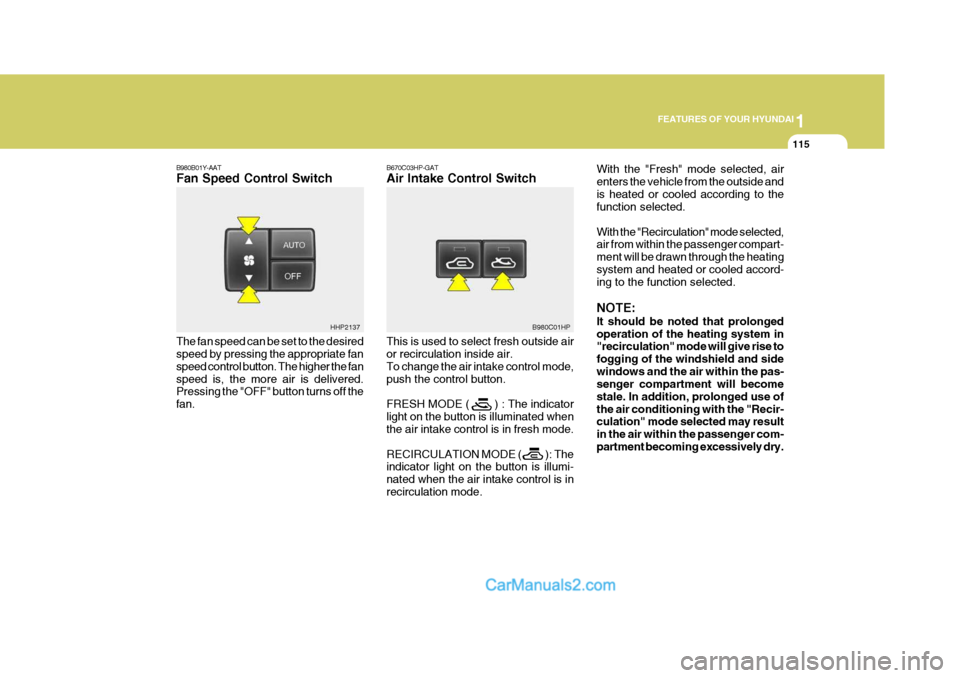
B980B01Y-AAT Fan Speed Control Switch The fan speed can be set to the desired speed by pressing the appropriate fan speed control button. The higher the fanspeed is, the more air is delivered. Pressing the "OFF" button turns off the fan. B670C03HP-GAT Air Intake Control Switch This is used to select fresh outside air or recirculation inside air. To change the air intake control mode,push the control button. FRESH MODE ( ) : The indicator light on the button is illuminated when the air intake control is in fresh mode. RECIRCULATION MODE ( ): The indicator light on the button is illumi- nated when the air intake control is inrecirculation mode.With the "Fresh" mode selected, airenters the vehicle from the outside andis heated or cooled according to the function selected. With the "Recirculation" mode selected, air from within the passenger compart- ment will be drawn through the heatingsystem and heated or cooled accord- ing to the function selected. NOTE: It should be noted that prolonged operation of the heating system in "recirculation" mode will give rise to fogging of the windshield and sidewindows and the air within the pas- senger compartment will become stale. In addition, prolonged use ofthe air conditioning with the "Recir- culation" mode selected may result in the air within the passenger com-partment becoming excessively dry.
HHP2137
B980C01HP
Page 130 of 539
1FEATURES OF YOUR HYUNDAI
116
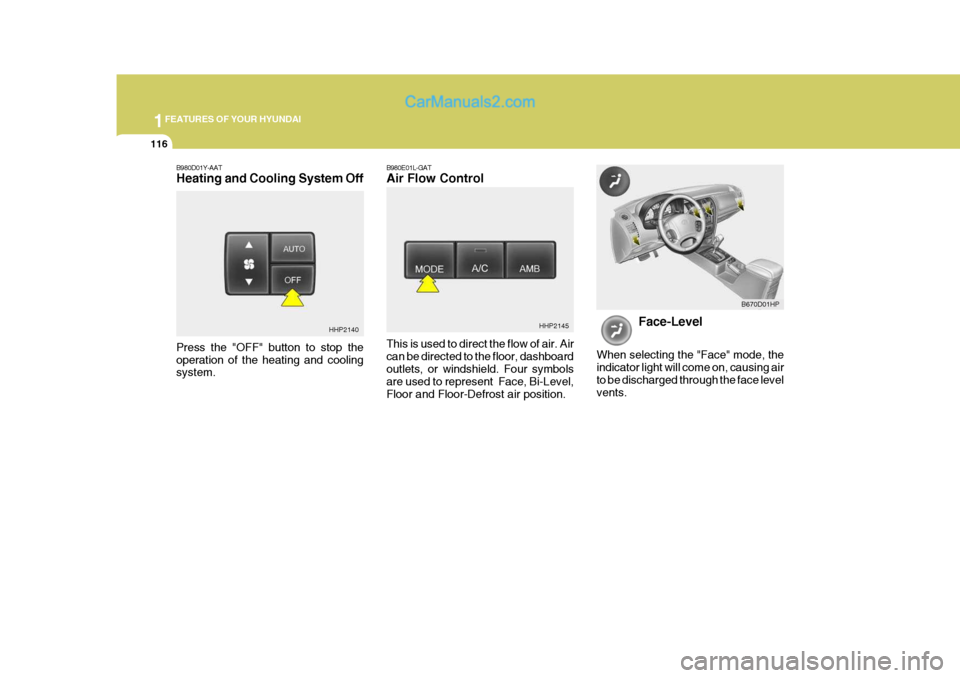
B980D01Y-AAT Heating and Cooling System Off B980E01L-GATAir Flow Control This is used to direct the flow of air. Air can be directed to the floor, dashboardoutlets, or windshield. Four symbols are used to represent Face, Bi-Level, Floor and Floor-Defrost air position.HHP2145
Face-Level
When selecting the "Face" mode, theindicator light will come on, causing airto be discharged through the face level vents. B670D01HP
HHP2140
Press the "OFF" button to stop the operation of the heating and cooling system.
Page 146 of 539
1FEATURES OF YOUR HYUNDAI
132
6. CD EJECT Button When the button is pressed with a CD loaded, the CD will eject.
7. SCAN Button (If Installed)
o Press the SCAN button to playbackthe first 10 seconds of each track.
o Press the SCAN button again within
10 sec. when you have reached the desired track.
NOTE:
o To assure proper operation of the unit, keep the vehicle interior temperature within a normal range by using the vehicle's air conditioning or heating system.
o When replacing the fuse, replace it with a fuse having the correctcapacity.
o The preset station frequencies are all erased when the car bat-tery is disconnected. Therefore,all data will have to be set again if this should occur.
H290F03O-GAT
1. CD Select Button
o Insert the CD with the label facing
upward.
o Insert the CD to start CD playback, during radio operation or cassette tape playing.
o When a disc is in the CD deck, if you press the CD/CDC button the CDplayer will begin playing even if theradio or cassette player is being used.
o The CD player can be used when the ignition switch is in either the"ON" or "ACC" position.
2. FF/REW ( / ) If you want to fast forward or reverse through the compact disc track, pushand hold the FF ( ) or REW ( ) button. When you release the button, the com-pact disc player will resume playing. 3. TRACK UP/DOWN
o The desired track on the disc cur-
rently being played can be selected using the track number.
o Press button once to skip for-
ward to the beginning of the nexttrack. Press button once to skip back to the beginning of the track.
4. REPEAT
o To repeat the track you are cur- rently listening to, press the RPT button. To cancel, press again.
o If you do not release RPT operation
when the track ends, it will automati-cally be replayed. This process will be continued until you push the button again.
5. EQUALIZER Button Press the EQ button to select the CLASSIC, JAZZ, ROCK and DEFEATMODE for the desired tone quality. Each press of the button changes the display as follows;
CLASSIC JAZZ ROCK DEFEAT
Page 161 of 539
2 DRIVING YOUR HYUNDAI
6
(1) When the atmospheric tempera-ture is moderate or the engine is warm: Start the engine without de- pressing the accelerator pedal.
(2) When the atmospheric tempera- ture is low and the engine iscold:Start the engine while depress- ing the accelerator pedal. If the atmospheric temperature is verylow, setting the ignition switch to "ON" for one or two seconds before attempting to start theengine will make it easier to start.
6. Turn the ignition key to the "START" position and release it when the engine starts.
NOTE: If the engine were not started within 2 seconds after the preheating is completed, turn the ignition key once more to the "LOCK" positionduring 10 seconds, and then to the "ON" position, in order to preheat again.
5. Operate the accelerator pedal as
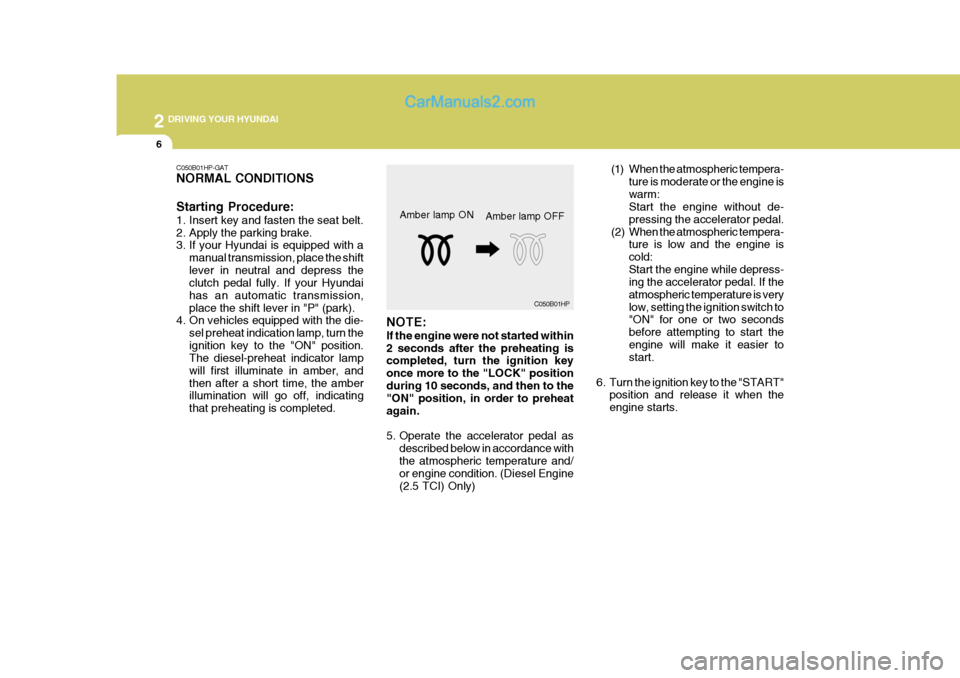
described below in accordance with the atmospheric temperature and/ or engine condition. (Diesel Engine (2.5 TCI) Only)Amber lamp ON
C050B01HP
Amber lamp OFF
C050B01HP-GAT NORMAL CONDITIONS Starting Procedure:
1. Insert key and fasten the seat belt.
2. Apply the parking brake.
3. If your Hyundai is equipped with a
manual transmission, place the shift lever in neutral and depress the clutch pedal fully. If your Hyundai has an automatic transmission,place the shift lever in "P" (park).
4. On vehicles equipped with the die-
sel preheat indication lamp, turn theignition key to the "ON" position. The diesel-preheat indicator lamp will first illuminate in amber, andthen after a short time, the amber illumination will go off, indicating that preheating is completed.