reset Hyundai Terracan 2006 Owner's Guide
[x] Cancel search | Manufacturer: HYUNDAI, Model Year: 2006, Model line: Terracan, Model: Hyundai Terracan 2006Pages: 539, PDF Size: 18.11 MB
Page 374 of 539
1CONTROLS AND EQUIPMENT
66DIGITAL CLOCK
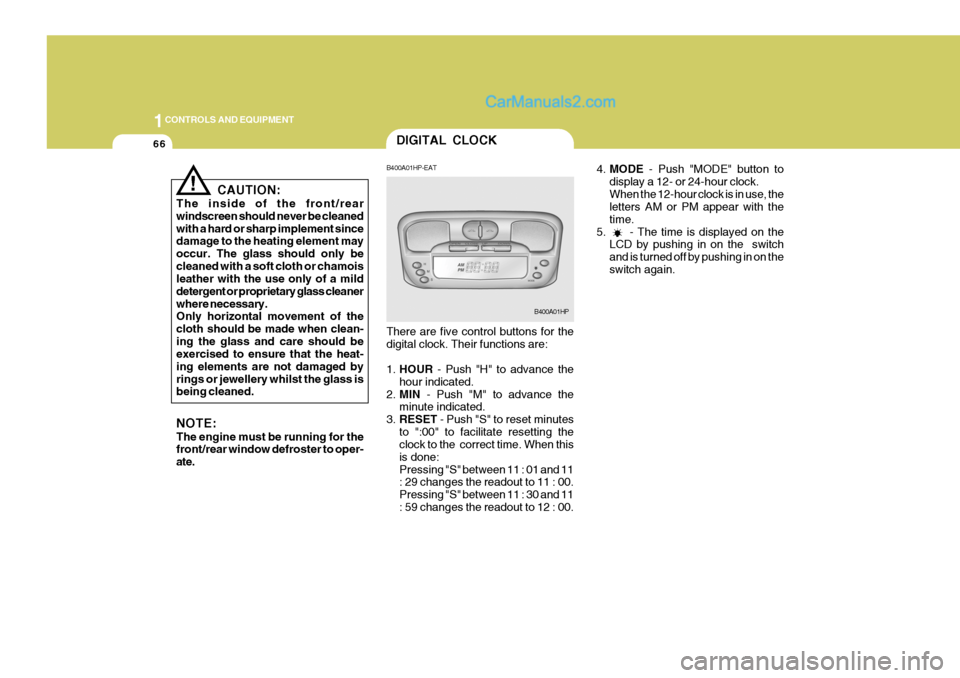
4.MODE - Push "MODE" button to
display a 12- or 24-hour clock. When the 12-hour clock is in use, the letters AM or PM appear with the time.
5. - The time is displayed on the LCD by pushing in on the switchand is turned off by pushing in on theswitch again.
! CAUTION:
The inside of the front/rear windscreen should never be cleanedwith a hard or sharp implement since damage to the heating element may occur. The glass should only becleaned with a soft cloth or chamois leather with the use only of a mild detergent or proprietary glass cleanerwhere necessary. Only horizontal movement of the cloth should be made when clean-ing the glass and care should be exercised to ensure that the heat- ing elements are not damaged byrings or jewellery whilst the glass is being cleaned. NOTE: The engine must be running for the front/rear window defroster to oper- ate. B400A01HP-EAT There are five control buttons for the digital clock. Their functions are: 1.
HOUR - Push "H" to advance the
hour indicated.
2. MIN - Push "M" to advance the
minute indicated.
3. RESET - Push "S" to reset minutes
to ":00" to facilitate resetting the clock to the correct time. When this is done:Pressing "S" between 11 : 01 and 11 : 29 changes the readout to 11 : 00. Pressing "S" between 11 : 30 and 11: 59 changes the readout to 12 : 00.
B400A01HP
Page 396 of 539
1CONTROLS AND EQUIPMENT
88
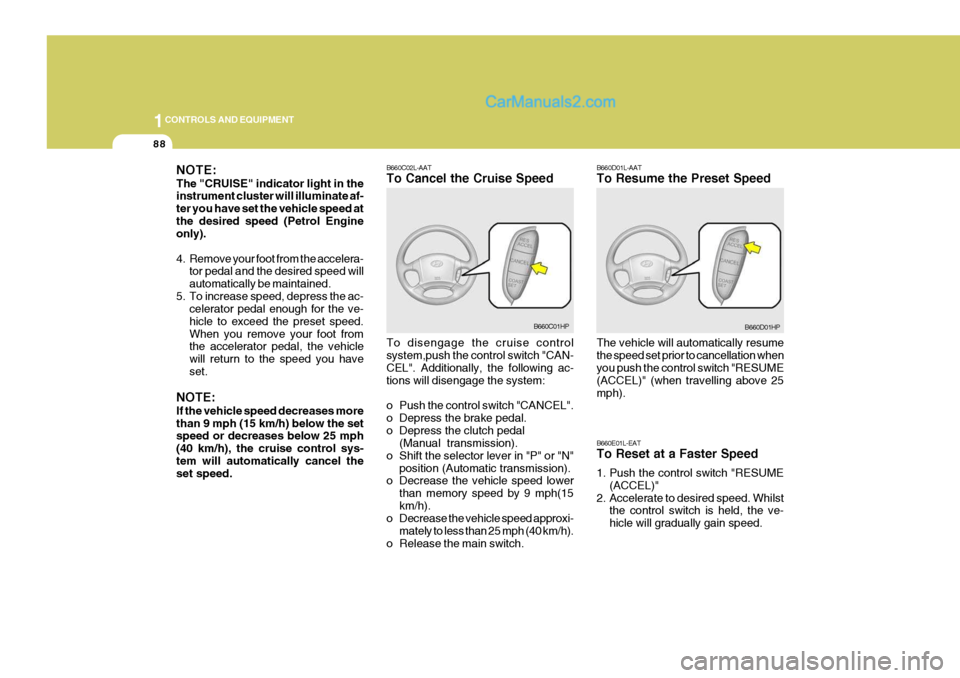
B660C02L-AAT To Cancel the Cruise Speed To disengage the cruise control system,push the control switch "CAN- CEL". Additionally, the following ac- tions will disengage the system:
o Push the control switch "CANCEL".
o Depress the brake pedal.
o Depress the clutch pedal(Manual transmission).
o Shift the selector lever in "P" or "N" position (Automatic transmission).
o Decrease the vehicle speed lower
than memory speed by 9 mph(15km/h).
o Decrease the vehicle speed approxi-
mately to less than 25 mph (40 km/h).
o Release the main switch.
B660C01HP B660D01L-AAT To Resume the Preset Speed The vehicle will automatically resume the speed set prior to cancellation when you push the control switch "RESUME (ACCEL)" (when travelling above 25mph). B660E01L-EAT To Reset at a Faster Speed
1. Push the control switch "RESUME
(ACCEL)"
2. Accelerate to desired speed. Whilst the control switch is held, the ve- hicle will gradually gain speed.B660D01HP
NOTE: The "CRUISE" indicator light in the instrument cluster will illuminate af- ter you have set the vehicle speed atthe desired speed (Petrol Engine only).
4. Remove your foot from the accelera-
tor pedal and the desired speed will automatically be maintained.
5. To increase speed, depress the ac- celerator pedal enough for the ve-hicle to exceed the preset speed.When you remove your foot from the accelerator pedal, the vehicle will return to the speed you haveset.
NOTE: If the vehicle speed decreases more than 9 mph (15 km/h) below the set speed or decreases below 25 mph (40 km/h), the cruise control sys-tem will automatically cancel the set speed.
Page 397 of 539
1
CONTROLS AND EQUIPMENT
89
!
B660F02L-EAT To Reset at a Slower Speed
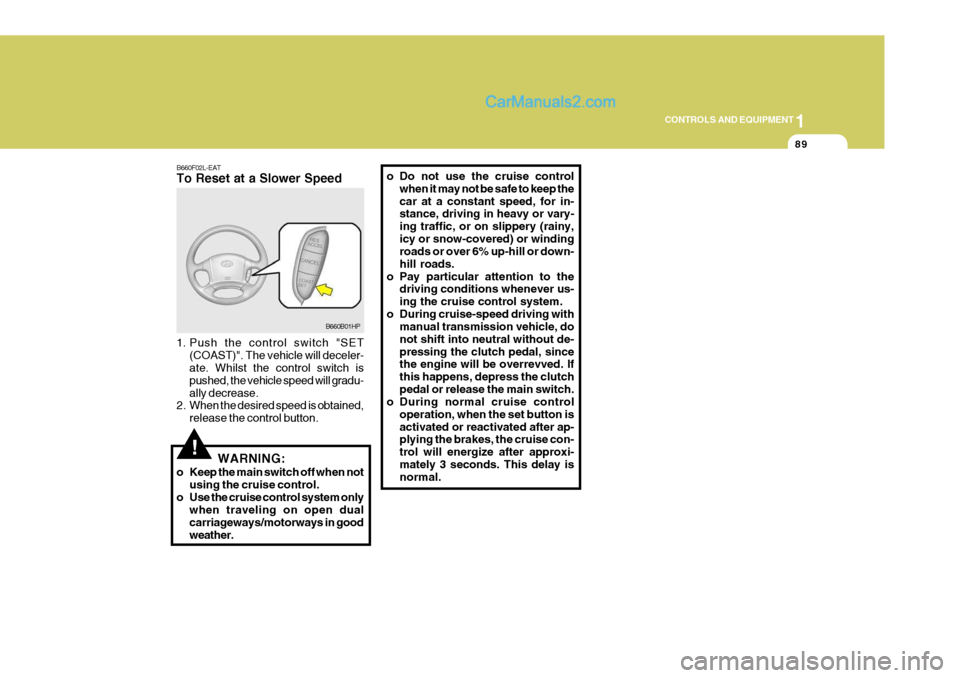
1. Push the control switch "SET
(COAST)". The vehicle will deceler- ate. Whilst the control switch is pushed, the vehicle speed will gradu-ally decrease.
2. When the desired speed is obtained,
release the control button. o Do not use the cruise control
when it may not be safe to keep thecar at a constant speed, for in- stance, driving in heavy or vary- ing traffic, or on slippery (rainy,icy or snow-covered) or winding roads or over 6% up-hill or down- hill roads.
o Pay particular attention to the driving conditions whenever us-ing the cruise control system.
o During cruise-speed driving with manual transmission vehicle, donot shift into neutral without de-pressing the clutch pedal, since the engine will be overrevved. If this happens, depress the clutchpedal or release the main switch.
o During normal cruise control
operation, when the set button isactivated or reactivated after ap- plying the brakes, the cruise con- trol will energize after approxi-mately 3 seconds. This delay is normal.
WARNING:
o Keep the main switch off when not using the cruise control.
o Use the cruise control system only when traveling on open dual carriageways/motorways in goodweather.
B660B01HP
Page 408 of 539
1CONTROLS AND EQUIPMENT
100
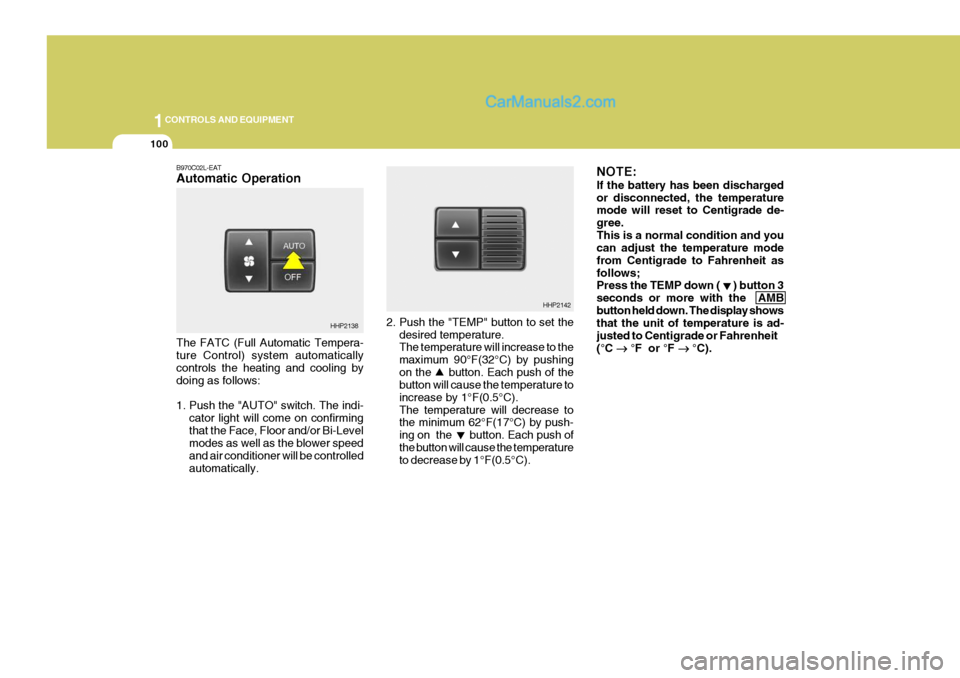
2. Push the "TEMP" button to set thedesired temperature. The temperature will increase to the maximum 90°F(32°C) by pushingon the button. Each push of the button will cause the temperature to increase by 1°F(0.5°C).The temperature will decrease to the minimum 62°F(17°C) by push- ing on the button. Each push ofthe button will cause the temperature to decrease by 1°F(0.5°C). NOTE: If the battery has been discharged or disconnected, the temperature mode will reset to Centigrade de- gree.This is a normal condition and you can adjust the temperature mode from Centigrade to Fahrenheit asfollows; Press the TEMP down ( ) button 3 seconds or more with the AMBbutton held down. The display shows that the unit of temperature is ad- justed to Centigrade or Fahrenheit(°C
°F or °F
°C).
HHP2142
B970C02L-EAT Automatic Operation The FATC (Full Automatic Tempera- ture Control) system automatically controls the heating and cooling by doing as follows:
1. Push the "AUTO" switch. The indi-
cator light will come on confirming that the Face, Floor and/or Bi-Level modes as well as the blower speed and air conditioner will be controlledautomatically.
HHP2138