phone Hyundai Tiburon 2006 Owner's Manual
[x] Cancel search | Manufacturer: HYUNDAI, Model Year: 2006, Model line: Tiburon, Model: Hyundai Tiburon 2006Pages: 266, PDF Size: 10.94 MB
Page 4 of 266
A070A01A-AAT
CAUTION: MODIFICATIONS TO YOUR HYUNDAI
Your Hyundai should not be modified in any way. Such modifications may adversely affect the performance, safety
or durability of your Hyundai and may, in addition, violate conditions of the limited warranties covering the vehicle.
Certain modifications may also be in violation of regulations established by the U.S. Department of Transportation
and other federal or state agencies.A080A01S-AAT
TWO-WAY RADIO OR CELLULAR TELEPHONE INSTALLATION
Your vehicle is equipped with electronic fuel injection and other electronic components. It is possible for an
improperly installed/adjusted two-way radio or cellular telephone to adversely affect electronic systems. For this
reason, we recommend that you carefully follow the radio manufacturer's instructions or consult your Hyundai
dealer for precautionary measures or special instructions if you choose to install one of these devices.
!
Page 75 of 266
1
FEATURES OF YOUR HYUNDAI
63
WARNING:
o Gasoline vapors are dangerous. Before
refueling, always stop the engine and
never smoke or allow sparks and open
flames near the filler area.
o Never operate your vehicle without a
filler cap properly installed, flammable
vapors and gasoline could leak out in
dangerous situations such as a collision
or rollover. If the filler cap must be
replaced, only use genuine Hyundai re-
placement parts.
o After refueling, make sure the fuel cap is
installed securely to prevent fuel spill-
age in the event of an accident
o Tighten the cap until it clicks, otherwise
the "
" light will illuminate
o If you open the fuel filler cap during high
ambient temperatures, a slight "pres-
sure sound" may be heard. This is nor-
mal and not a cause for concern.
Whenever you open the fuel filler cap,
turn it slowly.
o Do not "top off" after the nozzle auto-
matically shuts off when refueling.
o Automotive fuels are flammable/explo-
sive materials. When refueling, please
note the following guidelines carefully.
!
- Before touching the fuel nozzle or fuel
filler cap, have one's hands in contact
with metal parts away from the filler
neck to discharge static electricity.
- Do not get back in the vehicle while
refueling. Do not operate anything that
can produce static electricity. Static
electricity discharge can ignite fuel
vapors resulting in an explosion.
- When using a portable fuel container,
be sure to place the container on the
ground while refueling. Static electric-
ity discharge from the container can
ignite fuel vapors causing a fire. While
starting refueling, contact should be
maintained until the filling is complete.
- Do not use cellular phones around a
gas station. The electric current or elec-
tronic interference from cellular phones
can ignite fuel vapors causing a fire.
- When refueling, always turn the engine
off. Sparks by engine compartment
electrical equipment can ignite fuel
vapors causing a fire. After refueling,
check to make sure the fuel filler cap is
securely closed, and then start the
engine.
- Do not smoke or try to light cigarettes
around a gas station. Automotive fuels
are flammable.
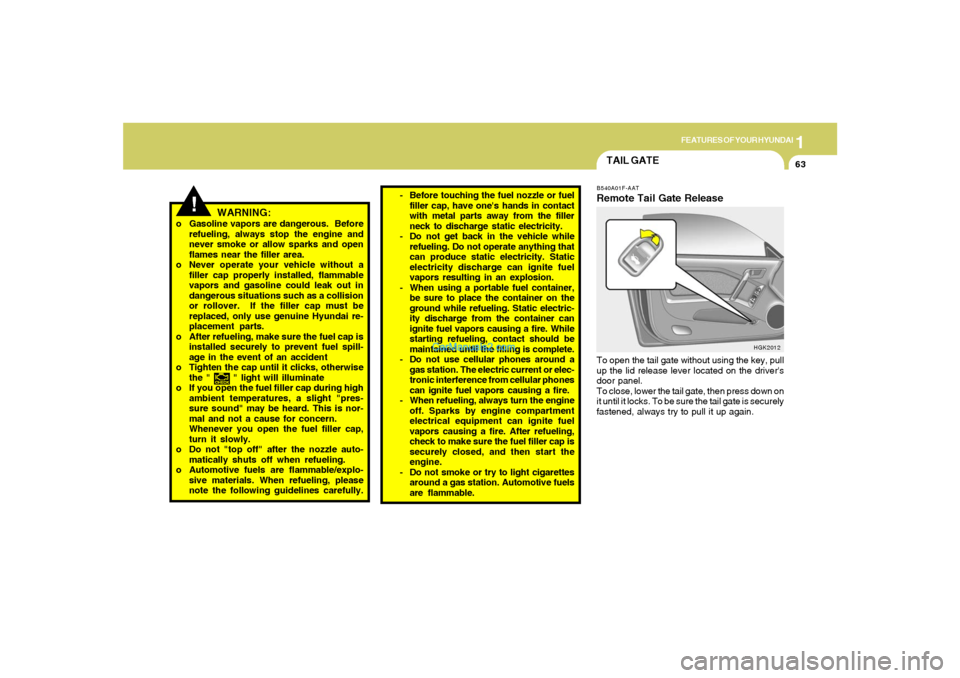
TAIL GATEB540A01F-AATRemote Tail Gate ReleaseTo open the tail gate without using the key, pull
up the lid release lever located on the driver's
door panel.
To close, lower the tail gate, then press down on
it until it locks. To be sure the tail gate is securely
fastened, always try to pull it up again.
HGK2012
Page 101 of 266
1
FEATURES OF YOUR HYUNDAI
89
B750A04L B750A05L
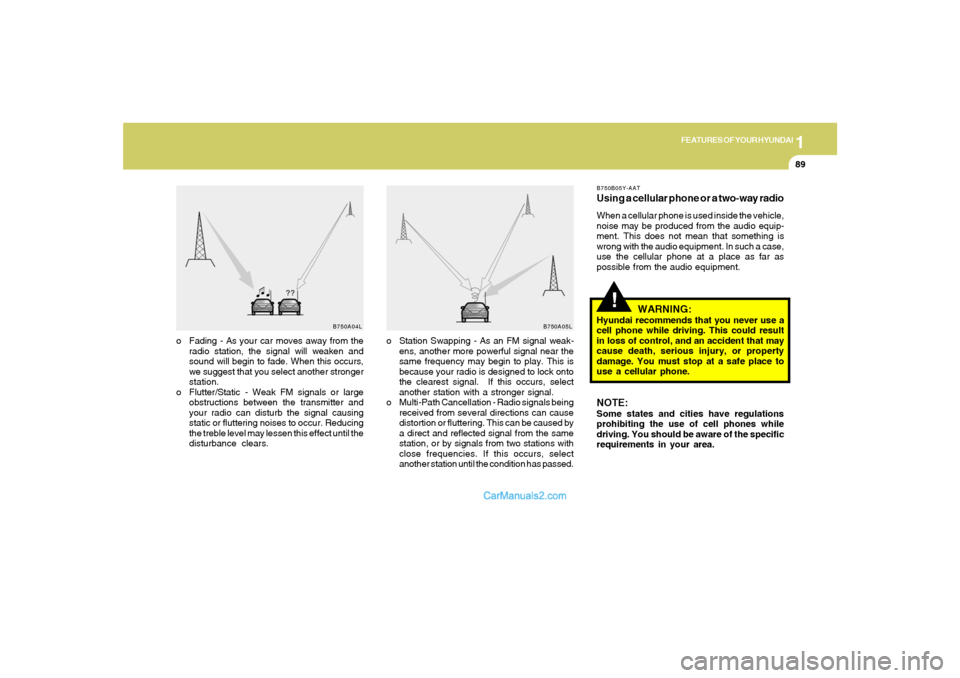
o Station Swapping - As an FM signal weak-
ens, another more powerful signal near the
same frequency may begin to play. This is
because your radio is designed to lock onto
the clearest signal. If this occurs, select
another station with a stronger signal.
o Multi-Path Cancellation - Radio signals being
received from several directions can cause
distortion or fluttering. This can be caused by
a direct and reflected signal from the same
station, or by signals from two stations with
close frequencies. If this occurs, select
another station until the condition has passed. o Fading - As your car moves away from the
radio station, the signal will weaken and
sound will begin to fade. When this occurs,
we suggest that you select another stronger
station.
o Flutter/Static - Weak FM signals or large
obstructions between the transmitter and
your radio can disturb the signal causing
static or fluttering noises to occur. Reducing
the treble level may lessen this effect until the
disturbance clears.
!
B750B05Y-AATUsing a cellular phone or a two-way radioWhen a cellular phone is used inside the vehicle,
noise may be produced from the audio equip-
ment. This does not mean that something is
wrong with the audio equipment. In such a case,
use the cellular phone at a place as far as
possible from the audio equipment.
WARNING:
Hyundai recommends that you never use a
cell phone while driving. This could result
in loss of control, and an accident that may
cause death, serious injury, or property
damage. You must stop at a safe place to
use a cellular phone.NOTE:Some states and cities have regulations
prohibiting the use of cell phones while
driving. You should be aware of the specific
requirements in your area.