spec HYUNDAI TUCSON 2023 Owners Manual
[x] Cancel search | Manufacturer: HYUNDAI, Model Year: 2023, Model line: TUCSON, Model: HYUNDAI TUCSON 2023Pages: 638, PDF Size: 26.51 MB
Page 379 of 638
Driver assistance system
7-16
CAUTION
Take the following precautions to
maintain optimal performance of the
detecting sensor:
• Never disassemble the detecting
sensor or sensor assembly, or apply
any impact on it.
• If the detecting sensors have been
replaced or repaired, have the
vehicle inspected by an authorized
HYUNDAI dealer.
• Never install any accessories or
stickers on the front windshield, or
tint the front windshield.
• Pay extreme caution to keep the
front view camera dry.
• Never place any reflective objects
(i.e. white paper, mirror) over the
dashboard.
• Do not apply license plate frame or
objects, such as a bumper sticker,
film or a bumper guard, near the
front radar cover.
• Always keep the front radar and
cover clean and free of dirt and
debris.
Use only a soft cloth to wash the
vehicle. Do not spray pressurized
water directly on the sensor or
sensor cover. •
If unnecessary force has been
applied to the radar or around the
radar, Forward Collision-Avoidance
Assist may not properly operate even
though a warning message does
not appear on the cluster. Have the
vehicle inspected by an authorized
HYUNDAI dealer.
• Use only genuine parts to repair or
replace a damaged front radar cover.
Do not apply paint to the front radar
cover.
Page 380 of 638
07
7-17
Forward Collision-Avoidance
Assist Settings
Setting features
OTM070090N
Forward Safety
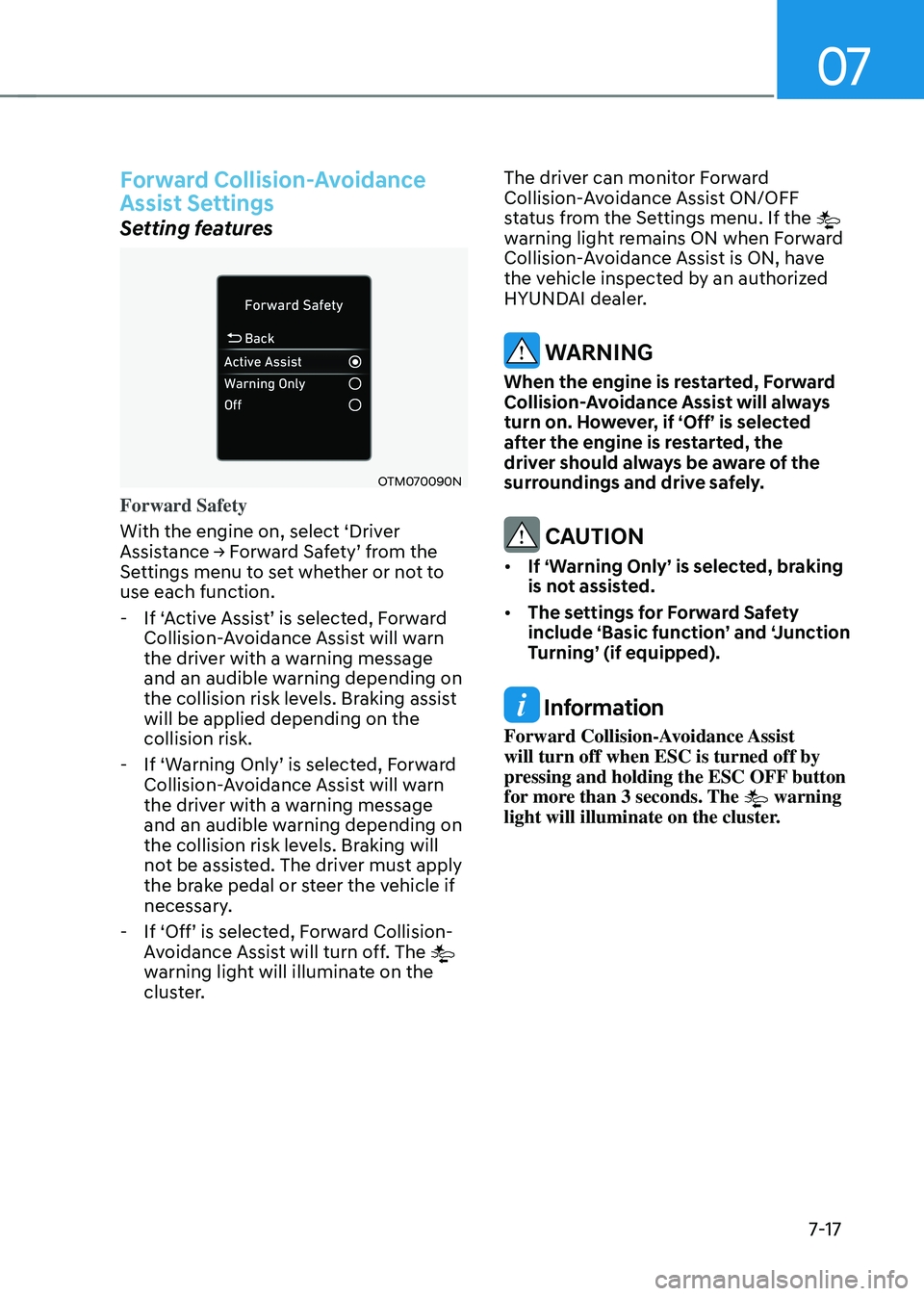
With the engine on, select ‘Driver
Assistance → Forward Safety’ from the Settings menu to set whether or not to
use each function.
-If ‘Active Assist’ is selected, Forward Collision-Avoidance Assist will warn
the driver with a warning message
and an audible warning depending on
the collision risk levels. Braking assist
will be applied depending on the
collision risk.
-If ‘Warning Only’ is selected, Forward Collision-Avoidance Assist will warn
the driver with a warning message
and an audible warning depending on
the collision risk levels. Braking will
not be assisted. The driver must apply
the brake pedal or steer the vehicle if
necessary.
-If ‘Off’ is selected, Forward Collision-Avoidance Assist will turn off. The
warning light will illuminate on the
cluster. The driver can monitor Forward
Collision-Avoidance Assist ON/OFF
status from the Settings menu. If the
warning light remains ON when Forward
Collision-Avoidance Assist is ON, have
the vehicle inspected by an authorized
HYUNDAI dealer.
WARNING
When the engine is restarted, Forward
Collision-Avoidance Assist will always
turn on. However, if ‘Off’ is selected
after the engine is restarted, the
driver should always be aware of the
surroundings and drive safely.
CAUTION
• If ‘Warning Only’ is selected, braking
is not assisted.
• The settings for Forward Safety
include ‘Basic function’ and ‘Junction
Turning’ (if equipped).
Information
Forward Collision-Avoidance Assist
will turn off when ESC is turned off by
pressing and holding the ESC OFF button
for more than 3 seconds. The
warning
light will illuminate on the cluster.
Page 386 of 638
07
7-23
CAUTION
• Forward Collision-Avoidance
Assist operating speed range may
reduce due to the conditions of
the vehicle or pedestrian in front
or surroundings. Depending on the
speed, Forward Collision-Avoidance
Assist may only warn the driver, or it
may not operate.
• Forward Collision-Avoidance Assist
will operate under certain conditions
by judging the risk level based on
the condition of the oncoming
vehicle, driving direction, speed and
surroundings.
Information
In a situation where collision is imminent,
braking may be assisted by Forward
Collision-Avoidance Assist when braking
is insufficient by the driver.
Forward Collision-Avoidance
Assist Malfunction and
Limitations
Forward Collision-Avoidance Assist
malfunction
„„Type A„„Type B
OTM070094NOTM070094L
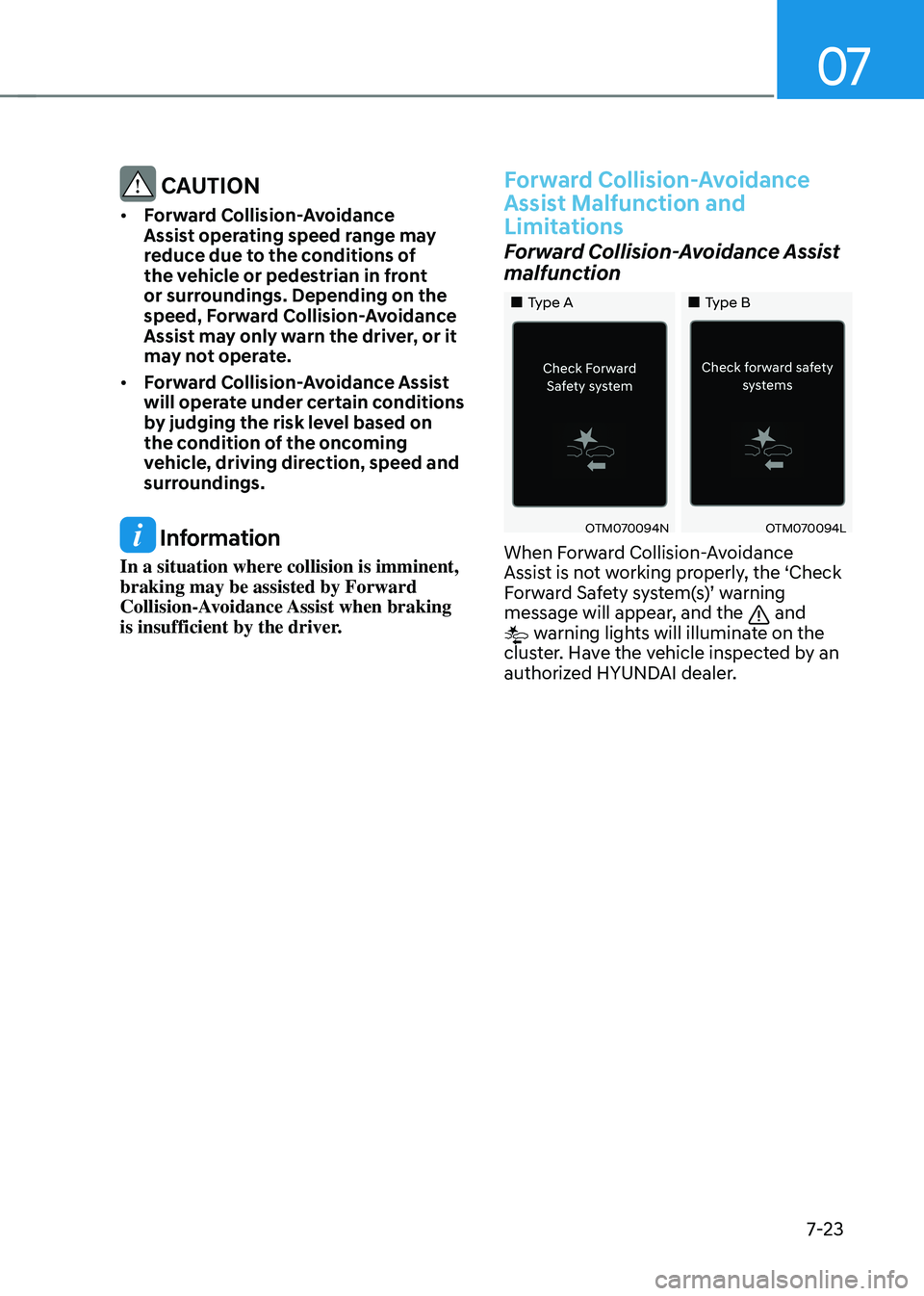
When Forward Collision-Avoidance
Assist is not working properly, the ‘Check
Forward Safety system(s)’ warning message will appear, and the and warning lights will illuminate on the
cluster. Have the vehicle inspected by an
authorized HYUNDAI dealer.
Page 387 of 638
Driver assistance system
7-24
Forward Collision-Avoidance Assist
disabled
OTM070093NOTM070095N
When the front windshield where the
front view camera is located, front radar
cover or sensor is covered with foreign
material, such as snow or rain, it can
reduce the detecting performance and
temporarily limit or disable Forward
Collision-Avoidance Assist.
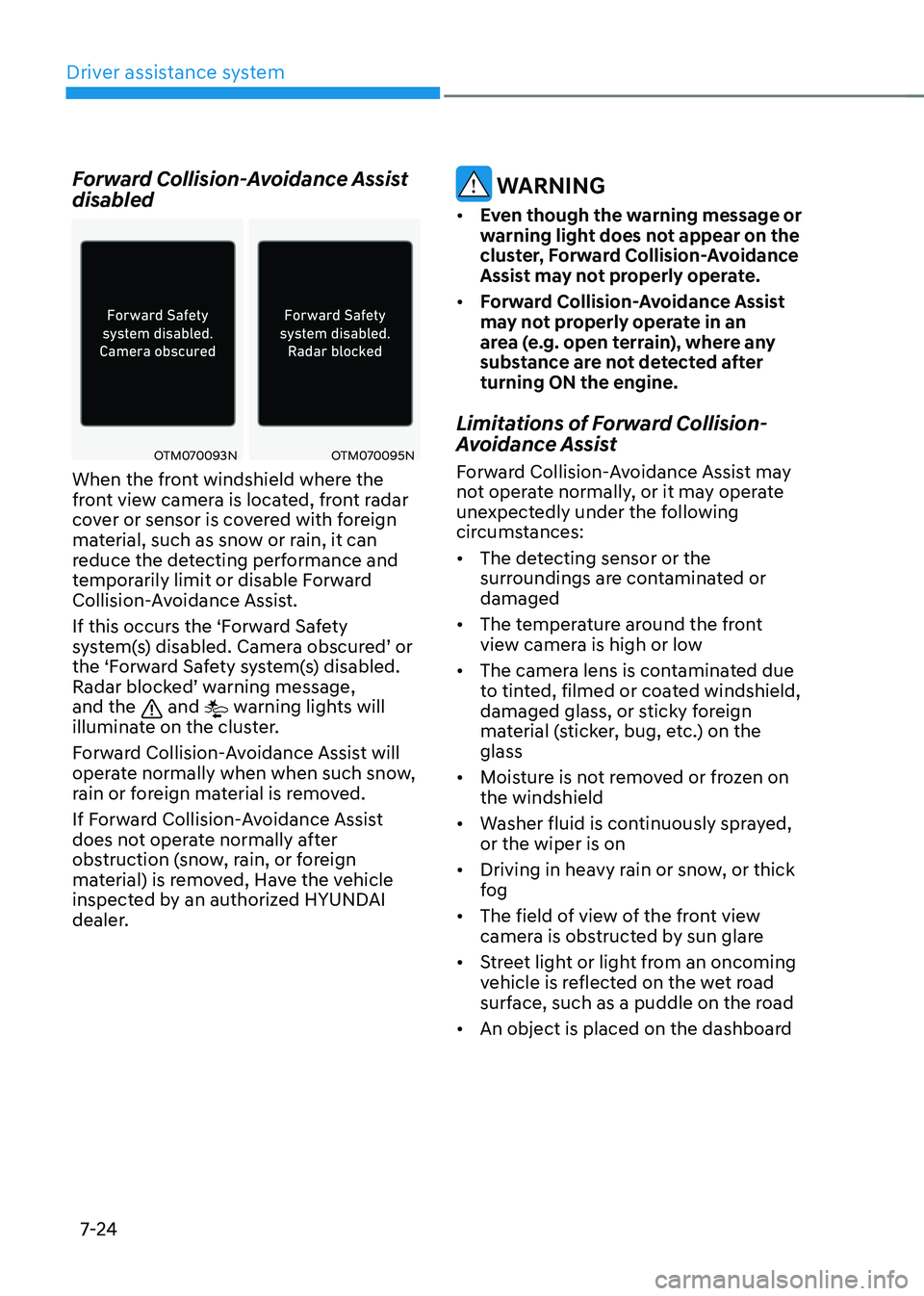
If this occurs the ‘Forward Safety
system(s) disabled. Camera obscured’ or the ‘Forward Safety system(s) disabled. Radar blocked’ warning message, and the and warning lights will
illuminate on the cluster.
Forward Collision-Avoidance Assist will
operate normally when when such snow,
rain or foreign material is removed.
If Forward Collision-Avoidance Assist
does not operate normally after
obstruction (snow, rain, or foreign
material) is removed, Have the vehicle
inspected by an authorized HYUNDAI
dealer.
WARNING
• Even though the warning message or
warning light does not appear on the
cluster, Forward Collision-Avoidance
Assist may not properly operate.
• Forward Collision-Avoidance Assist
may not properly operate in an
area (e.g. open terrain), where any
substance are not detected after
turning ON the engine.
Limitations of Forward Collision-
Avoidance Assist
Forward Collision-Avoidance Assist may
not operate normally, or it may operate
unexpectedly under the following
circumstances:
• The detecting sensor or the
surroundings are contaminated or
damaged
• The temperature around the front
view camera is high or low
• The camera lens is contaminated due
to tinted, filmed or coated windshield,
damaged glass, or sticky foreign
material (sticker, bug, etc.) on the
glass
• Moisture is not removed or frozen on
the windshield
• Washer fluid is continuously sprayed,
or the wiper is on
• Driving in heavy rain or snow, or thick
fog
• The field of view of the front view
camera is obstructed by sun glare
• Street light or light from an oncoming
vehicle is reflected on the wet road
surface, such as a puddle on the road
• An object is placed on the dashboard
Page 392 of 638
![HYUNDAI TUCSON 2023 Owners Manual 07
7-29
OADAS031[A] : Your vehicle, [B] : Lane changing vehicle,
[C] : Same lane vehicle
When a vehicle in front of you
merges out of the lane, Forward
Collision-Avoidance Assist may not
immediate](/img/35/56195/w960_56195-391.png "HYUNDAI TUCSON 2023 Owners Manual 07
7-29
OADAS031[A] : Your vehicle, [B] : Lane changing vehicle,
[C] : Same lane vehicle
When a vehicle in front of you
merges out of the lane, Forward
Collision-Avoidance Assist may not
immediate")
07
7-29
OADAS031[A] : Your vehicle, [B] : Lane changing vehicle,
[C] : Same lane vehicle
When a vehicle in front of you
merges out of the lane, Forward
Collision-Avoidance Assist may not
immediately detect the vehicle that
is now in front of you. In this case,
you must maintain a safe braking
distance, and if necessary, steer your
vehicle and depress the brake pedal
to reduce your driving speed in order
to maintain a safe distance.•
Detecting vehicle
ONX4E070008
If the vehicle in front of you has
cargo that extends rearward from
the cab, or when the vehicle in front
of you has higher ground clearance,
additional special attention is
required. Forward Collision-
Avoidance Assist may not be able
to detect the cargo extending from
the vehicle. In these instances,
you must maintain a safe braking
distance from the rearmost object,
and if necessary, steer your vehicle
and depress the brake pedal to
reduce your driving speed in order to
maintain distance.
Page 398 of 638
07
7-35
Lane Keeping Assist Malfunction
and Limitations
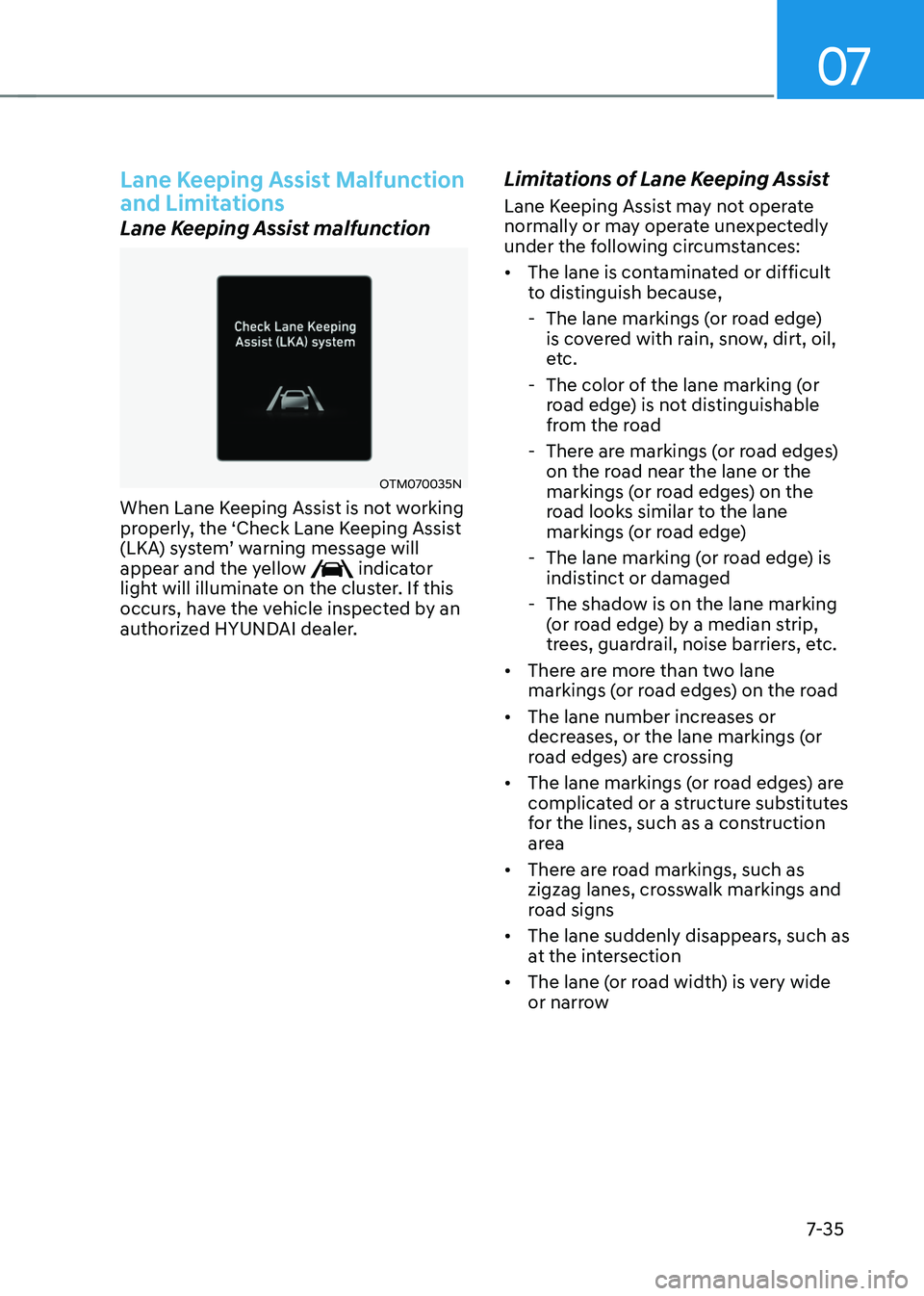
Lane Keeping Assist malfunction
OTM070035N
When Lane Keeping Assist is not working
properly, the ‘Check Lane Keeping Assist
(LKA) system’ warning message will appear and the yellow indicator
light will illuminate on the cluster. If this
occurs, have the vehicle inspected by an
authorized HYUNDAI dealer.
Limitations of Lane Keeping Assist
Lane Keeping Assist may not operate
normally or may operate unexpectedly
under the following circumstances:
• The lane is contaminated or difficult
to distinguish because,
-The lane markings (or road edge)
is covered with rain, snow, dirt, oil,
etc.
-The color of the lane marking (or
road edge) is not distinguishable
from the road
-There are markings (or road edges)
on the road near the lane or the
markings (or road edges) on the
road looks similar to the lane
markings (or road edge)
-The lane marking (or road edge) is
indistinct or damaged
-The shadow is on the lane marking
(or road edge) by a median strip,
trees, guardrail, noise barriers, etc.
• There are more than two lane
markings (or road edges) on the road
• The lane number increases or
decreases, or the lane markings (or
road edges) are crossing
• The lane markings (or road edges) are
complicated or a structure substitutes
for the lines, such as a construction
area
• There are road markings, such as
zigzag lanes, crosswalk markings and
road signs
• The lane suddenly disappears, such as
at the intersection
• The lane (or road width) is very wide
or narrow
Page 402 of 638
07
7-39
CAUTION
Take the following precautions to
maintain optimal performance of the
detecting sensor:
• Never disassemble the rear corner
radar or radar assembly, or apply any
impact on it.
• If there is impact on the rear corner
radar or near the radar, even though
the warning message does not
appear on the cluster, Blind-Spot
Safety system may not operate
properly. Have the vehicle inspected
by an authorized HYUNDAI dealer.
• If the rear corner radars have been
replaced or repaired, have the
vehicle inspected by an authorized
HYUNDAI dealer.
• Use only genuine parts to repair the
rear bumper where the rear corner
radar is located.
• Do not apply license plate frame or
objects, such as a bumper sticker,
film or a bumper guard near the rear
corner radar.
• The system may not work properly
if the bumper has been replaced, or
the surroundings of the rear corner
radar has been damaged or paint has
been applied.
• If a trailer, carrier, etc. is installed,
it may adversely affect the
performance of the rear corner radar
or the system may not operate.
For more details on the precautions
of the front view camera, refer to
“Forward Collision-Avoidance Assist
(FCA)” section in chapter 7.
Blind- Spot Safety System
Settings
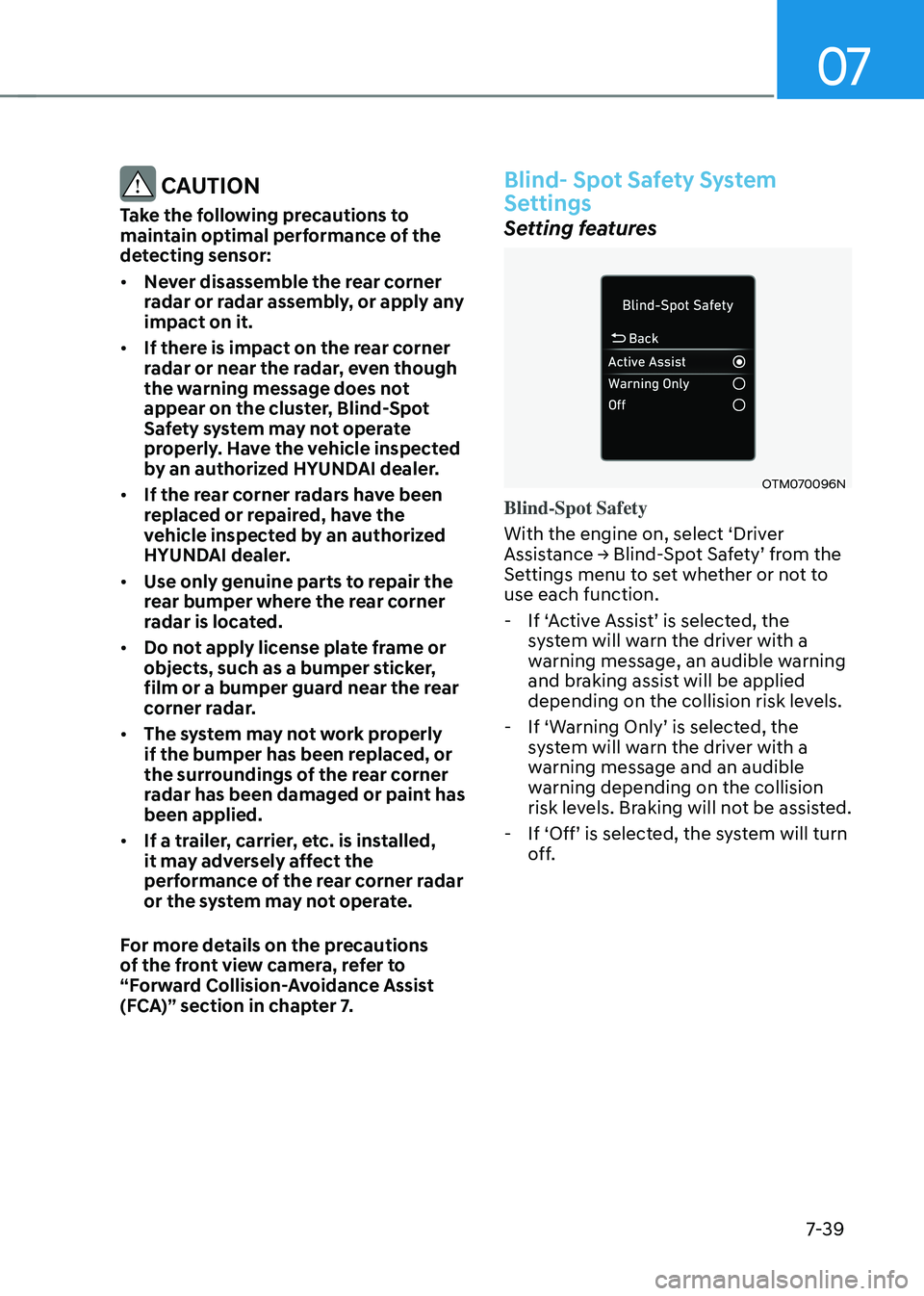
Setting features
OTM070096N
Blind-Spot Safety
With the engine on, select ‘Driver
Assistance → Blind-Spot Safety’ from the Settings menu to set whether or not to
use each function.
-If ‘Active Assist’ is selected, the system will warn the driver with a
warning message, an audible warning
and braking assist will be applied
depending on the collision risk levels.
-If ‘Warning Only’ is selected, the system will warn the driver with a
warning message and an audible
warning depending on the collision
risk levels. Braking will not be assisted.
-If ‘Off’ is selected, the system will turn off.
Page 409 of 638
Driver assistance system
7-46
Blind- Spot Safety System
Malfunction and Limitations
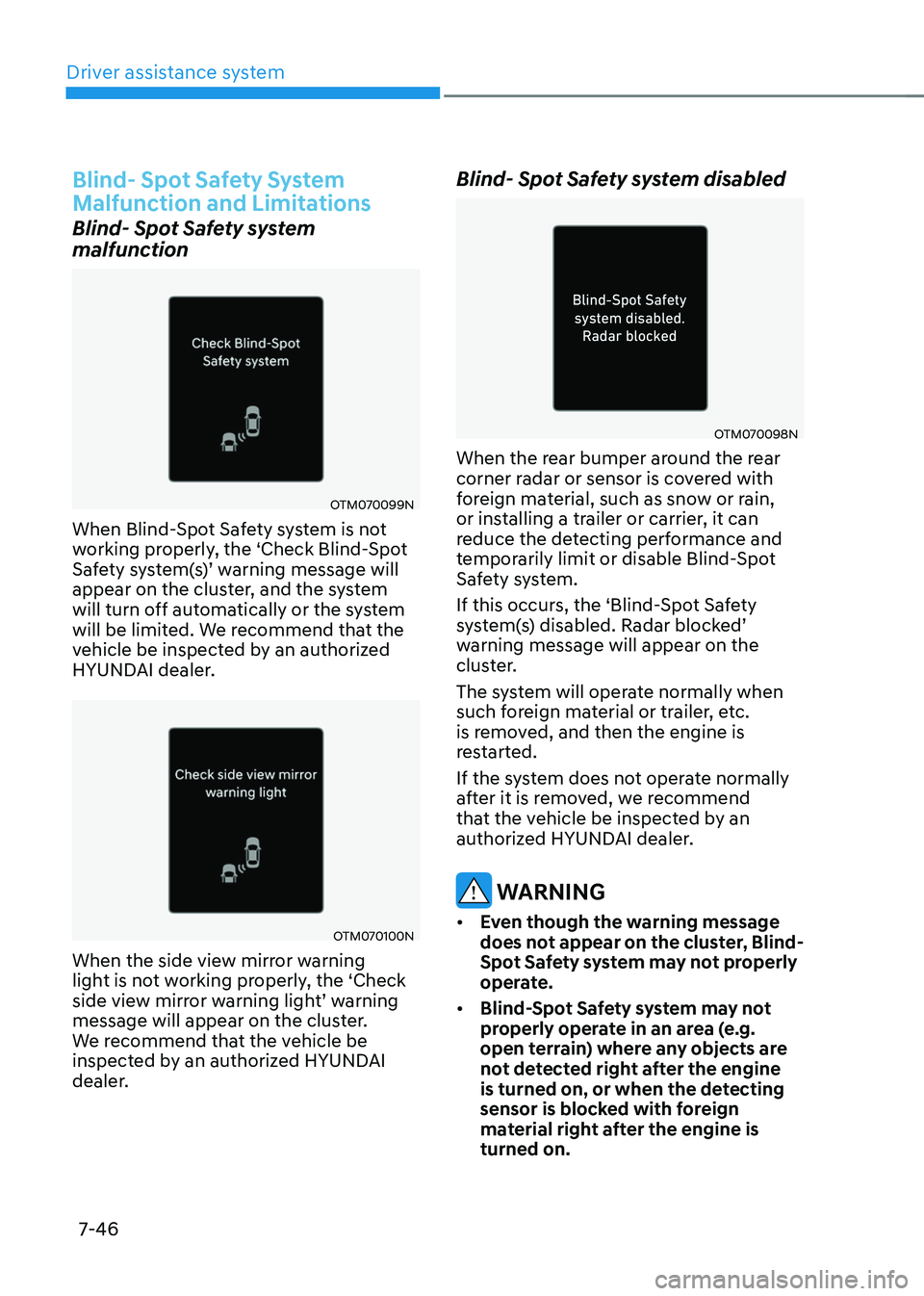
Blind- Spot Safety system
malfunction
OTM070099N
When Blind-Spot Safety system is not
working properly, the ‘Check Blind-Spot
Safety system(s)’ warning message will appear on the cluster, and the system
will turn off automatically or the system
will be limited. We recommend that the
vehicle be inspected by an authorized
HYUNDAI dealer.
OTM070100N
When the side view mirror warning
light is not working properly, the ‘Check
side view mirror warning light’ warning message will appear on the cluster.
We recommend that the vehicle be
inspected by an authorized HYUNDAI
dealer.
Blind- Spot Safety system disabled
OTM070098N
When the rear bumper around the rear
corner radar or sensor is covered with
foreign material, such as snow or rain,
or installing a trailer or carrier, it can
reduce the detecting performance and
temporarily limit or disable Blind-Spot
Safety system.
If this occurs, the ‘Blind-Spot Safety
system(s) disabled. Radar blocked’ warning message will appear on the
cluster.
The system will operate normally when
such foreign material or trailer, etc.
is removed, and then the engine is
restarted.
If the system does not operate normally
after it is removed, we recommend
that the vehicle be inspected by an
authorized HYUNDAI dealer.
WARNING
• Even though the warning message
does not appear on the cluster, Blind-
Spot Safety system may not properly
operate.
• Blind-Spot Safety system may not
properly operate in an area (e.g.
open terrain) where any objects are
not detected right after the engine
is turned on, or when the detecting
sensor is blocked with foreign
material right after the engine is
turned on.
Page 418 of 638
07
7-55
Safe Exit Warning Malfunction
and Limitations
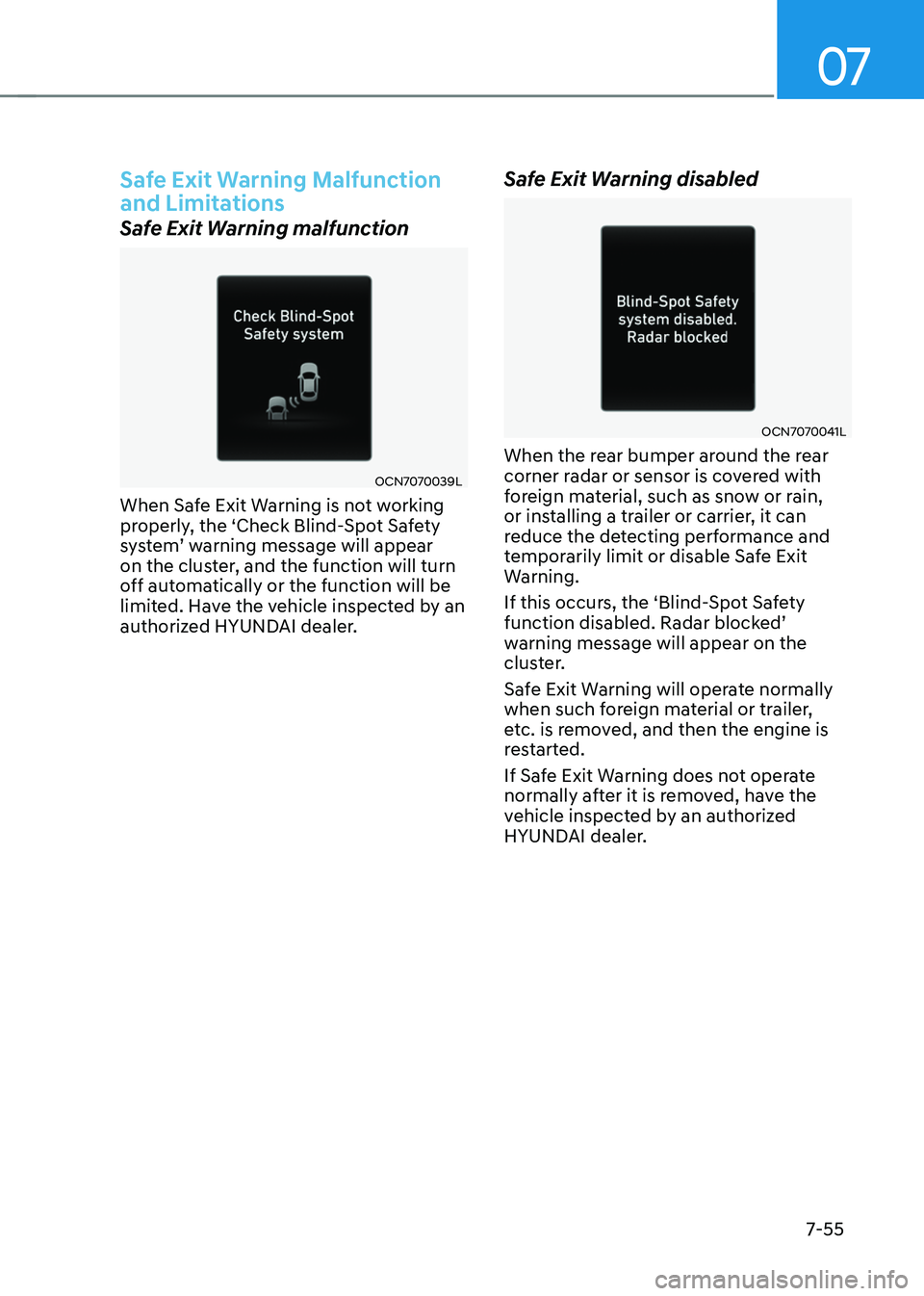
Safe Exit Warning malfunction
OCN7070039L
When Safe Exit Warning is not working
properly, the ‘Check Blind-Spot Safety
system’ warning message will appear on the cluster, and the function will turn
off automatically or the function will be
limited. Have the vehicle inspected by an
authorized HYUNDAI dealer.
Safe Exit Warning disabled
OCN7070041L
When the rear bumper around the rear
corner radar or sensor is covered with
foreign material, such as snow or rain,
or installing a trailer or carrier, it can
reduce the detecting performance and
temporarily limit or disable Safe Exit
Warning.
If this occurs, the ‘Blind-Spot Safety
function disabled. Radar blocked’ warning message will appear on the
cluster.
Safe Exit Warning will operate normally
when such foreign material or trailer,
etc. is removed, and then the engine is
restarted.
If Safe Exit Warning does not operate
normally after it is removed, have the
vehicle inspected by an authorized
HYUNDAI dealer.
Page 420 of 638
07
7-57
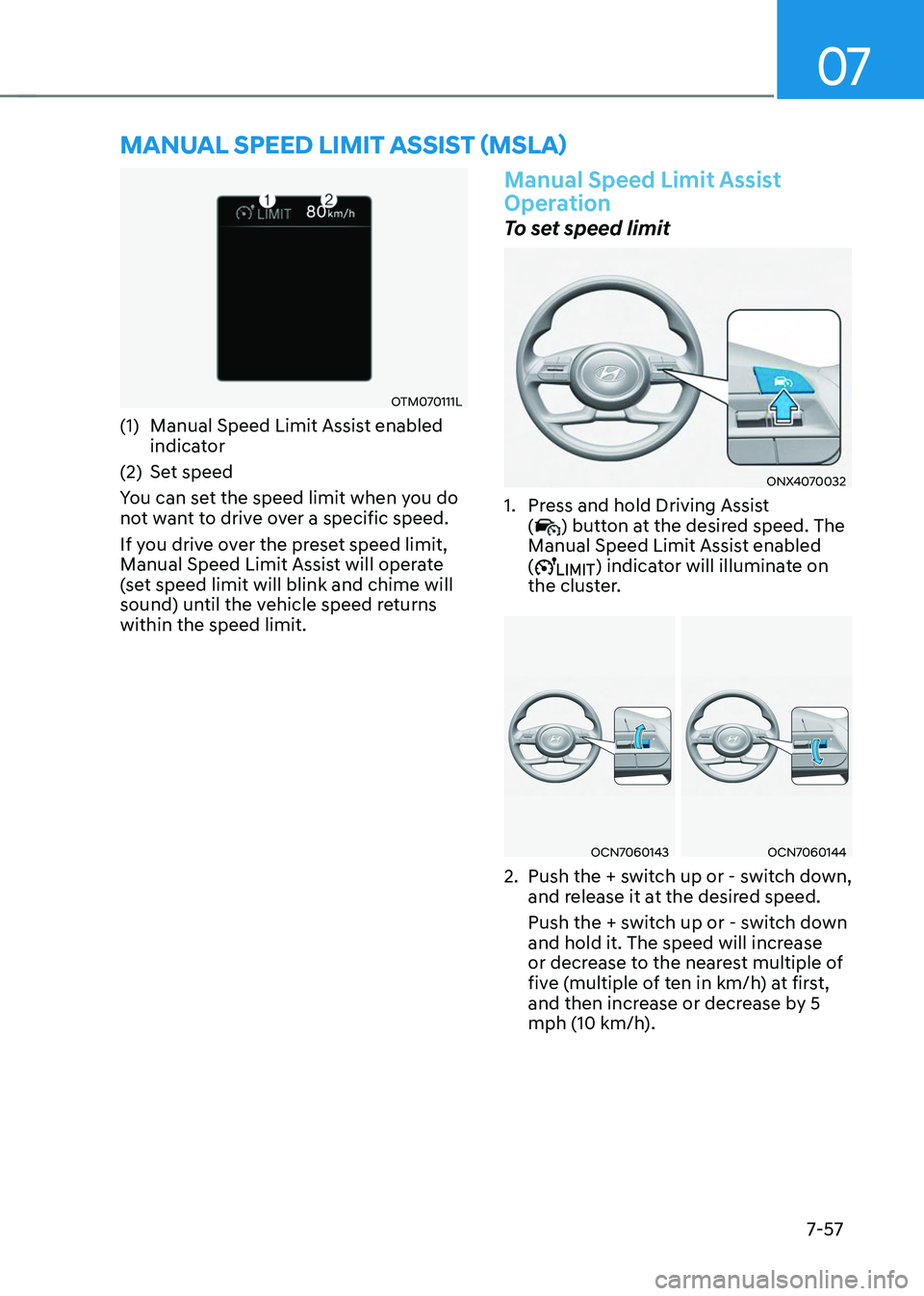
MANUAL SPEED LIMIT ASSIST (MSLA)
OTM070111L
(1) Manual Speed Limit Assist enabled
indicator
(2) Set speed
You can set the speed limit when you do
not want to drive over a specific speed.
If you drive over the preset speed limit,
Manual Speed Limit Assist will operate
(set speed limit will blink and chime will
sound) until the vehicle speed returns
within the speed limit.
Manual Speed Limit Assist
Operation
To set speed limit
ONX4070032
1. Press and hold Driving Assist
() button at the desired speed. The
Manual Speed Limit Assist enabled
(
) indicator will illuminate on
the cluster.
OCN7060143OCN7060144
2. Push the + switch up or - switch down,
and release it at the desired speed.
Push the + switch up or - switch down
and hold it. The speed will increase
or decrease to the nearest multiple of
five (multiple of ten in km/h) at first,
and then increase or decrease by 5
mph (10 km/h).