spec HYUNDAI TUCSON 2023 Owners Manual
[x] Cancel search | Manufacturer: HYUNDAI, Model Year: 2023, Model line: TUCSON, Model: HYUNDAI TUCSON 2023Pages: 638, PDF Size: 26.51 MB
Page 478 of 638
07
7-115
Rear View Monitor Malfunction
and Limitations
Rear View Monitor malfunction
When Rear View Monitor is not working
properly, or the screen flickers, or the
camera image does not display normally,
have the vehicle inspected by an
authorized HYUNDAI dealer.
Limitations of Rear View Monitor
When the vehicle is stopped for a long
time in winter or when the vehicle is
parked in an indoor parking lot, the
exhaust fumes may temporarily blur the
image.
WARNING
• The rear view camera does not
cover the complete area behind the
vehicle. The driver should always
check the rear area directly through
the inside and side view mirror
before parking or backing up.
• The image shown on the screen may
differ from the actual distance of the
object. Make sure to directly check
the vehicle's surroundings for safety.
• Always keep the rear view camera
lens clean. If the lens is covered with
foreign material, it may adversely
affect camera performance and
Rear View Monitor may not operate
normally. However, do not use
chemical solvents such as strong
detergents containing high alkaline
or volatile organic solvents (gasoline,
acetone etc.). This may damage the
camera lens.
Page 483 of 638
Driver assistance system7-120
Rear view
The rear image is displayed on the screen
when the gear is in R (Revers) or P (Park)
to assist in parking. The rear view has a
top view/rear view/side view/3D view.
Operating conditions
• Shift the gear to R (Reverse), the
image will appear on the screen.
• Press the Parking/View button (1)
while the gear is in P (Park), the image
will appear on the screen.
Off conditions
• The image cannot be turned off when
the gear is in R (Reverse).
• Shift the gear from R (Reverse) to P
(Park), the image will turn off.
• Press the Parking/View button (1)
again while the gear is in P (Park) with
the image on the screen.
Surround View Monitor
Malfunction and Limitations
Surround View Monitor malfunction
When Surround View Monitor is not
working properly, or the screen flickers,
or the camera image does not display
normally, we recommend that the
vehicle be inspected by an authorized
HYUNDAI dealer.
Limitations of Surround View
Monitor
• When the vehicle is stopped for a long
time in winter or when the vehicle is
parked in an indoor parking lot, the
exhaust fumes may temporarily blur
the image.
• The screen may be displayed
abnormally, and an icon will appear at
the top left side of the screen under
the following circumstances:
-The liftgate is opened
-The driver or front passenger door
is opened
-The side view mirror is folded
Page 491 of 638
Driver assistance system
7-128
Rear Cross-Traffic Safety System
Malfunction and Limitations
Rear Cross-Traffic Safety system
malfunction
OTM070125N
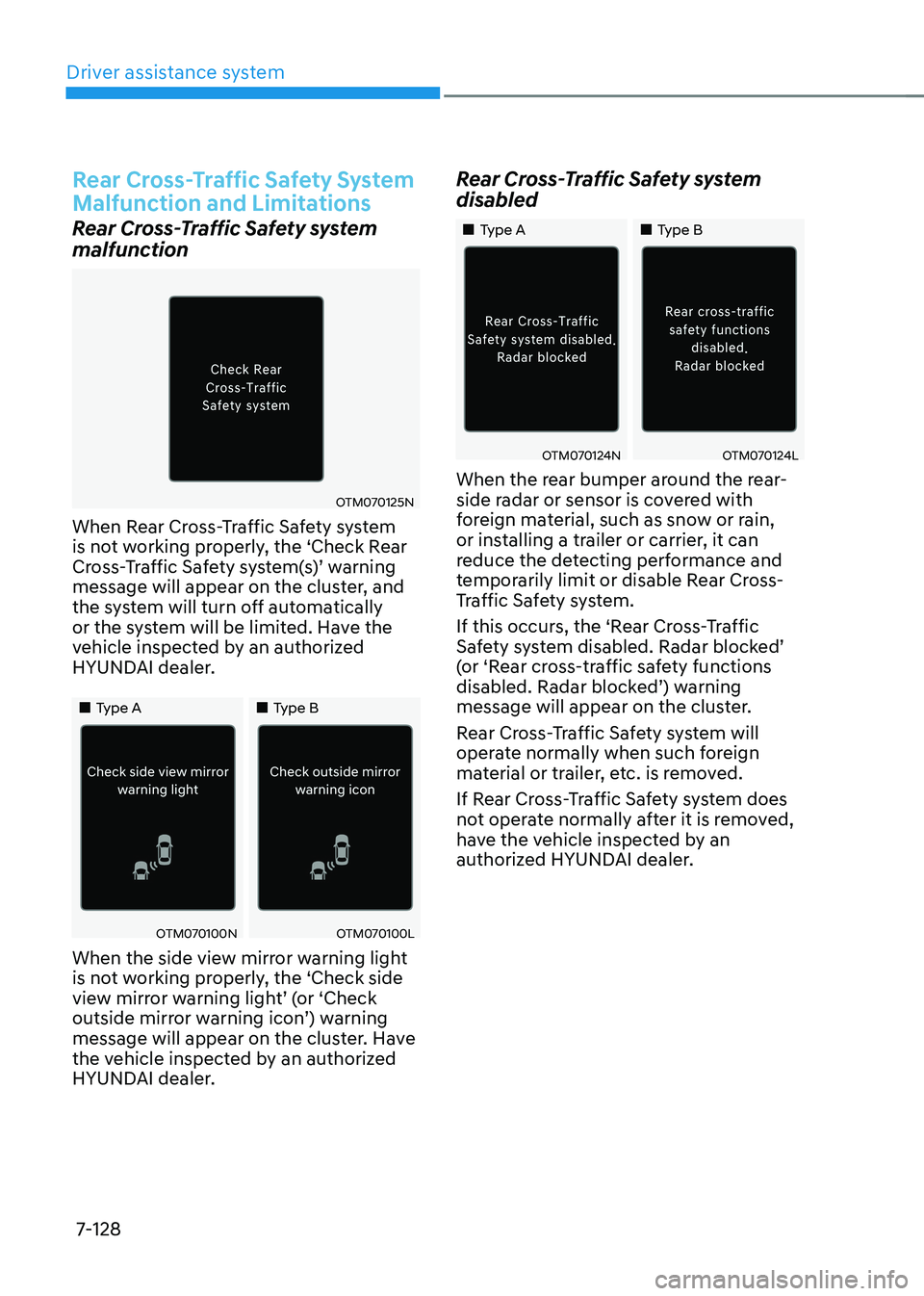
When Rear Cross-Traffic Safety system
is not working properly, the ‘Check Rear
Cross-Traffic Safety system(s)’ warning message will appear on the cluster, and
the system will turn off automatically
or the system will be limited. Have the
vehicle inspected by an authorized
HYUNDAI dealer.
„„Type A„„Type B
OTM070100NOTM070100L
When the side view mirror warning light
is not working properly, the ‘Check side
view mirror warning light’ (or ‘Check outside mirror warning icon’) warning message will appear on the cluster. Have
the vehicle inspected by an authorized
HYUNDAI dealer.
Rear Cross-Traffic Safety system
disabled
„„Type A„„Type B
OTM070124NOTM070124L
When the rear bumper around the rear-
side radar or sensor is covered with
foreign material, such as snow or rain,
or installing a trailer or carrier, it can
reduce the detecting performance and
temporarily limit or disable Rear Cross-
Traffic Safety system.
If this occurs, the ‘Rear Cross-Traffic
Safety system disabled. Radar blocked’ (or ‘Rear cross-traffic safety functions disabled. Radar blocked’) warning message will appear on the cluster.
Rear Cross-Traffic Safety system will
operate normally when such foreign
material or trailer, etc. is removed.
If Rear Cross-Traffic Safety system does
not operate normally after it is removed,
have the vehicle inspected by an
authorized HYUNDAI dealer.
Page 497 of 638
Driver assistance system
7-134
Reverse Parking Distance Warning
• Reverse Parking Distance Warning
will operate when the gear is in R
(Reverse).
• Reverse Parking Distance Warning
helps detect a person, animal or
object in the rear when the vehicle’s rearward speed is below 6 mph (10
km/h).
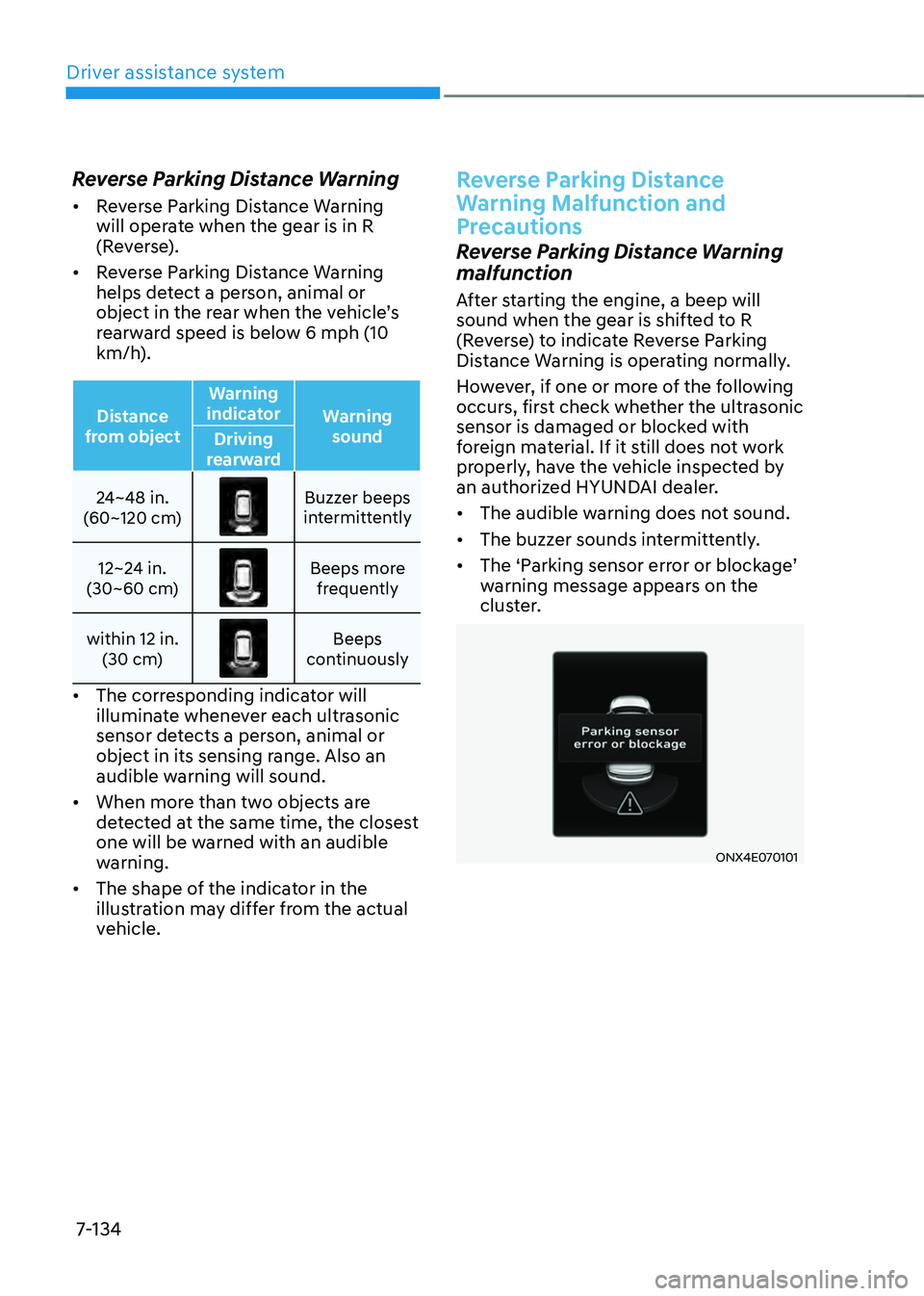
Distance
from object Warning
indicator Warning
sound
Driving
rearward
24~48 in.
(60~120 cm)
Buzzer beeps intermittently
12~24 in.
(30~60 cm)
Beeps more frequently
within 12 in. (30 cm)
Beeps continuously
• The corresponding indicator will
illuminate whenever each ultrasonic
sensor detects a person, animal or
object in its sensing range. Also an
audible warning will sound.
• When more than two objects are
detected at the same time, the closest
one will be warned with an audible
warning.
• The shape of the indicator in the
illustration may differ from the actual
vehicle.
Reverse Parking Distance
Warning Malfunction and
Precautions
Reverse Parking Distance Warning
malfunction
After starting the engine, a beep will
sound when the gear is shifted to R
(Reverse) to indicate Reverse Parking
Distance Warning is operating normally.
However, if one or more of the following
occurs, first check whether the ultrasonic
sensor is damaged or blocked with
foreign material. If it still does not work
properly, have the vehicle inspected by
an authorized HYUNDAI dealer.
• The audible warning does not sound.
• The buzzer sounds intermittently.
•
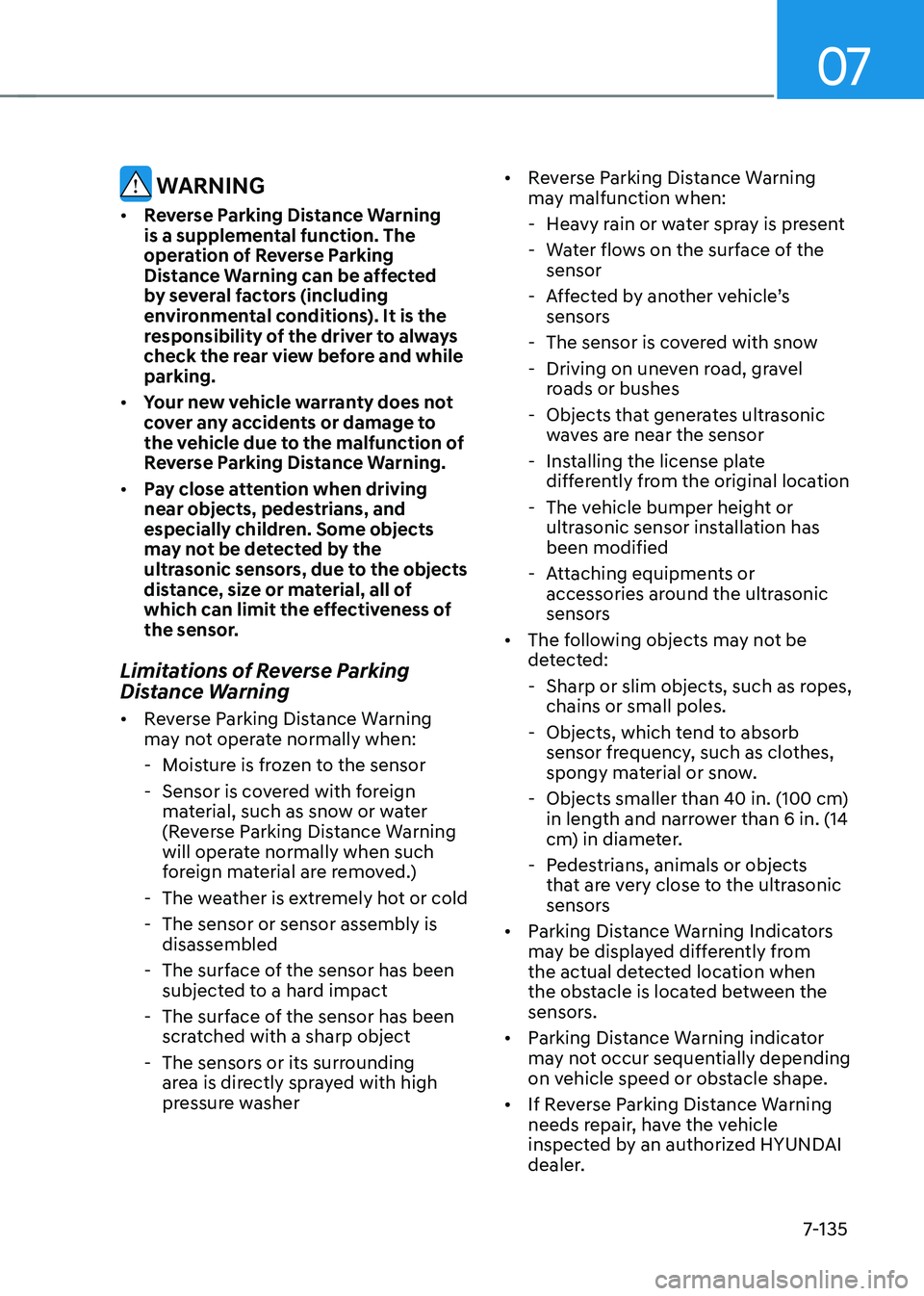
The ‘Parking sensor error or blockage’ warning message appears on the
cluster.
ONX4E070101
Page 498 of 638
07
7-135
WARNING
• Reverse Parking Distance Warning
is a supplemental function. The
operation of Reverse Parking
Distance Warning can be affected
by several factors (including
environmental conditions). It is the
responsibility of the driver to always
check the rear view before and while
parking.
• Your new vehicle warranty does not
cover any accidents or damage to
the vehicle due to the malfunction of
Reverse Parking Distance Warning.
• Pay close attention when driving
near objects, pedestrians, and
especially children. Some objects
may not be detected by the
ultrasonic sensors, due to the objects
distance, size or material, all of
which can limit the effectiveness of
the sensor.
Limitations of Reverse Parking
Distance Warning
• Reverse Parking Distance Warning
may not operate normally when:
-Moisture is frozen to the sensor
-Sensor is covered with foreign
material, such as snow or water
(Reverse Parking Distance Warning
will operate normally when such
foreign material are removed.)
-The weather is extremely hot or cold
-The sensor or sensor assembly is
disassembled
-The surface of the sensor has been
subjected to a hard impact
-The surface of the sensor has been
scratched with a sharp object
-The sensors or its surrounding
area is directly sprayed with high
pressure washer •
Reverse Parking Distance Warning
may malfunction when:
-Heavy rain or water spray is present
-Water flows on the surface of the
sensor
-Affected by another vehicle’s sensors
-The sensor is covered with snow
-Driving on uneven road, gravel
roads or bushes
-Objects that generates ultrasonic
waves are near the sensor
-Installing the license plate
differently from the original location
-The vehicle bumper height or
ultrasonic sensor installation has
been modified
-Attaching equipments or
accessories around the ultrasonic
sensors
• The following objects may not be
detected:
-Sharp or slim objects, such as ropes,
chains or small poles.
-Objects, which tend to absorb
sensor frequency, such as clothes,
spongy material or snow.
-Objects smaller than 40 in. (100 cm)
in length and narrower than 6 in. (14
cm) in diameter.
-Pedestrians, animals or objects
that are very close to the ultrasonic
sensors
• Parking Distance Warning Indicators
may be displayed differently from
the actual detected location when
the obstacle is located between the
sensors.
• Parking Distance Warning indicator
may not occur sequentially depending
on vehicle speed or obstacle shape.
• If Reverse Parking Distance Warning
needs repair, have the vehicle
inspected by an authorized HYUNDAI
dealer.
Page 502 of 638
07
7-139
Forward/Reverse Parking
Distance Warning Malfunction
and Precautions
Forward/Reverse Parking Distance
Warning malfunction
After starting the engine, a beep will
sound when the gear is shifted to R
(Reverse) to indicate Forward/Reverse
Parking Distance Warning is operating
normally.
However, if one or more of the following
occurs, first check whether the ultrasonic
sensor is damaged or blocked with
foreign material. If it still does not work
properly, have the vehicle inspected by
an authorized HYUNDAI dealer.
• The audible warning does not sound.
• The buzzer sounds intermittently.
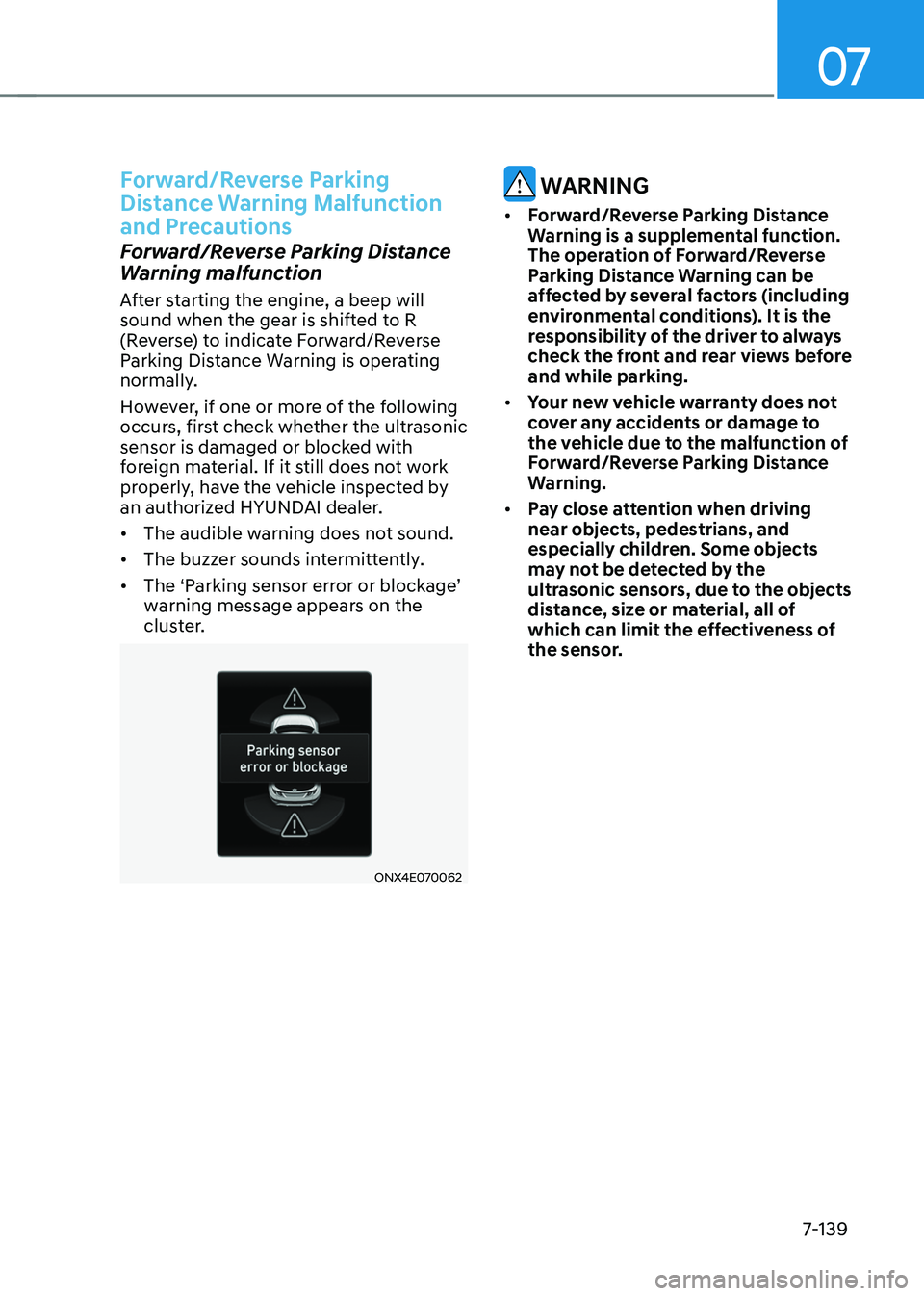
•
The ‘Parking sensor error or blockage’ warning message appears on the
cluster.
ONX4E070062
WARNING
• Forward/Reverse Parking Distance
Warning is a supplemental function.
The operation of Forward/Reverse
Parking Distance Warning can be
affected by several factors (including
environmental conditions). It is the
responsibility of the driver to always
check the front and rear views before
and while parking.
• Your new vehicle warranty does not
cover any accidents or damage to
the vehicle due to the malfunction of
Forward/Reverse Parking Distance
Warning.
• Pay close attention when driving
near objects, pedestrians, and
especially children. Some objects
may not be detected by the
ultrasonic sensors, due to the objects
distance, size or material, all of
which can limit the effectiveness of
the sensor.
Page 503 of 638
Driver assistance system
7-140
Limitations of Forward/Reverse
Parking Distance Warning
• Forward/Reverse Parking Distance
Warning may not operate normally
when:
-Moisture is frozen to the sensor
-Sensor is covered with foreign
material, such as snow or water
(Forward/Reverse Parking Distance
Warning will operate normally when
such foreign material are removed.)
-The weather is extremely hot or cold
-The sensor or sensor assembly is
disassembled
-The surface of the sensor has been
subjected to a hard impact
-The surface of the sensor has been
scratched with a sharp object
-The sensors or its surrounding
area is directly sprayed with high
pressure washer
• Forward/Reverse Parking Distance
Warning may malfunction when:
-Heavy rain or water spray is present
-Water flows on the surface of the
sensor
-Affected by another vehicle’s sensors
-The sensor is covered with snow
-Driving on uneven road, gravel
roads or bushes
-Objects that generates ultrasonic
waves are near the sensor
-Installing the license plate
differently from the original location
-The vehicle bumper height or
ultrasonic sensor installation has
been modified
-Attaching equipments or
accessories around the ultrasonic
sensors •
The following objects may not be
detected:
-Sharp or slim objects, such as ropes,
chains or small poles.
-Objects, which tend to absorb
sensor frequency, such as clothes,
spongy material or snow.
-Objects smaller than 40 in. (100 cm)
in length and narrower than 6 in. (14
cm) in diameter.
-Pedestrians, animals or objects
that are very close to the ultrasonic
sensors
• Parking Distance Warning Indicators
may be displayed differently from
the actual detected location when
the obstacle is located between the
sensors.
• Parking Distance Warning indicator
may not occur sequentially depending
on vehicle speed or obstacle shape.
• If Forward/Reverse Parking Distance
Warning needs repair, have the
vehicle inspected by an authorized
HYUNDAI dealer.
Page 507 of 638
Driver assistance system
7-144
Rear Warning Only
• If Reverse Parking Collision-Avoidance
Assist detects a risk of collision with
a pedestrian or an object, Reverse
Parking Collision-Avoidance Assist
will warn the driver with an audible
warning and warning message on the
cluster. When Rear View Monitor is
operating, a warning will appear on
the infotainment system screen.
•
If ‘Rear Warning Only’ is selected, braking will not be assisted.
• The warning will turn off when the
gear is shifted to P (Park), N (Neutral)
or D (Drive).
Reverse Parking Collision-
Avoidance Assist Malfunction
and Limitations
Reverse Parking Collision-
Avoidance Assist malfunction
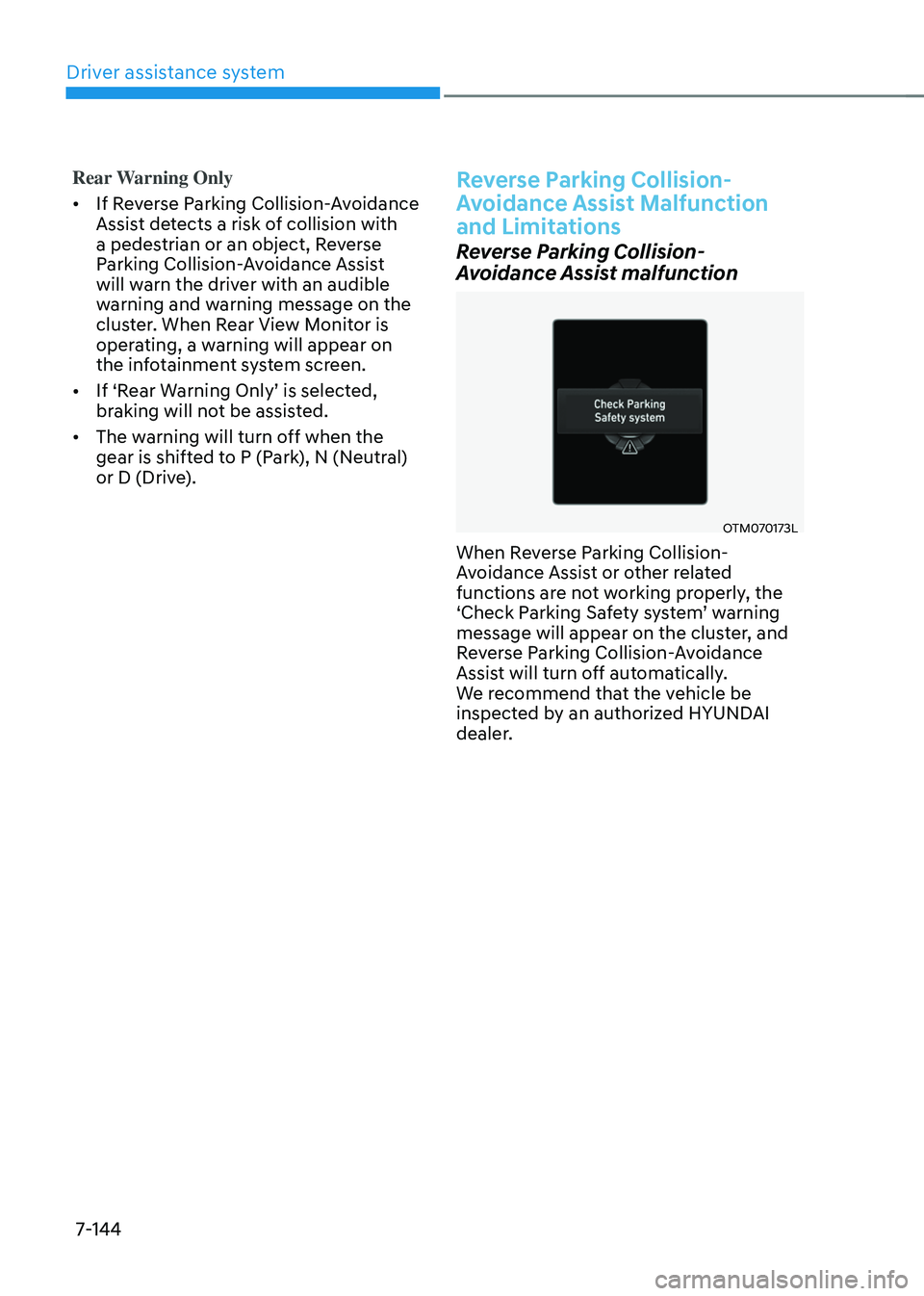
OTM070173L
When Reverse Parking Collision-
Avoidance Assist or other related
functions are not working properly, the
‘Check Parking Safety system’ warning message will appear on the cluster, and
Reverse Parking Collision-Avoidance
Assist will turn off automatically.
We recommend that the vehicle be
inspected by an authorized HYUNDAI
dealer.
Page 511 of 638
Driver assistance system7-148
CAUTION
• Noise may be heard when sudden
braking occurs to avoid a collision.
• If any other warning sound such
as the seat belt warning chime is
already generated, Reverse Parking
Collision-Avoidance Assist warning
may not sound.
• Reverse Parking Collision-Avoidance
Assist may not work properly if the
bumper has been damaged, replaced
or repaired.
• Reverse Parking Collision-Avoidance
Assist may not operate normally if
interfered by strong electromagnetic
waves.
• Playing the vehicle audio system at
high volume may prevent passengers
from hearing Reverse Parking
Collision-Avoidance Assist warning
sounds.
• Turn off Reverse Parking Collision-
Avoidance Assist when towing a
trailer. If towing and moving in
reverse, Reverse Parking Collision-
Avoidance Assist will activate as it
detects the trailer.
CAUTION
Take the following precautions to
maintain optimal performance of the
detecting sensors:
• Always keep the rear view camera
and rear ultrasonic sensors clean.
• Do not use any cleanser containing
acid or alkaline detergents when
cleaning the rear view camera lens.
Use only a mild soap or neutral
detergent, and rinse thoroughly with
water.
• Do not spray the rear view camera or
the rear ultrasonic sensors or their
surrounding area directly with a
high pressure washer. It may cause
the rear view camera or the rear
ultrasonic sensors to malfunction.
• Do not apply objects, such as a
bumper sticker or a bumper guard,
near the rear view camera or rear
ultrasonic sensors or apply paint to
the bumper. Doing so may adversely
affect the performance of Reverse
Parking Collision-Avoidance Assist.
• Never disassemble or strike the rear
view camera or the rear ultrasonic
sensors components.
• Do not strike or pry the rear view
camera or the rear ultrasonic
sensors. Reverse Parking Collision-
Avoidance Assist may not operate
properly if the rear view camera
or the rear ultrasonic sensor(s)
is forcibly moved out of proper
alignment. Have the vehicle
inspected by an authorized HYUNDAI
dealer.
Information
Reverse Parking Collision-Avoidance
Assist can detect a pedestrian or an object
when:
• A pedestrian is standing behind the
vehicle
• A large obstacle, such as a vehicle,
is parked in the rear center of your
vehicle
Page 513 of 638
Driver assistance system
7-150
CAUTION
Take the following precautions to
maintain optimal performance of the
detecting sensors:
• Never disassemble the detecting
sensor or sensor assembly, or apply
any impact on it.
• If the detecting sensor have been
replaced or repaired, we recommend
that you have your vehicle inspected
by an authorized HYUNDAI dealer.
• Remote Smart Parking Assist
may malfunction if the vehicle
bumper height or ultrasonic sensor
installation has been modified
or damaged. Any non-factory
installed equipment or accessories
may also interfere with the sensor
performance.
• When the ultrasonic sensor is frozen
or stained with snow, dirt, or water,
the sensor may be not operate until
the stains are removed using a soft
cloth.
• Do not push, scratch or strike the
ultrasonic sensor. Sensor damage
could occur.
• Do not spray the ultrasonic sensors
or its surrounding area directly with
a high pressure washer.
Remote Smart Parking Assist
Settings
Setting features
OTM070141N
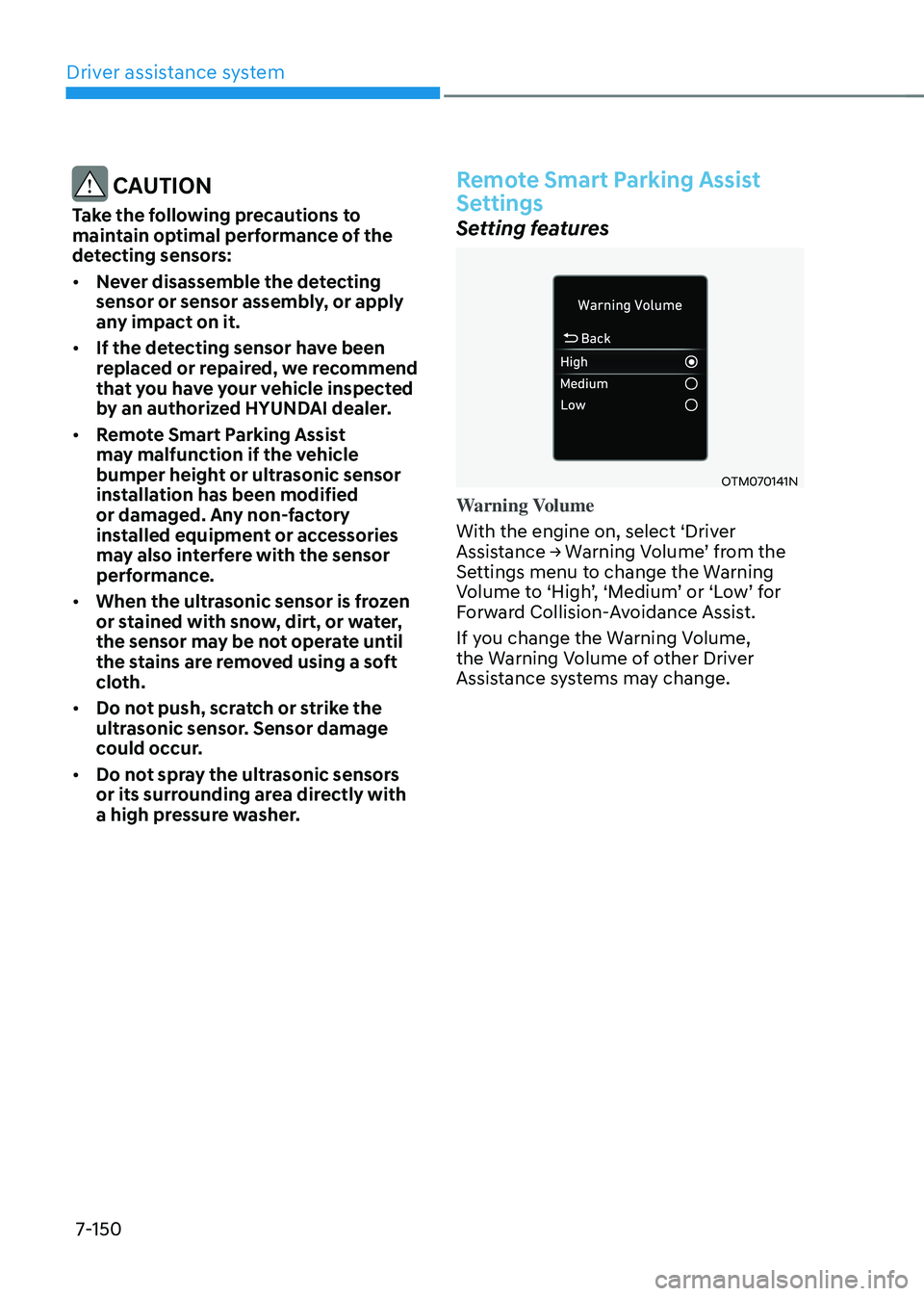
Warning Volume
With the engine on, select ‘Driver
Assistance → Warning Volume’ from the Settings menu to change the Warning Volume to ‘High’, ‘Medium’ or ‘Low’ for Forward Collision-Avoidance Assist.
If you change the Warning Volume,
the Warning Volume of other Driver
Assistance systems may change.