cycle JEEP CHEROKEE 2015 KL / 5.G Service Manual
[x] Cancel search | Manufacturer: JEEP, Model Year: 2015, Model line: CHEROKEE, Model: JEEP CHEROKEE 2015 KL / 5.GPages: 772, PDF Size: 18.21 MB
Page 302 of 772
Closing Sunroof — Express
Press the switch forward and release it within one-half
second and the sunroof will close automatically from any
position. The sunroof will close fully and stop automati-
cally. This is called “Express Close”. During Express
Close operation, any movement of the switch will stop
the sunroof.
Closing Sunroof — Manual Mode
To close the sunroof, press and hold the switch in the
forward position. Any release of the switch will stop the
movement and the sunroof will remain in a partially
closed condition until the switch is pushed and held
forward again.
Venting Sunroof — Express
Press and release the#Vent#button within one-half sec-
ond and the sunroof will open to the vent position. This
is called “Express Vent”, and it will occur regardless of
sunroof position. During Express Vent operation, any
movement of the switch will stop the sunroof.
NOTE:If the sunshade is in the closed position when the
vent switch is pressed, the sunshade will automatically
cycle to the halfway open position prior to the sunroof
opening to the Vent position.
Opening Power Shade — Express
Press the shade switch rearward and release it within
one-half second and the shade will automatically open to
the halfway position and stop automatically. Press the
switch a second time from the halfway position and the
shade will automatically open to the full open position
and stop automatically. This is called “Express Open”.
During Express Open operation, any movement of the
shade switch will stop the shade.
300 UNDERSTANDING THE FEATURES OF YOUR VEHICLE
Page 322 of 772
REAR WINDOW FEATURES
Rear Window Wiper/Washer
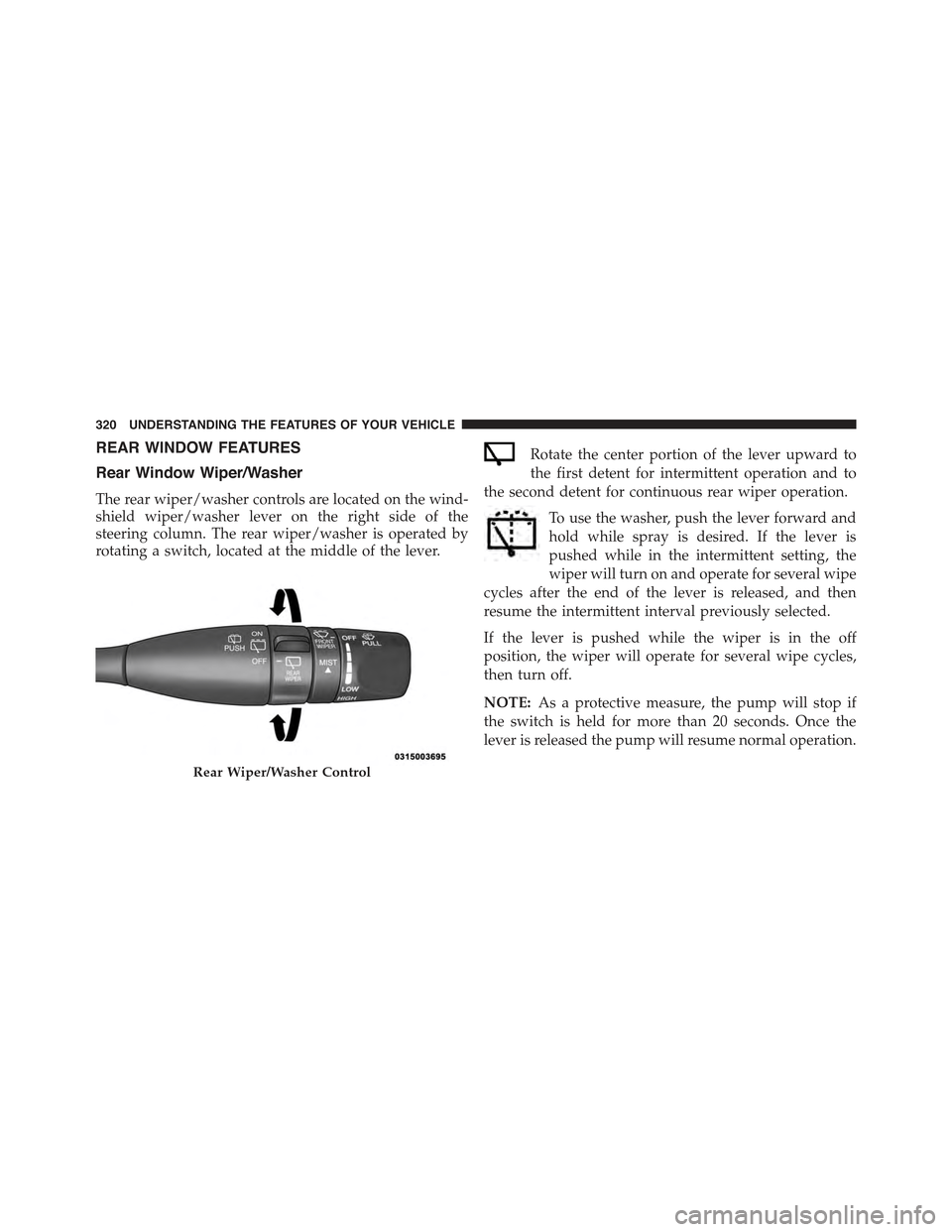
The rear wiper/washer controls are located on the wind-
shield wiper/washer lever on the right side of the
steering column. The rear wiper/washer is operated by
rotating a switch, located at the middle of the lever.
Rotate the center portion of the lever upward to
the first detent for intermittent operation and to
the second detent for continuous rear wiper operation.
To use the washer, push the lever forward and
hold while spray is desired. If the lever is
pushed while in the intermittent setting, the
wiper will turn on and operate for several wipe
cycles after the end of the lever is released, and then
resume the intermittent interval previously selected.
If the lever is pushed while the wiper is in the off
position, the wiper will operate for several wipe cycles,
then turn off.
NOTE:As a protective measure, the pump will stop if
the switch is held for more than 20 seconds. Once the
lever is released the pump will resume normal operation.
Rear Wiper/Washer Control
320 UNDERSTANDING THE FEATURES OF YOUR VEHICLE
Page 336 of 772
If the ABS light remains on or turns on while driving, it
indicates that the Anti-Lock portion of the brake system
is not functioning and that service is required. However,
the conventional brake system will continue to operate
normally if the BRAKE warning light is not on.
If the ABS light is on, the brake system should be serviced
as soon as possible to restore the benefits of Anti-Lock
brakes. If the ABS light does not turn on when the
ignition switch is turned to the ON/RUN position, have
the light inspected by an authorized dealer.
8. ECO Light
This light is activated via hard button on the center stack
to display your driving habits.
9. Electronic Stability Control (ESC) Activation/
Malfunction Indicator Light — If Equipped
The “ESC Activation/Malfunction Indicator
Light” in the instrument cluster will come on
when the ignition switch is turned to the
ON/RUN position. It should go out with the
engine running. If the “ESC Activation/Malfunction In-
dicator Light” comes on continuously with the engine
running, a malfunction has been detected in the ESC
system. If this light remains on after several ignition
cycles, and the vehicle has been driven several miles
(kilometers) at speeds greater than 30 mph (48 km/h), see
your authorized dealer as soon as possible to have the
problem diagnosed and corrected.
334 UNDERSTANDING YOUR INSTRUMENT PANEL
Page 341 of 772
WARNING!(Continued)
Vehicle”. Follow the warnings under the Cooling
System Pressure Cap paragraph.
18. Malfunction Indicator Light (MIL)
The Malfunction Indicator Light (MIL) is part of
an Onboard Diagnostic system called OBD II that
monitors engine and automatic transmission con-
trol systems. The light will illuminate when the key is in
the ON/RUN position before engine start. If the bulb
does not come on when turning the key from OFF to
ON/RUN, have the condition checked promptly.
Certain conditions, such as a loose or missing gas cap,
poor fuel quality, etc., may illuminate the light after
engine start. The vehicle should be serviced if the light
stays on through several of your typical driving cycles. In
most situations, the vehicle will drive normally and will
not require towing.
CAUTION!
Prolonged driving with the Malfunction Indicator
Light (MIL) on could cause damage to the engine
control system. It also could affect fuel economy and
driveability. If the MIL is flashing, severe catalytic
converter damage and power loss will soon occur.
Immediate service is required.
WARNING!
A malfunctioning catalytic converter, as referenced
above, can reach higher temperatures than in normal
operating conditions. This can cause a fire if you
drive slowly or park over flammable substances such
as dry plants, wood, cardboard, etc. This could result
in death or serious injury to the driver, occupants or
others.
4
UNDERSTANDING YOUR INSTRUMENT PANEL 339
Page 351 of 772
•Electronic Throttle Control (ETC) Light
This light informs you of a problem with
the Electronic Throttle Control (ETC) sys-
tem. The light will come on when the
ignition is first turned ON and remain on
briefly as a bulb check. If the light does not come on
during starting, have the system checked by an
authorized dealer.
If a problem is detected, the light will come on while
the engine is running. Cycle the ignition key when
the vehicle has completely stopped and the shift lever
is placed in the PARK position. The light should turn
off.
If the light remains lit with the engine running, your
vehicle will usually be drivable. However, see an
authorized dealer for service as soon as possible. If
the light is flashing when the engine is running,
immediate service is required. You may experience
reduced performance, an elevated/rough idle or en-
gine stall and your vehicle may require towing.
•Oil Temperature Warning Light
This telltale indicates engine oil tempera-
ture is high. If the light turns on while
driving, stop the vehicle and shut off the
engine as soon as possible.
•Secondary Air Bag Warning Light
If the light turns on while driving, have the
system inspected at an authorized dealer as
soon as possible. Refer to “Occupant Re-
straints” in “Things To Know Before Start-
ing Your Vehicle” for further information.
14. 4WD LOW Indicator Light — If Equipped
This light alerts the driver that the vehicle is in the
four-wheel drive LOW mode. The front and rear drive-
shafts are mechanically locked together forcing the front
4
UNDERSTANDING YOUR INSTRUMENT PANEL 349
Page 353 of 772
WARNING!(Continued)
Vehicle”. Follow the warnings under the Cooling
System Pressure Cap paragraph.
Oil Change Reset
Oil Change Due
Your vehicle is equipped with an engine oil change
indicator system. The “Oil Change Due” message will
display in the EVIC for five seconds after a single chime
has sounded, to indicate the next scheduled oil change
interval. The engine oil change indicator system is duty
cycle based, which means the engine oil change interval
may fluctuate, dependent upon your personal driving
style.
Unless reset, this message will continue to display each
time you turn the ignition is cycled to the ON/RUN
position. To turn off the message temporarily, push and
release the OK button. To reset the oil change indicator
system (after performing the scheduled maintenance)
refer to the following procedure.
1. Without pushing the brake pedal, push the ENGINE
START/STOP button and cycle the ignition to the
ON/RUN position (do not start the engine.)
2. Fully push the accelerator pedal, slowly, three times
within 10 seconds.
3. Without pushing the brake pedal, push the ENGINE
START/STOP button once to return the ignition to the
OFF/LOCK position.
NOTE:If the indicator message illuminates when you
start the vehicle, the oil change indicator system did not
reset. If necessary, repeat this procedure.
4
UNDERSTANDING YOUR INSTRUMENT PANEL 351
Page 355 of 772
•Door Ajar
This light will turn on to indicate that one or
more doors may be ajar.
•Oil Pressure Warning Light
This telltale indicates low engine oil pressure. If
the light turns on while driving, stop the vehicle and shut
off the engine as soon as possible. A chime will sound
when this light turns on.
Do not operate the vehicle until the cause is corrected.
This light does not show how much oil is in the engine.
The engine oil level must be checked under the hood.
•Electronic Throttle Control (ETC) Light
This light informs you of a problem with the
Electronic Throttle Control (ETC) system. The
light will come on when the ignition is first
turned ON and remain on briefly as a bulb check. If the
light does not come on during starting, have the system
checked by an authorized dealer.
If a problem is detected, the light will come on while the
engine is running. Cycle the ignition key when the
vehicle has completely stopped and the shift lever is
placed in the PARK position. The light should turn off.
If the light remains lit with the engine running, your
vehicle will usually be drivable. However, see an autho-
rized dealer for service as soon as possible. If the light is
flashing when the engine is running, immediate service is
required. You may experience reduced performance, an
elevated/rough idle or engine stall and your vehicle may
require towing.
4
UNDERSTANDING YOUR INSTRUMENT PANEL 353
Page 359 of 772
Speedometer
Push and release the UP or DOWN arrow
button until the Speedometer Menu item is
highlighted in the EVIC. Push the OK button to
change the speedometer scale from mph
to km/h (or vice versa).
Vehicle Info (Customer Information Features)
Push and release the UP or DOWN arrow button until
the Vehicle Info Menu item is highlighted in the EVIC.
Push and release the RIGHT/LEFT arrow button to cycle
through the Vehicle Info sub-menus, follow the prompts
on each screen as needed.
Tire Pressure
Push and release the UP or DOWN arrow button until
“Tire Pressure” is highlighted in the EVIC. Push and
release the RIGHT arrow button and one of the following
will be displayed:
If tire pressure is OK for all tires a vehicle ICON is displayed
with tire pressure values in each corner of the ICON.
If one or more tires have low pressure, “Inflate Tire To
XX” is displayed with the vehicle ICON and the tire
pressure values in each corner of the ICON with the
pressure value of the low tire displayed in a different
color than the other tire pressure value.
If the Tire Pressure system requires service, “Service Tire
Pressure System” is displayed.
Tire PSI is an information only function and cannot be
reset. Push and release the LEFT arrow button to return
to the main menu.
4
UNDERSTANDING YOUR INSTRUMENT PANEL 357
Page 375 of 772
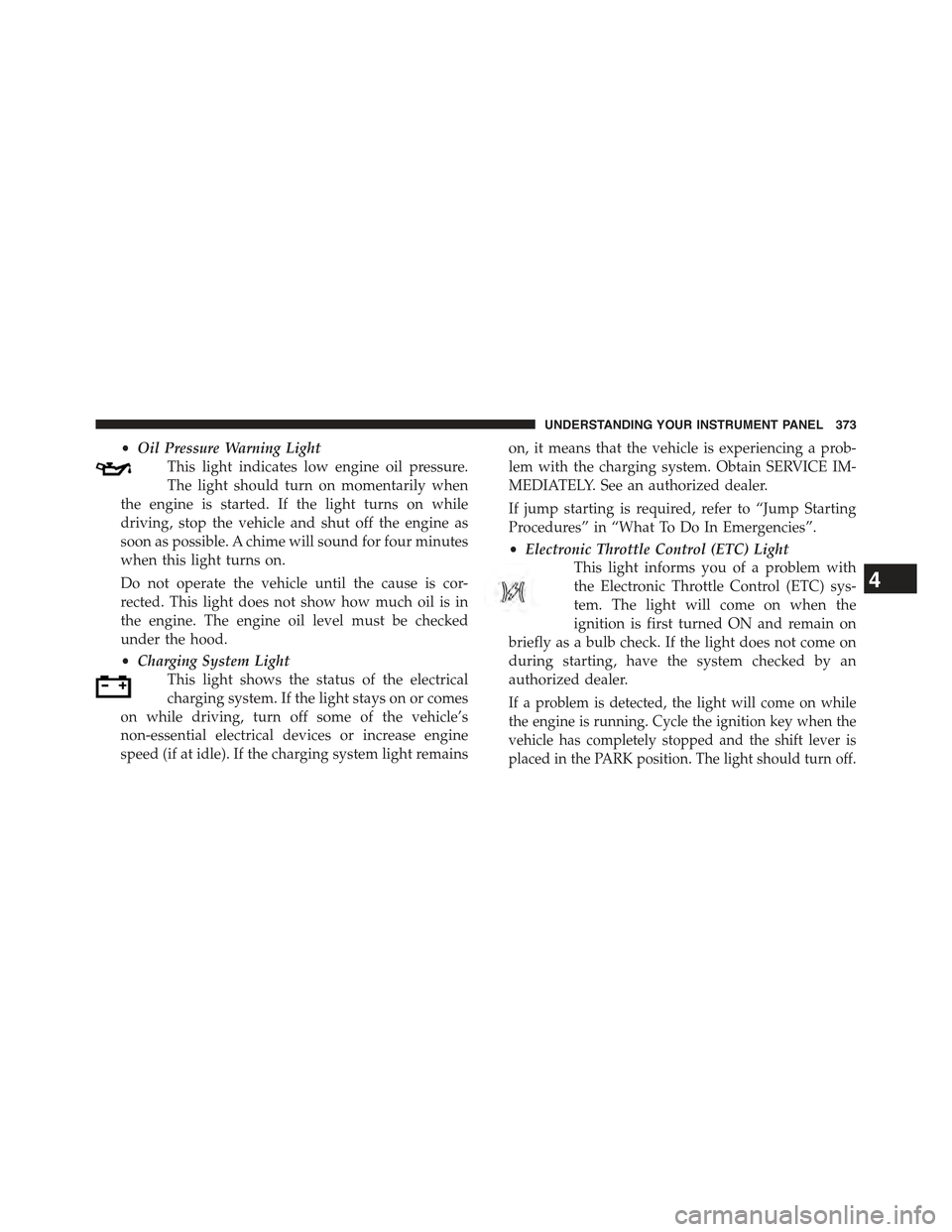
•Oil Pressure Warning Light
This light indicates low engine oil pressure.
The light should turn on momentarily when
the engine is started. If the light turns on while
driving, stop the vehicle and shut off the engine as
soon as possible. A chime will sound for four minutes
when this light turns on.
Do not operate the vehicle until the cause is cor-
rected. This light does not show how much oil is in
the engine. The engine oil level must be checked
under the hood.
•Charging System Light
This light shows the status of the electrical
charging system. If the light stays on or comes
on while driving, turn off some of the vehicle’s
non-essential electrical devices or increase engine
speed (if at idle). If the charging system light remains
on, it means that the vehicle is experiencing a prob-
lem with the charging system. Obtain SERVICE IM-
MEDIATELY. See an authorized dealer.
If jump starting is required, refer to “Jump Starting
Procedures” in “What To Do In Emergencies”.
•Electronic Throttle Control (ETC) Light
This light informs you of a problem with
the Electronic Throttle Control (ETC) sys-
tem. The light will come on when the
ignition is first turned ON and remain on
briefly as a bulb check. If the light does not come on
during starting, have the system checked by an
authorized dealer.
If a problem is detected, the light will come on while
the engine is running. Cycle the ignition key when the
vehicle has completely stopped and the shift lever is
placed in the PARK position. The light should turn off.
4
UNDERSTANDING YOUR INSTRUMENT PANEL 373
Page 376 of 772
If the light remains lit with the engine running, your
vehicle will usually be drivable. However, see an
authorized dealer for service as soon as possible. If
the light is flashing when the engine is running,
immediate service is required. You may experience
reduced performance, an elevated/rough idle or en-
gine stall and your vehicle may require towing.
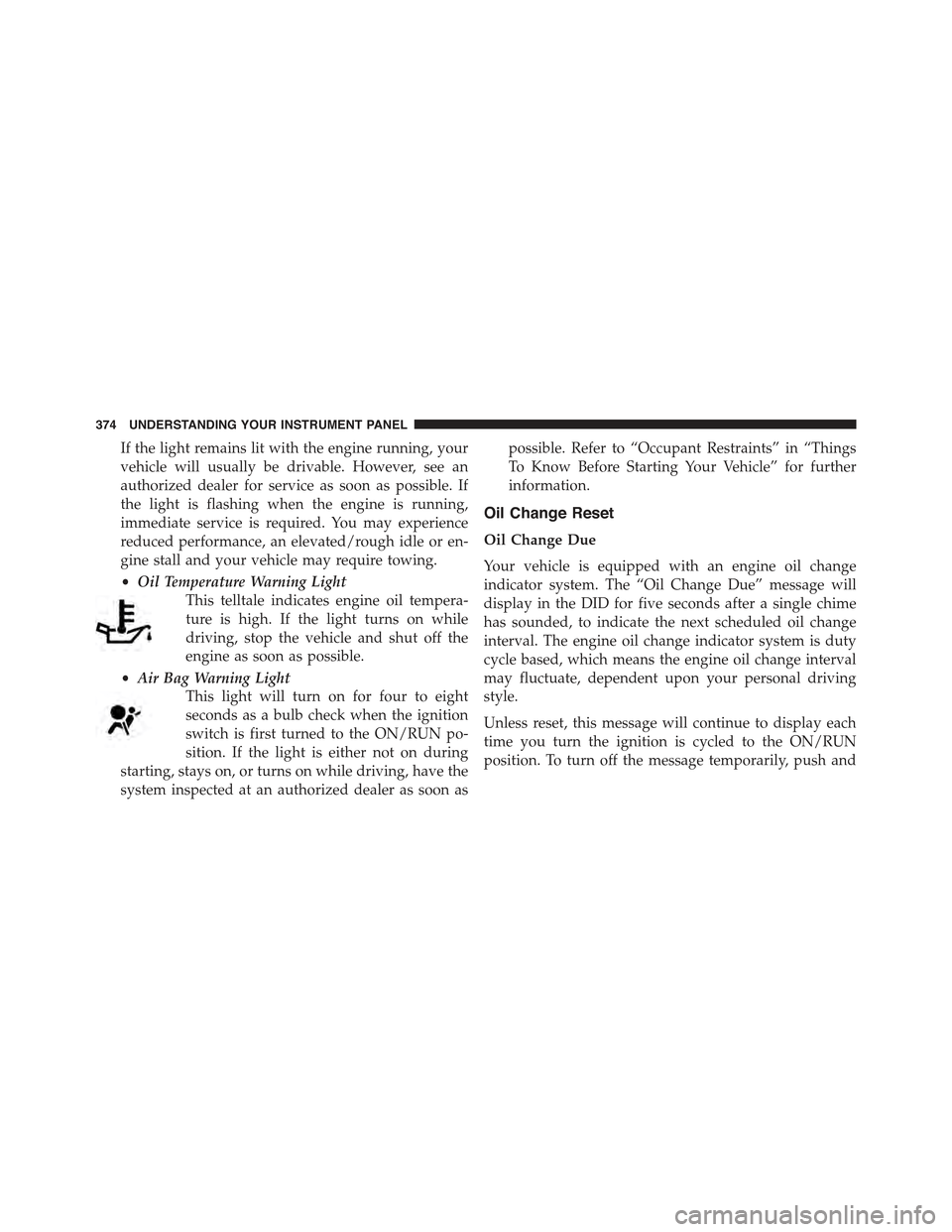
•Oil Temperature Warning Light
This telltale indicates engine oil tempera-
ture is high. If the light turns on while
driving, stop the vehicle and shut off the
engine as soon as possible.
•Air Bag Warning Light
This light will turn on for four to eight
seconds as a bulb check when the ignition
switch is first turned to the ON/RUN po-
sition. If the light is either not on during
starting, stays on, or turns on while driving, have the
system inspected at an authorized dealer as soon as
possible. Refer to “Occupant Restraints” in “Things
To Know Before Starting Your Vehicle” for further
information.
Oil Change Reset
Oil Change Due
Your vehicle is equipped with an engine oil change
indicator system. The “Oil Change Due” message will
display in the DID for five seconds after a single chime
has sounded, to indicate the next scheduled oil change
interval. The engine oil change indicator system is duty
cycle based, which means the engine oil change interval
may fluctuate, dependent upon your personal driving
style.
Unless reset, this message will continue to display each
time you turn the ignition is cycled to the ON/RUN
position. To turn off the message temporarily, push and
374 UNDERSTANDING YOUR INSTRUMENT PANEL