instrument panel JEEP COMPASS 2013 1.G Owners Manual
[x] Cancel search | Manufacturer: JEEP, Model Year: 2013, Model line: COMPASS, Model: JEEP COMPASS 2013 1.GPages: 517, PDF Size: 4.91 MB
Page 3 of 517
TABLE OF CONTENTSSECTIONPAGE
1
INTRODUCTION .............................................................3
2
THINGS TO KNOW BEFORE STARTING YOUR VEHICLE .............................9
3
UNDERSTANDING THE FEATURES OF YOUR VEHICLE ............................103
4
UNDERSTANDING YOUR INSTRUMENT PANEL ..................................207
5
STARTING AND OPERATING .................................................311
6
WHAT TO DO IN EMERGENCIES ..............................................405
7
MAINTAINING YOUR VEHICLE ...............................................429
8
MAINTENANCE SCHEDULES .................................................475
9
IF YOU NEED CONSUMER ASSISTANCE ........................................483
10
INDEX ....................................................................493
1
2
3
4
5
6
7
8
9
10
Page 9 of 517
WARNINGS AND CAUTIONS
This Owners Manual containsWARNINGSagainst op-
erating procedures that could result in a collision or
bodily injury. It also contains CAUTIONSagainst proce-
dures that could result in damage to your vehicle. If you
do not read this entire Owners Manual, you may miss
important information. Observe all Warnings and Cau-
tions.
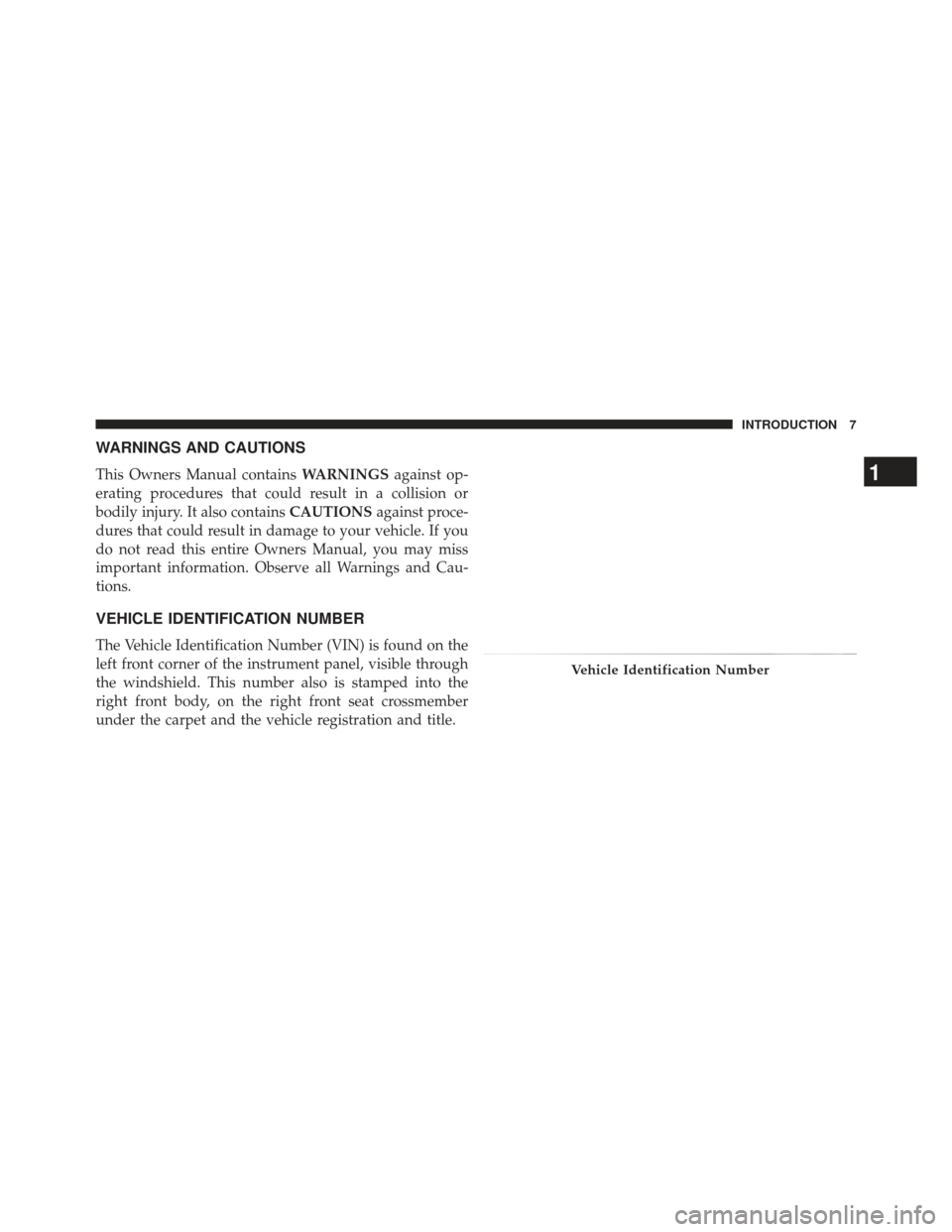
VEHICLE IDENTIFICATION NUMBER
The Vehicle Identification Number (VIN) is found on the
left front corner of the instrument panel, visible through
the windshield. This number also is stamped into the
right front body, on the right front seat crossmember
under the carpet and the vehicle registration and title.
Vehicle Identification Number
1
INTRODUCTION 7
Page 23 of 517
(Customer-Programmable Features)” in “Understand-
ing Your Instrument Panel” for further information.
• For vehicles not equipped with the EVIC, perform the
following steps:
1. Press and hold the LOCK button on a programmed RKE transmitter for at least 4 seconds, but no longer
than 10 seconds. Then, press and hold the UNLOCK
button while still holding the LOCK button.
2. Release both buttons at the same time.
3. Test the feature while outside of the vehicle by press- ing the LOCK/UNLOCK buttons on the RKE trans-
mitter with the ignition switch in the LOCK position
and the key removed.
4. Repeat these steps if you want to return this feature to its previous setting. NOTE:
Pressing the LOCK button on the RKE transmit-
ter while you are inside the vehicle will activate the
Vehicle Security Alarm. Opening a door with the Vehicle
Security Alarm activated will cause the alarm to sound.
Press the UNLOCK button to deactivate the Vehicle
Security Alarm.
Illuminated Approach — If Equipped
This feature activates the headlights for up to 90 seconds
when the doors are unlocked with the RKE transmitter.
The time for this feature is programmable on vehicles
equipped with the EVIC. Refer to “Electronic Vehicle
Information Center (EVIC)/Personal Settings (Customer-
Programmable Features)” in “Understanding Your In-
strument Panel” for further information.
NOTE: None of the courtesy lights will operate if the
dimmer control is in the “defeat” position (extreme
downward position), unless the overhead map/reading
lights are turned on manually.
2
THINGS TO KNOW BEFORE STARTING YOUR VEHICLE 21
Page 24 of 517
To Lock The Doors And Liftgate
Press and release the LOCK button on the RKE transmit-
ter to lock all doors and liftgate. The turn signal lights
will flash and the horn will chirp to acknowledge the
signal.
Sound Horn With Remote Key Lock
This feature will cause the horn to chirp when the doors
are locked with the RKE transmitter. This feature can be
turned on or turned off. To change the current setting,
proceed as follows:
•For vehicles equipped with the EVIC, refer to “Elec-
tronic Vehicle Information Center (EVIC)/Personal
Settings (Customer-Programmable Features)” in “Un-
derstanding Your Instrument Panel” for further infor-
mation. •
For vehicles not equipped with the EVIC, perform the
following steps:
1. Press the LOCK button on a programmed RKE trans- mitter for at least 4 seconds, but no longer than 10
seconds. Then, press the PANIC button while still
holding the LOCK button.
2. Release both buttons at the same time.
3. Test the feature while outside of the vehicle by press- ing the LOCK button on the RKE transmitter with the
ignition switch in the LOCK position and the key
removed.
4. Repeat these steps if you want to return this feature to its previous setting.
NOTE: Pressing the LOCK button on the RKE transmit-
ter while you are in the vehicle will activate the Vehicle
Security Alarm. Opening a door with the Vehicle Security
Alarm activated will cause the alarm to sound. Press the
22 THINGS TO KNOW BEFORE STARTING YOUR VEHICLE
Page 25 of 517
UNLOCK button to deactivate the Vehicle Security
Alarm.
Flash Lights With Remote Key Lock/Unlock
This feature will cause the turn signal lights to flash when
the doors are locked or unlocked with the RKE transmit-
ter. This feature can be turned on or turned off. To change
the current setting, proceed as follows:
•For vehicles equipped with the EVIC, refer to “Elec-
tronic Vehicle Information Center (EVIC)/Personal
Settings (Customer-Programmable Features)” in “Un-
derstanding Your Instrument Panel” for further infor-
mation.
• For vehicles not equipped with the EVIC, perform the
following steps:
1. Press and hold the UNLOCK button on a programmed RKE transmitter for at least 4 seconds, but no longer than 10 seconds. Then, press and hold the LOCK
button while still holding the UNLOCK button.
2. Release both buttons at the same time.
3. Test the feature while outside of the vehicle by press- ing the LOCK/UNLOCK buttons on the RKE trans-
mitter with the ignition switch in the LOCK position
and the key removed.
4. Repeat these steps if you want to return this feature to its previous setting.
NOTE: Pressing the LOCK button on the RKE transmit-
ter while you are in the vehicle will activate the Vehicle
Security Alarm. Opening a door with the Vehicle Security
Alarm activated will cause the alarm to sound. Press the
UNLOCK button to deactivate the Vehicle Security
Alarm.2
THINGS TO KNOW BEFORE STARTING YOUR VEHICLE 23
Page 33 of 517
Auto Lock Doors — If Equipped
The auto door lock feature default condition is enabled.
When enabled, the door locks will lock automatically
when the vehicle’s speed exceeds 15 mph (24 km/h). Theauto door lock feature can be enabled or disabled by your
authorized dealer. Please see your authorized dealer for
service.
Auto Lock Doors Programming
The Automatic Door Locks feature can be enabled or
disabled as follows:
•
For vehicles equipped with the Electronic Vehicle
Information Center (EVIC), refer to “Electronic Vehicle
Information Center (EVIC) — If Equipped/Personal
Settings (Customer Programmable Features)” in “Un-
derstanding Your Instrument Panel” for further infor-
mation.
• For vehicles not equipped with the EVIC, perform the
following procedure:
1. Close all doors and place the key in the ignition switch.
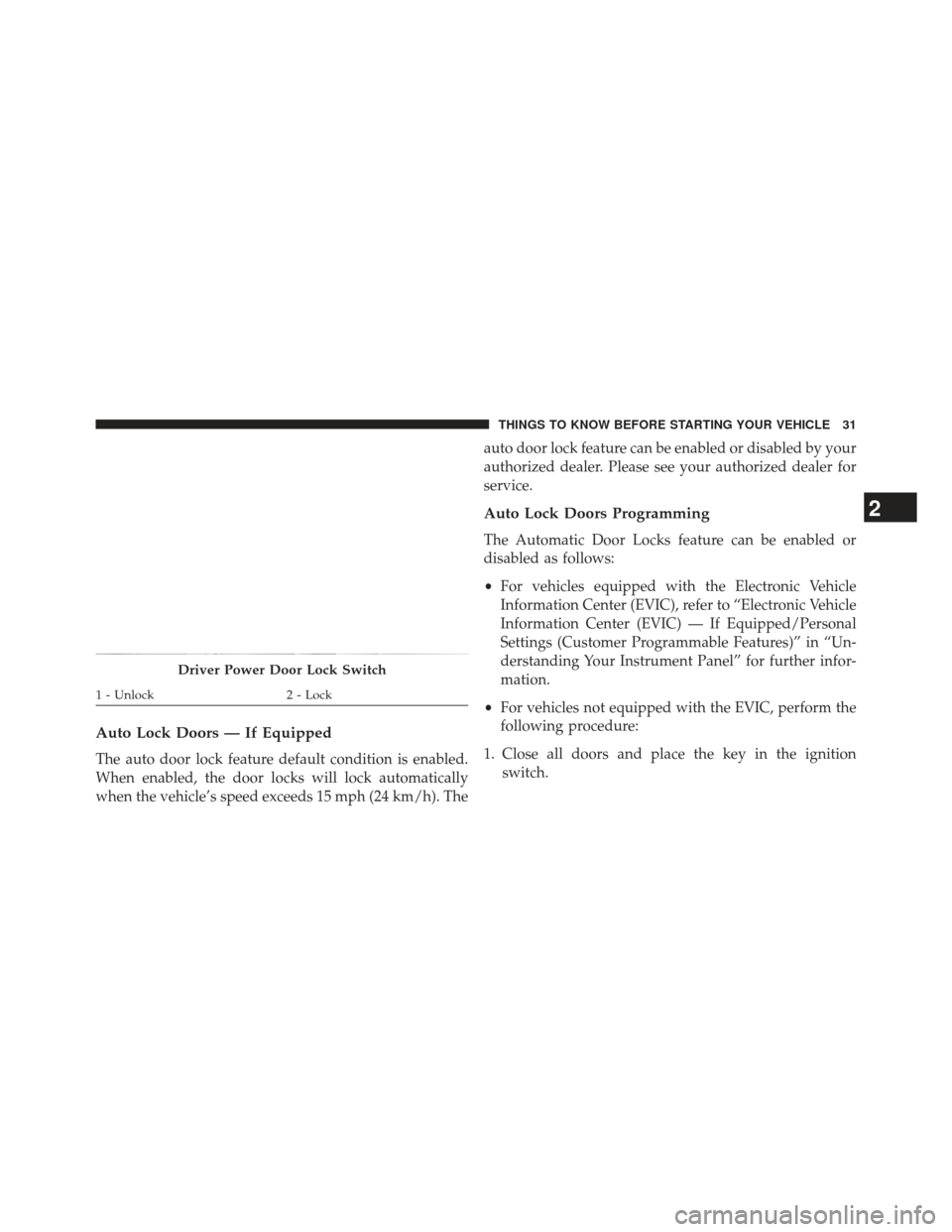
Driver Power Door Lock Switch
1 - Unlock 2 - Lock
2
THINGS TO KNOW BEFORE STARTING YOUR VEHICLE 31
Page 37 of 517
NOTE:For emergency exit with the system engaged,
move the lock knob up (unlocked position), roll down the
window and open the door with the outside door handle.
POWER WINDOWS — IF EQUIPPED
Power Window Switches
The window controls on the driver ’s door trim panel
control all the door windows. There are single window
controls on each passenger door trim panel, which oper-
ate the passenger door windows. The window controls
will operate when the ignition switch is in the ON/RUN
or ACC position. NOTE:
•
For vehicles not equipped with the Electronic Vehicle
Information Center (EVIC), the power window
switches will remain active for 45 seconds after the
ignition switch is turned to the LOCK position. Open-
ing either front door will cancel this feature.
• For vehicles equipped with the EVIC, the power
window switches will remain active for up to 10
minutes after the ignition switch is turned to the
LOCK position. Opening either front door will cancel
this feature. The time for this feature is programmable.
Refer to “Electronic Vehicle Information Center
(EVIC)/Personal Settings (Customer-Programmable
Features)” in “Understanding Your Instrument Panel”
for further information.
2
THINGS TO KNOW BEFORE STARTING YOUR VEHICLE 35
Page 44 of 517
WARNING!
•Relying on the air bags alone could lead to more
severe injuries in a collision. The air bags work
with your seat belt to restrain you properly. In
some collisions, the air bags won’t deploy at all.
Always wear your seat belts even though you have
air bags.
• Being too close to the steering wheel or instrument
panel during Advanced Front Air Bag deployment
could cause serious injury, including death. Air
Bags need room to inflate. Sit back, comfortably
extending your arms to reach the steering wheel or
instrument panel.
(Continued)
WARNING! (Continued)
• Supplemental Side Air Bag Inflatable Curtain
(SABIC) and Seat-Mounted Side Air Bags (SAB)
also need room to inflate. Do not lean against the
door or window. Sit upright in the center of the
seat.
• In a collision, you and your passengers can suffer
much greater injuries if you are not properly buck-
led up. You can strike the interior of your vehicle or
other passengers, or you can be thrown out of the
vehicle. Always be sure you and others in your
vehicle are buckled up properly.
Buckle up even though you are an excellent driver, even
on short trips. Someone on the road may be a poor driver
and cause a collision that includes you. This can happen
far away from home or on your own street.
42 THINGS TO KNOW BEFORE STARTING YOUR VEHICLE
Page 63 of 517
Seat Belts And Pregnant Women
We recommend that pregnant women use the seat belts
throughout their pregnancy. Keeping the mother safe is
the best way to keep the baby safe.
Pregnant women should wear the lap part of the belt
across the thighs and as snug across the hips as possible.
Keep the belt low so that it does not come across the
abdomen. That way the strong bones of the hips will take
the force if there is a collision.
Supplemental Restraint System (SRS) — Air Bags
This vehicle has Advanced Front Air Bags for both the
driver and front passenger as a supplement to the seat
belt restraint systems. The driver’s Advanced Front Air
Bag is mounted in the center of the steering wheel. The
passenger’s Advanced Front Air Bag is mounted in the
instrument panel, above the glove compartment. The
words SRS AIRBAG are embossed on the air bag covers.NOTE:
The Driver and Passenger Advanced Front Air
Bags are certified to new Federal regulations.
Advanced Front Air Bag And Knee Bolster Locations
1 — Driver And Passenger
Advanced Front Air Bags 2 — Knee Bolster
2
THINGS TO KNOW BEFORE STARTING YOUR VEHICLE 61
Page 65 of 517
•Instrument Panel
• Knee Impact Bolster
• Driver Advanced Front Air Bag
• Passenger Advanced Front Air Bag
• Supplemental Seat-Mounted Side Air Bags (SAB)
• Supplemental Side Air Bag Inflatable Curtains (SABIC)
• Front and Side Impact Sensors
• Front Seat Belt Pretensioners, Seat Belt Buckle Switch,
and Seat Track Position Sensors
Advanced Front Air Bag Features
The Advanced Front Air Bag system has multistage
driver and front passenger air bags. This system provides
output appropriate to the severity and type of collision as
determined by the Occupant Restraint Controller (ORC),
which may receive information from the front impact
sensors. The first stage inflator is triggered immediately during an
impact that requires air bag deployment. This low output
is used in less severe collisions. A higher energy output is
used for more severe collisions.
WARNING!
•
No objects should be placed over or near the air
bag on the instrument panel, because any such
objects could cause harm if the vehicle is in a
collision severe enough to cause the air bag to
inflate.
(Continued)
2
THINGS TO KNOW BEFORE STARTING YOUR VEHICLE 63