light JEEP PATRIOT 2007 1.G Owner's Manual
[x] Cancel search | Manufacturer: JEEP, Model Year: 2007, Model line: PATRIOT, Model: JEEP PATRIOT 2007 1.GPages: 440, PDF Size: 7.26 MB
Page 77 of 440
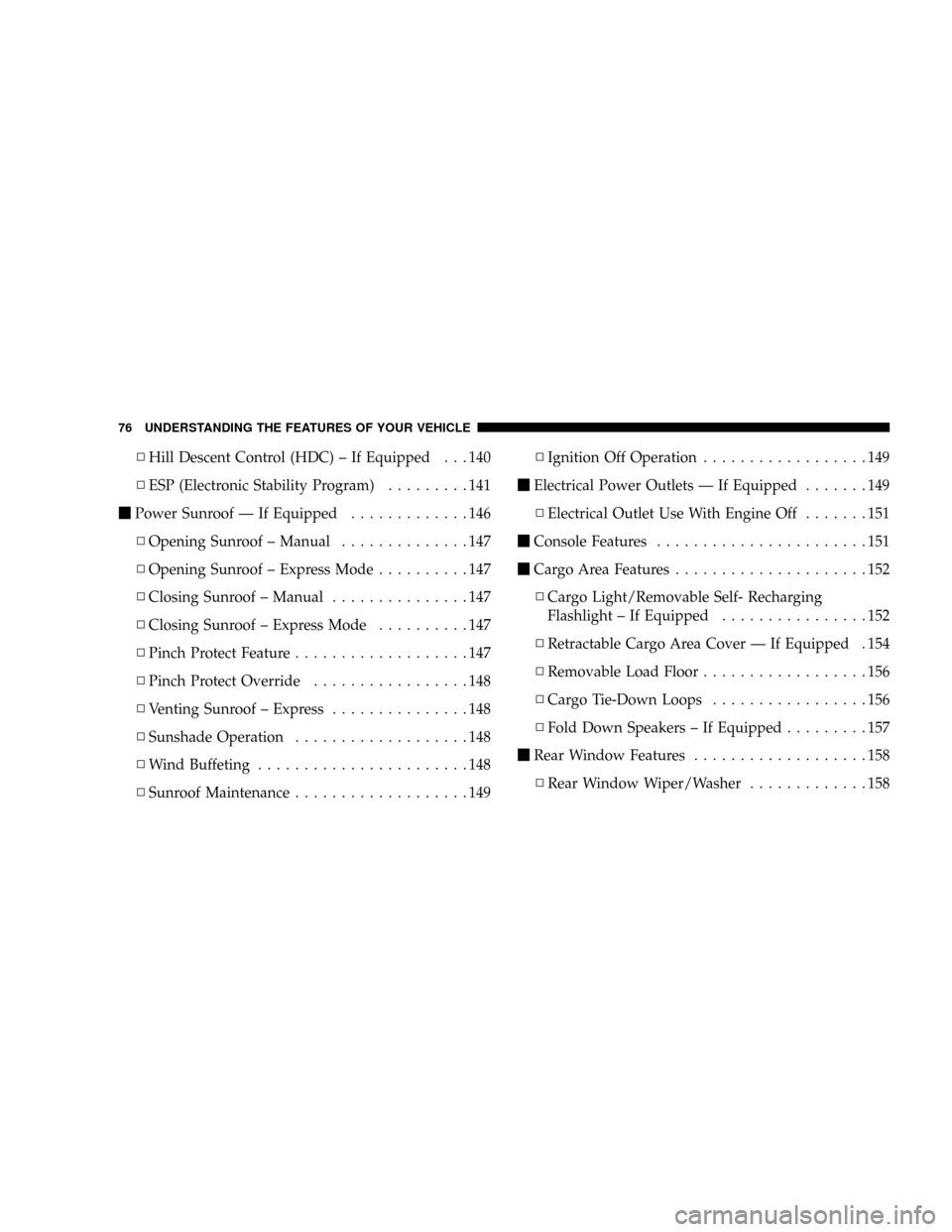
NHill Descent Control (HDC) ± If Equipped . . . 140
NESP (Electronic Stability Program).........141
mPower Sunroof Ð If Equipped.............146
NOpening Sunroof ± Manual..............147
NOpening Sunroof ± Express Mode..........147
NClosing Sunroof ± Manual...............147
NClosing Sunroof ± Express Mode..........147
NPinch Protect Feature...................147
NPinch Protect Override.................148
NVenting Sunroof ± Express...............148
NSunshade Operation...................148
NWind Buffeting.......................148
NSunroof Maintenance...................149NIgnition Off Operation..................149
mElectrical Power Outlets Ð If Equipped.......149
NElectrical Outlet Use With Engine Off.......151
mConsole Features.......................151
mCargo Area Features.....................152
NCargo Light/Removable Self- Recharging
Flashlight ± If Equipped................152
NRetractable Cargo Area Cover Ð If Equipped . 154
NRemovable Load Floor..................156
NCargo Tie-Down Loops.................156
NFold Down Speakers ± If Equipped.........157
mRear Window Features...................158
NRear Window Wiper/Washer.............158
76 UNDERSTANDING THE FEATURES OF YOUR VEHICLE
Page 79 of 440
MIRRORS
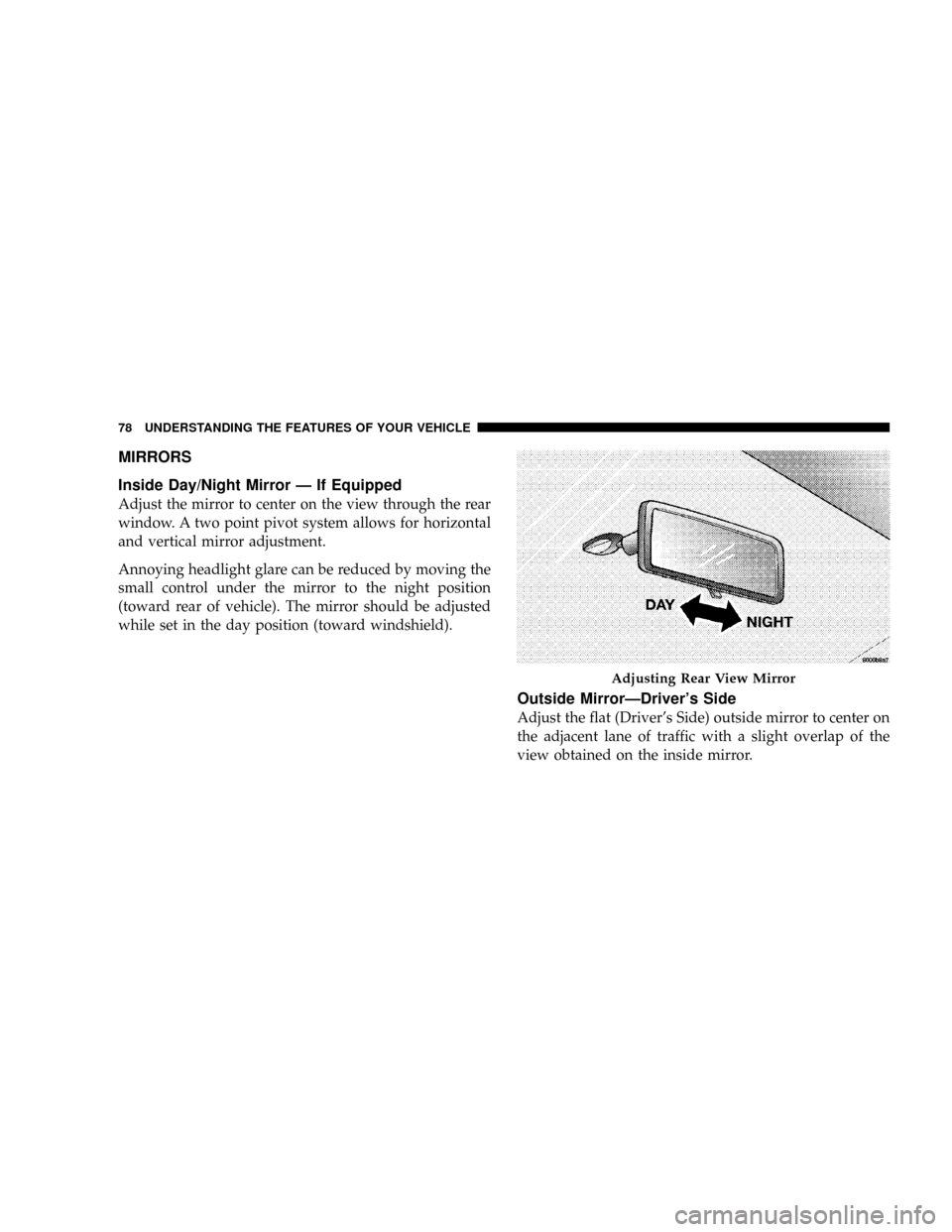
Inside Day/Night Mirror Ð If Equipped
Adjust the mirror to center on the view through the rear
window. A two point pivot system allows for horizontal
and vertical mirror adjustment.
Annoying headlight glare can be reduced by moving the
small control under the mirror to the night position
(toward rear of vehicle). The mirror should be adjusted
while set in the day position (toward windshield).
Outside MirrorÐDriver's Side
Adjust the flat (Driver's Side) outside mirror to center on
the adjacent lane of traffic with a slight overlap of the
view obtained on the inside mirror.
Adjusting Rear View Mirror
78 UNDERSTANDING THE FEATURES OF YOUR VEHICLE
Page 80 of 440
Outside MirrorÐPassenger's Side
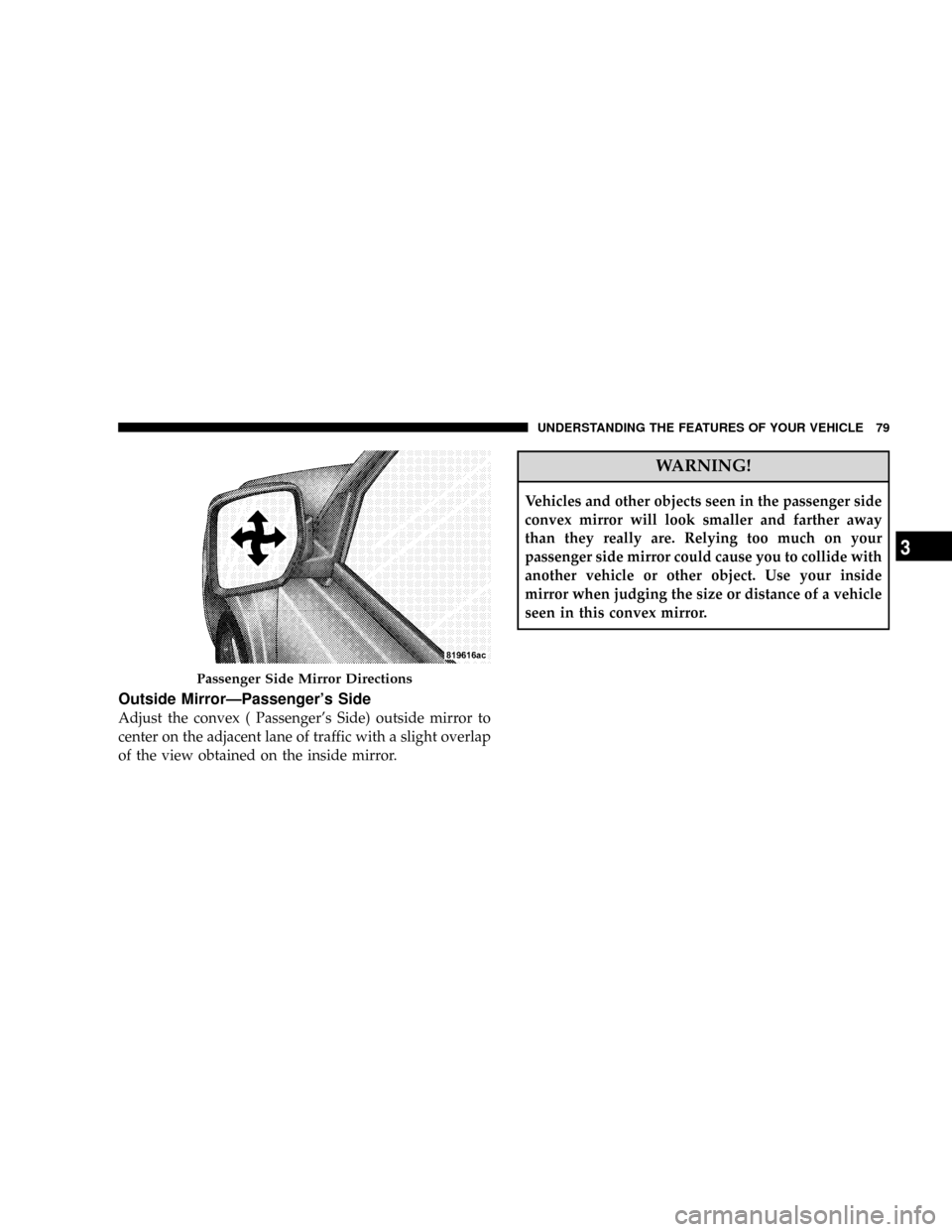
Adjust the convex ( Passenger's Side) outside mirror to
center on the adjacent lane of traffic with a slight overlap
of the view obtained on the inside mirror.
WARNING!
Vehicles and other objects seen in the passenger side
convex mirror will look smaller and farther away
than they really are. Relying too much on your
passenger side mirror could cause you to collide with
another vehicle or other object. Use your inside
mirror when judging the size or distance of a vehicle
seen in this convex mirror.
Passenger Side Mirror Directions
UNDERSTANDING THE FEATURES OF YOUR VEHICLE 79
3
Page 95 of 440
²After the9Ready9prompt and the following beep, say
the name of the language you wish to switch to
(English, Espanol, or Francais, if so equipped).
²Continue to follow the system prompts to complete
language selection.
After selecting one of the languages, all prompts and
voice commands will be in that language.
NOTE:After every UConnectŸ language change op-
eration, only the language specific 32-name phonebook is
usable. The paired phone name is not language specific
and usable across all languages.
For command translations and alternate commands in
supported languages, refer to ªCommand Translationsº
at the end of this section.
Emergency Assistance
If you are in an emergency and the mobile phone is
reachable:
²Pick up the phone and manually dial the emergency
number for your area.
If the phone is not reachable and the UConnectŸ system
is operational, you may reach the emergency number as
follows:
²Press the 'Phone' button to begin.
²After the9Ready9prompt and the following beep, say
9Emergency9and the UConnectŸ system will instruct
the paired cellular phone to call the emergency num-
ber. This feature is only supported in the USA.
NOTE:The emergency number dialed is based on the
Country where the vehicle is purchased (911 for USA and
Canada and 060 for Mexico). The number dialed may not
be applicable with the available cellular service and area.
The UConnectŸ system does slightly lower your chances
of successfully making a phone call as compared to that
for the cell phone directly.
94 UNDERSTANDING THE FEATURES OF YOUR VEHICLE
Page 119 of 440
LIGHTS
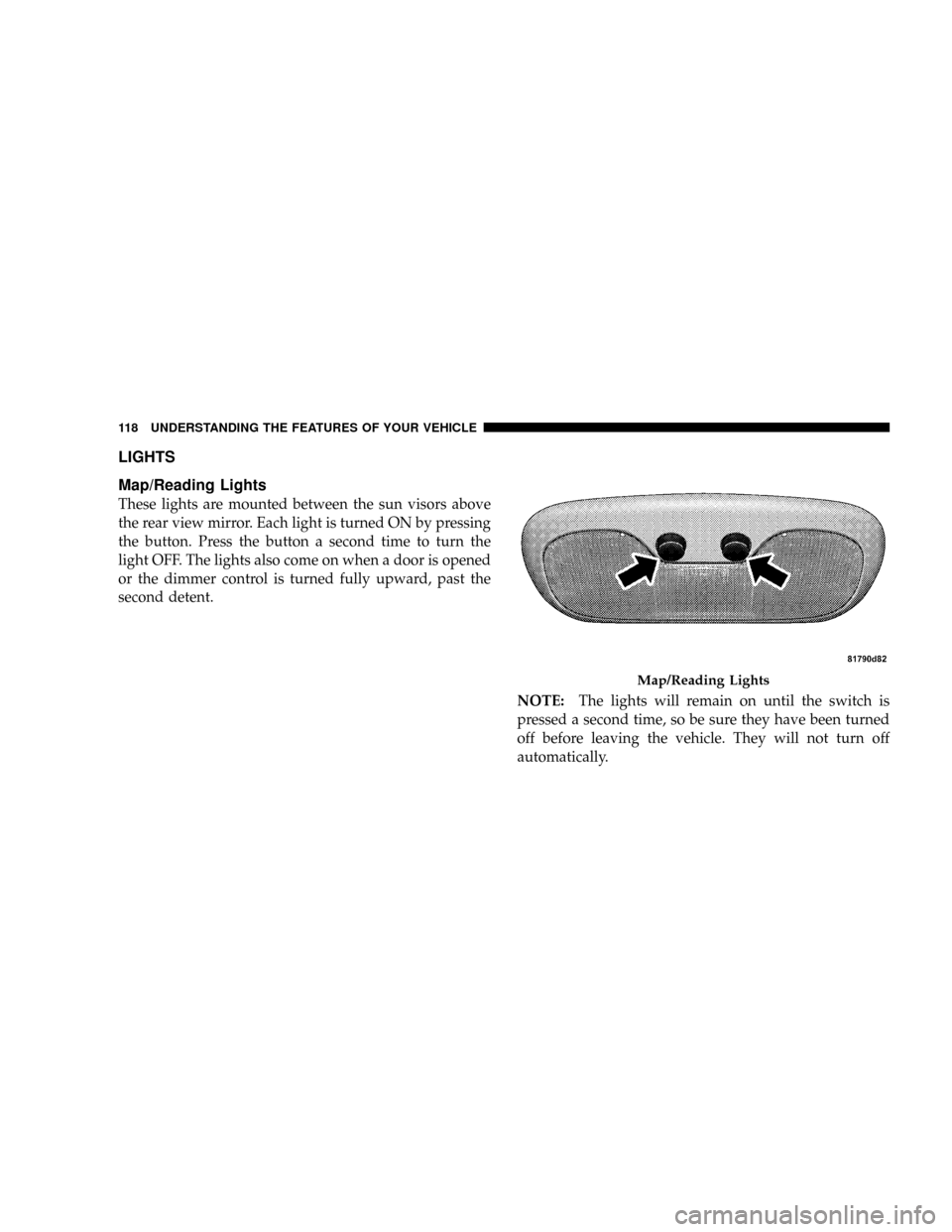
Map/Reading Lights
These lights are mounted between the sun visors above
the rear view mirror. Each light is turned ON by pressing
the button. Press the button a second time to turn the
light OFF. The lights also come on when a door is opened
or the dimmer control is turned fully upward, past the
second detent.
NOTE:The lights will remain on until the switch is
pressed a second time, so be sure they have been turned
off before leaving the vehicle. They will not turn off
automatically.
Map/Reading Lights
118 UNDERSTANDING THE FEATURES OF YOUR VEHICLE
Page 120 of 440
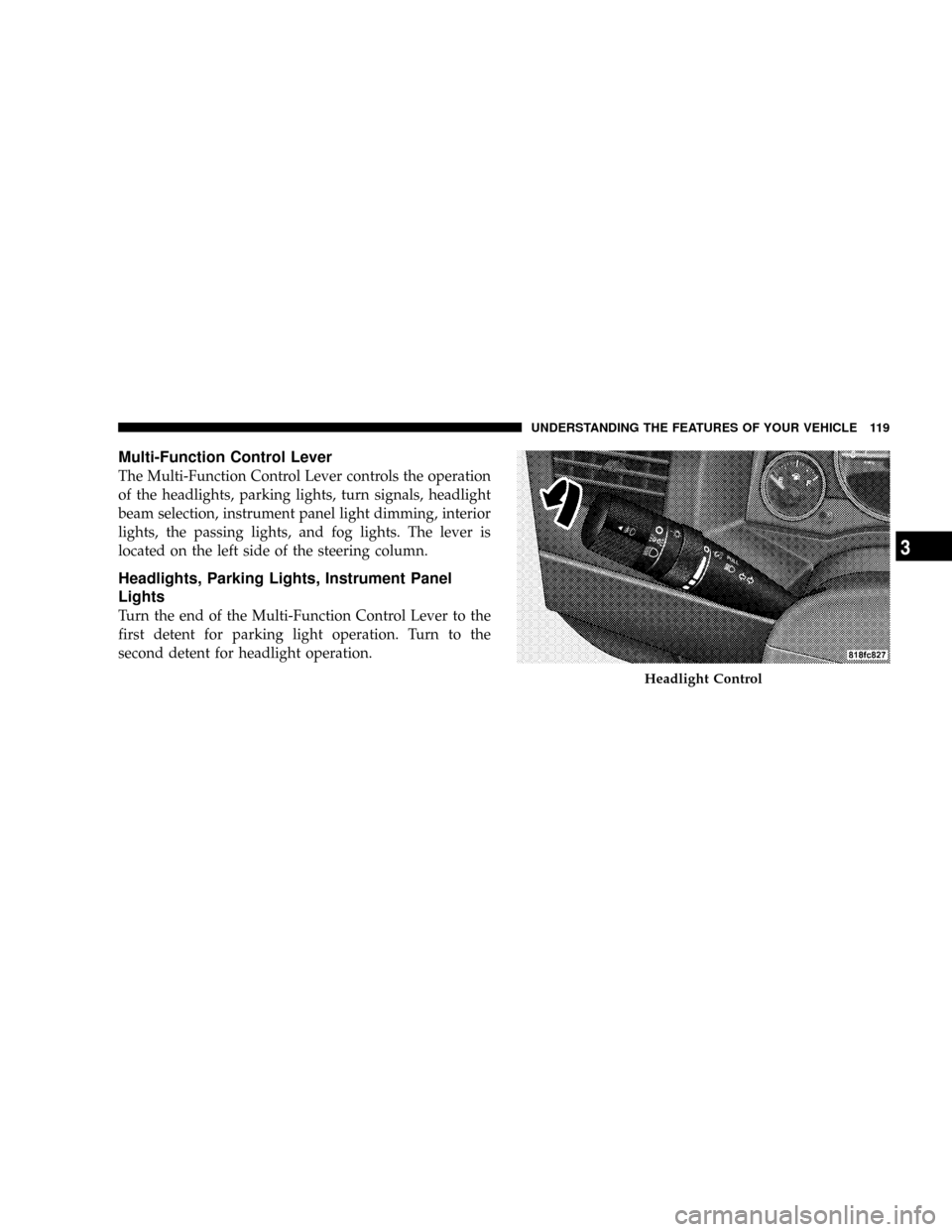
Multi-Function Control Lever
The Multi-Function Control Lever controls the operation
of the headlights, parking lights, turn signals, headlight
beam selection, instrument panel light dimming, interior
lights, the passing lights, and fog lights. The lever is
located on the left side of the steering column.
Headlights, Parking Lights, Instrument Panel
Lights
Turn the end of the Multi-Function Control Lever to the
first detent for parking light operation. Turn to the
second detent for headlight operation.
Headlight Control
UNDERSTANDING THE FEATURES OF YOUR VEHICLE 119
3
Page 121 of 440
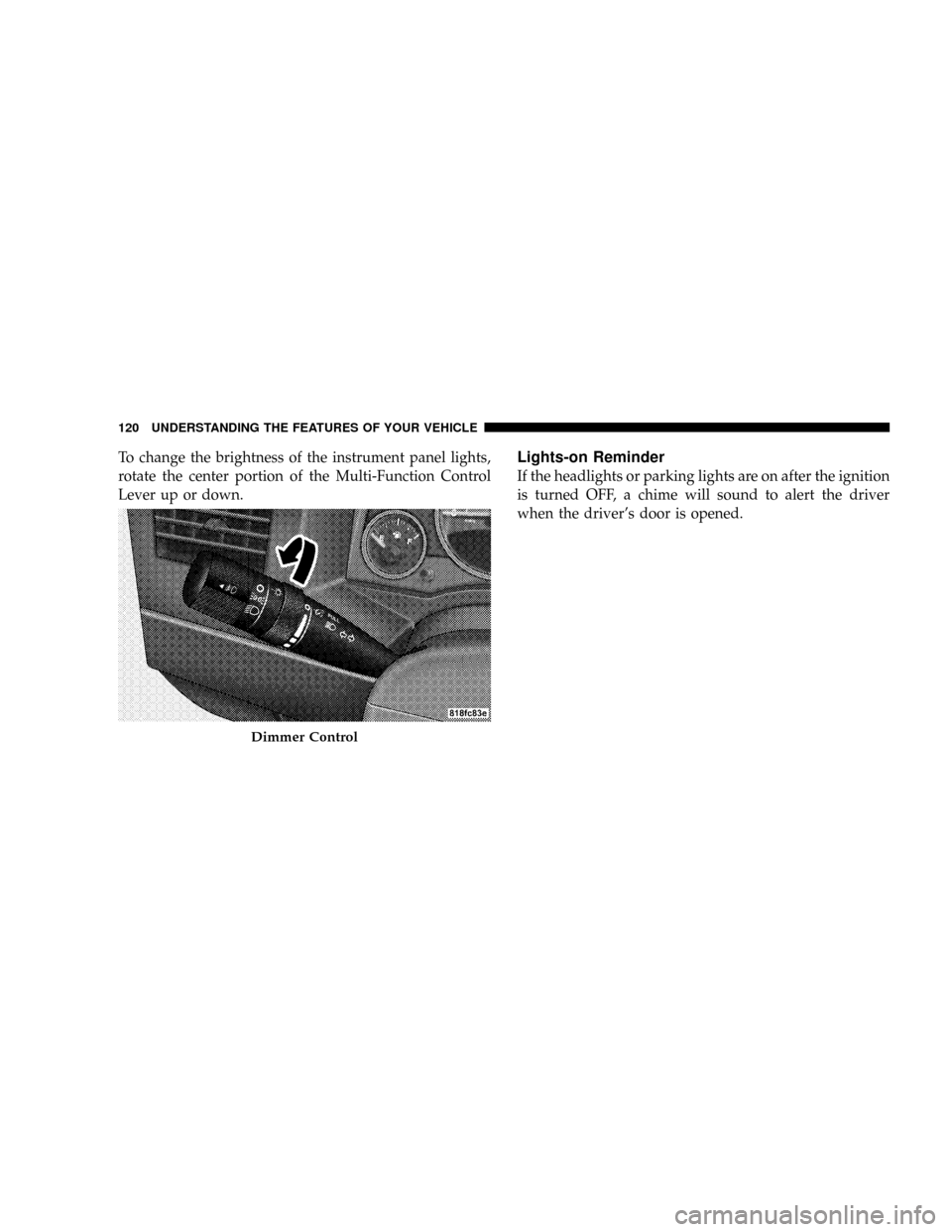
To change the brightness of the instrument panel lights,
rotate the center portion of the Multi-Function Control
Lever up or down.Lights-on Reminder
If the headlights or parking lights are on after the ignition
is turned OFF, a chime will sound to alert the driver
when the driver's door is opened.
Dimmer Control
120 UNDERSTANDING THE FEATURES OF YOUR VEHICLE
Page 122 of 440
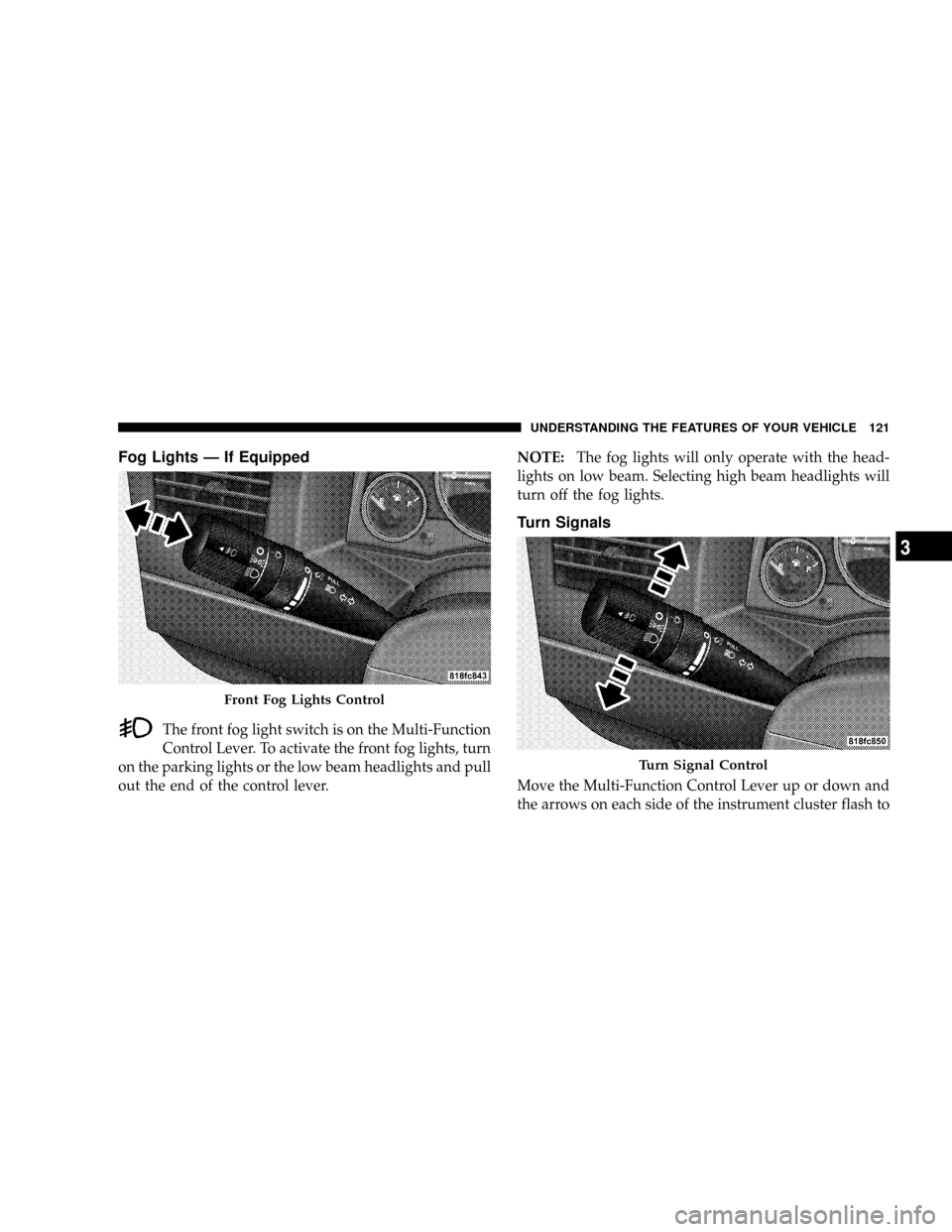
Fog Lights Ð If Equipped
The front fog light switch is on the Multi-Function
Control Lever. To activate the front fog lights, turn
on the parking lights or the low beam headlights and pull
out the end of the control lever.NOTE:The fog lights will only operate with the head-
lights on low beam. Selecting high beam headlights will
turn off the fog lights.
Turn Signals
Move the Multi-Function Control Lever up or down and
the arrows on each side of the instrument cluster flash to
Front Fog Lights Control
Turn Signal Control
UNDERSTANDING THE FEATURES OF YOUR VEHICLE 121
3
Page 123 of 440
show proper operation of the front and rear turn signal
lights. You can signal a lane change by moving the lever
partially up or down without moving beyond the detent.
If either light remains on and does not flash, or there is a
very fast flash rate, check for a defective outside light
bulb. If an indicator fails to light when the lever is
moved, it would suggest that the fuse or indicator bulb is
defective.Highbeam/Lowbeam Select Switch
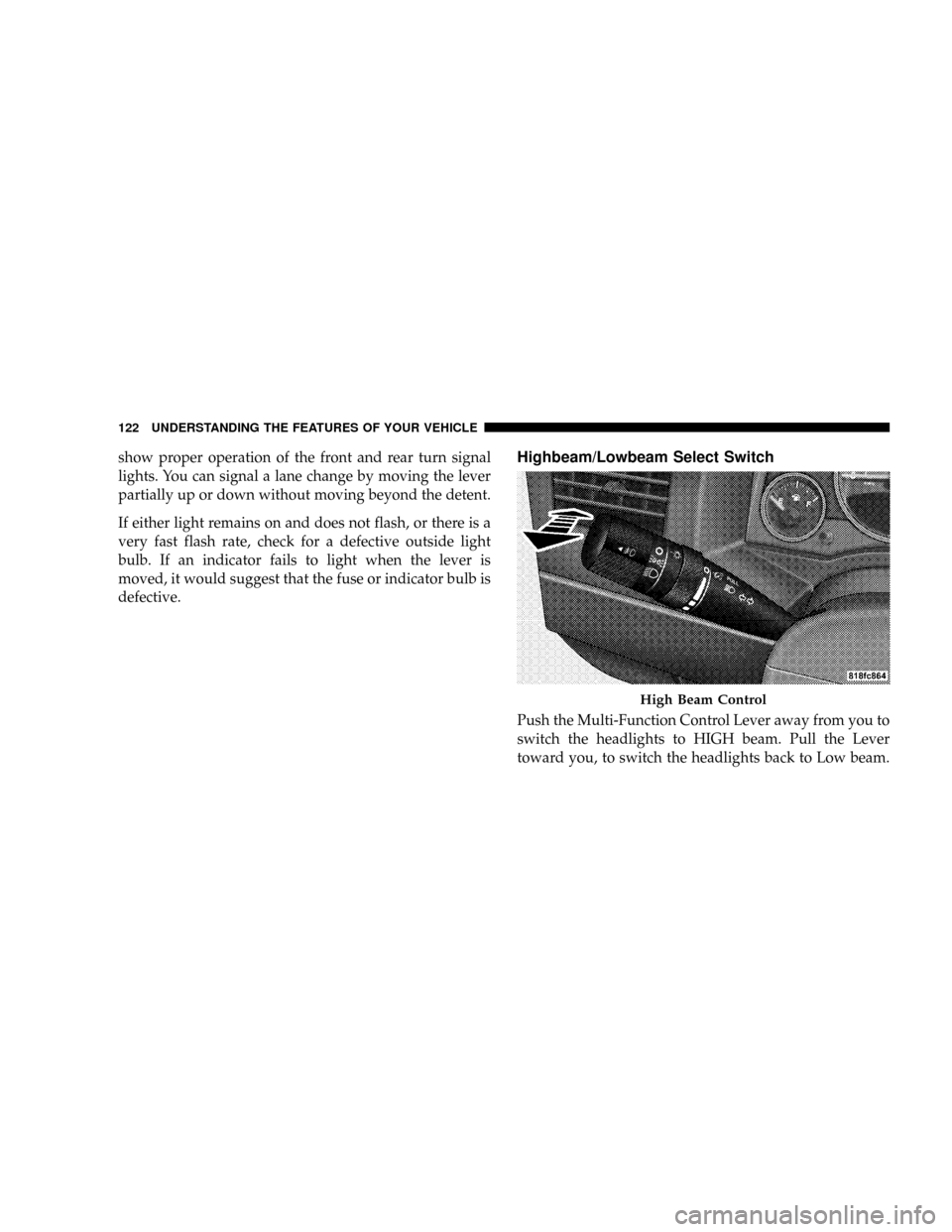
Push the Multi-Function Control Lever away from you to
switch the headlights to HIGH beam. Pull the Lever
toward you, to switch the headlights back to Low beam.
High Beam Control
122 UNDERSTANDING THE FEATURES OF YOUR VEHICLE
Page 124 of 440
Passing Light
You can signal another vehicle with your headlights by
lightly pulling the Multi-Function Control Lever toward
you. This will cause the headlights to turn on at high
beam and remain on until the lever is released.
NOTE:If the Multi-Function Control Lever is held in
the flash to pass position for more than 15 seconds, the
high beams will shut off. If this occurs, wait 30 seconds
for the next flash to pass operation.
Daytime Running Lights (DRL) Ð If Equipped
Functionality
The high beam lights will come on as Daytime Running
Lights (DRL) at DRL intensity (lower), whenever the
ignition is on, the engine is running, the headlight switch
is off, the parking brake is off, the turn signal is off, and
the gear shift is in any position except park.
WINDSHIELD WIPERS AND WASHERS
The wipers and washers are operated by a switch
on the control lever. The lever is located on the
right side of the steering column.
Windshield Washers
To use the washer, pull the control lever toward you and
hold while spray is desired. If the lever is pulled while in
the delay range, the wiper will operate in low speed for
two wipe cycles after the lever is released, and then
resume the intermittent interval previously selected.
UNDERSTANDING THE FEATURES OF YOUR VEHICLE 123
3