torque JEEP RENEGADE 2015 1.G Owner's Manual
[x] Cancel search | Manufacturer: JEEP, Model Year: 2015, Model line: RENEGADE, Model: JEEP RENEGADE 2015 1.GPages: 678, PDF Size: 29.84 MB
Page 477 of 678
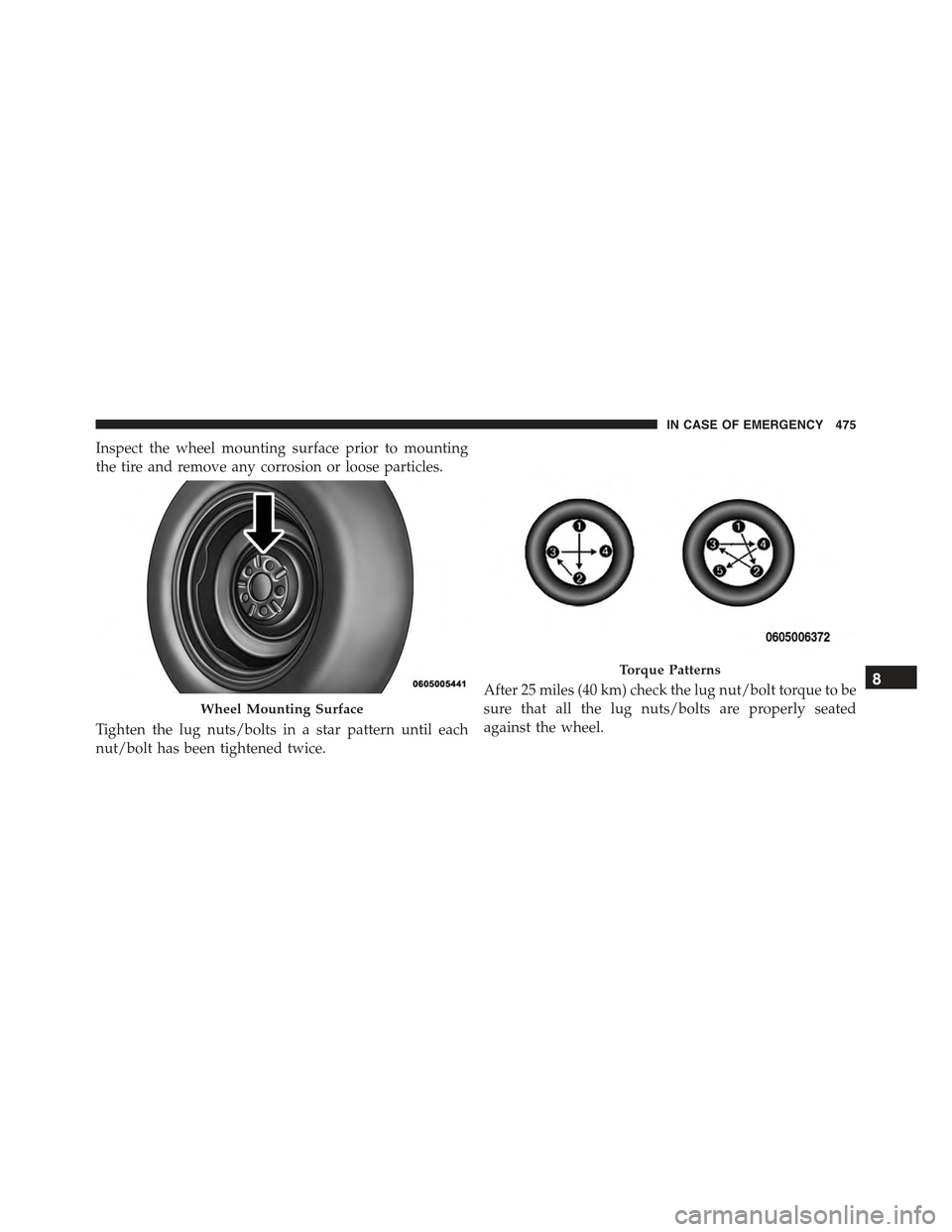
Inspect the wheel mounting surface prior to mounting
the tire and remove any corrosion or loose particles.
Tighten the lug nuts/bolts in a star pattern until each
nut/bolt has been tightened twice.
After 25 miles (40 km) check the lug nut/bolt torque to be
sure that all the lug nuts/bolts are properly seated
against the wheel.
Wheel Mounting Surface
Torque Patterns8
IN CASE OF EMERGENCY 475
Page 487 of 678
NOTE:
•Your vehicle may be equipped with a compact spare
tire or a limited — use spare tire. For further infor-
mation refer to “Tires — General Information” in
“Maintaining And Caring For Your Vehicle”.
•For vehicles so equipped, do not attempt to install a
center cap or wheel cover on the compact spare.
8. Install the wheel bolts with the threaded end of the
wheel bolt toward the wheel. Lightly tighten the
wheel bolts.
WARNING!
To avoid the risk of forcing the vehicle off the jack,
do not fully tighten the wheel bolts until the vehicle
has been lowered. Failure to follow this warning may
result in personal injury.
9. Lower the vehicle to the ground by turning the jack
handle counterclockwise.
10. Finish tightening the wheel bolts. Push down on the
wrench while at the end of the handle for increased
leverage. Tighten the wheel bolts in a star pattern
until each wheel bolt has been tightened twice. Refer
to “Torque Specifications” in this section for the
proper lug bolt torque. If in doubt about the correct
tightness, have them checked with a torque wrench
by your authorized dealer or at a service station.
8
IN CASE OF EMERGENCY 485
Page 489 of 678
WARNING!
To avoid the risk of forcing the vehicle off the jack,
do not tighten the lug nuts fully until the vehicle has
been lowered. Failure to follow this warning may
result in personal injury.
3. Lower the vehicle to the ground by turning the jack
handle counterclockwise.
4. Finish tightening the wheel bolts. Push down on the
wrench while at the end of the handle for increased
leverage. Tighten the wheel bolts in a star pattern until
each wheel bolt has been tightened twice. Refer to
“Torque Specifications” in this section for the proper
lug bolt torque. If in doubt about the correct tightness,
have them checked with a torque wrench by your
authorized dealer or service station.
5. Lower the jack until it is free. Remove the wheel
chocks. Stow the jack and tools back in the proper
storage location. Release the Electric Park Brake before
driving the vehicle.
6. After 25 miles (40 km) check the wheel bolt torque
with a torque wrench to ensure that all wheel bolts are
properly seated against the wheel.
TIRE SERVICE KIT STORAGE
The Tire Service Kit is located in the rear storage com-
partment inside a storage container. Located inside the
container are a screwdriver and the emergency fuel
funnel. To access the Tire Service Kit open the lift gate
and remove the load floor.
8
IN CASE OF EMERGENCY 487
Page 553 of 678
the vehicle. Fluid changes are not necessary unless lubri-
cant has become contaminated with water.
NOTE:If contaminated with water, the fluid should be
changed immediately.
Automatic Transmission — If Equipped
Selection Of Lubricant
It is important to use the proper transmission fluid to
ensure optimum transmission performance and life. Use
only the manufacturer’s specified transmission fluid.
Refer to “Fluids, Lubricants, and Genuine Parts” in this
section for fluid specifications. It is important to maintain
the transmission fluid at the correct level using the
recommended fluid.
NOTE:No chemical flushes should be used in any
transmission; only the approved lubricant should be
used.
CAUTION!
Using a transmission fluid other than the manufac-
turer ’s recommended fluid may cause deterioration
in transmission shift quality and/or torque converter
shudder. Refer to “Fluids, Lubricants, and Genuine
Parts” in this section for fluid specifications.
Special Additives
The manufacturer strongly recommends against using
any special additives in the transmission. Automatic
Transmission Fluid (ATF) is an engineered product and
its performance may be impaired by supplemental addi-
tives. Therefore, do not add any fluid additives to the
transmission. The only exception to this policy is the use
of special dyes for diagnosing fluid leaks. Avoid using
transmission sealers as they may adversely affect seals.
9
MAINTAINING AND CARING FOR YOUR VEHICLE 551
Page 607 of 678
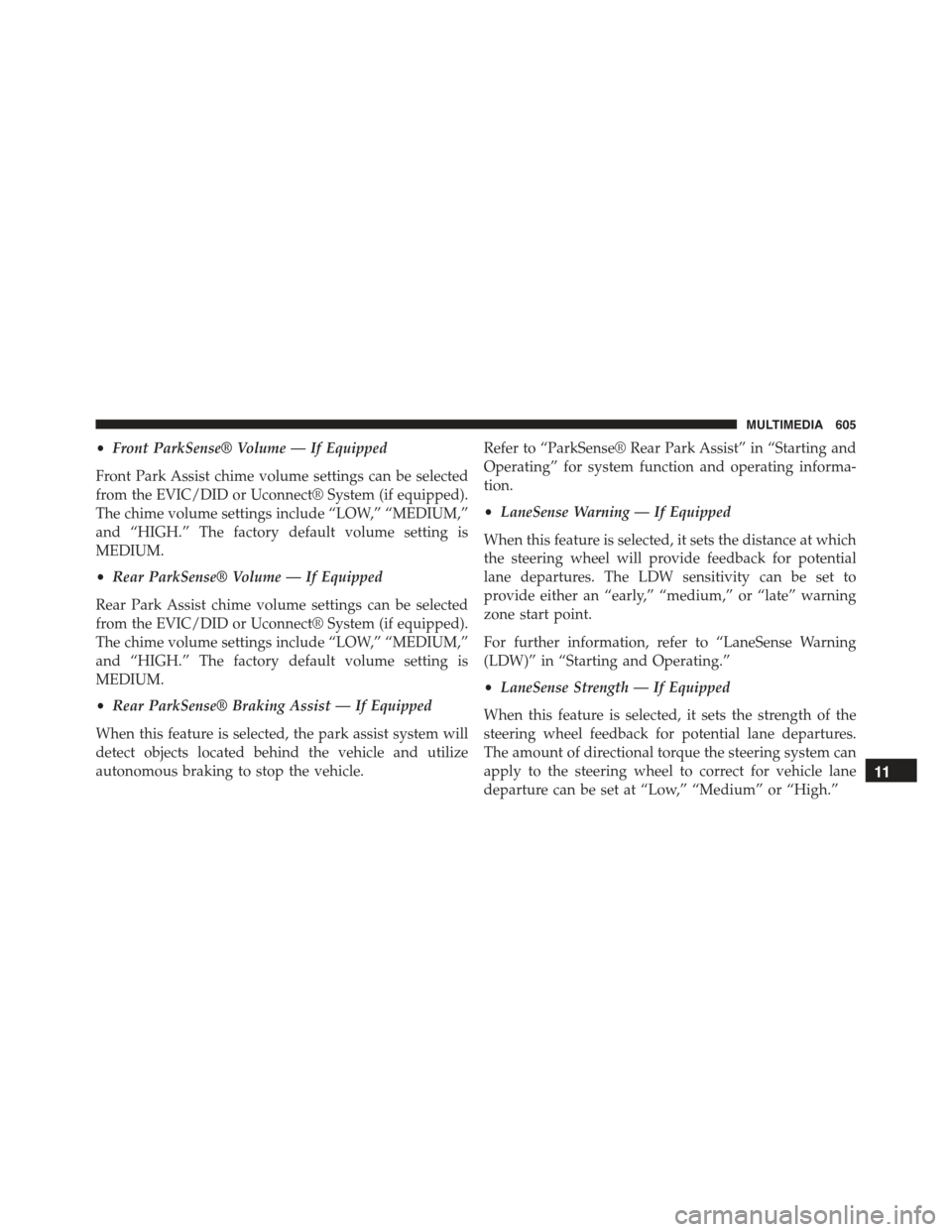
•Front ParkSense® Volume — If Equipped
Front Park Assist chime volume settings can be selected
from the EVIC/DID or Uconnect® System (if equipped).
The chime volume settings include “LOW,” “MEDIUM,”
and “HIGH.” The factory default volume setting is
MEDIUM.
•Rear ParkSense® Volume — If Equipped
Rear Park Assist chime volume settings can be selected
from the EVIC/DID or Uconnect® System (if equipped).
The chime volume settings include “LOW,” “MEDIUM,”
and “HIGH.” The factory default volume setting is
MEDIUM.
•Rear ParkSense® Braking Assist — If Equipped
When this feature is selected, the park assist system will
detect objects located behind the vehicle and utilize
autonomous braking to stop the vehicle.
Refer to “ParkSense® Rear Park Assist” in “Starting and
Operating” for system function and operating informa-
tion.
•LaneSense Warning — If Equipped
When this feature is selected, it sets the distance at which
the steering wheel will provide feedback for potential
lane departures. The LDW sensitivity can be set to
provide either an “early,” “medium,” or “late” warning
zone start point.
For further information, refer to “LaneSense Warning
(LDW)” in “Starting and Operating.”
•LaneSense Strength — If Equipped
When this feature is selected, it sets the strength of the
steering wheel feedback for potential lane departures.
The amount of directional torque the steering system can
apply to the steering wheel to correct for vehicle lane
departure can be set at “Low,” “Medium” or “High.”
11
MULTIMEDIA 605
Page 625 of 678
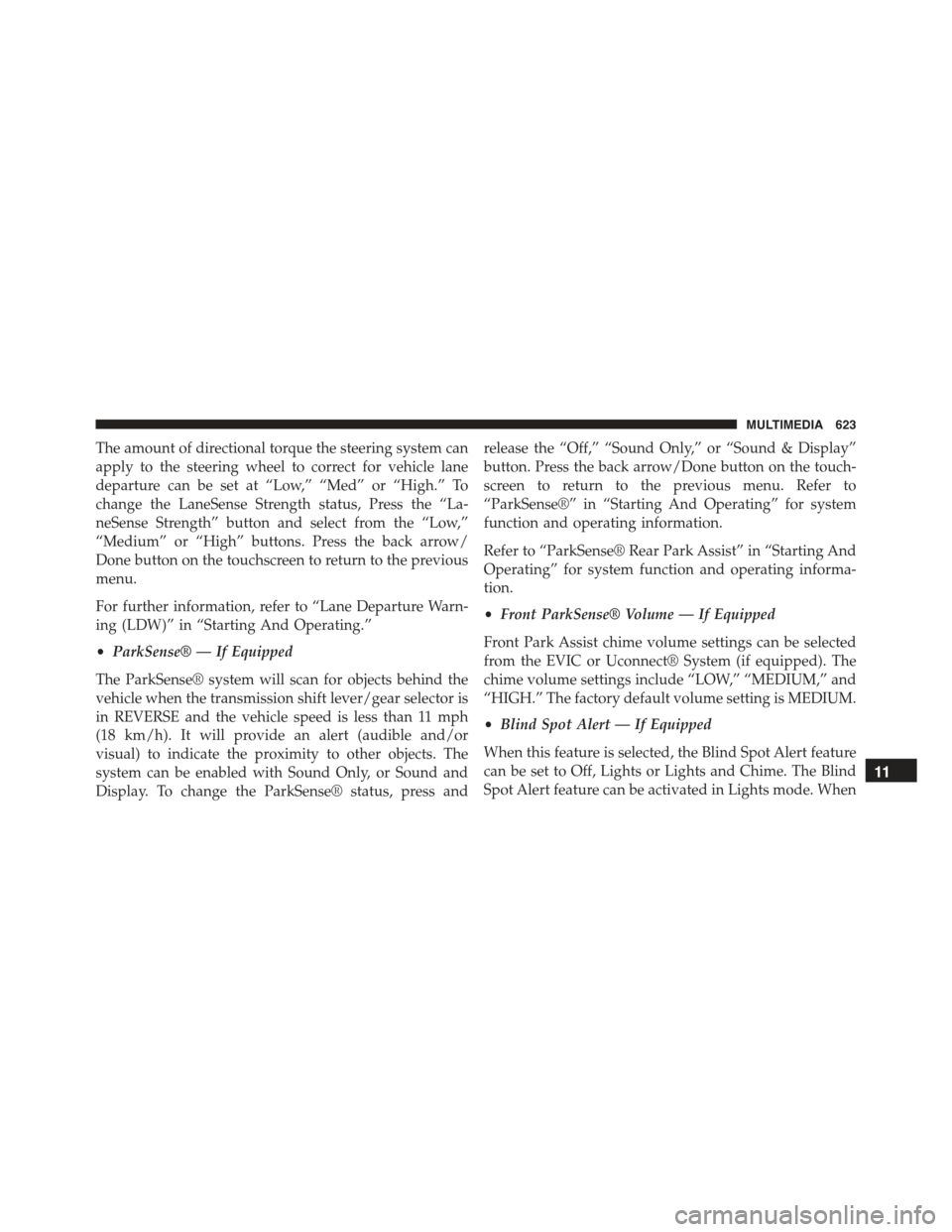
The amount of directional torque the steering system can
apply to the steering wheel to correct for vehicle lane
departure can be set at “Low,” “Med” or “High.” To
change the LaneSense Strength status, Press the “La-
neSense Strength” button and select from the “Low,”
“Medium” or “High” buttons. Press the back arrow/
Done button on the touchscreen to return to the previous
menu.
For further information, refer to “Lane Departure Warn-
ing (LDW)” in “Starting And Operating.”
•ParkSense® — If Equipped
The ParkSense® system will scan for objects behind the
vehicle when the transmission shift lever/gear selector is
in REVERSE and the vehicle speed is less than 11 mph
(18 km/h). It will provide an alert (audible and/or
visual) to indicate the proximity to other objects. The
system can be enabled with Sound Only, or Sound and
Display. To change the ParkSense® status, press and
release the “Off,” “Sound Only,” or “Sound & Display”
button. Press the back arrow/Done button on the touch-
screen to return to the previous menu. Refer to
“ParkSense®” in “Starting And Operating” for system
function and operating information.
Refer to “ParkSense® Rear Park Assist” in “Starting And
Operating” for system function and operating informa-
tion.
•Front ParkSense® Volume — If Equipped
Front Park Assist chime volume settings can be selected
from the EVIC or Uconnect® System (if equipped). The
chime volume settings include “LOW,” “MEDIUM,” and
“HIGH.” The factory default volume setting is MEDIUM.
•Blind Spot Alert — If Equipped
When this feature is selected, the Blind Spot Alert feature
can be set to Off, Lights or Lights and Chime. The Blind
Spot Alert feature can be activated in Lights mode. When
11
MULTIMEDIA 623