JEEP WRANGLER 2010 Owners Manual
WRANGLER 2010
JEEP
JEEP
https://www.carmanualsonline.info/img/16/56059/w960_56059-0.png
JEEP WRANGLER 2010 Owners Manual
Page 9 of 554
WARNINGS AND CAUTIONS
This Owner’s Manual containsWARNINGSagainst op-
erating procedures that could result in an accident or
bodily injury. It also contains CAUTIONSagainst proce-
dures that could result in damage to your vehicle. If you
do not read this entire manual, you may miss important
information. Observe all Warnings and Cautions.
VEHICLE IDENTIFICATION NUMBER
The Vehicle Identification Number (VIN) is found on the
left front corner of the instrument panel pad, visible from
outside of the vehicle through the windshield. This
number also appears on the Automobile Information
Disclosure Label affixed to a window on your vehicle.
Save this label for a convenient record of your vehicle
identification number and optional equipment.
NOTE: It is illegal to remove or alter the VIN plate.
VEHICLE MODIFICATIONS/ALTERATIONS
Page 51 of 554
Supplemental Restraint System (SRS) — Airbags
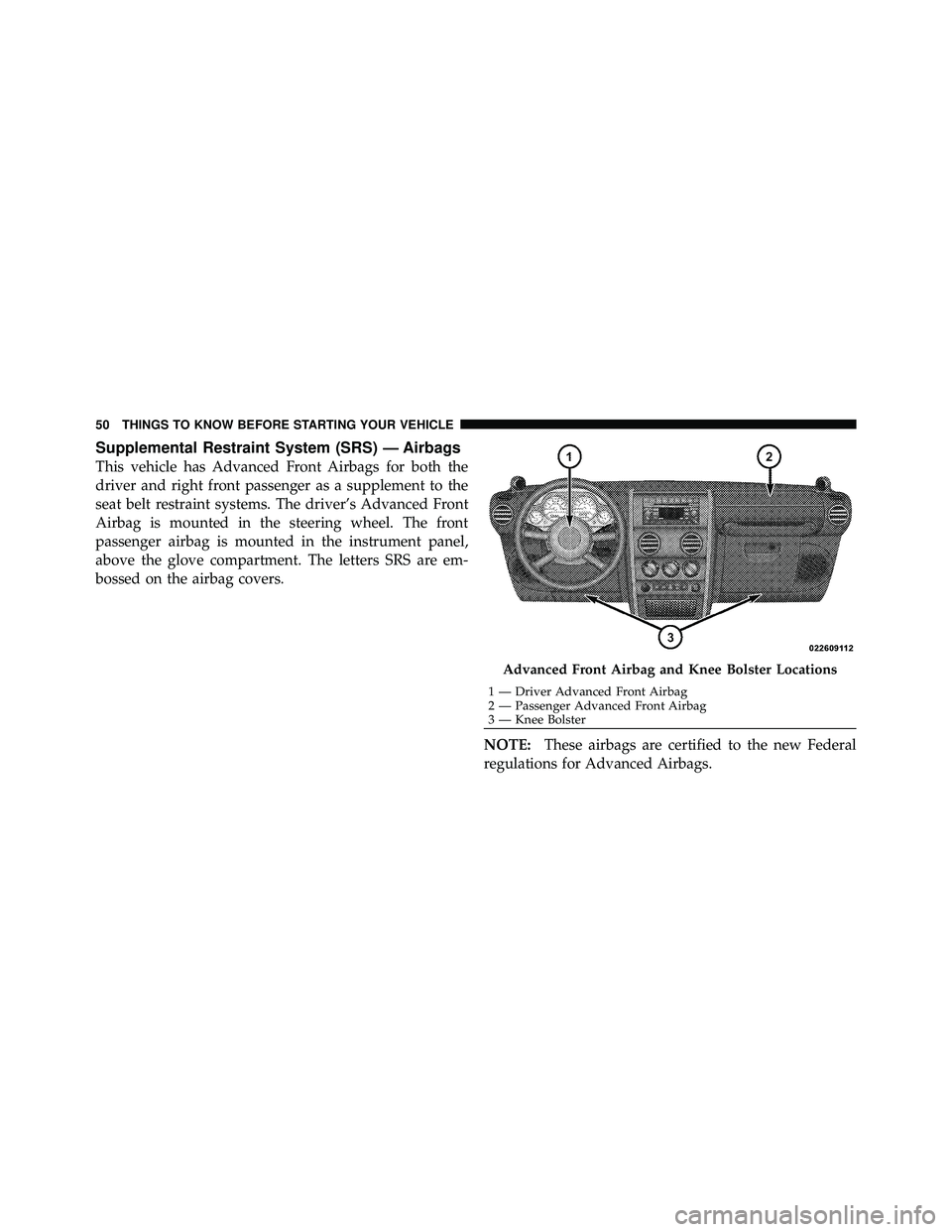
This vehicle has Advanced Front Airbags for both the
driver and right front passenger as a supplement to the
seat belt restraint systems. The driver’s Advanced Front
Airbag is mounted in the steering wheel. The front
passenger airbag is mounted in the instrument panel,
above the glove compartment. The letters SRS are em-
bossed on the airbag covers.NOTE:These airbags are certified to the new Federal
regulations for Advanced Airbags.
Page 53 of 554
WARNING!
•No objects should be placed over or near the
airbag on the instrument panel, because any such
objects could cause harm if the vehicle is in a
collision severe enough to cause the airbag to
inflate.
•Do not put anything on or around the Advanced
Front Airbag covers or attempt to manually open
them. You may damage the airbags and you could
be injured because the airbags may no longer be
functional. These protective covers for the airbag
cushions are designed to open only when the
airbags are inflating.(Continued)
Page 83 of 554
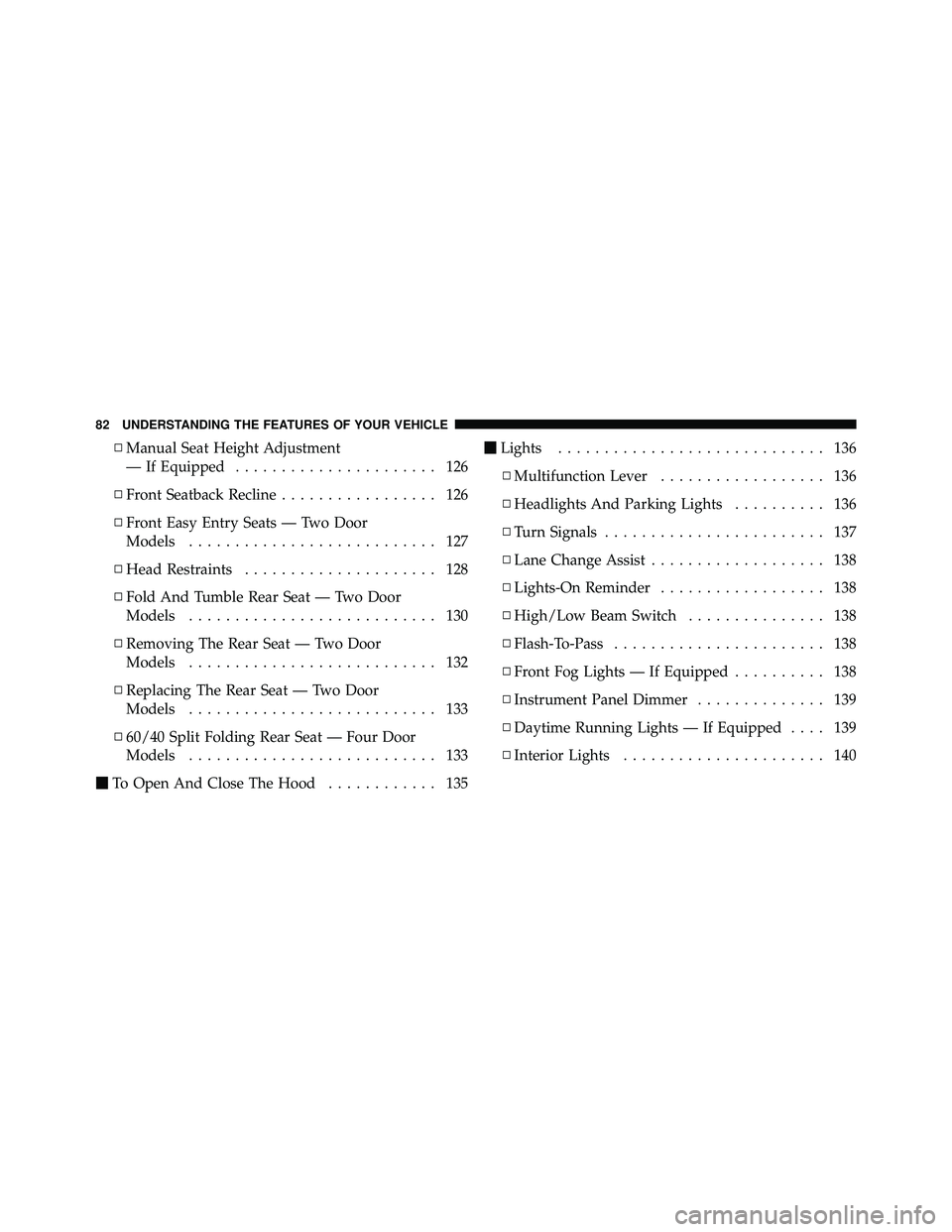
▫Manual Seat Height Adjustment
— If Equipped ...................... 126
▫ Front Seatback Recline ................. 126
▫ Front Easy Entry Seats — Two Door
Models ........................... 127
▫ Head Restraints ..................... 128
▫ Fold And Tumble Rear Seat — Two Door
Models ........................... 130
▫ Removing The Rear Seat — Two Door
Models ........................... 132
▫ Replacing The Rear Seat — Two Door
Models ........................... 133
▫ 60/40 Split Folding Rear Seat — Four Door
Models ........................... 133
� To Open And Close The Hood ............ 135�
Lights ............................. 136
▫ Multifunction Lever .................. 136
▫ Headlights And Parking Lights .......... 136
▫ Turn Signals ........................ 137
▫ Lane Change Assist ................... 138
▫ Lights-On Reminder .................. 138
▫ High/Low Beam Switch ............... 138
▫ Flash-To-Pass ....................... 138
▫ Front Fog Lights — If Equipped .......... 138
▫ Instrument Panel Dimmer .............. 139
▫ Daytime Running Lights — If Equipped .... 139
▫ Interior Lights ...................... 140
82 UNDERSTANDING THE FEATURES OF YOUR VEHICLE
Page 151 of 554
ELECTRICAL POWER OUTLET
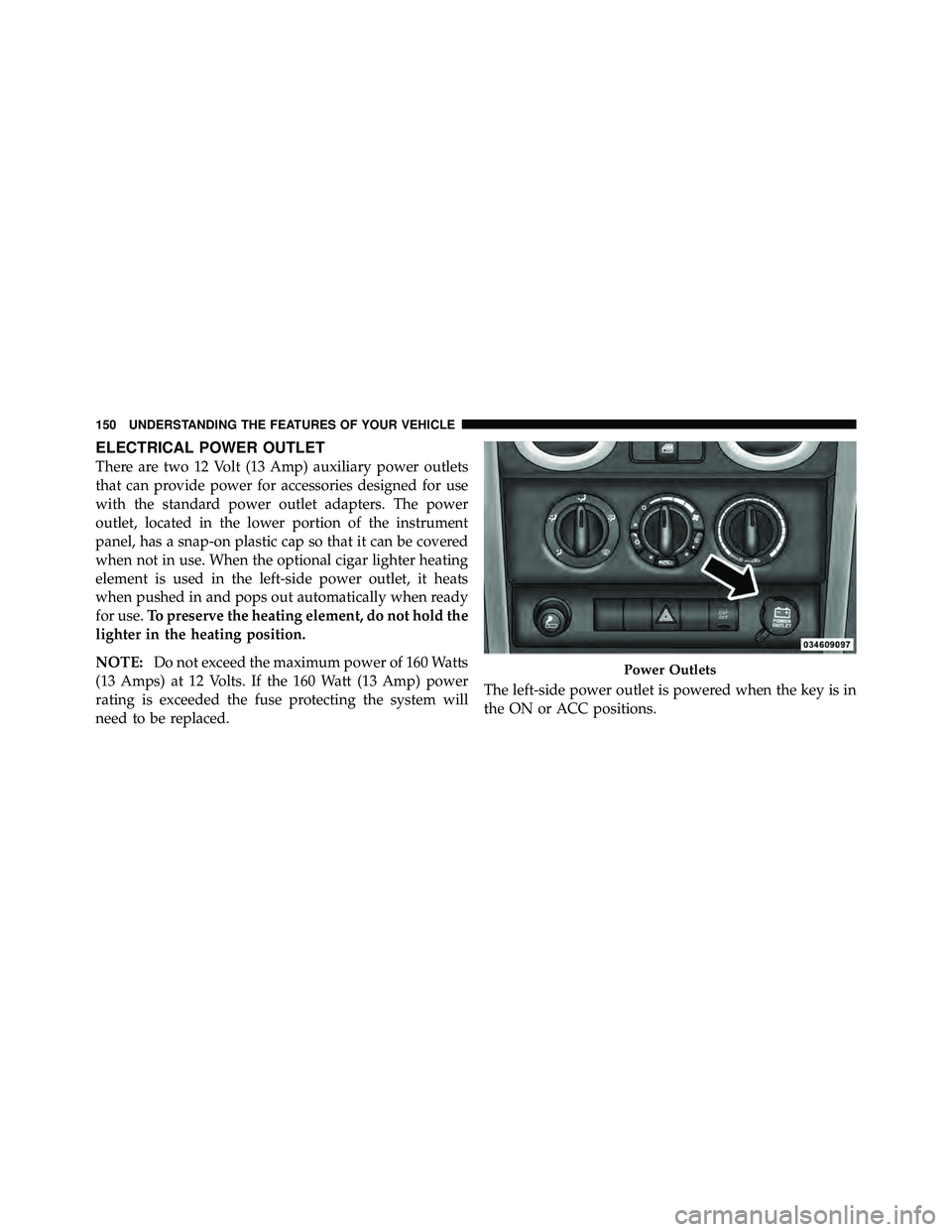
There are two 12 Volt (13 Amp) auxiliary power outlets
that can provide power for accessories designed for use
with the standard power outlet adapters. The power
outlet, located in the lower portion of the instrument
panel, has a snap-on plastic cap so that it can be covered
when not in use. When the optional cigar lighter heating
element is used in the left-side power outlet, it heats
when pushed in and pops out automatically when ready
for use.To preserve the heating element, do not hold the
lighter in the heating position.
NOTE: Do not exceed the maximum power of 160 Watts
(13 Amps) at 12 Volts. If the 160 Watt (13 Amp) power
rating is exceeded the fuse protecting the system will
need to be replaced. The left-side power outlet is powered when the key is in
the ON or ACC positions.
Page 243 of 554
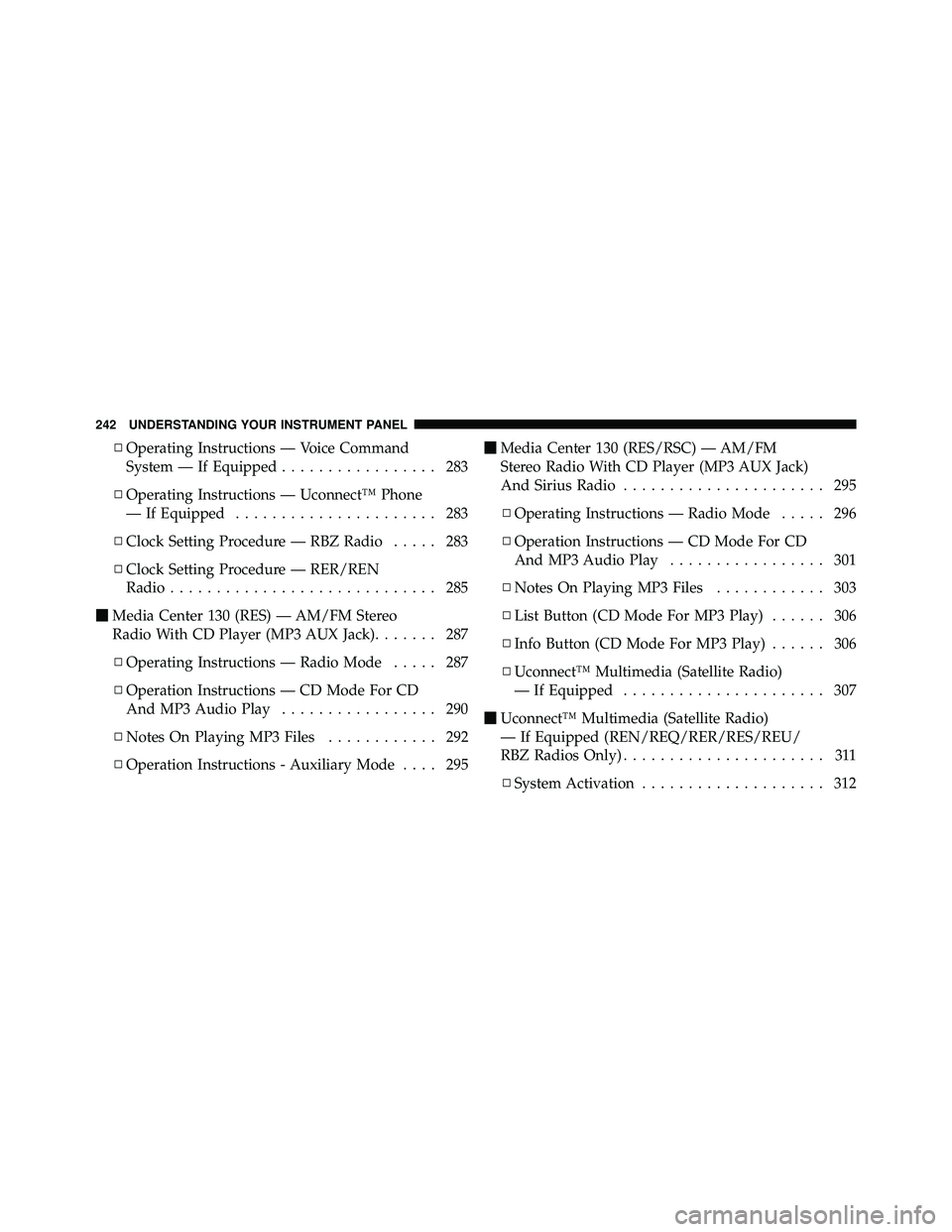
▫Operating Instructions — Voice Command
System — If Equipped ................. 283
▫ Operating Instructions — Uconnect™ Phone
— If Equipped ...................... 283
▫ Clock Setting Procedure — RBZ Radio ..... 283
▫ Clock Setting Procedure — RER/REN
Radio ............................. 285
� Media Center 130 (RES) — AM/FM Stereo
Radio With CD Player (MP3 AUX Jack) ....... 287
▫ Operating Instructions — Radio Mode ..... 287
▫ Operation Instructions — CD Mode For CD
And MP3 Audio Play ................. 290
▫ Notes On Playing MP3 Files ............ 292
▫ Operation Instructions - Auxiliary Mode .... 295�
Media Center 130 (RES/RSC) — AM/FM
Stereo Radio With CD Player (MP3 AUX Jack)
And Sirius Radio ...................... 295
▫ Operating Instructions — Radio Mode ..... 296
▫ Operation Instructions — CD Mode For CD
And MP3 Audio Play ................. 301
▫ Notes On Playing MP3 Files ............ 303
▫ List Button (CD Mode For MP3 Play) ...... 306
▫ Info Button (CD Mode For MP3 Play) ...... 306
▫ Uconnect™ Multimedia (Satellite Radio)
— If Equipped ...................... 307
� Uconnect™ Multimedia (Satellite Radio)
— If Equipped (REN/REQ/RER/RES/REU/
RBZ Radios Only) ...................... 311
▫ System Activation .................... 312
242 UNDERSTANDING YOUR INSTRUMENT PANEL
Page 245 of 554
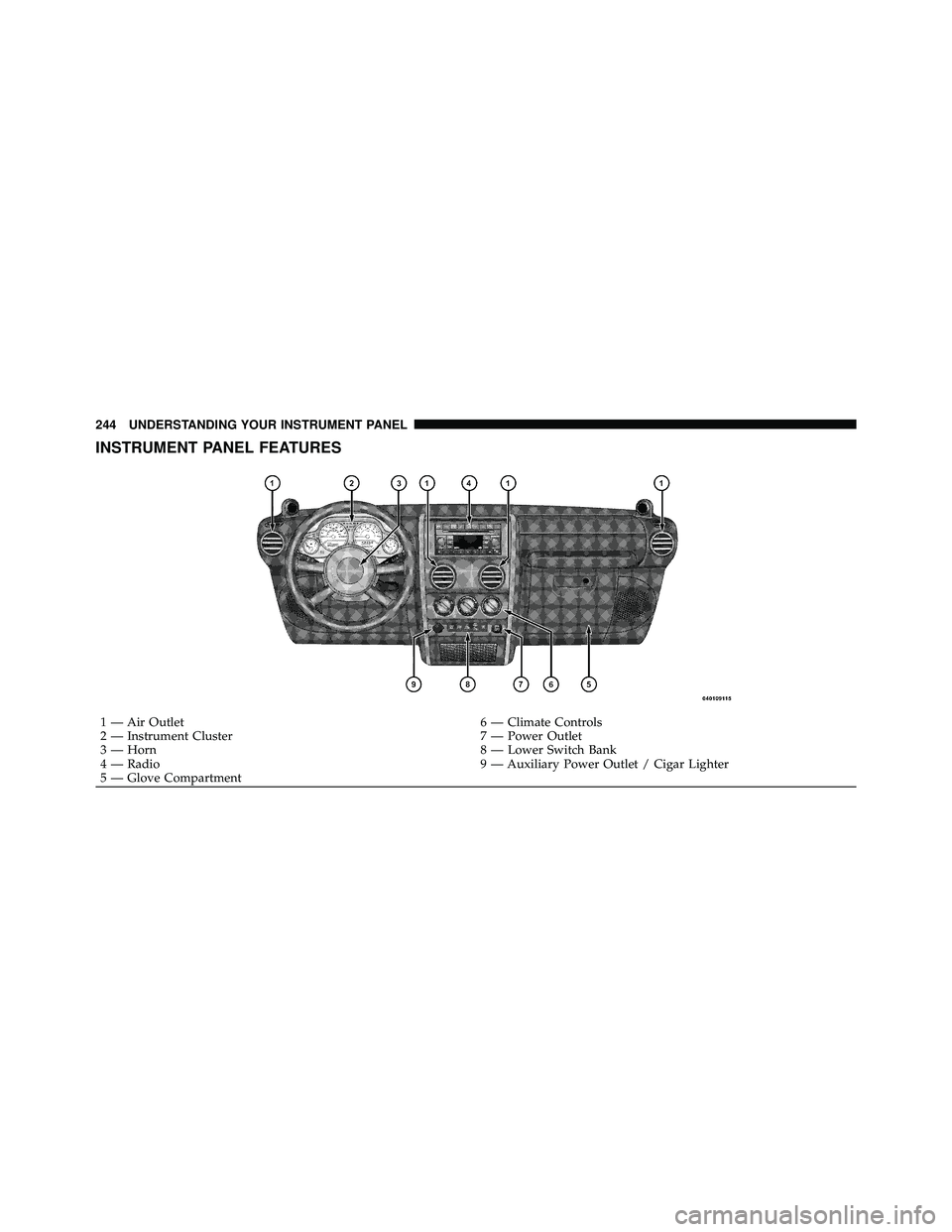
INSTRUMENT PANEL FEATURES
Page 246 of 554
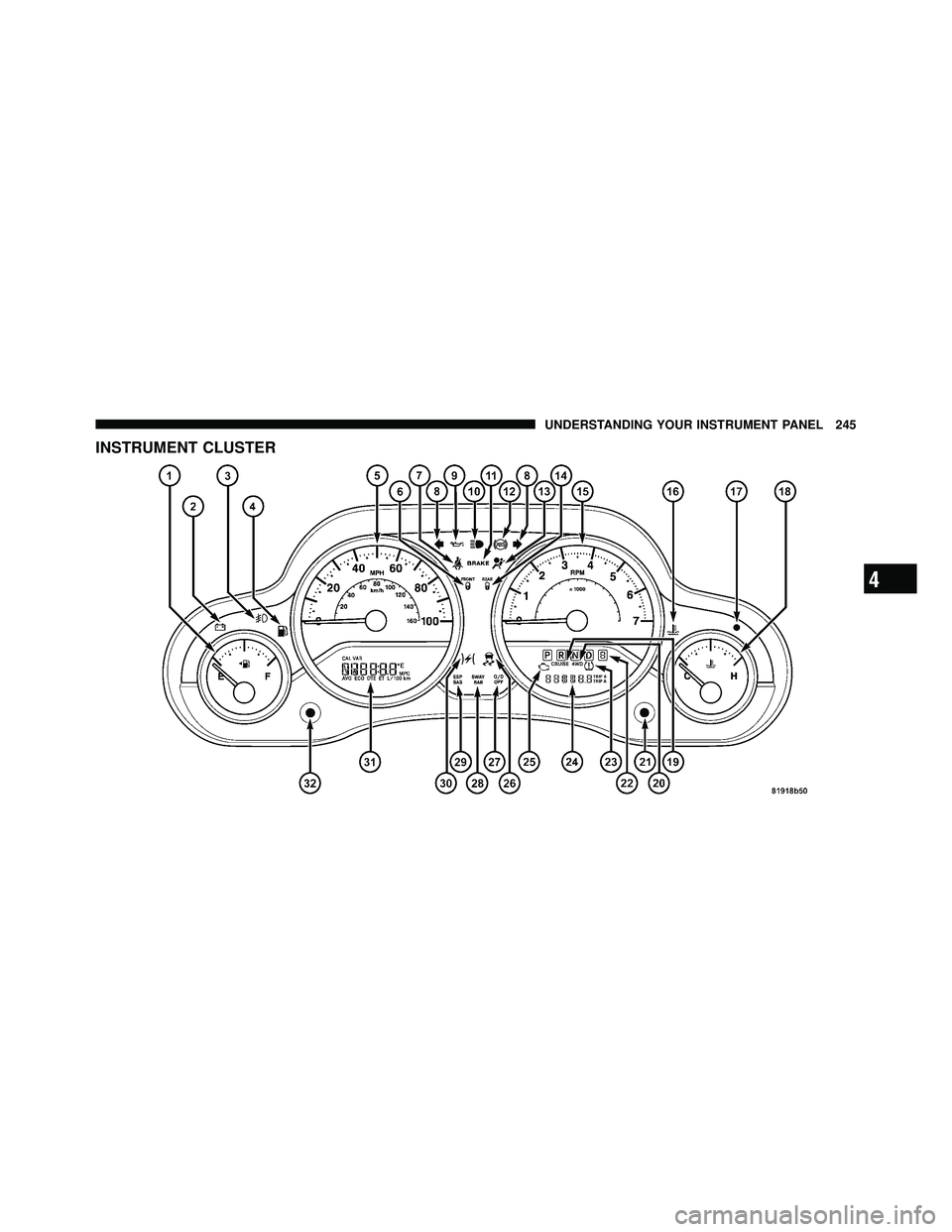
4
UNDERSTANDING YOUR INSTRUMENT PANEL 245
Page 248 of 554
4
UNDERSTANDING YOUR INSTRUMENT PANEL 247
Page 250 of 554
4
UNDERSTANDING YOUR INSTRUMENT PANEL 249