change time KIA Cadenza 2016 1.G Owner's Guide
[x] Cancel search | Manufacturer: KIA, Model Year: 2016, Model line: Cadenza, Model: KIA Cadenza 2016 1.GPages: 419, PDF Size: 8.03 MB
Page 246 of 419
533
Driving your vehicle
Hill-start assist control (HAC)
Hill start Assist Control is a comfort
function. The main intent is to pre-
vent the vehicle from rolling back-
wards while driving uphill on an
inclined surface. HAC holds the brak-
ing pressure builtup by driver during
stopping procedure for 2 seconds
after releasing brake pedal.
During the pressure-hold period, the
driver has enough time to press the
accelerator pedal to drive off.
The braking pressure is reduced as
soon as the system detects the dri-
ver’s intention to drive off. The HAC does not operate when
the transaxle shift lever is in the P
(Park) or N (Neutral) position.
The HAC activates even though the ESC is off but it does not acti-
vate when the ESC has malfunc-
tioned.
Vehicle stability management
(VSM)
This system provides further
enhancements to vehicle stability
and steering responses when a vehi-
cle is driving on a slippery road or a
vehicle detected changes in coeffi-
cient of friction between right wheels
and left wheels when braking.
WARNING- Maintaining
Brake Pressure on Incline
HAC does not replace the need
to apply brakes while stopped on
an incline. While stopped, make
sure you maintain brake pres-
sure sufficient to prevent your
vehicle from rolling backward
and causing an accident. Don’t
release the brake pedal until you
are ready to accelerate forward.
WARNING
For maximum protection,
always wear your seat belt. No
system, no matter how
advanced, can compensate for
all driver error and/or driving
conditions. Always drive
responsibly
Page 256 of 419
543
Driving your vehicle
To increase cruise control set
speed:
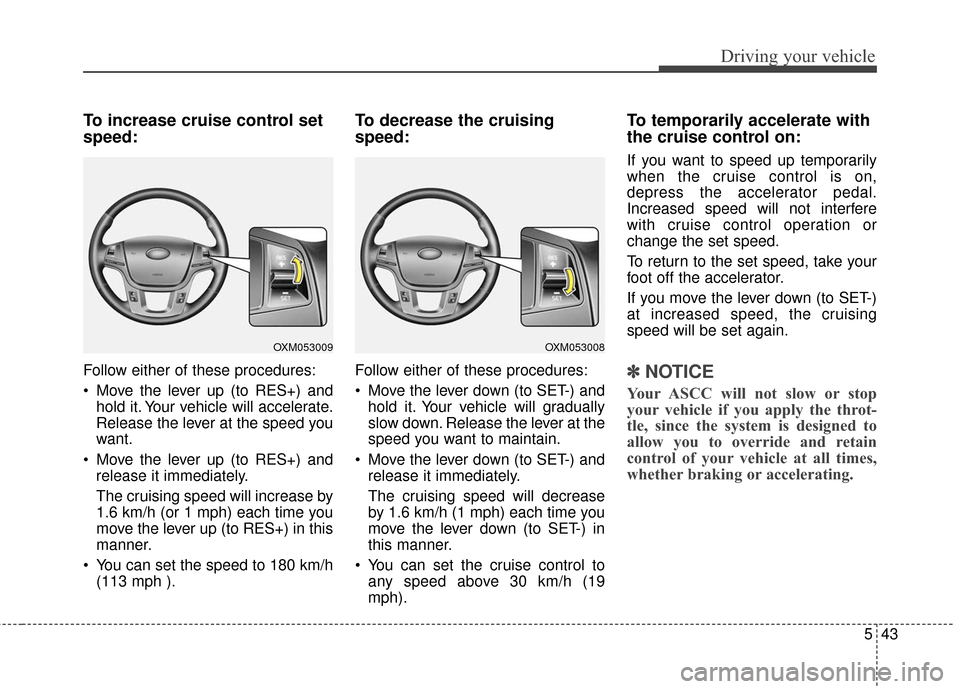
Follow either of these procedures:
Move the lever up (to RES+) andhold it. Your vehicle will accelerate.
Release the lever at the speed you
want.
Move the lever up (to RES+) and release it immediately.
The cruising speed will increase by
1.6 km/h (or 1 mph) each time you
move the lever up (to RES+) in this
manner.
You can set the speed to 180 km/h (113 mph ).
To decrease the cruising
speed:
Follow either of these procedures:
Move the lever down (to SET-) andhold it. Your vehicle will gradually
slow down. Release the lever at the
speed you want to maintain.
Move the lever down (to SET-) and release it immediately.
The cruising speed will decrease
by 1.6 km/h (1 mph) each time you
move the lever down (to SET-) in
this manner.
You can set the cruise control to any speed above 30 km/h (19
mph).
To temporarily accelerate with
the cruise control on:
If you want to speed up temporarily
when the cruise control is on,
depress the accelerator pedal.
Increased speed will not interfere
with cruise control operation or
change the set speed.
To return to the set speed, take your
foot off the accelerator.
If you move the lever down (to SET-)
at increased speed, the cruising
speed will be set again.
✽ ✽ NOTICE
Your ASCC will not slow or stop
your vehicle if you apply the throt-
tle, since the system is designed to
allow you to override and retain
control of your vehicle at all times,
whether braking or accelerating.
OXM053009OXM053008
Page 259 of 419
Driving your vehicle
46
5
To turn cruise control off, do
one of the following:
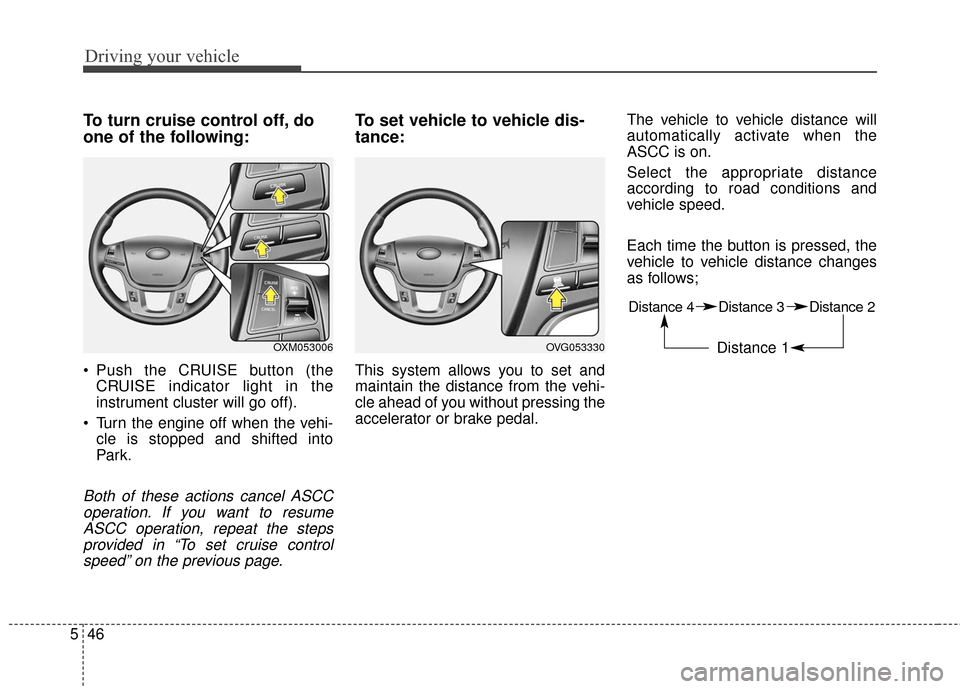
Push the CRUISE button (the
CRUISE indicator light in the
instrument cluster will go off).
Turn the engine off when the vehi- cle is stopped and shifted into
Par k.
Both of these actions cancel ASCCoperation. If you want to resumeASCC operation, repeat the stepsprovided in “To set cruise controlspeed” on the previous page.
To set vehicle to vehicle dis-
tance:
This system allows you to set and
maintain the distance from the vehi-
cle ahead of you without pressing the
accelerator or brake pedal. The vehicle to vehicle distance will
automatically activate when the
ASCC is on.
Select the appropriate distance
according to road conditions and
vehicle speed.
Each time the button is pressed, the
vehicle to vehicle distance changes
as follows;
OVG053330
Distance 4 Distance 3 Distance 2
Distance 1 OXM053006
Page 277 of 419
Driving your vehicle
64
5
✽
✽
NOTICE
• The system may not work proper-
ly if the bumper has been replaced
or if a repair work has been done
near the sensor.
• The detection area differs accord- ing to the roads width. If the road
is narrow the system may detect
other vehicles in the next lane.
• On the contrary, if the road is very wide the system may not detect
other vehicles.
• The system may turn off due to strong electromagnetic waves.
Non-operating condition
Driver's Attention
The driver must be cautious in the
below situations for the system may
not assist the driver and may not
work properly.
- Curved roads, tollgates, etc.
- The surrounding of the sensor is
polluted with rain, snow, mud, etc
- The rear bumper near the sensor is covered or hidden with a foreign
matter such as a sticker, bumper
guard, bicycle stand etc.
- The rear bumper is damaged or the sensor is out of place.
- The height of the vehicle shows much change such as when the
trunk is loaded with heavy objects,
abnormal tire pressure etc.
- Due to bad weather such as heavy rain or snow. - A fixed object is near such as a
guardrail, etc.
- A lot of amount of metal sub- stances are near the vehicles such
as a construction area.
- A big vehicle is near such as a bus or truck.
- A motorcycle or bicycle is near.
- A flat trailer like vehicle is near.
- If the vehicle has started at the same time as the vehicle next to it
and has accelerated.
- When the other vehicle passes by very fast.
- When changing lanes.
- When going down or up a steep road where the height of the lane is
different.
- When the other vehicle drives at the rear very nearby or drives very
close.
- When a trailer or carrier is installed.
Page 349 of 419
Maintenance
30
7
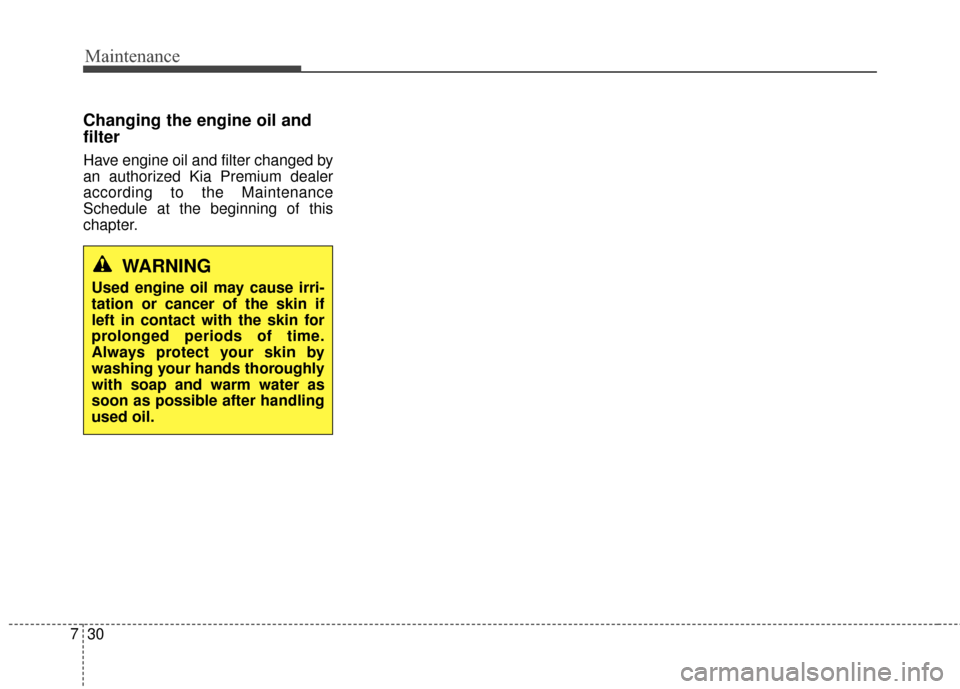
Changing the engine oil and
filter
Have engine oil and filter changed by
an authorized Kia Premium dealer
according to the Maintenance
Schedule at the beginning of this
chapter.
WARNING
Used engine oil may cause irri-
tation or cancer of the skin if
left in contact with the skin for
prolonged periods of time.
Always protect your skin by
washing your hands thoroughly
with soap and warm water as
soon as possible after handling
used oil.
Page 416 of 419
I5
Index
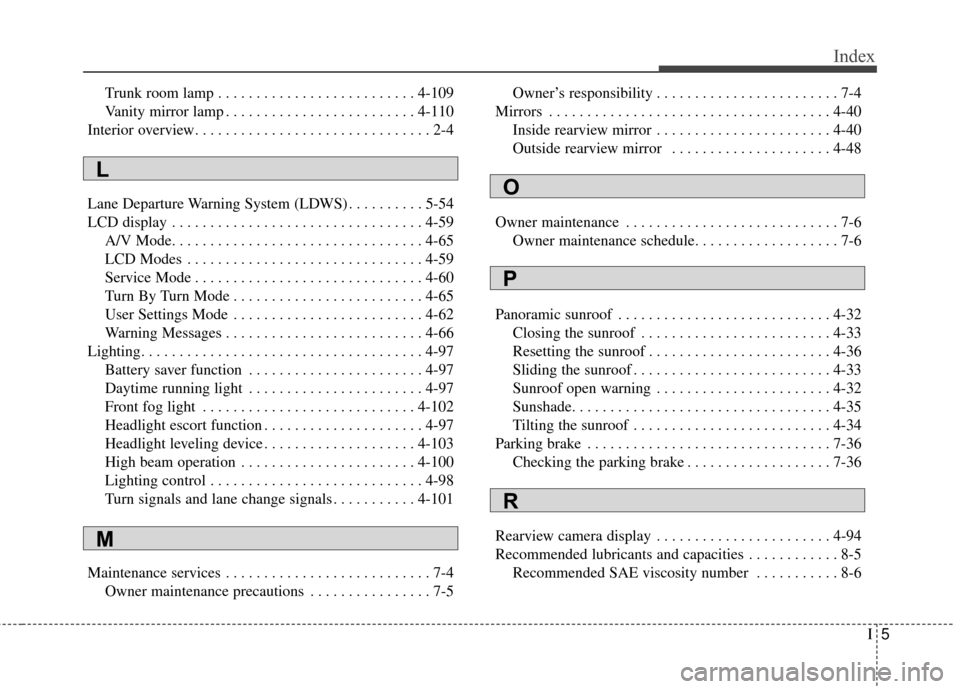
Trunk room lamp . . . . . . . . . . . . . . . . . . . . . . . . . . 4-109
Vanity mirror lamp . . . . . . . . . . . . . . . . . . . . . . . . . 4-110
Interior overview. . . . . . . . . . . . . . . . . . . . . . . . . . . . . . . 2-4
Lane Departure Warning System (LDWS) . . . . . . . . . . 5-54
LCD display . . . . . . . . . . . . . . . . . . . . . . . . . . . . . . . . . 4-59 A/V Mode. . . . . . . . . . . . . . . . . . . . . . . . . . . . . . . . . 4-65
LCD Modes . . . . . . . . . . . . . . . . . . . . . . . . . . . . . . . 4-59
Service Mode . . . . . . . . . . . . . . . . . . . . . . . . . . . . . . 4-60
Turn By Turn Mode . . . . . . . . . . . . . . . . . . . . . . . . . 4-65
User Settings Mode . . . . . . . . . . . . . . . . . . . . . . . . . 4-62
Warning Messages . . . . . . . . . . . . . . . . . . . . . . . . . . 4-66
Lighting. . . . . . . . . . . . . . . . . . . . . . . . . . . . . . . . . . . . \
. 4-97 Battery saver function . . . . . . . . . . . . . . . . . . . . . . . 4-97
Daytime running light . . . . . . . . . . . . . . . . . . . . . . . 4-97
Front fog light . . . . . . . . . . . . . . . . . . . . . . . . . . . . 4-102
Headlight escort function . . . . . . . . . . . . . . . . . . . . . 4-97
Headlight leveling device . . . . . . . . . . . . . . . . . . . . 4-103
High beam operation . . . . . . . . . . . . . . . . . . . . . . . 4-100
Lighting control . . . . . . . . . . . . . . . . . . . . . . . . . . . . 4-98
Turn signals and lane change signals . . . . . . . . . . . 4-101
Maintenance services . . . . . . . . . . . . . . . . . . . . . . . . . . . 7-4 Owner maintenance precautions . . . . . . . . . . . . . . . . 7-5 Owner’s responsibility . . . . . . . . . . . . . . . . . . . . . . . . 7-4
Mirrors . . . . . . . . . . . . . . . . . . . . . . . . . . . . . . . . . . . . \
. 4-40 Inside rearview mirror . . . . . . . . . . . . . . . . . . . . . . . 4-40
Outside rearview mirror . . . . . . . . . . . . . . . . . . . . . 4-48
Owner maintenance . . . . . . . . . . . . . . . . . . . . . . . . . . . . 7-6 Owner maintenance schedule. . . . . . . . . . . . . . . . . . . 7-6
Panoramic sunroof . . . . . . . . . . . . . . . . . . . . . . . . . . . . 4-32 Closing the sunroof . . . . . . . . . . . . . . . . . . . . . . . . . 4-33
Resetting the sunroof . . . . . . . . . . . . . . . . . . . . . . . . 4-36
Sliding the sunroof . . . . . . . . . . . . . . . . . . . . . . . . . . 4-33
Sunroof open warning . . . . . . . . . . . . . . . . . . . . . . . 4-32
Sunshade. . . . . . . . . . . . . . . . . . . . . . . . . . . . . . . . . . 4-35\
Tilting the sunroof . . . . . . . . . . . . . . . . . . . . . . . . . . 4-34
Parking brake . . . . . . . . . . . . . . . . . . . . . . . . . . . . . . . . 7-36 Checking the parking brake . . . . . . . . . . . . . . . . . . . 7-36
Rearview camera display . . . . . . . . . . . . . . . . . . . . . . . 4-94
Recommended lubricants and capacities . . . . . . . . . . . . 8-5 Recommended SAE viscosity number . . . . . . . . . . . 8-6
L
M
O
P
R