Break KIA MOHAVE 2014 User Guide
[x] Cancel search | Manufacturer: KIA, Model Year: 2014, Model line: MOHAVE, Model: KIA MOHAVE 2014Pages: 417, PDF Size: 38.72 MB
Page 216 of 417
4139
Features of your vehicle
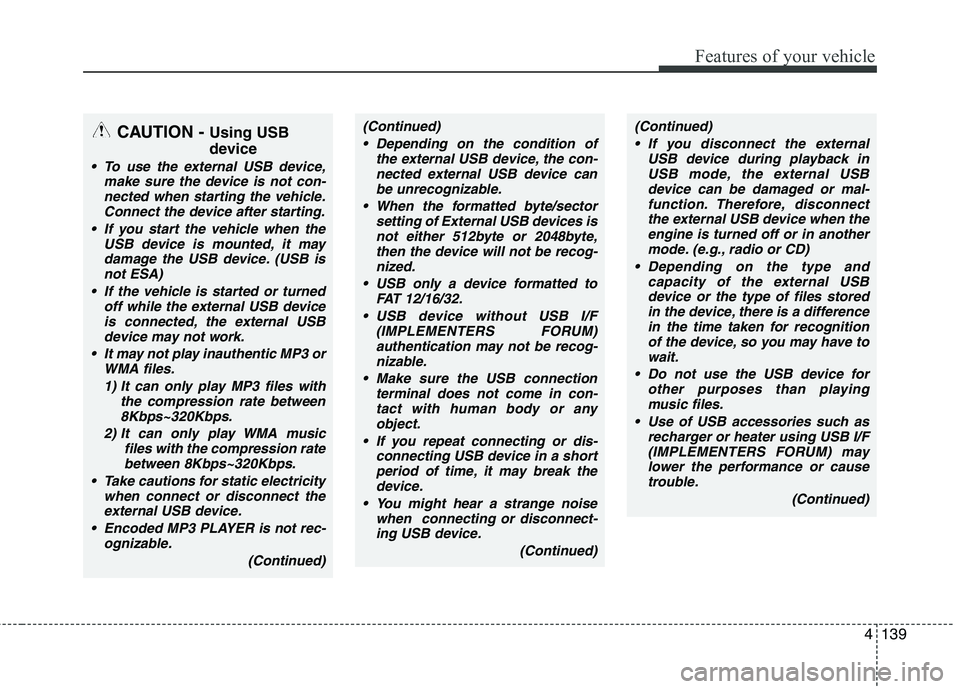
CAUTION - Using USB
device
To use the external USB device,
make sure the device is not con-
nected when starting the vehicle.Connect the device after starting.
If you start the vehicle when the USB device is mounted, it may
damage the USB device. (USB is not ESA)
If the vehicle is started or turned off while the external USB deviceis connected, the external USB
device may not work.
It may not play inauthentic MP3 or WMA files.
1) It can only play MP3 files with the compression rate between8Kbps~320Kbps.
2) It can only play WMA music files with the compression ratebetween 8Kbps~320Kbps.
Take cautions for static electricity when connect or disconnect the
external USB device.
Encoded MP3 PLAYER is not rec- ognizable.
(Continued)
(Continued) Depending on the condition of the external USB device, the con-nected external USB device canbe unrecognizable.
When the formatted byte/sector setting of External USB devices isnot either 512byte or 2048byte,then the device will not be recog-
nized.
USB only a device formatted to FAT 12/16/32.
USB device without USB I/F (IMPLEMENTERS FORUM)authentication may not be recog-
nizable.
Make sure the USB connection terminal does not come in con-tact with human body or any
object.
If you repeat connecting or dis- connecting USB device in a shortperiod of time, it may break thedevice.
You might hear a strange noise when connecting or disconnect-ing USB device.
(Continued)(Continued) If you disconnect the external USB device during playback inUSB mode, the external USBdevice can be damaged or mal-
function. Therefore, disconnectthe external USB device when the engine is turned off or in another
mode. (e.g., radio or CD)
Depending on the type and capacity of the external USBdevice or the type of files storedin the device, there is a difference
in the time taken for recognitionof the device, so you may have to wait.
Do not use the USB device for other purposes than playing
music files.
Use of USB accessories such as recharger or heater using USB I/F(IMPLEMENTERS FORUM) may
lower the performance or cause trouble.
(Continued)
Page 231 of 417
Features of your vehicle
154
4
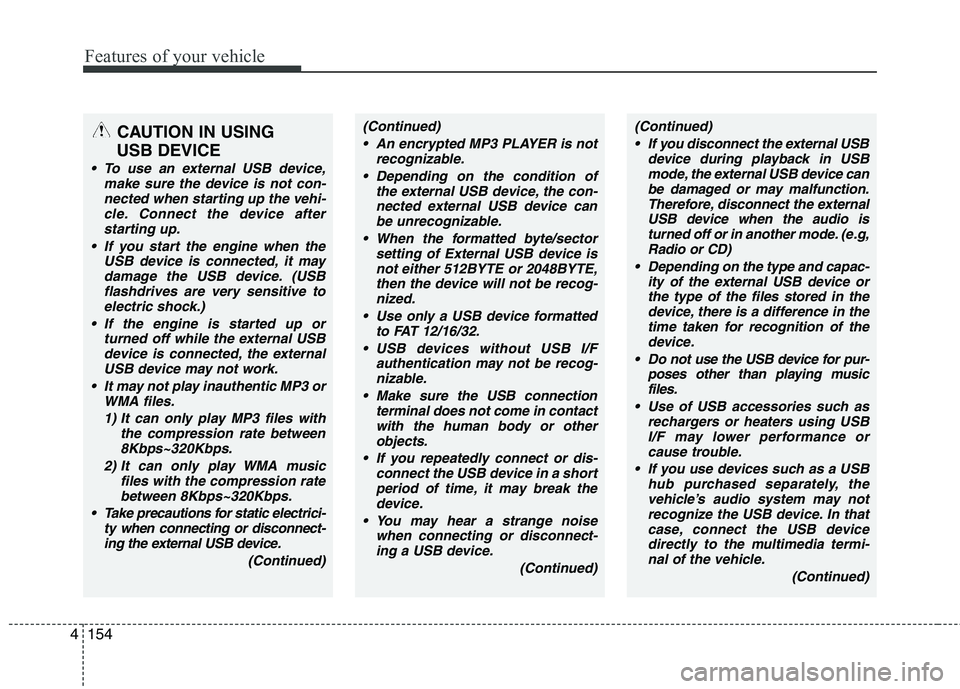
CAUTION IN USING
USB DEVICE
To use an external USB device, make sure the device is not con-nected when starting up the vehi-cle. Connect the device afterstarting up.
If you start the engine when the USB device is connected, it maydamage the USB device. (USBflashdrives are very sensitive to
electric shock.)
If the engine is started up or turned off while the external USBdevice is connected, the externalUSB device may not work.
It may not play inauthentic MP3 or WMA files.
1) It can only play MP3 files with the compression rate between8Kbps~320Kbps.
2) It can only play WMA music files with the compression ratebetween 8Kbps~320Kbps.
Take precautions for static electrici- ty when connecting or disconnect-ing the external USB device.
(Continued)
(Continued) An encrypted MP3 PLAYER is not recognizable.
Depending on the condition of the external USB device, the con-
nected external USB device can be unrecognizable.
When the formatted byte/sector setting of External USB device isnot either 512BYTE or 2048BYTE,
then the device will not be recog- nized.
Use only a USB device formatted to FAT 12/16/32.
USB devices without USB I/F authentication may not be recog-nizable.
Make sure the USB connection terminal does not come in contactwith the human body or other
objects.
If you repeatedly connect or dis- connect the USB device in a shortperiod of time, it may break thedevice.
You may hear a strange noise when connecting or disconnect-ing a USB device.
(Continued)(Continued) If you disconnect the external USB device during playback in USBmode, the external USB device canbe damaged or may malfunction.
Therefore, disconnect the externalUSB device when the audio is turned off or in another mode. (e.g,
Radio or CD)
Depending on the type and capac- ity of the external USB device orthe type of the files stored in thedevice, there is a difference in the
time taken for recognition of thedevice.
Do not use the USB device for pur- poses other than playing musicfiles.
Use of USB accessories such as rechargers or heaters using USBI/F may lower performance orcause trouble.
If you use devices such as a USB hub purchased separately, thevehicle’s audio system may not recognize the USB device. In thatcase, connect the USB device
directly to the multimedia termi- nal of the vehicle.
(Continued)
Page 303 of 417
Driving your vehicle
62
5
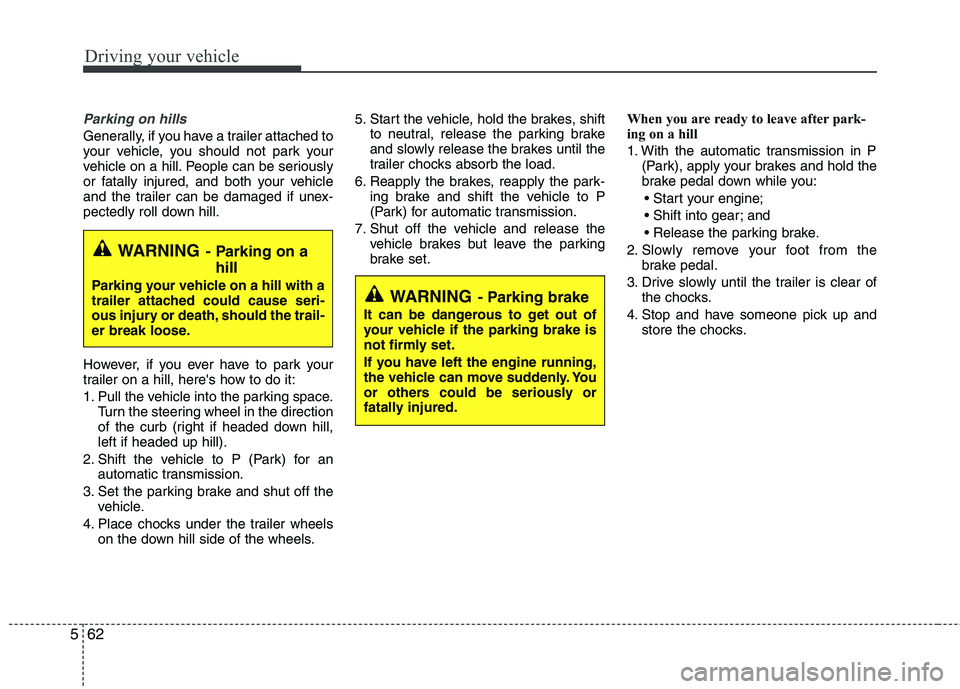
Parking on hills
Generally, if you have a trailer attached to
your vehicle, you should not park your
vehicle on a hill. People can be seriously
or fatally injured, and both your vehicle
and the trailer can be damaged if unex-
pectedly roll down hill.
However, if you ever have to park your
trailer on a hill, here's how to do it:
1. Pull the vehicle into the parking space.
Turn the steering wheel in the direction
of the curb (right if headed down hill,left if headed up hill).
2. Shift the vehicle to P (Park) for an automatic transmission.
3. Set the parking brake and shut off the vehicle.
4. Place chocks under the trailer wheels on the down hill side of the wheels. 5. Start the vehicle, hold the brakes, shift
to neutral, release the parking brake
and slowly release the brakes until the
trailer chocks absorb the load.
6. Reapply the brakes, reapply the park- ing brake and shift the vehicle to P
(Park) for automatic transmission.
7. Shut off the vehicle and release the vehicle brakes but leave the parking
brake set. When you are ready to leave after park-
ing on a hill
1. With the automatic transmission in P
(Park), apply your brakes and hold the
brake pedal down while you:
and
2. Slowly remove your foot from the brake pedal.
3. Drive slowly until the trailer is clear of the chocks.
4. Stop and have someone pick up and store the chocks.
WARNING - Parking on a
hill
Parking your vehicle on a hill with a
trailer attached could cause seri-
ous injury or death, should the trail-
er break loose.
WARNING - Parking brake
It can be dangerous to get out of
your vehicle if the parking brake is
not firmly set.
If you have left the engine running,
the vehicle can move suddenly. You
or others could be seriously or
fatally injured.
Page 304 of 417
563
Driving your vehicle
Maintenance when trailer towing
Your vehicle will need service more often
when you regularly pull a trailer.
Important items to pay particular atten-tion to include engine oil, automatic
transmission fluid, mission lubricant and
cooling system fluid. Brake condition is
another important item to frequently
check. Each item is covered in this man-
ual, and the Index will help you find them
quickly. If you’re trailering, it’s a good idea
to review these sections before you start
your trip.
Don’t forget to also maintain your trailer
and hitch. Follow the maintenance
schedule that accompanied your trailer
and check it periodically. Preferably, con-
duct the check at the start of each day’s
driving. Most importantly, all hitch nutsand bolts should be tight.If you do decide to pull a trailer
Here are some important points if you
decide to pull a trailer:
Consider using a sway control. You can
ask a hitch dealer about sway control.
Do not do any towing with your car dur- ing its first 2,000 km (1,200 miles) in
order to allow the engine to properly
break in. Failure to heed this caution
may result in serious engine or trans-
mission damage.
When towing a trailer, be sure to con- sult an authorized Kia dealer for further
information on additional requirements
such as a towing kit, etc.
Always drive your vehicle at a moder- ate speed (less than 100 km/h / 60mph).
On a long uphill grade, do not exceed 70 km/h (45 mph) or the posted towing
speed limit, whichever is lower.CAUTION
Due to higher load during trailer
usage, overheating might occurin hot days or during uphill driv-ing. If the coolant gauge indicatesover-heating, switch off the A/C
and stop the vehicle in a safe area to cool down the engine.
When towing, check the transmis- sion fluid more frequently.
If your vehicle is not equipped with an air conditioner, youshould install a condenser fan to improve engine performancewhen towing a trailer.
Page 325 of 417
What to do in an emergency
18
6
Before emergency towing, check that
the hook is not broken or damaged.
Fasten the towing cable or chain securely to the hook.
Do not jerk the hook. Apply it steadily and with even force.
To avoid damaging the hook, do not pull from the side or at a vertical angle.
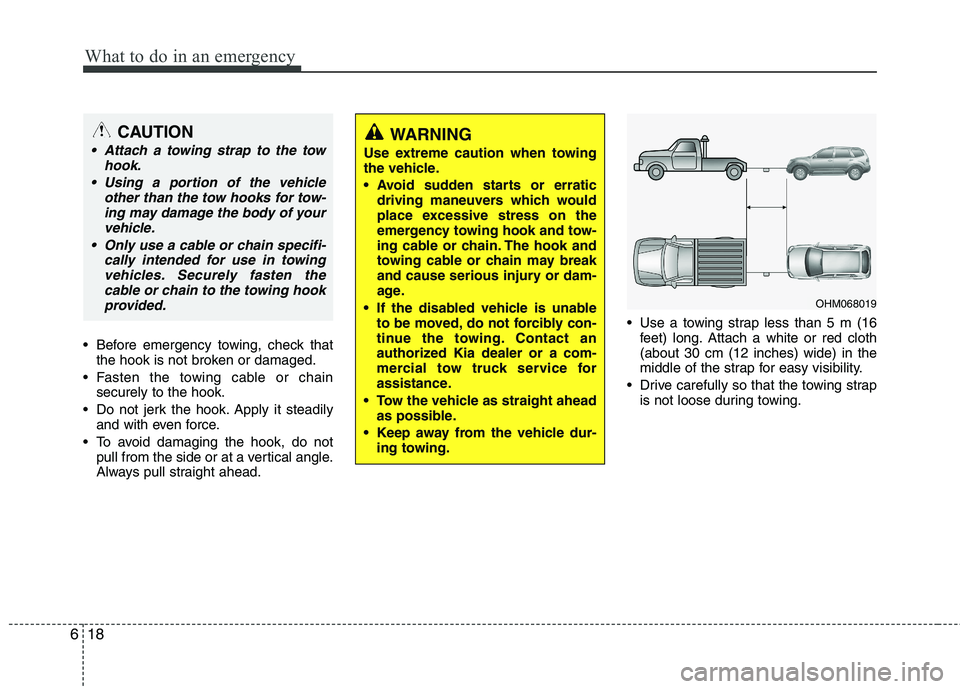
Always pull straight ahead. Use a towing strap less than 5 m (16
feet) long. Attach a white or red cloth(about 30 cm (12 inches) wide) in the
middle of the strap for easy visibility.
Drive carefully so that the towing strap is not loose during towing.
WARNING
Use extreme caution when towing
the vehicle.
driving maneuvers which would
place excessive stress on the
emergency towing hook and tow-
ing cable or chain. The hook and
towing cable or chain may break
and cause serious injury or dam-
age.
If the disabled vehicle is unable to be moved, do not forcibly con-
tinue the towing. Contact an
authorized Kia dealer or a com-
mercial tow truck service for
assistance.
Tow the vehicle as straight ahead as possible.
Keep away from the vehicle dur- ing towing.CAUTION
Attach a towing strap to the tow
hook.
Using a portion of the vehicle other than the tow hooks for tow-ing may damage the body of yourvehicle.
Only use a cable or chain specifi- cally intended for use in towingvehicles. Securely fasten thecable or chain to the towing hook provided.
OHM068019
Page 417 of 417
Index
10
I
Tire sidewall labeling ···············································7-41
Tire traction ······························································7-40
Wheel alignment and tire balance ····························7-38
Wheel replacement ···················································7-40
Towing ···········································································6-16 Emergency towing ····················································6-17
Tie-down hook (for flatbed towing) ·························6-19
Trailer towing ····························································5-58
Trailer towing··································································5-58
Transmission Automatic transmission ············································5-12
Tripmeter ········································································4-52
Trip computer ································································4-52
Turn signal light bulb replacement ································7-55
Vehicle break-in process ··················································1-5
Vehicle certification label ················································8-7
Vehicle identification number (VIN) ·······························8-7
Vehicle weight ·······························································5-66 Base curb weight ······················································5-66
Cargo weight ····························································5-66
GAW (Gross axle weight) ········································5-66
GAWR (Gross axle weight rating) ···························5-66
GVW (Gross vehicle weight) ···································5-66
GVWR (Gross vehicle weight rating) ·····················5-66 Washer fluid ···································································7-24
Waste tray, see ashtray ·················································4-116
Warnings and indicators ················································4-55
Weight ············································································5-66
Base curb weight ······················································5-66
Cargo weight ····························································5-66
GAW (Gross axle weight) ········································5-66
GAWR (Gross axle weight rating) ···························5-66
GVW (Gross vehicle weight) ···································5-66
GVWR (Gross vehicle weight rating) ·····················5-66
Wheel alignment and tire balance ·································7-38
Wheel replacement ························································7-40
Windows ········································································4-20 Auto down window ··················································4-21
Auto up/down window ·············································4-22
Power window lock button ·······································4-23
Windshield defrosting and defogging ··························4-110 Defogging logic ······················································4-112
Winter driving ································································5-54 Snow tires ·································································5-54
Tire chains ································································5-55
Wiper blades ··································································7-29
Wipers and washers ·······················································4-77
V
W