charging KIA NIRO PHEV 2019 Repair Manual
[x] Cancel search | Manufacturer: KIA, Model Year: 2019, Model line: NIRO PHEV, Model: KIA NIRO PHEV 2019Pages: 611, PDF Size: 15.28 MB
Page 513 of 611
839
Maintenance
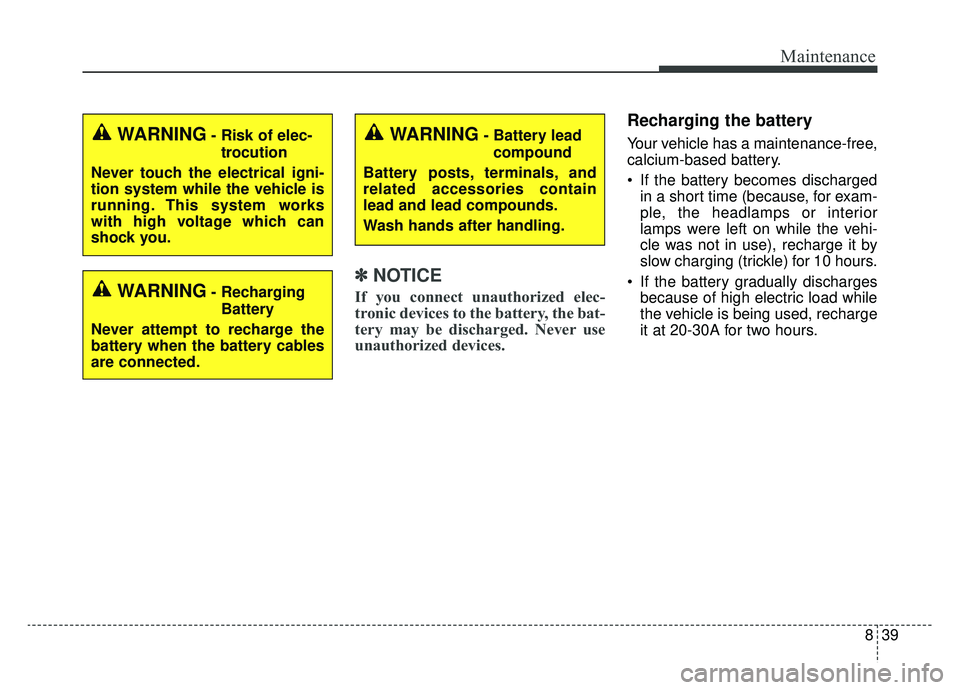
✽ ✽NOTICE
If you connect unauthorized elec-
tronic devices to the battery, the bat-
tery may be discharged. Never use
unauthorized devices.
Recharging the battery
Your vehicle has a maintenance-free,
calcium-based battery.
If the battery becomes discharged
in a short time (because, for exam-
ple, the headlamps or interior
lamps were left on while the vehi-
cle was not in use), recharge it by
slow charging (trickle) for 10 hours.
If the battery gradually discharges because of high electric load while
the vehicle is being used, recharge
it at 20-30A for two hours.WARNING- Risk of elec-
trocution
Never touch the electrical igni-
tion system while the vehicle is
running. This system works
with high voltage which can
shock you.
WARNING- Recharging Battery
Never attempt to recharge the
battery when the battery cables
are connected.
WARNING- Battery lead compound
Battery posts, terminals, and
related accessories contain
lead and lead compounds.
Wash hands after handling.
Page 514 of 611
Maintenance
40
8
When recharging the battery,
observe the following precautions:
The battery must be removed from
the vehicle and placed in an area
with good ventilation.
Do not allow cigarettes, sparks, or flame near the battery.
Watch the battery during charging, and stop or reduce the charging
rate if the battery cells begin
gassing (boiling) violently or if the
temperature of the electrolyte of
any cell exceeds 120°F (49°C).
Wear eye protection when check- ing the battery during charging.
Disconnect the battery charger in the following order.
1. Turn off the battery charger main switch.
2. Unhook the negative clamp from the negative battery terminal.
3. Unhook the positive clamp from the positive battery terminal. Before performing maintenance or
recharging the battery, turn off all
accessories and stop the engine.
The negative battery cable must be removed first and installed last
when the battery is disconnected.Reset items
The following items should be reset
after the battery has been dis-
charged or the battery has been dis-
connected.
Auto up/down window (See chapter 4)
Sunroof (See chapter 4)
Trip computer (See chapter 4)
Climate control system (See chapter 4)
Driver position memory system (See chapter 3)
Audio (See chapter 5)
Page 573 of 611
899
Maintenance
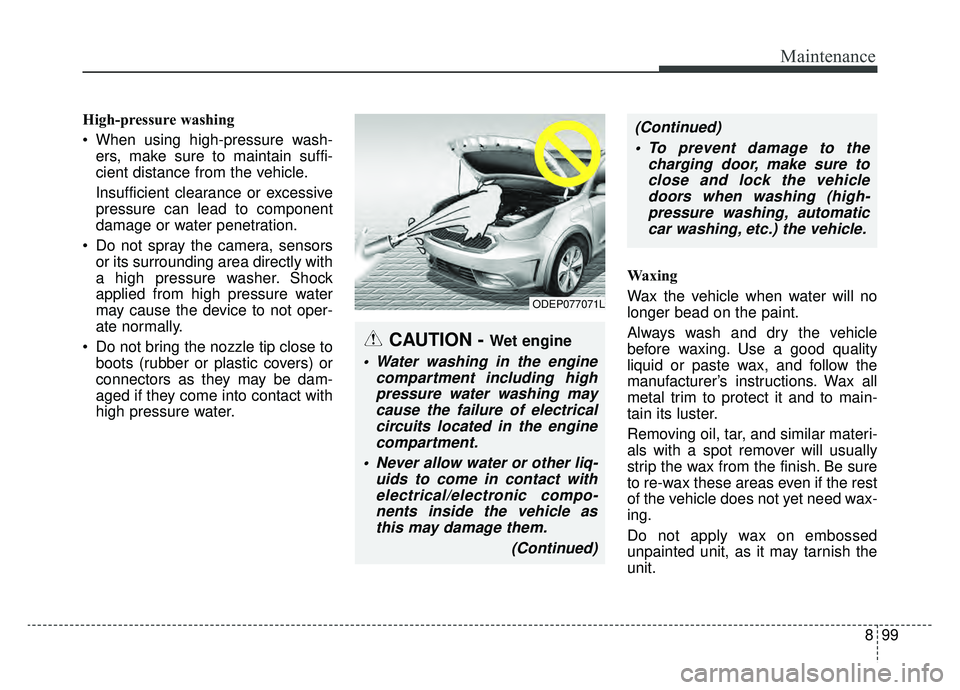
High-pressure washing
When using high-pressure wash-ers, make sure to maintain suffi-
cient distance from the vehicle.
Insufficient clearance or excessive
pressure can lead to component
damage or water penetration.
Do not spray the camera, sensors or its surrounding area directly with
a high pressure washer. Shock
applied from high pressure water
may cause the device to not oper-
ate normally.
Do not bring the nozzle tip close to boots (rubber or plastic covers) or
connectors as they may be dam-
aged if they come into contact with
high pressure water. Waxing
Wax the vehicle when water will no
longer bead on the paint.
Always wash and dry the vehicle
before waxing. Use a good quality
liquid or paste wax, and follow the
manufacturer’s instructions. Wax all
metal trim to protect it and to main-
tain its luster.
Removing oil, tar, and similar materi-
als with a spot remover will usually
strip the wax from the finish. Be sure
to re-wax these areas even if the rest
of the vehicle does not yet need wax-
ing.
Do not apply wax on embossed
unpainted unit, as it may tarnish the
unit.
ODEP077071L
CAUTION - Wet engine
Water washing in the engine
compartment including highpressure water washing maycause the failure of electricalcircuits located in the enginecompartment.
Never allow water or other liq- uids to come in contact withelectrical/electronic compo-nents inside the vehicle asthis may damage them.
(Continued)
(Continued) To prevent damage to the charging door, make sure toclose and lock the vehicledoors when washing (high-pressure washing, automaticcar washing, etc.) the vehicle.
Page 598 of 611
915
Specifications, Consumer information, Reporting safety defects
The electrical system of your vehicle is designed to per-
form under all reasonably expected operating conditions.
However, before any additional electrical equipment is
installed in your vehicle, consult an Authorized Kia
Dealer, in order to ensure that you do not void your war-
ranty.
Certain electrical equipment, or the way in which it is
installed, may adversely affect the operation of your vehi-
cle, including such systems as the engine control system,
the audio system and the electrical charging system and
thus potentially void all or part of your warranty.
We assume no responsibility for any expense you may
incur or for any malfunction of your vehicle or any of its
components or systems that may result from the installa-
tion of additional electrical equipment that is not supplied,
or recommended for installation by, Kia.Installation of a mobile two-way radio system
If a mobile two-way radio system is installed improperly,
or if an excessively powerful type of system is used, other
electronic systems may be adversely affected. To avoid
damage to your vehicle, consult an Authorized Kia Dealer
concerning the proper equipment and installation.
Kia motor vehicles are designed and manufactured to
meet or exceed all applicable safety standards.
For your safety, however, we strongly urge you to read
and follow all directions in this Owner's Manual, particu-
larly the information under the headings "NOTICE",
"CAUTION" and "WARNING".
If, after reading this manual, you have any questions
regarding the operation of your vehicle, safety issues and
defects please contact your Kia's toll-free Consumer
Assistance hot line as below:
National Consumer Affairs Manager
Kia Motors America, Inc.
P.O. Box 52410
Irvine, CA 92619-2410
1-800-333-4Kia (4542)
ELECTRICAL EQUIPMENT (U.S. ONLY)
Page 601 of 611
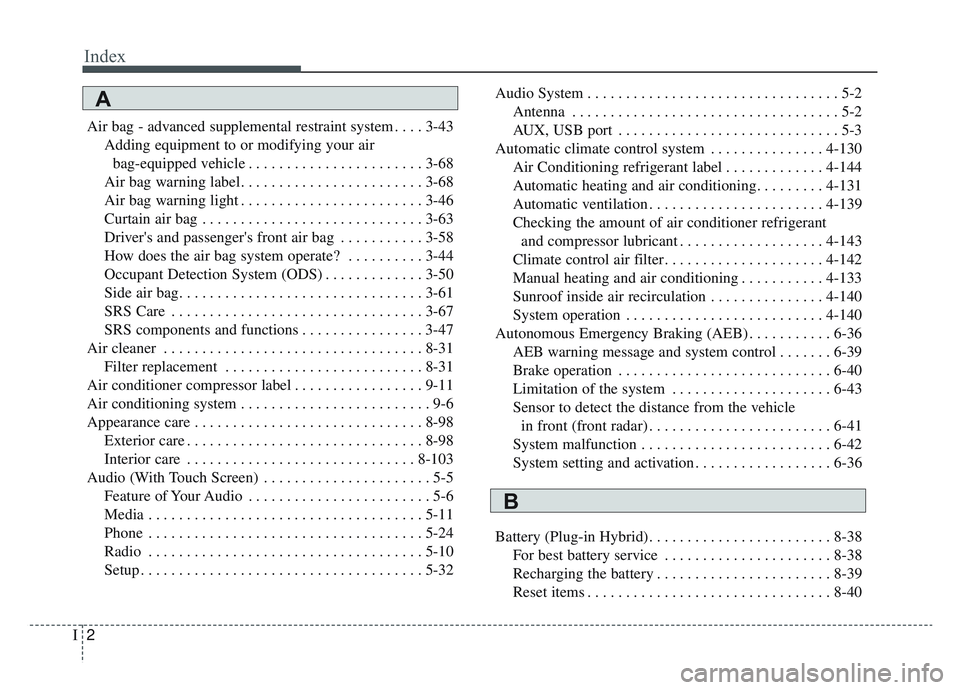
Index
2I
Air bag - advanced supplemental restraint system . . . . 3-43Adding equipment to or modifying your airbag-equipped vehicle . . . . . . . . . . . . . . . . . . . . . . . 3-68
Air bag warning label. . . . . . . . . . . . . . . . . . . . . . . . 3-68
Air bag warning light . . . . . . . . . . . . . . . . . . . . . . . . 3-46
Curtain air bag . . . . . . . . . . . . . . . . . . . . . . . . . . . . . 3-63
Driver's and passenger's front air bag . . . . . . . . . . . 3-58
How does the air bag system operate? . . . . . . . . . . 3-44
Occupant Detection System (ODS) . . . . . . . . . . . . . 3-50
Side air bag. . . . . . . . . . . . . . . . . . . . . . . . . . . . . . . . 3-61
SRS Care . . . . . . . . . . . . . . . . . . . . . . . . . . . . . . . . . 3-67
SRS components and functions . . . . . . . . . . . . . . . . 3-47
Air cleaner . . . . . . . . . . . . . . . . . . . . . . . . . . . . . . . . . . 8-31\
Filter replacement . . . . . . . . . . . . . . . . . . . . . . . . . . 8-31
Air conditioner compressor label . . . . . . . . . . . . . . . . . 9-11
Air conditioning system . . . . . . . . . . . . . . . . . . . . . . . . . 9-6
Appearance care . . . . . . . . . . . . . . . . . . . . . . . . . . . . . . 8-98 Exterior care . . . . . . . . . . . . . . . . . . . . . . . . . . . . . . . 8-98
Interior care . . . . . . . . . . . . . . . . . . . . . . . . . . . . . . 8-103
Audio (With Touch Screen) . . . . . . . . . . . . . . . . . . . . . . 5-5 Feature of Your Audio . . . . . . . . . . . . . . . . . . . . . . . . 5-6
Media . . . . . . . . . . . . . . . . . . . . . . . . . . . . . . . . . . . . \
5-11
Phone . . . . . . . . . . . . . . . . . . . . . . . . . . . . . . . . . . . . \
5-24
Radio . . . . . . . . . . . . . . . . . . . . . . . . . . . . . . . . . . . . \
5-10
Setup . . . . . . . . . . . . . . . . . . . . . . . . . . . . . . . . . . . . \
. 5-32 Audio System . . . . . . . . . . . . . . . . . . . . . . . . . . . . . . . . . 5-2
Antenna . . . . . . . . . . . . . . . . . . . . . . . . . . . . . . . . . . . 5-\
2
AUX, USB port . . . . . . . . . . . . . . . . . . . . . . . . . . . . . 5-3
Automatic climate control system . . . . . . . . . . . . . . . 4-130 Air Conditioning refrigerant label . . . . . . . . . . . . . 4-144
Automatic heating and air conditioning. . . . . . . . . 4-131
Automatic ventilation . . . . . . . . . . . . . . . . . . . . . . . 4-139
Checking the amount of air conditioner refrigerantand compressor lubricant . . . . . . . . . . . . . . . . . . . 4-143
Climate control air filter. . . . . . . . . . . . . . . . . . . . . 4-142
Manual heating and air conditioning . . . . . . . . . . . 4-133
Sunroof inside air recirculation . . . . . . . . . . . . . . . 4-140
System operation . . . . . . . . . . . . . . . . . . . . . . . . . . 4-140
Autonomous Emergency Braking (AEB) . . . . . . . . . . . 6-36 AEB warning message and system control . . . . . . . 6-39
Brake operation . . . . . . . . . . . . . . . . . . . . . . . . . . . . 6-40
Limitation of the system . . . . . . . . . . . . . . . . . . . . . 6-43
Sensor to detect the distance from the vehiclein front (front radar) . . . . . . . . . . . . . . . . . . . . . . . . 6-41
System malfunction . . . . . . . . . . . . . . . . . . . . . . . . . 6-42
System setting and activation . . . . . . . . . . . . . . . . . . 6-36
Battery (Plug-in Hybrid). . . . . . . . . . . . . . . . . . . . . . . . 8-38 For best battery service . . . . . . . . . . . . . . . . . . . . . . 8-38
Recharging the battery . . . . . . . . . . . . . . . . . . . . . . . 8-39
Reset items . . . . . . . . . . . . . . . . . . . . . . . . . . . . . . . . 8-40
A
B
Page 605 of 611

Index
6I
Gauges . . . . . . . . . . . . . . . . . . . . . . . . . . . . . . . . . . . 4-\
57
Instrument cluster control . . . . . . . . . . . . . . . . . . . . 4-56
LCD window control . . . . . . . . . . . . . . . . . . . . . . . . 4-56
Instrument panel overview . . . . . . . . . . . . . . . . . . . . . . . 2-5
Interior features. . . . . . . . . . . . . . . . . . . . . . . . . . . . . . 4-152 AC inverter . . . . . . . . . . . . . . . . . . . . . . . . . . . . . . . 4-157
Air ventilation seat . . . . . . . . . . . . . . . . . . . . . . . . . 4-154
Cargo security screen . . . . . . . . . . . . . . . . . . . . . . . 4-164
Clothes hanger . . . . . . . . . . . . . . . . . . . . . . . . . . . . 4-162
Cup holder . . . . . . . . . . . . . . . . . . . . . . . . . . . . . . . 4-152
Floor mat anchor (s) . . . . . . . . . . . . . . . . . . . . . . . . 4-162
Luggage net holder. . . . . . . . . . . . . . . . . . . . . . . . . 4-163
Power outlet . . . . . . . . . . . . . . . . . . . . . . . . . . . . . . 4-155
Seat warmer . . . . . . . . . . . . . . . . . . . . . . . . . . . . . . 4-152
Sunvisor . . . . . . . . . . . . . . . . . . . . . . . . . . . . . . . . . 4-155
USB charger . . . . . . . . . . . . . . . . . . . . . . . . . . . . . . 4-156
Wireless smart phone charging system . . . . . . . . . 4-158
Interior lights . . . . . . . . . . . . . . . . . . . . . . . . . . . . . . . 4-125 Automatic turn off function . . . . . . . . . . . . . . . . . . 4-125
Liftgate room lamp. . . . . . . . . . . . . . . . . . . . . . . . . 4-127
Map lamp . . . . . . . . . . . . . . . . . . . . . . . . . . . . . . . . 4-126
Room lamp . . . . . . . . . . . . . . . . . . . . . . . . . . . . . . . 4-125
Vanity mirror lamp . . . . . . . . . . . . . . . . . . . . . . . . . 4-127
Interior overview. . . . . . . . . . . . . . . . . . . . . . . . . . . . . . . 2-4 Key positions . . . . . . . . . . . . . . . . . . . . . . . . . . . . . . . . . 6-6
Ignition switch position . . . . . . . . . . . . . . . . . . . . . . . 6-6
Illuminated ignition switch . . . . . . . . . . . . . . . . . . . . 6-6
Starting the hybrid system . . . . . . . . . . . . . . . . . . . . . 6-7
Lane Keeping Assist System (LKAS) . . . . . . . . . . . . . 6-76 Driver's attention . . . . . . . . . . . . . . . . . . . . . . . . . . . 6-82
LKAS Function Change . . . . . . . . . . . . . . . . . . . . . . 6-83
LKAS operation . . . . . . . . . . . . . . . . . . . . . . . . . . . . 6-77
Warning light and message . . . . . . . . . . . . . . . . . . . 6-80
LCD windows . . . . . . . . . . . . . . . . . . . . . . . . . . . . . . . . 4-64 Digital speedometer . . . . . . . . . . . . . . . . . . . . . . . . . 4-67
Energy flow . . . . . . . . . . . . . . . . . . . . . . . . . . . . . . . 4-69
Energy flow . . . . . . . . . . . . . . . . . . . . . . . . . . . . . . . 4-75
LCD modes . . . . . . . . . . . . . . . . . . . . . . . . . . . . . . . 4-77
One time driving information mode . . . . . . . . . . . . 4-68
Over view . . . . . . . . . . . . . . . . . . . . . . . . . . . . . . . . . 4-64
Trip information (Trip computer, for Hybrid) . . . . . 4-64
Trip information (Trip computer, forPlug-in Hybrid) . . . . . . . . . . . . . . . . . . . . . . . . . . . 4-71
Liftgate . . . . . . . . . . . . . . . . . . . . . . . . . . . . . . . . . . . . \
. 4-25 Closing the liftgate . . . . . . . . . . . . . . . . . . . . . . . . . . 4-25K
L