engine KIA Optima Hybrid 2014 3.G Workshop Manual
[x] Cancel search | Manufacturer: KIA, Model Year: 2014, Model line: Optima Hybrid, Model: KIA Optima Hybrid 2014 3.GPages: 474, PDF Size: 12.73 MB
Page 153 of 474
463
Features of your vehicle
Auto Door Unlock (if equipped)
Off:The auto door unlock operation will
be canceled.
Key Out or Power Off: All doors will be automatically
unlocked when the ignition key is
removed from ignition switch or
Engine Start/Stop Button is set to
the OFF position.
Shift Lever: All doors will be automatically
unlocked if the automatic transaxle
shift lever is shifted to the P (Park)
position. Two Press Unlock (if equipped)
Off:
The two press unlock function will
be deactivated. Therefore, all doors
will unlock if the door is unlocked.
On: The driver’s door will unlock if the
door is unlocked. When the door is
unlocked again within 4 seconds,
all doors will unlock.
Horn Feedback (if equipped)
Off: The Horn feedback operation will
be deactivated.
On: After locking the door by pressing
the lock button on the transmitter, if
you press the lock button again
within 4 seconds, the warning
sound will operate once to indicate
that all doors are locked.Lamp
One Touch Turn Lamp (if equipped)
If this item is checked, the lane
change signals will blink 3, 5 or 7
times when the turn signal lever is
moved slightly.
Head Lamp Delay (if equipped)
If this item is checked, the headlamp
delay function will be activated.
Welcome Light (if equipped)
If this item is checked, the welcome
light function will be activated.
Page 155 of 474
465
Features of your vehicle
Warning Messages
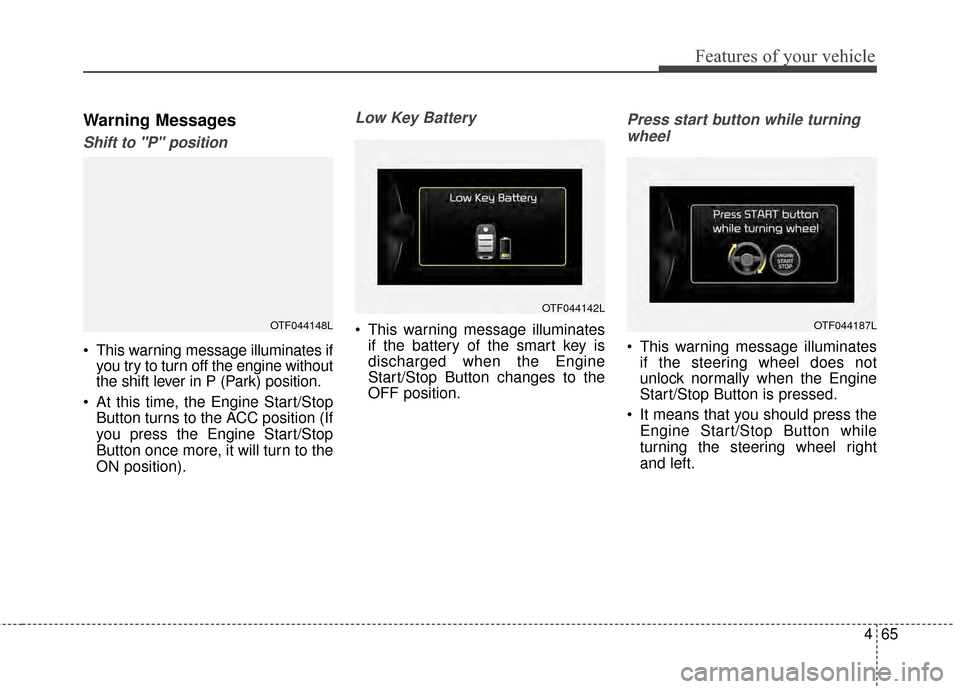
Shift to "P" position
This warning message illuminates ifyou try to turn off the engine without
the shift lever in P (Park) position.
At this time, the Engine Start/Stop Button turns to the ACC position (If
you press the Engine Start/Stop
Button once more, it will turn to the
ON position).
Low Key Battery
This warning message illuminatesif the battery of the smart key is
discharged when the Engine
Start/Stop Button changes to the
OFF position.
Press start button while turning
wheel
This warning message illuminates if the steering wheel does not
unlock normally when the Engine
Start/Stop Button is pressed.
It means that you should press the Engine Start/Stop Button while
turning the steering wheel right
and left.
OTF044148L
OTF044142L
OTF044187L
Page 156 of 474
Features of your vehicle
66
4
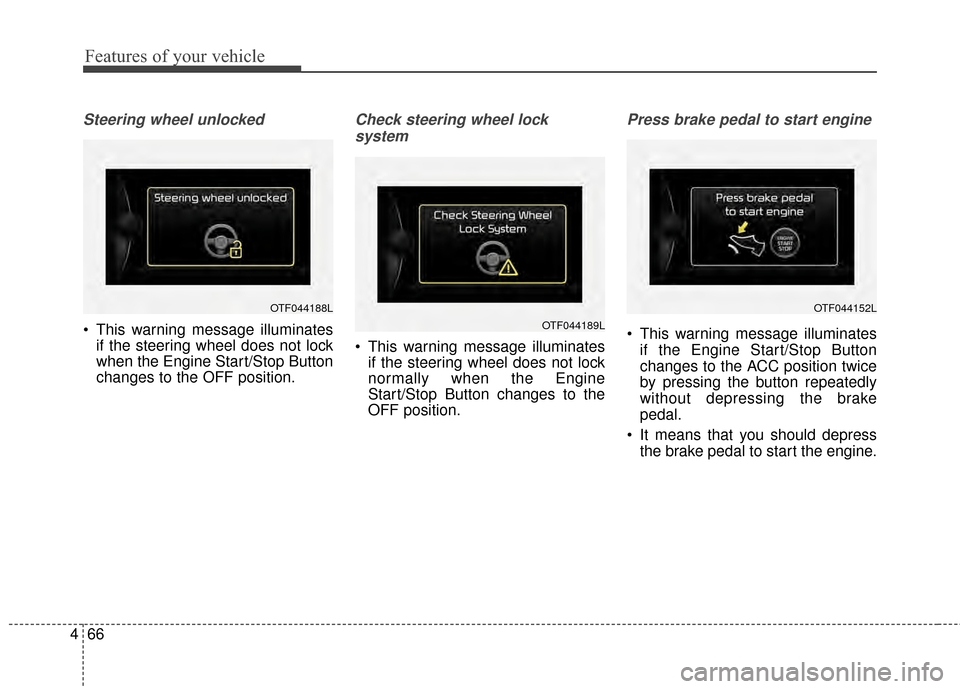
Steering wheel unlocked
This warning message illuminates
if the steering wheel does not lock
when the Engine Start/Stop Button
changes to the OFF position.
Check steering wheel lock
system
This warning message illuminates if the steering wheel does not lock
normally when the Engine
Start/Stop Button changes to the
OFF position.
Press brake pedal to start engine
This warning message illuminates
if the Engine Start/Stop Button
changes to the ACC position twice
by pressing the button repeatedly
without depressing the brake
pedal.
It means that you should depress the brake pedal to start the engine.
OTF044188L
OTF044189L
OTF044152L
Page 157 of 474
467
Features of your vehicle
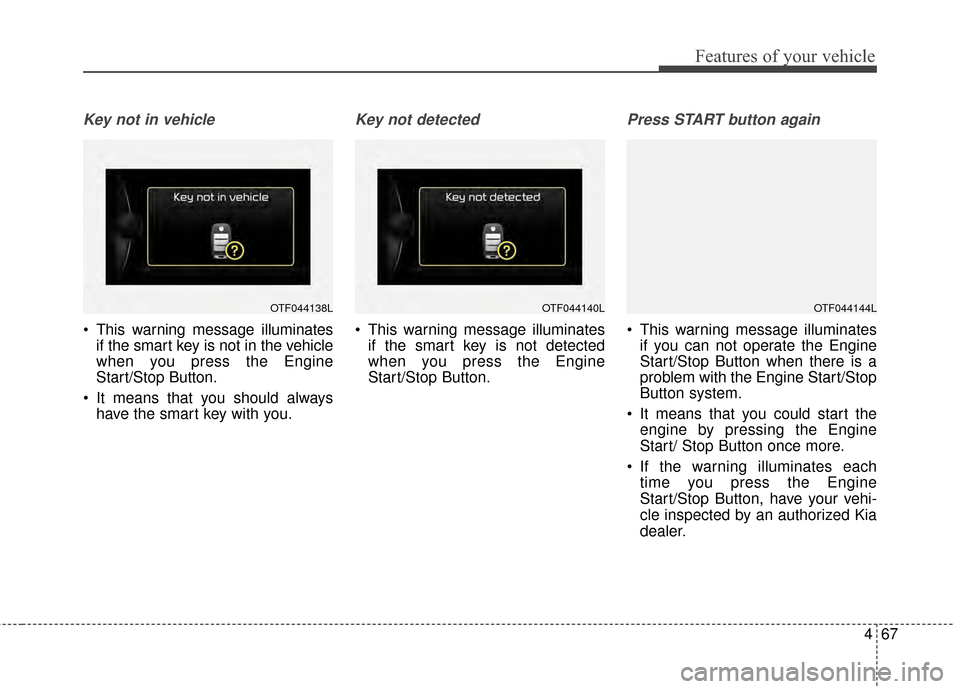
Key not in vehicle
This warning message illuminatesif the smart key is not in the vehicle
when you press the Engine
Start/Stop Button.
It means that you should always have the smart key with you.
Key not detected
This warning message illuminatesif the smart key is not detected
when you press the Engine
Start/Stop Button.
Press START button again
This warning message illuminatesif you can not operate the Engine
Start/Stop Button when there is a
problem with the Engine Start/Stop
Button system.
It means that you could start the engine by pressing the Engine
Start/ Stop Button once more.
If the warning illuminates each time you press the Engine
Start/Stop Button, have your vehi-
cle inspected by an authorized Kia
dealer.
OTF044138LOTF044140LOTF044144L
Page 158 of 474
Features of your vehicle
68
4
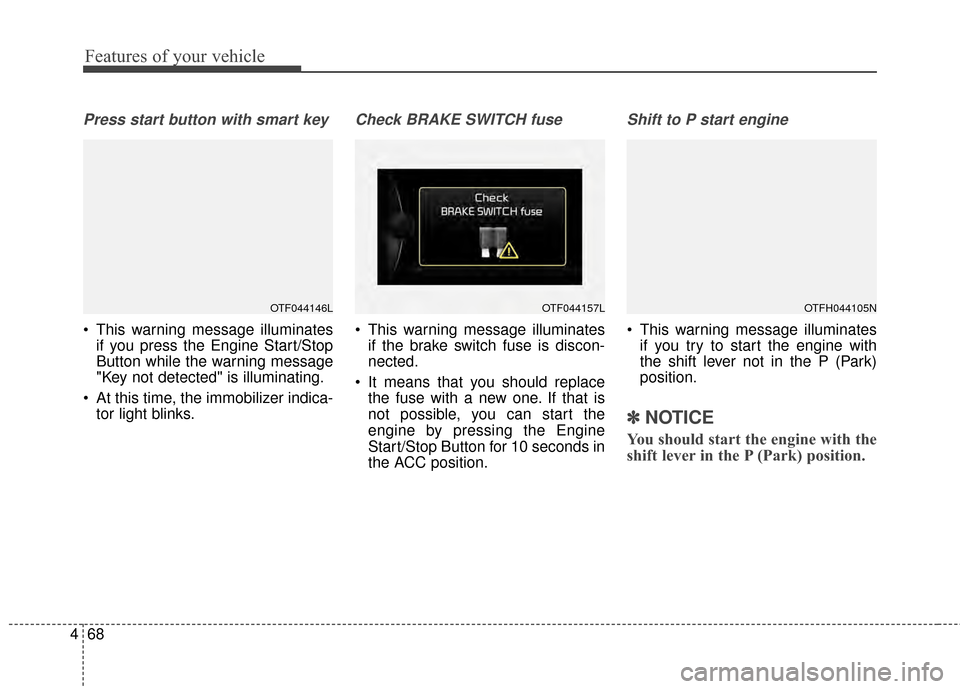
Press start button with smart key
This warning message illuminates
if you press the Engine Start/Stop
Button while the warning message
"Key not detected" is illuminating.
At this time, the immobilizer indica- tor light blinks.
Check BRAKE SWITCH fuse
This warning message illuminatesif the brake switch fuse is discon-
nected.
It means that you should replace the fuse with a new one. If that is
not possible, you can start the
engine by pressing the Engine
Start/Stop Button for 10 seconds in
the ACC position.
Shift to P start engine
This warning message illuminatesif you try to start the engine with
the shift lever not in the P (Park)
position.
✽ ✽ NOTICE
You should start the engine with the
shift lever in the P (Park) position.
OTF044146LOTF044157LOTFH044105N
Page 160 of 474
Features of your vehicle
70
4
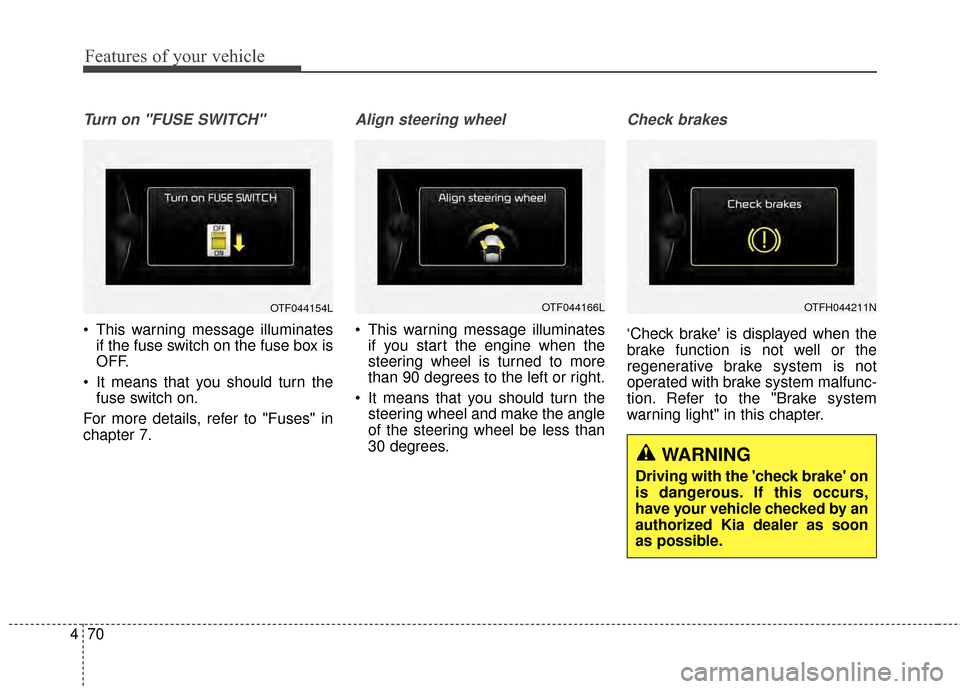
Turn on "FUSE SWITCH"
This warning message illuminates
if the fuse switch on the fuse box is
OFF.
It means that you should turn the fuse switch on.
For more details, refer to "Fuses" in
chapter 7.
Align steering wheel
This warning message illuminates if you start the engine when the
steering wheel is turned to more
than 90 degrees to the left or right.
It means that you should turn the steering wheel and make the angle
of the steering wheel be less than
30 degrees.
Check brakes
‘Check brake' is displayed when the
brake function is not well or the
regenerative brake system is not
operated with brake system malfunc-
tion. Refer to the "Brake system
warning light" in this chapter.
OTF044154LOTF044166LOTFH044211N
WARNING
Driving with the 'check brake' on
is dangerous. If this occurs,
have your vehicle checked by an
authorized Kia dealer as soon
as possible.
Page 161 of 474
471
Features of your vehicle
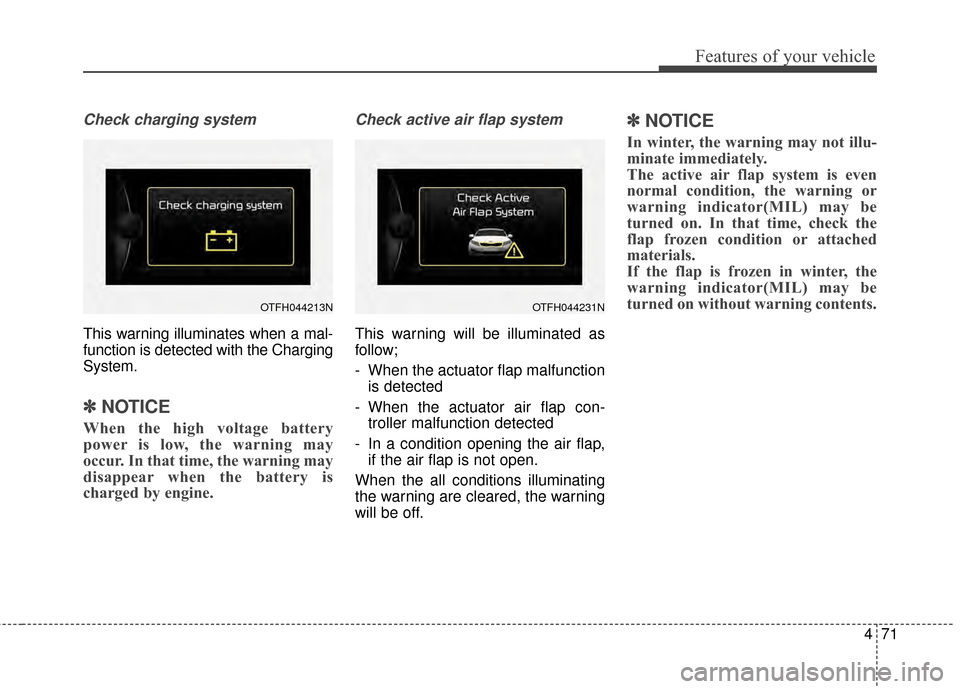
Check charging system
This warning illuminates when a mal-
function is detected with the Charging
System.
✽ ✽NOTICE
When the high voltage battery
power is low, the warning may
occur. In that time, the warning may
disappear when the battery is
charged by engine.
Check active air flap system
This warning will be illuminated as
follow;
- When the actuator flap malfunction
is detected
- When the actuator air flap con- troller malfunction detected
- In a condition opening the air flap, if the air flap is not open.
When the all conditions illuminating
the warning are cleared, the warning
will be off.
✽ ✽ NOTICE
In winter, the warning may not illu-
minate immediately.
The active air flap system is even
normal condition, the warning or
warning indicator(MIL) may be
turned on. In that time, check the
flap frozen condition or attached
materials.
If the flap is frozen in winter, the
warning indicator(MIL) may be
turned on without warning contents.
OTFH044213NOTFH044231N
Page 162 of 474
Features of your vehicle
72
4
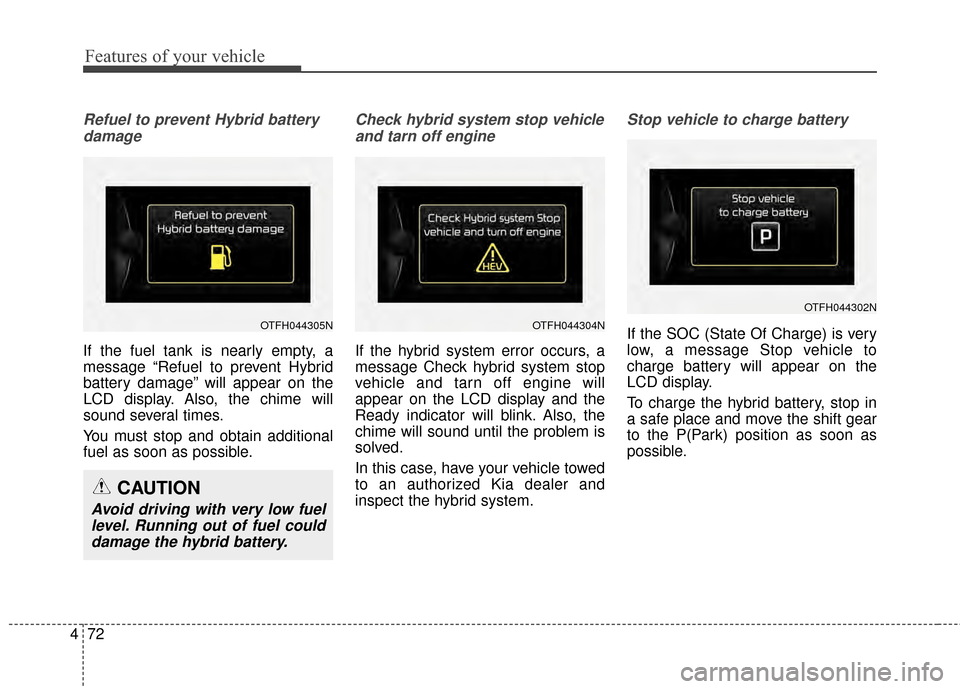
Refuel to prevent Hybrid battery
damage
If the fuel tank is nearly empty, a
message “Refuel to prevent Hybrid
battery damage” will appear on the
LCD display. Also, the chime will
sound several times.
You must stop and obtain additional
fuel as soon as possible.
Check hybrid system stop vehicleand tarn off engine
If the hybrid system error occurs, a
message Check hybrid system stop
vehicle and tarn off engine will
appear on the LCD display and the
Ready indicator will blink. Also, the
chime will sound until the problem is
solved.
In this case, have your vehicle towed
to an authorized Kia dealer and
inspect the hybrid system.
Stop vehicle to charge battery
If the SOC (State Of Charge) is very
low, a message Stop vehicle to
charge battery will appear on the
LCD display.
To charge the hybrid battery, stop in
a safe place and move the shift gear
to the P(Park) position as soon as
possible.OTFH044304NOTFH044305N
OTFH044302N
CAUTION
Avoid driving with very low fuellevel. Running out of fuel coulddamage the hybrid battery.
Page 163 of 474
473
Features of your vehicle
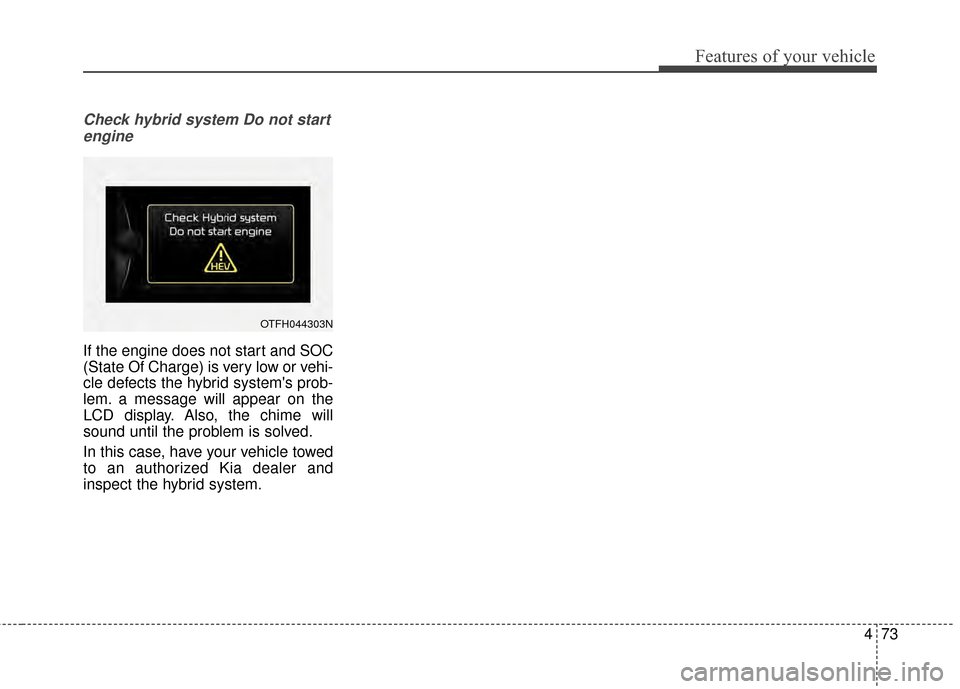
Check hybrid system Do not startengine
If the engine does not start and SOC
(State Of Charge) is very low or vehi-
cle defects the hybrid system's prob-
lem. a message will appear on the
LCD display. Also, the chime will
sound until the problem is solved.
In this case, have your vehicle towed
to an authorized Kia dealer and
inspect the hybrid system.
OTFH044303N
Page 165 of 474
475
Features of your vehicle
✽
✽NOTICE
• If the vehicle is not on level ground
or the battery power has been
interrupted, the distance to empty
function may not operate correctly.
• The distance to empty may differ from the actual driving distance as
it is an estimate of the available
driving distance.
• The trip computer may not regis- ter additional fuel if less than 1.6
gallons (6 liters) of fuel are added
to the vehicle.
• The fuel economy and distance to empty may vary significantly based
on driving conditions, driving
habits, and condition of the vehicle.
Average Fuel Economy (2)
The average fuel economy is calcu-
lated by the total driving distance
and fuel consumption since the last
average fuel economy reset.
- Fuel economy range: 0.0 ~ 99.9L/100km or MPG
The average fuel economy can be reset both manually and automati-
cally.
Manual reset
To clear the average fuel economy
manually, press the [OK] button
(select/reset) on the steering wheel
for more than 1 second when the
average fuel economy is displayed. Automatic reset
To make the average fuel economy
be reset automatically whenever refu-
eling, select the "Auto Reset" mode in
User Setting menu of the LCD display
(Refer to "LCD Display").
Under "Auto Reset" mode, the aver-
age fuel economy will be cleared to
zero (---) when the vehicle speed
exceeds 1 km/h after refueling more
than 1.6 gallons (6 liters).
✽ ✽
NOTICE
The average fuel economy is not dis-
played for more accurate calculation
if the vehicle does not drive more than
10 seconds or 50 meters (0.03 miles)
since the ignition switch or Engine
Start/Stop button is turned to ON.