Brake KIA Rio 2014 3.G User Guide
[x] Cancel search | Manufacturer: KIA, Model Year: 2014, Model line: Rio, Model: KIA Rio 2014 3.GPages: 397, PDF Size: 7.56 MB
Page 121 of 397
Features of your vehicle
56
4
The oil pressure warning light comes on
whenever there is insufficient oil pres-
sure. In normal operation, it should come
on when the ignition switch is turned on,
then go out when the engine is started. If
the oil pressure warning light stays on
while the engine is running, there is a
serious malfunction.Parking brake & brake
fluid warning light
Parking brake warning
This warning light illuminates for 3 sec-
onds after the ignition switch is turned to
the ON position and then it will go out.
Also, this light illuminates when the park-
ing brake is applied with the ignition
switch in the START or ON position. The
warning light should go out when the
parking brake is released. Low brake fluid level warning
If the warning light remains on, it may
indicate that the brake fluid level in the
reservoir is low.
If the warning light remains on:
1. Drive carefully to the nearest safe
location and stop your vehicle.
2. With the engine stopped, check the brake fluid level immediately and add
fluid as required. Then check all brake
components for fluid leaks.
3. Do not drive the vehicle if leaks are found, the warning light remains on or
the brakes do not operate properly.
Have the vehicle towed to any author-
ized Kia dealer for a brake system
inspection and necessary repairs.
Page 122 of 397
457
Features of your vehicle
Your vehicle is equipped with dual-diago-
nal braking systems. This means you still
have braking on two wheels even if one
of the dual systems should fail. With only
one of the dual systems working, more
than normal pedal travel and greater
pedal pressure are required to stop the
vehicle. Also, the vehicle will not stop in
as short a distance with only a portion of
the brake system working. If the brakes
fail while you are driving, shift to a lower
gear for additional engine braking and
stop the vehicle as soon as it is safe to do
so.
To check bulb operation, check whether
the parking brake and brake fluid warning
light illuminates when the ignition switch
is in the ON position.Charging system warninglight
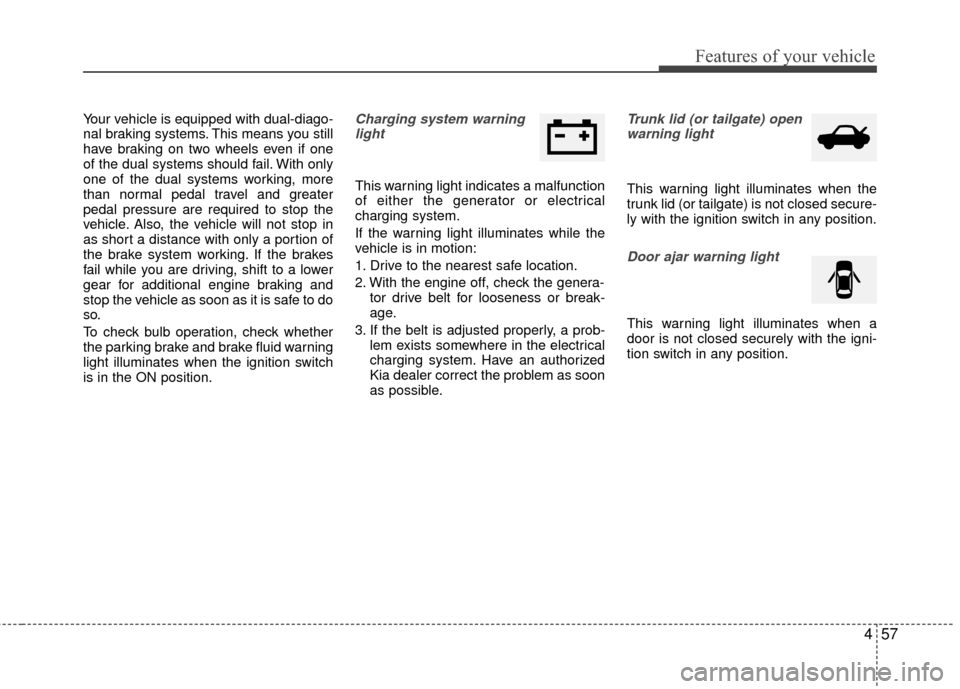
This warning light indicates a malfunction
of either the generator or electrical
charging system.
If the warning light illuminates while the
vehicle is in motion:
1. Drive to the nearest safe location.
2. With the engine off, check the genera- tor drive belt for looseness or break-
age.
3. If the belt is adjusted properly, a prob- lem exists somewhere in the electrical
charging system. Have an authorized
Kia dealer correct the problem as soon
as possible.
Trunk lid (or tailgate) openwarning light
This warning light illuminates when the
trunk lid (or tailgate) is not closed secure-
ly with the ignition switch in any position.
Door ajar warning light
This warning light illuminates when a
door is not closed securely with the igni-
tion switch in any position.
Page 127 of 397
Features of your vehicle
62
4
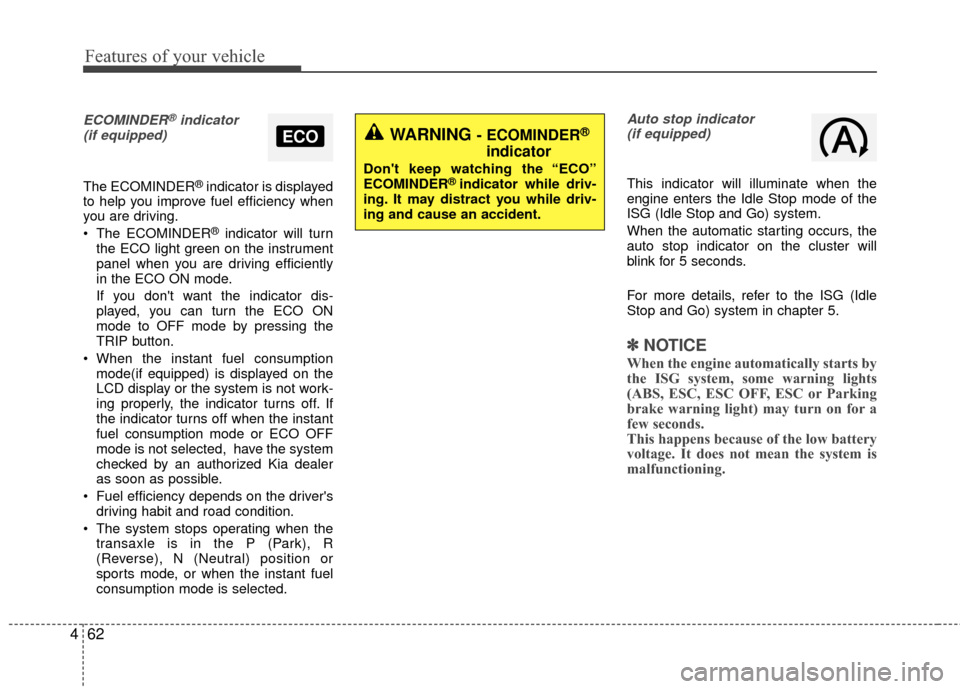
ECOMINDER®indicator
(if equipped)
The ECOMINDER®indicator is displayed
to help you improve fuel efficiency when
you are driving.
The ECOMINDER
®indicator will turn
the ECO light green on the instrument
panel when you are driving efficiently
in the ECO ON mode.
If you don't want the indicator dis-
played, you can turn the ECO ON
mode to OFF mode by pressing the
TRIP button.
When the instant fuel consumption mode(if equipped) is displayed on the
LCD display or the system is not work-
ing properly, the indicator turns off. If
the indicator turns off when the instant
fuel consumption mode or ECO OFF
mode is not selected, have the system
checked by an authorized Kia dealer
as soon as possible.
Fuel efficiency depends on the driver's driving habit and road condition.
The system stops operating when the transaxle is in the P (Park), R
(Reverse), N (Neutral) position or
sports mode, or when the instant fuel
consumption mode is selected.
Auto stop indicator(if equipped)
This indicator will illuminate when the
engine enters the Idle Stop mode of the
ISG (Idle Stop and Go) system.
When the automatic starting occurs, the
auto stop indicator on the cluster will
blink for 5 seconds.
For more details, refer to the ISG (Idle
Stop and Go) system in chapter 5.
✽ ✽ NOTICE
When the engine automatically starts by
the ISG system, some warning lights
(ABS, ESC, ESC OFF, ESC or Parking
brake warning light) may turn on for a
few seconds.
This happens because of the low battery
voltage. It does not mean the system is
malfunctioning.
WARNING - ECOMINDER®
indicator
Don't keep watching the “ECO”
ECOMINDER®indicator while driv-
ing. It may distract you while driv-
ing and cause an accident.
ECO
Page 129 of 397
Features of your vehicle
64
4
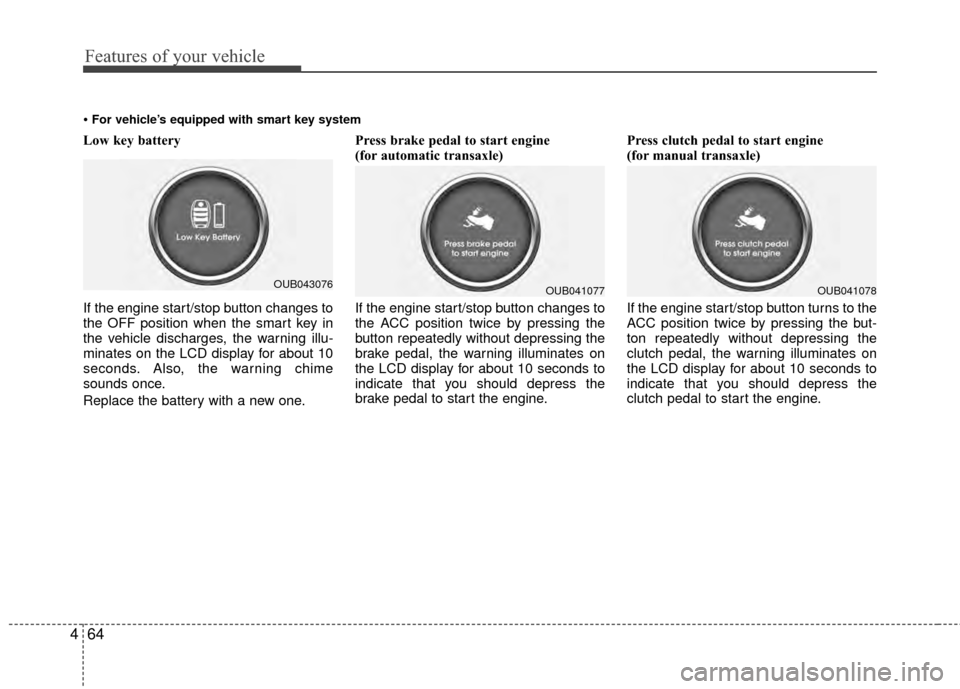
Low key battery
If the engine start/stop button changes to
the OFF position when the smart key in
the vehicle discharges, the warning illu-
minates on the LCD display for about 10
seconds. Also, the warning chime
sounds once.
Replace the battery with a new one. Press brake pedal to start engine
(for automatic transaxle)
If the engine start/stop button changes to
the ACC position twice by pressing the
button repeatedly without depressing the
brake pedal, the warning illuminates on
the LCD display for about 10 seconds to
indicate that you should depress the
brake pedal to start the engine.
Press clutch pedal to start engine
(for manual transaxle)
If the engine start/stop button turns to the
ACC position twice by pressing the but-
ton repeatedly without depressing the
clutch pedal, the warning illuminates on
the LCD display for about 10 seconds to
indicate that you should depress the
clutch pedal to start the engine.
For vehicle’s equipped with smart key system
OUB041077OUB041078OUB043076
Page 225 of 397
5
Before driving / 5-3
Key positions / 5-4
ENGINE START/STOP button / 5-6
Starting the engine / 5-9
Manual transaxle / 5-12
Automatic transaxle / 5-15
Brake system / 5-21
Cruise control system / 5-32
ISG (Idle Stop and Go) system / 5-37
Active eco system / 5-41
Economical operation / 5-42
Special driving conditions / 5-44
Winter driving / 5-48
Trailer towing / 5-50
Vehicle load limit / 5-51
Vehicle weight / 5-56
Driving your vehicle
Page 227 of 397
53
Driving your vehicle
Before entering vehicle
• Be sure that all windows, outside mir-ror(s), and outside lights are clean.
Check the condition of the tires.
Check under the vehicle for any sign of leaks.
Be sure there are no obstacles behind you if you intend to back up.
Necessary inspections
Fluid levels, such as engine oil, engine
coolant, brake fluid, and washer fluid
should be checked on a regular basis,
with the exact interval depending on the
fluid. Further details are provided in
Section 7, “Maintenance”.
Before starting
Close and lock all doors.
Position the seat so that all controls are
easily reached.
Buckle your seat belt.
Adjust the inside and outside rearview mirrors.
Be sure that all lights work.
Check all gauges.
Check the operation of warning lights when the ignition switch is turned to
the ON position.
Release the parking brake and make sure the brake warning light goes out.
For safe operation, be sure you are famil-
iar with your vehicle and its equipment.
BEFORE DRIVING
WARNING - Distracted driving
Focus on the road while driving.
The driver's primary responsibility
is in the safe and legal operation of
the vehicle. Use of any handled
devices, other equipment or vehicle
systems that distract the drive
should not be used during vehicle
operation.
WARNING
- Check surrounding
Always check the surrounding areas
near your vehicle for people, espe-
cially children, before putting a vehi-
cle into D (Drive) or R (Reverse).
Page 229 of 397
55
Driving your vehicle
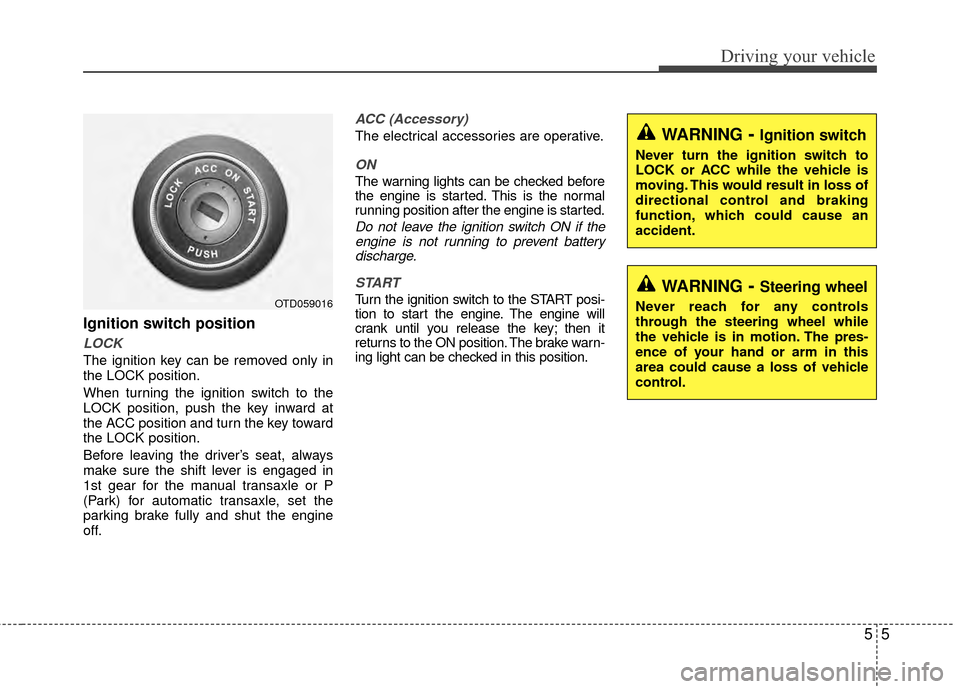
Ignition switch position
LOCK
The ignition key can be removed only in
the LOCK position.
When turning the ignition switch to the
LOCK position, push the key inward at
the ACC position and turn the key toward
the LOCK position.
Before leaving the driver’s seat, always
make sure the shift lever is engaged in
1st gear for the manual transaxle or P
(Park) for automatic transaxle, set the
parking brake fully and shut the engine
off.
ACC (Accessory)
The electrical accessories are operative.
ON
The warning lights can be checked before
the engine is started. This is the normal
running position after the engine is started.
Do not leave the ignition switch ON if theengine is not running to prevent batterydischarge.
START
Turn the ignition switch to the START posi-
tion to start the engine. The engine will
crank until you release the key; then it
returns to the ON position. The brake warn-
ing light can be checked in this position.OTD059016
WARNING- Ignition switch
Never turn the ignition switch to
LOCK or ACC while the vehicle is
moving. This would result in loss of
directional control and braking
function, which could cause an
accident.
WARNING- Steering wheel
Never reach for any controls
through the steering wheel while
the vehicle is in motion. The pres-
ence of your hand or arm in this
area could cause a loss of vehicle
control.
Page 230 of 397
Driving your vehicle
65
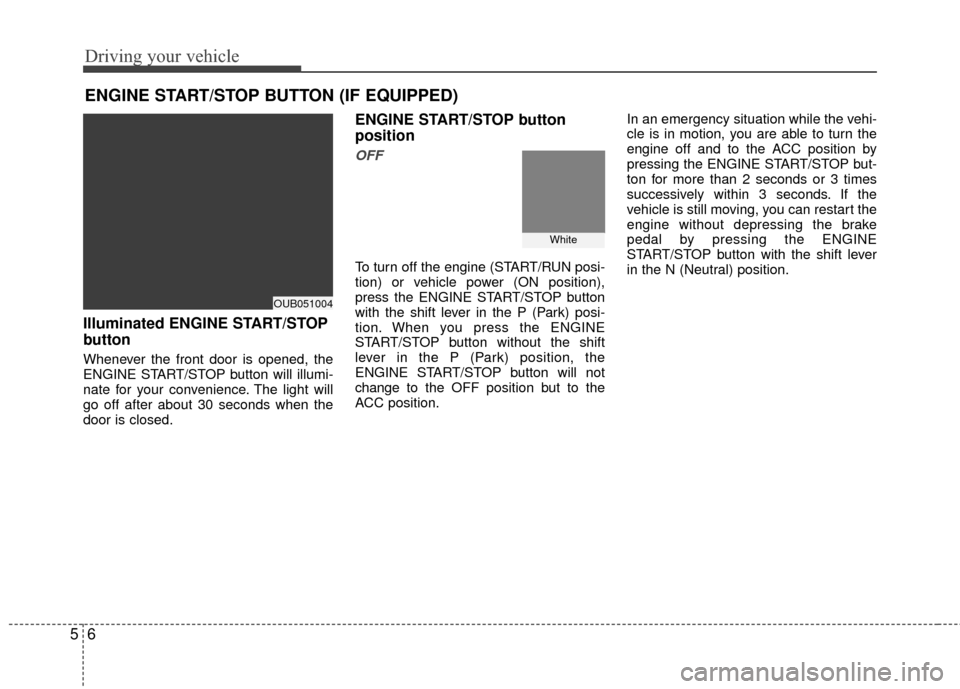
Illuminated ENGINE START/STOP
button
Whenever the front door is opened, the
ENGINE START/STOP button will illumi-
nate for your convenience. The light will
go off after about 30 seconds when the
door is closed.
ENGINE START/STOP button
position
OFF
To turn off the engine (START/RUN posi-
tion) or vehicle power (ON position),
press the ENGINE START/STOP button
with the shift lever in the P (Park) posi-
tion. When you press the ENGINE
START/STOP button without the shift
lever in the P (Park) position, the
ENGINE START/STOP button will not
change to the OFF position but to the
ACC position. In an emergency situation while the vehi-
cle is in motion, you are able to turn the
engine off and to the ACC position by
pressing the ENGINE START/STOP but-
ton for more than 2 seconds or 3 times
successively within 3 seconds. If the
vehicle is still moving, you can restart the
engine without depressing the brake
pedal by pressing the ENGINE
START/STOP button with the shift lever
in the N (Neutral) position.
ENGINE START/STOP BUTTON (IF EQUIPPED)
OUB051004
White
Page 231 of 397
57
Driving your vehicle
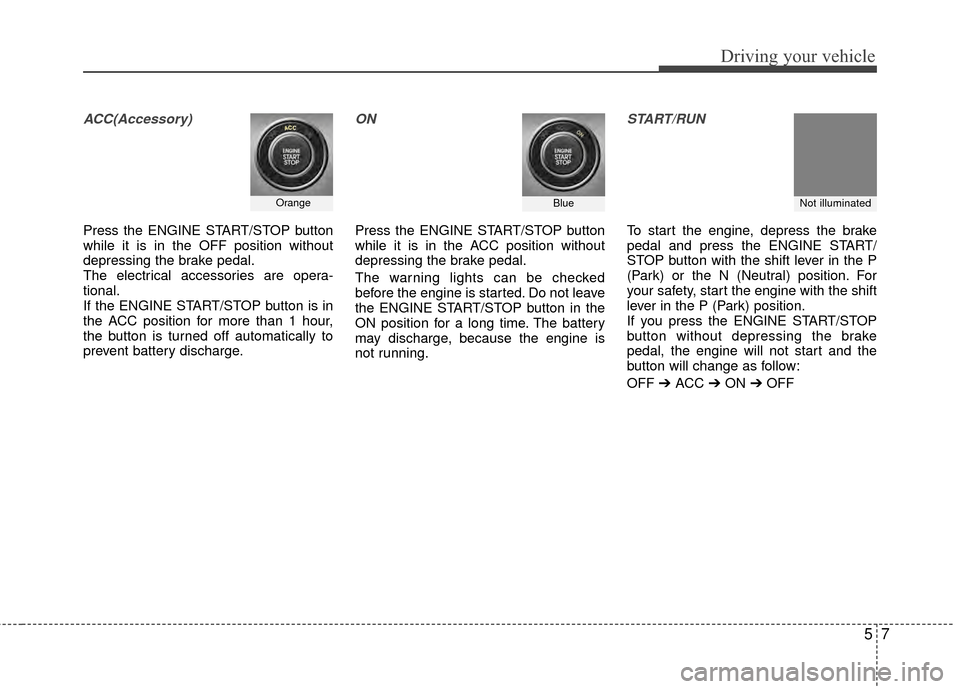
ACC(Accessory)
Press the ENGINE START/STOP button
while it is in the OFF position without
depressing the brake pedal.
The electrical accessories are opera-
tional.
If the ENGINE START/STOP button is in
the ACC position for more than 1 hour,
the button is turned off automatically to
prevent battery discharge.
ON
Press the ENGINE START/STOP button
while it is in the ACC position without
depressing the brake pedal.
The warning lights can be checked
before the engine is started. Do not leave
the ENGINE START/STOP button in the
ON position for a long time. The battery
may discharge, because the engine is
not running.
START/RUN
To start the engine, depress the brake
pedal and press the ENGINE START/
STOP button with the shift lever in the P
(Park) or the N (Neutral) position. For
your safety, start the engine with the shift
lever in the P (Park) position.
If you press the ENGINE START/STOP
button without depressing the brake
pedal, the engine will not start and the
button will change as follow:
OFF ➔ ACC ➔ON ➔OFF
OrangeBlueNot illuminated
Page 233 of 397
59
Driving your vehicle
Starting the engine with an igni-
tion key (if equipped)
1. Make sure the parking brake isapplied.
2. Manual Transaxle - Depress the
clutch pedal fully and shift the
transaxle into Neutral. Keep the clutch
pedal and brake pedal depressed
while turning the ignition switch to the
start position.
Automatic Transaxle - Place the
transaxle shift lever in P (Park).
Depress the brake pedal fully.
You can also start the engine when the shift lever is in the N (Neutral)position.
3. Turn the ignition switch to START and
hold it there until the engine starts (a
maximum of 10 seconds), then
release the key.
It should be started without depress-ing the accelerator.
4. Do not wait for the engine to warm up while the vehicle remains stationary.
Start driving at moderate engine
speeds. (Steep accelerating and decel-
erating should be avoided.)
If the engine stalls while the vehicle is in
motion, do not attempt to move the shift
lever to the P (Park) position. If traffic and
road conditions permit, you may put the
shift lever in the N (Neutral) position
while the vehicle is still moving and turn
the ignition switch to the START position
in an attempt to restart the engine.
STARTING THE ENGINE
WARNING - Proper footwear
Always wear appropriate shoes
when operating your vehicle.
Unsuitable shoes (high heels, ski
boots, sandals, etc.) may interfere
with your ability to use the brake
and accelerator pedal.
CAUTION - Starter
Do not engage the starter for morethan 10 seconds. If the engine stallsor fails to start, wait 5 to 10 seconds before re-engaging the starter.Improper use of the starter maydamage it.