Eco KIA Rio 2016 3.G Workshop Manual
[x] Cancel search | Manufacturer: KIA, Model Year: 2016, Model line: Rio, Model: KIA Rio 2016 3.GPages: 449, PDF Size: 14.93 MB
Page 121 of 449
Features of your vehicle
50
4
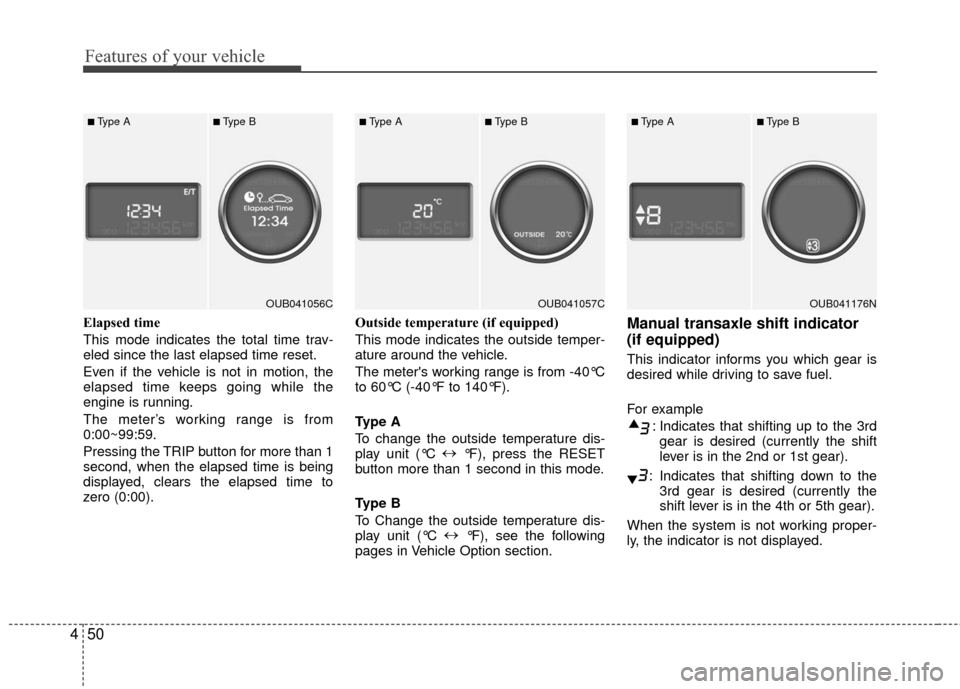
Elapsed time
This mode indicates the total time trav-
eled since the last elapsed time reset.
Even if the vehicle is not in motion, the
elapsed time keeps going while the
engine is running.
The meter’s working range is from
0:00~99:59.
Pressing the TRIP button for more than 1
second, when the elapsed time is being
displayed, clears the elapsed time to
zero (0:00). Outside temperature (if equipped)
This mode indicates the outside temper-
ature around the vehicle.
The meter's working range is from -40°C
to 60°C (-40°F to 140°F).
Type A
To change the outside temperature dis-
play unit (°C
↔
°F), press the RESET
button more than 1 second in this mode.
Type B
To Change the outside temperature dis-
play unit (°C ↔
°F), see the following
pages in Vehicle Option section.Manual transaxle shift indicator
(if equipped)
This indicator informs you which gear is
desired while driving to save fuel.
For example
: Indicates that shifting up to the 3rdgear is desired (currently the shift
lever is in the 2nd or 1st gear).
: Indicates that shifting down to the 3rd gear is desired (currently the
shift lever is in the 4th or 5th gear).
When the system is not working proper-
ly, the indicator is not displayed.
OUB041056C
■Type A■Type B
OUB041057C
■Type A■Type B
OUB041176N
■Type A■Type B
Page 122 of 449
451
Features of your vehicle
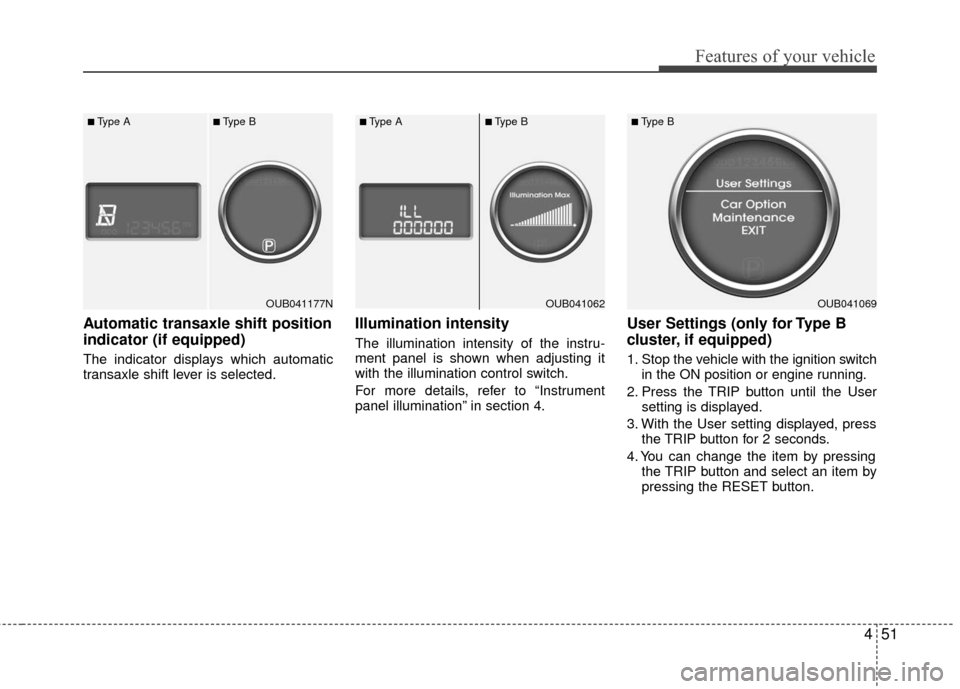
Automatic transaxle shift position
indicator (if equipped)
The indicator displays which automatic
transaxle shift lever is selected.
Illumination intensity
The illumination intensity of the instru-
ment panel is shown when adjusting it
with the illumination control switch.
For more details, refer to “Instrument
panel illumination” in section 4.
User Settings (only for Type B
cluster, if equipped)
1. Stop the vehicle with the ignition switchin the ON position or engine running.
2. Press the TRIP button until the User setting is displayed.
3. With the User setting displayed, press the TRIP button for 2 seconds.
4. You can change the item by pressing the TRIP button and select an item by
pressing the RESET button.
OUB041177N
■Type A■Type B
OUB041062
■Type A■Type B
OUB041069
■Type B
Page 123 of 449
Features of your vehicle
52
4
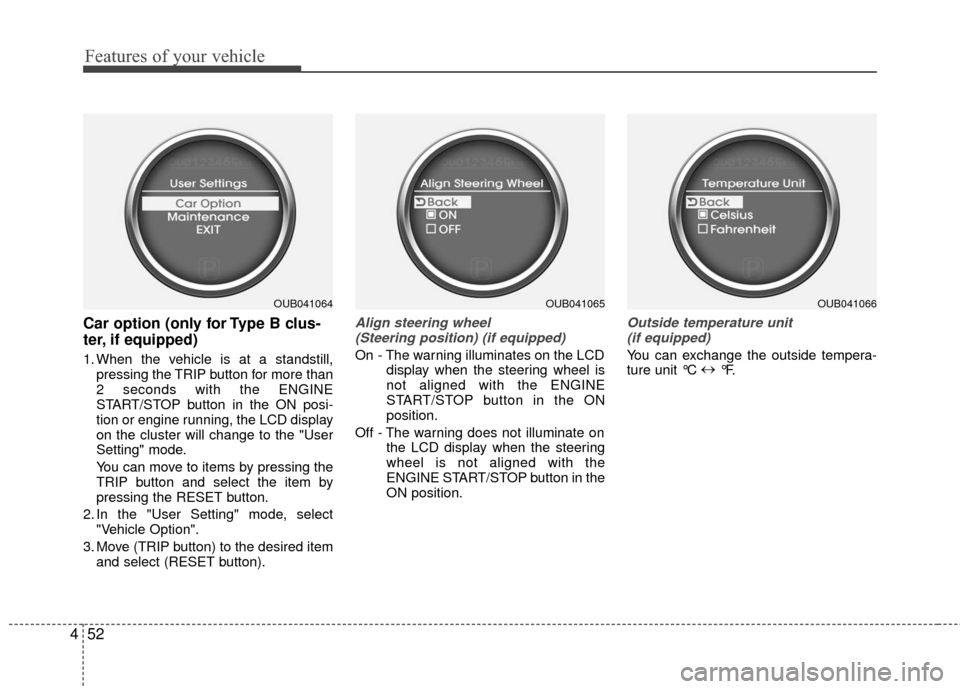
Car option (only for Type B clus-
ter, if equipped)
1. When the vehicle is at a standstill,
pressing the TRIP button for more than
2 seconds with the ENGINE
START/STOP button in the ON posi-
tion or engine running, the LCD display
on the cluster will change to the "User
Setting" mode.
You can move to items by pressing the
TRIP button and select the item by
pressing the RESET button.
2. In the "User Setting" mode, select "Vehicle Option".
3. Move (TRIP button) to the desired item and select (RESET button).
Align steering wheel (Steering position) (if equipped)
On - The warning illuminates on the LCD display when the steering wheel is
not aligned with the ENGINE
START/STOP button in the ON
position.
Off - The warning does not illuminate on the LCD display when the steering
wheel is not aligned with the
ENGINE START/STOP button in the
ON position.
Outside temperature unit(if equipped)
You can exchange the outside tempera-
ture unit °C ↔
°F.
OUB041064OUB041065OUB041066
Page 124 of 449
453
Features of your vehicle
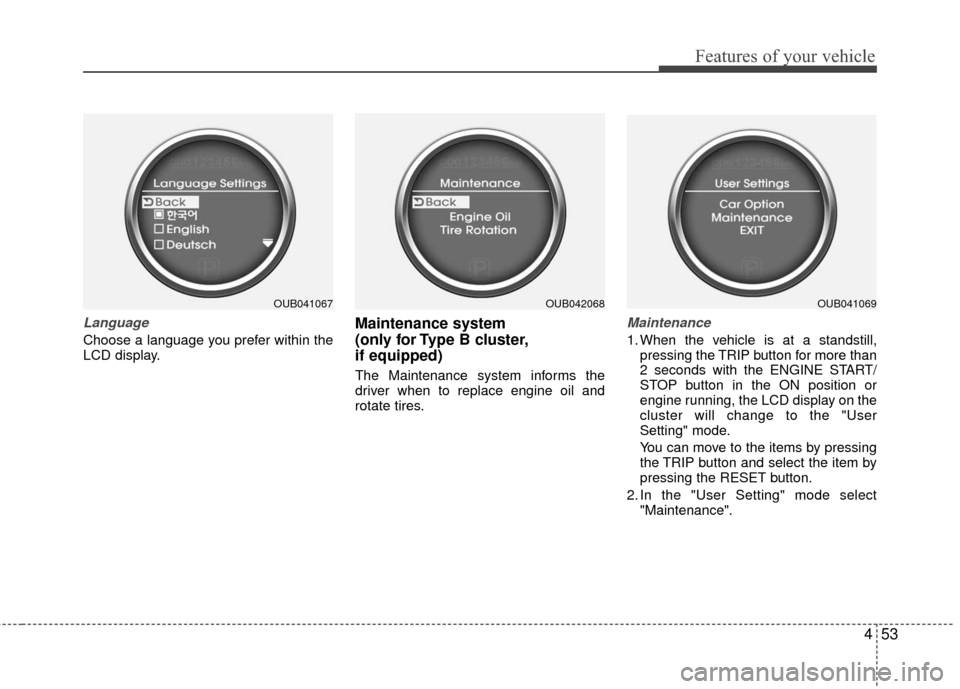
Language
Choose a language you prefer within the
LCD display.
Maintenance system
(only for Type B cluster,
if equipped)
The Maintenance system informs the
driver when to replace engine oil and
rotate tires.
Maintenance
1. When the vehicle is at a standstill,pressing the TRIP button for more than
2 seconds with the ENGINE START/
STOP button in the ON position or
engine running, the LCD display on the
cluster will change to the "User
Setting" mode.
You can move to the items by pressing
the TRIP button and select the item by
pressing the RESET button.
2. In the "User Setting" mode select "Maintenance".
OUB041067OUB042068OUB041069
Page 125 of 449
Features of your vehicle
54
4
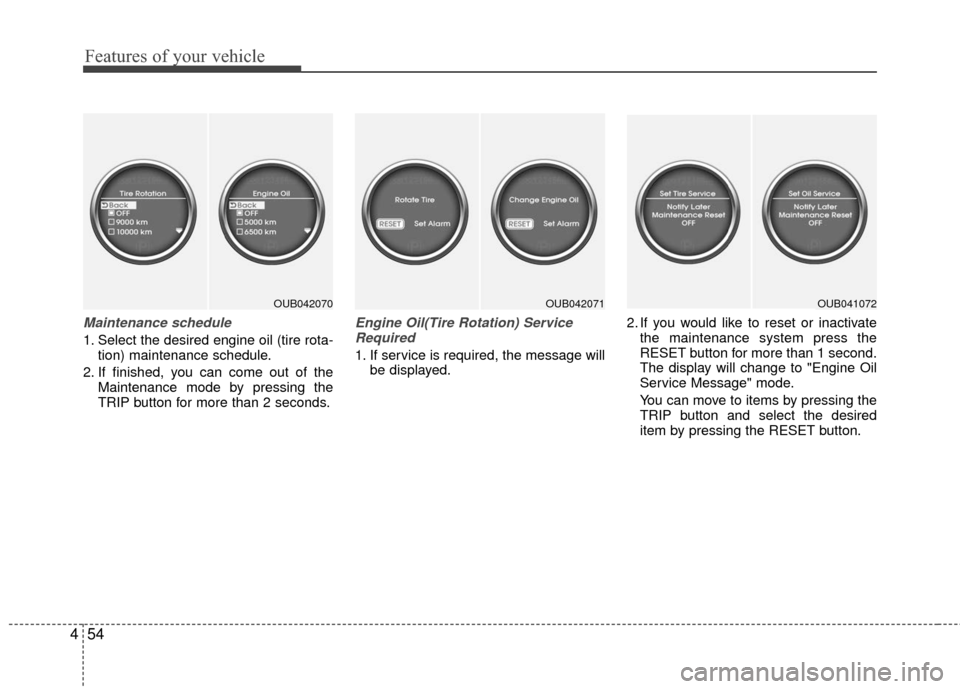
Maintenance schedule
1. Select the desired engine oil (tire rota-
tion) maintenance schedule.
2. If finished, you can come out of the Maintenance mode by pressing the
TRIP button for more than 2 seconds.
Engine Oil(Tire Rotation) ServiceRequired
1. If service is required, the message will be displayed. 2. If you would like to reset or inactivate
the maintenance system press the
RESET button for more than 1 second.
The display will change to "Engine Oil
Service Message" mode.
You can move to items by pressing the
TRIP button and select the desired
item by pressing the RESET button.
OUB042070OUB042071OUB041072
Page 126 of 449
455
Features of your vehicle
Warnings and indicators
All warning lights are checked by turning
the ignition switch ON (do not start the
engine). Any light that does not illuminate
should be checked by an authorized Kia
dealer.
After starting the engine, check to make
sure that all warning lights are off. If any
warning lights are still on, this indicates a
situation that needs attention. When
releasing the parking brake, the brake
system warning light should go off. The
fuel warning light will stay on if the fuel
level is low.
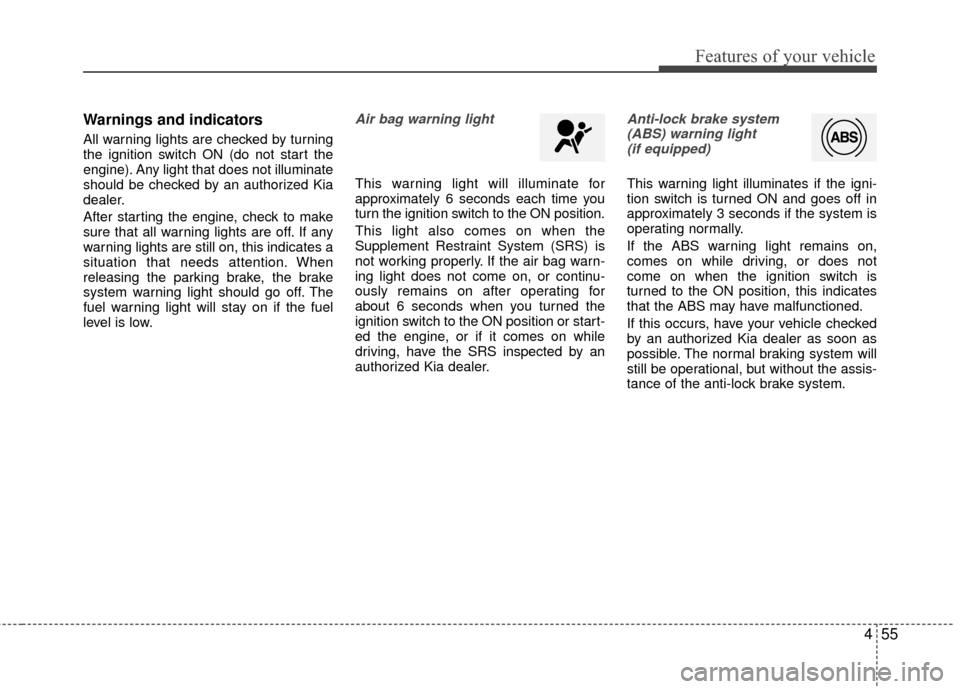
Air bag warning light
This warning light will illuminate for
approximately 6 seconds each time you
turn the ignition switch to the ON position.
This light also comes on when the
Supplement Restraint System (SRS) is
not working properly. If the air bag warn-
ing light does not come on, or continu-
ously remains on after operating for
about 6 seconds when you turned the
ignition switch to the ON position or start-
ed the engine, or if it comes on while
driving, have the SRS inspected by an
authorized Kia dealer.
Anti-lock brake system(ABS) warning light (if equipped)
This warning light illuminates if the igni-
tion switch is turned ON and goes off in
approximately 3 seconds if the system is
operating normally.
If the ABS warning light remains on,
comes on while driving, or does not
come on when the ignition switch is
turned to the ON position, this indicates
that the ABS may have malfunctioned.
If this occurs, have your vehicle checked
by an authorized Kia dealer as soon as
possible. The normal braking system will
still be operational, but without the assis-
tance of the anti-lock brake system.
Page 127 of 449
Features of your vehicle
56
4
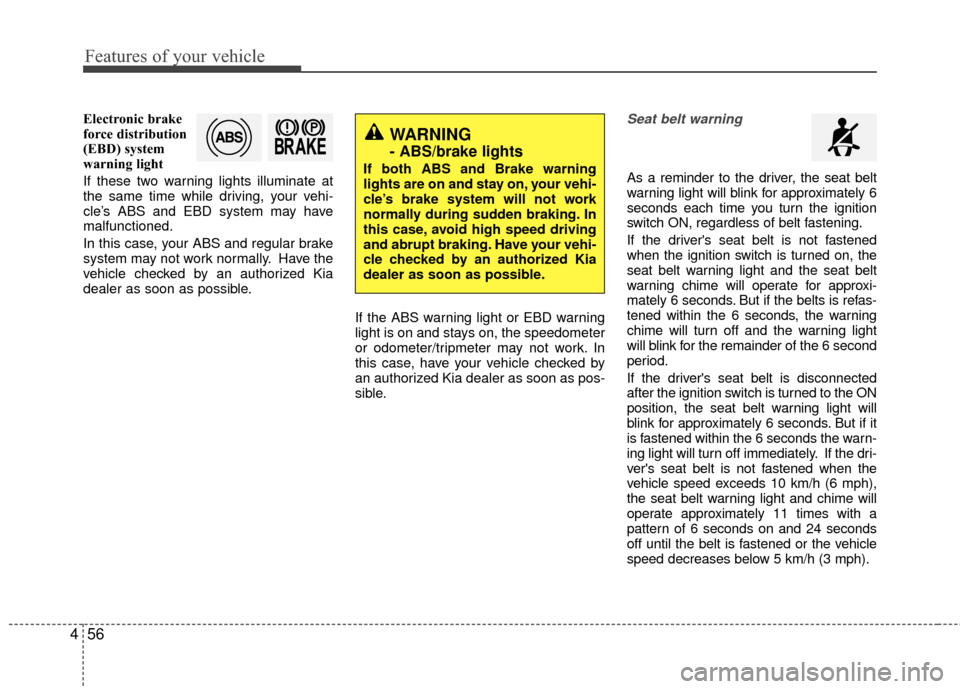
Electronic brake
force distribution
(EBD) system
warning light
If these two warning lights illuminate at
the same time while driving, your vehi-
cle’s ABS and EBD system may have
malfunctioned.
In this case, your ABS and regular brake
system may not work normally. Have the
vehicle checked by an authorized Kia
dealer as soon as possible.
If the ABS warning light or EBD warning
light is on and stays on, the speedometer
or odometer/tripmeter may not work. In
this case, have your vehicle checked by
an authorized Kia dealer as soon as pos-
sible.Seat belt warning
As a reminder to the driver, the seat belt
warning light will blink for approximately 6
seconds each time you turn the ignition
switch ON, regardless of belt fastening.
If the driver's seat belt is not fastened
when the ignition switch is turned on, the
seat belt warning light and the seat belt
warning chime will operate for approxi-
mately 6 seconds. But if the belts is refas-
tened within the 6 seconds, the warning
chime will turn off and the warning light
will blink for the remainder of the 6 second
period.
If the driver's seat belt is disconnected
after the ignition switch is turned to the ON
position, the seat belt warning light will
blink for approximately 6 seconds. But if it
is fastened within the 6 seconds the warn-
ing light will turn off immediately. If the dri-
ver's seat belt is not fastened when the
vehicle speed exceeds 10 km/h (6 mph),
the seat belt warning light and chime will
operate approximately 11 times with a
pattern of 6 seconds on and 24 seconds
off until the belt is fastened or the vehicle
speed decreases below 5 km/h (3 mph).
WARNING
- ABS/brake lights
If both ABS and Brake warning
lights are on and stay on, your vehi-
cle’s brake system will not work
normally during sudden braking. In
this case, avoid high speed driving
and abrupt braking. Have your vehi-
cle checked by an authorized Kia
dealer as soon as possible.
Page 132 of 449
461
Features of your vehicle
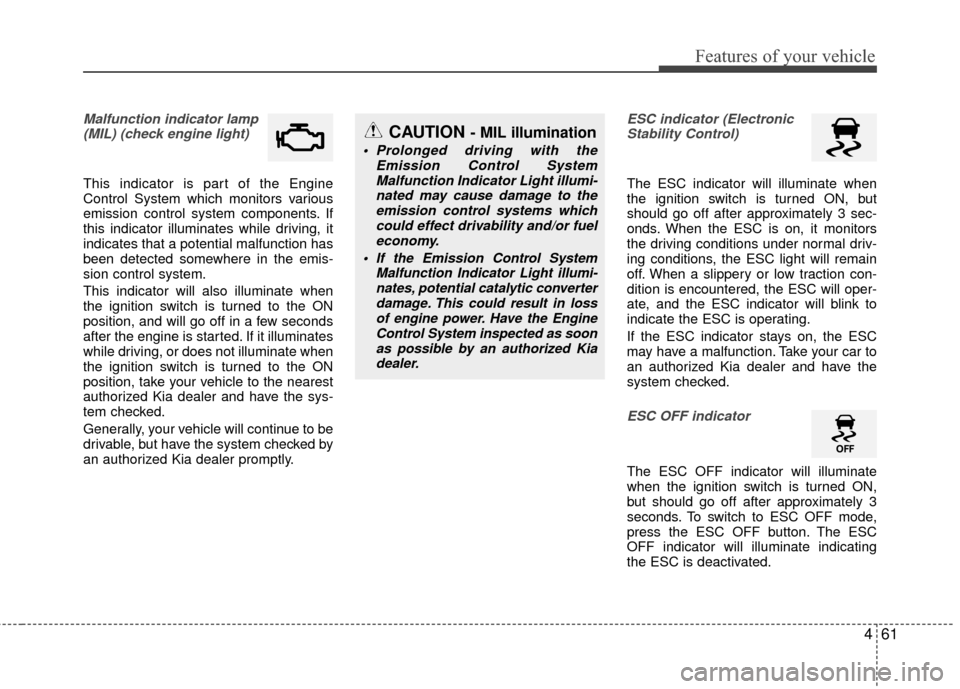
Malfunction indicator lamp(MIL) (check engine light)
This indicator is part of the Engine
Control System which monitors various
emission control system components. If
this indicator illuminates while driving, it
indicates that a potential malfunction has
been detected somewhere in the emis-
sion control system.
This indicator will also illuminate when
the ignition switch is turned to the ON
position, and will go off in a few seconds
after the engine is started. If it illuminates
while driving, or does not illuminate when
the ignition switch is turned to the ON
position, take your vehicle to the nearest
authorized Kia dealer and have the sys-
tem checked.
Generally, your vehicle will continue to be
drivable, but have the system checked by
an authorized Kia dealer promptly.
ESC indicator (ElectronicStability Control)
The ESC indicator will illuminate when
the ignition switch is turned ON, but
should go off after approximately 3 sec-
onds. When the ESC is on, it monitors
the driving conditions under normal driv-
ing conditions, the ESC light will remain
off. When a slippery or low traction con-
dition is encountered, the ESC will oper-
ate, and the ESC indicator will blink to
indicate the ESC is operating.
If the ESC indicator stays on, the ESC
may have a malfunction. Take your car to
an authorized Kia dealer and have the
system checked.
ESC OFF indicator
The ESC OFF indicator will illuminate
when the ignition switch is turned ON,
but should go off after approximately 3
seconds. To switch to ESC OFF mode,
press the ESC OFF button. The ESC
OFF indicator will illuminate indicating
the ESC is deactivated.
CAUTION - MIL illumination
Prolonged driving with the Emission Control SystemMalfunction Indicator Light illumi-nated may cause damage to theemission control systems which could effect drivability and/or fueleconomy.
If the EmissionControl System
Malfunction Indicator Light illumi- nates, potential catalytic converterdamage. This could result in lossof engine power. Have the EngineControl System inspected as soonas possible by an authorized Kiadealer.
Page 133 of 449
Features of your vehicle
62
4
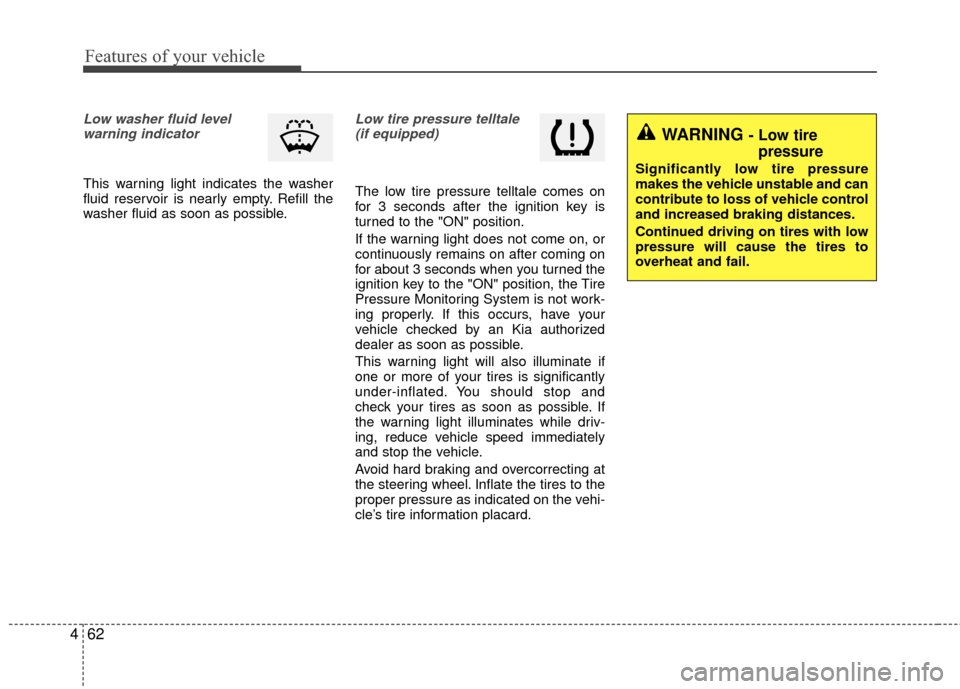
Low washer fluid level
warning indicator
This warning light indicates the washer
fluid reservoir is nearly empty. Refill the
washer fluid as soon as possible.
Low tire pressure telltale(if equipped)
The low tire pressure telltale comes on
for 3 seconds after the ignition key is
turned to the "ON" position.
If the warning light does not come on, or
continuously remains on after coming on
for about 3 seconds when you turned the
ignition key to the "ON" position, the Tire
Pressure Monitoring System is not work-
ing properly. If this occurs, have your
vehicle checked by an Kia authorized
dealer as soon as possible.
This warning light will also illuminate if
one or more of your tires is significantly
under-inflated. You should stop and
check your tires as soon as possible. If
the warning light illuminates while driv-
ing, reduce vehicle speed immediately
and stop the vehicle.
Avoid hard braking and overcorrecting at
the steering wheel. Inflate the tires to the
proper pressure as indicated on the vehi-
cle’s tire information placard.
WARNING - Low tire pressure
Significantly low tire pressure
makes the vehicle unstable and can
contribute to loss of vehicle control
and increased braking distances.
Continued driving on tires with low
pressure will cause the tires to
overheat and fail.
Page 135 of 449
Features of your vehicle
64
4
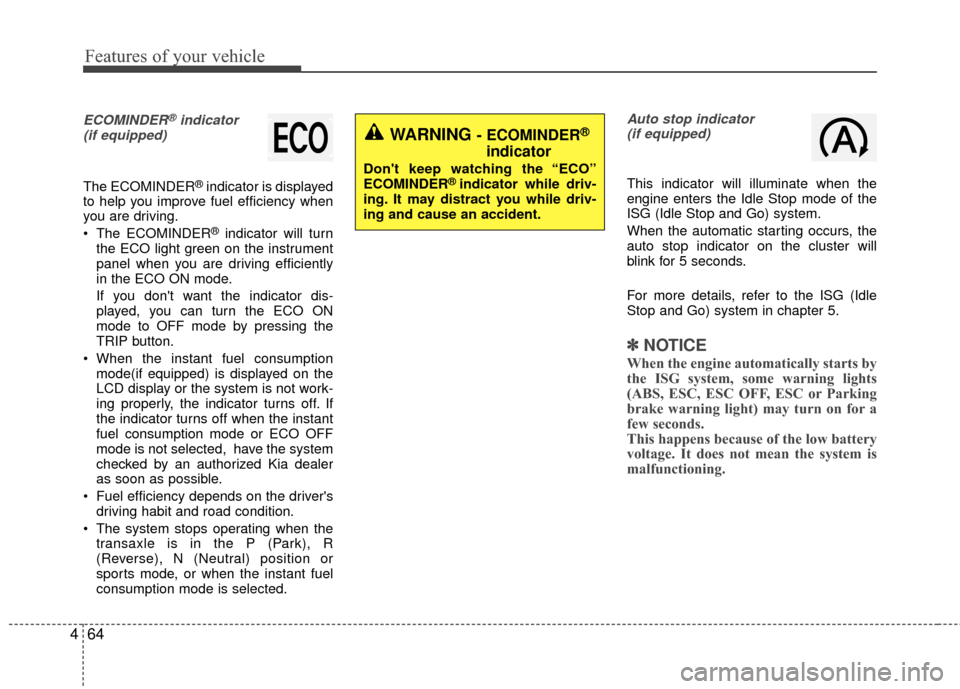
ECOMINDER®indicator
(if equipped)
The ECOMINDER®indicator is displayed
to help you improve fuel efficiency when
you are driving.
The ECOMINDER
®indicator will turn
the ECO light green on the instrument
panel when you are driving efficiently
in the ECO ON mode.
If you don't want the indicator dis-
played, you can turn the ECO ON
mode to OFF mode by pressing the
TRIP button.
When the instant fuel consumption mode(if equipped) is displayed on the
LCD display or the system is not work-
ing properly, the indicator turns off. If
the indicator turns off when the instant
fuel consumption mode or ECO OFF
mode is not selected, have the system
checked by an authorized Kia dealer
as soon as possible.
Fuel efficiency depends on the driver's driving habit and road condition.
The system stops operating when the transaxle is in the P (Park), R
(Reverse), N (Neutral) position or
sports mode, or when the instant fuel
consumption mode is selected.
Auto stop indicator(if equipped)
This indicator will illuminate when the
engine enters the Idle Stop mode of the
ISG (Idle Stop and Go) system.
When the automatic starting occurs, the
auto stop indicator on the cluster will
blink for 5 seconds.
For more details, refer to the ISG (Idle
Stop and Go) system in chapter 5.
✽ ✽ NOTICE
When the engine automatically starts by
the ISG system, some warning lights
(ABS, ESC, ESC OFF, ESC or Parking
brake warning light) may turn on for a
few seconds.
This happens because of the low battery
voltage. It does not mean the system is
malfunctioning.
WARNING - ECOMINDER®
indicator
Don't keep watching the “ECO”
ECOMINDER®indicator while driv-
ing. It may distract you while driv-
ing and cause an accident.