warning KIA SEDONA 2020 Owners Manual
[x] Cancel search | Manufacturer: KIA, Model Year: 2020, Model line: SEDONA, Model: KIA SEDONA 2020Pages: 604, PDF Size: 16.24 MB
Page 415 of 604
Driving your vehicle
86
5
Blind-Spot Collision Warning
(BCW)
Operating conditions
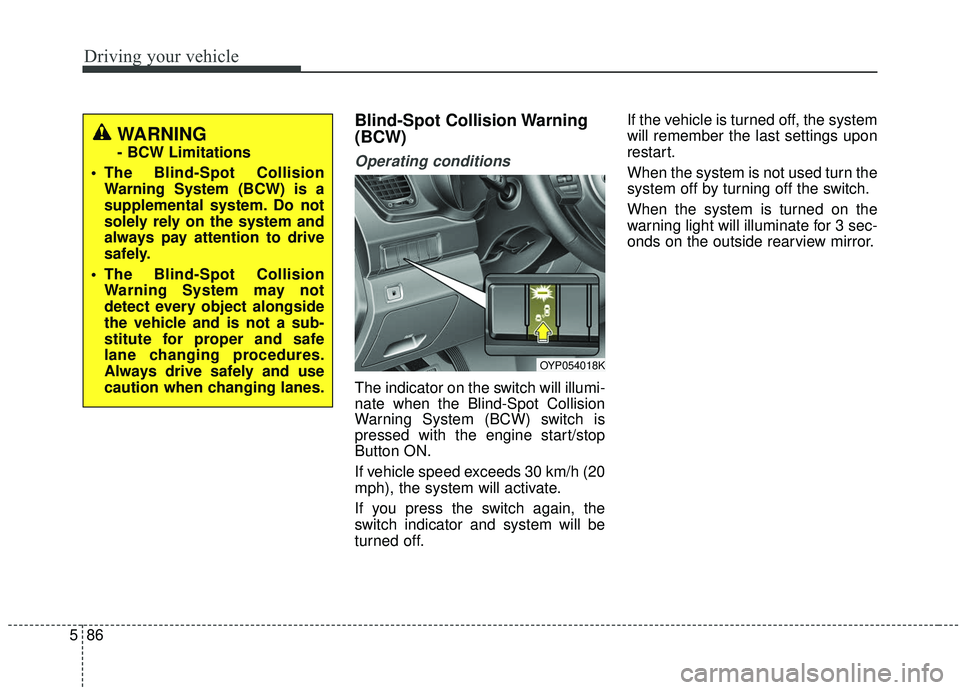
The indicator on the switch will illumi-
nate when the Blind-Spot Collision
Warning System (BCW) switch is
pressed with the engine start/stop
Button ON.
If vehicle speed exceeds 30 km/h (20
mph), the system will activate.
If you press the switch again, the
switch indicator and system will be
turned off. If the vehicle is turned off, the system
will remember the last settings upon
restart.
When the system is not used turn the
system off by turning off the switch.
When the system is turned on the
warning light will illuminate for 3 sec-
onds on the outside rearview mirror.
OYP054018K
WARNING
- BCW Limitations
The Blind-Spot Collision Warning System (BCW) is a
supplemental system. Do not
solely rely on the system and
always pay attention to drive
safely.
The Blind-Spot Collision Warning System may not
detect every object alongside
the vehicle and is not a sub-
stitute for proper and safe
lane changing procedures.
Always drive safely and use
caution when changing lanes.
Page 416 of 604
587
Driving your vehicle
Warning type
The system will activate when:
1. The system is on.
2. Vehicle speed is above 30 km/h(20 mph).
3. Other vehicles are detected in blind spot.
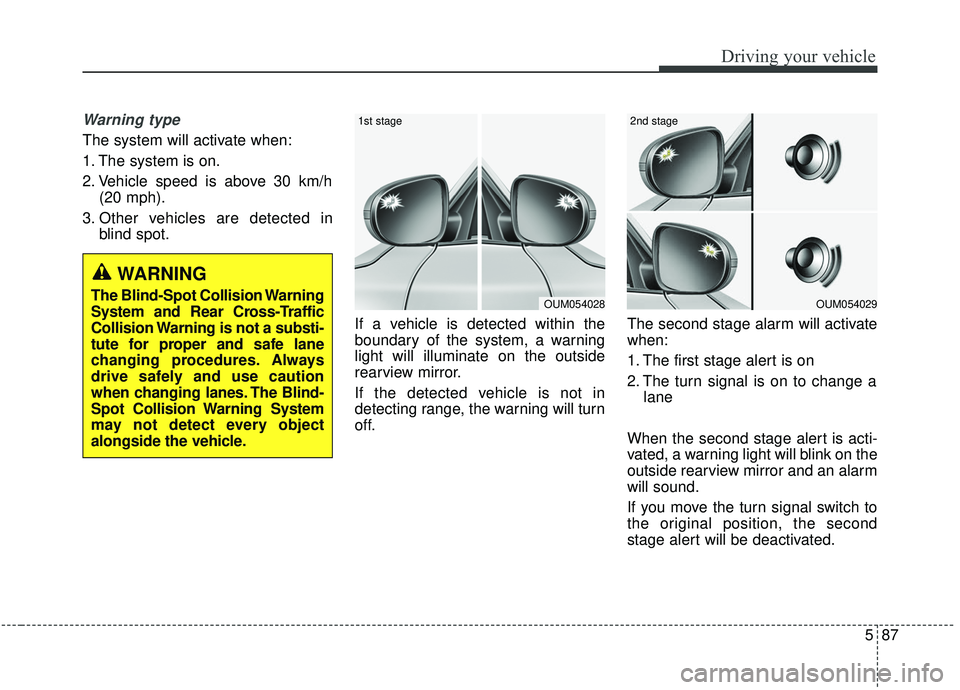
If a vehicle is detected within the
boundary of the system, a warning
light will illuminate on the outside
rearview mirror.
If the detected vehicle is not in
detecting range, the warning will turn
off. The second stage alarm will activate
when:
1. The first stage alert is on
2. The turn signal is on to change a
lane
When the second stage alert is acti-
vated, a warning light will blink on the
outside rearview mirror and an alarm
will sound.
If you move the turn signal switch to
the original position, the second
stage alert will be deactivated.
OUM054029
2nd stage
OUM054028
1st stage
WARNING
The Blind-Spot Collision Warning
System and Rear Cross-Traffic
Collision Warning is not a substi-
tute for proper and safe lane
changing procedures. Always
drive safely and use caution
when changing lanes. The Blind-
Spot Collision Warning System
may not detect every object
alongside the vehicle.
Page 417 of 604
Driving your vehicle
88
5
- The second stage alarm may be
deactivated.
To activate the alarm: Go to the User Settings Mode →
Driver Assistance and select
“Blind-Spot Collision Warning” on
the LCD display.
To deactivate the alarm: Go to the User Settings Mode →
Driver Assistance and deselect
“Blind-Spot Collision Warning” on
the LCD display.
✽ ✽
NOTICE
The alarm function helps alert the
driver. Deactivate this function only
when it is necessary
Detecting sensor
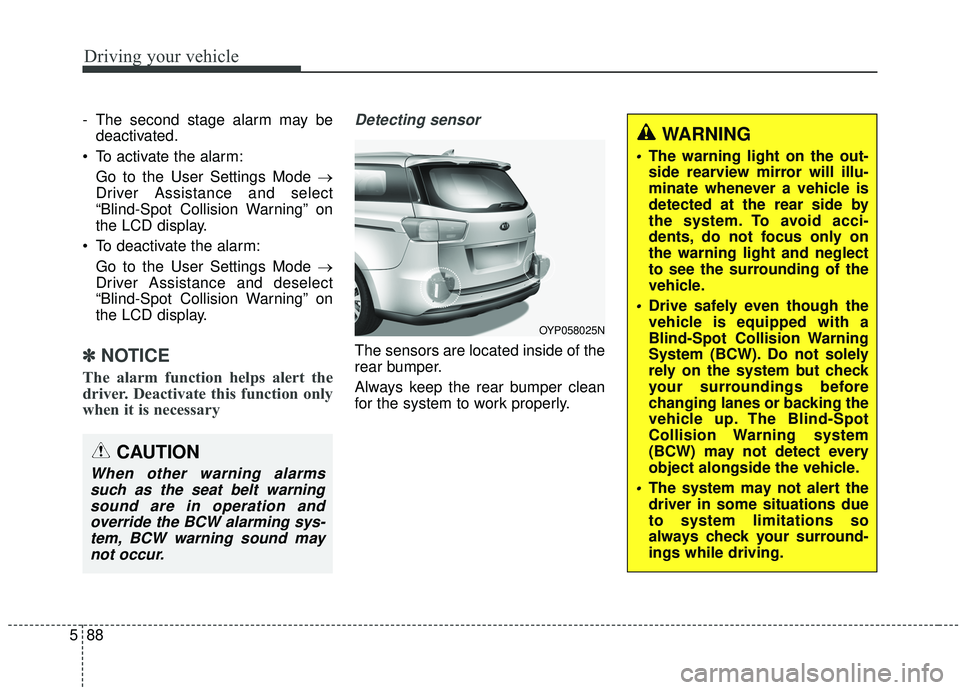
The sensors are located inside of the
rear bumper.
Always keep the rear bumper clean
for the system to work properly.
OYP058025N
CAUTION
When other warning alarms
such as the seat belt warningsound are in operation andoverride the BCW alarming sys-tem, BCW warning sound maynot occur.
WARNING
The warning light on the out-
side rearview mirror will illu-
minate whenever a vehicle is
detected at the rear side by
the system. To avoid acci-
dents, do not focus only on
the warning light and neglect
to see the surrounding of the
vehicle.
Drive safely even though the
vehicle is equipped with a
Blind-Spot Collision Warning
System (BCW). Do not solely
rely on the system but check
your surroundings before
changing lanes or backing the
vehicle up. The Blind-Spot
Collision Warning system
(BCW) may not detect every
object alongside the vehicle.
The system may not alert the
driver in some situations due
to system limitations so
always check your surround-
ings while driving.
Page 418 of 604
589
Driving your vehicle
Rear Cross-Traffic Collision
Warning (RCCW)
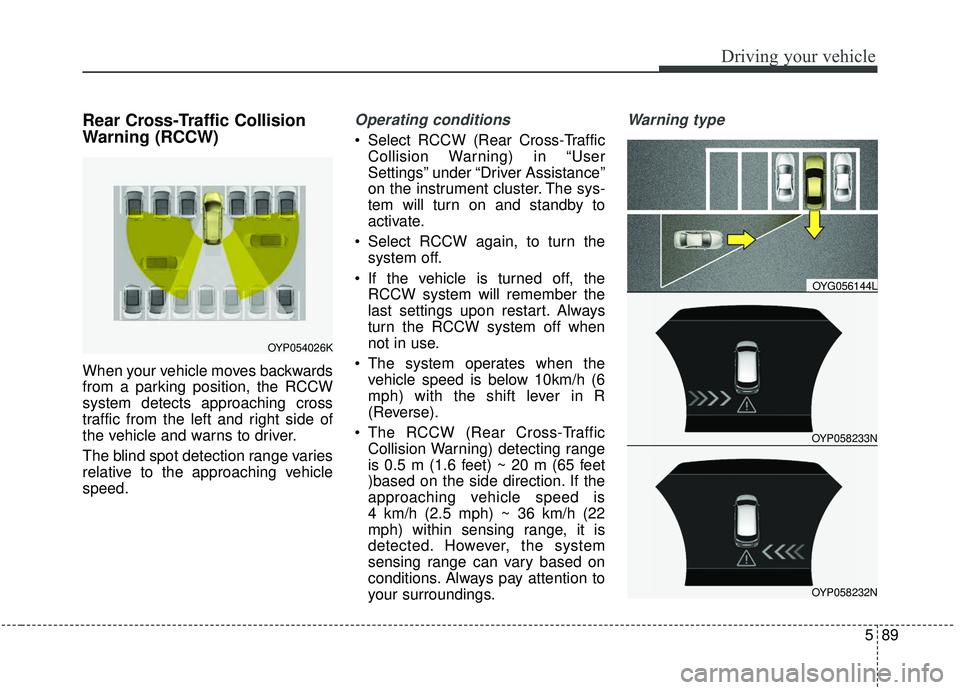
When your vehicle moves backwards
from a parking position, the RCCW
system detects approaching cross
traffic from the left and right side of
the vehicle and warns to driver.
The blind spot detection range varies
relative to the approaching vehicle
speed.
Operating conditions
Select RCCW (Rear Cross-TrafficCollision Warning) in “User
Settings” under “Driver Assistance”
on the instrument cluster. The sys-
tem will turn on and standby to
activate.
Select RCCW again, to turn the system off.
If the vehicle is turned off, the RCCW system will remember the
last settings upon restart. Always
turn the RCCW system off when
not in use.
The system operates when the vehicle speed is below 10km/h (6
mph) with the shift lever in R
(Reverse).
The RCCW (Rear Cross-Traffic Collision Warning) detecting range
is 0.5 m (1.6 feet) ~ 20 m (65 feet
)based on the side direction. If the
approaching vehicle speed is
4 km/h (2.5 mph) ~ 36 km/h (22
mph) within sensing range, it is
detected. However, the system
sensing range can vary based on
conditions. Always pay attention to
your surroundings.
Warning type
OYP058233N
OYG056144L
OYP058232N
OYP054026K
Page 419 of 604
Driving your vehicle
90
5
If the vehicle detected by sensors
approaches your vehicle, the warn-
ing chime will sound and the warn-
ing light will blink on the outside
rearview mirror.
If the detected vehicle is out of detection range, moving away in
the opposite direction or moving
slow, or if the vehicle is right
behind your vehicle, the warning is
cancelled.
The system may not operate prop- erly due to other factors or circum-
stances. Always pay attention to
your surroundings. \b
If your vehicle's left or right side
bumper is blinded by a barrier or
vehicles, the system sensing abili-
ty may not function properly.
WARNING
The Blind-Spot Collision
Warning System and Rear
Cross-Traffic Collision
Warning is not a substitute for
proper and safe lane chang-
ing procedures. Always drive
safely and use caution when
changing lanes. The Blind-
Spot Collision Warning
System may not detect every
object alongside the vehicle.
Drive safely even though the vehicle is equipped with a
BCW (Blind-Spot Collision
Warning) system. Do not sole-
ly rely on the system but
check for yourself before
changing lanes.
The system may not alert the
driver in some conditions so
always check the surround-
ings while driving.
(Continued)
(Continued)
When the BCW system isbeing activated, the warning
light on the outside rearview
mirror will illuminate whenev-
er a vehicle is detected at the
rear side by the system. To
avoid accidents, do not focus
only on the warning light and
neglect to see the surround-
ing of the vehicle.
CAUTION
When other warning soundssuch as the seat belt warningsound are in operation andoverride the RCCW alarmingsystem, RCCW warning alarmmay not occur.
Page 420 of 604
591
Driving your vehicle
✽ ✽
NOTICE
• The system may not work proper-
ly if the bumper has been replaced
or if repair work has been done
near the sensor.
• The detection area differs accord- ing to the road's width. If the road
is narrow the system may detect
other vehicles in the next lane.
• If the road is very wide the system may not detect other vehicles.
• The system may turn off due to strong electromagnetic interfer-
ence.
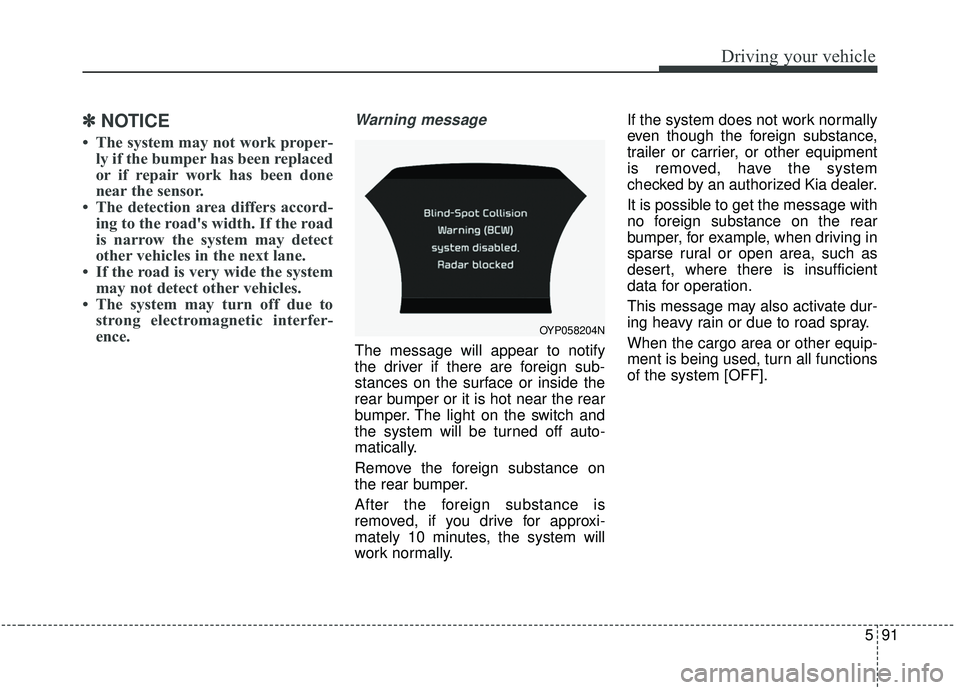
Warning message
The message will appear to notify
the driver if there are foreign sub-
stances on the surface or inside the
rear bumper or it is hot near the rear
bumper. The light on the switch and
the system will be turned off auto-
matically.
Remove the foreign substance on
the rear bumper.
After the foreign substance is
removed, if you drive for approxi-
mately 10 minutes, the system will
work normally. If the system does not work normally
even though the foreign substance,
trailer or carrier, or other equipment
is removed, have the system
checked by an authorized Kia dealer.
It is possible to get the message with
no foreign substance on the rear
bumper, for example, when driving in
sparse rural or open area, such as
desert, where there is insufficient
data for operation.
This message may also activate dur-
ing heavy rain or due to road spray.
When the cargo area or other equip-
ment is being used, turn all functions
of the system [OFF].
OYP058204N
Page 421 of 604
Driving your vehicle
92
5
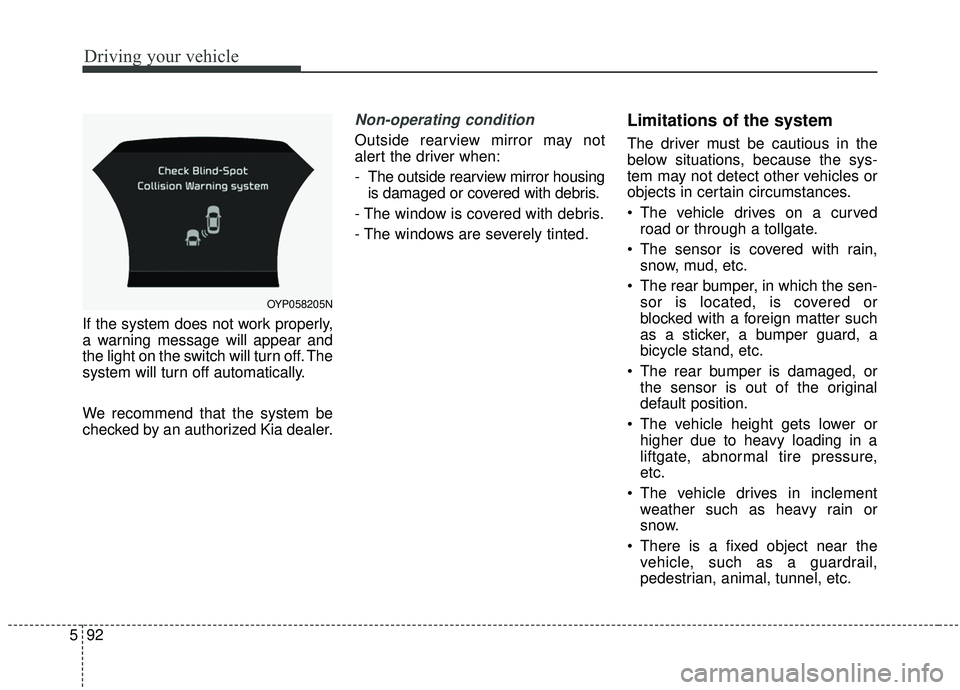
If the system does not work properly,
a warning message will appear and
the light on the switch will turn off. The
system will turn off automatically.
We recommend that the system be
checked by an authorized Kia dealer.
Non-operating condition
Outside rearview mirror may not
alert the driver when:
- The outside rearview mirror housing
is damaged or covered with debris.
- The window is covered with debris.
- The windows are severely tinted.
Limitations of the system
The driver must be cautious in the
below situations, because the sys-
tem may not detect other vehicles or
objects in certain circumstances.
The vehicle drives on a curved road or through a tollgate.
The sensor is covered with rain, snow, mud, etc.
The rear bumper, in which the sen- sor is located, is covered or
blocked with a foreign matter such
as a sticker, a bumper guard, a
bicycle stand, etc.
The rear bumper is damaged, or the sensor is out of the original
default position.
The vehicle height gets lower or higher due to heavy loading in a
liftgate, abnormal tire pressure,
etc.
The vehicle drives in inclement weather such as heavy rain or
snow.
There is a fixed object near the vehicle, such as a guardrail,
pedestrian, animal, tunnel, etc.
OYP058205N
Page 423 of 604
Driving your vehicle
94
5
The Driver Attention Warning (DAW)
system is designed to warn the driv-
er of potentially hazardous driving
situations if it detects inattentive
driving practices.System setting and activation
System setting
To turn ON the Driver Attention
Warning system, turn on the
engine, and then select 'User
Settings →Assist →Driver
Attention Warning →Normal/Early'
on the LCD display.
The driver can select the Driver Attention Warning system mode.
- Off : The Driver Attention Warningsystem is deactivated.
- Normal : The Driver Attention Warning system alerts the driver
of his/her inattentive driving prac-
tices.
- Early : The Driver Attention Warning system alerts the driver
of his/her inattentive driving prac-
tices faster than Normal mode.
The set-up of the Driver Attention Warning system will be maintained
when the engine is re-started.
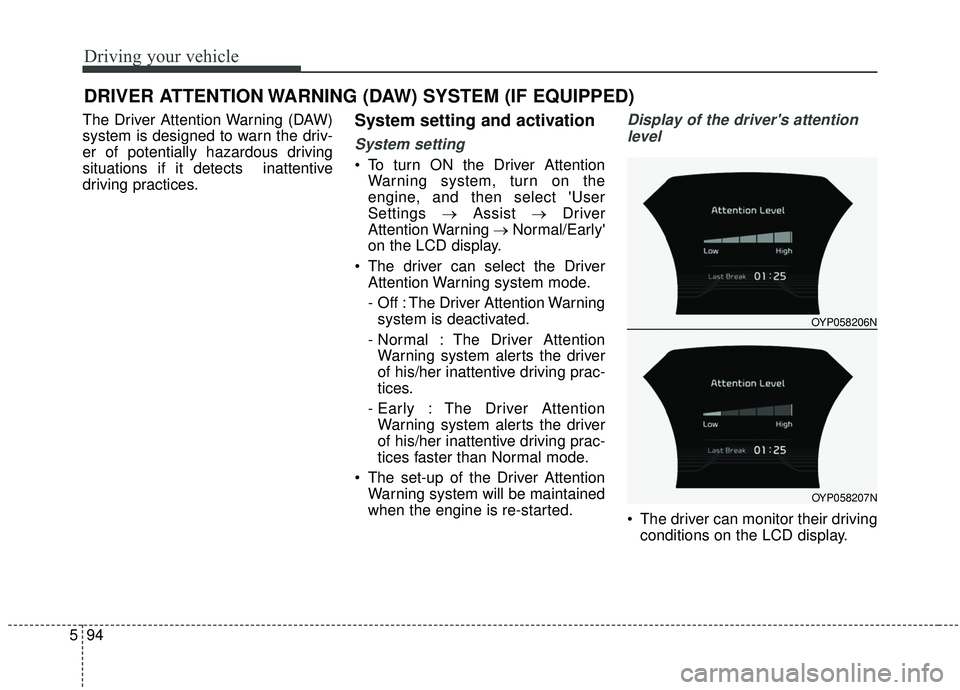
Display of the driver's attention
level
The driver can monitor their driving conditions on the LCD display.
DRIVER ATTENTION WARNING (DAW) SYSTEM (IF EQUIPPED)
OYP058206N
OYP058207N
Page 424 of 604
595
Driving your vehicle
- Select 'User Settings Mode' andthen 'Assist' on the LCD display.
(For more information, refer to
"LCD Display" in chapter 4.)
The driver's attention level is dis- played on the scale of 1 to 5. The
lower the number is, the more inat-
tentive the driver is.
The number decreases when the driver does not take a break for a
certain period of time.
The number increases when the driver attentively drives for a cer-
tain period of time.
When the driver turns on the sys- tem while driving, it displays ‘Last
Break time’.Take a break
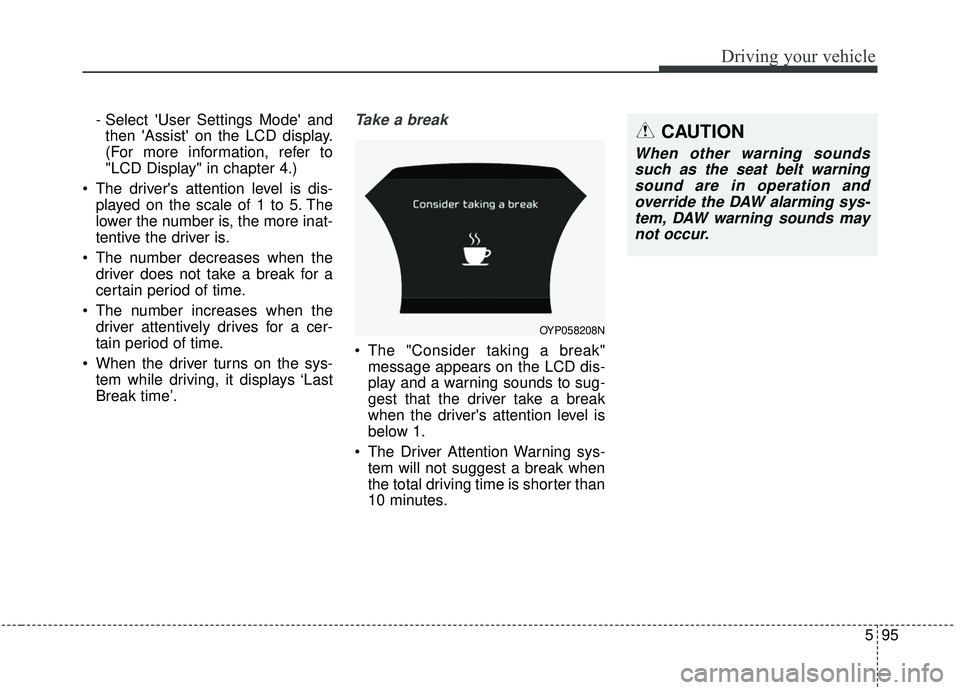
The "Consider taking a break"message appears on the LCD dis-
play and a warning sounds to sug-
gest that the driver take a break
when the driver's attention level is
below 1.
The Driver Attention Warning sys- tem will not suggest a break when
the total driving time is shorter than
10 minutes.
OYP058208N
CAUTION
When other warning soundssuch as the seat belt warningsound are in operation andoverride the DAW alarming sys-tem, DAW warning sounds maynot occur.
Page 425 of 604
Driving your vehicle
96
5
Resetting the system
The last break time is set to 00:00
and the driver's attention level is
set to 5 (very attentive) when the
driver resets the Driver Attention
Warning system.
The driver attention warning sys- tem resets in the following situa-
tions.
- The engine is turned OFF.
- The driver unfastens the seat beltand then opens the driver’s door.
- The driver takes a break from driving that lasts more than 10
minutes.
The driver attention warning sys- tem operates again when the driv-
er restarts driving.
System standby
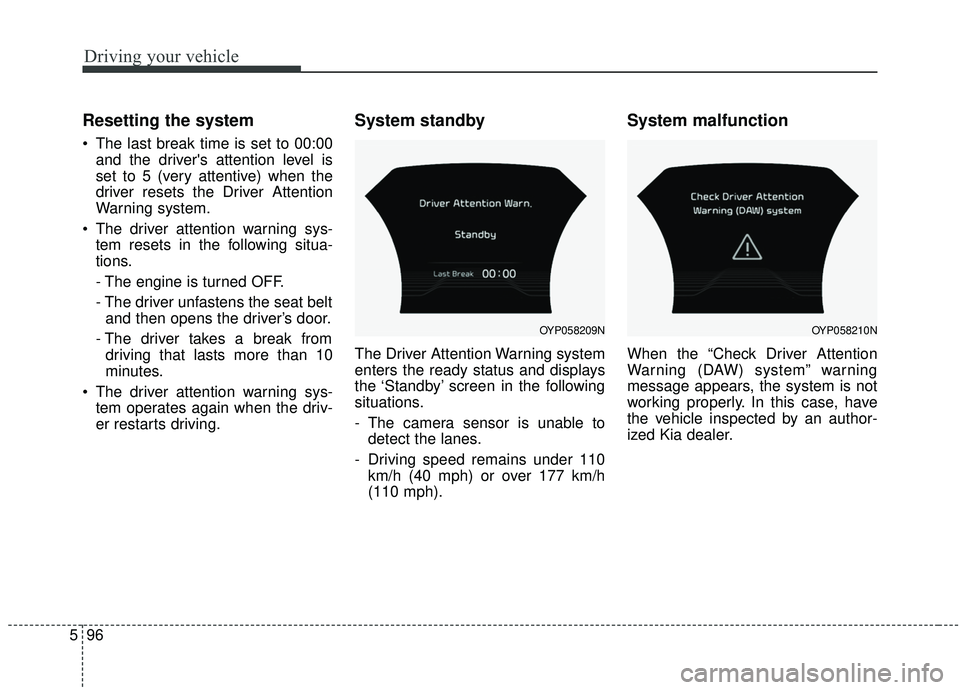
The Driver Attention Warning system
enters the ready status and displays
the ‘Standby’ screen in the following
situations.
- The camera sensor is unable todetect the lanes.
- Driving speed remains under 110 km/h (40 mph) or over 177 km/h
(110 mph).
System malfunction
When the “Check Driver Attention
Warning (DAW) system” warning
message appears, the system is not
working properly. In this case, have
the vehicle inspected by an author-
ized Kia dealer.
OYP058209NOYP058210N