ESP KIA Sorento 2008 1.G User Guide
[x] Cancel search | Manufacturer: KIA, Model Year: 2008, Model line: Sorento, Model: KIA Sorento 2008 1.GPages: 326, PDF Size: 8.63 MB
Page 90 of 326
381
Knowing your vehicle
Reprogramming a single
HomeLink button
To program a device to HomeLink using
a HomeLink button previously trained,
follow these steps:
1. Press and hold the desired HomeLink
button. Do NOT release until step 4
has been completed.
2. When the indicator light begins to flash
slowly (after 20 seconds), position the
hand-held transmitter 1 to 3 inches
away from the HomeLink surface.
3. Press and hold the hand-held trans-
mitter button (or press and “cycle” - as
described in “Canadian Programming”
above).
4. The HomeLink indicator light will flash,
first slowly and then rapidly. When the
indicator light begins to flash rapidly,
release both buttons.
The previous device has now been
erased and the new device can be acti-
vated by pushing the HomeLink button
that has just been programmed. This pro-
cedure will not affect any other pro-
grammed HomeLink buttons.
Gate operator programming &
canadian programming
During programming, your hand-held
transmitter may automatically stop trans-
mitting. Continue to press and hold the
HomeLink button (note steps 2 through 4
in the “Programming” portion of this text)
while you press and re-press (“cycle”)
your handheld transmitter every two sec-
onds until the frequency signal has been
learned. The indicator light will flash
slowly and then rapidly after several sec-
onds upon successful training.
Accessories
If you would like additional information on
the HomeLink Wireless Control System,
HomeLink compatible products, or to
purchase other accessories such as the
HomeLink® Lighting Package, please
contact HomeLink at 1-800-355-3515 or
on the internet at www.homelink.com.
This device complies with Industry
Canada Standard RSS-210.Operation
is subject to the following two conditions:
1. This device may not cause harmful
interference, and
2. This device must accept any interfer-
ence including interference that may
cause undesired operation of the vehi-
cle.
CAUTION
If programming a garage door
opener or gate, it is advised to
unplug the device during the
“cycling” process to prevent possi-
ble motor burn-up.
WARNING
Changes or modifications not
expressly approved by the party
responsible for compliance could
void the user’s authority to operate
the equipment.
IC: 4112104541A Gentex
MODEL/FCC ID: NZLSTDHL3
Page 91 of 326
Knowing your vehicle
82 3
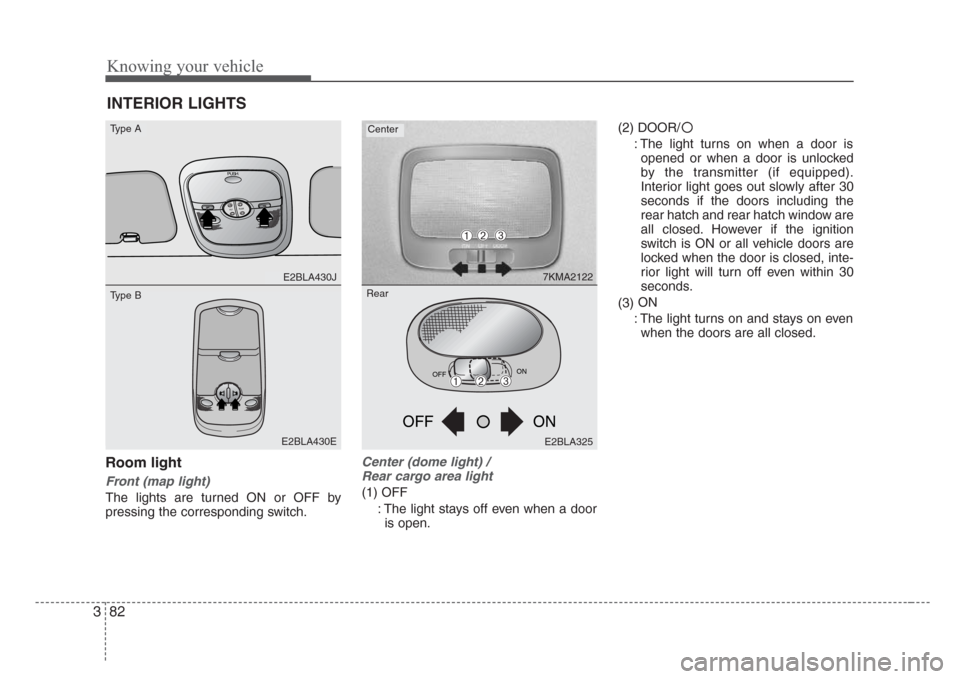
Room light
Front (map light)
The lights are turned ON or OFF by
pressing the corresponding switch.
Center (dome light) /
Rear cargo area light
(1) OFF
: The light stays off even when a door
is open.(2) DOOR/
: The light turns on when a door is
opened or when a door is unlocked
by the transmitter (if equipped).
Interior light goes out slowly after 30
seconds if the doors including the
rear hatch and rear hatch window are
all closed. However if the ignition
switch is ON or all vehicle doors are
locked when the door is closed, inte-
rior light will turn off even within 30
seconds.
(3)ON
: The light turns on and stays on even
when the doors are all closed.
INTERIOR LIGHTS
PUSH
T
IL
TSLIDE
E2BLA430J
E2BLA430E
7KMA2122
Type ACenter
Type B
OFFON
ON OFF
E2BLA325
➀➁➂
➀➁➂
Rear
Page 106 of 326
397
Knowing your vehicle
WARNING
• The following specification is the
maximum weight that can be
loaded onto the roof rack.
Distribute the load as evenly as
possible on the roof rack and
secure the load firmly.
• The vehicle center of gravity will
be higher when items are loaded
onto the roof rack. Avoid sudden
starts, braking,sharp turns,
abrupt maneuvers or high speeds
that may result in loss of vehicle
control or rollover causing an
accident.
(Continued)
(Continued)
•Always drive slowly and turn cor-
ners carefully when carrying
items on the roof rack. Severe
wind updrafts, caused by passing
vehicles or natural causes, can
cause sudden upward pressure
on items loaded on the roof rack.
This is especially true when car-
rying large, flat items such as
wood panels or mattresses. This
could cause the items to fall off
the roof rack and cause damage
to your vehicle or those around
you.
• To prevent damage or loss of
cargo while driving, check fre-
quently before or while driving to
make sure the items on the roof
rack are securely fastened.CAUTION
• If the vehicle has a sunroof, do
not position the roof rack loads
so that they could interfere with
the sunroof.
• Loading cargo or luggage above
specification on the roof rack may
damage your vehicle.
ROOF 45 kg (100 lbs.)
RACK EVENLY DISTRIBUTED
Page 111 of 326
Knowing your vehicle
102 3
Identifying your audio system
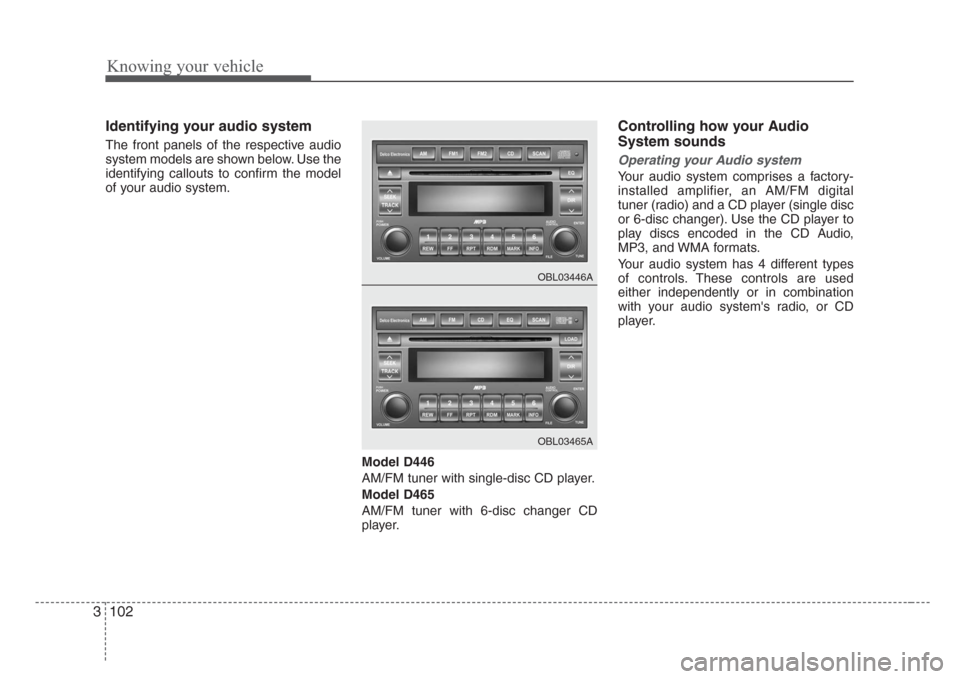
The front panels of the respective audio
system models are shown below. Use the
identifying callouts to confirm the model
of your audio system.
Model D446
AM/FM tuner with single-disc CD player.
Model D465
AM/FM tuner with 6-disc changer CD
player.
Controlling how your Audio
System sounds
Operating your Audio system
Your audio system comprises a factory-
installed amplifier, an AM/FM digital
tuner (radio) and a CD player (single disc
or 6-disc changer). Use the CD player to
play discs encoded in the CD Audio,
MP3, and WMA formats.
Your audio system has 4 different types
of controls. These controls are used
either independently or in combination
with your audio system's radio, or CD
player.
OBL03446A
OBL03465A
Page 115 of 326
Knowing your vehicle
106 3
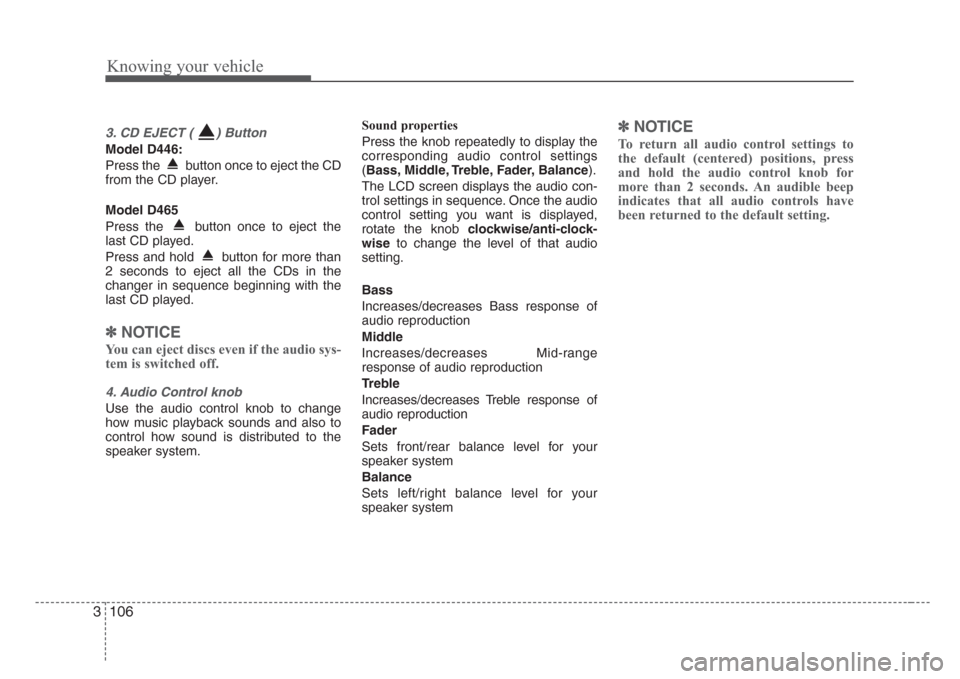
3. CD EJECT ( ) Button
Model D446:
Press the button once to eject the CD
from the CD player.
Model D465
Press the button once to eject the
last CD played.
Press and hold button for more than
2 seconds to eject all the CDs in the
changer in sequence beginning with the
last CD played.
✽
NOTICE
You can eject discs even if the audio sys-
tem is switched off.
4. Audio Control knob
Use the audio control knob to change
how music playback sounds and also to
control how sound is distributed to the
speaker system.Sound properties
Press the knob repeatedly to display the
corresponding audio control settings
(Bass, Middle, Treble, Fader, Balance).
The LCD screen displays the audio con-
trol settings in sequence. Once the audio
control setting you want is displayed,
rotate the knob clockwise/anti-clock-
wiseto change the level of that audio
setting.
Bass
Increases/decreases Bass response of
audio reproduction
Middle
Increases/decreases Mid-range
response of audio reproduction
Treble
Increases/decreases Treble response of
audio reproduction
Fader
Sets front/rear balance level for your
speaker system
Balance
Sets left/right balance level for your
speaker system
✽
NOTICE
To return all audio control settings to
the default (centered) positions, press
and hold the audio control knob for
more than 2 seconds. An audible beep
indicates that all audio controls have
been returned to the default setting.
Page 116 of 326
3 107
Knowing your vehicle
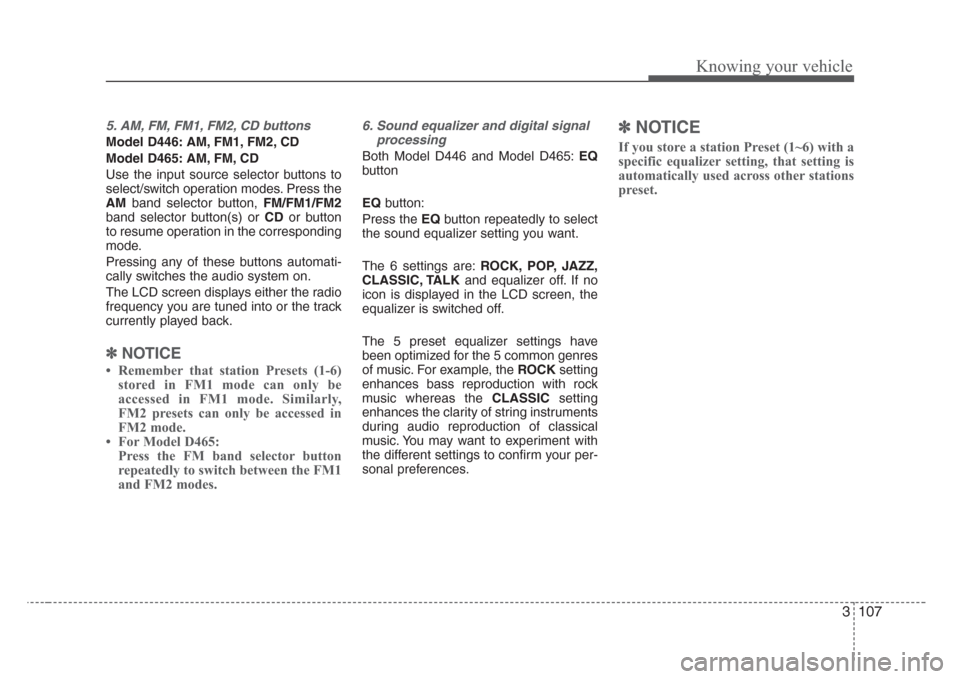
5. AM, FM, FM1, FM2, CD buttons
Model D446: AM, FM1, FM2, CD
Model D465: AM, FM, CD
Use the input source selector buttons to
select/switch operation modes. Press the
AMband selector button, FM/FM1/FM2
band selector button(s) or CDor button
to resume operation in the corresponding
mode.
Pressing any of these buttons automati-
cally switches the audio system on.
The LCD screen displays either the radio
frequency you are tuned into or the track
currently played back.
✽
NOTICE
Remember that station Presets (1-6)
stored in FM1 mode can only be
accessed in FM1 mode. Similarly,
FM2 presets can only be accessed in
FM2 mode.
For Model D465:
Press the FM band selector button
repeatedly to switch between the FM1
and FM2 modes.
6. Sound equalizer and digital signal
processing
Both Model D446 and Model D465:EQ
button
EQbutton:
Press the EQbutton repeatedly to select
the sound equalizer setting you want.
The 6 settings are:ROCK, POP, JAZZ,
CLASSIC, TALKand equalizer off. If no
icon is displayed in the LCD screen, the
equalizer is switched off.
The 5 preset equalizer settings have
been optimized for the 5 common genres
of music. For example, the ROCKsetting
enhances bass reproduction with rock
music whereas the CLASSICsetting
enhances the clarity of string instruments
during audio reproduction of classical
music. You may want to experiment with
the different settings to confirm your per-
sonal preferences.
✽
NOTICE
If you store a station Preset (1~6) with a
specific equalizer setting, that setting is
automatically used across other stations
preset.
Page 119 of 326
Knowing your vehicle
110 3
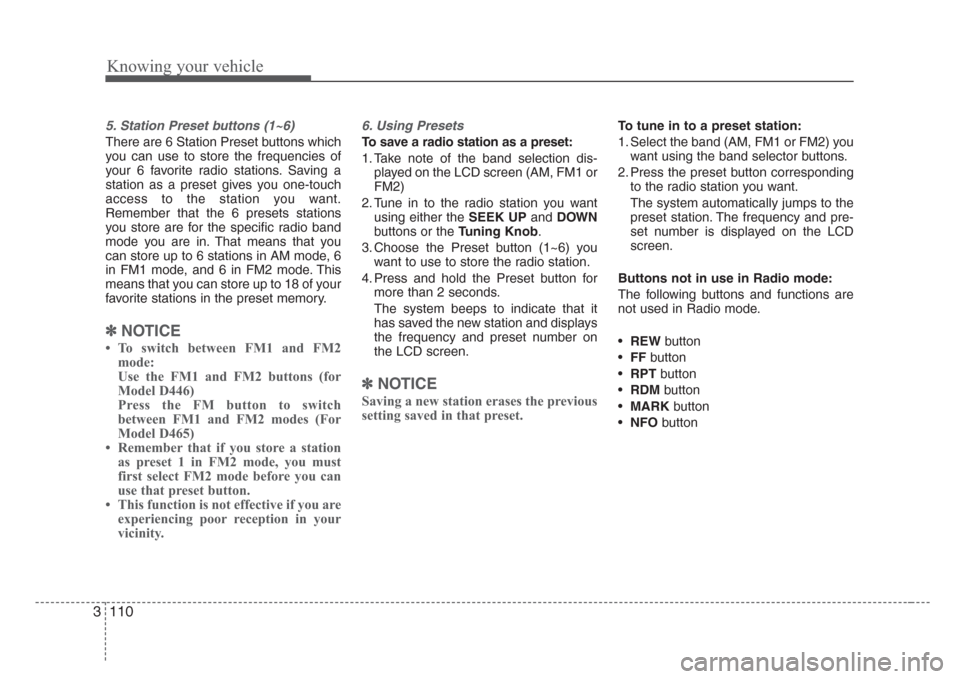
5. Station Preset buttons (1~6)
There are 6 Station Preset buttons which
you can use to store the frequencies of
your 6 favorite radio stations. Saving a
station as a preset gives you one-touch
access to the station you want.
Remember that the 6 presets stations
you store are for the specific radio band
mode you are in. That means that you
can store up to 6 stations in AM mode, 6
in FM1 mode, and 6 in FM2 mode. This
means that you can store up to 18 of your
favorite stations in the preset memory.
✽
NOTICE
To switch between FM1 and FM2
mode:
Use the FM1 and FM2 buttons (for
Model D446)
Press the FM button to switch
between FM1 and FM2 modes (For
Model D465)
Remember that if you store a station
as preset 1 in FM2 mode, you must
first select FM2 mode before you can
use that preset button.
This function is not effective if you are
experiencing poor reception in your
vicinity.
6. Using Presets
To save a radio station as a preset:
1. Take note of the band selection dis-
played on the LCD screen (AM, FM1 or
FM2)
2. Tune in to the radio station you want
using either the SEEK UPandDOWN
buttons or the Tuning Knob.
3. Choose the Preset button (1~6) you
want to use to store the radio station.
4. Press and hold the Preset button for
more than 2 seconds.
The system beeps to indicate that it
has saved the new station and displays
the frequency and preset number on
the LCD screen.
✽
NOTICE
Saving a new station erases the previous
setting saved in that preset.
To tune in to a preset station:
1. Select the band (AM, FM1 or FM2) you
want using the band selector buttons.
2. Press the preset button corresponding
to the radio station you want.
The system automatically jumps to the
preset station. The frequency and pre-
set number is displayed on the LCD
screen.
Buttons not in use in Radio mode:
The following buttons and functions are
not used in Radio mode.
•REWbutton
•FFbutton
•RPTbutton
•RDMbutton
•MARKbutton
•NFObutton
Page 121 of 326
Knowing your vehicle
112 3
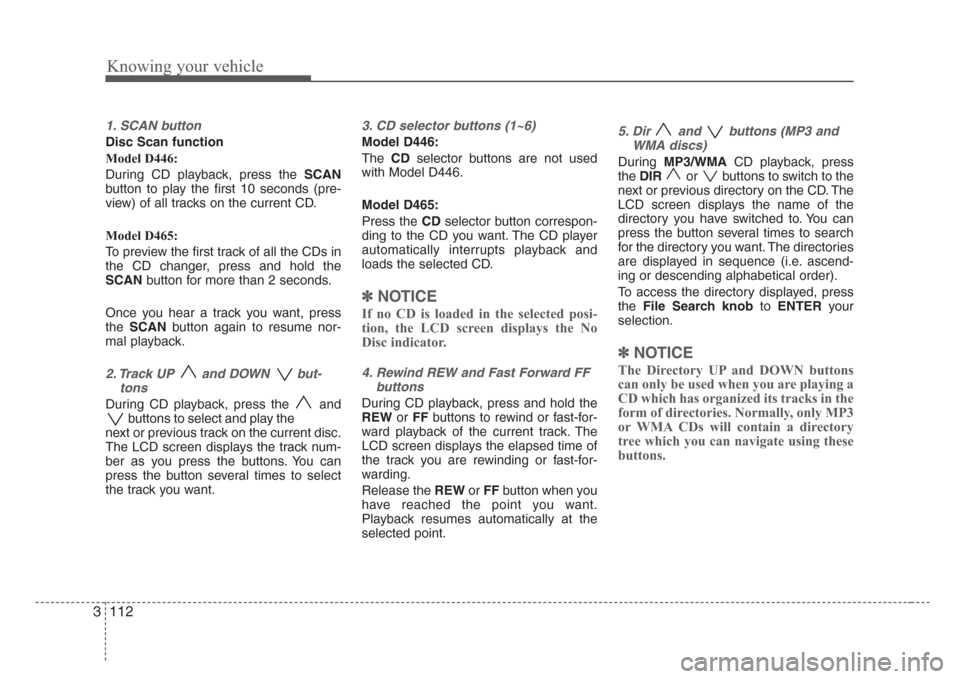
1. SCAN button
Disc Scan function
Model D446:
During CD playback, press the SCAN
button to play the first 10 seconds (pre-
view) of all tracks on the current CD.
Model D465:
To preview the first track of all the CDs in
the CD changer, press and hold the
SCANbutton for more than 2 seconds.
Once you hear a track you want, press
theSCANbutton again to resume nor-
mal playback.
2. Track UP and DOWN but-
tons
During CD playback, press the and
buttons to select and play the
next or previous track on the current disc.
The LCD screen displays the track num-
ber as you press the buttons. You can
press the button several times to select
the track you want.
3. CD selector buttons (1~6)
Model D446:
TheCDselector buttons are not used
with Model D446.
Model D465:
Press the CDselector button correspon-
ding to the CD you want. The CD player
automatically interrupts playback and
loads the selected CD.
✽
NOTICE
If no CD is loaded in the selected posi-
tion, the LCD screen displays the No
Disc indicator.
4. Rewind REW and Fast Forward FF
buttons
During CD playback, press and hold the
REWorFFbuttons to rewind or fast-for-
ward playback of the current track. The
LCD screen displays the elapsed time of
the track you are rewinding or fast-for-
warding.
Release the REWorFFbutton when you
have reached the point you want.
Playback resumes automatically at the
selected point.
5. Dir and buttons (MP3 and
WMA discs)
During MP3/WMACD playback, press
theDIRor buttons to switch to the
next or previous directory on the CD. The
LCD screen displays the name of the
directory you have switched to. You can
press the button several times to search
for the directory you want. The directories
are displayed in sequence (i.e. ascend-
ing or descending alphabetical order).
To access the directory displayed, press
theFile Search knobtoENTERyour
selection.
✽
NOTICE
The Directory UP and DOWN buttons
can only be used when you are playing a
CD which has organized its tracks in the
form of directories. Normally, only MP3
or WMA CDs will contain a directory
tree which you can navigate using these
buttons.
Page 122 of 326
3 113
Knowing your vehicle
6. File Search Knob
Rotate the knob clockwise or counter-
clockwise to manually advance up or
down the track list of the CD currently
played. This function allows you to quick-
ly scroll to a specific track number. It is
especially useful if you are playing a MP3
orWMA CDwhich contains many direc-
tories and tracks. The LCD screen dis-
plays the track number you have scrolled
to.
Once the track number you want is dis-
played, press the File Search knob to
ENTERyour selection and begin play-
back of the selected track.
✽
NOTICE
You must push the File Search knob to
select the track for playback. Otherwise,
the CD player will not jump to the track
number displayed in the number count-
er.
Use the File Search knob and the DIR
and buttons in together to quick-
ly search for a track you want on a MP3
CD with many directories and tracks.
7. RPT, RDM, MARK & INFO buttons
These buttons correspond to the Repeat,
Random Playback, Marklist and Disc
Information functions.
Turn to the next section of your handbook
for detailed instructions.
Playing CDs, MP3 and WMA discs
1. Loading CDs
Model D446:
Only one CD can be loaded at any one
time. If there is already a disc inserted in
the CD player, eject the disc before load-
ing a new CD.
To load a CD, gently insert the CD into
the CD slot. The CD will be automatically
loaded. The CD player then starts to play
the CD.
✽
NOTICE
Do not force-load the CD as it will
damage the loading mechanism and
cause your disc to jam in the player.
If a CD cannot be loaded, check if
there is already a disc in the player
and eject it first.
Only one CD can be loaded at any one
time.
Page 124 of 326
3 115
Knowing your vehicle
✽
NOTICE
If the audio system is in Radio mode,
you can eject CDs without interrupting
the operation of the radio.
3. Selecting a disc to play
Model D446
Only the CD loaded in the player can be
played.
Model D465
You can select any disc loaded in the CD
changer for playback.
To do so:
Press the corresponding CD selector
button (1~6).
The CD changer automatically loads the
selected CD and begins playback of the
first track.
The LCD screen displays the selected
CD as a flashing number.
4. Selecting and playing tracks
(songs)
To select tracks, you can use one of 3
methods:
Method 1:
Press the Track UporTrack Downbut-
ton repeatedly until you find the track you
want.
Method 2:
Rotate the File Search knob to scroll to
the track you want. The number counter
in the LCD screen shows you the track
number.
Press the File Search knob to ENTER
your selection and begin playback.Method 3 (only for MP3 and WMA
CDs):
Press the DIR UporDownbuttons
repeatedly to switch to the directory you
want on the CD.
The LCD screen displays the name of
the directory you have switched to.
Rotate the File Search knob to scroll to
the track you want in the selected direc-
tory. The number counter in the LCD
screen shows you the track number.
Press the File Search knobtoENTER
your selection and begin playback.