warning KIA SORENTO 2018 Owners Manual
[x] Cancel search | Manufacturer: KIA, Model Year: 2018, Model line: SORENTO, Model: KIA SORENTO 2018Pages: 536, PDF Size: 13.42 MB
Page 264 of 536
4179
Features of your vehicle
Using a cellular phone or a two-way radio
When a cellular phone is used inside
the vehicle, noise may be produced
from the audio system. This does not
mean that something is wrong with
the audio equipment. In such a case,
try to operate mobile devices as far
from the audio equipment as possi-
ble.
When using a communication sys-
tem such as a cellular phone or a
radio set inside the vehicle, a sepa-
rate external antenna must be fitted.
When a cellular phone or a radio set
is used with an internal antenna
alone, it may interfere with the vehi-
cle's electrical system and adversely
affect safe operation of the vehicle.
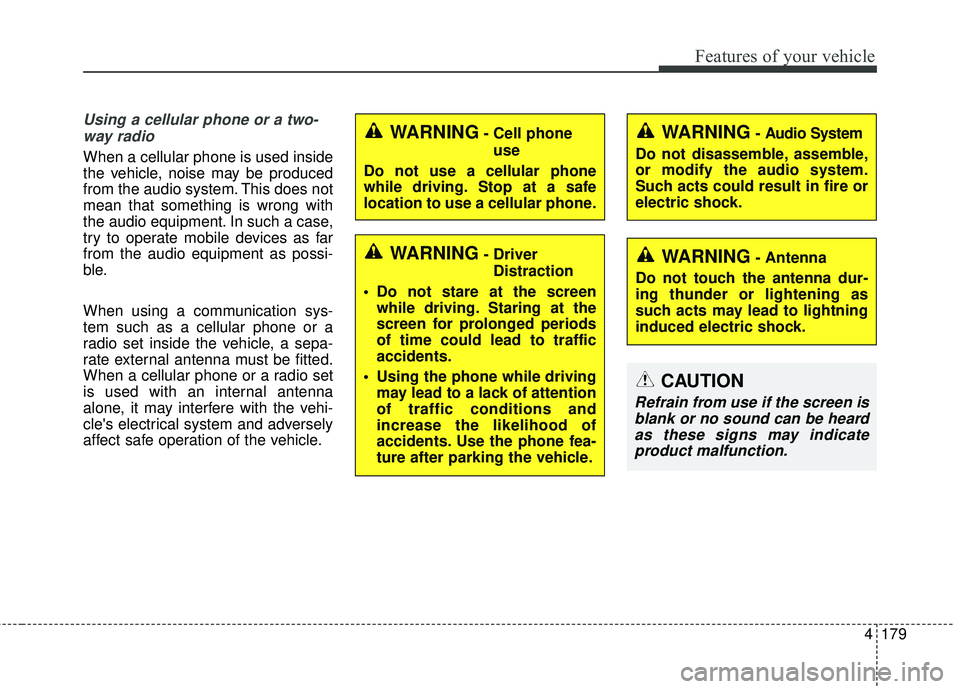
WARNING- Cell phone use
Do not use a cellular phone
while driving. Stop at a safe
location to use a cellular phone.
WARNING- Driver Distraction
Do not stare at the screen while driving. Staring at the
screen for prolonged periods
of time could lead to traffic
accidents.
Using the phone while driving may lead to a lack of attention
of traffic conditions and
increase the likelihood of
accidents. Use the phone fea-
ture after parking the vehicle.
WARNING- Audio System
Do not disassemble, assemble,
or modify the audio system.
Such acts could result in fire or
electric shock.
WARNING- Antenna
Do not touch the antenna dur-
ing thunder or lightening as
such acts may lead to lightning
induced electric shock.
CAUTION
Refrain from use if the screen is blank or no sound can be heardas these signs may indicateproduct malfunction.
Page 268 of 536
4183
Features of your vehicle
(Continued)
Some iPod
®devices, such as the
iPhone®, can be connected
through the
Bluetooth®Wireless
Technology interface. The device
must have audio
Bluetooth®
Wireless Technology capability
(such as for stereo headphone
Bluetooth®Wireless Technology ).
The device can play, but it will not
be controlled by the audio system.
To use iPod
®features within the
audio mode, use the cable provid-
ed upon purchasing an iPod
®
device.
Skipping or improper operation may occur depending on the char-
acteristics of your iPod
®/iPhone®
device.
If your iPhone
®is connected to
both the
Bluetooth®Wireless
Technology and USB, only iPod®
mode will be supported during
Bluetooth®Audio Streaming. To use
Bluetooth®Audio Streaming, dis-
connect iPod®cable with iPhone®.
(Continued) (Continued)
When connecting iPod
®with the
iPod®Power Cable, insert the con-
nector to the multimedia socket
completely. If not inserted complete-
ly, communications between iPod
®
and audio may be interrupted.
When adjusting the sound effects of the iPod
®and the audio system,
the sound effects of both devices
will overlap and might reduce or
distort the quality of the sound.
Deactivate (turn off) the equalizer function of an iPod
®when adjust-
ing the audio system’s volume, and
turn off the equalizer of the audio
system when using the equalizer of
an iPod
®.
When not using iPod
®with car
audio, detach the iPod®cable from
iPod®. Otherwise, iPod®may remain
in accessory mode, and may not
work properly.
Bluetooth®Wireless
Technology(if equipped)
Bluetooth®Wireless Technology
The Bluetooth®word mark and logos
are registered trademarks owned by
Bluetooth
®SIG, lnc. and any use of
such marks by Kia is under license.
A
Bluetooth®enabled cell phone is
required to use
Bluetooth®Wireless
Technology.
WARNING
Driving while distracted can
result in a loss of vehicle control
that may lead to an accident,
severe personal injury, and
death. The driver’s primary
responsibility is in the safe and
legal operation of a vehicle, and
use of any handheld devices,
other equipment, or vehicle sys-
tems which take the driver’s
eyes, attention and focus away
from the safe operation of a vehi-
cle or which are not permissible
by law should never be used
during operation of the vehicle.
Page 271 of 536
Driving your vehicle
Before driving . . . . . . . . . . . . . . . . . . . . . . . . . . . . . . 5-4• Before entering vehicle . . . . . . . . . . . . . . . . . . . . . . . . . 5-4
• Necessary inspections . . . . . . . . . . . . . . . . . . . . . . . . . . 5-4
• Before starting . . . . . . . . . . . . . . . . . . . . . . . . . . . . . . . . 5-4
Key positions . . . . . . . . . . . . . . . . . . . . . . . . . . . . . . . 5-6• Illuminated ignition switch . . . . . . . . . . . . . . . . . . . . . . 5-6
• Ignition switch position . . . . . . . . . . . . . . . . . . . . . . . . . 5-6
• Starting the engine . . . . . . . . . . . . . . . . . . . . . . . . . . . . 5-7
Engine start/stop button . . . . . . . . . . . . . . . . . . . . . 5-9• Illuminated engine start/stop button . . . . . . . . . . . . . . 5-9
• Engine start/stop button position. . . . . . . . . . . . . . . . . 5-9
• Starting the engine with a smart key . . . . . . . . . . . . . 5-11
Automatic transaxle . . . . . . . . . . . . . . . . . . . . . . . . 5-13• Automatic transaxle operation. . . . . . . . . . . . . . . . . . 5-13
• Good driving practices . . . . . . . . . . . . . . . . . . . . . . . . 5-19
All wheel drive (AWD) . . . . . . . . . . . . . . . . . . . . . . 5-20• Tight corner brake effect . . . . . . . . . . . . . . . . . . . . . . 5-21
• All wheel drive (AWD) transfer mode selection . . . . 5-22
• For safe all wheel drive operation . . . . . . . . . . . . . . . 5-23
Brake system . . . . . . . . . . . . . . . . . . . . . . . . . . . . . . 5-27• Power brakes . . . . . . . . . . . . . . . . . . . . . . . . . . . . . . . . 5-27
• Parking brake - Foot type . . . . . . . . . . . . . . . . . . . . . 5-29
• Electronic parking brake (EPB) . . . . . . . . . . . . . . . . 5-30
• Auto hold . . . . . . . . . . . . . . . . . . . . . . . . . . . . . . . . . . . 5-\
37
• Anti-lock brake system (ABS) . . . . . . . . . . . . . . . . . . 5-40
• Electronic stability control (ESC) . . . . . . . . . . . . . . . 5-42
• Vehicle stability management (VSM) . . . . . . . . . . . . 5-46• Hill-start assist control (HAC) . . . . . . . . . . . . . . . . . . 5-47
• Good braking practices. . . . . . . . . . . . . . . . . . . . . . . . 5-48
Autonomous emergency braking (AEB)/
Forward collision warning (FCW) . . . . . . . . . . . 5-50
• System setting and activation . . . . . . . . . . . . . . . . . . . 5-50
• AEB warning message and system control . . . . . . . . 5-52
• Brake operation . . . . . . . . . . . . . . . . . . . . . . . . . . . . . . 5-54
• Sensor to detect the distance from the vehicle
in front (front radar) . . . . . . . . . . . . . . . . . . . . . . . . 5-54
• System malfunction . . . . . . . . . . . . . . . . . . . . . . . . . . . 5-55
• Limitation of the system . . . . . . . . . . . . . . . . . . . . . . . 5-56
• Recognizing pedestrians . . . . . . . . . . . . . . . . . . . . . . . 5-59
Cruise control system. . . . . . . . . . . . . . . . . . . . . . . 5-61• To set cruise control speed . . . . . . . . . . . . . . . . . . . . . 5-62
• To increase cruise control set speed. . . . . . . . . . . . . . 5-62
• To decrease the cruising speed . . . . . . . . . . . . . . . . . . 5-63
• To temporarily accelerate with the cruise control on . . . . . . . . . . . . . . . . . . . . . . . . . . . . . . . . . . 5-63\
• To cancel cruise control . . . . . . . . . . . . . . . . . . . . . . . 5-63
• To resume cruising speed . . . . . . . . . . . . . . . . . . . . . . 5-64
• To turn cruise control off. . . . . . . . . . . . . . . . . . . . . . . 5-64
Advanced smart cruise control system (ASCC). . 5-65• Speed setting (ASCC) . . . . . . . . . . . . . . . . . . . . . . . . . 5-66
• Vehicle to vehicle distance setting (ASCC) . . . . . . . . 5-70
• To adjust the sensitivity of advanced smart
cruise control . . . . . . . . . . . . . . . . . . . . . . . . . . . . . . . 5-74
• To convert to cruise control mode . . . . . . . . . . . . . . . 5-75
• Limitations of the system . . . . . . . . . . . . . . . . . . . . . . 5-75
5
Page 272 of 536
 . . . . . . . . .")
Drive mode integrated control system . . . . . . . . . 5-81• Drive mode . . . . . . . . . . . . . . . . . . . . . . . . . . . . . . . . . . 5-81\
Blind spot detection system (BSD) . . . . . . . . . . . . 5-84• BSD (Blind spot detection) / LCA (Lane change assist) . . . . . . . . . . . . . . . . . . . . 5-85
• RCTA (Rear cross traffic alert) . . . . . . . . . . . . . . . . . 5-88
• Non-operating condition . . . . . . . . . . . . . . . . . . . . . . . 5-90
Lane departure warning system (LDWS) . . . . . . 5-92• LDWS operation . . . . . . . . . . . . . . . . . . . . . . . . . . . . . 5-93
• Warning light and message . . . . . . . . . . . . . . . . . . . . 5-95
• The LDWS does not operate when . . . . . . . . . . . . . . 5-95
• Driver's attention. . . . . . . . . . . . . . . . . . . . . . . . . . . . . 5-95
Economical operation . . . . . . . . . . . . . . . . . . . . . . 5-97
Special driving conditions . . . . . . . . . . . . . . . . . . . 5-99
• Hazardous driving conditions . . . . . . . . . . . . . . . . . . 5-99
• Reducing the risk of a rollover . . . . . . . . . . . . . . . . . 5-99
• Rocking the vehicle . . . . . . . . . . . . . . . . . . . . . . . . . . 5-101
• Smooth cornering . . . . . . . . . . . . . . . . . . . . . . . . . . . 5-101
• Driving at night . . . . . . . . . . . . . . . . . . . . . . . . . . . . . 5-102
• Driving in the rain . . . . . . . . . . . . . . . . . . . . . . . . . . . 5-102
• Driving in flooded areas . . . . . . . . . . . . . . . . . . . . . . 5-103
• Driving off-road . . . . . . . . . . . . . . . . . . . . . . . . . . . . . 5-103
• Highway driving . . . . . . . . . . . . . . . . . . . . . . . . . . . . 5-103
Winter driving . . . . . . . . . . . . . . . . . . . . . . . . . . . 5-105• Snowy or icy conditions . . . . . . . . . . . . . . . . . . . . . . 5-105
• Use high quality ethylene glycol coolant . . . . . . . . . 5-106
• Check battery and cables . . . . . . . . . . . . . . . . . . . . . 5-106
• Change to "winter weight" oil if necessary . . . . . . 5-106 • Check spark plugs and ignition system. . . . . . . . . . 5-106
• To keep locks from freezing . . . . . . . . . . . . . . . . . . . 5-106
• Use approved window washer anti-freeze in
system . . . . . . . . . . . . . . . . . . . . . . . . . . . . . . . . . . . . \
5-106
• Don't let your parking brake freeze . . . . . . . . . . . . 5-107
• Don't let ice and snow accumulate underneath . . . 5-107
• Carry emergency equipment . . . . . . . . . . . . . . . . . . 5-107
Trailer towing . . . . . . . . . . . . . . . . . . . . . . . . . . . . 5-108• Hitches . . . . . . . . . . . . . . . . . . . . . . . . . . . . . . . . . . . . \
5-109
• Safety chains . . . . . . . . . . . . . . . . . . . . . . . . . . . . . . . 5-109
• Trailer brakes . . . . . . . . . . . . . . . . . . . . . . . . . . . . . . 5-109
• Driving with a trailer . . . . . . . . . . . . . . . . . . . . . . . . 5-110
• Maintenance when trailer towing . . . . . . . . . . . . . . 5-113
• If you do decide to pull a trailer . . . . . . . . . . . . . . . 5-114
Vehicle load limit . . . . . . . . . . . . . . . . . . . . . . . . . 5-116• Tire and loading information label . . . . . . . . . . . . . 5-116
• Certification label . . . . . . . . . . . . . . . . . . . . . . . . . . . 5-120
Vehicle weight glossary . . . . . . . . . . . . . . . . . . . . 5-122• Base curb weight . . . . . . . . . . . . . . . . . . . . . . . . . . . 5-122
• Vehicle curb weight . . . . . . . . . . . . . . . . . . . . . . . . . . 5-122
• Cargo weight . . . . . . . . . . . . . . . . . . . . . . . . . . . . . . . 5-122
• GAW (Gross axle weight) . . . . . . . . . . . . . . . . . . . . . 5-122
• GAWR (Gross axle weight rating) . . . . . . . . . . . . . . 5-122
• GVW (Gross vehicle weight) . . . . . . . . . . . . . . . . . . 5-122
• GVWR (Gross vehicle weight rating) . . . . . . . . . . . 5-122
5
Page 273 of 536
53
Driving your vehicle
Be sure the exhaust system
does not leak.
The exhaust system should be
checked whenever the vehicle is
raised to change the oil or for any
other purpose. If you hear a change
in the sound of the exhaust or if you
drive over something that strikes the
underneath side of the vehicle, have
the exhaust system checked as soon
as possible by an authorized Kia
dealer.
WARNING- Engineexhaust
Do not inhale exhaust fumes or
leave your engine running in a
enclosed area for a prolonged
time. Exhaust fumes contain
carbon monoxide, a colorless,
odorless gas that can cause
unconsciousness and death by
asphyxiation.WARNING- Open liftgate
Do not drive with the liftgate
open. Poisonous exhaust gases
can enter the passenger com-
partment. If you must drive with
the liftgate open proceed as fol-
lows:
1. Close all windows.
2. Open side vents.
3. Set the air intake control at "Fresh", the air flow control at
"Floor" or "Face" and the fan
at the highest speed.
Page 274 of 536
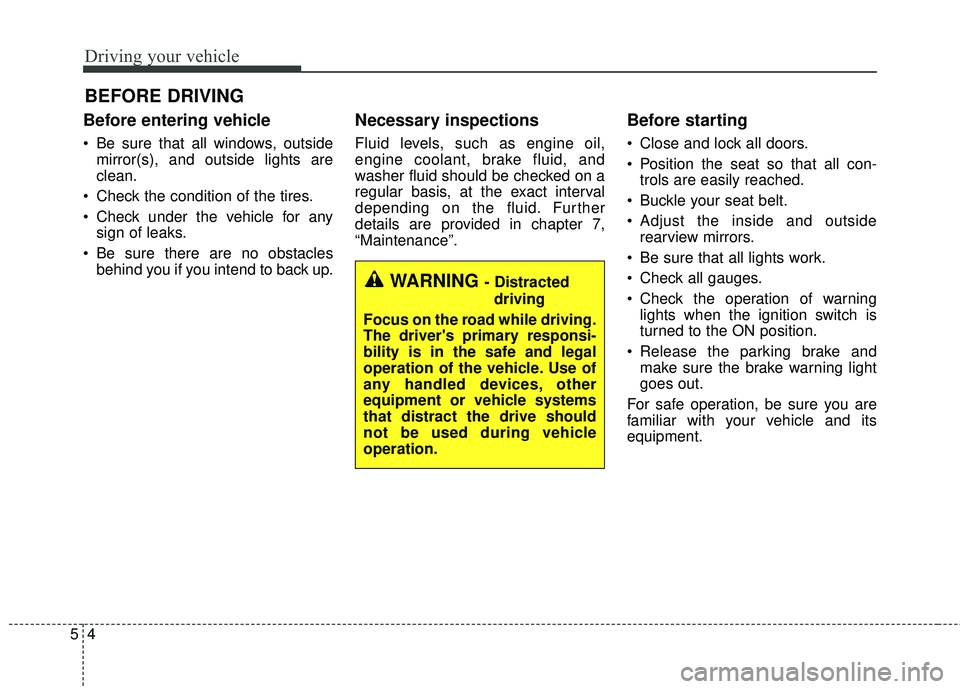
Driving your vehicle
45
Before entering vehicle
• Be sure that all windows, outsidemirror(s), and outside lights are
clean.
Check the condition of the tires.
Check under the vehicle for any sign of leaks.
Be sure there are no obstacles behind you if you intend to back up.
Necessary inspections
Fluid levels, such as engine oil,
engine coolant, brake fluid, and
washer fluid should be checked on a
regular basis, at the exact interval
depending on the fluid. Further
details are provided in chapter 7,
“Maintenance”.
Before starting
Close and lock all doors.
Position the seat so that all con-trols are easily reached.
Buckle your seat belt.
Adjust the inside and outside rearview mirrors.
Be sure that all lights work.
Check all gauges.
Check the operation of warning lights when the ignition switch is
turned to the ON position.
Release the parking brake and make sure the brake warning light
goes out.
For safe operation, be sure you are
familiar with your vehicle and its
equipment.
BEFORE DRIVING
WARNING - Distracted driving
Focus on the road while driving.
The driver's primary responsi-
bility is in the safe and legal
operation of the vehicle. Use of
any handled devices, other
equipment or vehicle systems
that distract the drive should
not be used during vehicle
operation.
Page 275 of 536
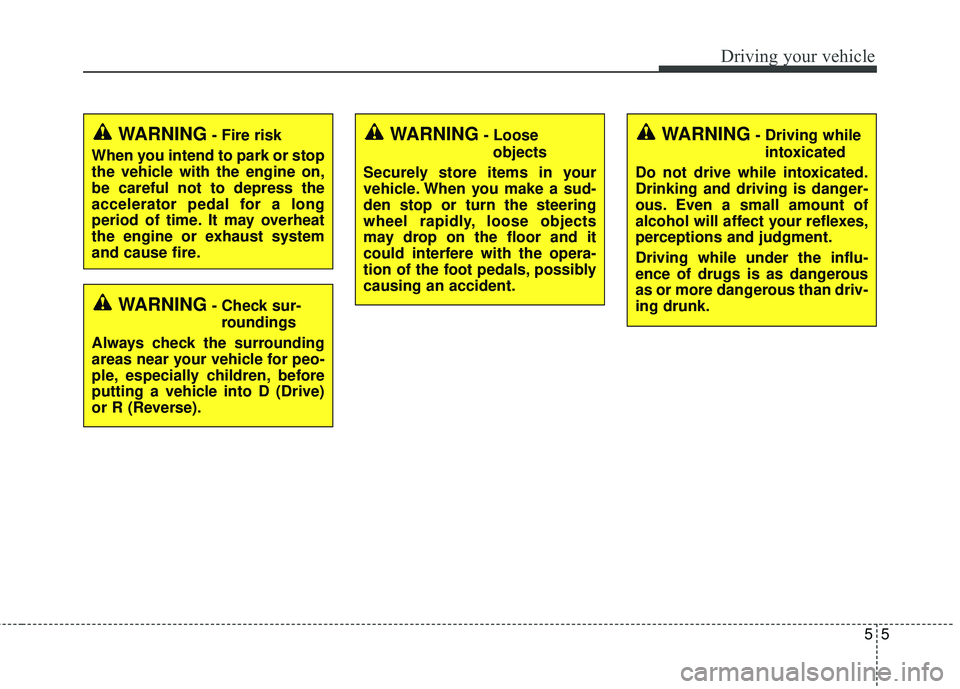
55
Driving your vehicle
WARNING- Check sur-roundings
Always check the surrounding
areas near your vehicle for peo-
ple, especially children, before
putting a vehicle into D (Drive)
or R (Reverse).
WARNING- Fire risk
When you intend to park or stop
the vehicle with the engine on,
be careful not to depress the
accelerator pedal for a long
period of time. It may overheat
the engine or exhaust system
and cause fire.WARNING- Loose objects
Securely store items in your
vehicle. When you make a sud-
den stop or turn the steering
wheel rapidly, loose objects
may drop on the floor and it
could interfere with the opera-
tion of the foot pedals, possibly
causing an accident.WARNING- Driving while intoxicated
Do not drive while intoxicated.
Drinking and driving is danger-
ous. Even a small amount of
alcohol will affect your reflexes,
perceptions and judgment.
Driving while under the influ-
ence of drugs is as dangerous
as or more dangerous than driv-
ing drunk.
Page 277 of 536
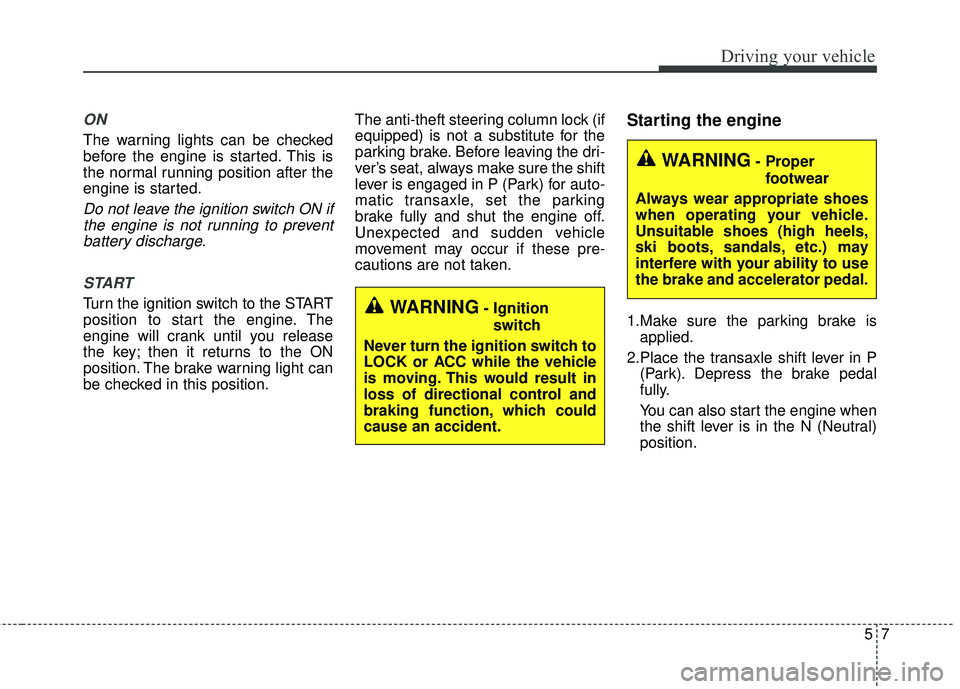
57
Driving your vehicle
ON
The warning lights can be checked
before the engine is started. This is
the normal running position after the
engine is started.
Do not leave the ignition switch ON ifthe engine is not running to preventbattery discharge.
START
Turn the ignition switch to the START
position to start the engine. The
engine will crank until you release
the key; then it returns to the ON
position. The brake warning light can
be checked in this position. The anti-theft steering column lock (if
equipped) is not a substitute for the
parking brake. Before leaving the dri-
ver’s seat, always make sure the shift
lever is engaged in P (Park) for auto-
matic transaxle, set the parking
brake fully and shut the engine off.
Unexpected and sudden vehicle
movement may occur if these pre-
cautions are not taken.
Starting the engine
1.Make sure the parking brake is
applied.
2.Place the transaxle shift lever in P (Park). Depress the brake pedal
fully.
You can also start the engine when
the shift lever is in the N (Neutral)
position.WARNING- Ignition
switch
Never turn the ignition switch to
LOCK or ACC while the vehicle
is moving. This would result in
loss of directional control and
braking function, which could
cause an accident.
WARNING- Proper footwear
Always wear appropriate shoes
when operating your vehicle.
Unsuitable shoes (high heels,
ski boots, sandals, etc.) may
interfere with your ability to use
the brake and accelerator pedal.
Page 278 of 536
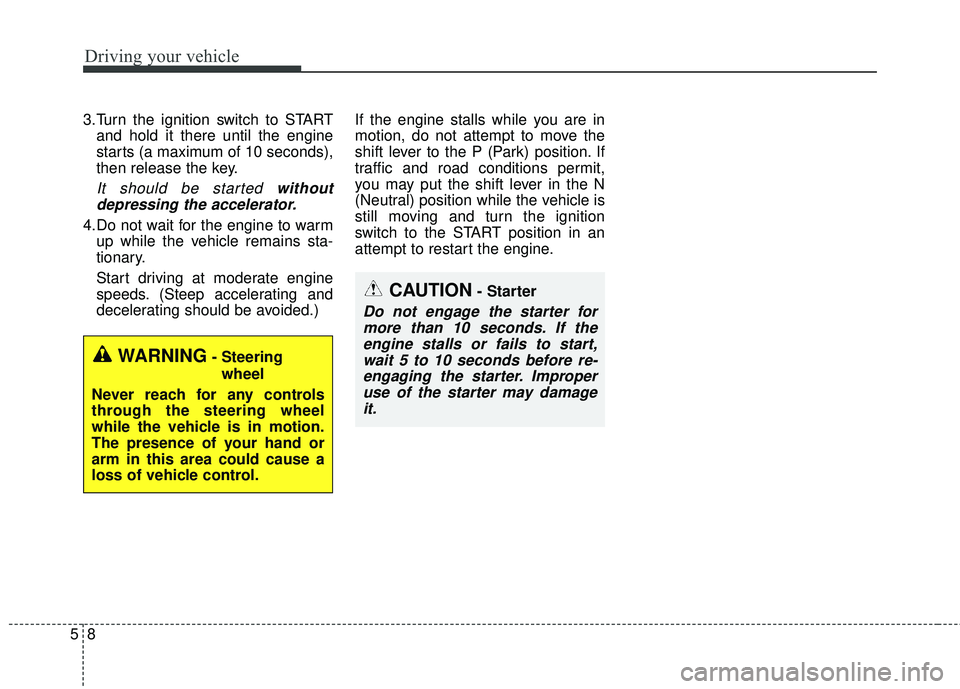
Driving your vehicle
85
3.Turn the ignition switch to STARTand hold it there until the engine
starts (a maximum of 10 seconds),
then release the key.
It should be started withoutdepressing the accelerator.
4.Do not wait for the engine to warm up while the vehicle remains sta-
tionary.
Start driving at moderate engine
speeds. (Steep accelerating and
decelerating should be avoided.) If the engine stalls while you are in
motion, do not attempt to move the
shift lever to the P (Park) position. If
traffic and road conditions permit,
you may put the shift lever in the N
(Neutral) position while the vehicle is
still moving and turn the ignition
switch to the START position in an
attempt to restart the engine.
CAUTION- Starter
Do not engage the starter for
more than 10 seconds. If theengine stalls or fails to start,wait 5 to 10 seconds before re-engaging the starter. Improperuse of the starter may damageit.
WARNING- Steering
wheel
Never reach for any controls
through the steering wheel
while the vehicle is in motion.
The presence of your hand or
arm in this area could cause a
loss of vehicle control.
Page 280 of 536
Driving your vehicle
10
5
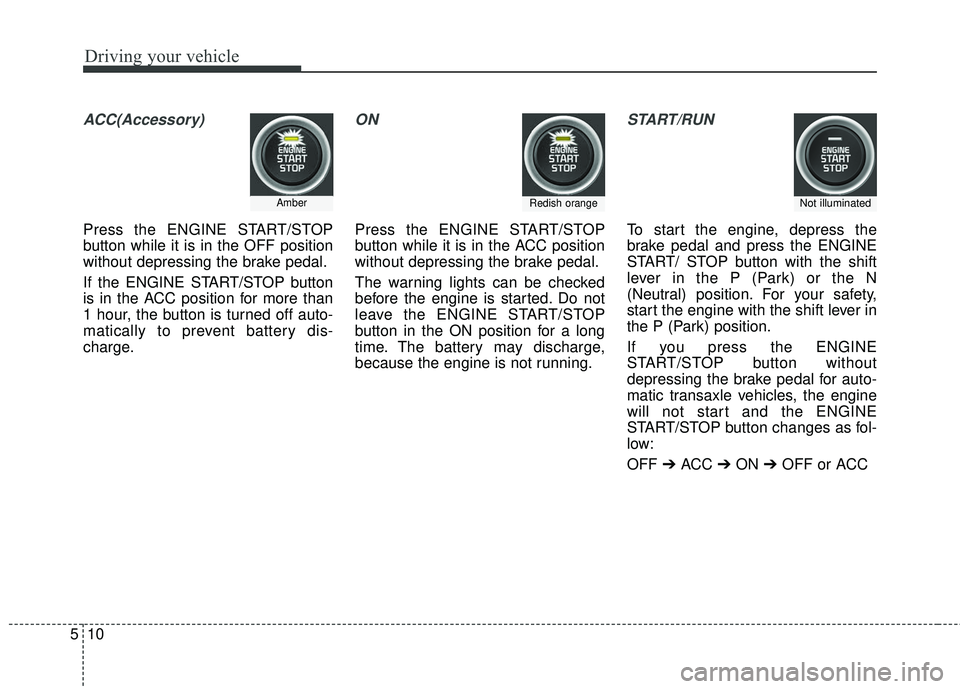
ACC(Accessory)
Press the ENGINE START/STOP
button while it is in the OFF position
without depressing the brake pedal.
If the ENGINE START/STOP button
is in the ACC position for more than
1 hour, the button is turned off auto-
matically to prevent battery dis-
charge.
ON
Press the ENGINE START/STOP
button while it is in the ACC position
without depressing the brake pedal.
The warning lights can be checked
before the engine is started. Do not
leave the ENGINE START/STOP
button in the ON position for a long
time. The battery may discharge,
because the engine is not running.
START/RUN
To start the engine, depress the
brake pedal and press the ENGINE
START/ STOP button with the shift
lever in the P (Park) or the N
(Neutral) position. For your safety,
start the engine with the shift lever in
the P (Park) position.
If you press the ENGINE
START/STOP button without
depressing the brake pedal for auto-
matic transaxle vehicles, the engine
will not start and the ENGINE
START/STOP button changes as fol-
low:
OFF ➔ACC ➔ON ➔OFF or ACC
AmberRedish orangeNot illuminated