display KIA SOUL EV 2018 Owner's Manual
[x] Cancel search | Manufacturer: KIA, Model Year: 2018, Model line: SOUL EV, Model: KIA SOUL EV 2018Pages: 496, PDF Size: 15.13 MB
Page 176 of 496
445
Features of your vehicle
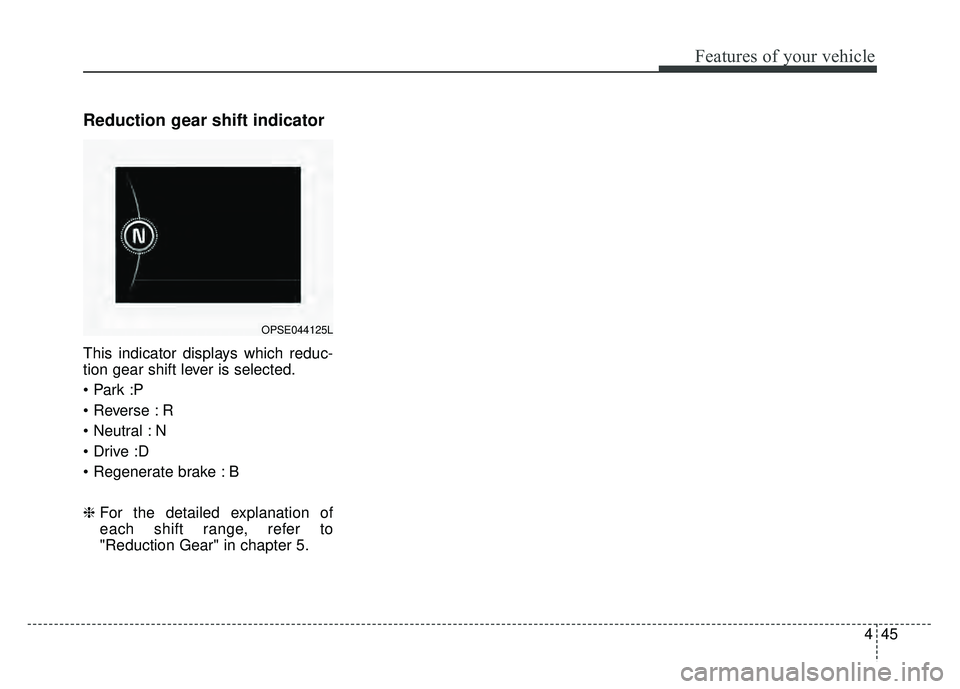
Reduction gear shift indicator
This indicator displays which reduc-
tion gear shift lever is selected.
R
N
B
❈For the detailed explanation of
each shift range, refer to
"Reduction Gear" in chapter 5.
OPSE044125L
Page 177 of 496
Features of your vehicle
46
4
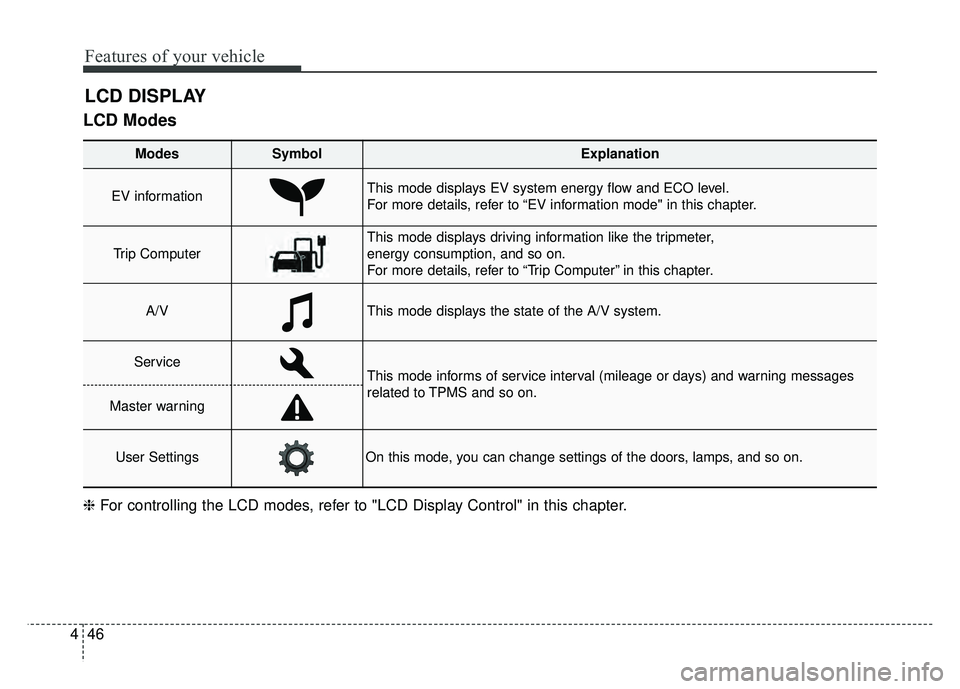
LCD Modes
LCD DISPLAY
Modes SymbolExplanation
EV informationThis mode displays EV system energy flow and ECO level.
For more details, refer to “EV information mode" in this chapter.
Trip Computer
This mode displays driving information like the tripmeter,
energy consumption, and so on.
For more details, refer to “Trip Computer” in this chapter.
A/VThis mode displays the state of the A/V system.
ServiceThis mode informs of service interval (mileage or days) and warning messages
related to TPMS and so on.
Master warning
User SettingsOn this mode, you can change settings of the doors, lamps, and so on.
❈ For controlling the LCD modes, refer to "LCD Display Control" in this chapter.
Page 178 of 496
447
Features of your vehicle
EV information mode
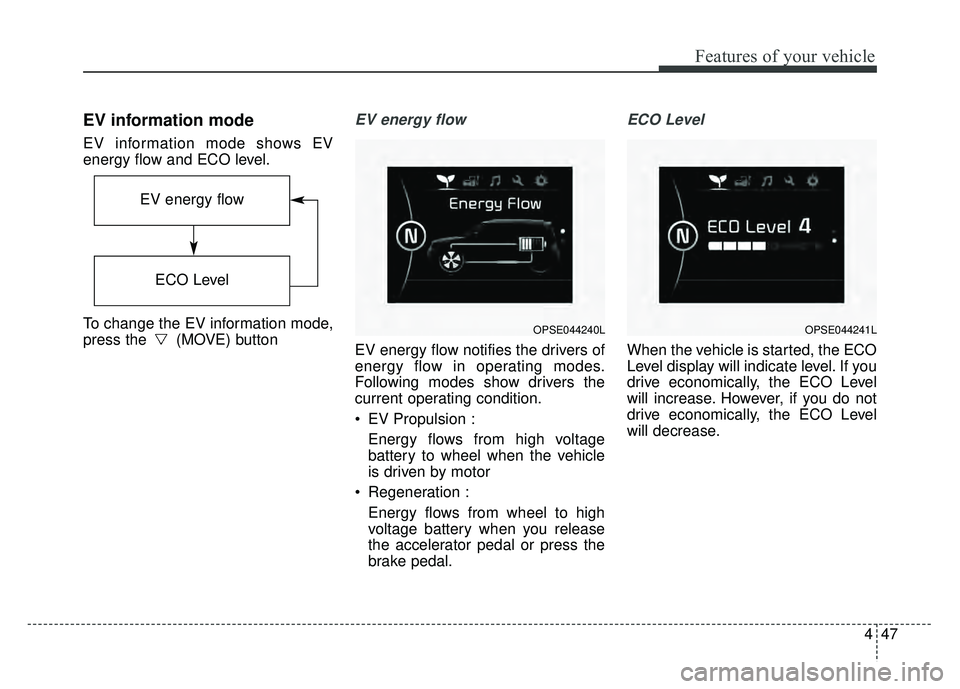
EV information mode shows EV
energy flow and ECO level.
To change the EV information mode,
press the (MOVE) button
EV energy flow
EV energy flow notifies the drivers of
energy flow in operating modes.
Following modes show drivers the
current operating condition.
EV Propulsion :Energy flows from high voltage
battery to wheel when the vehicle
is driven by motor
Regeneration : Energy flows from wheel to high
voltage battery when you release
the accelerator pedal or press the
brake pedal.
ECO Level
When the vehicle is started, the ECO
Level display will indicate level. If you
drive economically, the ECO Level
will increase. However, if you do not
drive economically, the ECO Level
will decrease.
OPSE044240L
EV energy flow
ECO Level
OPSE044241L
Page 179 of 496
Features of your vehicle
48
4
A/V Mode
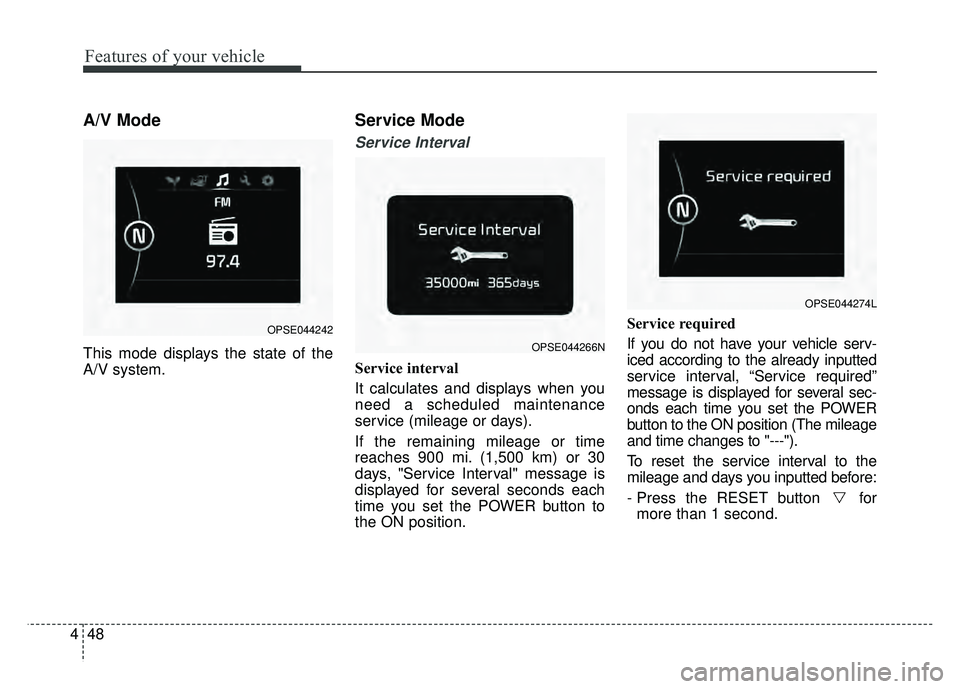
This mode displays the state of the
A/V system.
Service Mode
Service Interval
Service interval
It calculates and displays when you
need a scheduled maintenance
service (mileage or days).
If the remaining mileage or time
reaches 900 mi. (1,500 km) or 30
days, "Service Interval" message is
displayed for several seconds each
time you set the POWER button to
the ON position. Service required
If you do not have your vehicle serv-
iced according to the already inputted
service interval, “Service required”
message is displayed for several sec-
onds each time you set the POWER
button to the ON position (The mileage
and time changes to "---").
To reset the service interval to the
mileage and days you inputted before:
- Press the RESET button for
more than 1 second.
OPSE044266N
OPSE044274L
OPSE044242
Page 180 of 496
449
Features of your vehicle
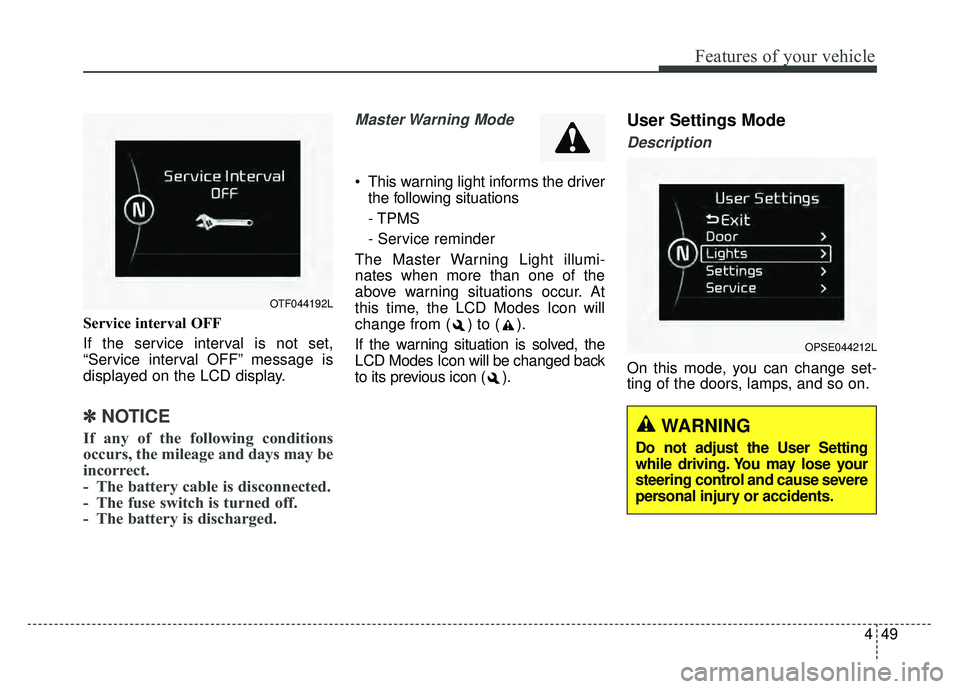
Service interval OFF
If the service interval is not set,
“Service interval OFF” message is
displayed on the LCD display.
✽ ✽NOTICE
If any of the following conditions
occurs, the mileage and days may be
incorrect.
- The battery cable is disconnected.
- The fuse switch is turned off.
- The battery is discharged.
Master Warning Mode
This warning light informs the driver
the following situations
- TPMS
- Service reminder
The Master Warning Light illumi-
nates when more than one of the
above warning situations occur. At
this time, the LCD Modes Icon will
change from ( ) to ( ).
If the warning situation is solved, the
LCD Modes Icon will be changed back
to its previous icon ( ).
User Settings Mode
Description
On this mode, you can change set-
ting of the doors, lamps, and so on.
OPSE044212L
OTF044192L
WARNING
Do not adjust the User Setting
while driving. You may lose your
steering control and cause severe
personal injury or accidents.
Page 183 of 496
Features of your vehicle
52
4
Service Interval
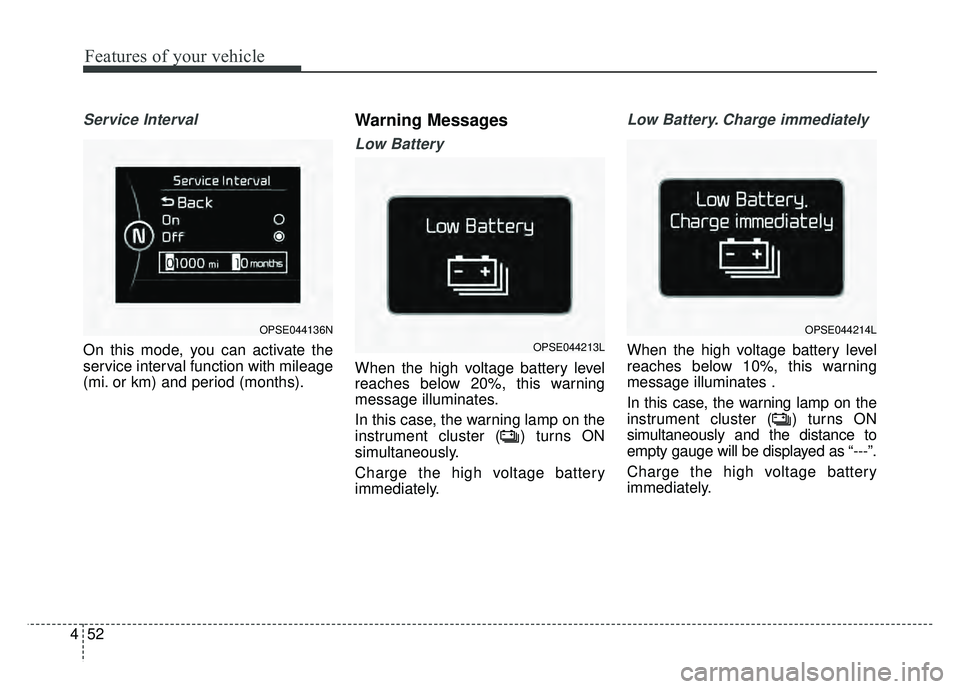
On this mode, you can activate the
service interval function with mileage
(mi. or km) and period (months).
Warning Messages
Low Battery
When the high voltage battery level
reaches below 20%, this warning
message illuminates.
In this case, the warning lamp on the
instrument cluster ( ) turns ON
simultaneously.
Charge the high voltage battery
immediately.
Low Battery. Charge immediately
When the high voltage battery level
reaches below 10%, this warning
message illuminates .
In this case, the warning lamp on the
instrument cluster ( ) turns ON
simultaneously and the distance to
empty gauge will be displayed as “---”.
Charge the high voltage battery
immediately.
OPSE044136NOPSE044214L
OPSE044213L
Page 184 of 496
453
Features of your vehicle
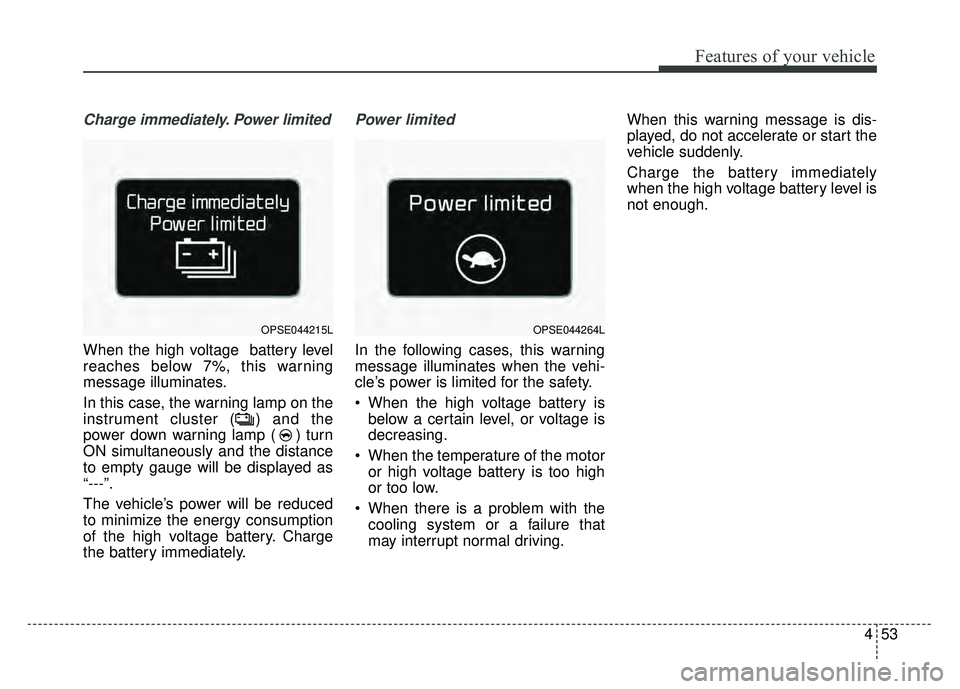
Charge immediately. Power limited
When the high voltage battery level
reaches below 7%, this warning
message illuminates.
In this case, the warning lamp on the
instrument cluster ( ) and the
power down warning lamp ( ) turn
ON simultaneously and the distance
to empty gauge will be displayed as
“---”.
The vehicle’s power will be reduced
to minimize the energy consumption
of the high voltage battery. Charge
the battery immediately.
Power limited
In the following cases, this warning
message illuminates when the vehi-
cle’s power is limited for the safety.
When the high voltage battery isbelow a certain level, or voltage is
decreasing.
When the temperature of the motor or high voltage battery is too high
or too low.
When there is a problem with the cooling system or a failure that
may interrupt normal driving. When this warning message is dis-
played, do not accelerate or start the
vehicle suddenly.
Charge the battery immediately
when the high voltage battery level is
not enough.
OPSE044215LOPSE044264L
Page 185 of 496
Features of your vehicle
54
4
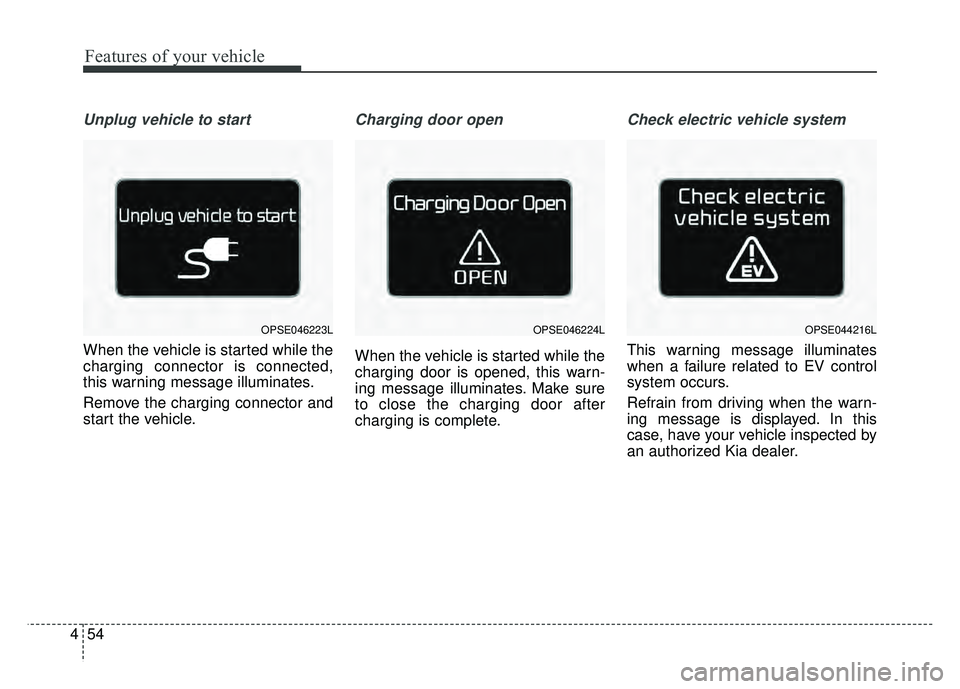
Unplug vehicle to start
When the vehicle is started while the
charging connector is connected,
this warning message illuminates.
Remove the charging connector and
start the vehicle.
Charging door open
When the vehicle is started while the
charging door is opened, this warn-
ing message illuminates. Make sure
to close the charging door after
charging is complete.
Check electric vehicle system
This warning message illuminates
when a failure related to EV control
system occurs.
Refrain from driving when the warn-
ing message is displayed. In this
case, have your vehicle inspected by
an authorized Kia dealer.
OPSE044216LOPSE046223LOPSE046224L
Page 187 of 496
Features of your vehicle
56
4
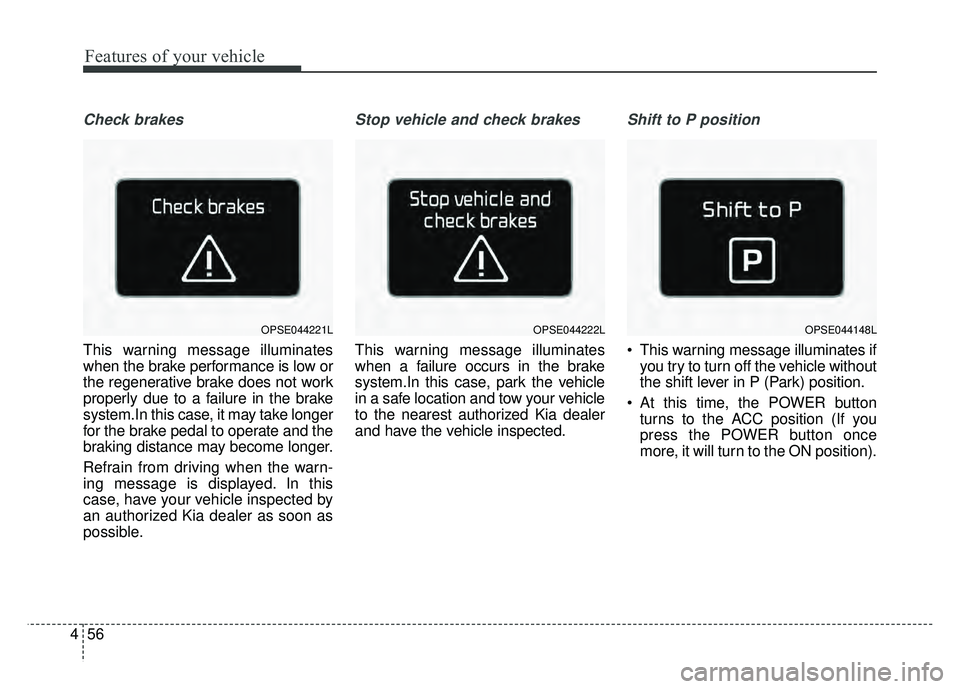
Check brakes
This warning message illuminates
when the brake performance is low or
the regenerative brake does not work
properly due to a failure in the brake
system.In this case, it may take longer
for the brake pedal to operate and the
braking distance may become longer.
Refrain from driving when the warn-
ing message is displayed. In this
case, have your vehicle inspected by
an authorized Kia dealer as soon as
possible.
Stop vehicle and check brakes
This warning message illuminates
when a failure occurs in the brake
system.In this case, park the vehicle
in a safe location and tow your vehicle
to the nearest authorized Kia dealer
and have the vehicle inspected.
Shift to P position
This warning message illuminates if
you try to turn off the vehicle without
the shift lever in P (Park) position.
At this time, the POWER button turns to the ACC position (If you
press the POWER button once
more, it will turn to the ON position).
OPSE044221LOPSE044222LOPSE044148L
Page 191 of 496
Features of your vehicle
60
4
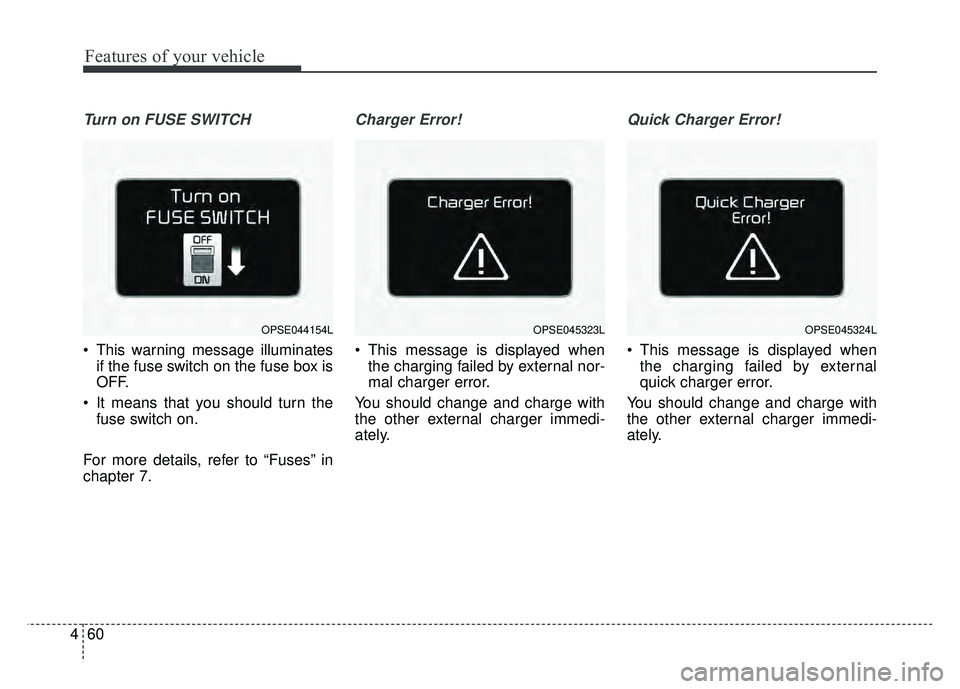
Turn on FUSE SWITCH
This warning message illuminates
if the fuse switch on the fuse box is
OFF.
It means that you should turn the fuse switch on.
For more details, refer to “Fuses” in
chapter 7.
Charger Error!
This message is displayed when the charging failed by external nor-
mal charger error.
You should change and charge with
the other external charger immedi-
ately.
Quick Charger Error!
This message is displayed when the charging failed by external
quick charger error.
You should change and charge with
the other external charger immedi-
ately.
OPSE044154LOPSE045323LOPSE045324L