fuel KIA STINGER 2019 Owner's Manual
[x] Cancel search | Manufacturer: KIA, Model Year: 2019, Model line: STINGER, Model: KIA STINGER 2019Pages: 555, PDF Size: 13.49 MB
Page 166 of 555
479
Features of your vehicle
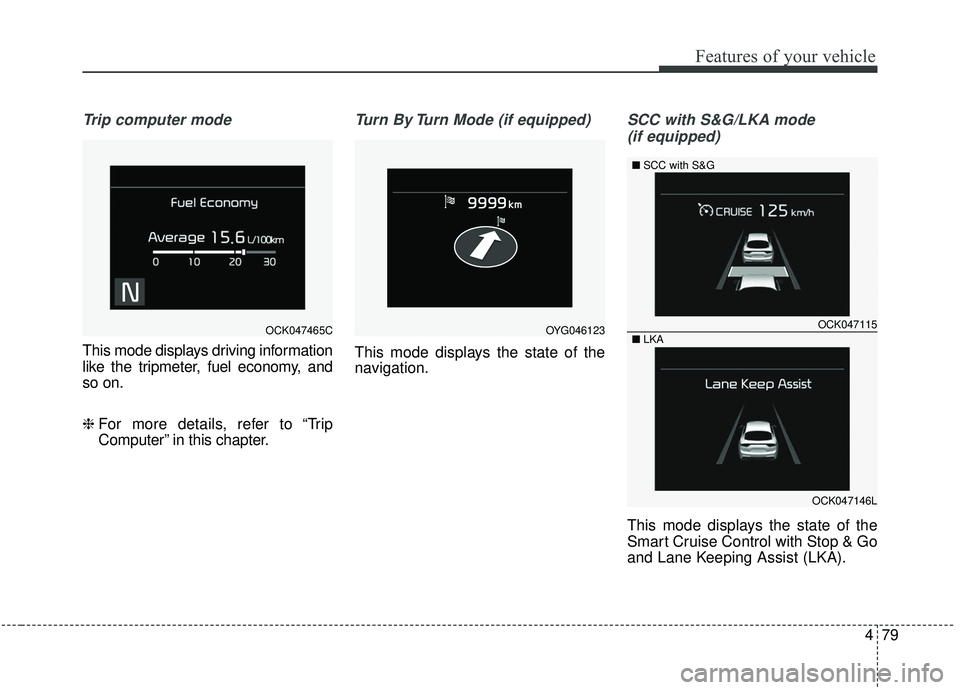
Trip computer mode
This mode displays driving information
like the tripmeter, fuel economy, and
so on.
❈ For more details, refer to “Trip
Computer” in this chapter.
Turn By Turn Mode (if equipped)
This mode displays the state of the
navigation.
SCC with S&G/LKA mode
(if equipped)
This mode displays the state of the
Smart Cruise Control with Stop & Go
and Lane Keeping Assist (LKA).
OCK047465COCK047115
OCK047146L
■
SCC with S&G
■ LKA
OYG046123
Page 168 of 555
481
Features of your vehicle
Master warning mode(if equipped)
This warning light informs the driv- er of the following situations:
- LED head lamp malfunction (if equipped)
- Smart Cruise Control with Stop & Go malfunction (if equipped)
- Forward Collision-Avoidance Assist malfunction (if equipped)
- Blind-Spot Collision Warning radar blind (if equipped)
- Smart Cruise Control with Stop & Go radar blind (if equipped)
- Lamp malfunction
- High Beam Assist malfunction (if equipped)
- Windshield washer fluid low
The Master Warning Light illumi-
nates if one or more of the above
warning situations occur. At this time,
the LCD Modes Icon will change
from ( ) to ( ). If the warning situation is solved, the
master warning light will be turned off
and the LCD Modes Icon will be
changed back to its previous icon ( ).
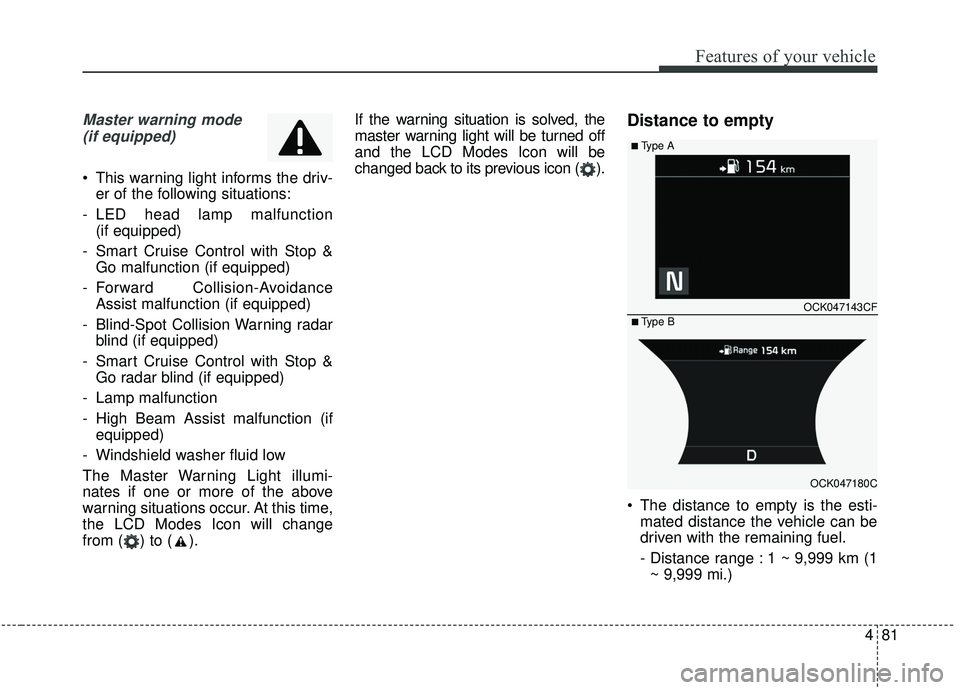
Distance to empty
The distance to empty is the esti-
mated distance the vehicle can be
driven with the remaining fuel.
- Distance range : 1 ~ 9,999 km (1~ 9,999 mi.)
OCK047143CF
OCK047180C
■ Type B
■ Type A
Page 169 of 555
Features of your vehicle
82
4
If the estimated distance is below
1 km (1 mi.), the trip computer will
display “---” as distance to empty.
✽ ✽ NOTICE
• If the vehicle is not on level ground
or the battery power has been
interrupted, the distance to empty
function may not operate correct-
ly.
• The distance to empty may differ from the actual driving distance as
it is an estimate of the available
driving distance.
• The trip computer may not regis- ter additional fuel if less than 6
liters (1.6 gallons) of fuel are
added to the vehicle.
• The fuel economy and distance to empty may vary significantly
based on driving conditions, driv-
ing habits, and condition of the
vehicle.
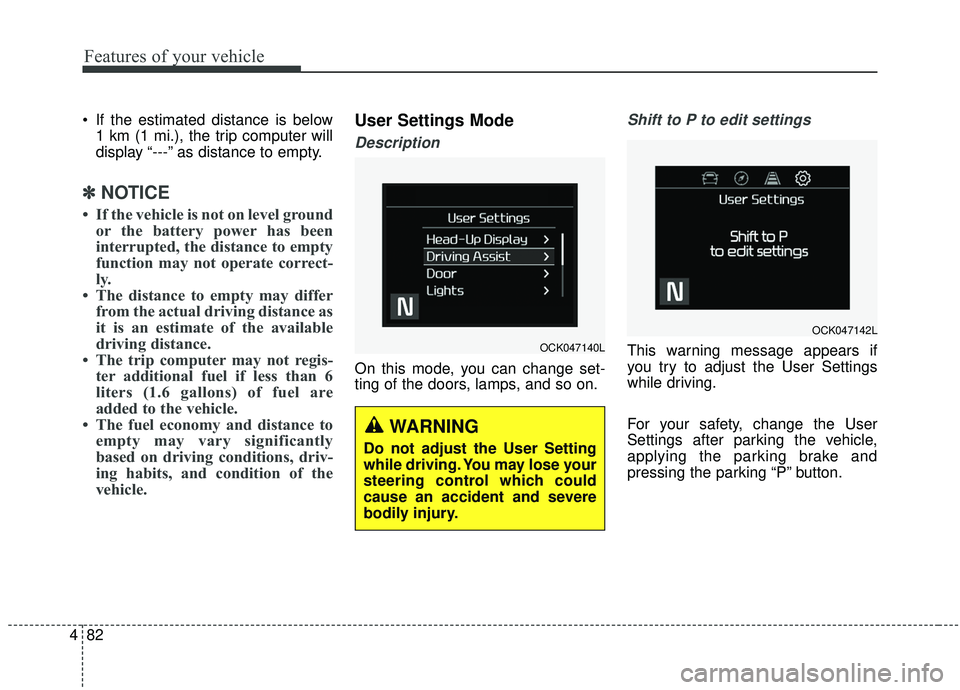
User Settings Mode
Description
On this mode, you can change set-
ting of the doors, lamps, and so on.
Shift to P to edit settings
This warning message appears if
you try to adjust the User Settings
while driving.
For your safety, change the User
Settings after parking the vehicle,
applying the parking brake and
pressing the parking “P” button.OCK047140L
WARNING
Do not adjust the User Setting
while driving. You may lose your
steering control which could
cause an accident and severe
bodily injury.
OCK047142L
Page 173 of 555
Features of your vehicle
86
4
Steering Easy Access (if
equipped)
- On (checked) : The steeringwheel will automatically move to
the top of Steering column when
leaving the vehicle and move to
the last saved position when
entering the vehicle for the driver
to enter or exit the vehicle com-
fortably.
- Off (unchecked) : The steering easy access function will be
deactivated.
❈ For more details, refer to “Driver
Position Memory System” in chap-
ter 3.
Welcome Mirror/Light (if equipped) : - If this item is checked, the wel-come Mirror/light function will be
activated.
Wiper/Light Display (if equipped) : If this item is checked, the
Wiper/Light Display will be activat-
ed. Gear Position Pop-up (if equipped)
: If this item is checked, the gear
position pop-up display will be acti-
vated.
Icy road warning (if equipped) : If this item is checked, the Icy road
warning display will be activated.
Service interval
Service Interval To activate or deactivate the serv-
ice interval function.
Adjust Interval To adjust the interval by mileage-
and period.
Reset To reset the service interval func-
tion. Other features
Fuel Economy Auto Reset
- Off : The average fuel economywill not reset automatically when-
ever refueling.
- After Ignition : The average fuel economy will reset automatically
whenever it has passed 4 hours
after turning OFF the engine.
- After Refueling : The average fuel economy will reset automatically
when refueling.
❈ For more details, refer to “Trip
Computer” in this chapter.
Fuel Economy Unit - Choose the fuel economy unit.(L/100km, US gallon, UK gallon)
Temperature Unit - Choose the temperature unit.(°C,°F)
Page 178 of 555
491
Features of your vehicle
Check headlights (if equipped)
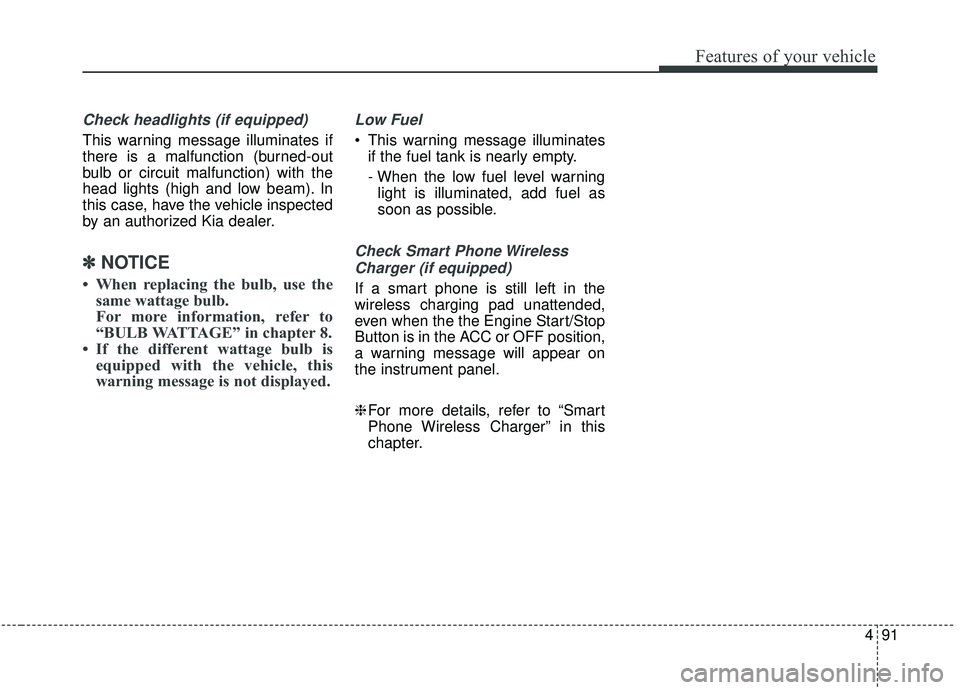
This warning message illuminates if
there is a malfunction (burned-out
bulb or circuit malfunction) with the
head lights (high and low beam). In
this case, have the vehicle inspected
by an authorized Kia dealer.
✽ ✽NOTICE
• When replacing the bulb, use the
same wattage bulb.
For more information, refer to
“BULB WATTAGE” in chapter 8.
• If the different wattage bulb is equipped with the vehicle, this
warning message is not displayed.
Low Fuel
This warning message illuminates
if the fuel tank is nearly empty.
- When the low fuel level warninglight is illuminated, add fuel as
soon as possible.
Check Smart Phone Wireless
Charger (if equipped)
If a smart phone is still left in the
wireless charging pad unattended,
even when the the Engine Start/Stop
Button is in the ACC or OFF position,
a warning message will appear on
the instrument panel.
❈ For more details, refer to “Smart
Phone Wireless Charger” in this
chapter.
Page 183 of 555
Features of your vehicle
96
4
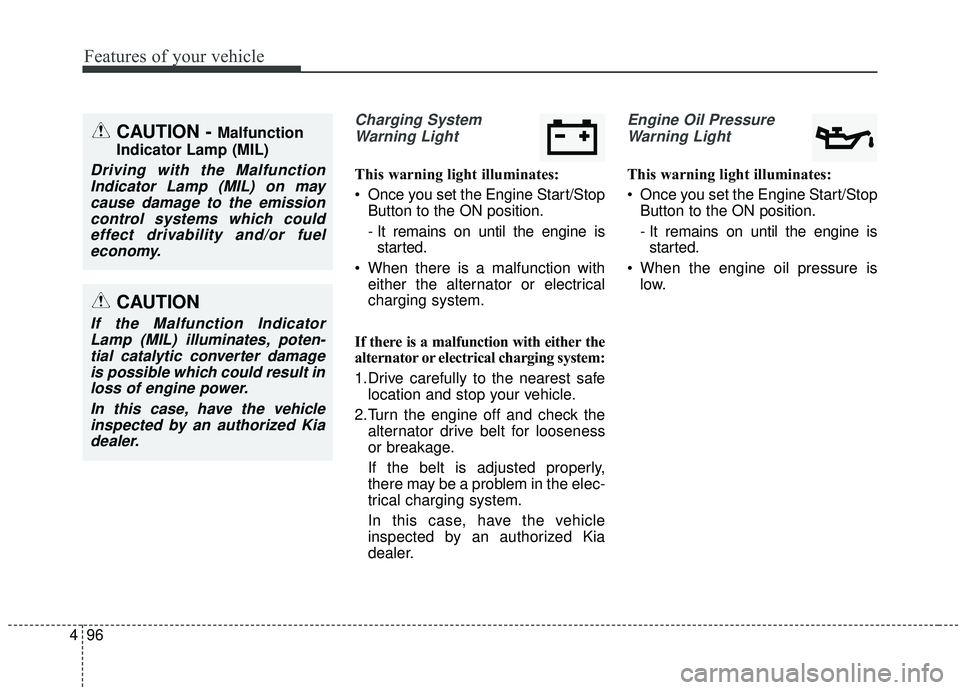
Charging System
Warning Light
This warning light illuminates:
Once you set the Engine Start/Stop Button to the ON position.
- It remains on until the engine isstarted.
When there is a malfunction with either the alternator or electrical
charging system.
If there is a malfunction with either the
alternator or electrical charging system:
1.Drive carefully to the nearest safe location and stop your vehicle.
2.Turn the engine off and check the alternator drive belt for looseness
or breakage.
If the belt is adjusted properly,
there may be a problem in the elec-
trical charging system.
In this case, have the vehicle
inspected by an authorized Kia
dealer.
Engine Oil Pressure
Warning Light
This warning light illuminates:
Once you set the Engine Start/Stop Button to the ON position.
- It remains on until the engine isstarted.
When the engine oil pressure is low.
CAUTION
If the Malfunction IndicatorLamp (MIL) illuminates, poten-tial catalytic converter damageis possible which could result inloss of engine power.
In this case, have the vehicleinspected by an authorized Kiadealer.
CAUTION - Malfunction
Indicator Lamp (MIL)
Driving with the Malfunction Indicator Lamp (MIL) on maycause damage to the emissioncontrol systems which couldeffect drivability and/or fueleconomy.
Page 184 of 555
497
Features of your vehicle
If the engine oil pressure is low:
1.Drive carefully to the nearest safelocation and stop your vehicle.
2.Turn the engine off and check the engine oil level (For more details,
refer to “Engine Oil” in chapter 7). If
the level is low, add oil as required.
If the warning light remains on after
adding oil or if oil is not available,
have the vehicle inspected by an
authorized Kia dealer.Low Fuel Level Warning
Light
This warning light illuminates:
When the fuel tank is nearly empty.
If the fuel tank is nearly empty:
Add fuel as soon as possible.
CAUTION - Engine
Overheating
Do not continue driving with theengine overheated. Otherwisethe engine may be damaged.
CAUTION - Engine
damage
If the engine is not stoppedimmediately after the engine oilpressure warning light is illumi-nated and stays on while theengine is running, seriousengine damage may result.CAUTION - Low Fuel
Level
Driving with the Low Fuel Levelwarning light on or with the fuellevel below “E” can cause theengine to misfire and damagethe catalytic converter (ifequipped).
Page 193 of 555
Features of your vehicle
106
4
Head Up Display ON/OFF
The HUD display will be activated or
deactivated in user setting mode
while engine is ON.
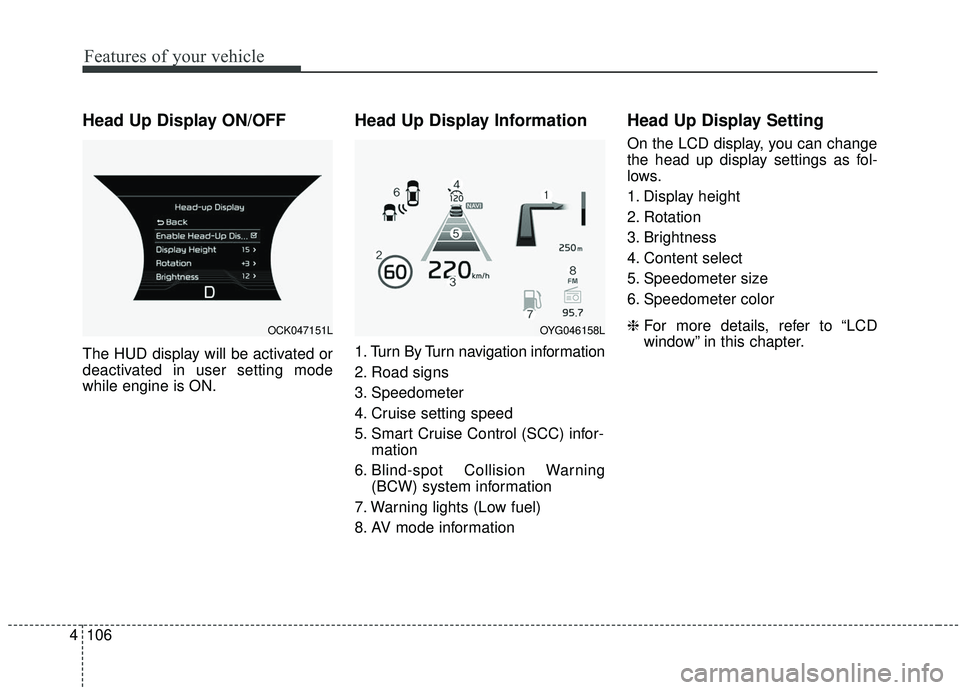
Head Up Display Information
1. Turn By Turn navigation information
2. Road signs
3. Speedometer
4. Cruise setting speed
5. Smart Cruise Control (SCC) infor-
mation
6. Blind-spot Collision Warning (BCW) system information
7. Warning lights (Low fuel)
8. AV mode information
Head Up Display Setting
On the LCD display, you can change
the head up display settings as fol-
lows.
1. Display height
2. Rotation
3. Brightness
4. Content select
5. Speedometer size
6. Speedometer color
❈ For more details, refer to “LCD
window” in this chapter.
OCK047151LOYG046158L
Page 267 of 555
Driving your vehicle
14
5
D (Drive)
This is the normal forward driving
position. The transmission will auto-
matically shift through an 8-gear
sequence, providing the best fuel
economy and power.
For extra power when passing anoth-
er vehicle or climbing grades,
depress the accelerator fully, at
which time the transmission will
automatically downshift to the next
lower gear. Manual mode
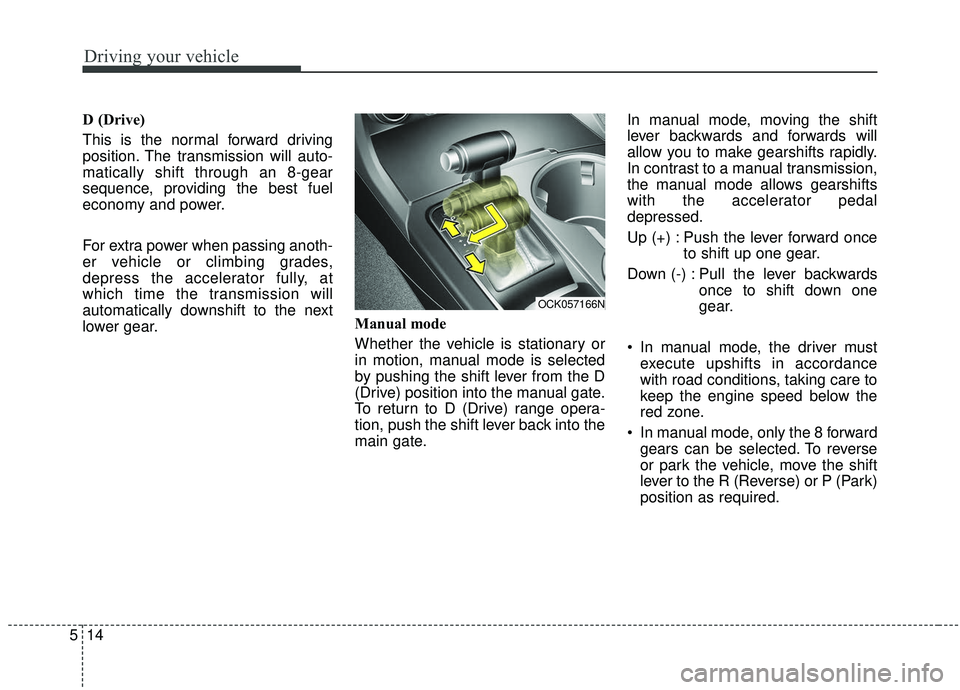
Whether the vehicle is stationary or
in motion, manual mode is selected
by pushing the shift lever from the D
(Drive) position into the manual gate.
To return to D (Drive) range opera-
tion, push the shift lever back into the
main gate.In manual mode, moving the shift
lever backwards and forwards will
allow you to make gearshifts rapidly.
In contrast to a manual transmission,
the manual mode allows gearshifts
with the accelerator pedal
depressed.
Up (+) : Push the lever forward once
to shift up one gear.
Down (-) : Pull the lever backwards once to shift down one
gear.
In manual mode, the driver must execute upshifts in accordance
with road conditions, taking care to
keep the engine speed below the
red zone.
In manual mode, only the 8 forward gears can be selected. To reverse
or park the vehicle, move the shift
lever to the R (Reverse) or P (Park)
position as required.
OCK057166N
Page 272 of 555
519
Driving your vehicle
Do not operate both brake andaccelerate pedals simultaneously
for longer than 4 seconds.
When re-using Launch Control, a driver should have the vehicle cool
down sufficiently by driving.Limited use of Launch Control (3)
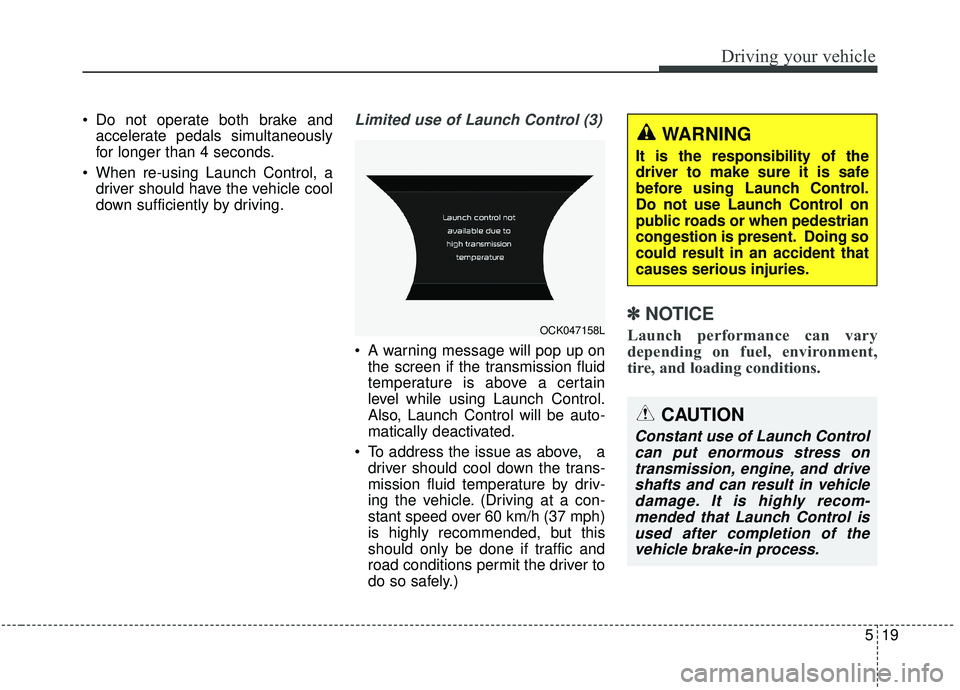
A warning message will pop up onthe screen if the transmission fluid
temperature is above a certain
level while using Launch Control.
Also, Launch Control will be auto-
matically deactivated.
To address the issue as above, a driver should cool down the trans-
mission fluid temperature by driv-
ing the vehicle. (Driving at a con-
stant speed over 60 km/h (37 mph)
is highly recommended, but this
should only be done if traffic and
road conditions permit the driver to
do so safely.)
✽ ✽ NOTICE
Launch performance can vary
depending on fuel, environment,
tire, and loading conditions.
CAUTION
Constant use of Launch Control
can put enormous stress ontransmission, engine, and driveshafts and can result in vehicledamage. It is highly recom-mended that Launch Control isused after completion of thevehicle brake-in process.
OCK047158L
WARNING
It is the responsibility of the
driver to make sure it is safe
before using Launch Control.
Do not use Launch Control on
public roads or when pedestrian
congestion is present. Doing so
could result in an accident that
causes serious injuries.