change Lexus ES350 2007 Using the hands-free phone system
[x] Cancel search | Manufacturer: LEXUS, Model Year: 2007, Model line: ES350, Model: Lexus ES350 2007Pages: 28, PDF Size: 1.19 MB
Page 3 of 28
201
3-3. Using the hands-free phone system
3
Interior features
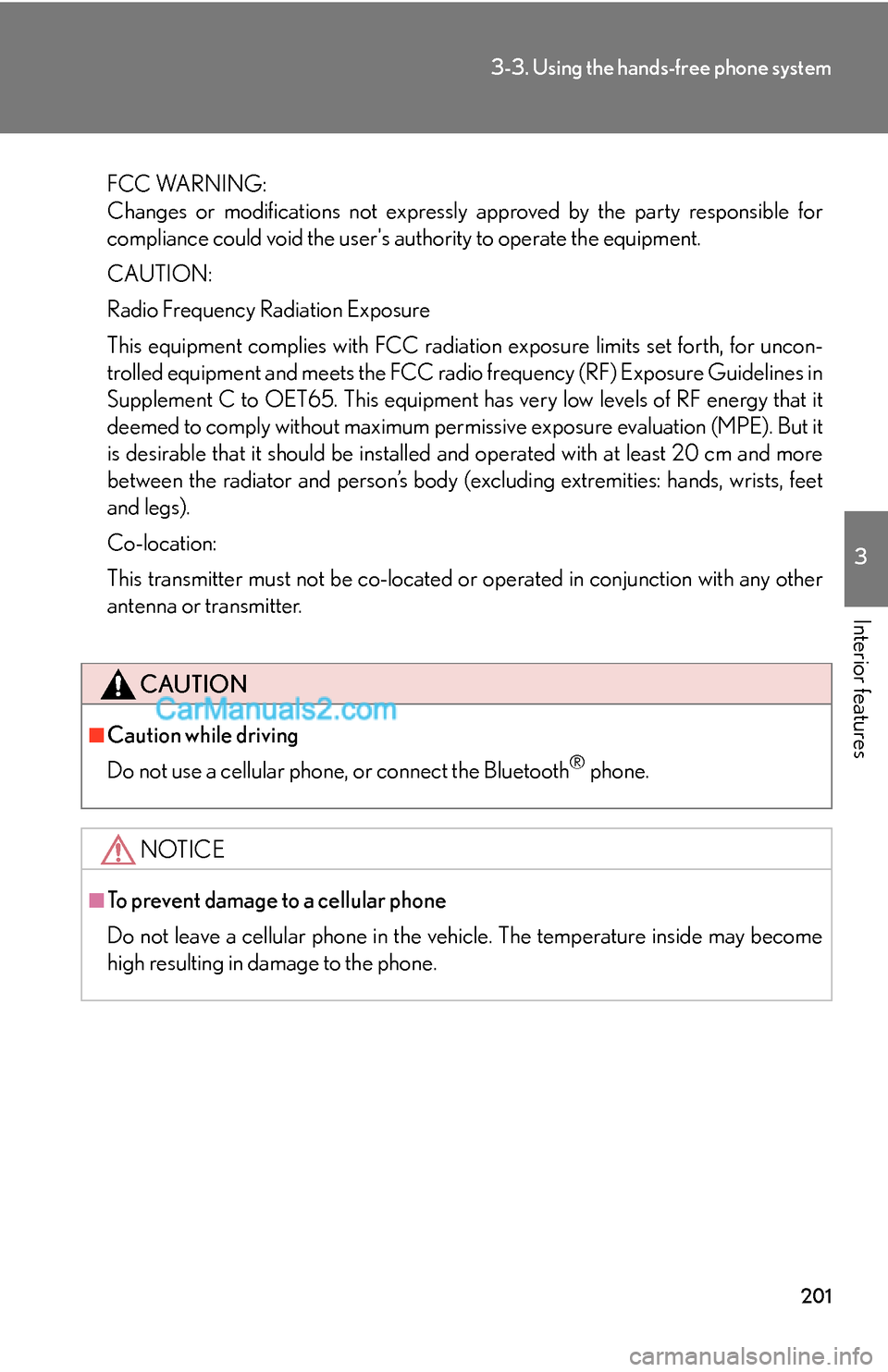
FCC WARNING:
Changes or modifications not expressly approved by the party responsible for
compliance could void the user's authority to operate the equipment.
CAUTION:
Radio Frequency Radiation Exposure
This equipment complies with FCC radiation exposure limits set forth, for uncon-
trolled equipment and meets the FCC radio frequency (RF) Exposure Guidelines in
Supplement C to OET65. This equipment has very low levels of RF energy that it
deemed to comply without maximum permissive exposure evaluation (MPE). But it
is desirable that it should be installed and operated with at least 20 cm and more
between the radiator and person’s body (excluding extremities: hands, wrists, feet
and legs).
Co-location:
This transmitter must not be co-located or operated in conjunction with any other
antenna or transmitter.
CAUTION
■Caution while driving
Do not use a cellular phone, or connect the Bluetooth
® phone.
NOTICE
■To prevent damage to a cellular phone
Do not leave a cellular phone in the vehicle. The temperature inside may become
high resulting in damage to the phone.
Page 8 of 28
206
3-3. Using the hands-free phone system
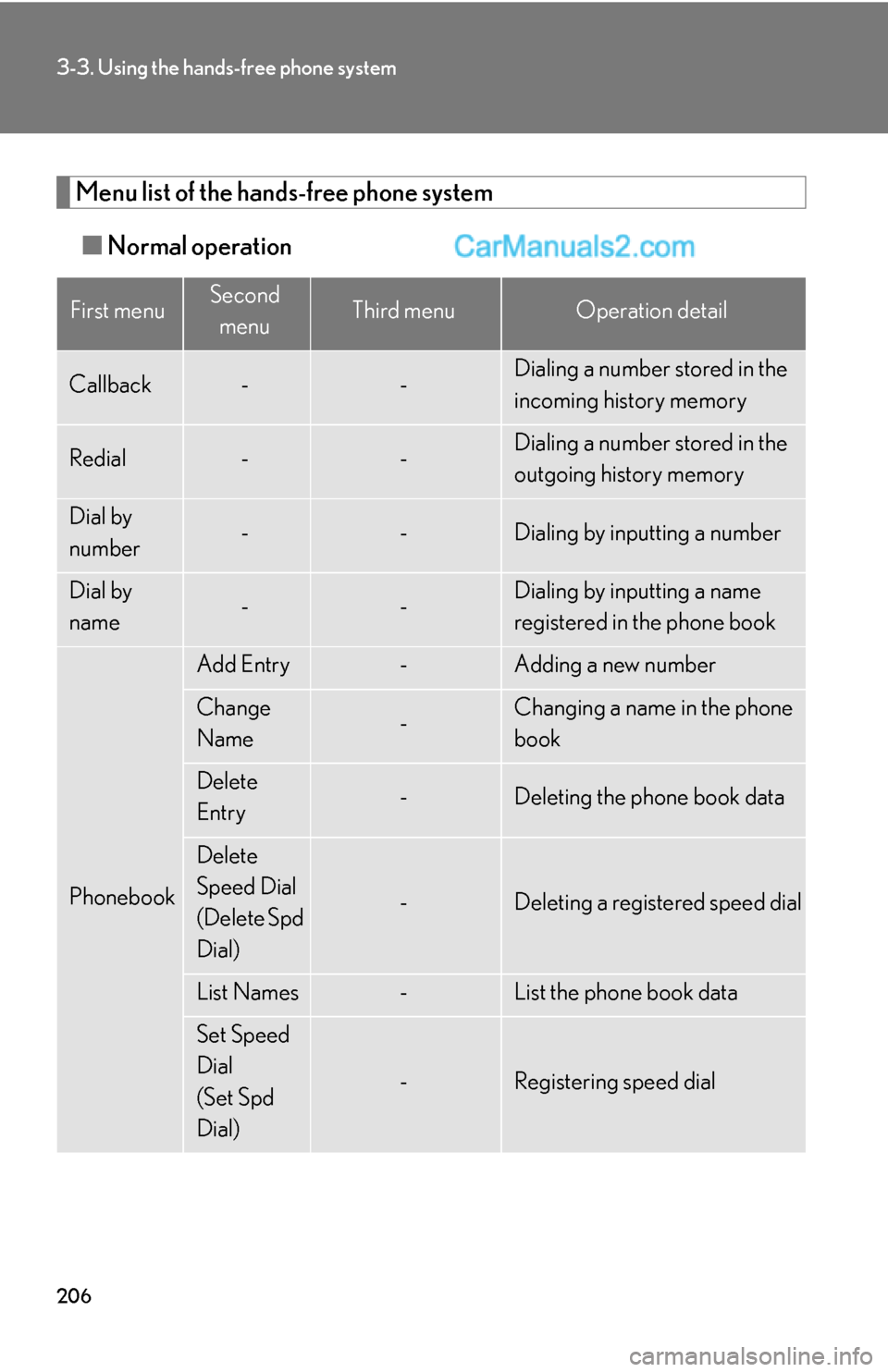
Menu list of the hands-free phone system
■Normal operation
First menuSecond
menuThird menuOperation detail
Callback--Dialing a number stored in the
incoming history memory
Redial--Dialing a number stored in the
outgoing history memory
Dial by
number--Dialing by inputting a number
Dial by
name--Dialing by inputting a name
registered in the phone book
Phonebook
Add Entry-Adding a new number
Change
Name-Changing a name in the phone
book
Delete
Entry-Deleting the phone book data
Delete
Speed Dial
(Delete Spd
Dial)
-Deleting a registered speed dial
List Names-List the phone book data
Set Speed
Dial
(Set Spd
Dial)
-Registering speed dial
Page 9 of 28
207
3-3. Using the hands-free phone system
3
Interior features
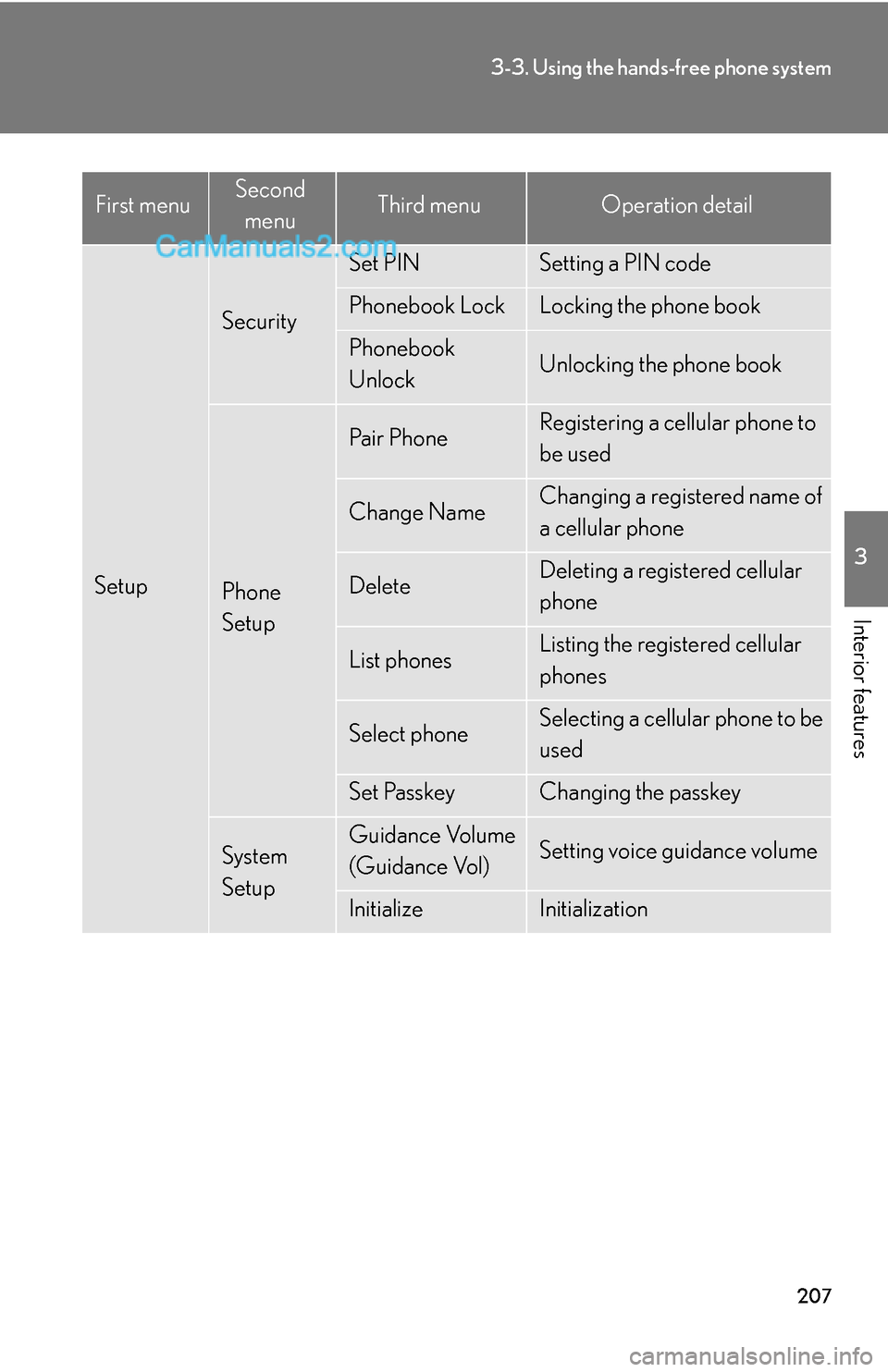
Setup
Security
Set PINSetting a PIN code
Phonebook LockLocking the phone book
Phonebook
UnlockUnlocking the phone book
Phone
Setup
Pair PhoneRegistering a cellular phone to
be used
Change NameChanging a registered name of
a cellular phone
DeleteDeleting a registered cellular
phone
List phonesListing the registered cellular
phones
Select phoneSelecting a cellular phone to be
used
Set PasskeyChanging the passkey
System
SetupGuidance Volume
(Guidance Vol)Setting voice guidance volume
InitializeInitialization
First menuSecond
menuThird menuOperation detail
Page 10 of 28
208
3-3. Using the hands-free phone system
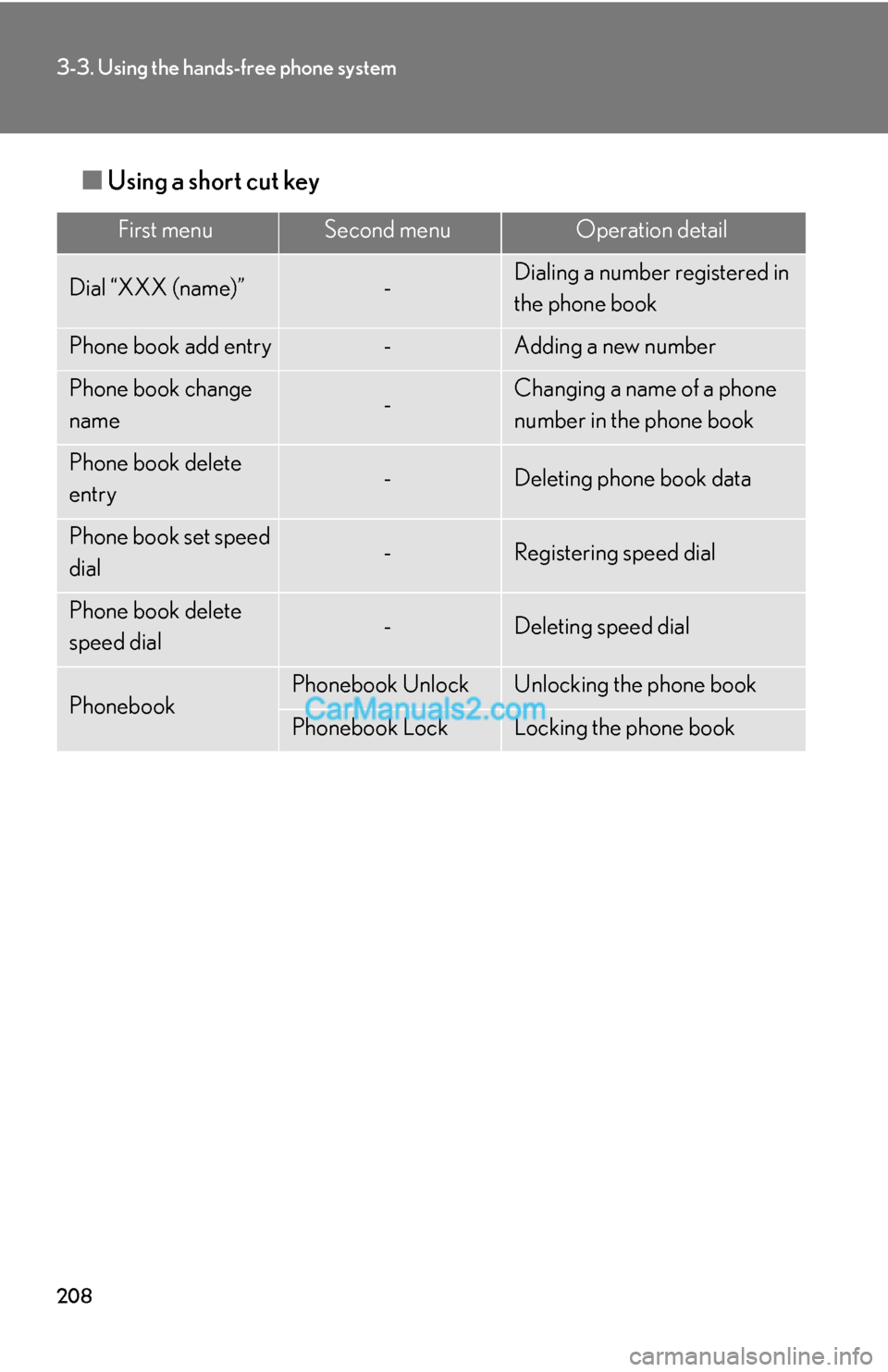
■Using a short cut key
First menuSecond menuOperation detail
Dial “XXX (name)”-Dialing a number registered in
the phone book
Phone book add entry-Adding a new number
Phone book change
name-Changing a name of a phone
number in the phone book
Phone book delete
entry-Deleting phone book data
Phone book set speed
dial-Registering speed dial
Phone book delete
speed dial-Deleting speed dial
PhonebookPhonebook UnlockUnlocking the phone book
Phonebook LockLocking the phone book
Page 16 of 28
214
3-3. Using the hands-free phone system
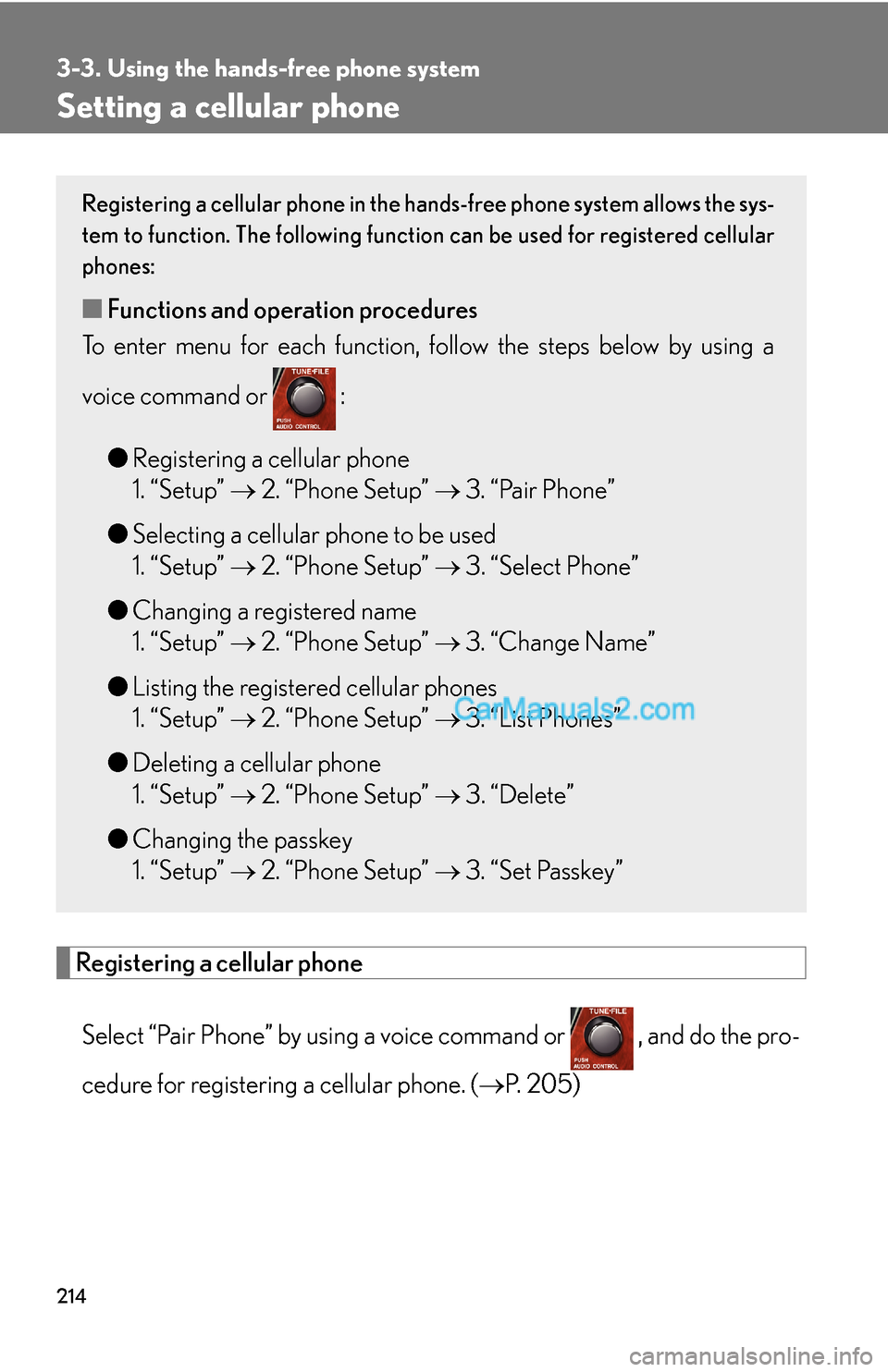
Setting a cellular phone
Registering a cellular phone
Select “Pair Phone” by using a voice command or , and do the pro-
cedure for registering a cellular phone. (→P. 205)
Registering a cellular phone in the hands-free phone system allows the sys-
tem to function. The following function can be used for registered cellular
phones:
■Functions and operation procedures
To enter menu for each function, follow the steps below by using a
voice command or :
●Registering a cellular phone
1. “Setup” → 2. “Phone Setup” → 3. “Pair Phone”
●Selecting a cellular phone to be used
1. “Setup” → 2. “Phone Setup” → 3. “Select Phone”
●Changing a registered name
1. “Setup” → 2. “Phone Setup” → 3. “Change Name”
●Listing the registered cellular phones
1. “Setup” → 2. “Phone Setup” → 3. “List Phones”
●Deleting a cellular phone
1. “Setup” → 2. “Phone Setup” → 3. “Delete”
●Changing the passkey
1. “Setup” → 2. “Phone Setup” → 3. “Set Passkey”
Page 17 of 28

215
3-3. Using the hands-free phone system
3
Interior features
Selecting a cellular phone to be used
Select “Select Phone” by using a voice command or .
Pattern A
Select a cellular phone to be used by either of the following meth-
ods, and select “Confirm” by using a voice command or :
a. Press and say the desired phone name.
b. Press and say “List phones”. While the name of the
desired cellular phone is being read aloud, press .
Pattern B
Select a cellular phone to be used by using .
Changing a registered name
Select “Change Name” by using a voice command or .
Select a name of cellular phone to be changed by either of the
following methods:
a. Press and say the desired phone name, and select
“Confirm” by using a voice command or .
b. Press and say “List phones”. While the desired phone
name is being read aloud, press .
c. Select the desired phone name by using .
STEP1
STEP2
STEP2
STEP1
STEP2
Page 18 of 28

216
3-3. Using the hands-free phone system
Press or select “Record Name” by using , and say a
new name.
Select “Confirm” by using a voice command or .
Listing the registered cellular phones
Selecting “List Phones” by using a voice command or begins read-
ing aloud the list of the registered cellular phones.
When listing is complete, the system returns to “Phone Setup”.
Pressing while a name of cellular phone is being read selects the
cellular phone, and the following functions will be available:
• Selecting a cellular phone: “Select Phone”
• Changing a registered name: “Change Name”
• Deleting a cellular phone: “Delete”
Deleting a cellular phone
Select “Delete” by using a voice command or .
Pattern A
Select a cellular phone to be deleted by either of the following
methods and select “Confirm” by using a voice command or
:
a. Press and say the name of the desired cellular phone.
b. Press and say “List phones”. While the name of the
desired cellular phone is being read aloud, press .
STEP3
STEP4
STEP1
STEP2
Page 21 of 28
219
3-3. Using the hands-free phone system
3
Interior features
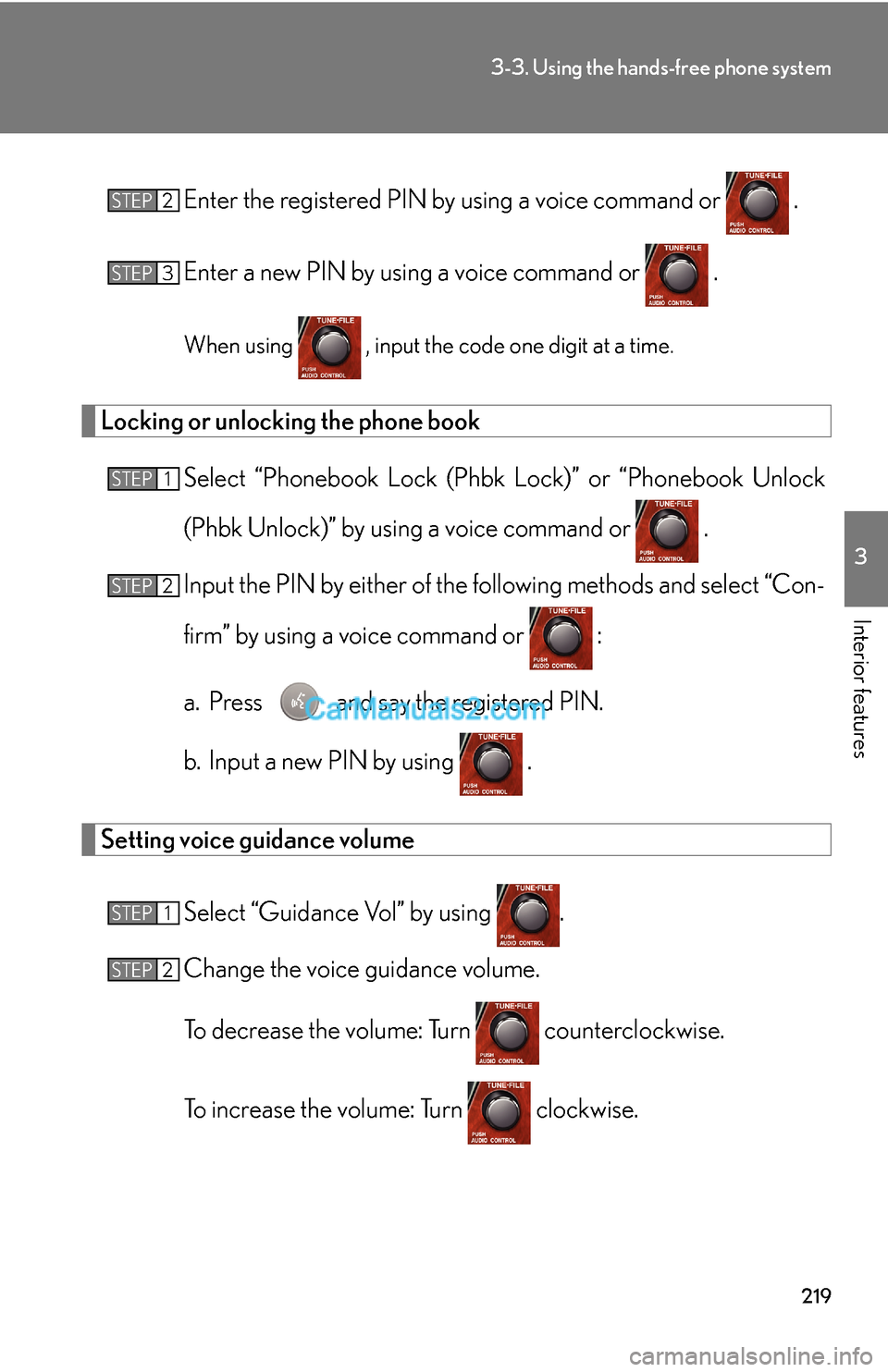
Enter the registered PIN by using a voice command or .
Enter a new PIN by using a voice command or .
When using , input the code one digit at a time.
Locking or unlocking the phone book
Select “Phonebook Lock (Phbk Lock)” or “Phonebook Unlock
(Phbk Unlock)” by using a voice command or .
Input the PIN by either of the following methods and select “Con-
firm” by using a voice command or :
a. Press and say the registered PIN.
b. Input a new PIN by using .
Setting voice guidance volume
Select “Guidance Vol” by using .
Change the voice guidance volume.
To decrease the volume: Turn counterclockwise.
To increase the volume: Turn clockwise.
STEP2
STEP3
STEP1
STEP2
STEP1
STEP2
Page 23 of 28
221
3-3. Using the hands-free phone system
3
Interior features
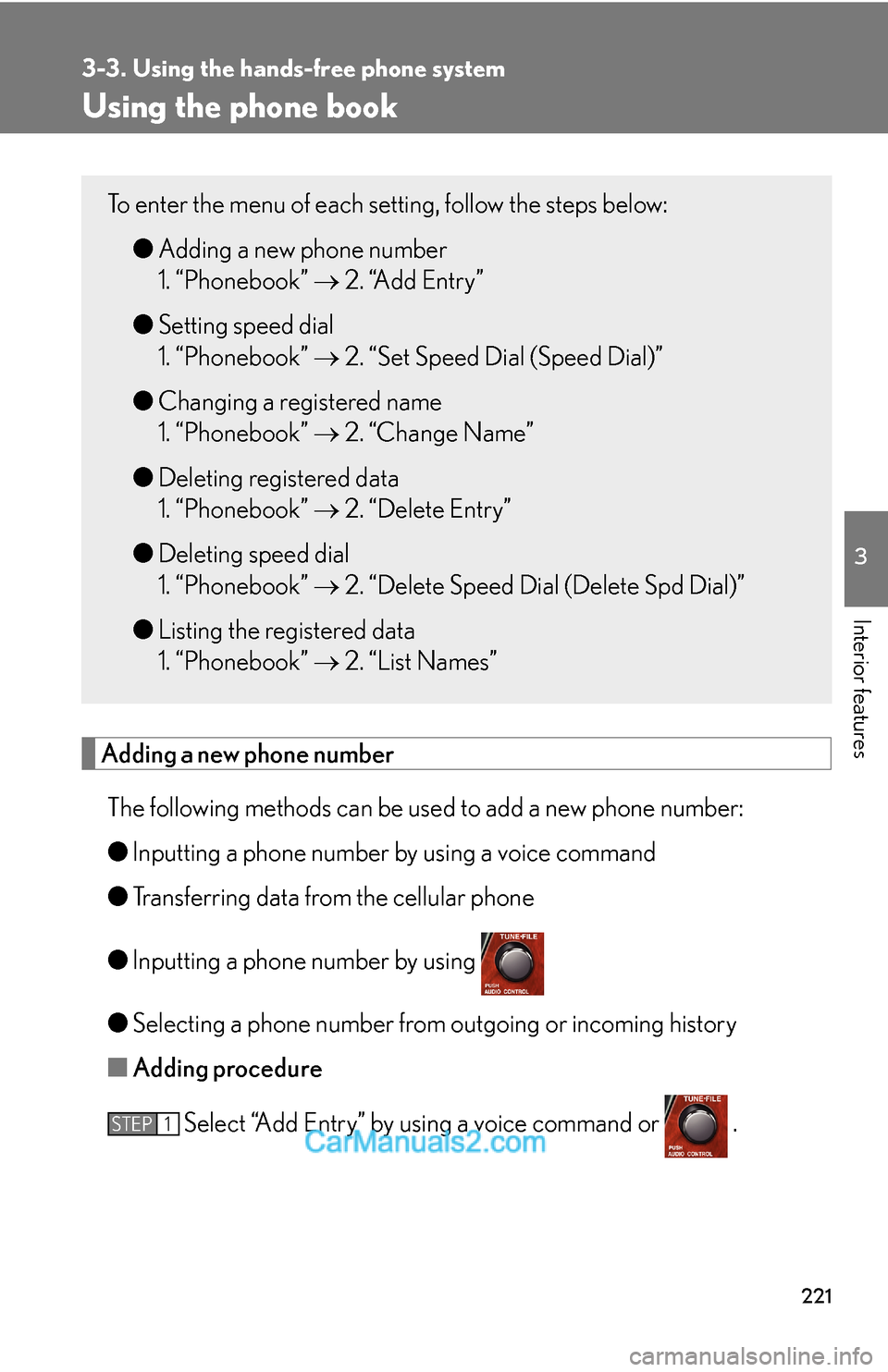
Using the phone book
Adding a new phone number
The following methods can be used to add a new phone number:
●Inputting a phone number by using a voice command
●Transferring data from the cellular phone
●Inputting a phone number by using
●Selecting a phone number from outgoing or incoming history
■Adding procedure
Select “Add Entry” by using a voice command or .
To enter the menu of each setting, follow the steps below:
●Adding a new phone number
1. “Phonebook” → 2. “Add Entry”
●Setting speed dial
1. “Phonebook” → 2. “Set Speed Dial (Speed Dial)”
●Changing a registered name
1. “Phonebook” → 2. “Change Name”
●Deleting registered data
1. “Phonebook” → 2. “Delete Entry”
●Deleting speed dial
1. “Phonebook” → 2. “Delete Speed Dial (Delete Spd Dial)”
●Listing the registered data
1. “Phonebook” → 2. “List Names”
STEP1
Page 27 of 28
225
3-3. Using the hands-free phone system
3
Interior features
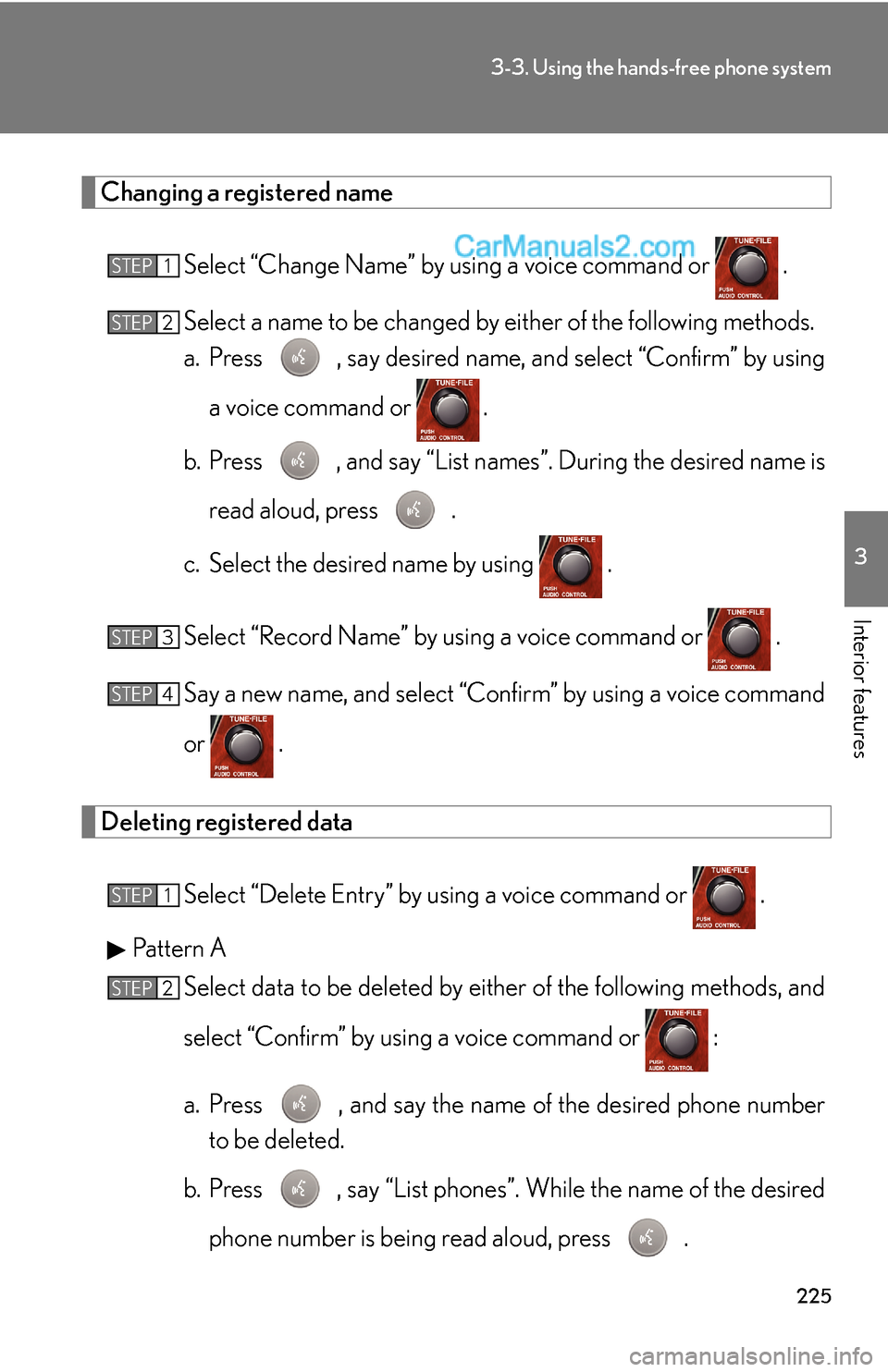
Changing a registered name
Select “Change Name” by using a voice command or .
Select a name to be changed by either of the following methods.
a. Press , say desired name, and select “Confirm” by using
a voice command or
.
b. Press , and say “List names”. During the desired name is
read aloud, press .
c. Select the desired name by using .
Select “Record Name” by using a voice command or .
Say a new name, and select “Confirm” by using a voice command
or .
Deleting registered data
Select “Delete Entry” by using a voice command or .
Pattern A
Select data to be deleted by either of the following methods, and
select “Confirm” by using a voice command or :
a. Press , and say the name of the desired phone number
to be deleted.
b. Press , say “List phones”. While the name of the desired
phone number is being read aloud, press .
STEP1
STEP2
STEP3
STEP4
STEP1
STEP2