phone Lexus ES350 2008 Owner's Guide
[x] Cancel search | Manufacturer: LEXUS, Model Year: 2008, Model line: ES350, Model: Lexus ES350 2008Pages: 459, PDF Size: 5.93 MB
Page 244 of 459
242
3-3. Using the hands-free phone system (for cellular phone)
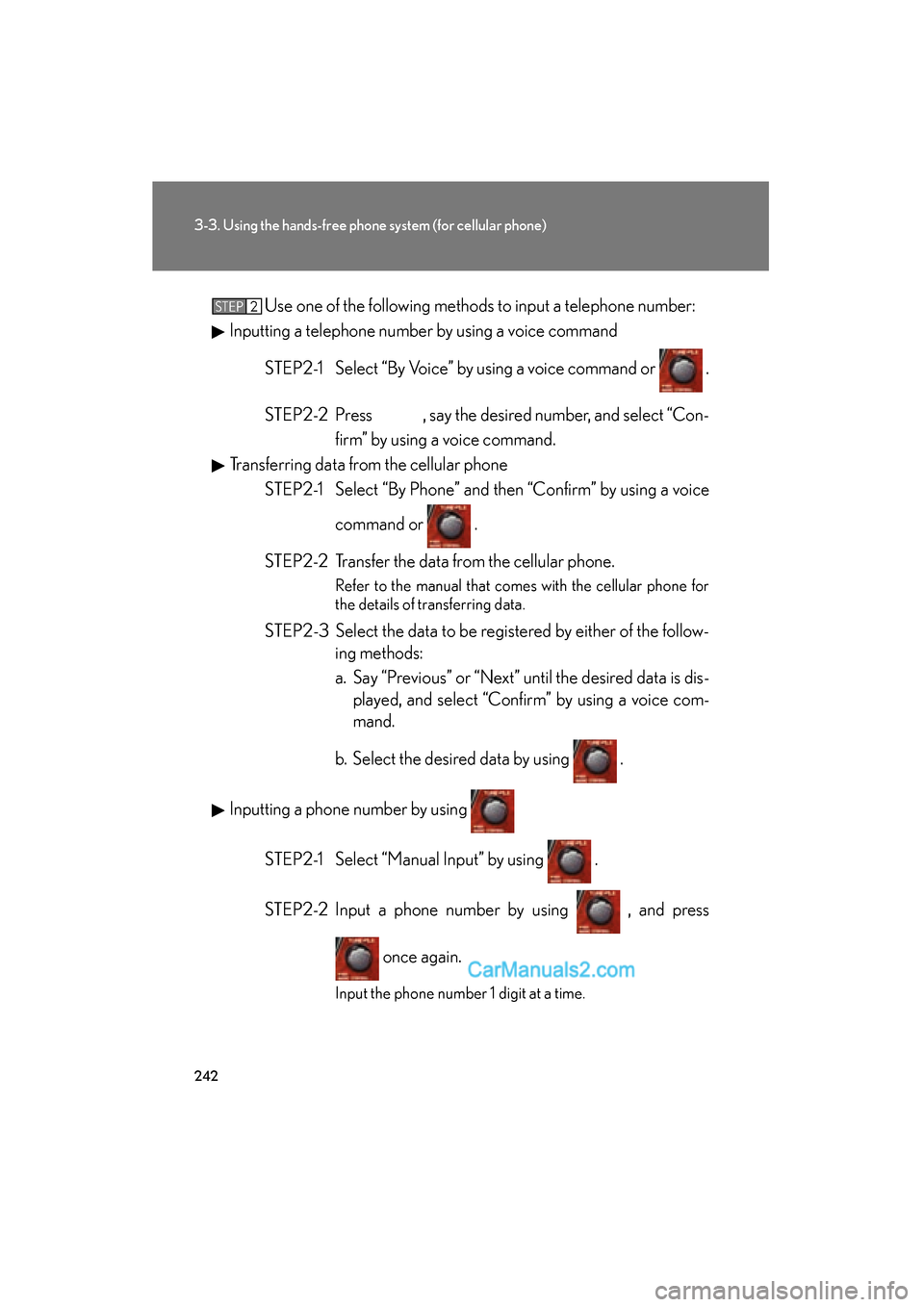
ES350_U_(L/O_0708)Use one of the following methods to input a telephone number:
Inputting a telephone number by using a voice command
STEP2-1 Select “By Voice” by using a voice command or .
STEP2-2 Press , say the desired number, and select “Con- firm” by using a voice command.
Transferring data from the cellular phone
STEP2-1 Select “By Phone” and then “Confirm” by using a voice
command or .
STEP2-2 Transfer the data from the cellular phone.
Refer to the manual that comes with the cellular phone for
the details of transferring data.
STEP2-3 Select the data to be registered by either of the follow- ing methods:
a. Say “Previous” or “Next” until the desired data is dis-played, and select “Confirm” by using a voice com-
mand.
b. Select the desired data by using .
Inputting a phone number by using STEP2-1 Select “Manual Input” by using .
STEP2-2 Input a phone number by using , and press once again.
Input the phone number 1 digit at a time.
STEP2
Page 245 of 459
243
3-3. Using the hands-free phone system (for cellular phone)
3
Interior features
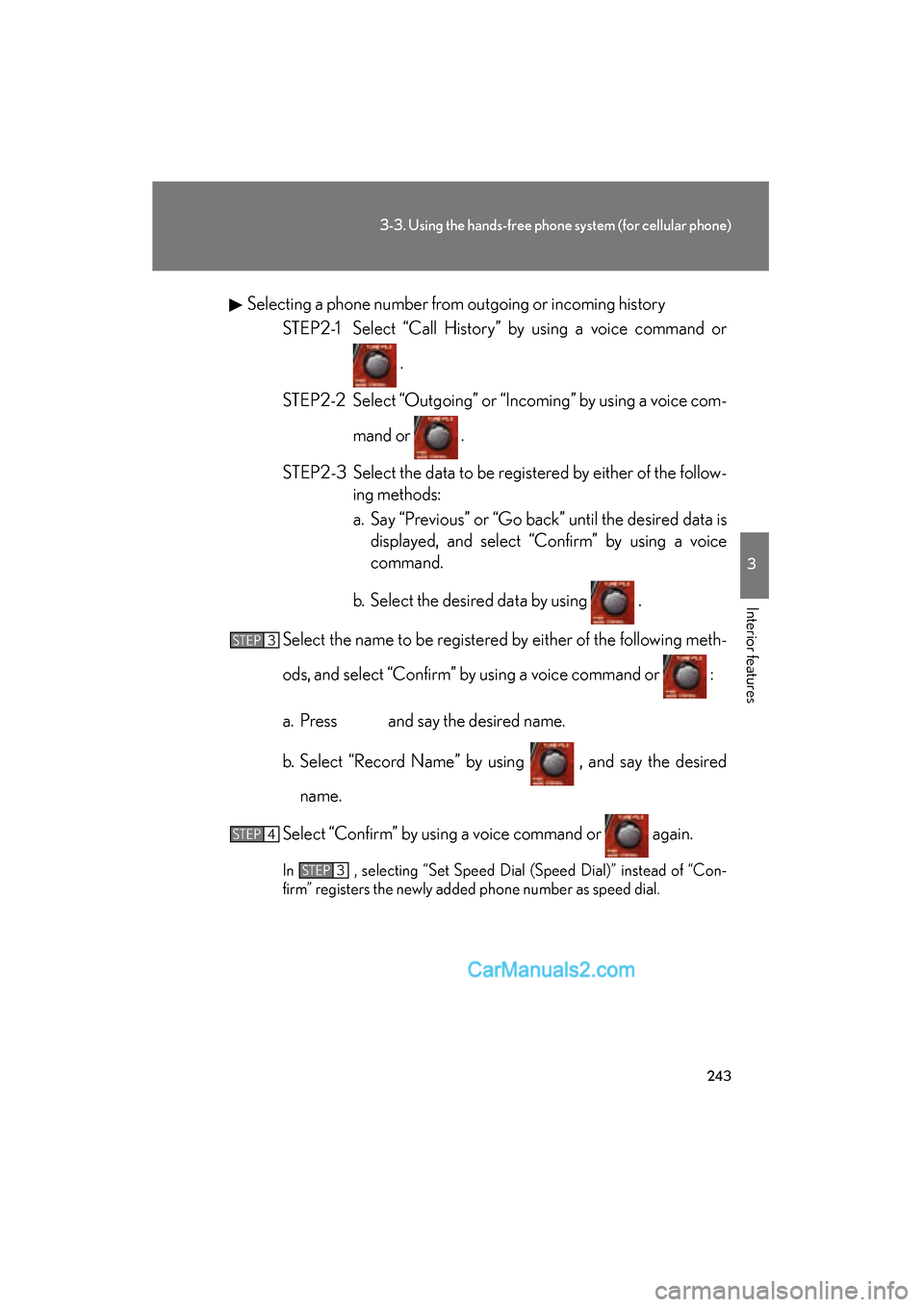
ES350_U_(L/O_0708)Selecting a phone number from outgoing or incoming history
STEP2-1 Select “Call History” by using a voice command or
.
STEP2-2 Select “Outgoing” or “Incoming” by using a voice com- mand or .
STEP2-3 Select the data to be registered by either of the follow- ing methods:
a. Say “Previous” or “Go back” until the desired data isdisplayed, and select “Confirm” by using a voice
command.
b. Select the desired data by using .
Select the name to be registered by either of the following meth-
ods, and select “Confirm” by using a voice command or :
a. Press and say the desired name.
b. Select “Record Name” by using , and say the desired name.
Select “Confirm” by using a voice command or again.
In , selecting “Set Speed Dial (Speed Dial)” instead of “Con-
firm” registers the newly added phone number as speed dial.
STEP3
STEP4
STEP3
Page 246 of 459
244
3-3. Using the hands-free phone system (for cellular phone)
ES350_U_(L/O_0708)
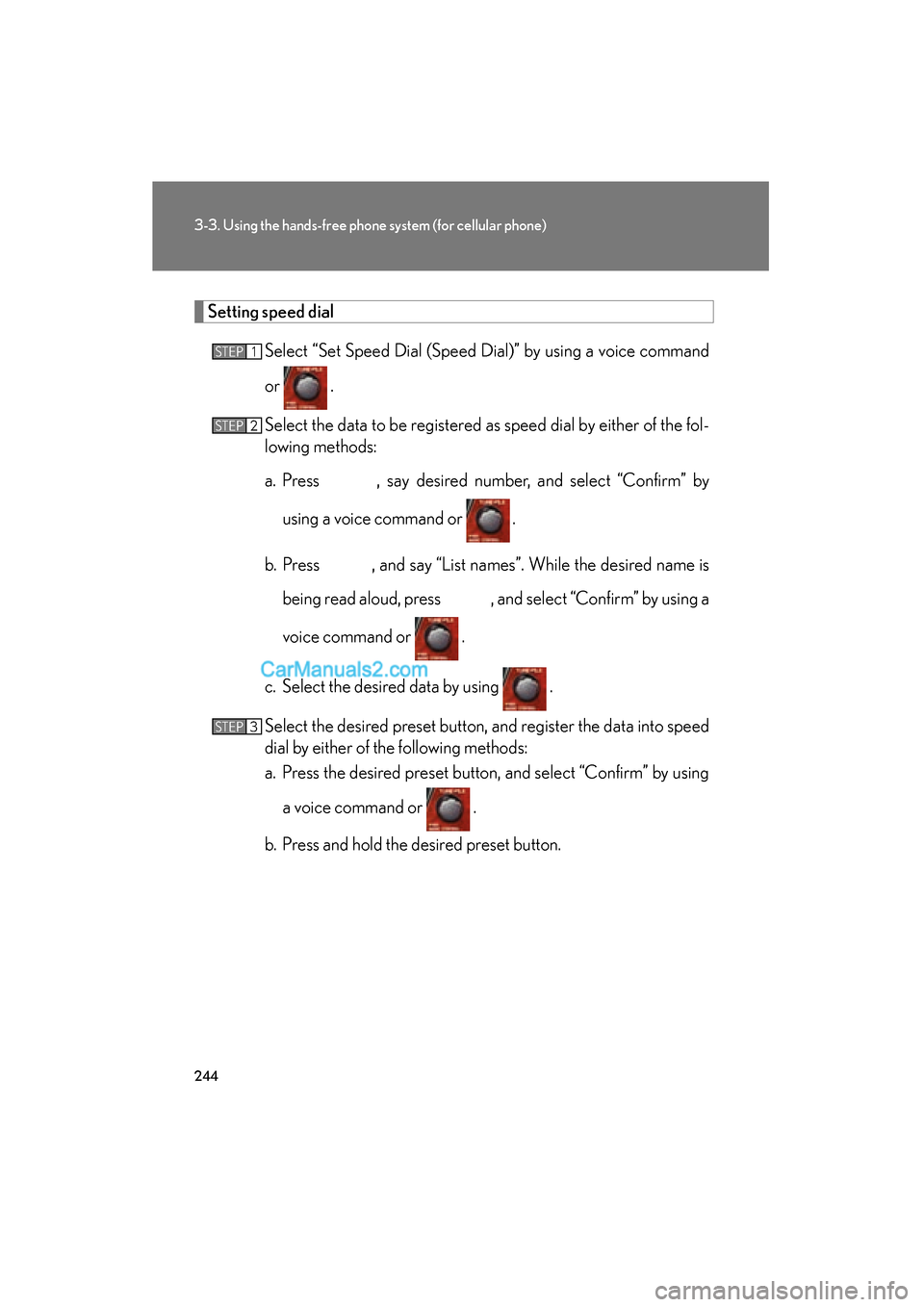
Setting speed dialSelect “Set Speed Dial (Speed Dial)” by using a voice command
or .
Select the data to be registered as speed dial by either of the fol-
lowing methods:
a. Press , say desired number, and select “Confirm” byusing a voice command or
.
b. Press , and say “List names”. While the desired name is being read aloud, press , and select “Confirm” by using a
voice command or .
c. Select the desired data by using .
Select the desired preset button, and register the data into speed
dial by either of the following methods:
a. Press the desired preset button, and select “Confirm” by using a voice command or .
b. Press and hold the desired preset button.
STEP1
STEP2
STEP3
Page 247 of 459
245
3-3. Using the hands-free phone system (for cellular phone)
3
Interior features
ES350_U_(L/O_0708)
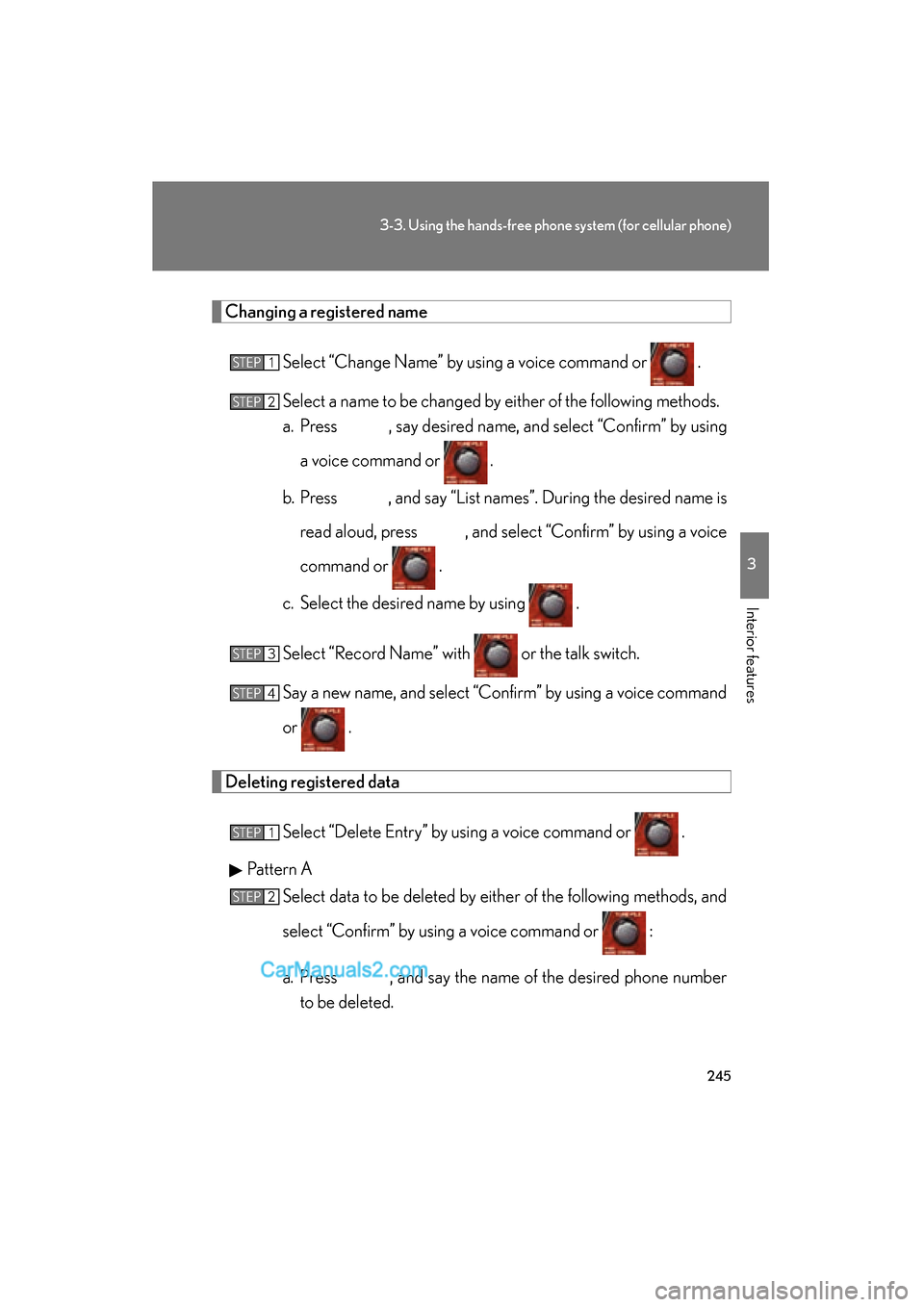
Changing a registered nameSelect “Change Name” by using a voice command or .
Select a name to be changed by either of the following methods.
a. Press , say desired name, and select “Confirm” by using
a voice command or
.
b. Press , and say “List names”. During the desired name is read aloud, press , and select “Confirm” by using a voice
command or .
c. Select the desired name by using .
Select “Record Name” with or the talk switch.
Say a new name, and select “Confirm” by using a voice command
or .
Deleting registered data
Select “Delete Entry” by using a voice command or .
Pattern A Select data to be deleted by either of the following methods, and
select “Confirm” by using a voice command or :
a. Press , and say the name of the desired phone numberto be deleted.
STEP1
STEP2
STEP3
STEP4
STEP1
STEP2
Page 248 of 459
246
3-3. Using the hands-free phone system (for cellular phone)
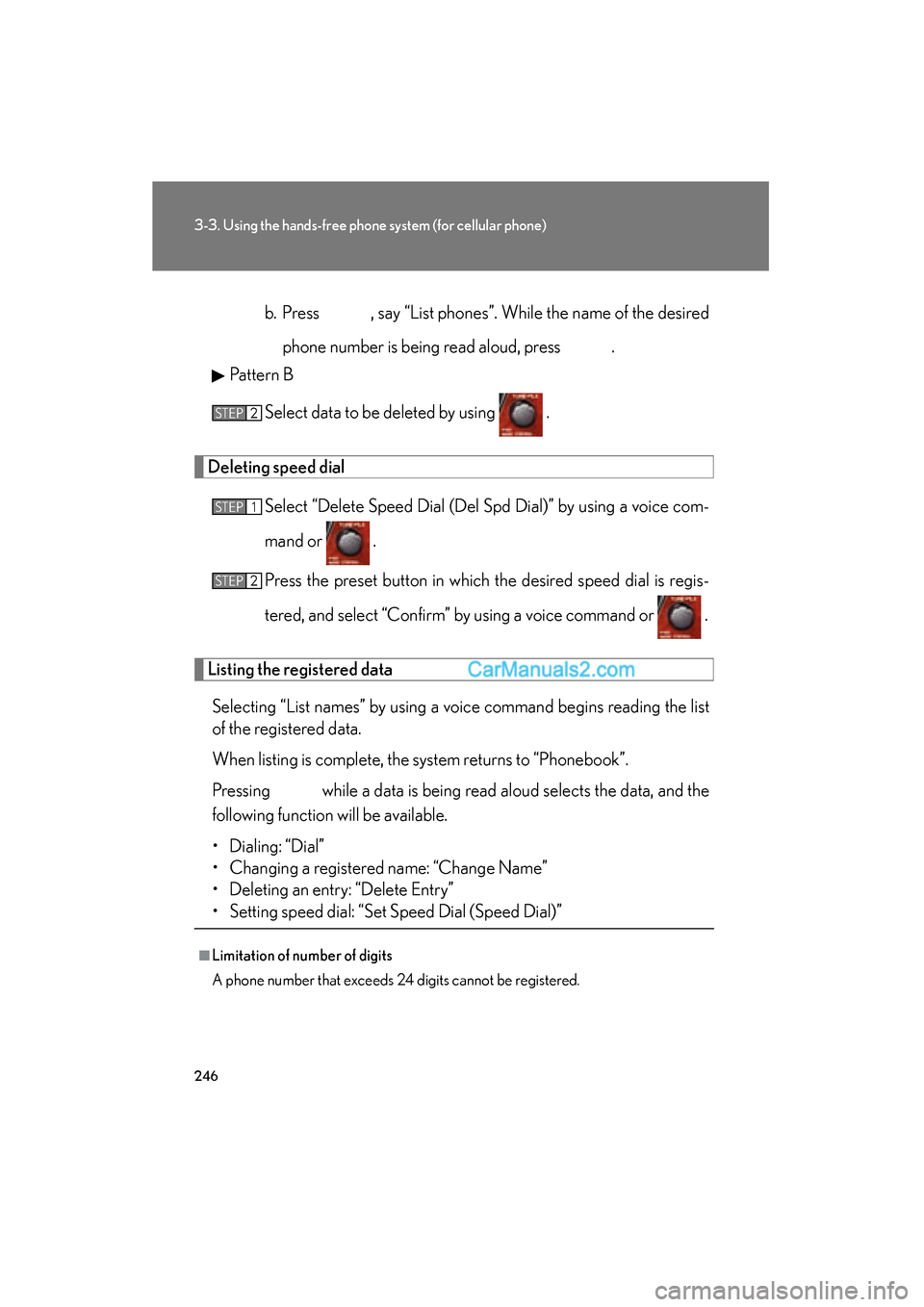
ES350_U_(L/O_0708)b. Press , say “List phones”. While the name of the desired
phone number is being read aloud, press .
Pattern B
Select data to be deleted by using .
Deleting speed dial
Select “Delete Speed Dial (Del Spd Dial)” by using a voice com-
mand or .
Press the preset button in which the desired speed dial is regis-
tered, and select “Confirm” by using a voice command or .
Listing the registered dataSelecting “List names” by using a voice command begins reading the list
of the registered data.
When listing is complete, the system returns to “Phonebook”.
Pressing while a data is being read aloud selects the data, and the
following function will be available.
• Dialing: “Dial”
• Changing a registered name: “Change Name”
• Deleting an entry: “Delete Entry”
• Setting speed dial: “Set Speed Dial (Speed Dial)”
■Limitation of number of digits
A phone number that exceeds 24 digits cannot be registered.
STEP2
STEP1
STEP2
Page 449 of 459
447
Alphabetical index
ES350_U_(L/O_0708)
Floor mat...................................................269
FluidBrake .......................................................309
Power steering fluid ...........................310
Washer ..................................................... 315
Fog lights
Switch ........................................................ 135
Wattage ................................................... 417
Foot well lighting ................................... 247
Front fog lights Switch ........................................................ 135
Wattage ................................................... 417
Front passenger occupant classification system ........................... 88
Front passenger's seat belt reminder light ..................................... 364
Front seats Adjustment ...............................................43
Driving position memory ..................44
Seat position memory ......................... 47
Front side marker lights Replacing light bulbs ....................... 345
Wattage ................................................... 417
Front turn signal lights
Replacing light bulbs ....................... 345
Wattage ................................................... 417
Fuel Capacity...................................................410
Fuel gauge .............................................. 122
Fuel pump shut off system ............ 359
Gas station information ................. 456
Information..............................................418
Refueling ....................................................67
Fuel door...................................................... 67
Fuel filler door............................................ 67
Fuel pump shut off system ................ 359
Fuses.......................................................... 334 Garage door opener .......................... 272
Gas station information...................... 456
Gauges .......................................................122
Glove box ................................................250
Glove box light ....................................... 251
Grocery bag hooks ............................. 270
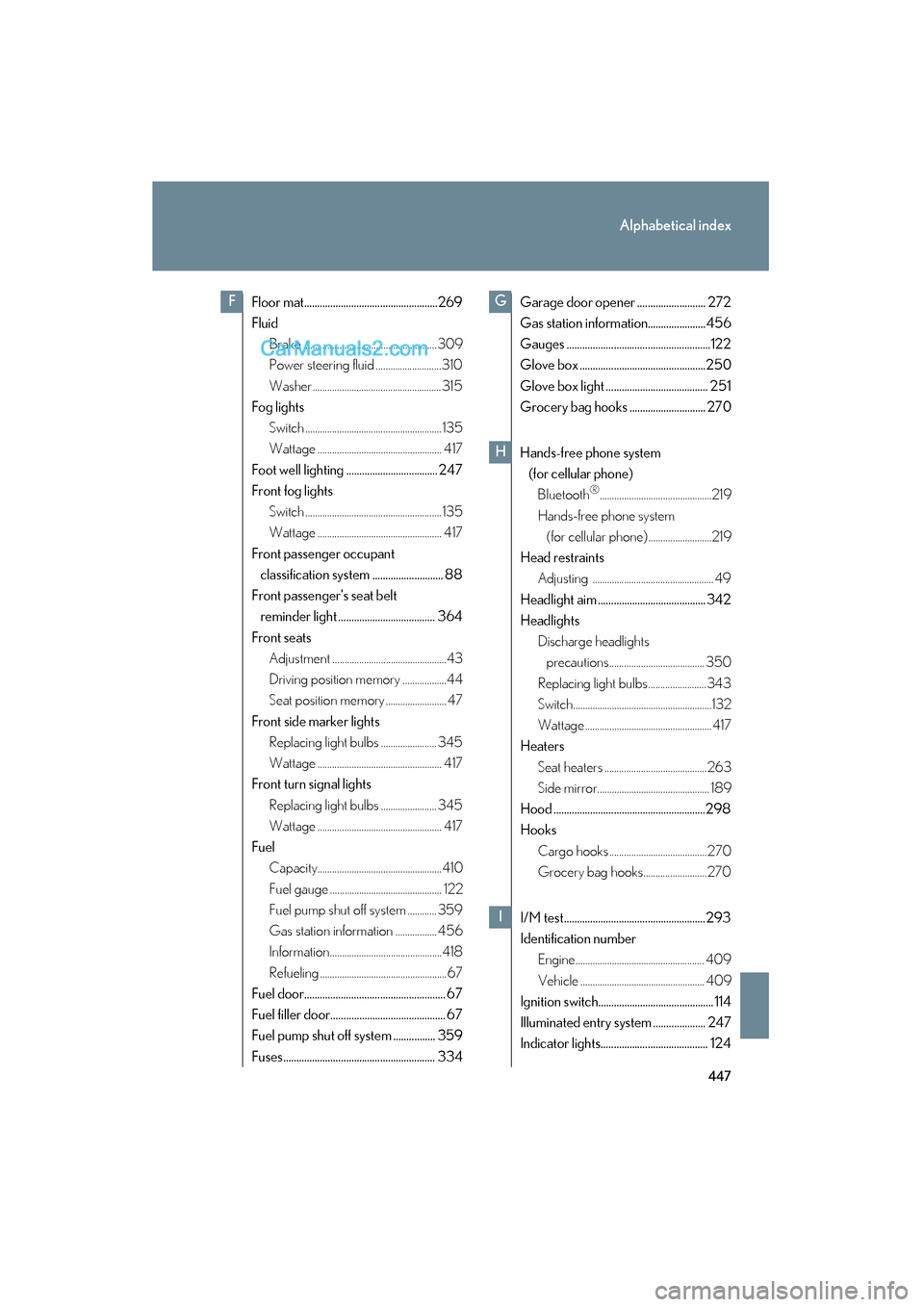
Hands-free phone system
(for cellular phone)Bluetooth
®..............................................219
Hands-free phone system (for cellular phone) ..........................219
Head restraints Adjusting .................................................. 49
Headlight aim ......................................... 342
Headlights Discharge headlights precautions....................................... 350
Replacing light bulbs ........................343
Switch.........................................................132
Wattage ....................................................417
Heaters
Seat heaters ..........................................263
Side mirror.............................................. 189
Hood ..........................................................298
Hooks Cargo hooks ........................................270
Grocery bag hooks.......................... 270
I/M test...................................................... 293
Identification number Engine..................................................... 409
Vehicle ................................................... 409
Ignition switch............................................ 114
Illuminated entry system .................... 247
Indicator lights......................................... 124
FG
H
I
Page 452 of 459

450
Alphabetical index
ES350_U_(L/O_0708)
Head restraint......................................... 49
Properly sitting in the seat ................ 75
Seat heaters.......................................... 263
Ventilated seats .................................. 263
Service reminder indicators ............. 124
Shift lever Automatic transmission...................... 117
If the shift lever cannot be shifted from P ...................................396
Shift lever lighting ................................. 247
Shift lock system ....................................396
Side airbags................................................ 77
Side marker lights Replacing light bulbs........................ 345
Switch ........................................................ 132
Wattage.................................................... 417
Side mirror Adjusting and folding ......................... 58
Mirror position memory ................... 44
Smart access system with
push-button start Entry function...........................................22
Starting the engine ................................114
Spare tire
Inflation pressure................................ 324
Spare tire................................................384
Spark plug ................................................. 412
Specifications ........................................ 408
Speech command switch*
Speedometer........................................... 122
Steering wheel Audio switches ..................................... 217
Power adjustment ................................ 56
Steering wheel position
memory.................................................. 44 Stop lights
Replacing light bulbs ....................... 343
Wattage ................................................... 417
Storage feature ..................................... 250
Stuck If your vehicle becomes stuck .... 405
Sun visors ................................................. 257
Sunshade Rear .......................................................... 266
Roof............................................................. 65
Switch Engine switch .......................................... 114
Fog light switch .................................... 135
Ignition switch ......................................... 114
Light switches........................................ 132
Power door lock switch..................... 37
Power window switch ....................... 60
Window lock switch ........................... 60
Wipers and washer switch............. 136
Tachometer .............................................. 122
Tail lights Replacing light bulbs ....................... 343
Switch........................................................ 132
Wattage ................................................... 417
Talk switch*
Telephone switch*
Theft deterrent system
Alarm........................................................... 72
Engine immobilizer system ..............70
Theft prevention labels...........................74
Tire inflation pressure ......................... 324
T