mode Lexus ES350 2010 s Repair Manual
[x] Cancel search | Manufacturer: LEXUS, Model Year: 2010, Model line: ES350, Model: Lexus ES350 2010Pages: 543, PDF Size: 6.54 MB
Page 258 of 543
256
ES350_U
3-3. Using the Bluetooth® audio system
Bluetooth® audio system
■Conditions under which the system will not operate
●If using a portable player that does not support Bluetooth®
●If the portable player is switched off
●If the portable player is not connected
●If the portable player’s battery is low
●If the portable player is behind the seat or in the glove box or console box
●If metal is covering or touching the portable player
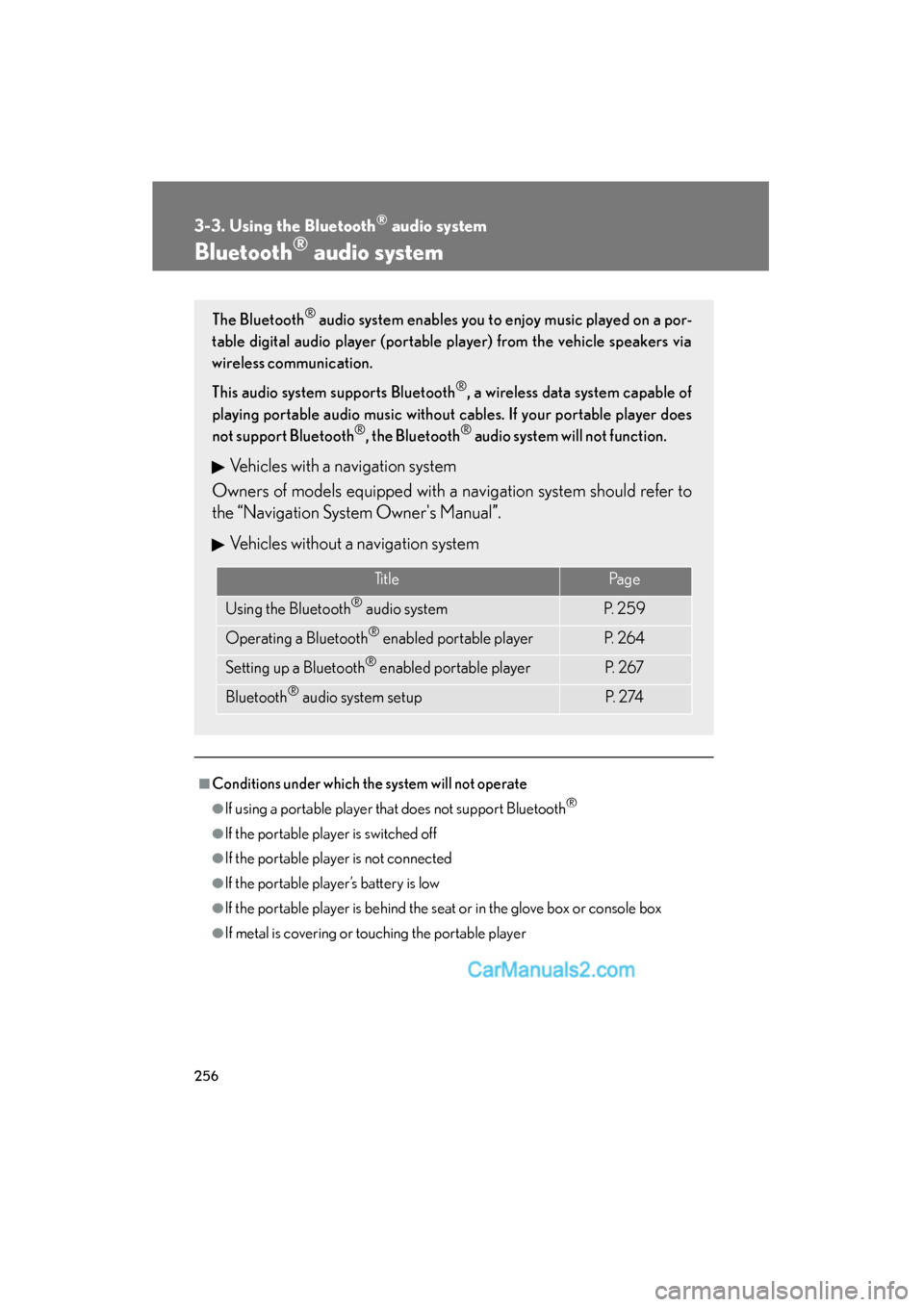
The Bluetooth® audio system enables you to enjoy music played on a por-
table digital audio player (portable player) from the vehicle speakers via
wireless communication.
This audio system supports Bluetooth
®, a wireless data system capable of
playing portable audio music without cables. If your portable player does
not support Bluetooth
®, the Bluetooth® audio system will not function.
Vehicles with a navigation system
Owners of models equipped with a navigation system should refer to
the “Navigation System Owner's Manual”.
Vehicles without a navigation system
TitlePa g e
Using the Bluetooth® audio systemP. 2 5 9
Operating a Bluetooth® enabled portable playerP. 2 6 4
Setting up a Bluetooth® enabled portable playerP. 2 6 7
Bluetooth® audio system setupP. 2 74
Page 259 of 543
257
3-3. Using the Bluetooth® audio system
3
Interior features
ES350_U
■When transferring ownership of the vehicle
Be sure to initialize the system to prevent personal data from being improperly
accessed. (oP. 300)
■About Bluetooth®
■Compatible models
●Bluetooth® specifications:
Ver. 1.1, or higher (Recommended: Ver. 1.2 or higher)
●Following Profiles:
• A2DP (Advanced Audio Distribution Profile) Ver. 1.0, or higher (Conformed:
Ver. 1.2)
• AVRCP (Audio/Video Remote Control Profile) Ver. 1.0 or higher (Con- formed: Ver. 1.3)
Portable players must correspond to the above specifications in order to be con-
nected to the Bluetooth
® audio system. However, please note that some functions
may be limited depending on the type of portable player.
■Certification for the Bluetooth® audio system
FCC ID: AJDK018
IC ID: 775E-K018
MADE IN JAPAN
This device complies with Part 15 of the FCC Rules and RSS-Gen and RSS-210 of
IC Rules. Operation is subject to the follo wing two conditions: (1) This device may
not cause harmful interference, and (2) This device must accept any interference
received, including interference that may cause undesired operation. Bluetooth is a registered trademark of
Bluetooth SIG. Inc.
Page 272 of 543
270
3-3. Using the Bluetooth® audio system
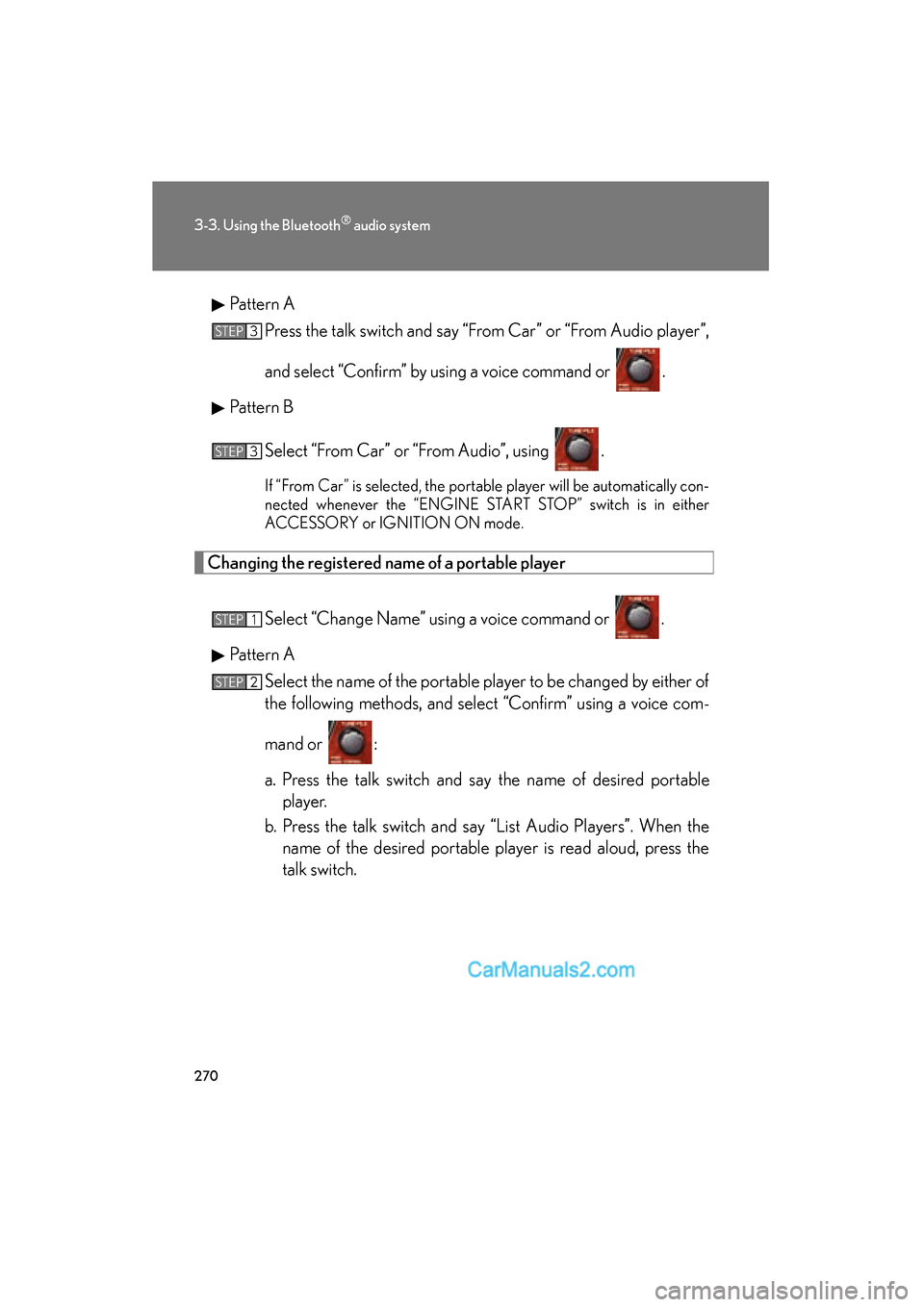
ES350_UPattern A
Press the talk switch and say “From Car” or “From Audio player”,
and select “Confirm” by using a voice command or .
Pattern B
Select “From Car” or “From Audio”, using .
If “From Car” is selected, the portable player will be automatically con-
nected whenever the “ENGINE START STOP” switch is in either
ACCESSORY or IGNITION ON mode.
Changing the registered name of a portable player
Select “Change Name” using a voice command or .
Pattern A Select the name of the portable player to be changed by either of
the following methods, and select “Confirm” using a voice com-
mand or :
a. Press the talk switch and say the name of desired portableplayer.
b. Press the talk switch and say “List Audio Players”. When the name of the desired portable player is read aloud, press the
talk switch.
STEP3
STEP3
STEP1
STEP2
Page 277 of 543
275
3
Interior features
ES350_U
3-4. Using the hands-free system (for mobile phone)
Hands-free system for mobile phones
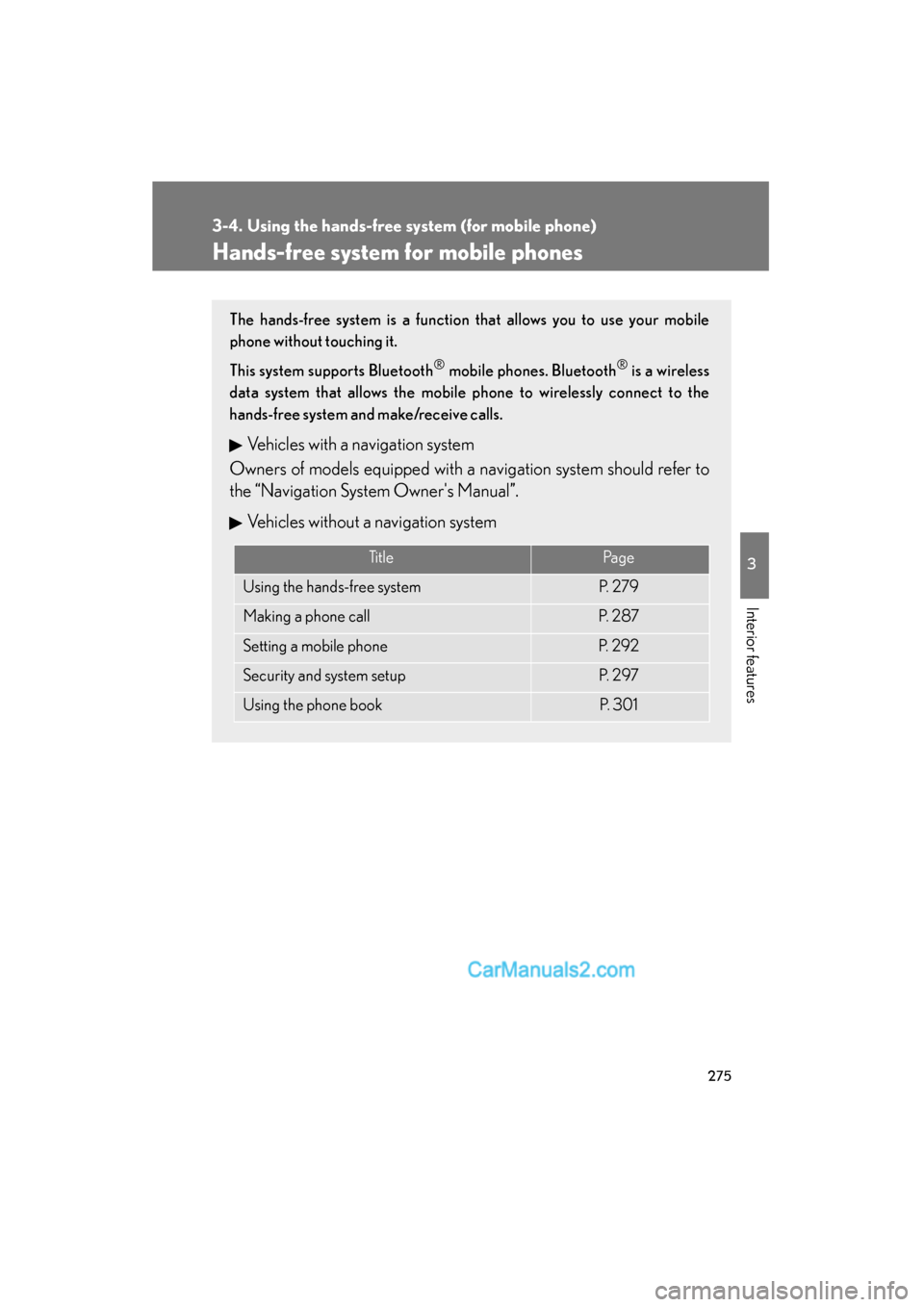
The hands-free system is a function that allows you to use your mobile
phone without touching it.
This system supports Bluetooth
® mobile phones. Bluetooth® is a wireless
data system that allows the mobile phone to wirelessly connect to the
hands-free system and make/receive calls.
Vehicles with a navigation system
Owners of models equipped with a navigation system should refer to
the “Navigation System Owner's Manual”.
Vehicles without a navigation system
Ti t l ePa g e
Using the hands-free systemP. 2 7 9
Making a phone callP. 2 8 7
Setting a mobile phoneP. 2 9 2
Security and system setupP. 2 9 7
Using the phone bookP. 3 0 1
Page 279 of 543
277
3-4. Using the hands-free system (for mobile phone)
3
Interior features
ES350_U
■Compatible models
Compatible with HFP (Hands Free Profile) Ver. 1.0 or higher (Conformed: Ver. 1.5)
and OPP (Object Push Profile) Ver. 1.1.
If your mobile phone does not support HFP, you cannot enter the Bluetooth
®
phone. If your mobile phone supports OPP alone, you cannot use the Bluetooth®
phone.
■Certification for the hands-free system
FCC ID: AJDK018
IC ID: 775E-K018
MADE IN JAPAN
This device complies with Part 15 of the FCC Rules and RSS-Gen and RSS-210 of
IC Rules. Operation is subject to the following two conditions: (1) This device may
not cause harmful interference, and (2) This device must accept any interference
received, including interference that may cause undesired operation.
CAUTION
■FCC WARNING
Changes or modifications not expressly approved by the party responsible for
compliance could void the user's authority to operate the equipment.
Radio Frequency Radiation Exposure. This equipment complies with FCC radiation
exposure limits set forth for uncontrolled equipment and meets the FCC radio fre-
quency (RF) Exposure Guidelines in Supplement C to OET65. This equipment has
very low levels of RF energy that it deemed to comply without maximum permissive
exposure evaluation (MPE). But it is desirable that it should be installed and oper-
ated with at least 7.9 in. (20 cm) and more between the radiator and person’s body
(excluding extremities: hands, wrists, feet and ankles).
This transmitter must not be co-located or operated in conjunction with any other
antenna or transmitter.
■Caution while driving
Do not use a mobile phone or connect the Bluetooth
® phone.
Page 284 of 543
282
3-4. Using the hands-free system (for mobile phone)
ES350_U
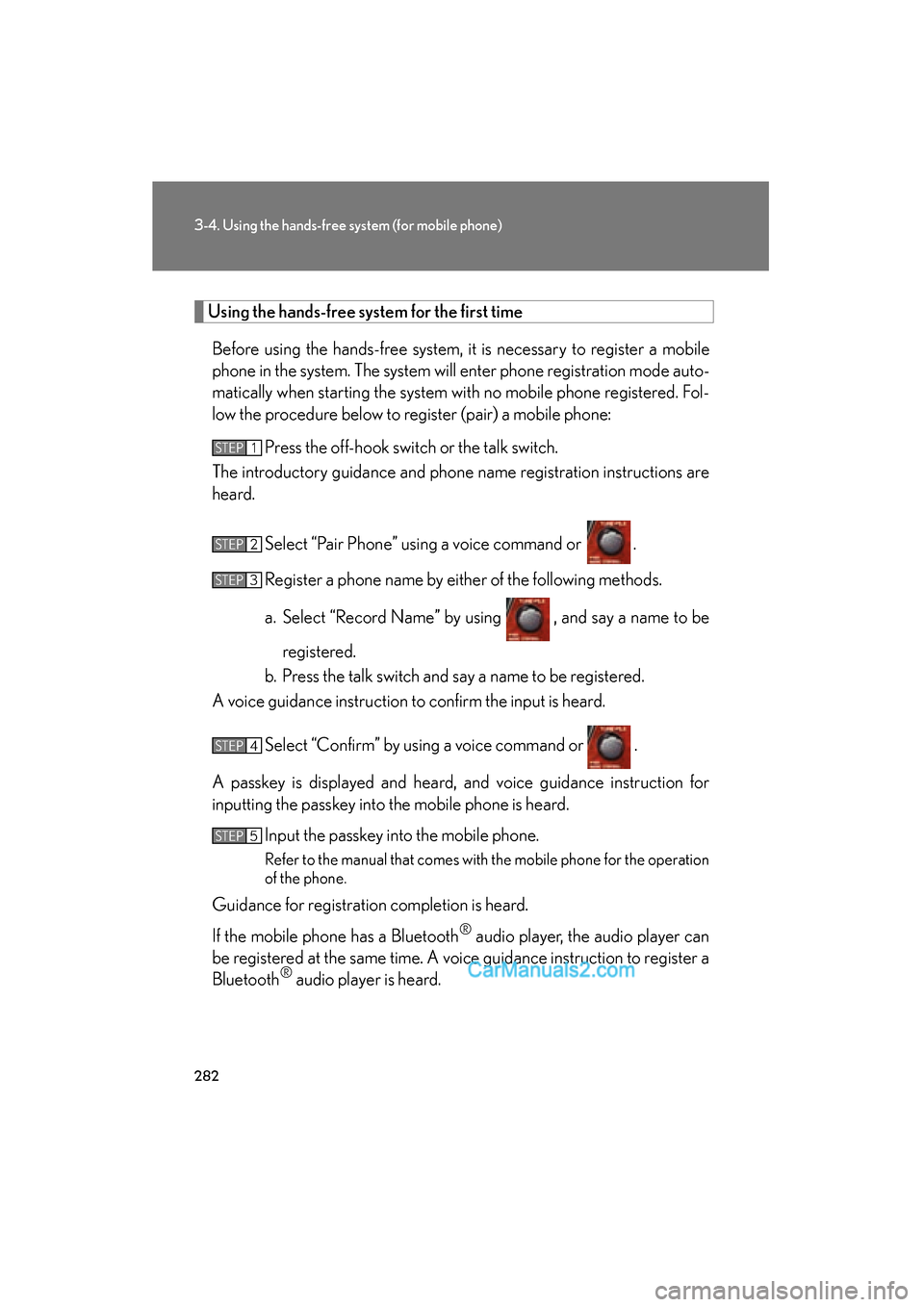
Using the hands-free system for the first time
Before using the hands-free system, it is necessary to register a mobile
phone in the system. The system will enter phone registration mode auto-
matically when starting the system with no mobile phone registered. Fol-
low the procedure below to register (pair) a mobile phone: Press the off-hook switch or the talk switch.
The introductory guidance and phone name registration instructions are
heard.
Select “Pair Phone” using a voice command or .
Register a phone name by either of the following methods.
a. Select “Record Name” by using , and say a name to beregistered.
b. Press the talk switch and say a name to be registered.
A voice guidance instruction to confirm the input is heard.
Select “Confirm” by using a voice command or .
A passkey is displayed and heard, and voice guidance instruction for
inputting the passkey into the mobile phone is heard. Input the passkey into the mobile phone.
Refer to the manual that comes with the mobile phone for the operation
of the phone.
Guidance for registration completion is heard.
If the mobile phone has a Bluetooth
® audio player, the audio player can
be registered at the same time. A voice guidance instruction to register a
Bluetooth
® audio player is heard.
STEP1
STEP2
STEP3
STEP4
STEP5
Page 310 of 543
308
ES350_U
3-5. Using the interior lights
Interior lights list
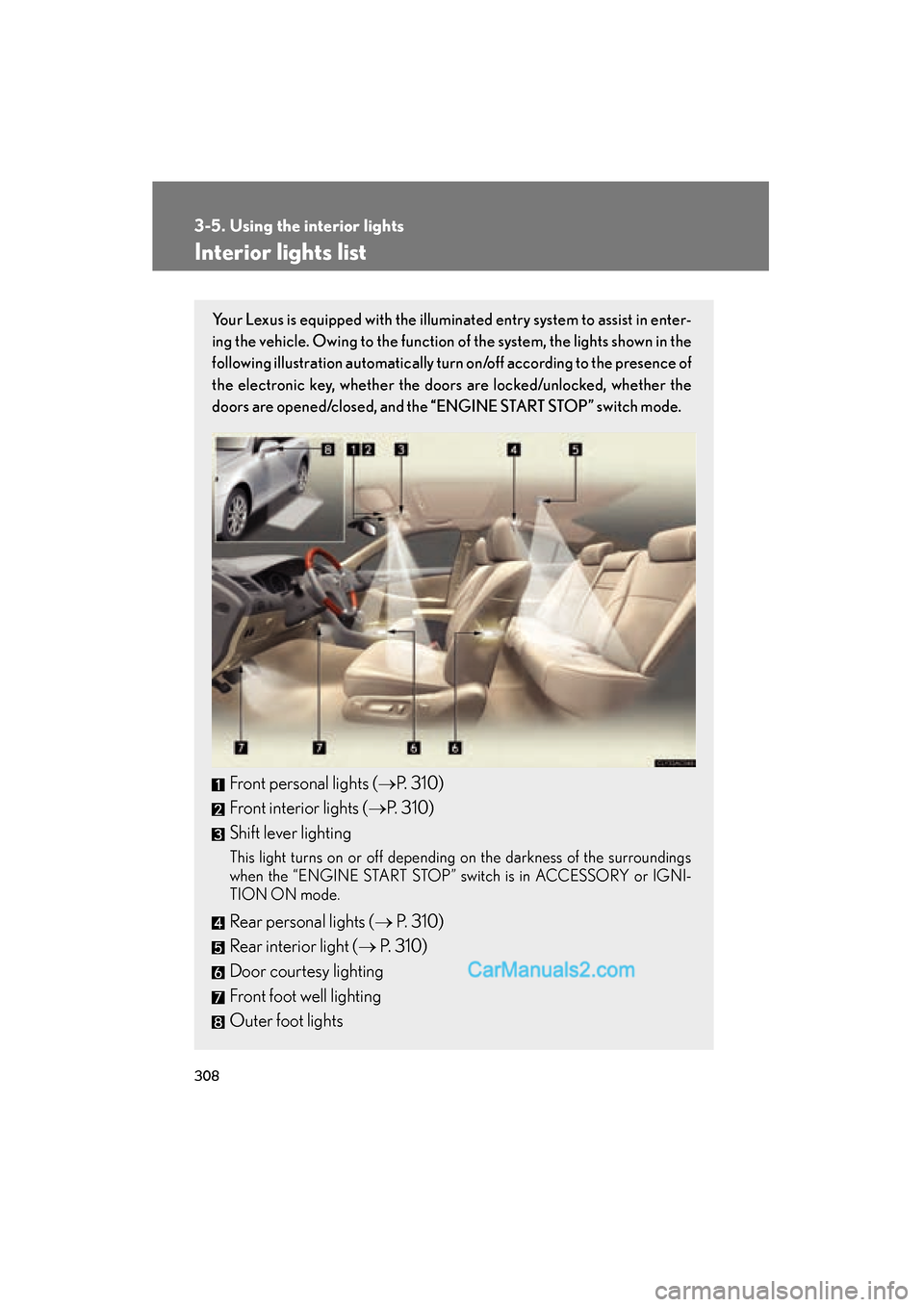
Your Lexus is equipped with the illuminated entry system to assist in enter-
ing the vehicle. Owing to the function of the system, the lights shown in the
following illustration automatically turn on/off according to the presence of
the electronic key, whether the door s are locked/unlocked, whether the
doors are opened/closed, and the “ENGINE START STOP” switch mode.
Front personal lights (oP. 310)
Front interior lights ( oP. 310)
Shift lever lighting
This light turns on or off depending on the darkness of the surroundings
when the “ENGINE START STOP” switch is in ACCESSORY or IGNI-
TION ON mode.
Rear personal lights ( o P. 310)
Rear interior light ( o P. 310)
Door courtesy lighting
Front foot well lighting
Outer foot lights
Page 322 of 543
320
3-7. Other interior features
ES350_U
Clock
■The clock is displayed when
The “ENGINE START STOP” switch is in ACCESSORY or IGNITION ON mode.
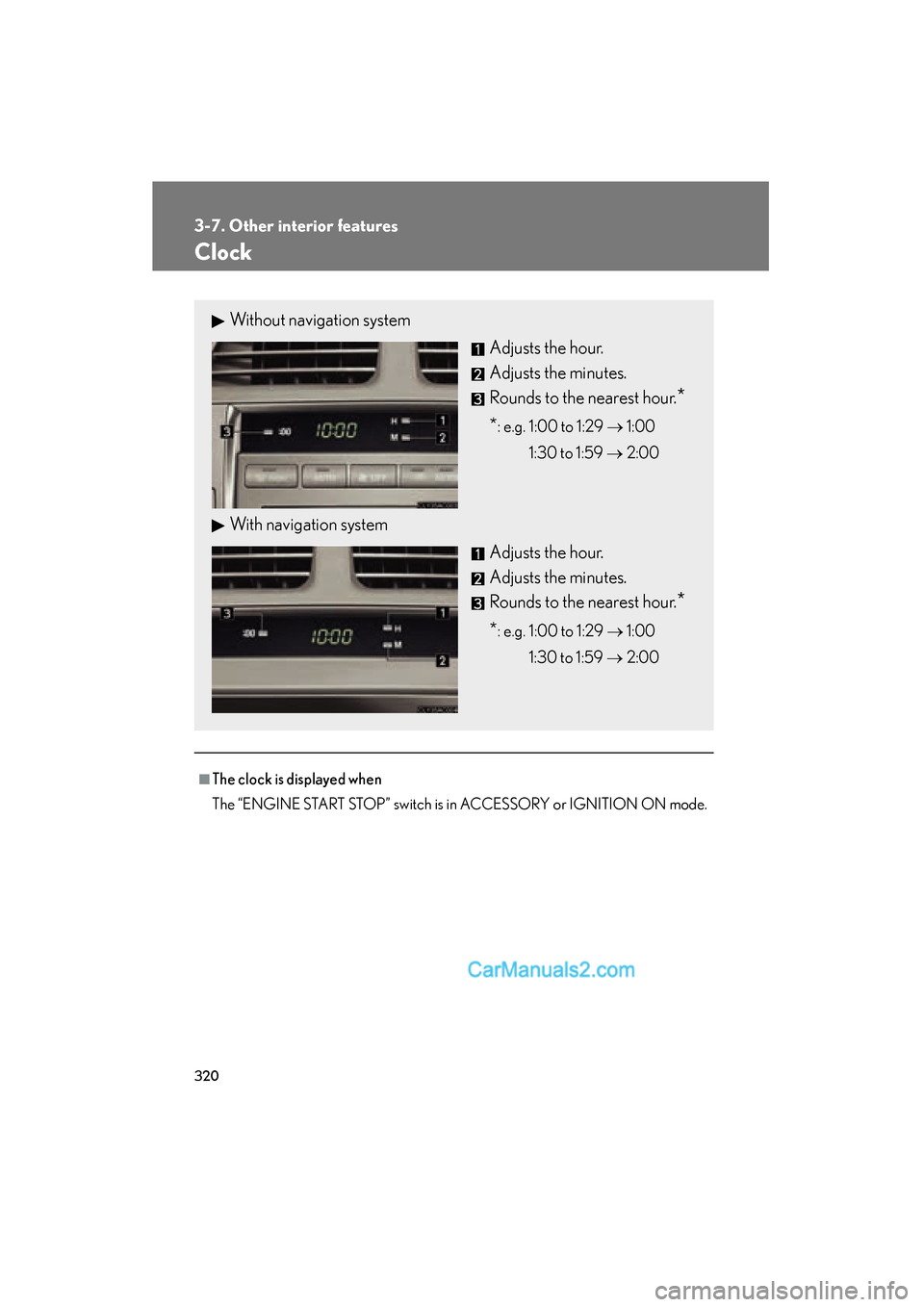
Without navigation systemAdjusts the hour.
Adjusts the minutes.
Rounds to the nearest hour.
*
*: e.g. 1:00 to 1:29 o 1:00
1:30 to 1:59 o 2:00
With navigation system
Adjusts the hour.
Adjusts the minutes.
Rounds to the nearest hour.
*
*: e.g. 1:00 to 1:29 o 1:00
1:30 to 1:59 o 2:00
Page 324 of 543
322
3-7. Other interior features
ES350_U
Cigarette lighter
■The cigarette lighter can be used when
The “ENGINE START STOP” switch is in ACCESSORY or IGNITION ON mode.
CAUTION
■To avoid burns or fires
●Do not touch the metal parts of the cigarette lighter.
●Do not hold the cigarette lighter down. It could overheat and cause a fire.
●Do not insert anything other than the cigarette lighter into the outlet.
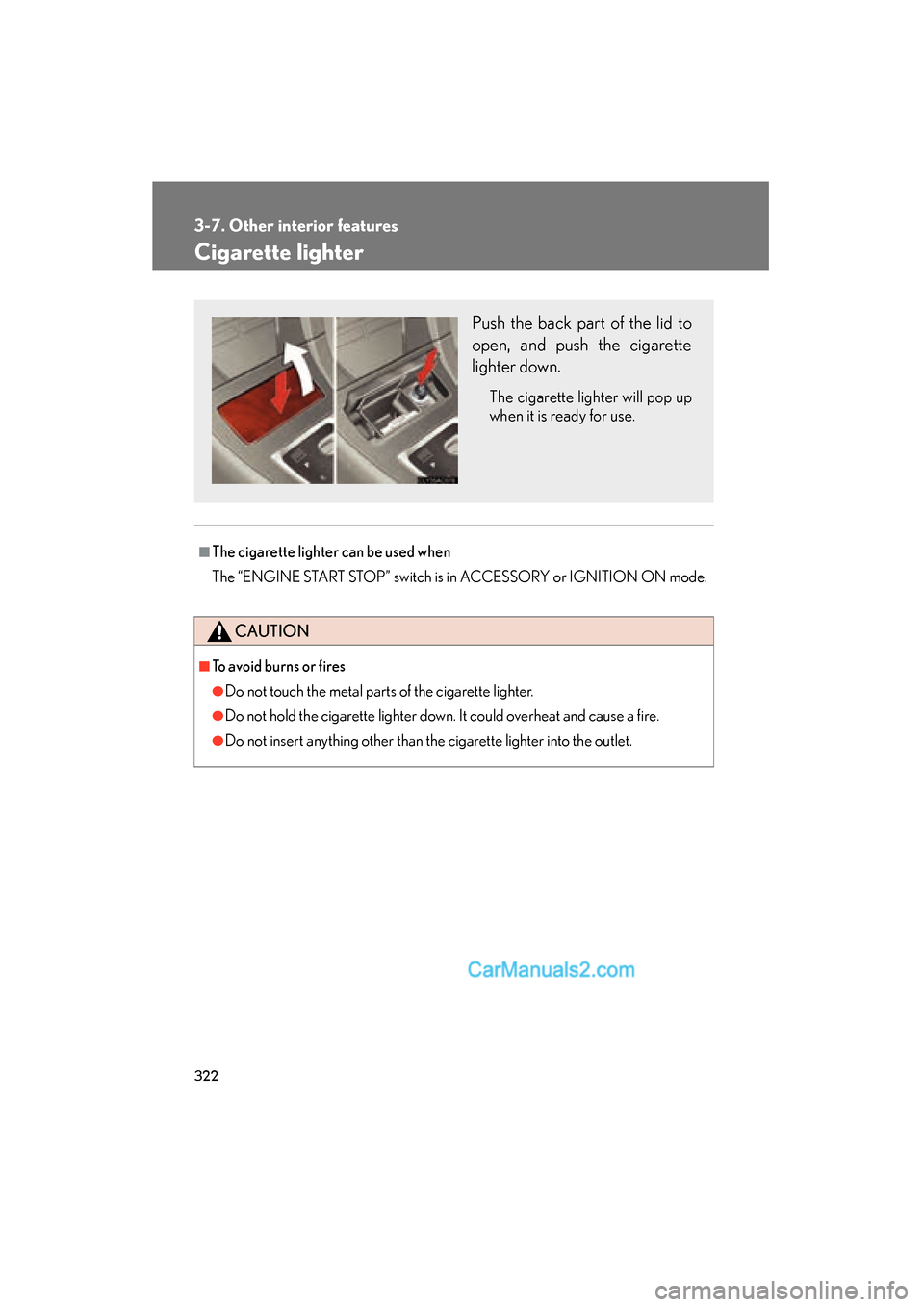
Push the back part of the lid to
open, and push the cigarette
lighter down.
The cigarette lighter will pop up
when it is ready for use.
Page 325 of 543
323
3-7. Other interior features
3
Interior features
ES350_U
Power outlet
■The power outlet can be used when
The “ENGINE START STOP” switch is in ACCESSORY or IGNITION ON mode.
NOTICE
■To avoid damaging the power outlet
Close the power outlet lid when the power outlet is not in use.
Foreign objects or liquids that enter the power outlet may cause a short circuit.
■To prevent the fuse from being blown
Do not use an accessory that uses more than 12 V 10 A.
■To prevent the battery from being discharged
Do not use the power outlet longer than necessary when the engine is not running.
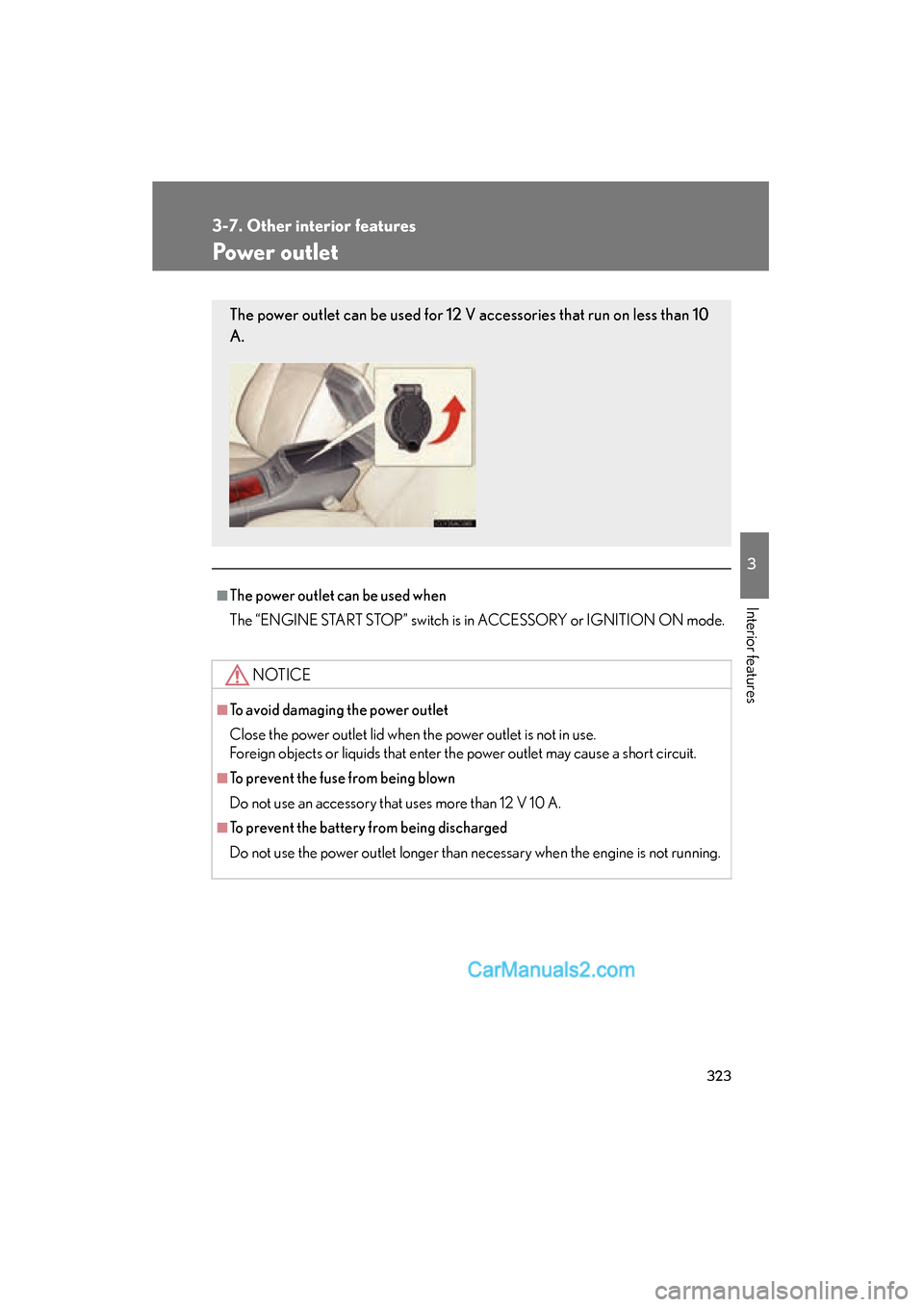
The power outlet can be used for 12 V accessories that run on less than 10
A.