audio Lexus ES350 2014 Quick Guide
[x] Cancel search | Manufacturer: LEXUS, Model Year: 2014, Model line: ES350, Model: Lexus ES350 2014Pages: 112, PDF Size: 2.53 MB
Page 2 of 112
1
ES350_QG_OM33A70U_(U)
The Quick Guide is not intended as a substitute for your Owner’s
Manual. We strongly encourage you to review the Owner’s
Manual and supplementary manuals so you will have a better
understanding of your vehicle’ s capabilities and limitations.
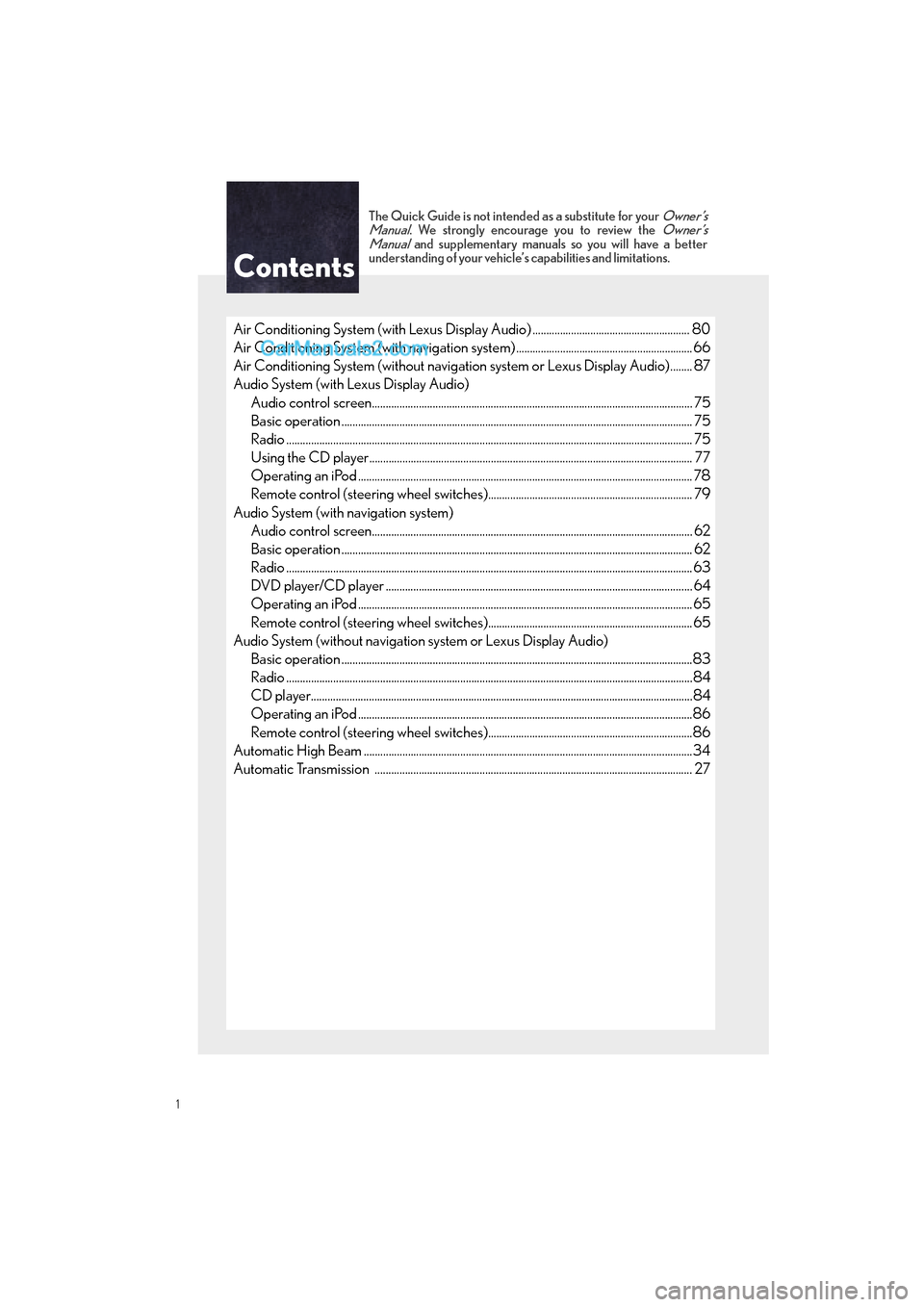
Air Conditioning System (with Lexus Display Audio) ......................................................... 80
Air Conditioning System (with navigation system) ................................................................ 66
Air Conditioning System (without navigation system or Lexus Display Audio)........ 87
Audio System (with Lexus Display Audio)
Audio control screen........................................................................................................... ......... 75
Basic operation ................................................................................................................ ............... 75
Radio ................................................................................................................................................... 75
Using the CD player............................................................................................................ ......... 77
Operating an iPod .............................................................................................................. ........... 78
Remote control (steering wheel switches).......................................................................... 79
Audio System (with navigation system) Audio control screen........................................................................................................... ......... 62
Basic operation ................................................................................................................ ............... 62
Radio ...................................................................................................................................................63
DVD player/CD player ........................................................................................................... .... 64
Operating an iPod .............................................................................................................. ...........65
Remote control (steering wheel switches)..........................................................................65
Audio System (without navigation system or Lexus Display Audio) Basic operation ................................................................................................................ ...............83
Radio .......................................................................................................................... .........................84
CD player...................................................................................................................... ....................84
Operating an iPod .............................................................................................................. ...........86
Remote control (steering wheel switches)..........................................................................86
Automatic High Beam ............................................................................................................ ...........34
Automatic Transmission ........................................................................................................ ........... 27
Contents
Page 3 of 112
2
ES350_QG_OM33A70U_(U)
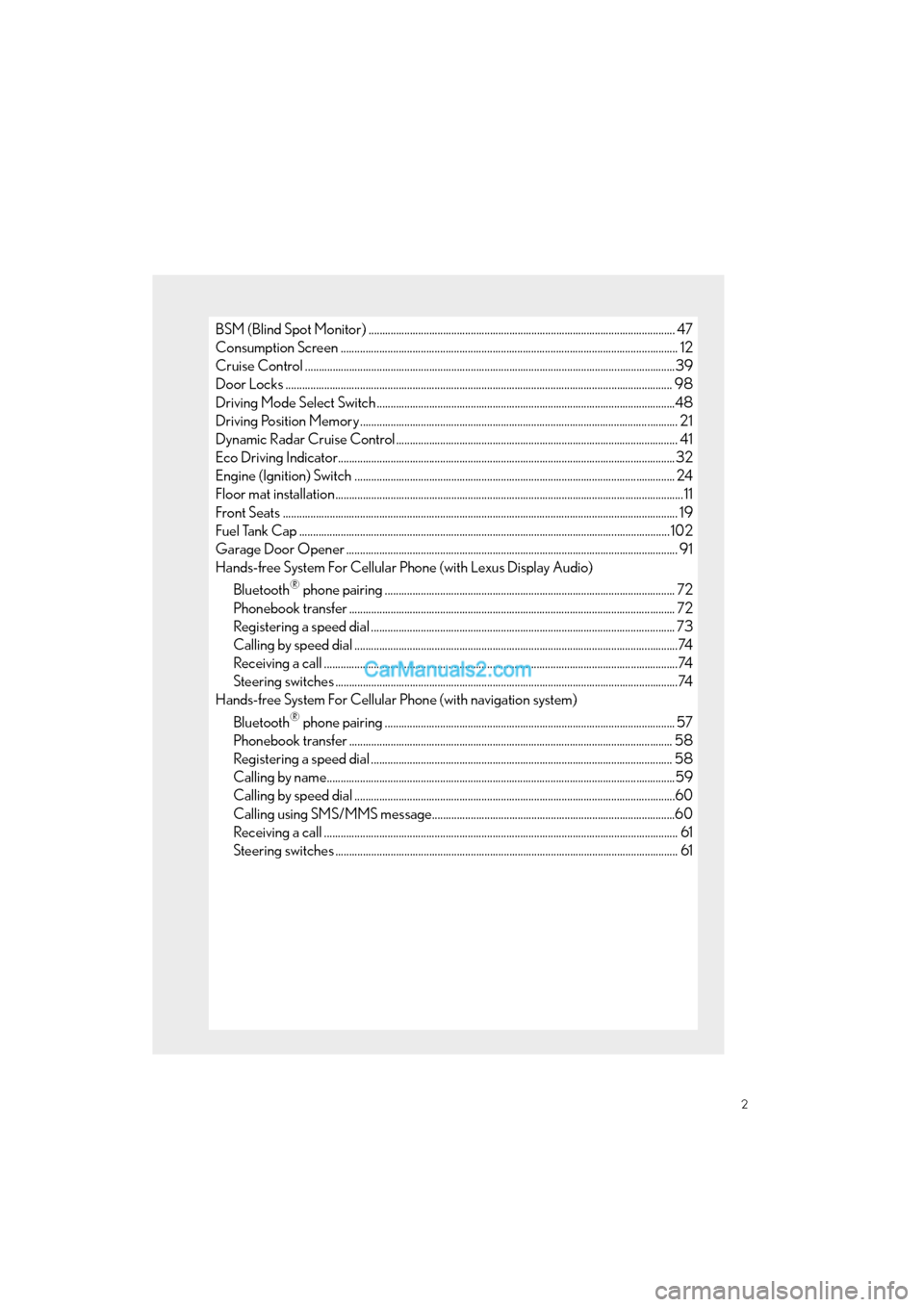
BSM (Blind Spot Monitor) ............................................................................................................... 47
Consumption Screen ............................................................................................................. ............. 12
Cruise Control ................................................................................................................. .....................39
Door Locks ..................................................................................................................... ....................... 98
Driving Mode Select Switch ..................................................................................................... .......48
Driving Position Memory ........................................................................................................ ........... 21
Dynamic Radar Cruise Control ................................................................................................... ... 41
Eco Driving Indicator.......................................................................................................... ................32
Engine (Ignition) Switch ...................................................................................................... .............. 24
Floor mat installation ......................................................................................................... .....................11
Front Seats .................................................................................................................... ........................... 19
Fuel Tank Cap .................................................................................................................. ....................102
Garage Door Opener ........................................................................................................................ 91
Hands-free System For Cellular Phone (with Lexus Display Audio)
Bluetooth
® phone pairing ......................................................................................................... 72
Phonebook transfer ............................................................................................................. ......... 72
Registering a speed dial ....................................................................................................... ....... 73
Calling by speed dial .......................................................................................................... ...........74
Receiving a call ............................................................................................................... .................74
Steering switches .............................................................................................................. ..............74
Hands-free System For Cellular Phone (with navigation system)
Bluetooth
® phone pairing ......................................................................................................... 57
Phonebook transfer ............................................................................................................. ........ 58
Registering a speed dial ....................................................................................................... ...... 58
Calling by name................................................................................................................ ..............59
Calling by speed dial .......................................................................................................... ..........60
Calling using SMS/MMS message........................................................................................60
Receiving a call ............................................................................................................... ................. 61
Steering switches .............................................................................................................. .............. 61
Page 4 of 112
3
ES350_QG_OM33A70U_(U)
Hands-free System For Cellular Phone (without navigation system or Lexus Display Audio)
Bluetooth
® phone pairing .......................................................................................................... 81
Dialing by inputting a number .................................................................................................. 82
Dialing by inputting a name .................................................................................................... ...82
Speed dial ..................................................................................................................... ....................82
When receiving a phone call .................................................................................................... 83
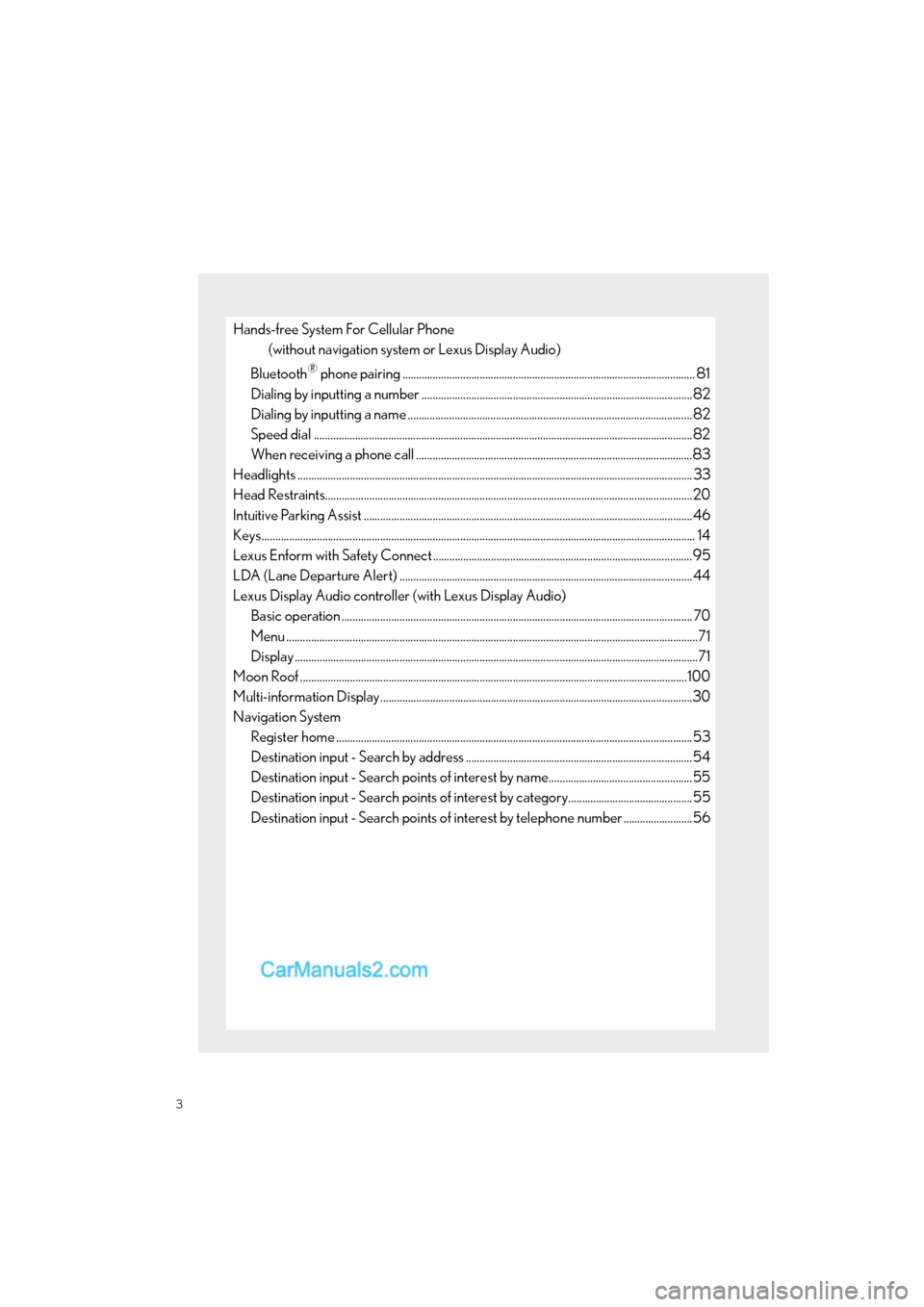
Headlights ..................................................................................................................... ..........................33
Head Restraints................................................................................................................ .....................20
Intuitive Parking Assist ....................................................................................................... ................ 46
Keys............................................................................................................................................................. 14
Lexus Enform with Safety Connect ..............................................................................................9 5
LDA (Lane Departure Alert) ..................................................................................................... ..... 44
Lexus Display Audio controller (with Lexus Display Audio) Basic operation ................................................................................................................ ............... 70
Menu .....................................................................................................................................................71
Display ..................................................................................................................................................71
Moon Roof ...................................................................................................................... ......................100
Multi-information Display...................................................................................................... ...........30
Navigation System Register home .................................................................................................................. ...............53
Destination input - Search by address ..................................................................................54
Destination input - Search points of interest by name....................................................55
Destination input - Search points of interest by category.............................................55
Destination input - Search points of in terest by telephone number .........................56
Page 5 of 112
4
ES350_QG_OM33A70U_(U)
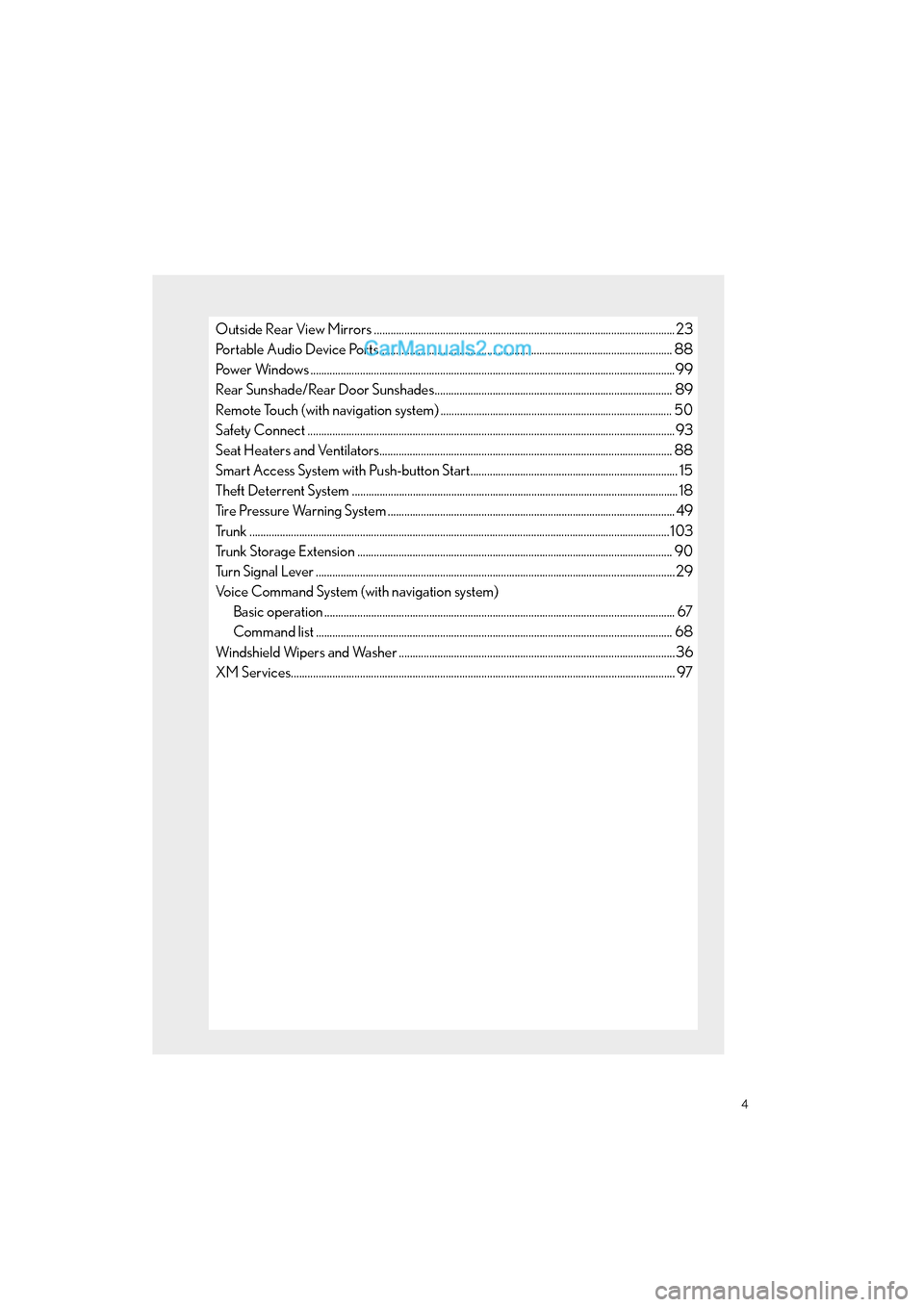
Outside Rear View Mirrors .............................................................................................................23
Portable Audio Device Ports.................................................................................................... ...... 88
Power Windows ....................................................................................................................................99
Rear Sunshade/Rear Door Sunshades...................................................................................... 89
Remote Touch (with navigation system) .................................................................................... 50
Safety Connect ................................................................................................................. ....................93
Seat Heaters and Ventilators................................................................................................... ....... 88
Smart Access System with Push-butto n Start........................................................................... 15
Theft Deterrent System ......................................................................................................... ............. 18
Tire Pressure Warning System ................................................................................................... ..... 49
Trunk ........................................................................................................................................................ 103
Trunk Storage Extension ........................................................................................................ .......... 90
Turn Signal Lever .............................................................................................................. ....................29
Voice Command System (with navigation system) Basic operation ................................................................................................................ ............... 67
Command list ................................................................................................................... .............. 68
Windshield Wipers and Washer ................................................................................................... .36
XM Services.................................................................................................................... ....................... 97
Page 7 of 112
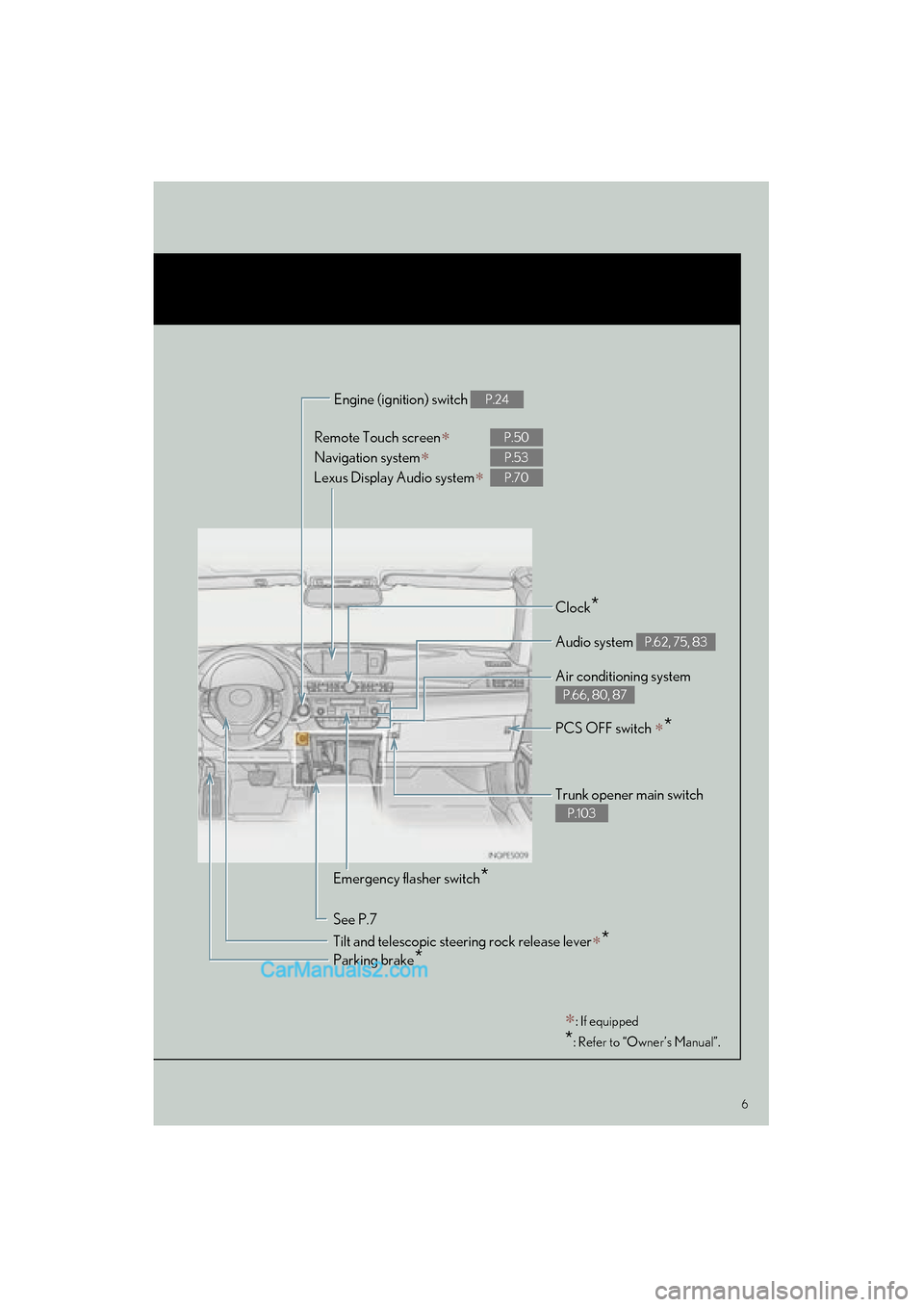
6
ES350_QG_OM33A70U_(U)
Remote Touch screen∗
Navigation system∗
Lexus Display Audio system
∗
P.50
P.53
P.70
Clock*
Trunk opener main switch
P.103
Audio system P.62, 75, 83
Air conditioning system
P.66, 80, 87
Emergency flasher switch*
See P.7 Engine (ignition) switch
P.24
Parking brake*
∗: If equipped
*: Refer to “Owner’s Manual”.
PCS OFF switch ∗*
Tilt and telescopic steering rock release lever∗*
Page 9 of 112
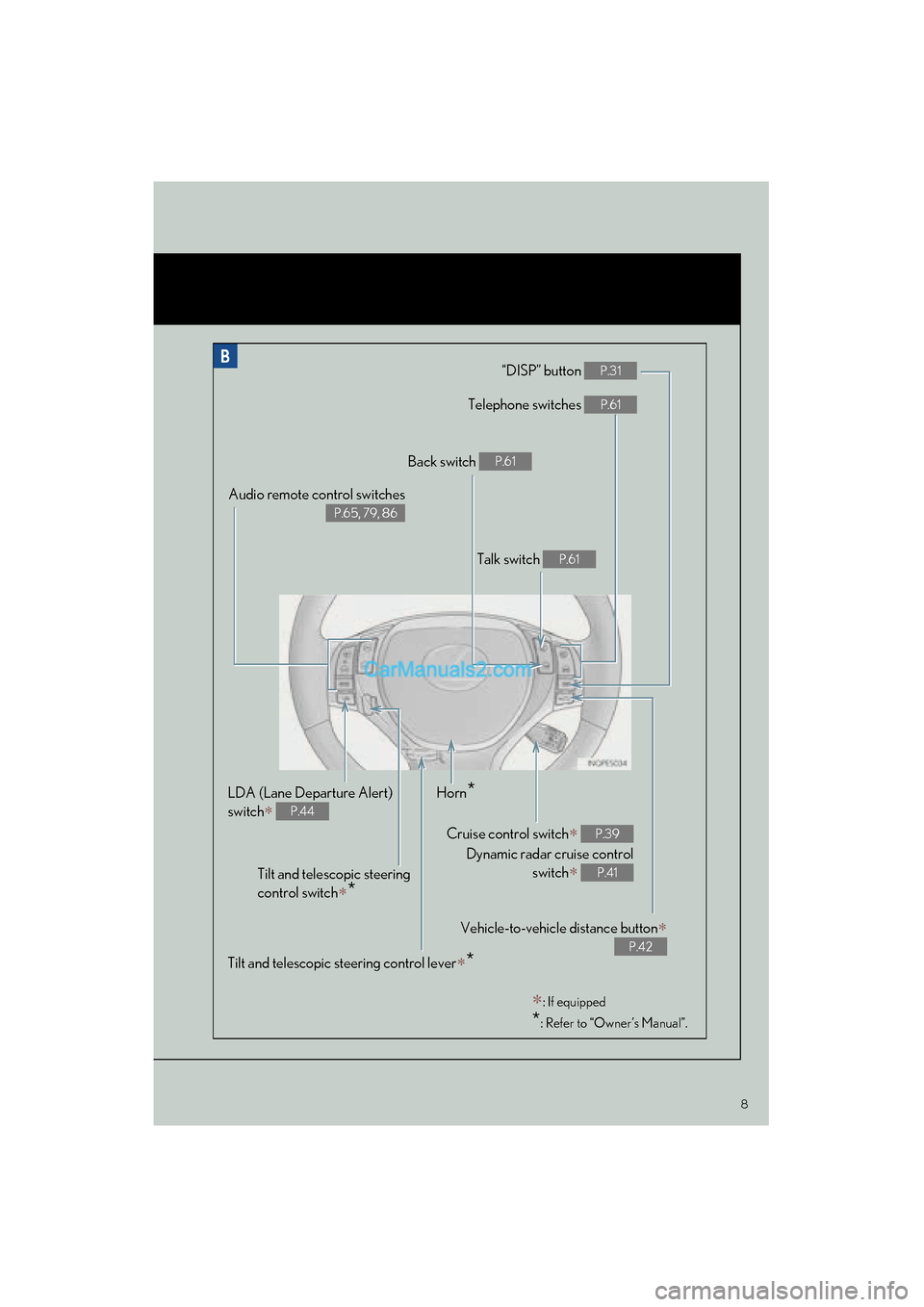
8
ES350_QG_OM33A70U_(U)
“DISP” button P.31
Telephone switches P.61
Vehicle-to-vehicle distance button∗
P.42
Back switch P.61
Talk switch P.61
Audio remote control switches
P.65, 79, 86
LDA (Lane Departure Alert)
switch
∗ P.44
Cruise control switch∗
Dynamic radar cruise control switch
∗
P.39
P.41
Horn*
Tilt and telescopic steering
control switch
∗*
∗: If equipped
*: Refer to “Owner’s Manual”.
Tilt and telescopic steering control lever∗*
Page 10 of 112
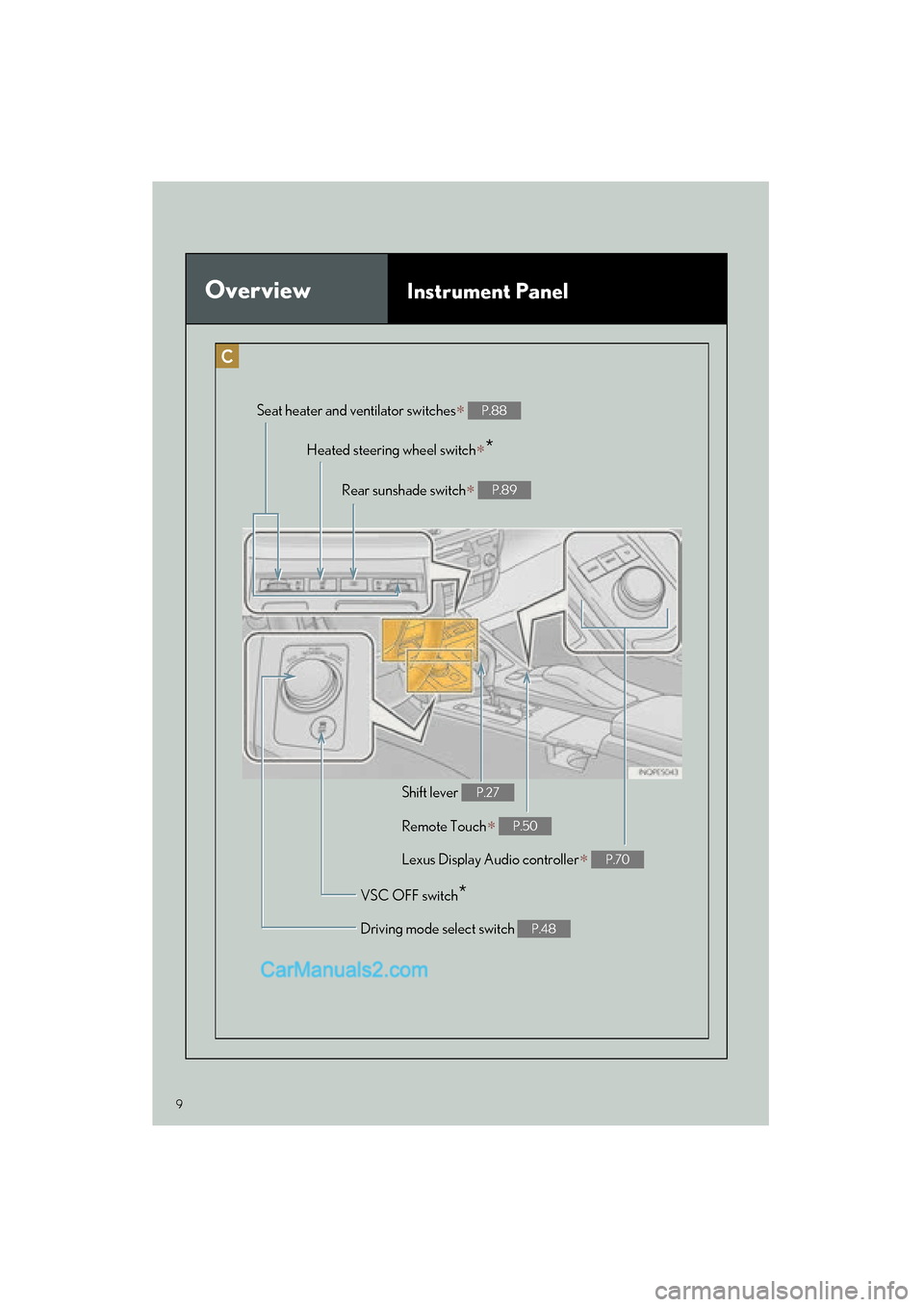
9
ES350_QG_OM33A70U_(U)
OverviewInstrument Panel
Remote Touch∗ P.50
Heated steering wheel switch∗*
VSC OFF switch*
Seat heater and ventilator switches∗ P.88
Driving mode select switch P.48
Shift lever P.27
Rear sunshade switch∗ P.89
Lexus Display Audio controller∗ P.70
Page 13 of 112

12
ES350_QG_OM33A70U_(U)
Consumption Screen (if equipped)
■Displaying the consumption screen
Vehicles with a navigation system
Press the “MENU” button on Remote Touch, then select “Info/Apps” on the “Menu”
screen.
Select “Fuel Consumption” on the “Information” screen.
Vehicles with Lexus Display Audio system
Press the “MENU” button on the Lexus Display Audio controller, then select “Car” on the
“Menu” screen.
● Trip information
If the “Trip Information” screen is not displayed, select “Trip Information”.
Vehicles with a navigation system
Current fuel consumption
Fuel consumption in the past 15 min-
utes
Regenerated energy in the past 15
minutes (if equipped)
Displays the average vehicle speed
since the engine was started.
Displays the elapsed time since the
engine was started.
Cruising range
Reset the consumption data
“Past Record” (Navigation system) or
“History” (Lexus Display Audio sys-
tem) screen appears
“Energy Monitor” screen appears (if
equipped)
Vehicles with Lexus Display Audio system
You can view the status of your vehicle on th
e navigation system screen or Lexus Display
Audio system screen.
1
2
1
2
3
4
5
6
7
8
9
Page 14 of 112

13
ES350_QG_OM33A70U_(U)
●Past record
If the “History” or “Past Record” screen is no t displayed, select “History” or “Past Record”.
Vehicles with a navigation system
Average fuel consumption
Previous fuel consumption record
Best recorded fuel consumption
Update the average fuel consumption
data
Reset the past record data
“Trip Information” screen appears
“Energy Monitor” screen appears (if
equipped)
Vehicles with Lexus Display Audio system
1
2
3
4
5
6
7
Page 26 of 112
25
ES350_QG_OM33A70U_(U)
■Stopping the engine
Stop the vehicle.
Shift the shift lever to P.
Set the parking brake.
Press the “START STOP ENGINE” switch.
Release the brake pedal and check that “POWER ON” on the multi-information dis-
play is off.
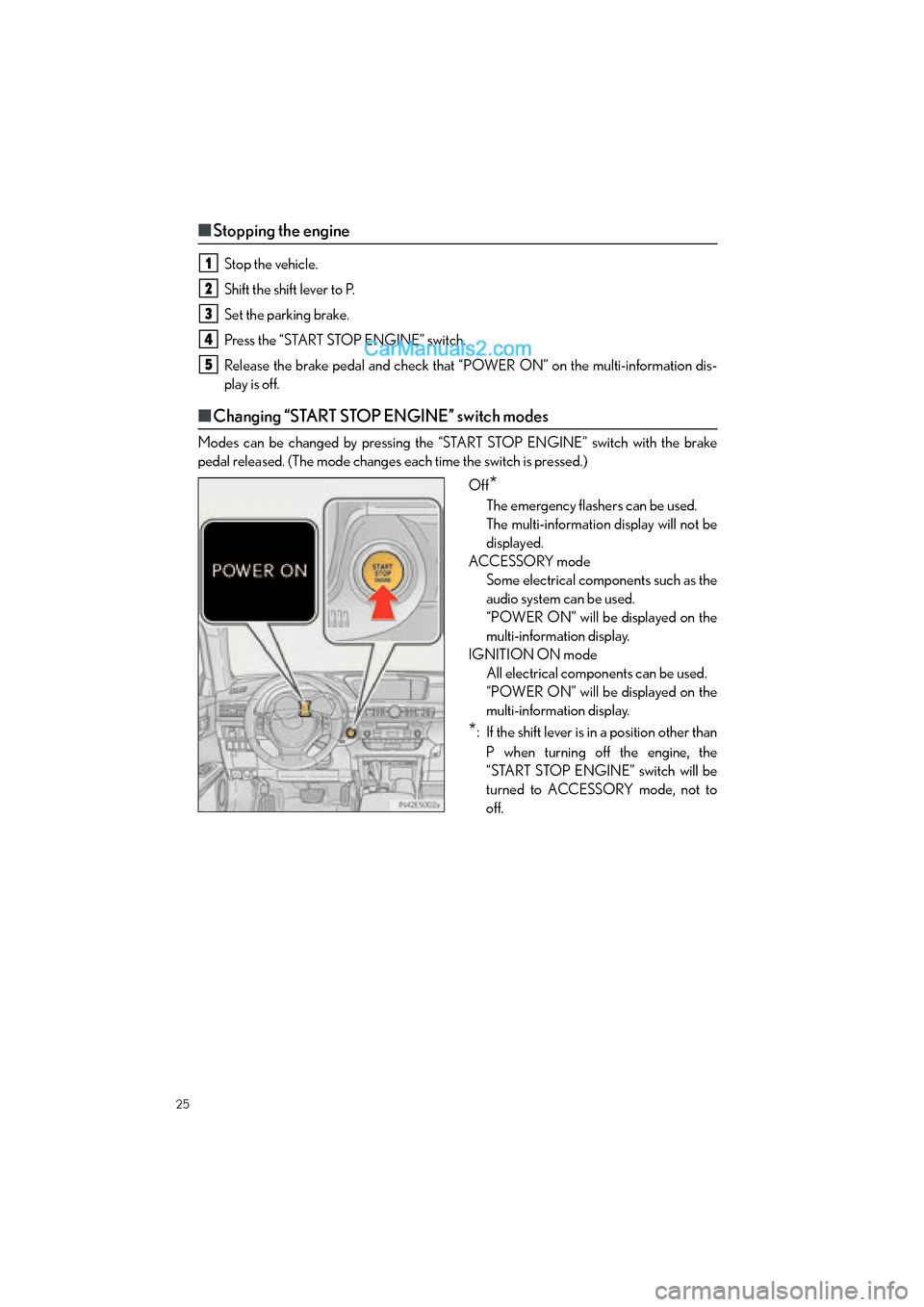
■Changing “START STOP ENGINE” switch modes
Modes can be changed by pressing the “START STOP ENGINE” switch with the brake
pedal released. (The mode changes each time the switch is pressed.)
Off
*
The emergency flashers can be used.
The multi-information display will not be
displayed.
ACCESSORY mode Some electrical components such as the
audio system can be used.
“POWER ON” will be displayed on the
multi-information display.
IGNITION ON mode All electrical components can be used.
“POWER ON” will be displayed on the
multi-information display.
*: If the shift lever is in a position other than
P when turning off the engine, the
“START STOP ENGINE” switch will be
turned to ACCESSORY mode, not to
off.
1
2
3
4
5