lock Lexus GS250 2012 Owners Manual
[x] Cancel search | Manufacturer: LEXUS, Model Year: 2012, Model line: GS250, Model: Lexus GS250 2012Pages: 914, PDF Size: 53.04 MB
Page 340 of 914
3334-5. Using the driving support
4
Driving
GS350/250_EE (OM30C36E)
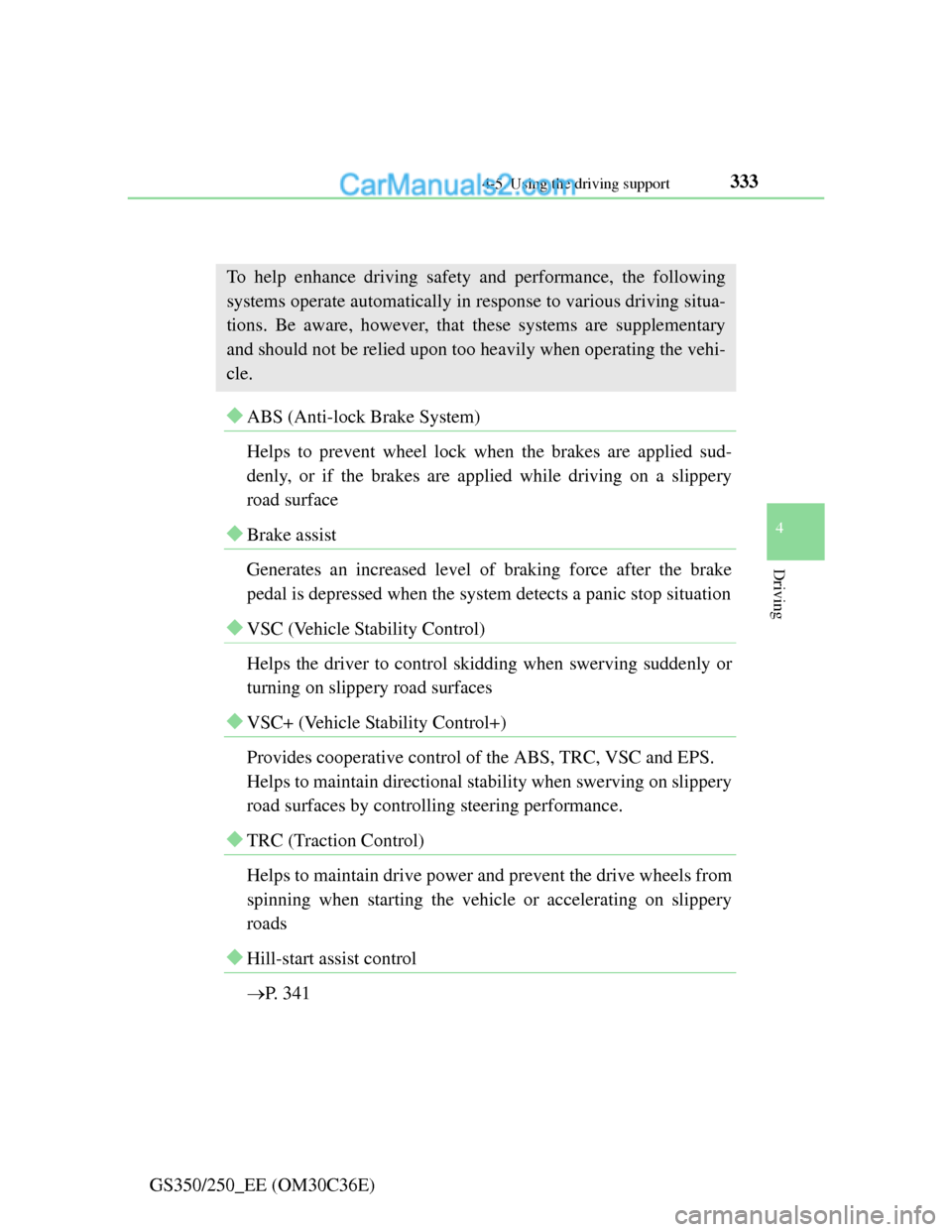
Driving assist systems
ABS (Anti-lock Brake System)
Helps to prevent wheel lock when the brakes are applied sud-
denly, or if the brakes are applied while driving on a slippery
road surface
Brake assist
Generates an increased level of braking force after the brake
pedal is depressed when the system detects a panic stop situation
VSC (Vehicle Stability Control)
Helps the driver to control skidding when swerving suddenly or
turning on slippery road surfaces
VSC+ (Vehicle Stability Control+)
Provides cooperative control of the ABS, TRC, VSC and EPS.
Helps to maintain directional stability when swerving on slippery
road surfaces by controlling steering performance.
TRC (Traction Control)
Helps to maintain drive power and prevent the drive wheels from
spinning when starting the vehicle or accelerating on slippery
roads
Hill-start assist control
P. 341
To help enhance driving safety and performance, the following
systems operate automatically in response to various driving situa-
tions. Be aware, however, that these systems are supplementary
and should not be relied upon too heavily when operating the vehi-
cle.
Page 354 of 914

3474-5. Using the driving support
4
Driving
GS350/250_EE (OM30C36E)
Pre-crash alert braking:
• The system determines that the driver is not facing forward, or that the
driver’s eyes are closed.
• Vehicle speed is greater than about 40 km/h (25 mph).
• The speed at which your vehicle is approaching the vehicle running
ahead of you is greater than about 40 km/h (25 mph).
• The steering is not being turned.
Conditions that may trigger the system even if there is no danger of a collision
When there is an object by the roadside at the entrance to a curve
When passing an oncoming vehicle on a curve
When driving over a narrow iron bridge
When there is a metal object on the road surface
When driving on an uneven road surface
When passing an oncoming vehicle on a left-turn (left-hand drive vehicles)
or right-turn (right-hand drive vehicles)
When your vehicle rapidly closes on the vehicle in front
When a grade separation/interchange, sign, billboard, or other structure
appears to be directly in the vehicle’s line of travel
When climbing a steep hill causes an overhead billboard or other metallic
structure to appear directly in the vehicle’s line of travel
When the system is activated in the situations described above, there is also a
possibility that the seat belts will retract quickly and the brakes will be
applied with a force greater than normal. When the seat belt is locked in the
retracted position, stop the vehicle in a safe place, release the seat belt and
refasten it.
Obstacles not detected
The sensor cannot detect plastic obstacles such as traffic cones. There may
also be occasions when the sensor cannot detect pedestrians, animals, bicy-
cles, motorcycles, trees, or snowdrifts.
Page 358 of 914
3514-5. Using the driving support
4
Driving
GS350/250_EE (OM30C36E)
CAUTION
Limitations of the pre-crash safety system
Do not overly rely on the pre-crash safety system. Always drive safely, tak-
ing care to observe your surroundings and checking for any obstacles or
other road hazards.
Failure to do so may cause an accident resulting in death or serious injury.
Handling the radar sensor
Observe the following to ensure the pre-crash safety system can function
effectively. Otherwise, the system may not function correctly and could
result in an accident.
Keep the sensor and grille cover clean at all times.
Clean the sensor and grille cover with a soft cloth so you do not mark or
damage them.
Do not subject the sensor or surrounding area to a strong impact.
If the sensor moves even slightly off position, the system may malfunc-
tion. If the sensor or surrounding area is subject to a strong impact, always
have the area inspected and adjusted by any authorized Lexus dealer or
repairer, or another duly qualified and equipped professional.
Do not disassemble the sensor.
Do not attach accessories or stickers to the sensor, grille cover or sur-
rounding area.
Do not modify or paint the sensor and grille cover.
Do not replace them with non-genuine parts.
Determining the direction the driver is facing and whether the driver’s eyes
are open or closed
The direction the driver is facing and whether the driver’s eyes are open or
closed may not be determined correctly if the following conditions exist:
There is an object between the driver monitor sensor and the driver’s face,
such as when the sensor is blocked.
A part of the driver’s face is covered.
The sensor or the driver’s face is exposed to intense light such as sunlight.
The driving posture is improper.
Page 370 of 914
3604-6. Driving tips
GS350/250_EE (OM30C36E)Perform the following according to the driving conditions:
Do not try to forcibly open a window or move a wiper that is fro-
zen. Pour warm water over the frozen area to melt the ice. Wipe
away the water immediately to prevent it from freezing.
To ensure proper operation of the climate control system fan,
remove any snow that has accumulated on the air inlet vents in
front of the windshield.
Check for and remove any excess ice or snow that may have
accumulated on the exterior lights, vehicle’s roof, chassis, around
the tires or on the brakes.
Remove any snow or mud from the bottom of your shoes before
getting in the vehicle.
Accelerate the vehicle slowly, keep a safe distance between you
and the vehicle ahead, and drive at a reduced speed suitable to road
conditions.
Park the vehicle and move the shift lever to P without setting the
parking brake. The parking brake may freeze up, preventing it from
being released. If necessary, block the wheels to prevent inadver-
tent sliding or creeping.
Before driving the vehicle
When driving the vehicle
When parking the vehicle
Page 377 of 914
367
5Interior features
GS350/250_EE (OM30C36E)
5-4. Using the hands-free phone
system (for cellular phone)
Hands-free system
(for cellular phone) ......... 542
Using a Bluetooth
®
phone............................... 556
Setting the hands-free system
(for cellular phone) ......... 575
Setting the Bluetooth
®...... 598
5-5. Using the interior lights
Interior lights list ............... 611
• Interior light .................. 612
• Personal lights............... 6125-6. Using the storage features
List of storage features ..... 614
• Glove box ..................... 616
• Console box .................. 617
• Cup holders .................. 618
• Auxiliary boxes ............ 620
Trunk features ................... 621
5-7. Other interior features
Sun visors and
vanity mirrors ................. 624
Clock................................. 625
Ashtrays ............................ 626
Power outlets .................... 627
Heated steering wheel....... 629
Seat heaters/
seat ventilators ................ 631
Armrest ............................. 635
Rear sunshade/
rear door sunshades ........ 636
Trunk storage extension.... 639
Coat hooks ........................ 640
Assist grip ......................... 641
Utility hook ....................... 642
For vehicles sold outside Europe, some of the functions can-
not be operated while driving.
Page 434 of 914
4235-2. Using the air conditioning system and defogger
5
Interior features
GS350/250_EE (OM30C36E)
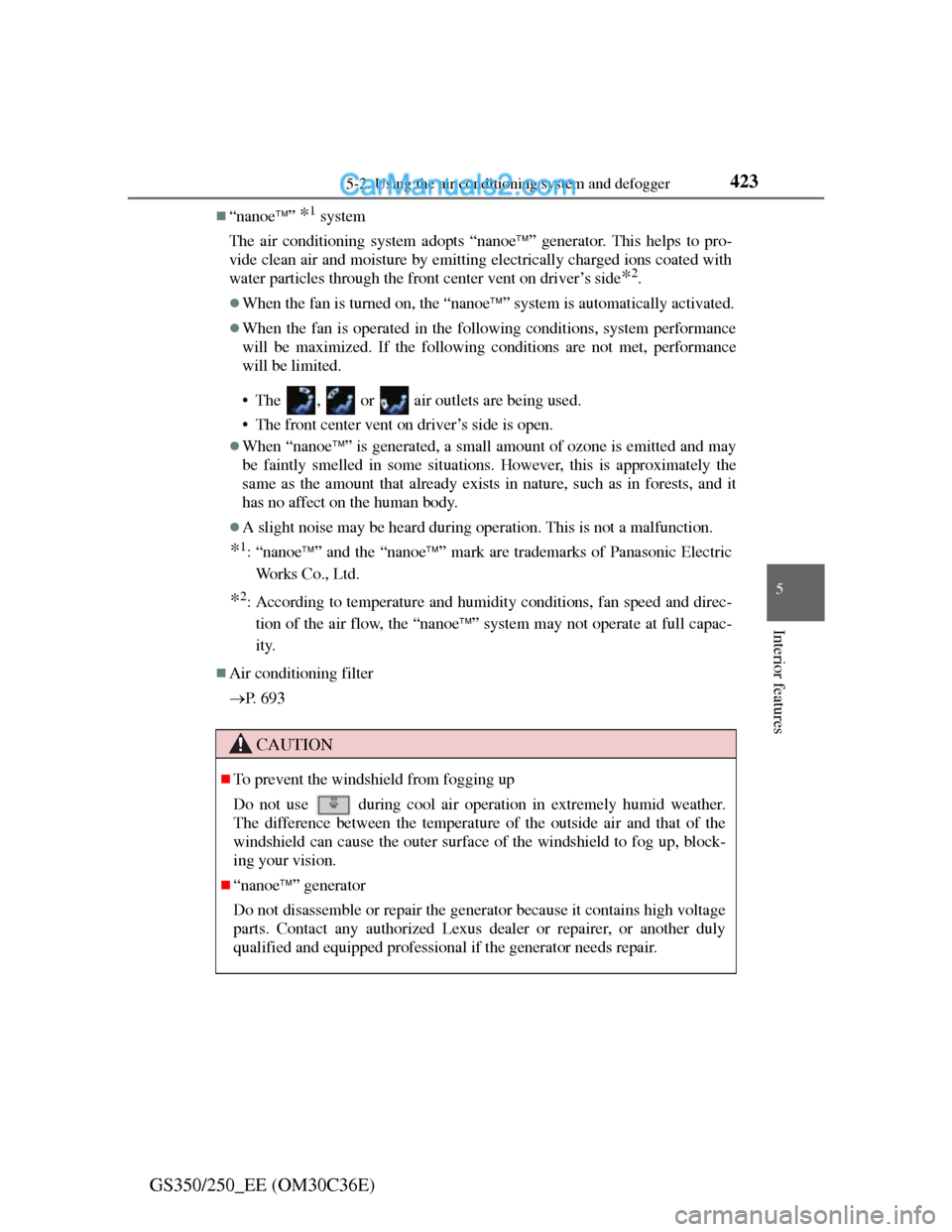
“nanoe” *1 system
The air conditioning system adopts “nanoe” generator. This helps to pro-
vide clean air and moisture by emitting electrically charged ions coated with
water particles through the front center vent on driver’s side
*2.
When the fan is turned on, the “nanoe” system is automatically activated.
When the fan is operated in the following conditions, system performance
will be maximized. If the following conditions are not met, performance
will be limited.
• The , or air outlets are being used.
• The front center vent on driver’s side is open.
When “nanoe” is generated, a small amount of ozone is emitted and may
be faintly smelled in some situations. However, this is approximately the
same as the amount that already exists in nature, such as in forests, and it
has no affect on the human body.
A slight noise may be heard during operation. This is not a malfunction.
*1: “nanoe” and the “nanoe” mark are trademarks of Panasonic Electric
Works Co., Ltd.
*2: According to temperature and humidity conditions, fan speed and direc-
tion of the air flow, the “nanoe” system may not operate at full capac-
ity.
Air conditioning filter
P. 6 9 3
CAUTION
To prevent the windshield from fogging up
Do not use
during cool air operation in extremely humid weather.
The difference between the temperature of the outside air and that of the
windshield can cause the outer surface of the windshield to fog up, block-
ing your vision.
“nanoe” generator
Do not disassemble or repair the generator because it contains high voltage
parts. Contact any authorized Lexus dealer or repairer, or another duly
qualified and equipped professional if the generator needs repair.
Page 436 of 914

425
5 5-2. Using the air conditioning system and defogger
Interior features
GS350/250_EE (OM30C36E)
Rear air conditioning system
: If equipped
Air outlets and fan speed are automatically adjusted according to
the temperature setting.
Button lock display
Air outlet mode display
Temperature display
Temperature controlAir outlet selector
Off
Automatic mode1
2
3
4
5
6
7
Page 440 of 914
4295-2. Using the air conditioning system and defogger
5
Interior features
GS350/250_EE (OM30C36E)
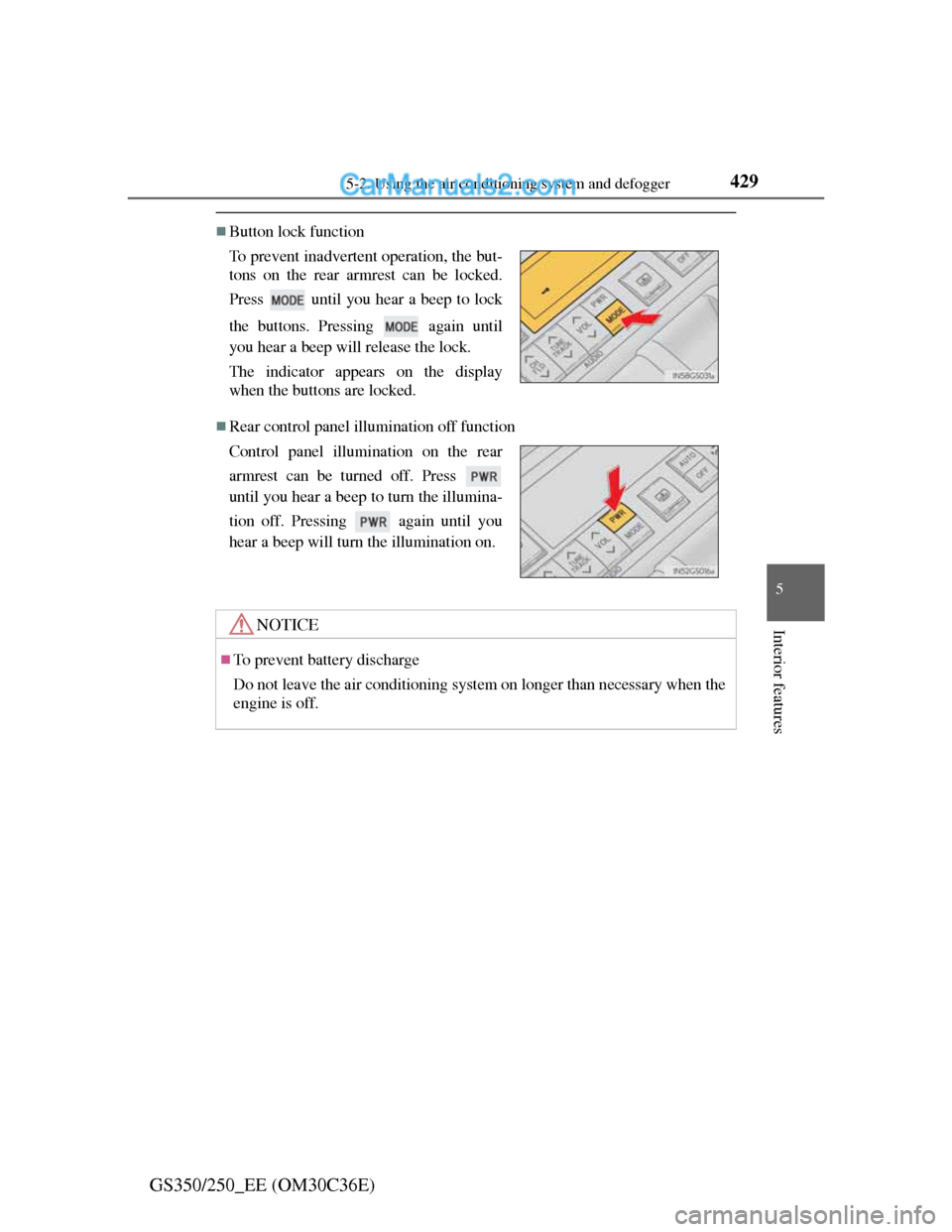
Button lock function
Rear control panel illumination off function To prevent inadvertent operation, the but-
tons on the rear armrest can be locked.
Press until you hear a beep to lock
the buttons. Pressing again until
you hear a beep will release the lock.
The indicator appears on the display
when the buttons are locked.
Control panel illumination on the rear
armrest can be turned off. Press
until you hear a beep to turn the illumina-
tion off. Pressing again until you
hear a beep will turn the illumination on.
NOTICE
To prevent battery discharge
Do not leave the air conditioning system on longer than necessary when the
engine is off.
Page 481 of 914
4705-3. Using the audio system
GS350/250_EE (OM30C36E)
Selecting a track
Select “<” or “>” on the screen to select the next/previous track.
Press “<” or “>” on the “CH•TRACK” button or turn the
“TUNE/SCROLL” knob to select the desired track number.
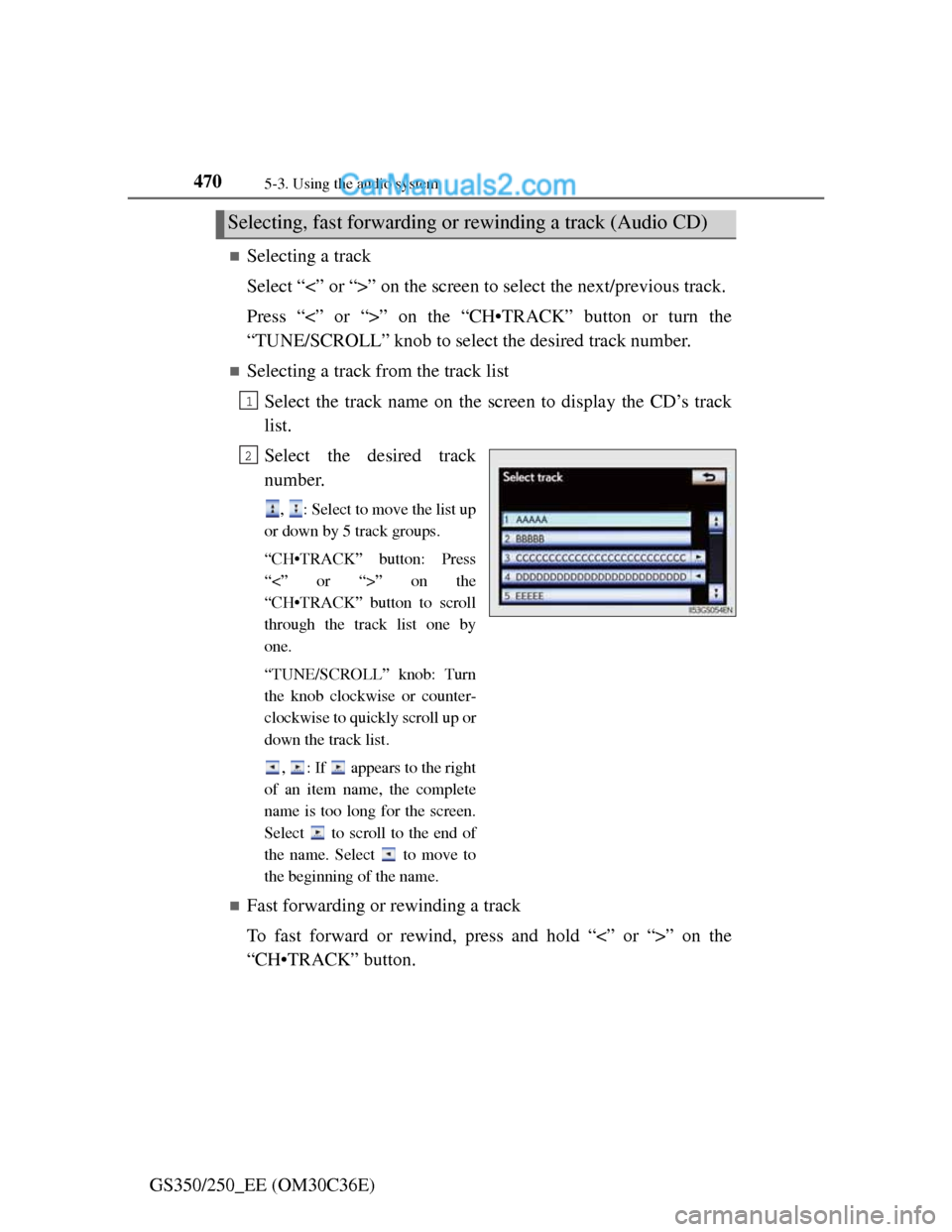
Selecting a track from the track list
Select the track name on the screen to display the CD’s track
list.
Select the desired track
number.
, : Select to move the list up
or down by 5 track groups.
“CH•TRACK” button: Press
“<” or “>” on the
“CH•TRACK” button to scroll
through the track list one by
one.
“TUNE/SCROLL” knob: Turn
the knob clockwise or counter-
clockwise to quickly scroll up or
down the track list.
, : If appears to the right
of an item name, the complete
name is too long for the screen.
Select to scroll to the end of
the name. Select to move to
the beginning of the name.
Fast forwarding or rewinding a track
To fast forward or rewind, press and hold “<” or “>” on the
“CH•TRACK” button.
Selecting, fast forwarding or rewinding a track (Audio CD)
1
2
Page 482 of 914
4715-3. Using the audio system
5
Interior features
GS350/250_EE (OM30C36E)
Selecting a folder
Select “<” or “>” on the screen to select the next/previous folder.
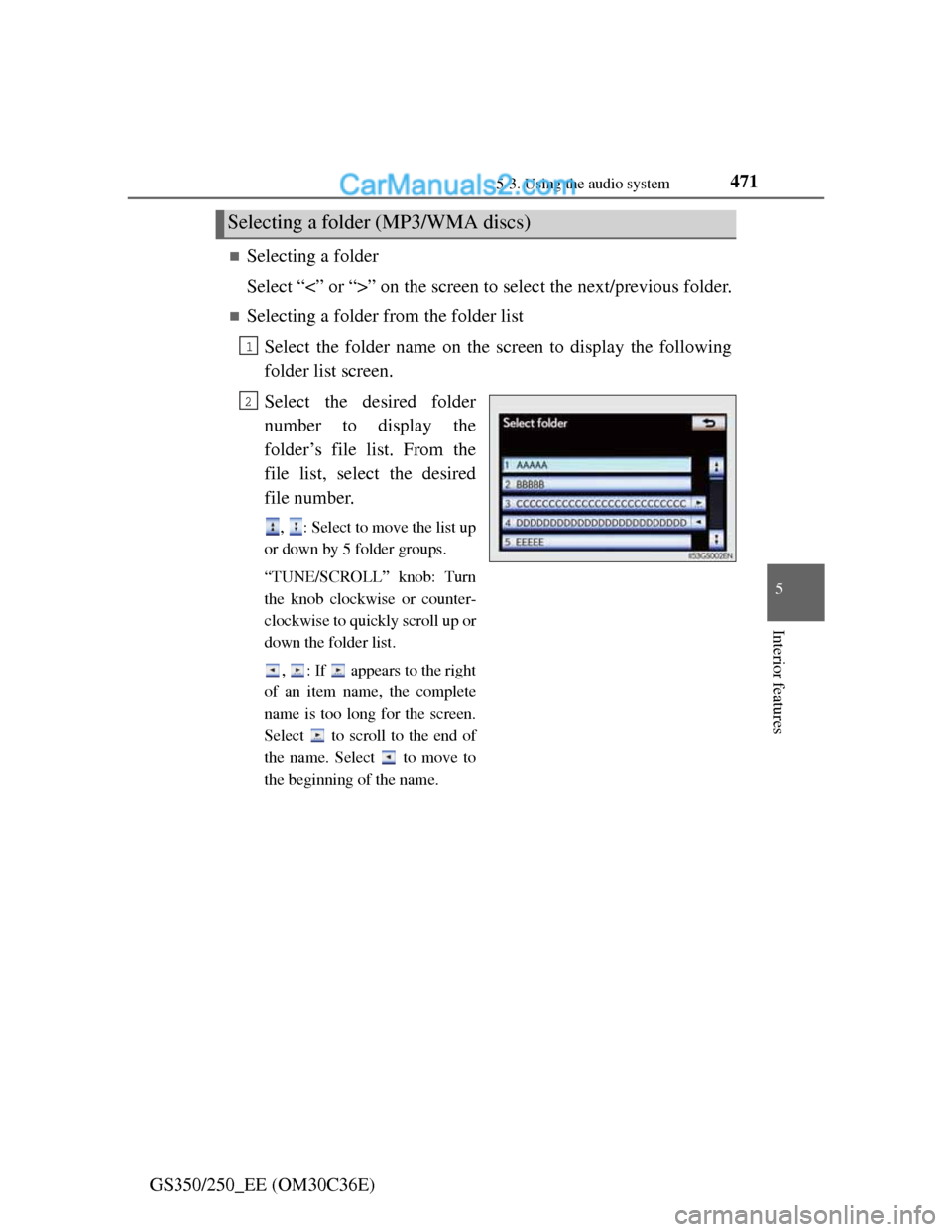
Selecting a folder from the folder list
Select the folder name on the screen to display the following
folder list screen.
Select the desired folder
number to display the
folder’s file list. From the
file list, select the desired
file number.
, : Select to move the list up
or down by 5 folder groups.
“TUNE/SCROLL” knob: Turn
the knob clockwise or counter-
clockwise to quickly scroll up or
down the folder list.
, : If appears to the right
of an item name, the complete
name is too long for the screen.
Select to scroll to the end of
the name. Select to move to
the beginning of the name.
Selecting a folder (MP3/WMA discs)
1
2