seat Lexus GS250 2012 Manual PDF
[x] Cancel search | Manufacturer: LEXUS, Model Year: 2012, Model line: GS250, Model: Lexus GS250 2012Pages: 914, PDF Size: 53.04 MB
Page 219 of 914
2134-2. Driving procedures
4
Driving
GS350/250_EE (OM30C36E)
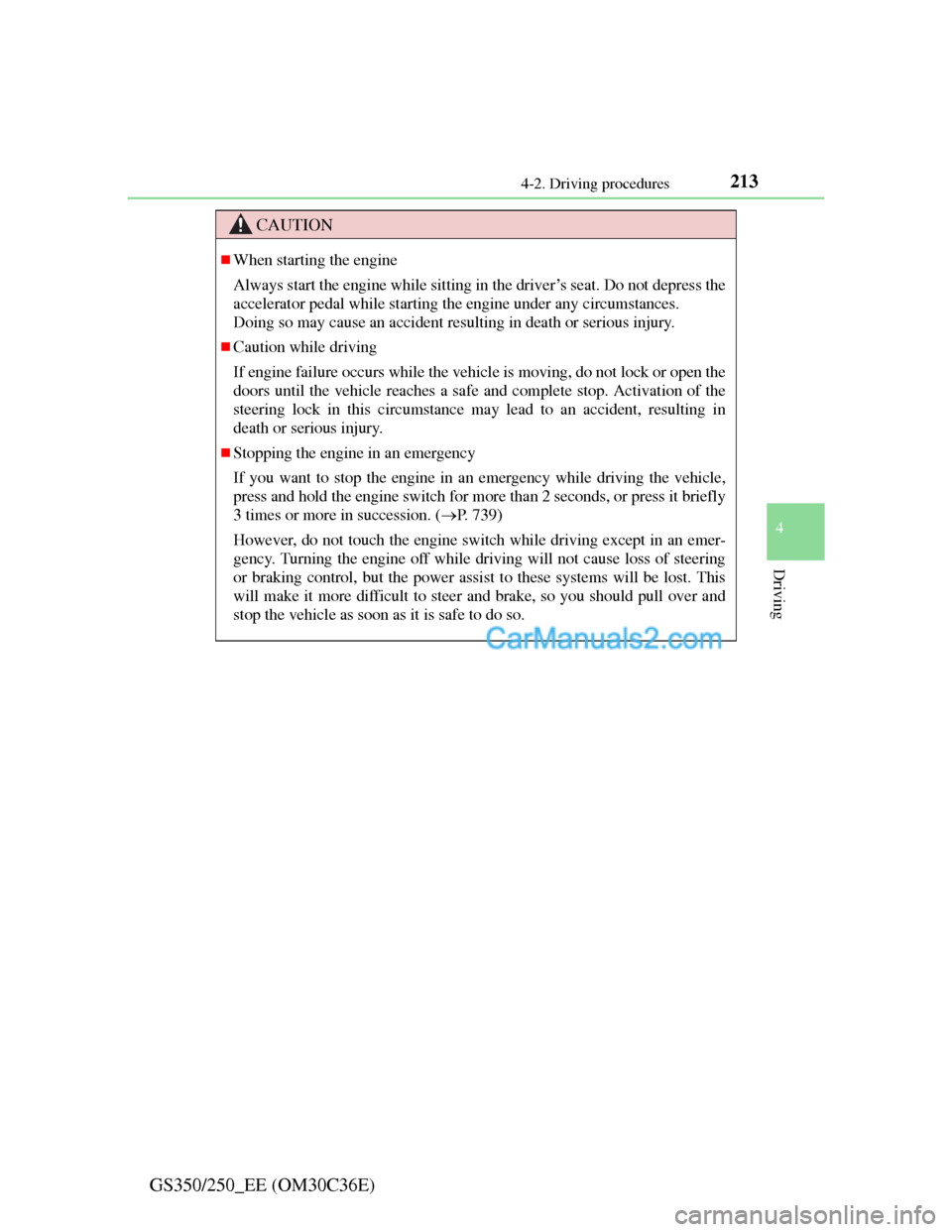
CAUTION
When starting the engine
Always start the engine while sitting in the driver’s seat. Do not depress the
accelerator pedal while starting the engine under any circumstances.
Doing so may cause an accident resulting in death or serious injury.
Caution while driving
If engine failure occurs while the vehicle is moving, do not lock or open the
doors until the vehicle reaches a safe and complete stop. Activation of the
steering lock in this circumstance may lead to an accident, resulting in
death or serious injury.
Stopping the engine in an emergency
If you want to stop the engine in an emergency while driving the vehicle,
press and hold the engine switch for more than 2 seconds, or press it briefly
3 times or more in succession. (P. 739)
However, do not touch the engine switch while driving except in an emer-
gency. Turning the engine off while driving will not cause loss of steering
or braking control, but the power assist to these systems will be lost. This
will make it more difficult to steer and brake, so you should pull over and
stop the vehicle as soon as it is safe to do so.
Page 339 of 914
3324-5. Using the driving support
GS350/250_EE (OM30C36E)
Operation of the air conditioning system in Eco drive mode
Eco drive mode controls the heating/cooling operations and fan speed of the
air conditioning system to enhance fuel efficiency (P. 409). To improve air
conditioning performance, adjust the fan speed or turn off Eco drive mode.
Automatic operation of the seat heater during Eco drive mode
If the driving mode select switch is switched to Eco drive mode in cold tem-
peratures, the seat heater will be automatically operated to assist heating per-
formance.
Sport mode automatic deactivation
Sport mode is automatically deactivated if the engine switch is turned off
after driving in sport mode.
Page 350 of 914
3434-5. Using the driving support
4
Driving
GS350/250_EE (OM30C36E)
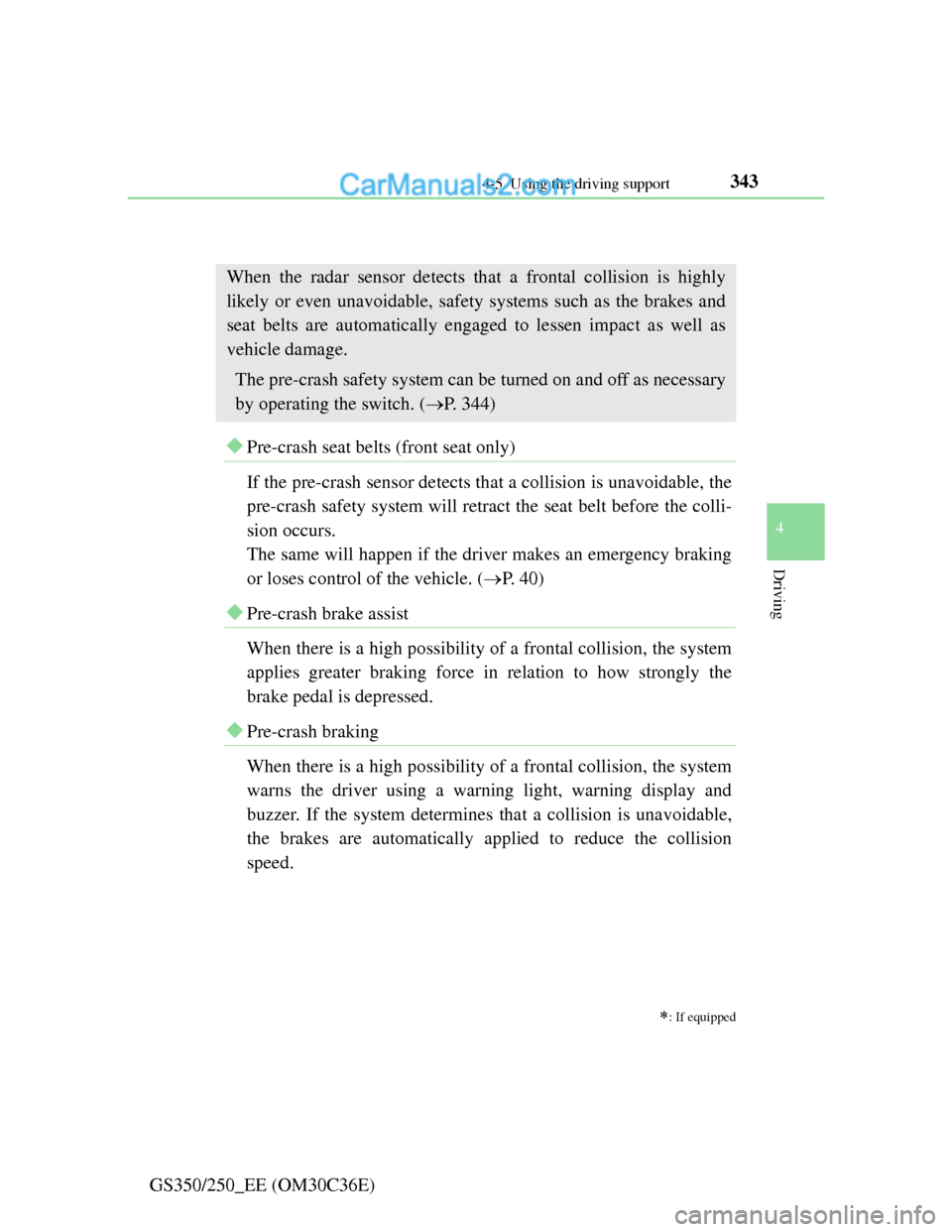
PCS (Pre-Crash Safety system)
Pre-crash seat belts (front seat only)
If the pre-crash sensor detects that a collision is unavoidable, the
pre-crash safety system will retract the seat belt before the colli-
sion occurs.
The same will happen if the driver makes an emergency braking
or loses control of the vehicle. (P. 40)
Pre-crash brake assist
When there is a high possibility of a frontal collision, the system
applies greater braking force in relation to how strongly the
brake pedal is depressed.
Pre-crash braking
When there is a high possibility of a frontal collision, the system
warns the driver using a warning light, warning display and
buzzer. If the system determines that a collision is unavoidable,
the brakes are automatically applied to reduce the collision
speed.
: If equipped
When the radar sensor detects that a frontal collision is highly
likely or even unavoidable, safety systems such as the brakes and
seat belts are automatically engaged to lessen impact as well as
vehicle damage.
The pre-crash safety system can be turned on and off as necessary
by operating the switch. (P. 344)
Page 353 of 914

3464-5. Using the driving support
GS350/250_EE (OM30C36E)
The pre-crash safety system is operational when
The pre-crash safety system off button is not pressed and the following con-
ditions are met:
Pre-crash warning:
• Vehicle speed is greater than about 15 km/h (10 mph).
• The speed at which your vehicle is approaching the obstacle or oncoming
vehicle is greater than about 15 km/h (10 mph).
Pre-crash seat belts (operating conditions A):
• Vehicle speed is greater than about 30 km/h (19 mph).
• The system detects sudden braking or skidding.
• The front occupants are wearing a seat belt.
Pre-crash seat belts (operating conditions B):
• Vehicle speed is greater than about 5 km/h (4 mph).
• The speed at which your vehicle is approaching the obstacle or oncoming
vehicle is greater than about 30 km/h (19 mph).
• The front occupants are wearing a seat belt.
Pre-crash brake assist:
• Vehicle speed is greater than about 30 km/h (19 mph).
• The speed at which your vehicle is approaching the obstacle or the vehi-
cle running ahead of you is greater than about 30 km/h (19 mph).
• The brake pedal is depressed.
Pre-crash braking:
• Vehicle speed is greater than about 15 km/h (10 mph).
• The speed at which your vehicle is approaching the obstacle or the vehi-
cle running ahead of you is greater than about 15 km/h (10 mph).
Suspension control:
• Vehicle speed is greater than about 5 km/h (4 mph).
• The speed at which your vehicle is approaching the obstacle or the vehi-
cle running ahead of you is greater than about 30 km/h (19 mph).
Page 354 of 914

3474-5. Using the driving support
4
Driving
GS350/250_EE (OM30C36E)
Pre-crash alert braking:
• The system determines that the driver is not facing forward, or that the
driver’s eyes are closed.
• Vehicle speed is greater than about 40 km/h (25 mph).
• The speed at which your vehicle is approaching the vehicle running
ahead of you is greater than about 40 km/h (25 mph).
• The steering is not being turned.
Conditions that may trigger the system even if there is no danger of a collision
When there is an object by the roadside at the entrance to a curve
When passing an oncoming vehicle on a curve
When driving over a narrow iron bridge
When there is a metal object on the road surface
When driving on an uneven road surface
When passing an oncoming vehicle on a left-turn (left-hand drive vehicles)
or right-turn (right-hand drive vehicles)
When your vehicle rapidly closes on the vehicle in front
When a grade separation/interchange, sign, billboard, or other structure
appears to be directly in the vehicle’s line of travel
When climbing a steep hill causes an overhead billboard or other metallic
structure to appear directly in the vehicle’s line of travel
When the system is activated in the situations described above, there is also a
possibility that the seat belts will retract quickly and the brakes will be
applied with a force greater than normal. When the seat belt is locked in the
retracted position, stop the vehicle in a safe place, release the seat belt and
refasten it.
Obstacles not detected
The sensor cannot detect plastic obstacles such as traffic cones. There may
also be occasions when the sensor cannot detect pedestrians, animals, bicy-
cles, motorcycles, trees, or snowdrifts.
Page 376 of 914
366
GS350/250_EE (OM30C36E)
5-1. Remote Touch screen
Remote Touch ................... 368
Remote Touch screen ........ 370
Set up screen ..................... 382
Speech command system .. 401
5-2. Using the air conditioning
system and defogger
Front automatic
air conditioning system ... 409
Rear
air conditioning system ... 425
Rear window and outside rear
view mirror defoggers..... 430
Windshield wiper de-icer .. 4315-3. Using the audio system
Audio system type ............ 432
Using the radio.................. 457
Using the CD/DVD
player .............................. 465
Playing an audio CD and
MP3/WMA discs ............ 467
Playing DVD video .......... 473
CD/DVD player and DVD
video disc information .... 486
Listening to
Bluetooth
® audio ............ 496
Listening to
a USB memory ............... 508
Listening to an iPod .......... 519
Optimal use of
the audio/video system ... 530
Using the AUX port.......... 533
Using the rear seat
audio controls ................. 534
Using the steering wheel
audio switches ................ 539
Page 377 of 914
367
5Interior features
GS350/250_EE (OM30C36E)
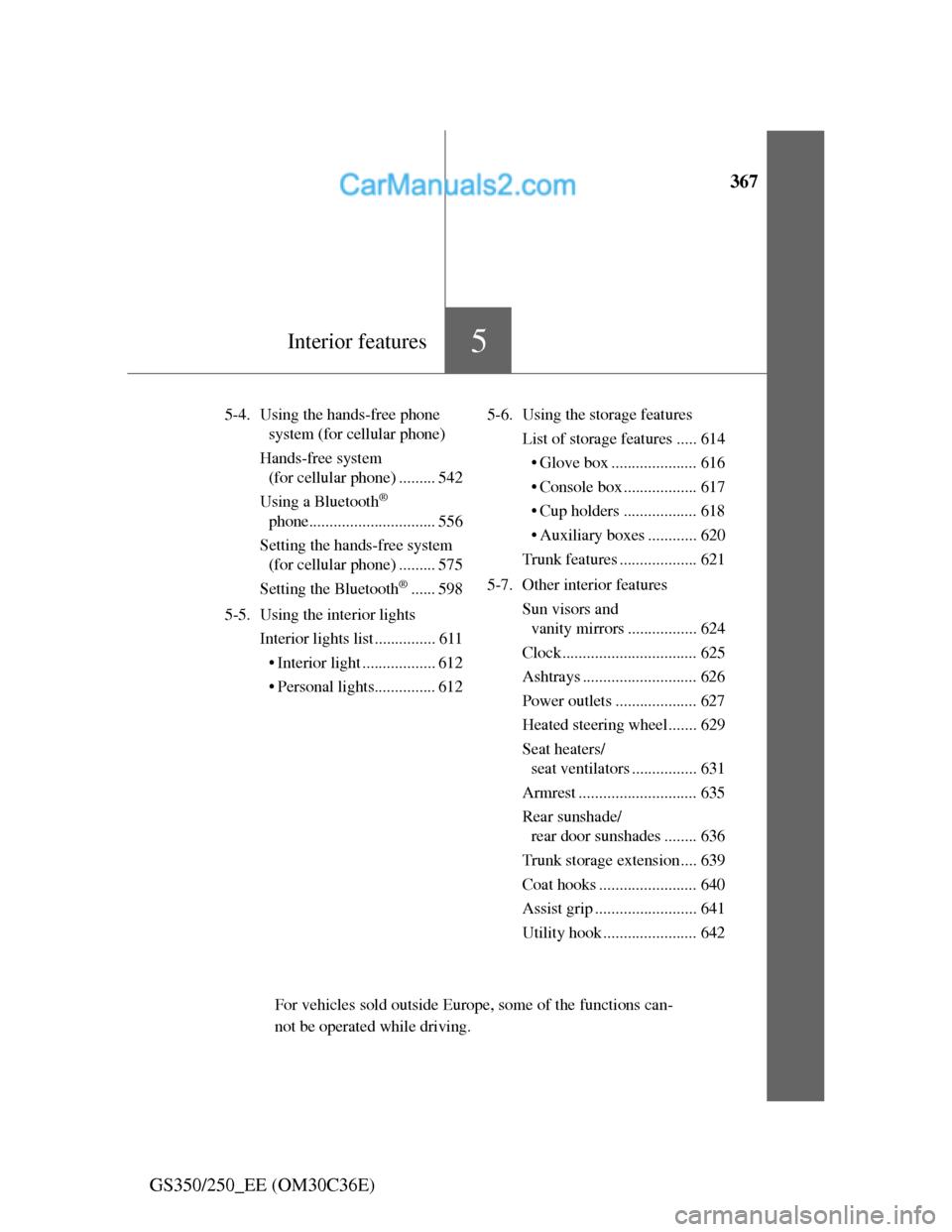
5-4. Using the hands-free phone
system (for cellular phone)
Hands-free system
(for cellular phone) ......... 542
Using a Bluetooth
®
phone............................... 556
Setting the hands-free system
(for cellular phone) ......... 575
Setting the Bluetooth
®...... 598
5-5. Using the interior lights
Interior lights list ............... 611
• Interior light .................. 612
• Personal lights............... 6125-6. Using the storage features
List of storage features ..... 614
• Glove box ..................... 616
• Console box .................. 617
• Cup holders .................. 618
• Auxiliary boxes ............ 620
Trunk features ................... 621
5-7. Other interior features
Sun visors and
vanity mirrors ................. 624
Clock................................. 625
Ashtrays ............................ 626
Power outlets .................... 627
Heated steering wheel....... 629
Seat heaters/
seat ventilators ................ 631
Armrest ............................. 635
Rear sunshade/
rear door sunshades ........ 636
Trunk storage extension.... 639
Coat hooks ........................ 640
Assist grip ......................... 641
Utility hook ....................... 642
For vehicles sold outside Europe, some of the functions can-
not be operated while driving.
Page 423 of 914
4125-2. Using the air conditioning system and defogger
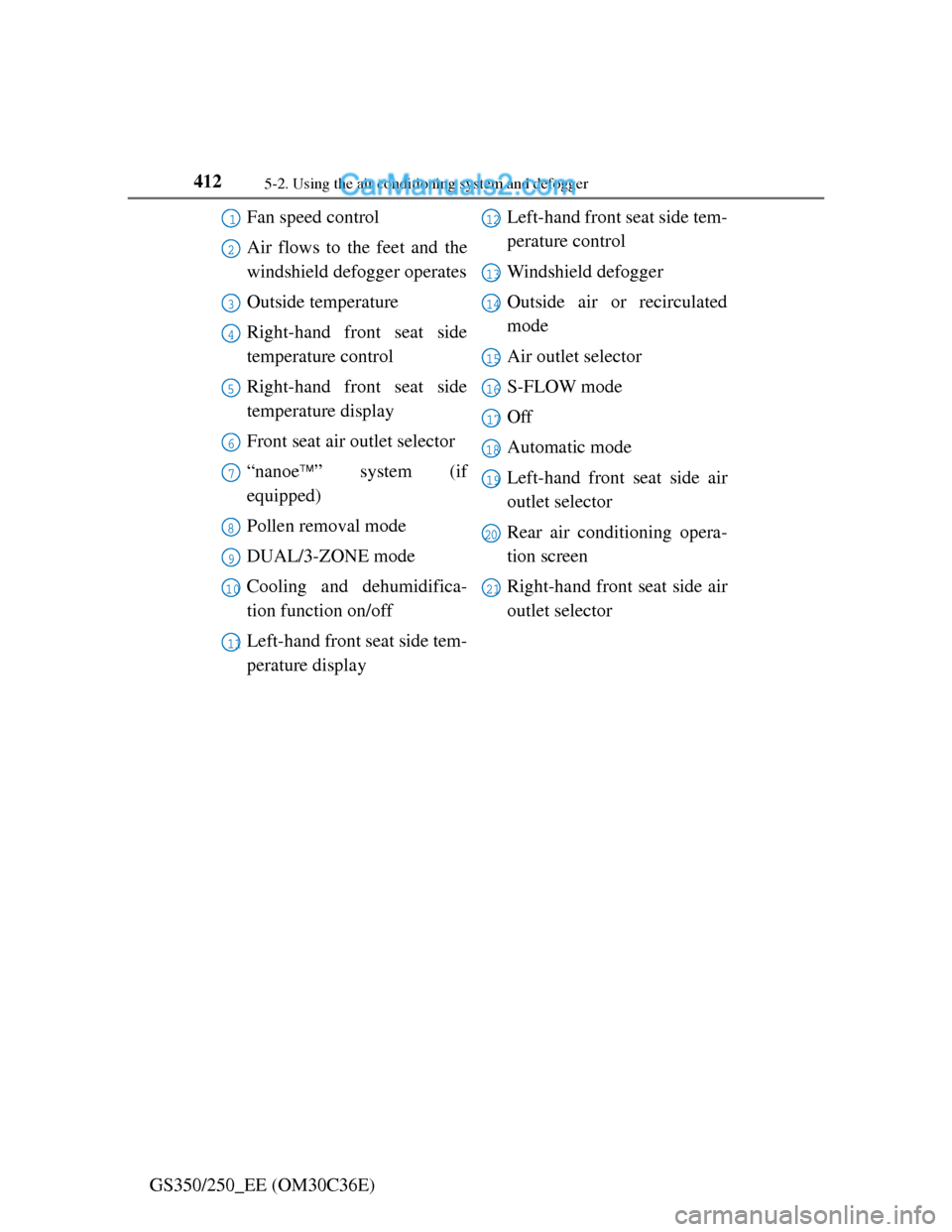
GS350/250_EE (OM30C36E)Fan speed control
Air flows to the feet and the
windshield defogger operates
Outside temperature
Right-hand front seat side
temperature control
Right-hand front seat side
temperature display
Front seat air outlet selector
“nanoe” system (if
equipped)
Pollen removal mode
DUAL/3-ZONE mode
Cooling and dehumidifica-
tion function on/off
Left-hand front seat side tem-
perature displayLeft-hand front seat side tem-
perature control
Windshield defogger
Outside air or recirculated
mode
Air outlet selector
S-FLOW mode
Off
Automatic mode
Left-hand front seat side air
outlet selector
Rear air conditioning opera-
tion screen
Right-hand front seat side air
outlet selector
1
2
3
4
5
6
7
8
9
10
11
12
13
14
15
16
17
18
19
20
21
Page 424 of 914
4135-2. Using the air conditioning system and defogger
5
Interior features
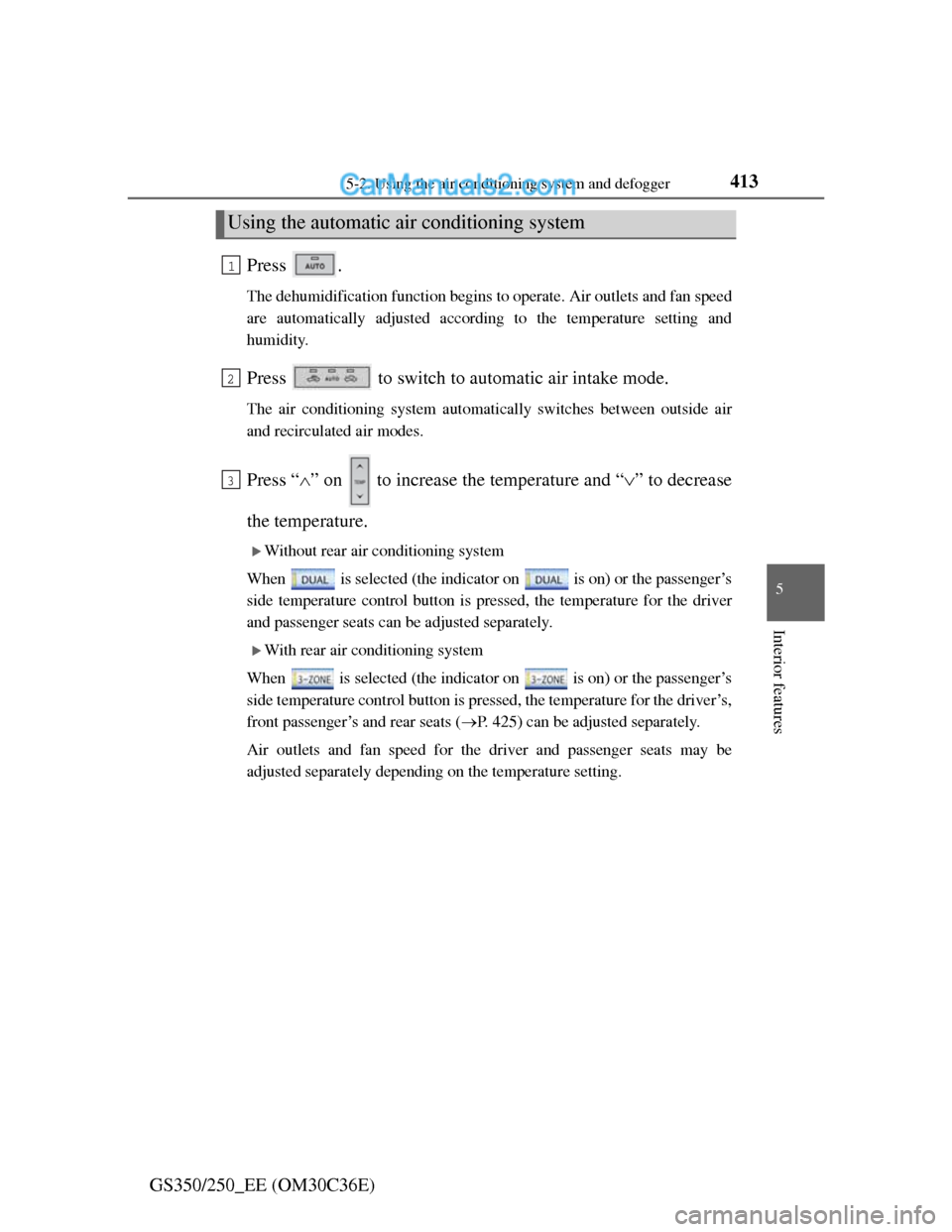
GS350/250_EE (OM30C36E)Press .
The dehumidification function begins to operate. Air outlets and fan speed
are automatically adjusted according to the temperature setting and
humidity.
Press to switch to automatic air intake mode.
The air conditioning system automatically switches between outside air
and recirculated air modes.
Press “” on to increase the temperature and “” to decrease
the temperature.
Without rear air conditioning system
When is selected (the indicator on is on) or the passenger’s
side temperature control button is pressed, the temperature for the driver
and passenger seats can be adjusted separately.
With rear air conditioning system
When is selected (the indicator on is on) or the passenger’s
side temperature control button is pressed, the temperature for the driver’s,
front passenger’s and rear seats (P. 425) can be adjusted separately.
Air outlets and fan speed for the driver and passenger seats may be
adjusted separately depending on the temperature setting.
Using the automatic air conditioning system
1
2
3
Page 425 of 914
4145-2. Using the air conditioning system and defogger
GS350/250_EE (OM30C36E)
Without rear air conditioning system
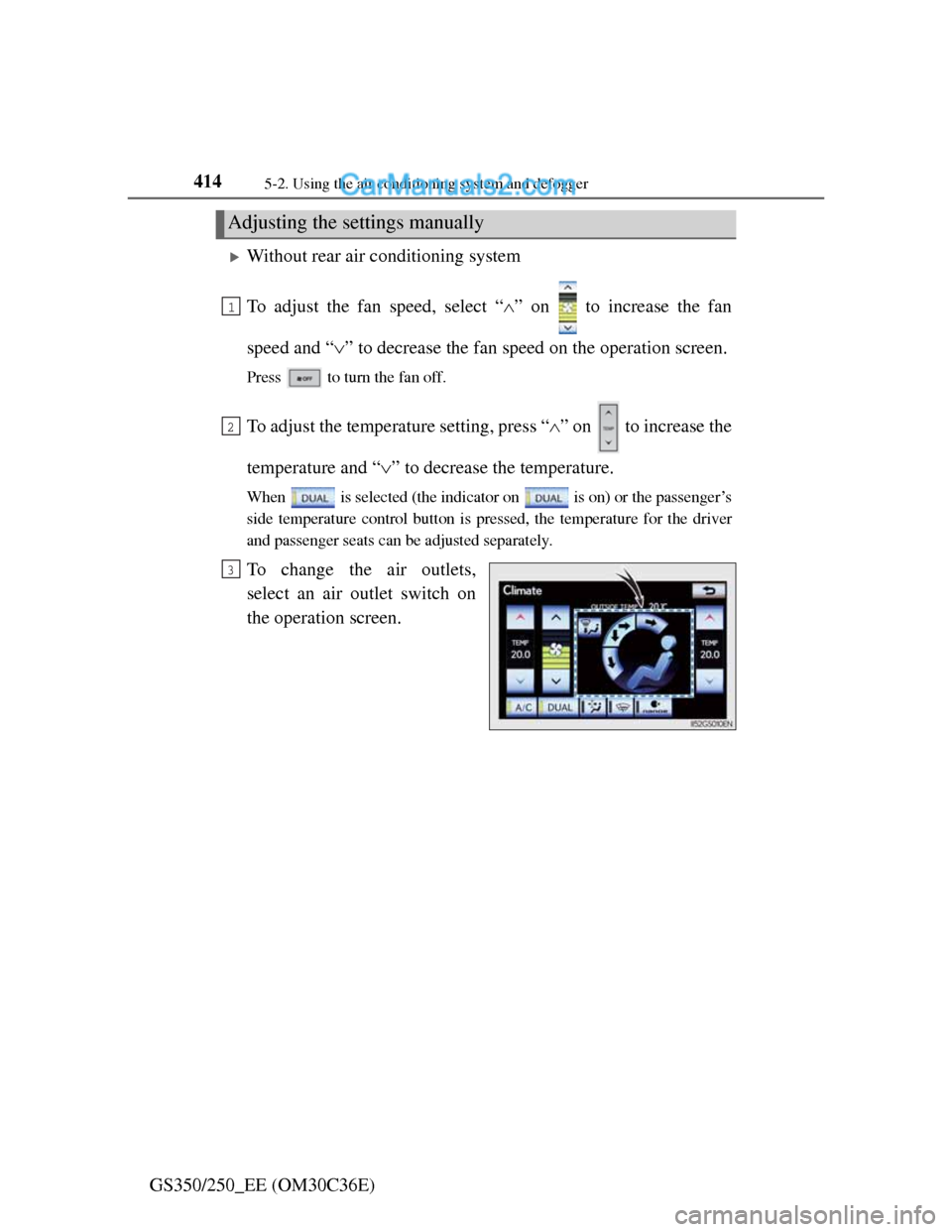
To adjust the fan speed, select “” on to increase the fan
speed and “” to decrease the fan speed on the operation screen.
Press to turn the fan off.
To adjust the temperature setting, press “” on to increase the
temperature and “” to decrease the temperature.
When is selected (the indicator on is on) or the passenger’s
side temperature control button is pressed, the temperature for the driver
and passenger seats can be adjusted separately.
To change the air outlets,
select an air outlet switch on
the operation screen.
Adjusting the settings manually
1
2
3