lock Lexus GS350 2013 Workshop Manual
[x] Cancel search | Manufacturer: LEXUS, Model Year: 2013, Model line: GS350, Model: Lexus GS350 2013Pages: 830, PDF Size: 9.71 MB
Page 133 of 830
132
GS350_U (OM30C34U)
3-3. Adjusting the seats
A desired driving position can be recalled linked with the unlocking of the
door.
■Setting procedure
Record your driving position to button “1”, “2” or “3” before performing
the following:
Carrying only the key to which you wa nt to link the driving position, shift
the shift lever to P and then close the driver’s door.
If 2 or more keys are in the vehicle, the driving position cannot be linked
properly.
Turn the engine switch to IGNITION ON mode and recall the posi-
tion which you want to link.
While pressing the button to
recall the position, press the
driver’s door lock switch
(either lock or unlock) until the
signal beeps.
The driving position is recalled
when the driver’s door is unlocked
using the entry function or wireless
remote control and the driver’s
door is opened.
Linking driving position memory with door unlock operation
(driver’s side only)
1
2
Page 134 of 830
GS350_U (OM30C34U)
1333-3. Adjusting the seats
3
Operation of each component
■Cancelation procedure
Carry only the key for which you want to cancel the linked door unlock
operation.
If 2 or more keys are in the vehicle, the driving position cannot be can-
celed properly.Turn the engine switch to IGNITION ON mode.
While pressing the “SET” button, press the driver’s door lock switch
(either lock or unlock) until the signal beeps.
The auto away/return function
enables easy access by activating
when the driver or front passenger
attempts to enter or exit the vehicle.
■Auto away function when exiting the vehicle (driver’s/front passen-
ger’s seat)
XDriver’s seat
When all of the following actions have been performed, the steering
wheel will move up and back to the point farthest away from the driver
and the seat will move backward: • The shift lever has been shifted to P.
• The engine switch has been turned off.
• The driver seat belt has been unfastened.
XFront passenger’s seat (if equipped)
If the lumbar support, side support (if equipped), etc. of the front pas-
senger’s seat has been adjusted, the seat will return to its original state if
the front passenger’s door is opened while the vehicle is stopped to
allow easy exit from the vehicle.
Power easy access system
1
2
Page 135 of 830
134
GS350_U (OM30C34U)
3-3. Adjusting the seats
■Auto return function when entering the vehicle (driver’s seat only)
When either of the following actions has been performed, the steering
wheel will move toward the driver and seat will move forward: • The engine switch has been turned to ACCESSORY mode.
• The driver’s seat belt has been fastened.
■When driving position memory is linked with door unlock operation
If the driver’s door is opened, the driver’s seat will move toward the memorized posi-
tion but stop slightly beforehand to allow easy access to the vehicle.
Turning the engine switch to ACCESSORY or IGNITION ON mode, or fastening
the driver’s seat belt moves the seat fully into the memorized position.
■Operating the driving position memory after turning the engine switch off
Driver’s seat:
Memorized seat positions can be activated up to 180 seconds after the driver’s door
is opened and another 60 seconds after it is closed again. Memorized steering
wheel position can be activated by pressing the engine switch.
Front passenger’s seat:
Memorized positions can be activated up to 180 seconds after the front passenger’s
door is opened by pressing button “1”, “2” or “3”.
■Correct seat position
When the seat is in the most forward or most backward position, and the seat is
being moved in those directions, the system may not correctly recognize the current
position and the memorized positi on will not be correctly recalled.
■The auto away function for exiting the driver’s seat
If the seat is already close to the rearmost position, the auto away function may not
operate when the driver exits the vehicle.
■Customization
The distance that the driver’s seat moves backward during the auto away function
can be changed. (Customizable features: →P. 777)
Page 137 of 830
136
GS350_U (OM30C34U)
3-3. Adjusting the seats
Head restraints
Vertical adjustmentUp
Pull the head restraints up.
Down
Push the head restraint down while
pressing the lock release button.
Head restraints are provided for all seats.
Front seats
Lock release button
1
2
XAngle adjustment (if equipped)XSide support adjustment
(if equipped)
The position of the head restraint
can be adjusted forward in 4 stages.
If the head restraint is pulled forward
from the foremost position, it will
return to the rearmost position.
Page 138 of 830
GS350_U (OM30C34U)
1373-3. Adjusting the seats
3
Operation of each component
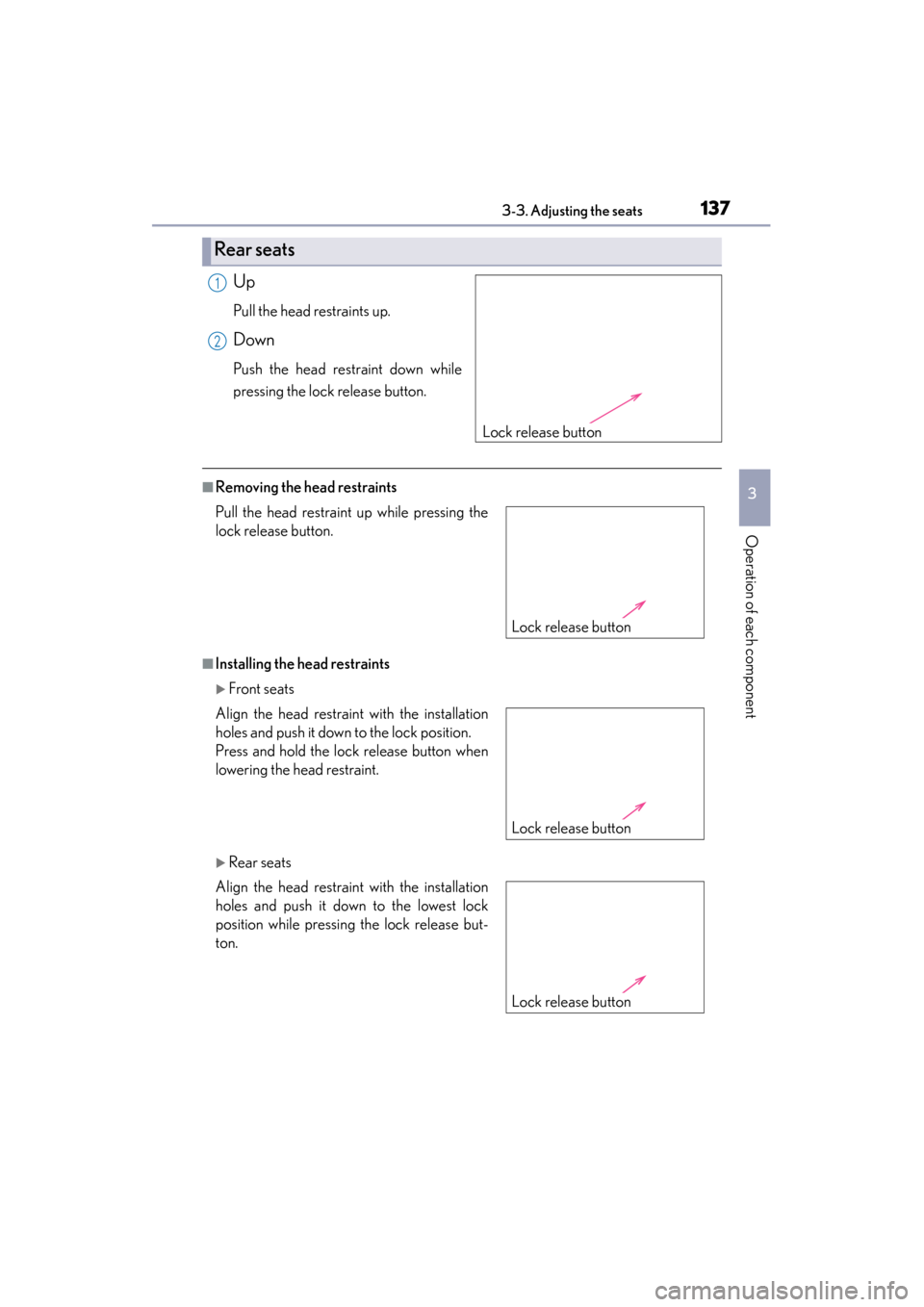
Up
Pull the head restraints up.
Down
Push the head restraint down while
pressing the lock release button.
■Removing the head restraints
■Installing the head restraints
XFront seats
XRear seats
Rear seats
Lock release button
1
2
Pull the head restraint up while pressing the
lock release button.
Align the head restraint with the installation
holes and push it down to the lock position.
Press and hold the lock release button when
lowering the head restraint.
Align the head restraint with the installation
holes and push it down to the lowest lock
position while pressing the lock release but-
ton.
Lock release button
Lock release button
Lock release button
Page 139 of 830
138
GS350_U (OM30C34U)
3-3. Adjusting the seats
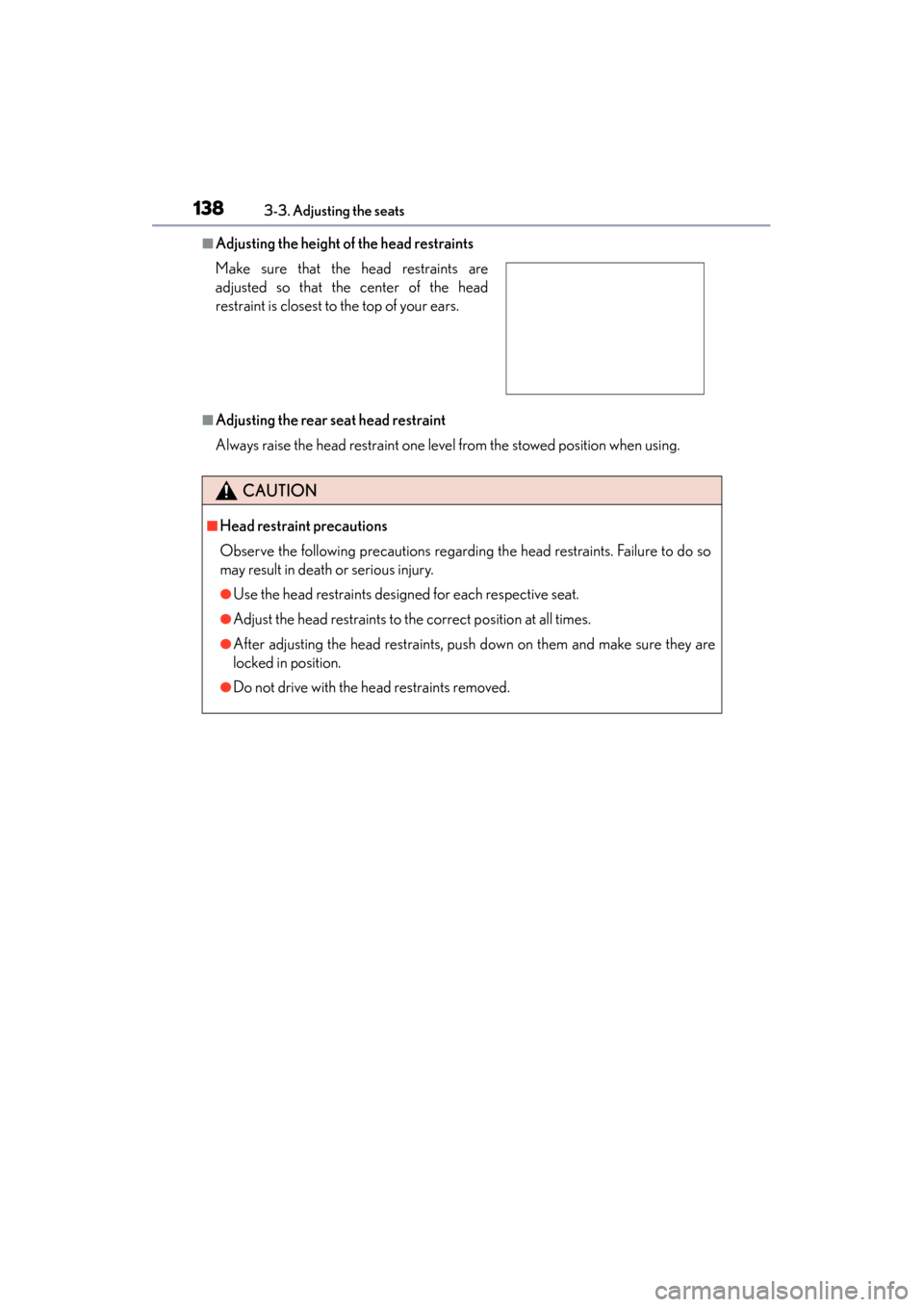
■Adjusting the height of the head restraints
■Adjusting the rear seat head restraint
Always raise the head restraint one level from the stowed position when using. Make sure that the head restraints are
adjusted so that the center of the head
restraint is closest to the top of your ears.
CAUTION
■Head restraint precautions
Observe the following precautions regarding the head restraints. Failure to do so
may result in death or serious injury.
●Use the head restraints designed for each respective seat.
●Adjust the head restraints to the correct position at all times.
●After adjusting the head restraints, push down on them and make sure they are
locked in position.
●Do not drive with the head restraints removed.
Page 142 of 830
1413-4. Adjusting the steering wheel and mirrors
3
Operation of each component
GS350_U (OM30C34U)
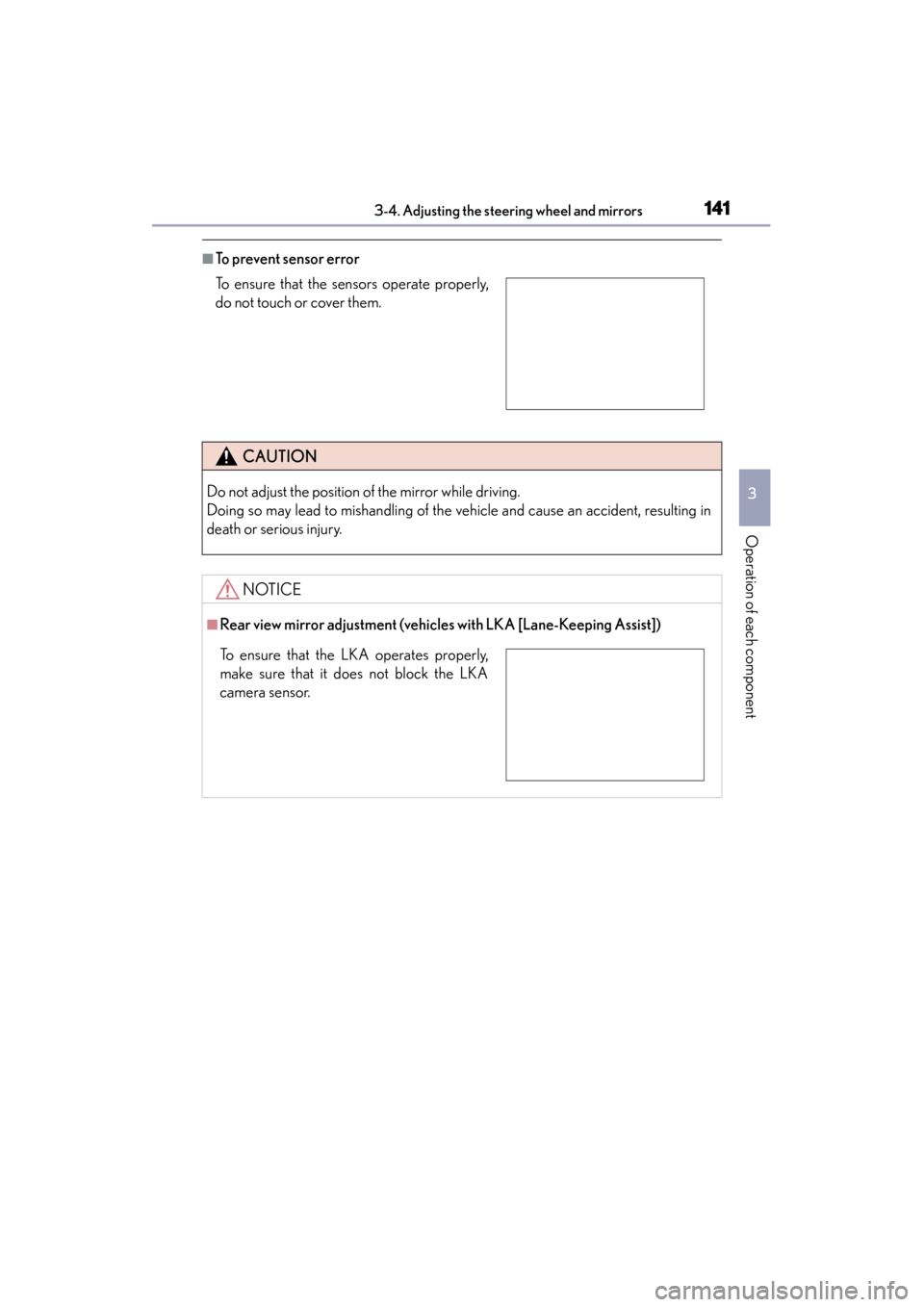
■To prevent sensor error
To ensure that the sensors operate properly,
do not touch or cover them.
CAUTION
Do not adjust the position of the mirror while driving.
Doing so may lead to mishandling of the vehicle and cause an accident, resulting in
death or serious injury.
NOTICE
■Rear view mirror adjustment (vehicles with LKA [Lane-Keeping Assist])
To ensure that the LKA operates properly,
make sure that it does not block the LKA
camera sensor.
Page 146 of 830
145
GS350_U (OM30C34U)3-5. Opening, closing the windows and moon roof
3
Operation of each component
Powe r w i n d ows
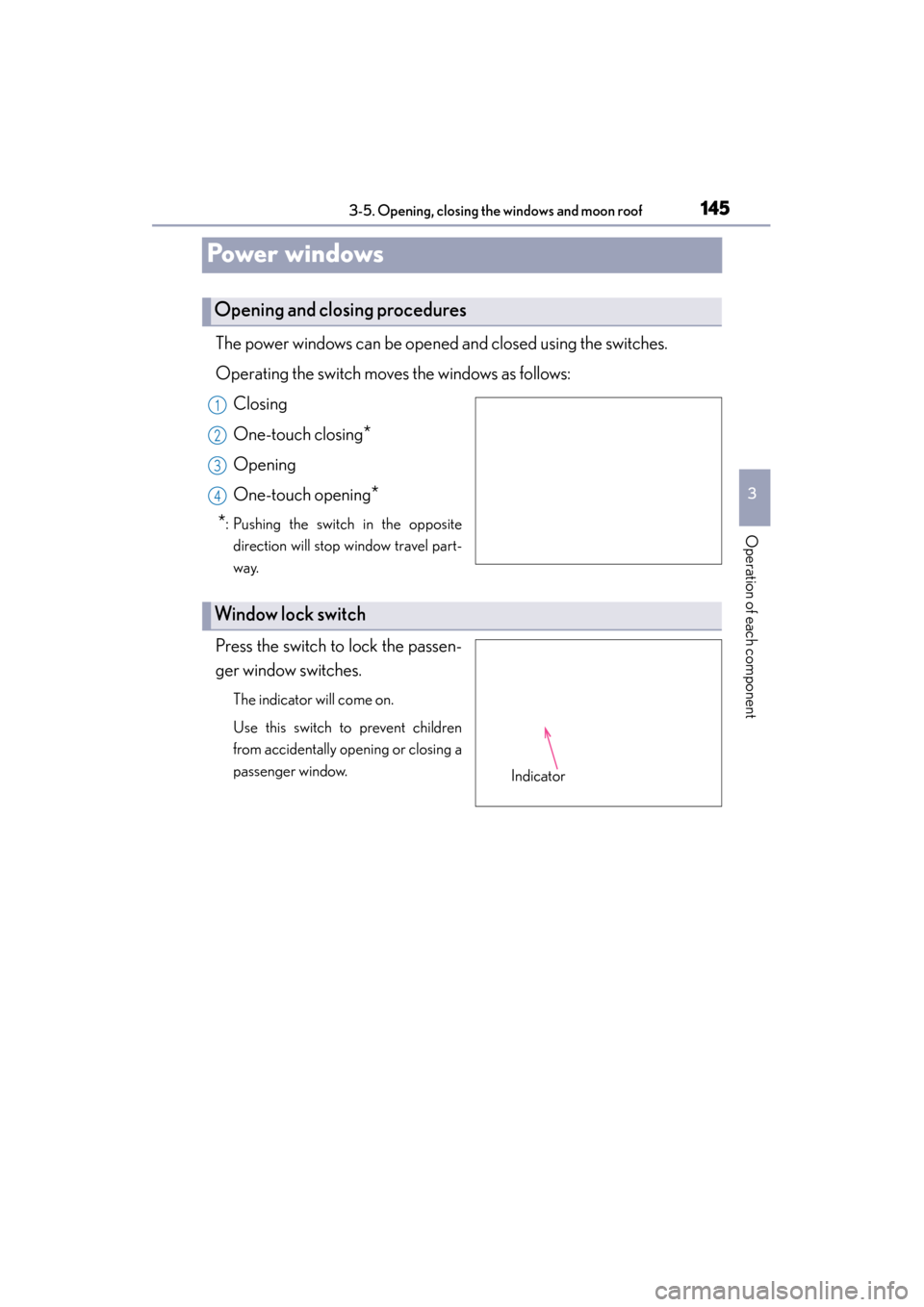
The power windows can be opened and closed using the switches.
Operating the switch moves the windows as follows: Closing
One-touch closing
*
Opening
One-touch opening
*
*
: Pushing the switch in the opposite direction will stop window travel part-
way.
Press the switch to lock the passen-
ger window switches.
The indicator will come on.
Use this switch to prevent children
from accidentally opening or closing a
passenger window.
Opening and closing procedures
1
2
3
4
Window lock switch
Indicator
Page 148 of 830
GS350_U (OM30C34U)
1473-5. Opening, closing the windows and moon roof
3
Operation of each component
■Door lock linked window operation
●The power windows can be opened and closed using the mechanical key.*
(→ P. 74 0 )
●The power windows can be opened using the wireless remote control.* (→ P. 114)
*: These settings must be customized at your Lexus dealer.
■When the battery is disconnected
The window lock switch is disabled. If necessary, press the window lock switch after
reconnecting the battery.
■Power windows open warning buzzer
The buzzer sounds and a message is shown on the multi-information display in the
instrument cluster when the engine switch is turned off and the driver’s door is
opened with the power windows open.
■Customization
Settings (e.g. linked door lock operation) can be changed.
(Customizable features: →P. 777)
CAUTION
Observe the following precautions.
Failure to do so may result in death or serious injury.
■Closing the windows
●Check to make sure that all passengers do not have any part of their body in a
position where it could be caught when a window is being operated.
●Do not allow children to operate the power windows.
Closing a power window on someone can cause serious injury, and in some
instances, even death.
■Jam protection function
●Never use any part of your body to intentionally activate the jam protection func-
tion.
●The jam protection function may not work if something gets caught just before
the window fully closes.
Page 150 of 830
GS350_U (OM30C34U)
1493-5. Opening, closing the windows and moon roof
3
Operation of each component
■The moon roof can be operated when
The engine switch is in IGNITION ON mode.
■Operating the moon roof after turning the engine off
The moon roof can be operated for approximately 45 seconds after the engine
switch is turned to ACCESSORY mode or turned off. It cannot, however, be oper-
ated once either front door is opened.
■Jam protection function
If an object is detected between the moon roof and the frame while the moon roof is
closing or tilting down, travel is stopped and the moon roof opens slightly.
■Sunshade
The sunshade can be opened and closed manually. However, the sunshade will open
automatically when the moon roof is opened.
■Door lock linked moon roof operation
●The moon roof can be opened and closed using the mechanical key.* (→ P. 74 0 )
●The moon roof can be opened using the wireless remote control.* (→ P. 1 1 4 )
*: These settings must be customized at your Lexus dealer.